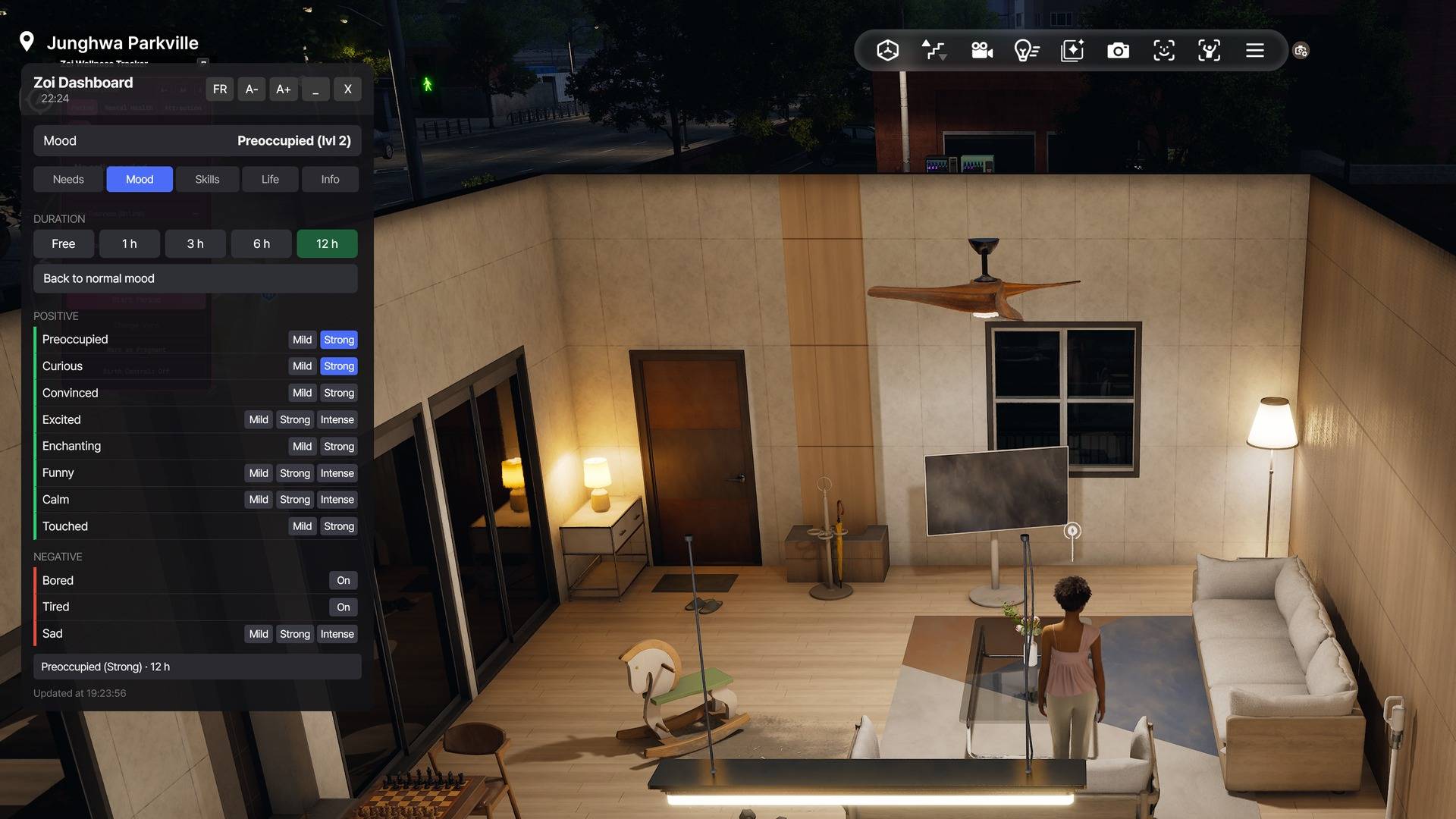
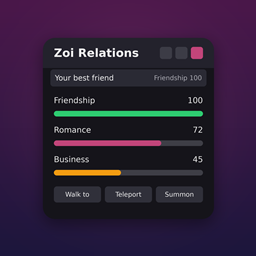
Everything about your Zoi, in one small panel.
Zoi Dashboard adds a clean panel on top of the game: see your Zoi's needs, mood and skills at a glance, and change them in one click.
HOW TO USE
• Click the small round ZD button to open the panel, X to close it.
• Drag ZD anywhere on screen: the panel opens right there.
NEEDS
• Live bars for every need, with an alert below 20 %
• - / + / MAX on each need, Fill all and Freeze decay
MOOD
• Pick any emotion, its strength and how long it lasts (1 h to 12 h)
• Back to normal in one click
SKILLS
• Every skill with its level, - / + / MAX to change it
LIFE
• Instant hiring: join any open job, no interview
• Instant promotion at work
• Free will on/off, money and Meow Coins
COMFORT
• Movable panel that remembers its place, A- / A+ to resize
• English by default, FR button for French
GOOD TO KNOW
• Cheats must be enabled in your save to change needs, mood, skills, money and career.
• Restart inZOI after installing or updating.
Feedback and ideas are welcome in the comments!
FRANÇAIS
• Un panneau pour voir et modifier ton Zoi : besoins, humeur, compétences, argent, embauche et promotion immédiates.
• Clique sur le rond ZD pour l'ouvrir, X pour le fermer. Les codes de triche doivent être activés dans ta partie.