
WVTV - Watch Videos on TV
- By


Play your own local videos and built-in inZOI videos on TVs, with an on-screen remote, synchronized playback across multiple TVs, spatial audio, and automatic playback when Zois watch TV.
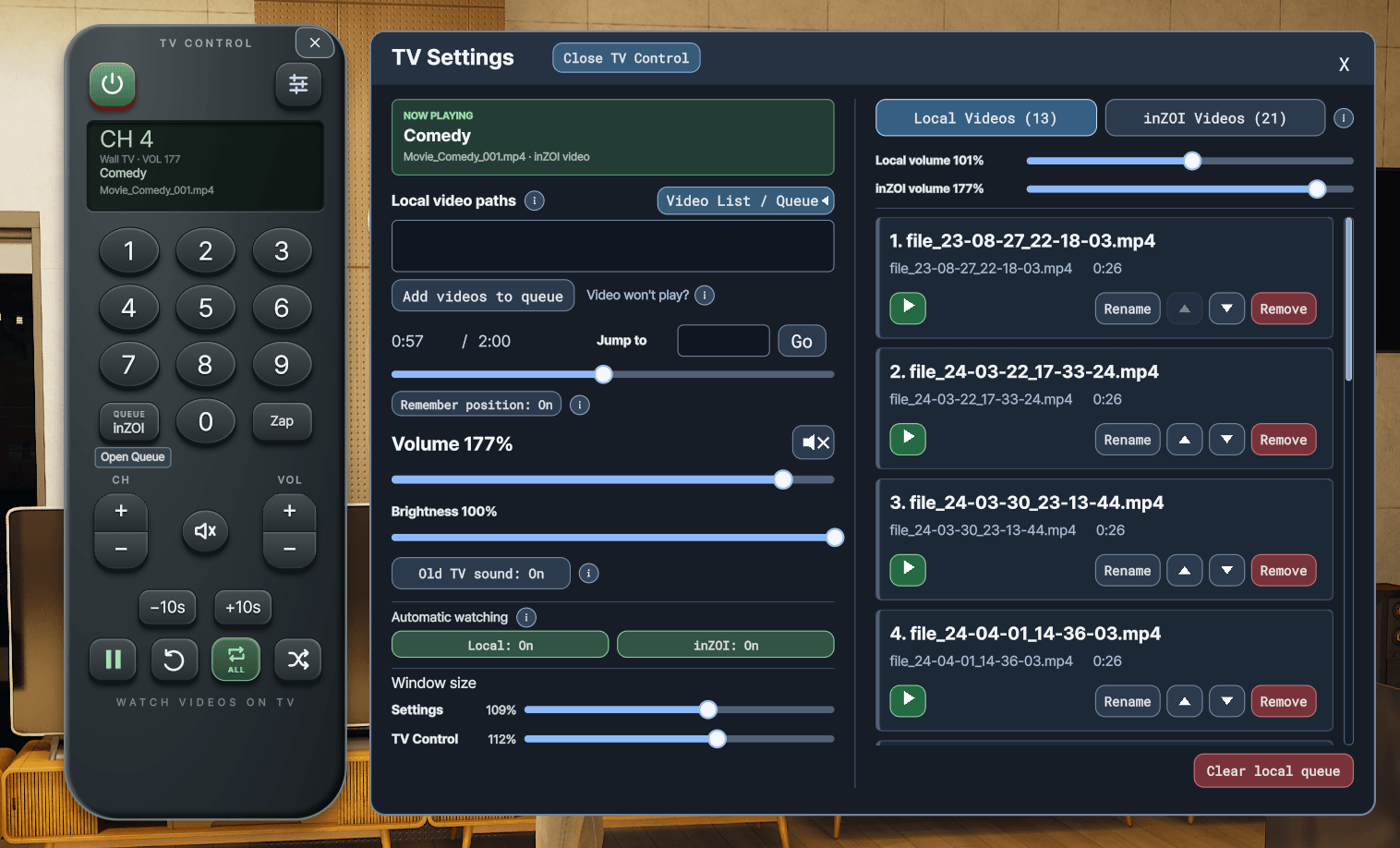
TV Control + Settings windows with Video Queues
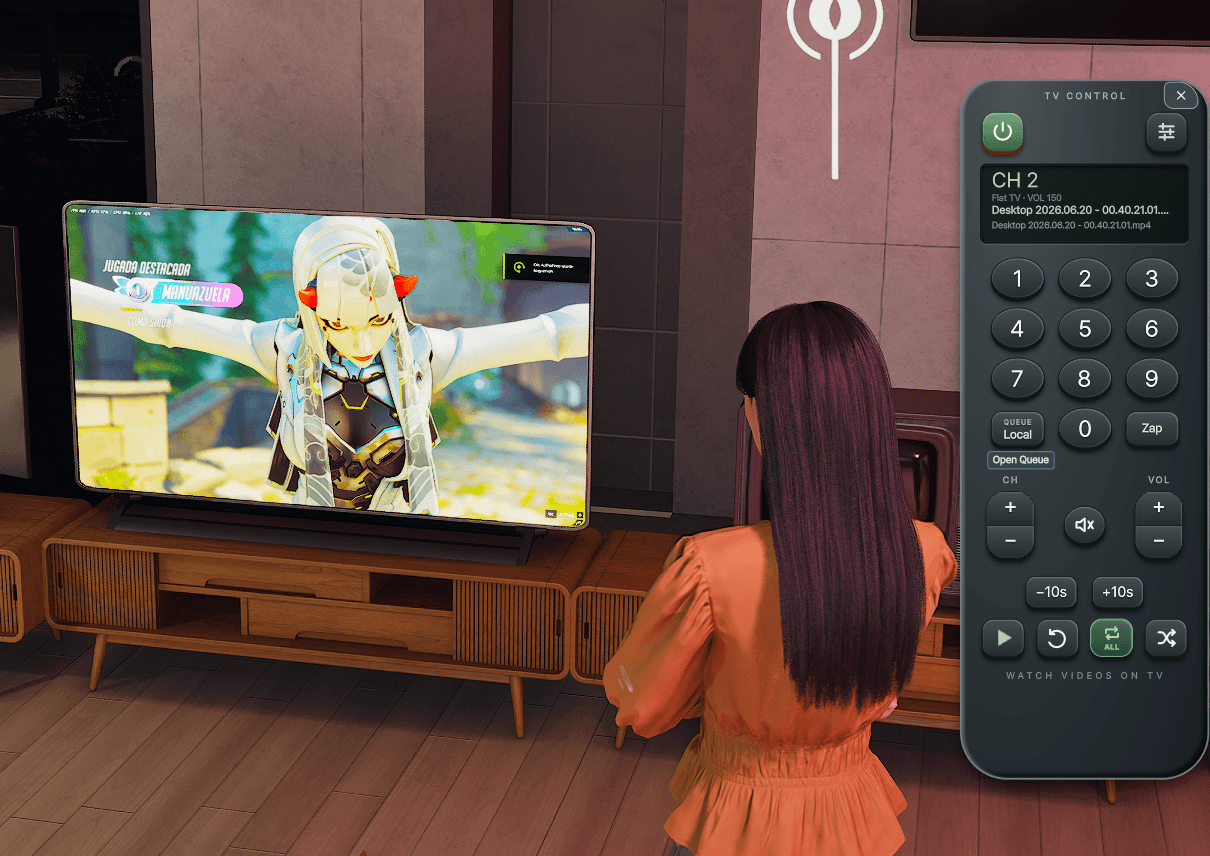
Watch your local videos on TVs. Navigate through them with the TV Control.
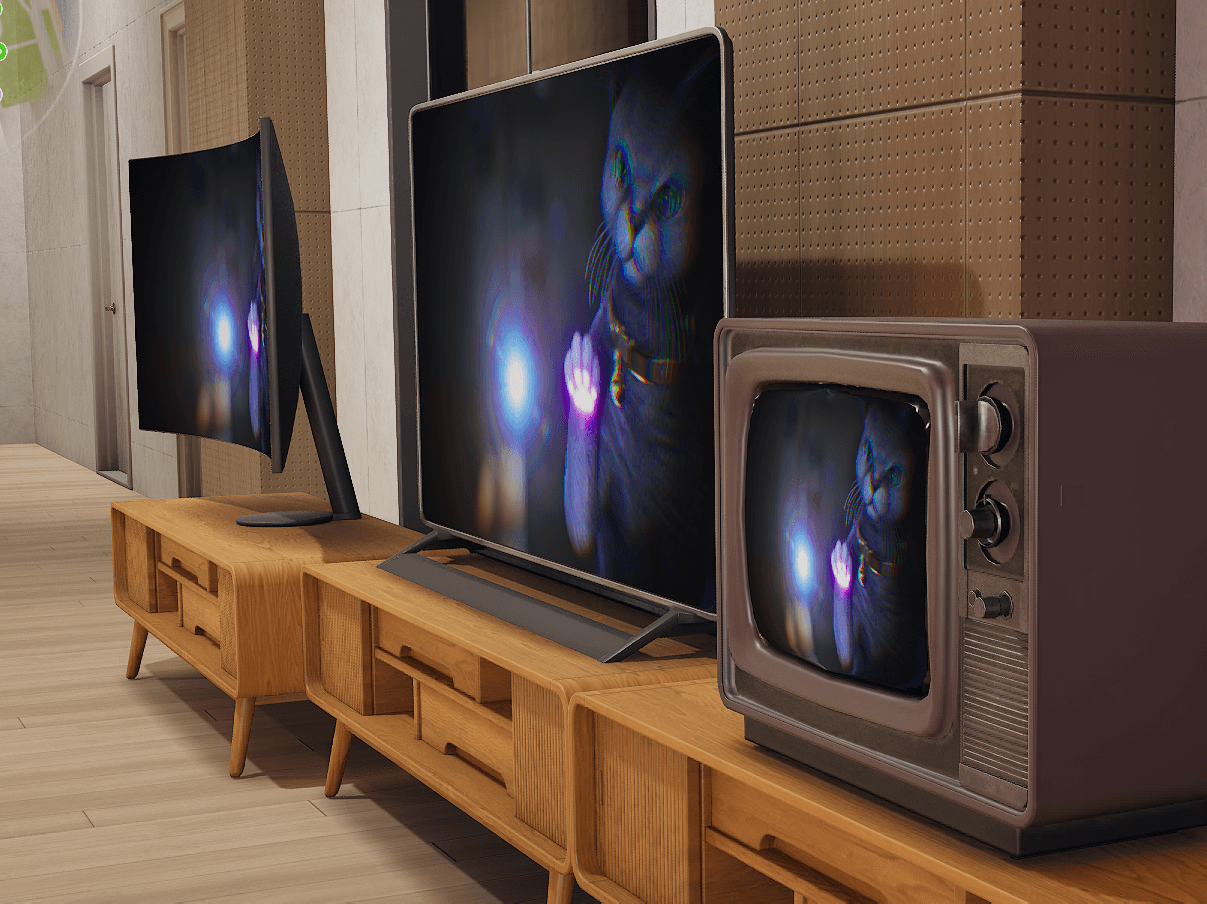
Watch on multiple TVs (up to 8) at the same time. All 16 TV models are compatible.
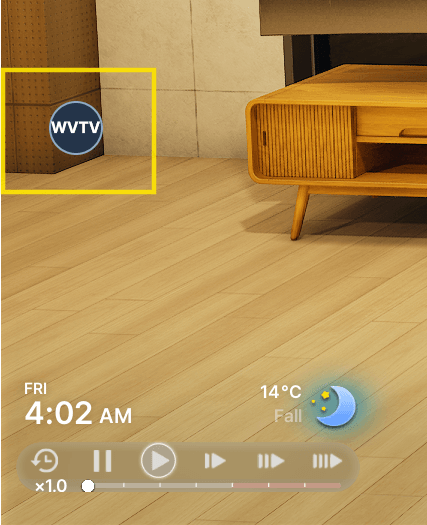
WVTV Button - Left click opens TV Control, right click opens Settings
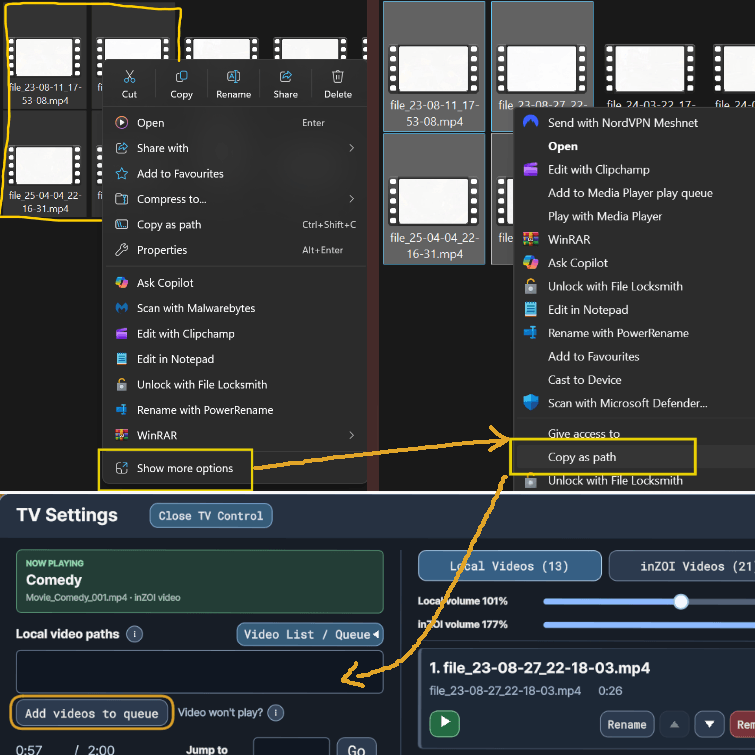
In the windows explorer, select one or multipe of your videos - press "Show more options" and then "Copy as path". Then simply paster (Ctrl+V) this into the "Local video paths" field as is and press "Add videos to queue"
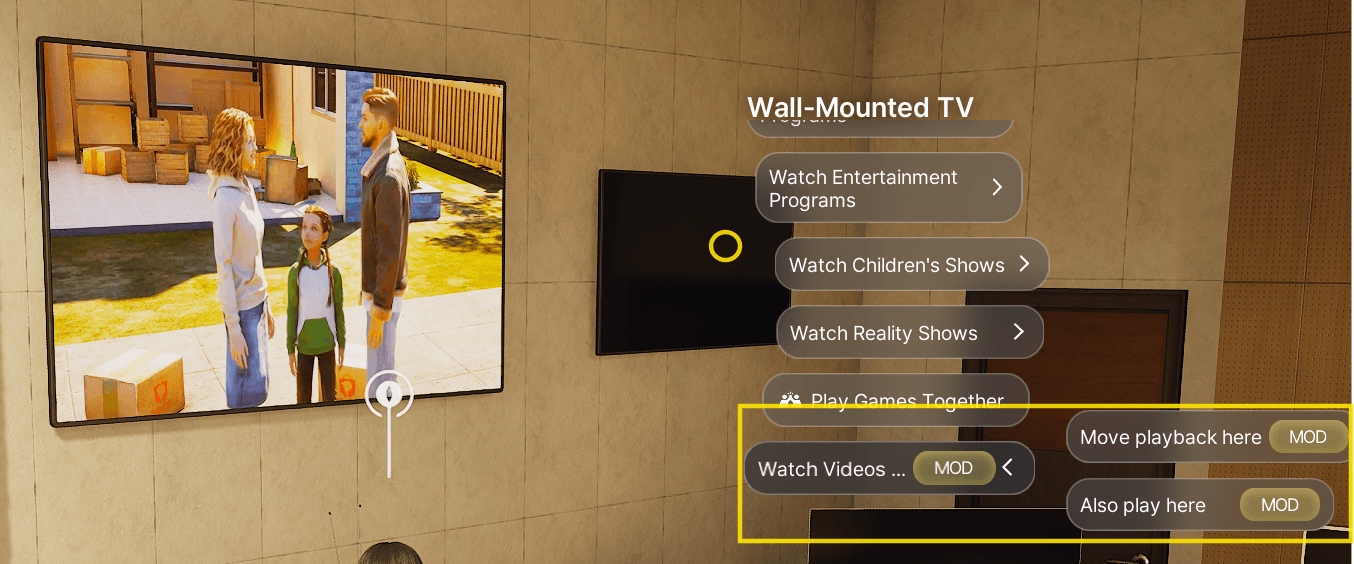
WVTV interaction menu on any TV