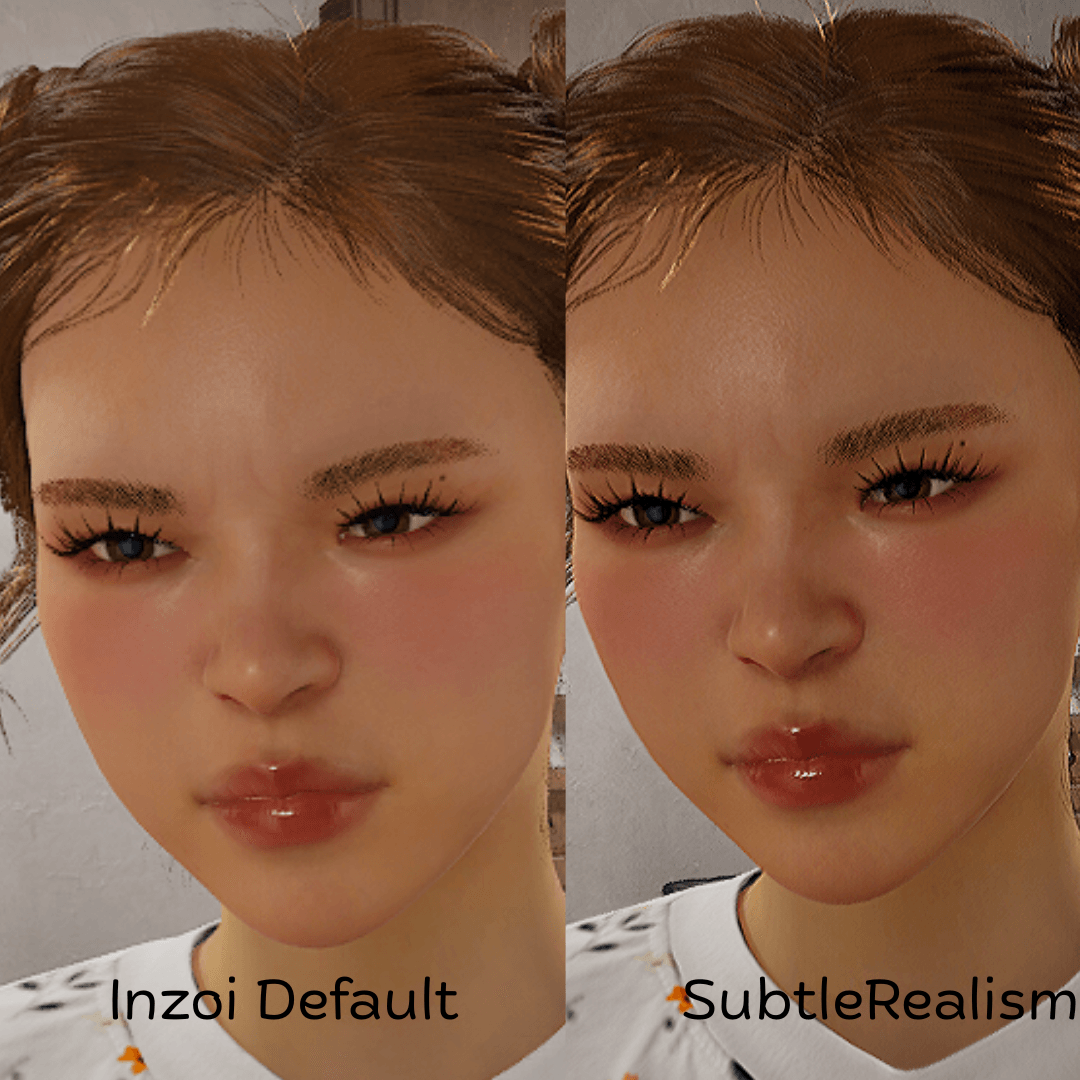
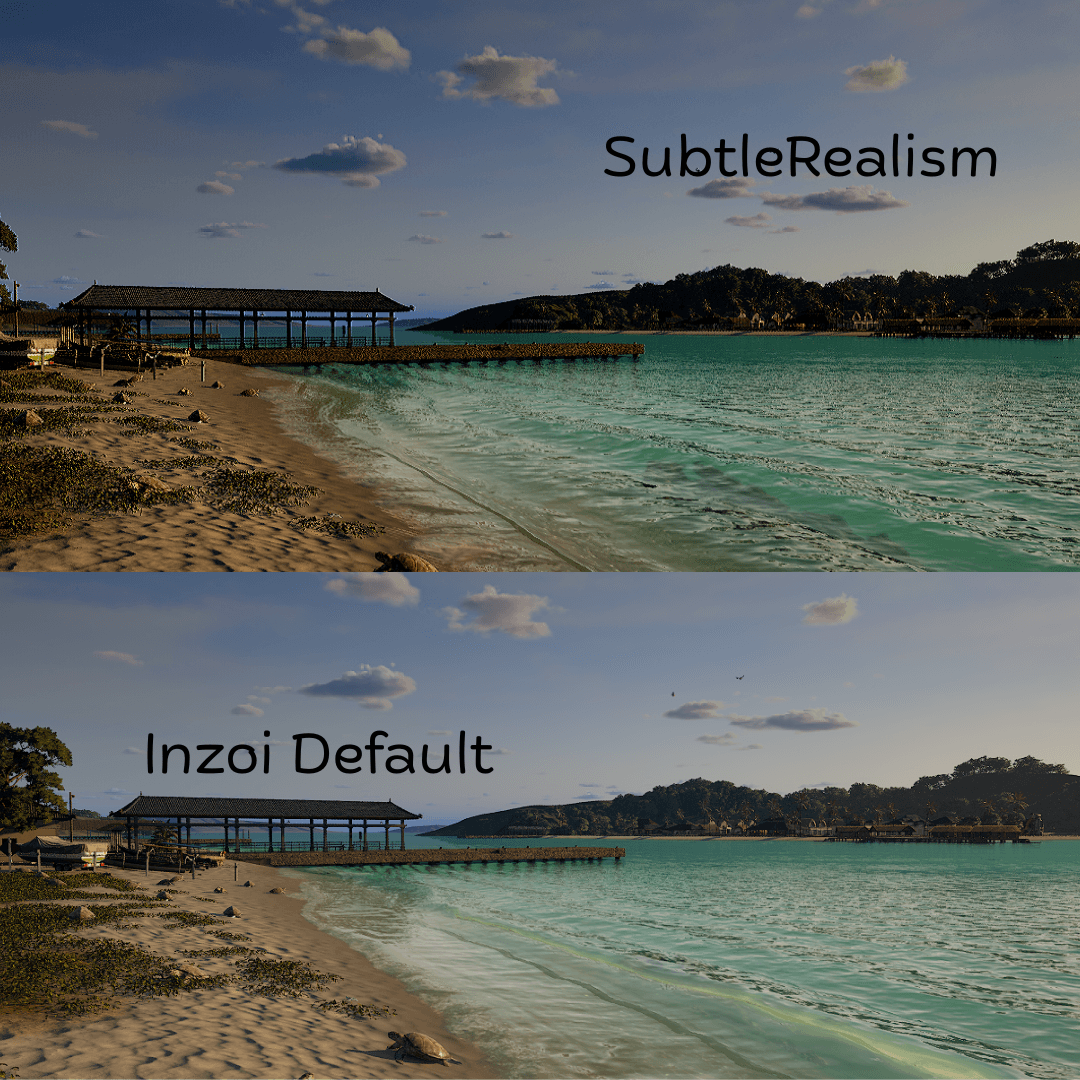
No need for REshade or external software with this mod.
HOW TO ENABLE: Locate the inzoi filters button (top centre of screen by default) locate "mod" which should be in the filters bar, click and select "subtlerealism".
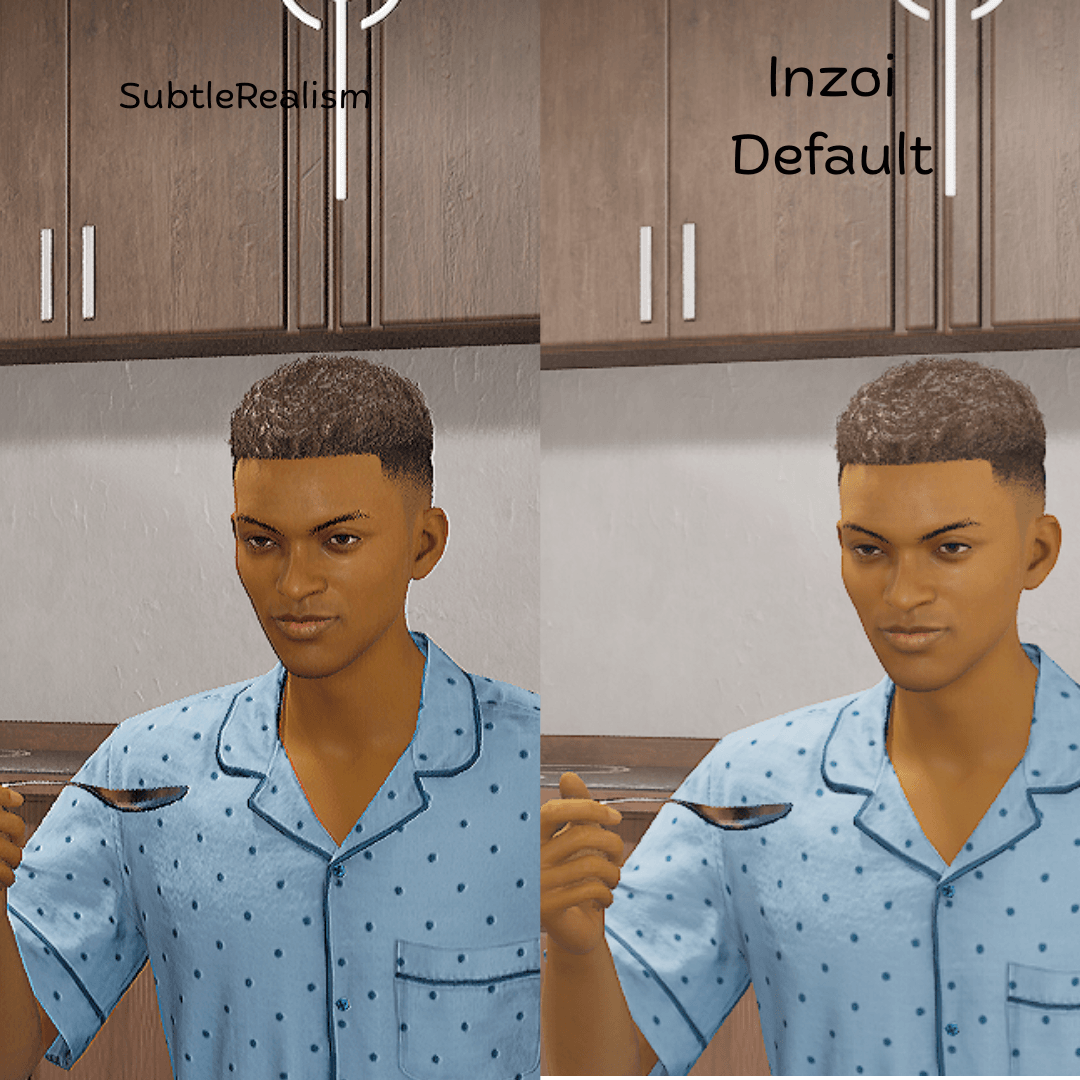
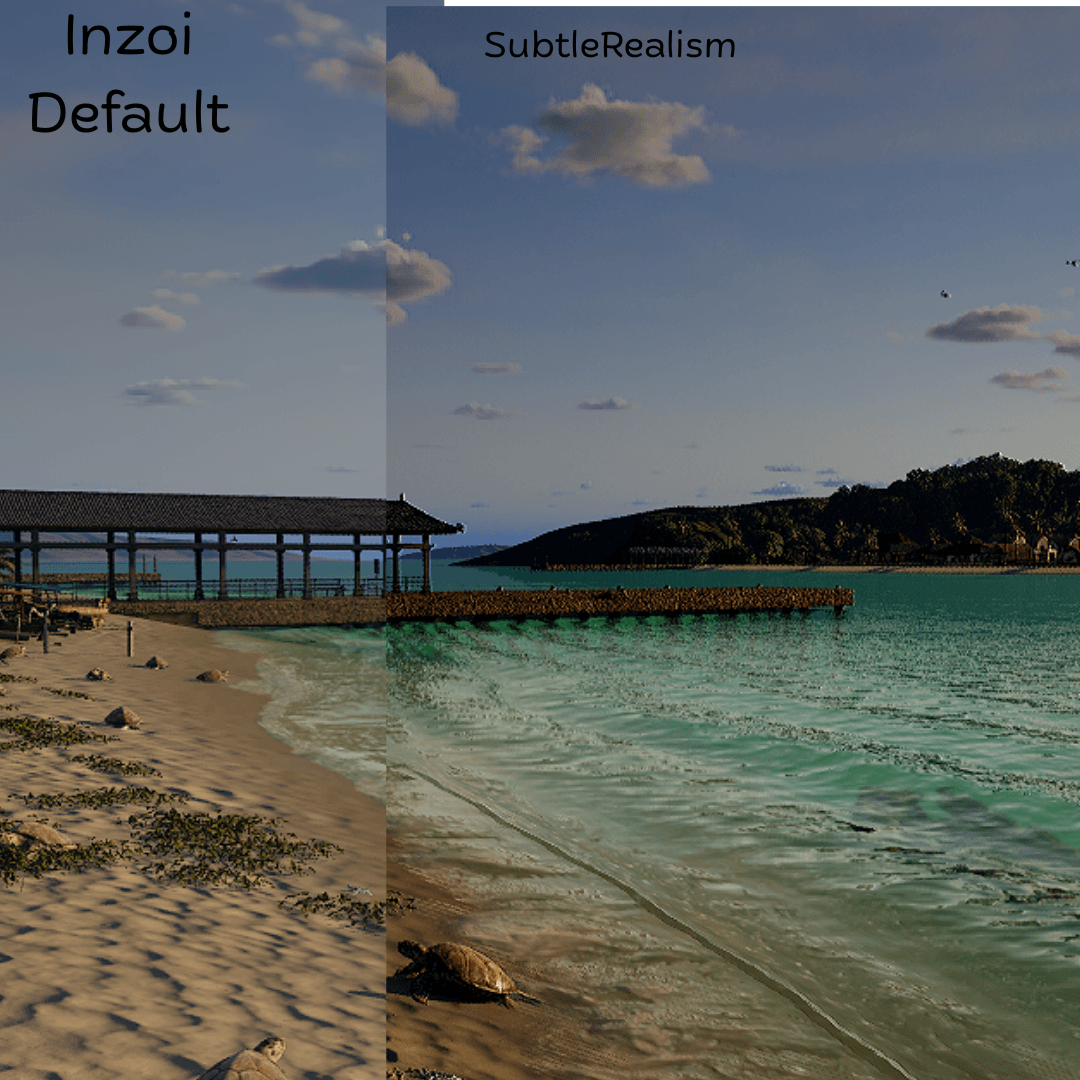
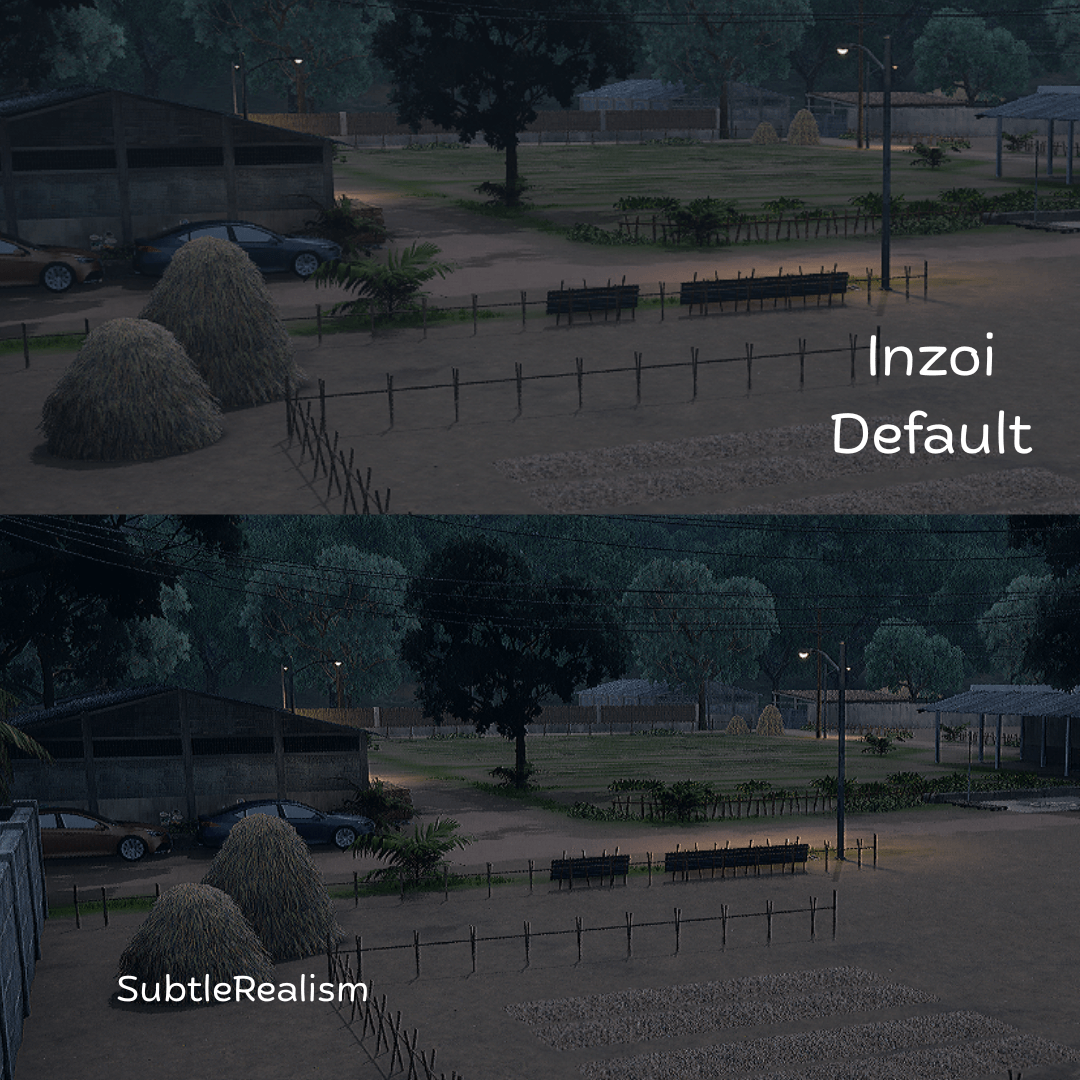
I created custom post-processing material graphs which where then compiled into GPU shaders:
- Colour grading shader - adjusting brightnesses and contrasts
- Shader which samples neighbouring pixels for a sharpening like effect
- A shader which generates slight visual noise (procedural film grain) and blends it into the image.
This filter changes the appearance of the rendered image rather than the game's actual lighting system
Visual results may vary depending on your graphics settings
Personally, I recommend having the brightness and night sensitivity at the 55-65% mark. Feel free to find your own sweetspot.
Enjoy my mods, want to report a bug or need help? Click to join my discord here!