01_cover_1920x1080.png
02_how_it_works_1920x1080.png
03_six_climates_1920x1080.png
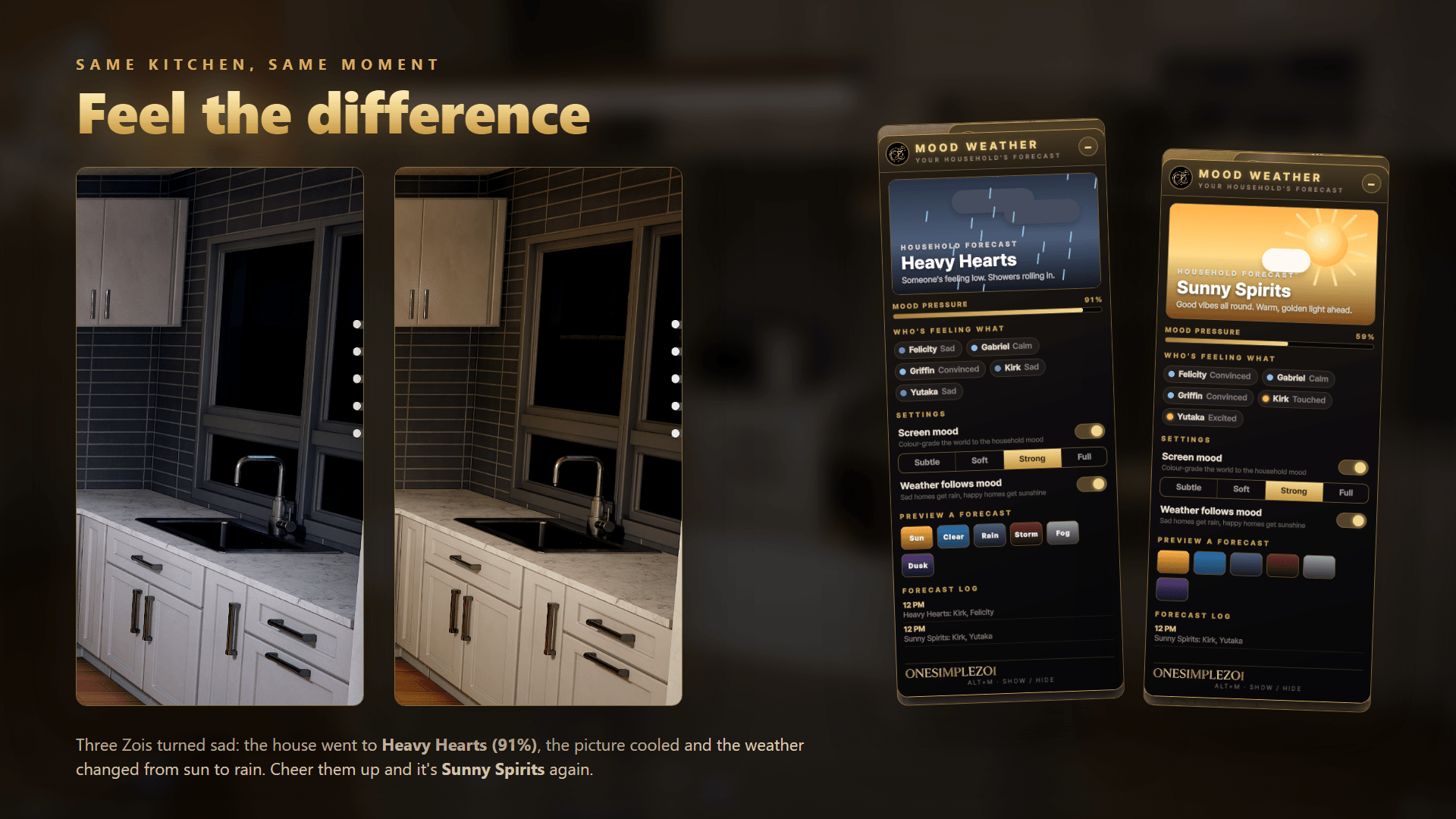
04_before_after_1920x1080.png
Description
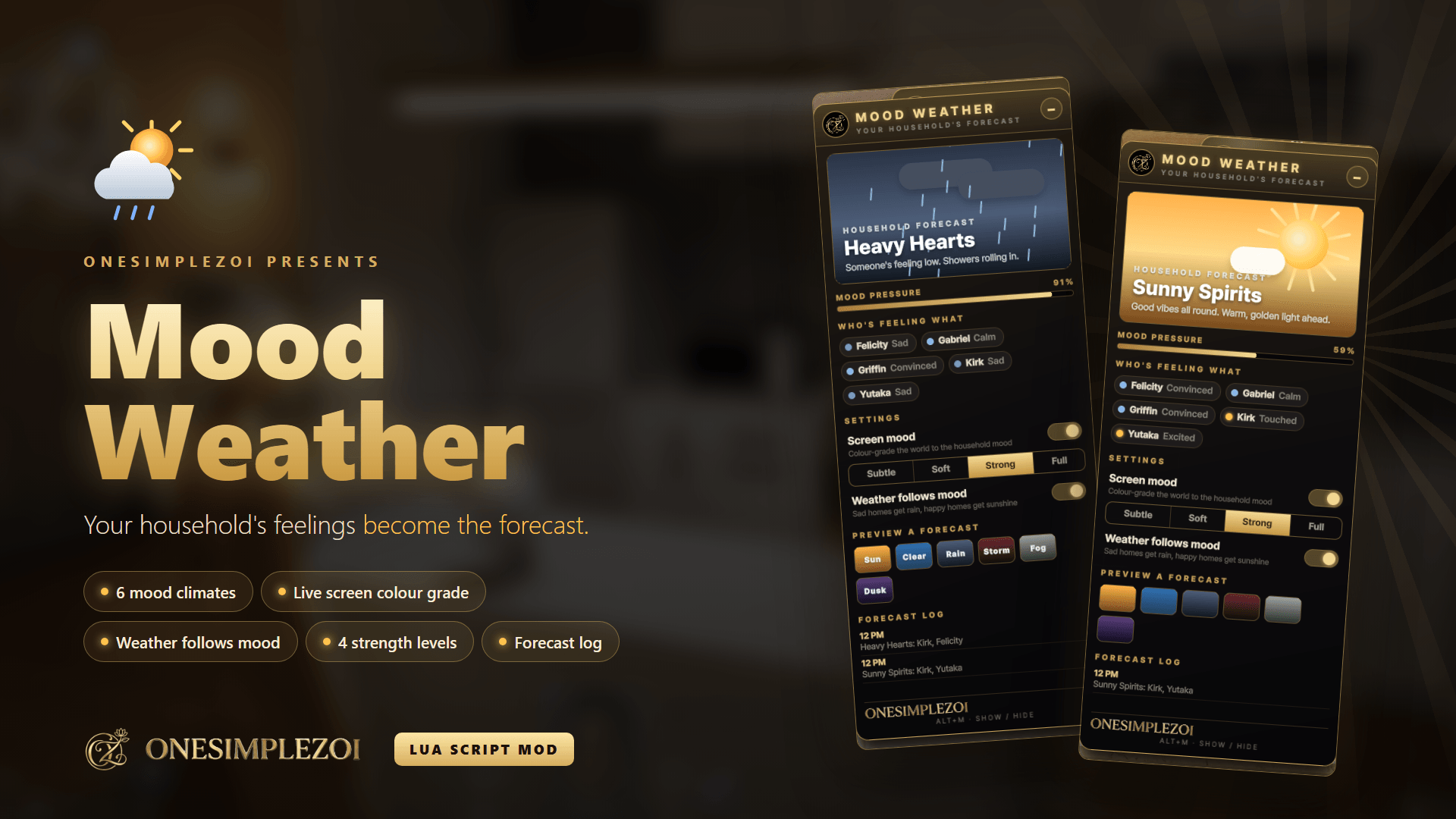
Your household's feelings become the forecast. The whole screen is colour-graded to match your family's mood, and the weather can follow too: happy homes get sunshine, sad homes get rain.
Mood Weather
Your household's feelings become the forecast.
Mood Weather reads how everyone in your household is feeling and turns it into a "climate". The whole world is gently colour-graded to match, and if you like, the sky changes too.
How it works
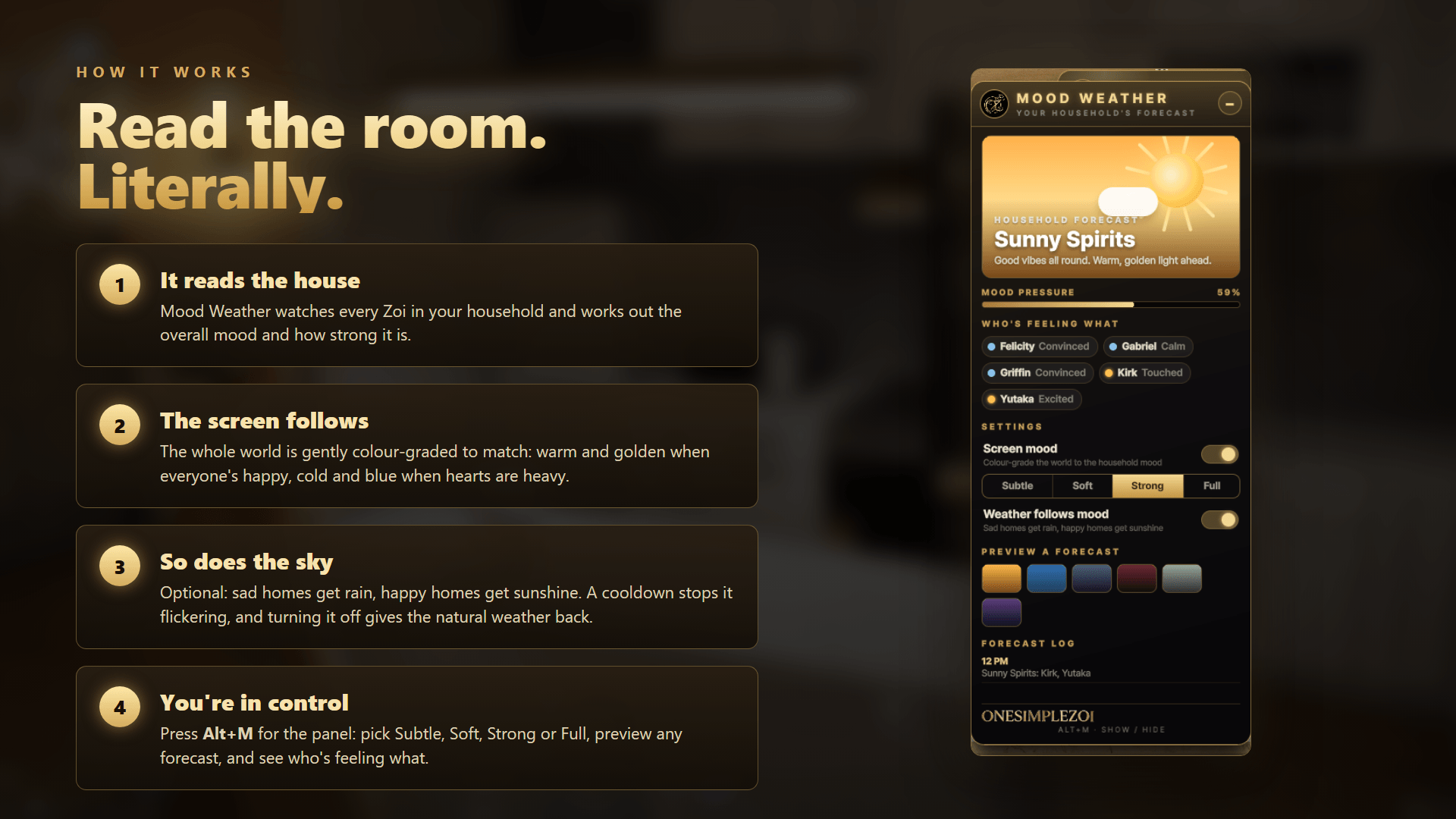
- It reads the house. Mood Weather watches every Zoi in your household, works out the overall mood and how strong it is (the mood pressure), and keeps updating as feelings change.
- The screen follows. The picture shifts to match the mood: warm and golden when everyone's happy, cold and blue when hearts are heavy, hazy when nerves are frayed.
- So does the sky (optional). With Weather follows mood switched on, sad homes get rain and happy homes get sunshine. Stormy tempers bring a real downpour with lightning, and worried households sit under heavy cloud. A three-hour cooldown stops it flickering, and switching it off gives you the natural weather back.
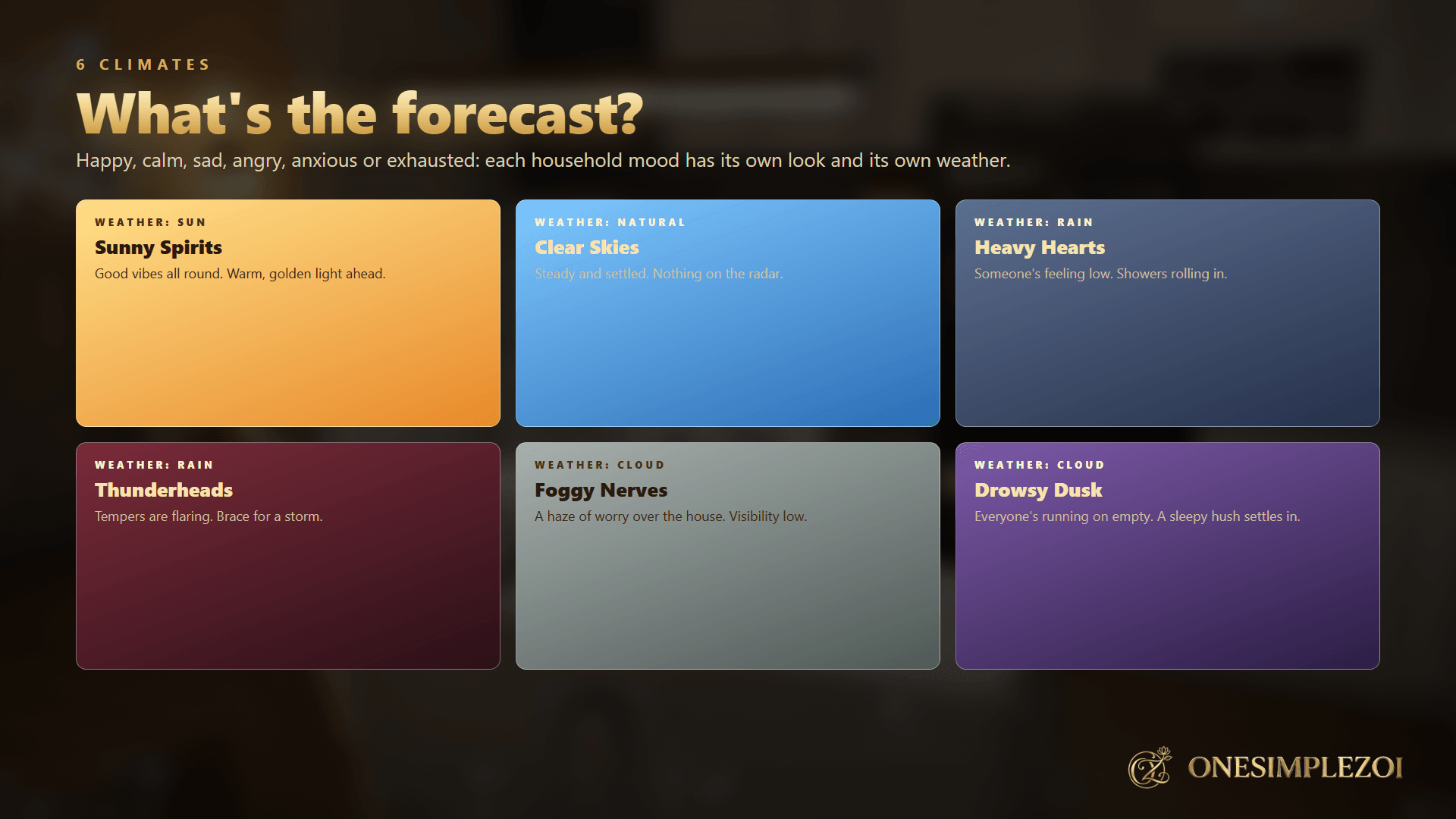
6 climates
| Climate | Mood | Weather |
|---|---|---|
| Sunny Spirits | Good vibes all round. Warm, golden light ahead. | Sun |
| Clear Skies | Steady and settled. Nothing on the radar. | Natural |
| Heavy Hearts | Someone's feeling low. Showers rolling in. | Rain |
| Thunderheads | Tempers are flaring. Brace for a storm. | Heavy rain and lightning |
| Foggy Nerves | A haze of worry over the house. Visibility low. | Heavy cloud |
| Drowsy Dusk | Everyone's running on empty. A sleepy hush settles in. | Cloud |
The panel
Press Alt+M (or click the round OSZ button) to open the forecast panel.
- an animated sky card for the current climate (sun rays, clouds, rain, lightning, fog, moon and stars)
- the mood pressure bar
- Who's feeling what: every household member and their current emotion
- Settings:
- Screen mood on/off, with four strengths: Subtle / Soft / Strong / Full
- Weather follows mood on/off
- Preview a forecast: try any of the six climates for 15 seconds, screen look and real weather, then everything goes back to how it was
- Forecast log: when the climate changed and who caused it
Drag the panel by its title bar and collapse it with the _ button.
Good to know
- The screen grade is a light colour filter. It uses no extra textures and switches off completely when you turn Screen mood off.
- Weather changes affect the whole city, just like the game's own weather.
Install
Install like any other inZOI mod and restart the game. No other mods required.
Compatibility
Mood Weather is a Lua Script Mod with one UI panel. It does not replace or override any game data. Other mods that also colour-grade the screen will mix with it, so turn Screen mood down or off if things look too strong. If another mod's panel sits on top of this one, move one of them; overlapping mod panels can block each other's clicks.
Thanks - OSZ
OSZ Mood Weather Team

Owner