image-1793586112093(1)(3).png
Screenshot 2026-11-26 235144.png
2026-11-26-21-11-02.jpg
2026-11-26-21-14-33.jpg
Description
˚₊‧꒰ა ☕︎ ໒꒱ ‧₊˚ x o x o ♡ m o c h a ˚₊‧꒰ა ☕︎ ໒꒱ ‧₊˚
G L O W R O O M a little lighting studio for your photo mode ♡
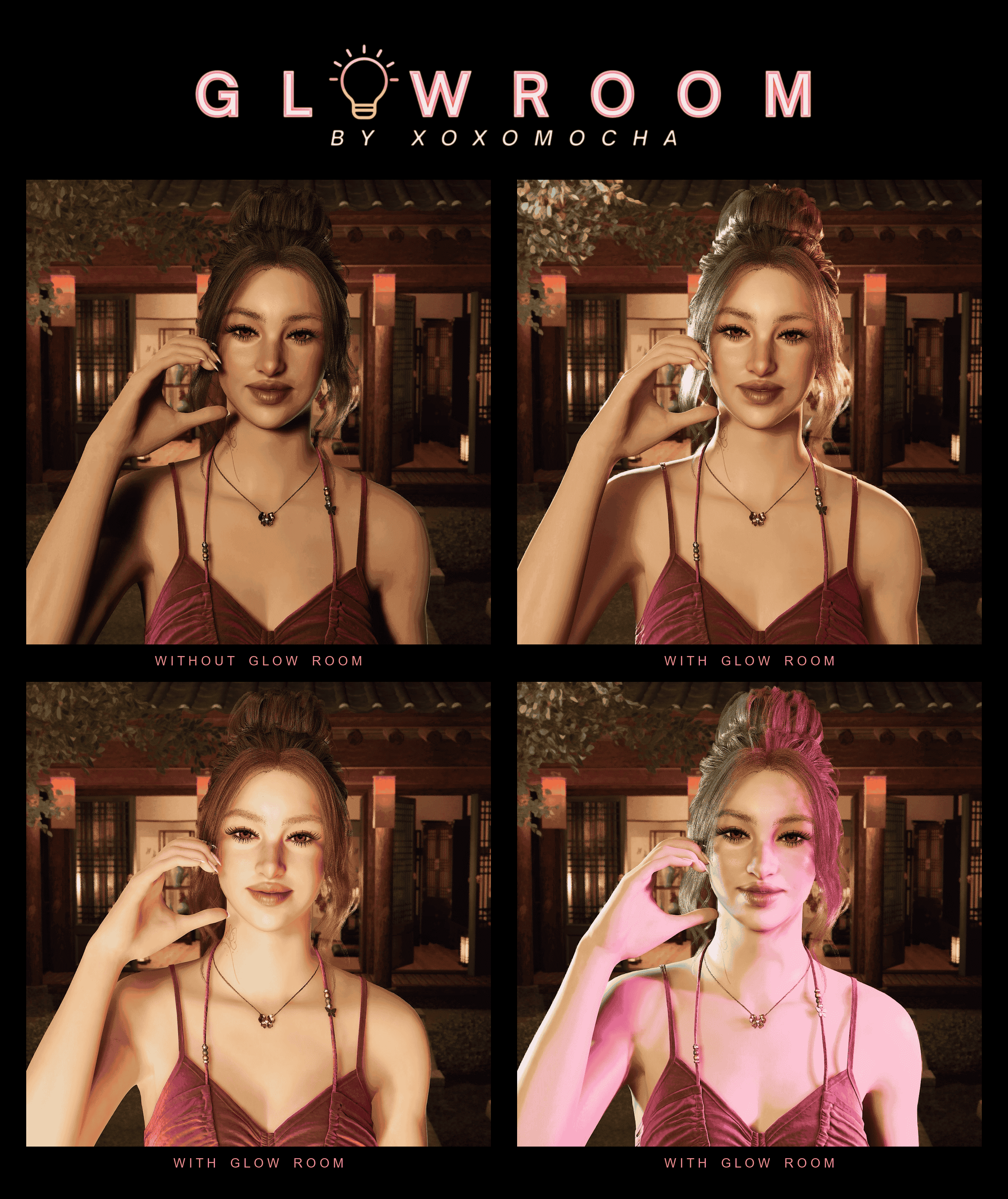
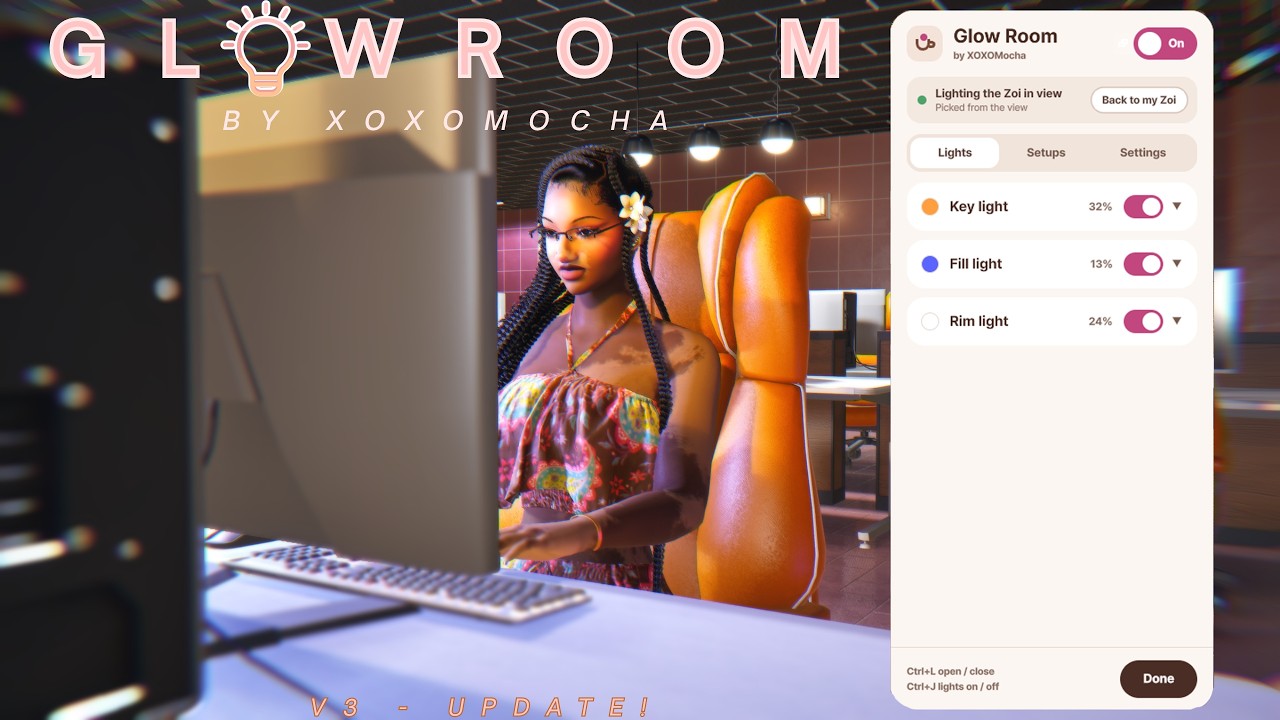
Glow Room is a LIGHTING mod for Photo Mode, in game & in the CAZ photo booth. If you've used Reshade and Relight, then this mod is very similar. This mod is in BETA, meaning things will change: UI, settings, etc.
⋆。˚ ☕︎ ˚。⋆ ♡ ⋆。˚ ☕︎ ˚。⋆
♡ WHAT'S NEW IN V3
· · ─ ·☕︎· ─ · ·
♡ FEATURES
Place up to three lights around your Zoi and shape them however you like
Each light can be turned on or off and you can pick its color, make it warmer or cooler, change how bright it is, and move it around your Zoi by angle, height and distance
Make the light softer or harder and choose whether it casts shadows
The Turn off button lets you switch the lights off and on so you can compare your photo with and without them
Save your own setups, or start from the built-in ones: Studio Portrait, Golden Hour, Neon Rim, Moonlight, Candlelit
· · ─ ·☕︎· ─ · ·
♡ HOW TO USE
Open Photo Mode and Glow Room pops up on the left
Point the camera at your Zoi. Glow Room lights the Zoi in the middle of your view
Set up your lights, then pose and move your camera however you want, the panel stays open
Press Ctrl+L or click Done to hide the panel. Your lights stay on! Press Ctrl+L again any time to bring it back
The lights are removed when you leave Photo Mode
☕︎ using a filter
The game automatically kicks a filter off in Photo Mode. Click the camera on the bottom, set a filter from there.
After you apply your FIRST filter, Glow Room may stop responding to clicks. Just press Ctrl+L and it comes right back. This only happens once each time you open Photo Mode
☕︎ CAZ photo booth
Glow Room works in the CAZ photo booth once you're in a save
It does NOT open when you're making a NEW save (the Create a Zoi screen before you load into the world). This is a limitation from the game itself, mods can't load there, so it's not something I can work around at the moment
☕︎ settings
In the Settings section you can turn off the automatic pop up and change the key that opens and closes the panel (Ctrl+L, Ctrl+Shift+L, Alt+L or Ctrl+Alt+L)· · ─ ·☕︎· ─ · ·
♡ COMPATIBILITY
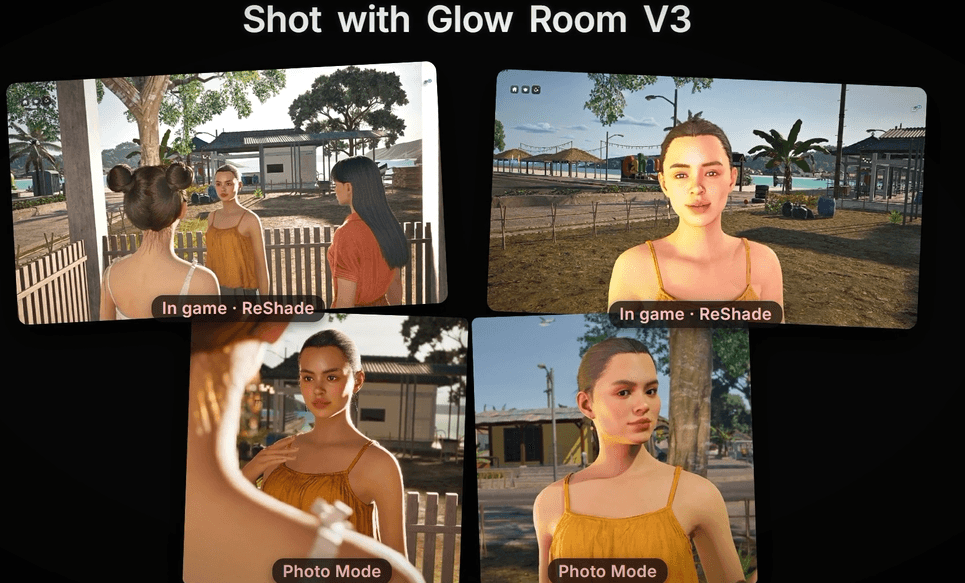
Glow Room now works with pose mods like Pose Studio and ZoiPose! The old version kept restarting every mod's scripts whenever you changed a light, which knocked pose mods out. V3 doesn't do that anymore, so they can finally share the screenWorks with ReShade and HUD-free screenshots, since Glow Room uses real lights in the gameIf the panel stops responding after you apply a filter in Photo Mode, click the Glow Room button or press Ctrl+L to bring it backIf you find a mod it doesn't play nice with, let me know in the comments! I can only do my part to make sure my mod works with others well. · · ─ ·☕︎· ─ · ·
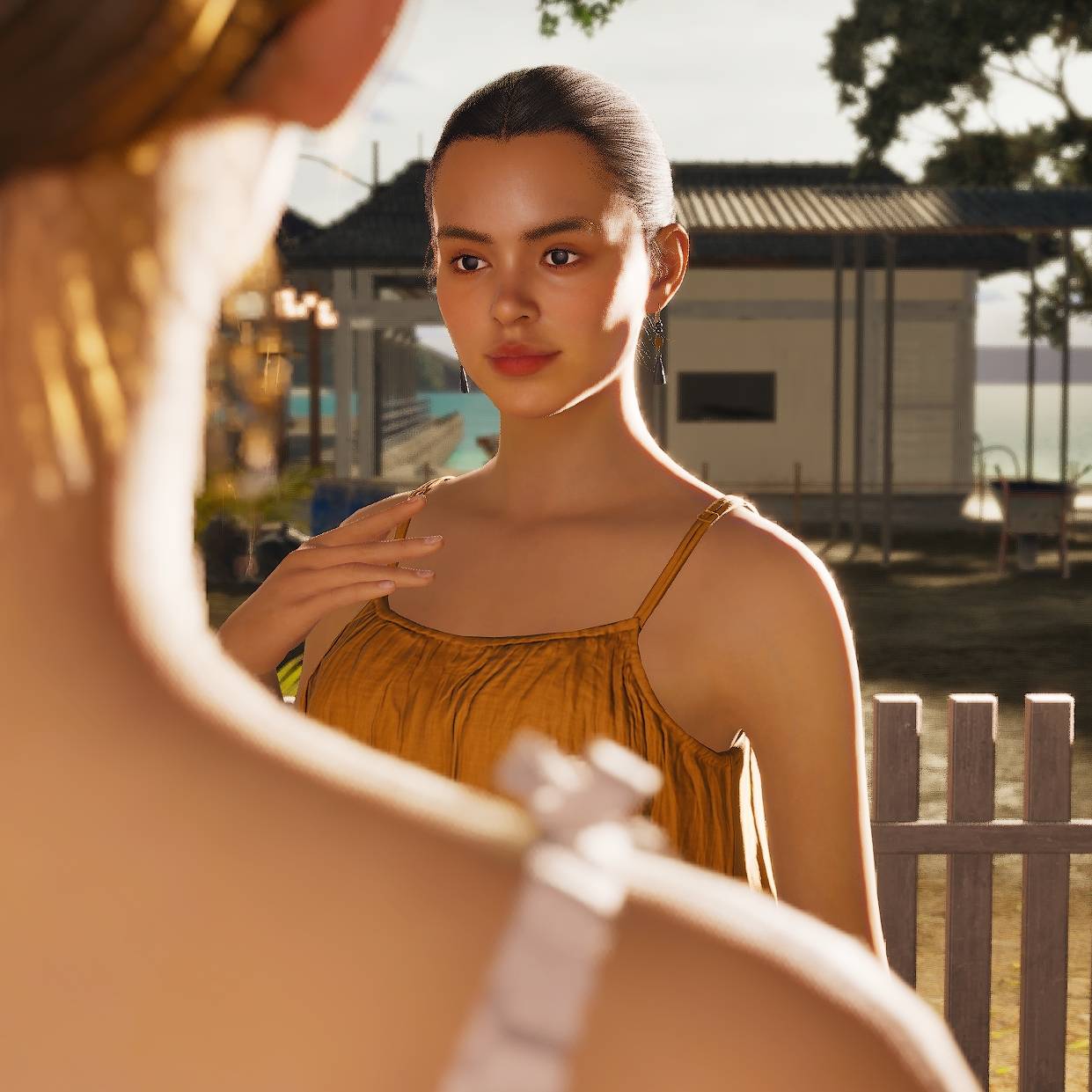
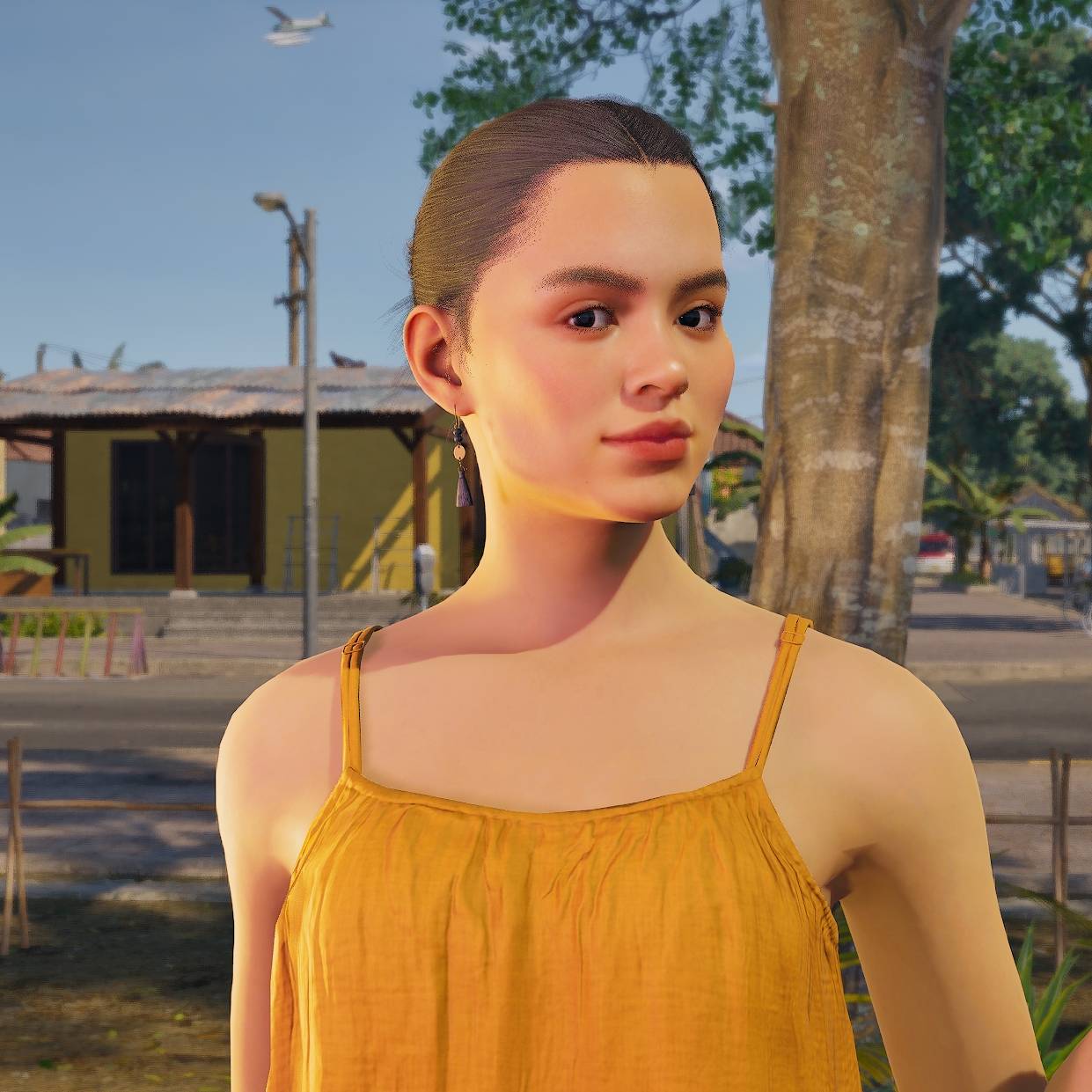
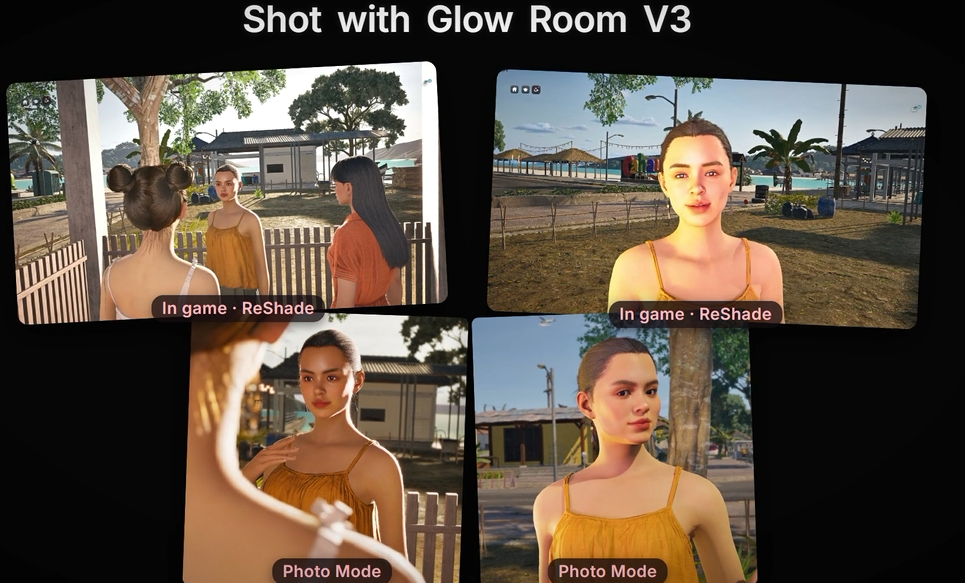
♡ BEFORE / AFTER PHOTOS AREN'T EDITED! No reshade, nothing. All images are taken in game with my mod in the 'realistic' lighting from base game.  ☕︎ WCIF? zoi's in image: deAndre - porkcubes (unnamed) - naa_ last one is mines.
**♡ MORE IMAGES
 **
· · ─ ·☕︎· ─ · ·
♡ HOW TO INSTALL
Unzip the folder, put the "Glow_Room_A987D5BB_v3" folder in your Mods folder (Documents \ inZOI \ Mods)
Doesn't work? Then put it in the InGame folder in Mods (Documents \ inZOI \ Mods \ InGame)
Please try both options before troubleshooting.
⋆。˚ ☕︎ ˚。⋆ ♡ ⋆。˚ ☕︎ ˚。⋆
♡ AUTHOR NOTE This is beta version v2! Please keep letting me know how everything works for you ♡
Watch the Mod Showcase for a small tutorial. The UI is a bit different as I updated the mod.
Glow Room - Rimlight Mod Team