Custom Zoi
- By
Transform the HUD Edit Appearance button into a full Create-a-Zoi (CAZ) shortcut. Restyle your Zoi from head to toe anytime, anywhere!
Custom_Zoi_Ingame1.png
Custom_Zoi_Ingame2.jpg
Description
Tired of the "Edit Appearance" button only letting you change outfits?
This mod transforms the standard HUD Edit Appearance button into a direct shortcut to the full Create-a-Zoi (CAZ) editor.
Now you can seamlessly restyle your Zoi from head to toe anytime during gameplay!
✨ Key Features
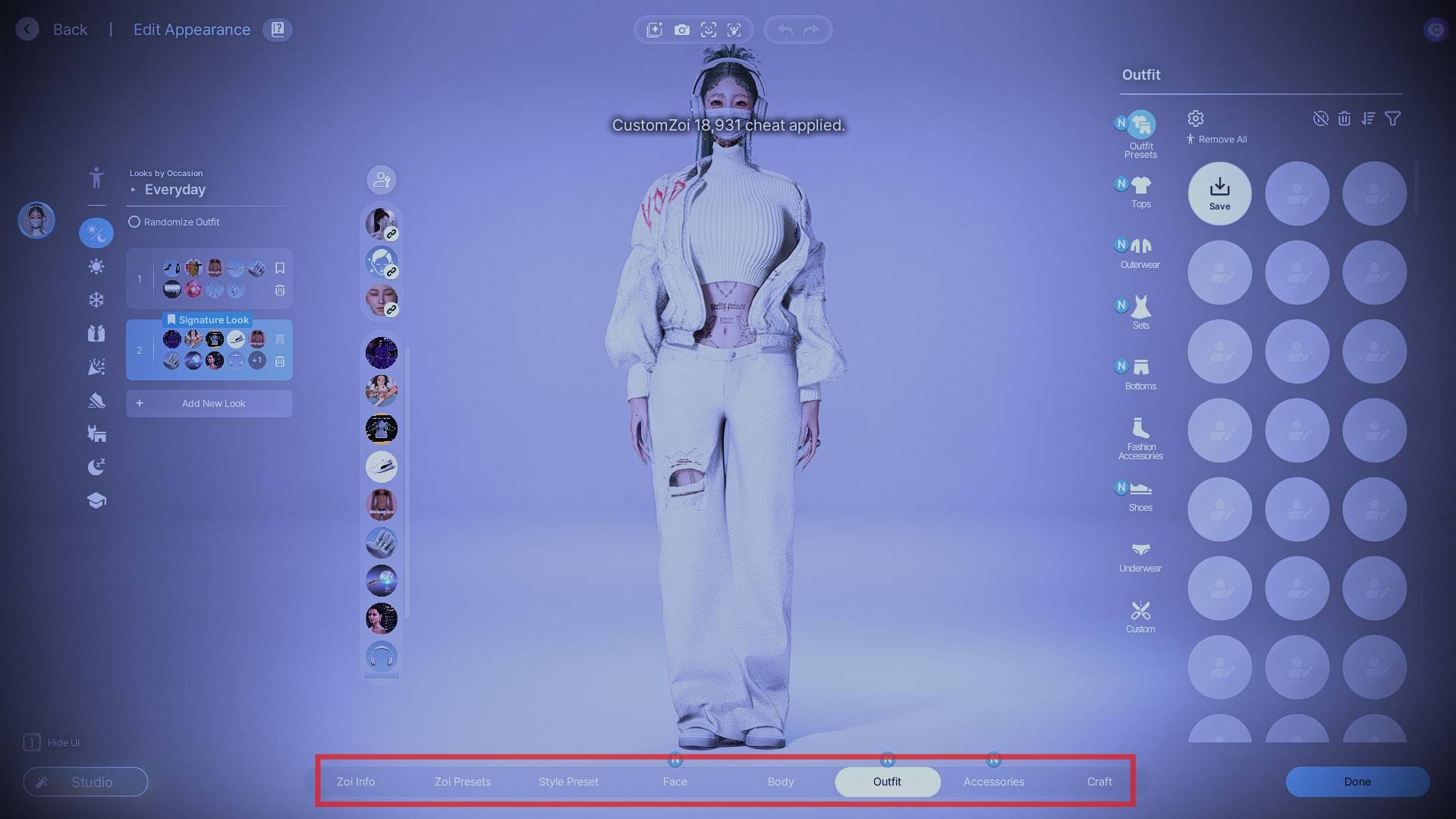
-Full CAZ Access: The Edit Appearance button now opens the complete editor—face, body, hair, makeup, and outfits—instead of just the outfit UI.
-Seamless UI Integration: Preserves the original button icon, tooltip, and design. Only the click behavior is upgraded!
-Smart Click Detection: Intelligently ignores clicks when overlapping with settings menus, popups, or other windows.
💡 How to Use
-
Install the mod and launch your game.
-
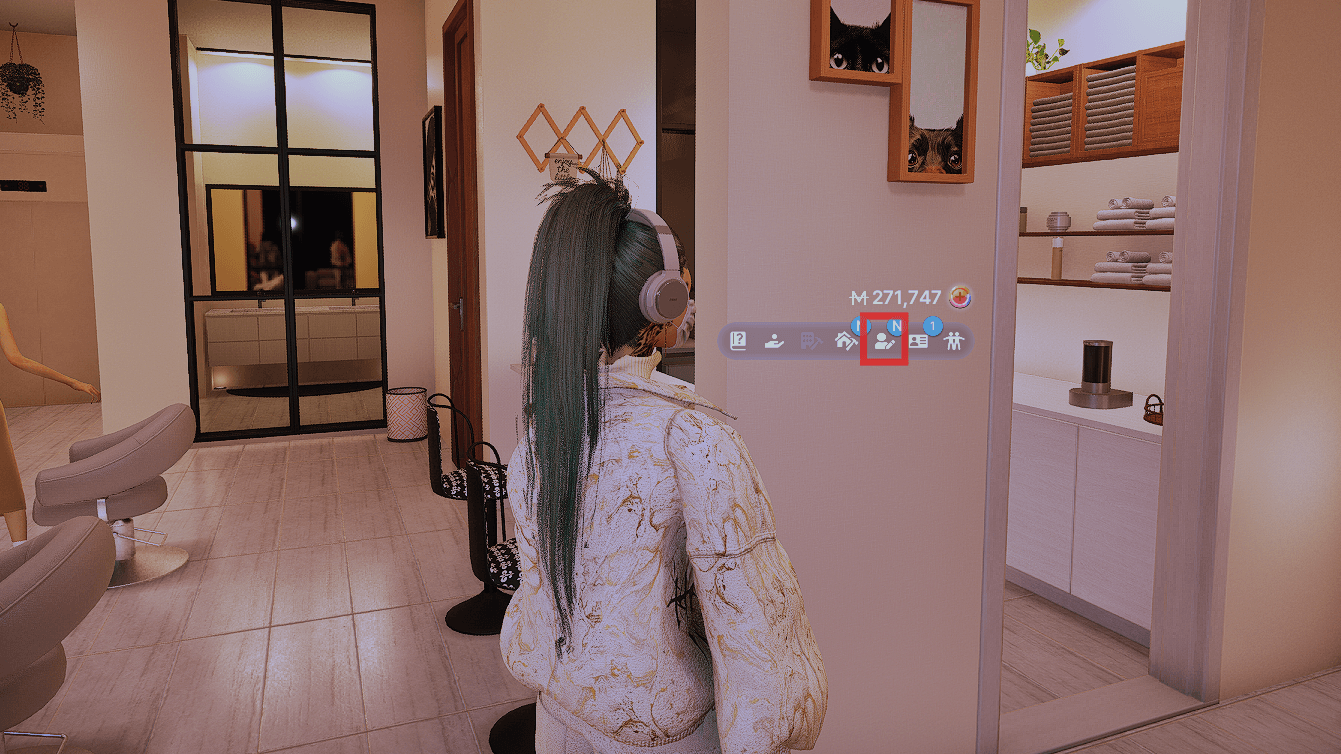
Click the "Edit Appearance" button (the person-with-pencil icon) in the bottom-right HUD player menu.
-
The full Create-a-Zoi editor will open for your active Zoi.
-
Customize your look, then exit and select "Apply" to save.
Custom Zoi Team

Owner