Unlock Salon CAZ Hair
- By
A quality-of-life mod that bypasses the restricted salon popup menu and allows you to enter the full CAZ (Create-a-Zoi) screen to choose from all available hairstyles.
Unlock Salon CAZ Hair_ingame1.png
Unlock Salon CAZ Hair_ingame2.png
Unlock Salon CAZ Hair_ingame3.png
Unlock Salon CAZ Hair_ingame4.png
Description
While the salon feature in inZOI is a great addition, it can be frustrating to be limited to just a few pre-selected hairstyles in the popup menu.
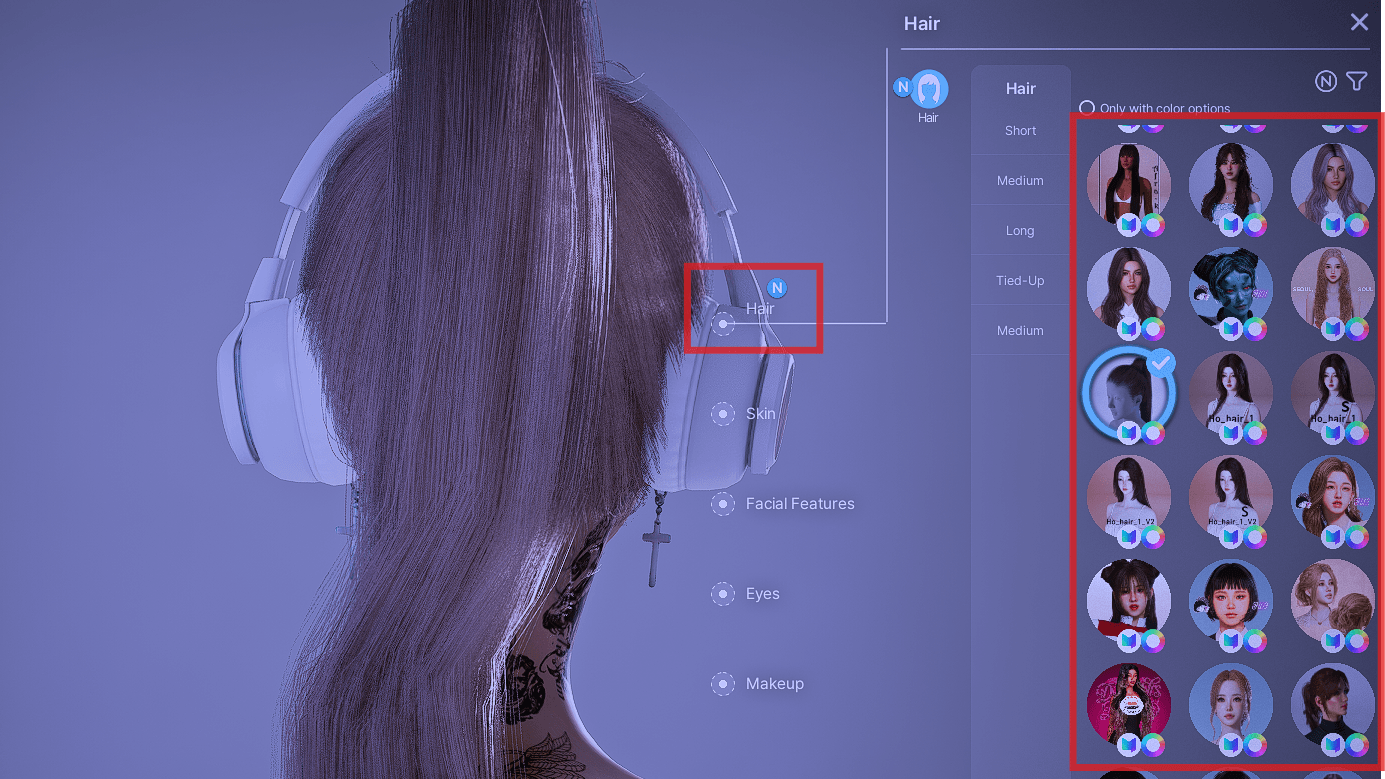
The Unlock Salon CAZ Hair mod solves this by skipping the restrictive popup and guiding you directly to the full CAZ customization screen. Now you can access all base game hairstyles and your favorite custom content (CC) hairs right from the salon chair!
[How to Use]
-
Visit the Salon with your Zoi.
-
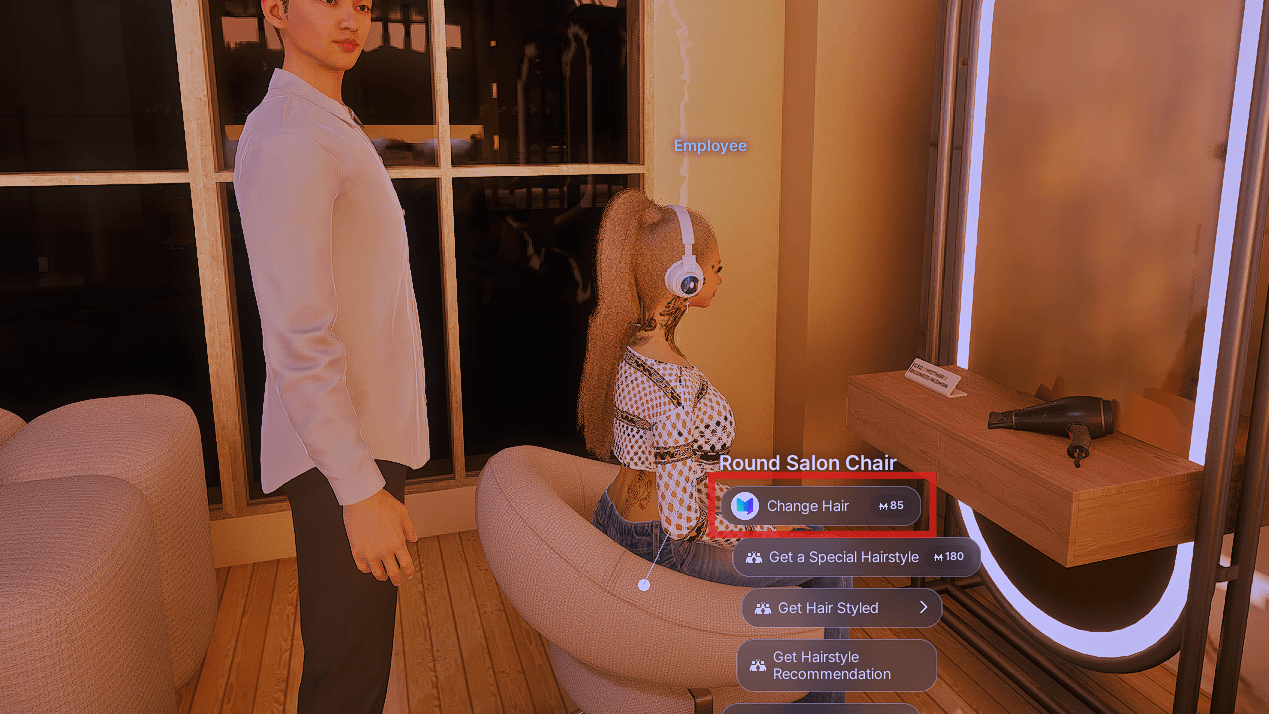
Interact with the salon chair and select the [Change Hair] option.
-
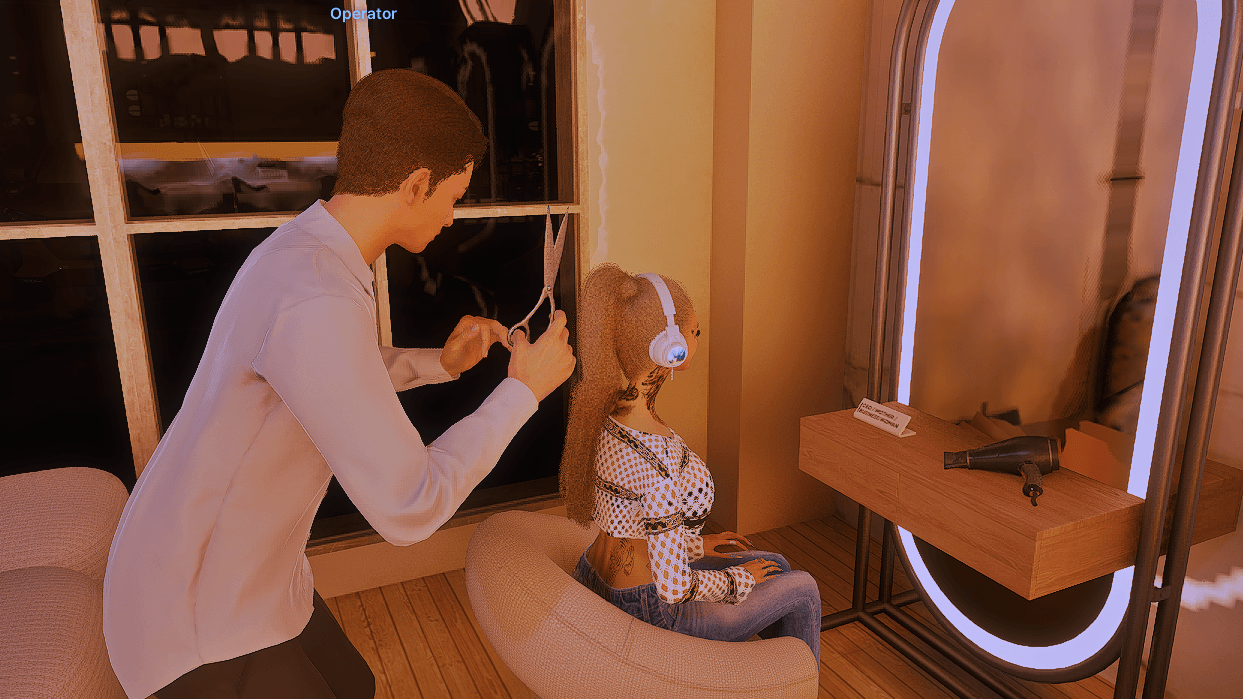
The hair-cutting animation will play as usual.
-
Once the animation ends, the salon fee (base price around 85 Mew, subject to shop rates) will be deducted, and you will automatically enter the CAZ screen.
-
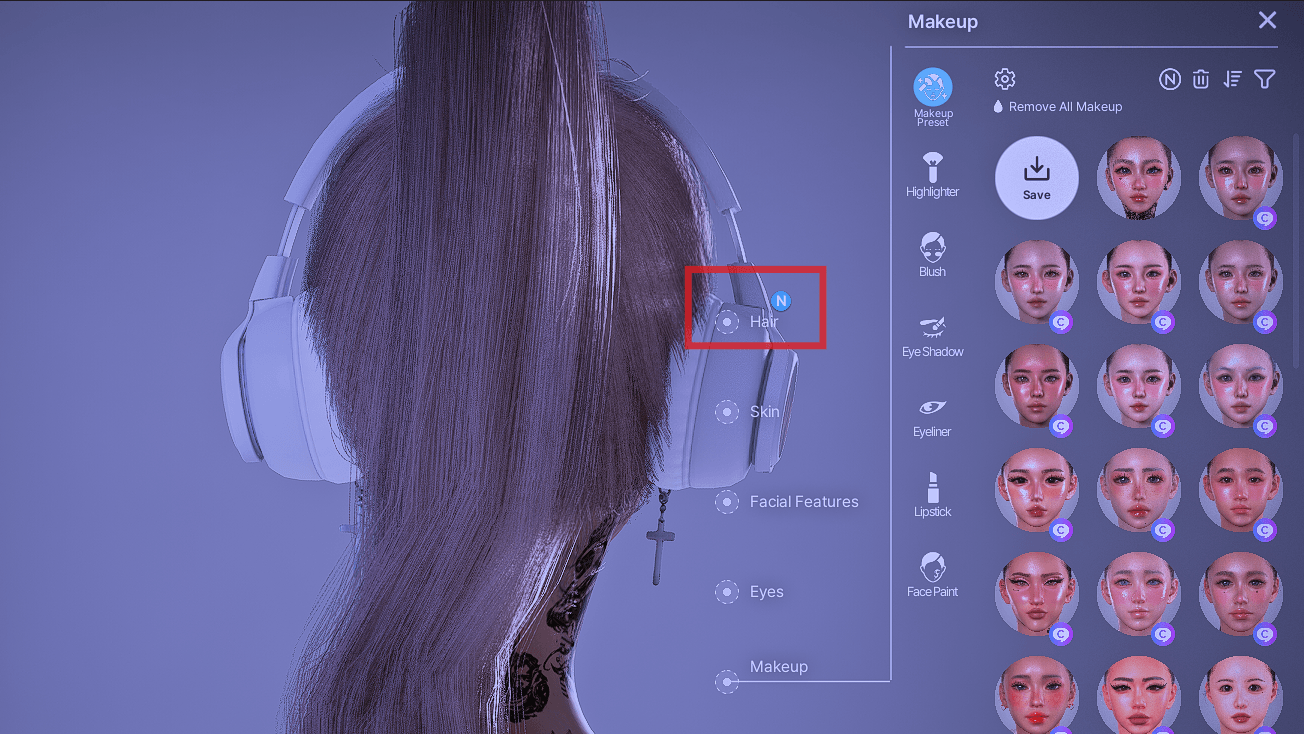
Since it opens to the makeup tab first, simply navigate to the [Hair] tab and choose any hairstyle you like!
[Known Issues & Limitations]
Why does it open to the Makeup tab first? Currently, the script uses the face-related command to access the customization screen, which defaults to the Makeup (Face) tab. Please simply click over to the [Hair] tab at the top of the screen to change your hairstyle. If I find a better way to jump directly to the hair tab later, I'll update the mod!
[Pro Tip for a Smoother Experience]
This mod relies on the salon employee NPC being available. If the stylist is currently busy cutting another NPC's hair, the interaction will not trigger immediately.
Strategic Tip: As soon as the previous NPC finishes their turn, quickly move your character to the salon chair to block other NPCs from taking the spot! Securing the chair first prevents other townies from cutting in line, allowing you to trigger the salon interaction and the mod flawlessly without annoying wait times.
The Unlock Salon CAZ Hair Team


Owner