Colorable Crown Molding Wallpaper - Clean & Worn
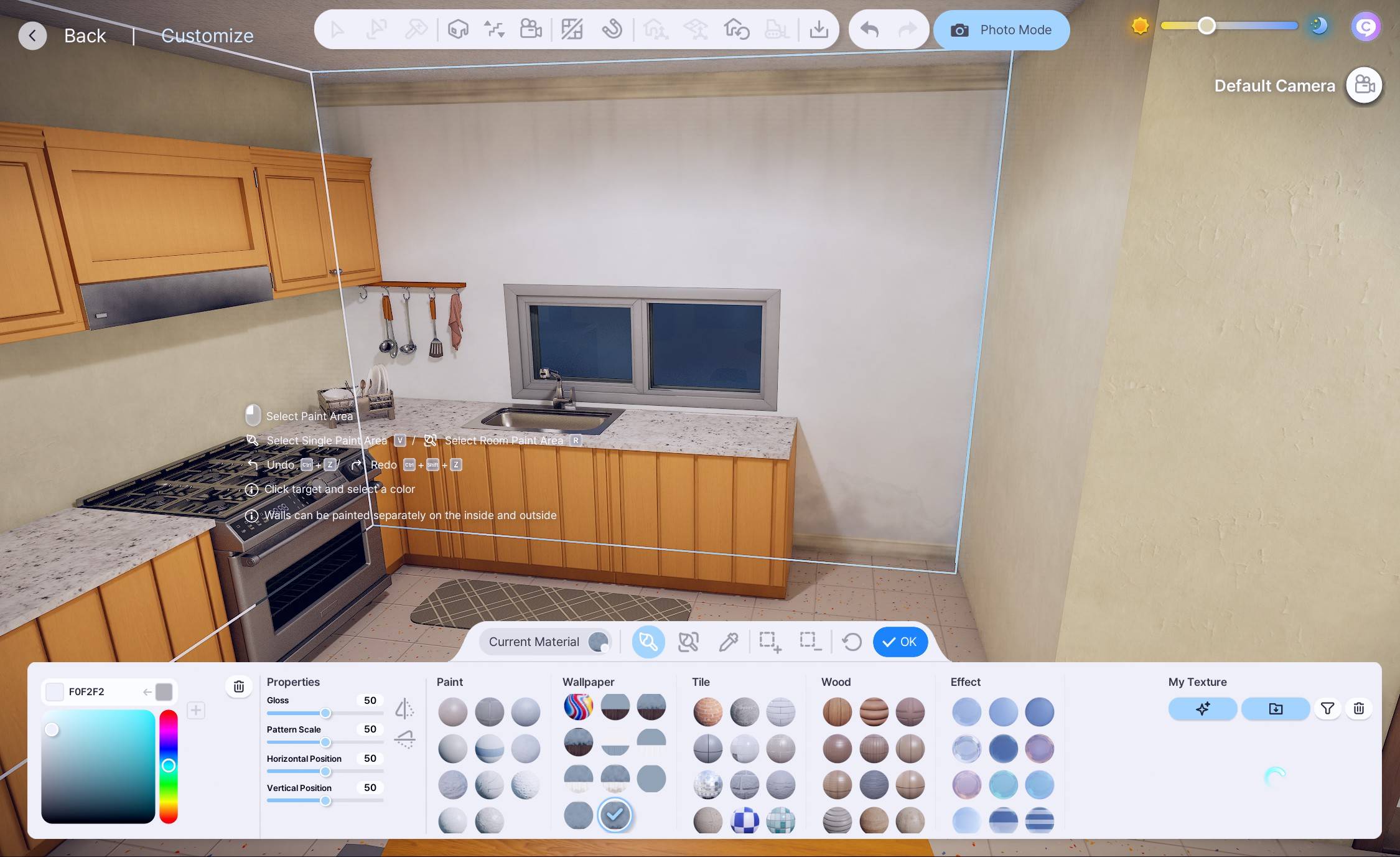
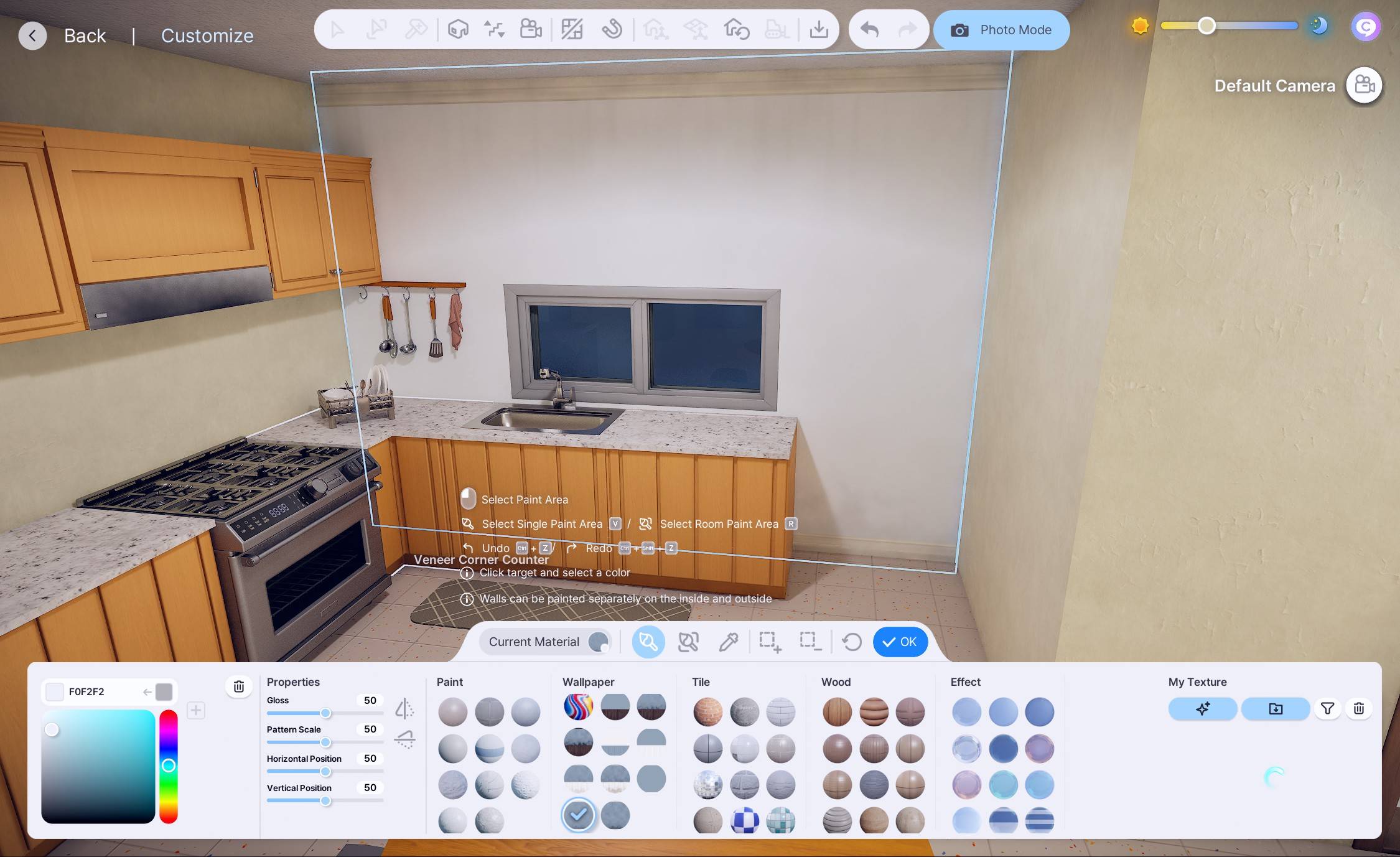
Crown molding wallpaper in three versions: clean, worn and heavily worn. Pick any wall color with the in-game palette.
20261104180817_1.jpg
20261104180819_1.jpg
Description
Colorable Crown Molding Wallpaper
White crown molding along the top of the wall and a white baseboard along the bottom, in any wall color you choose.
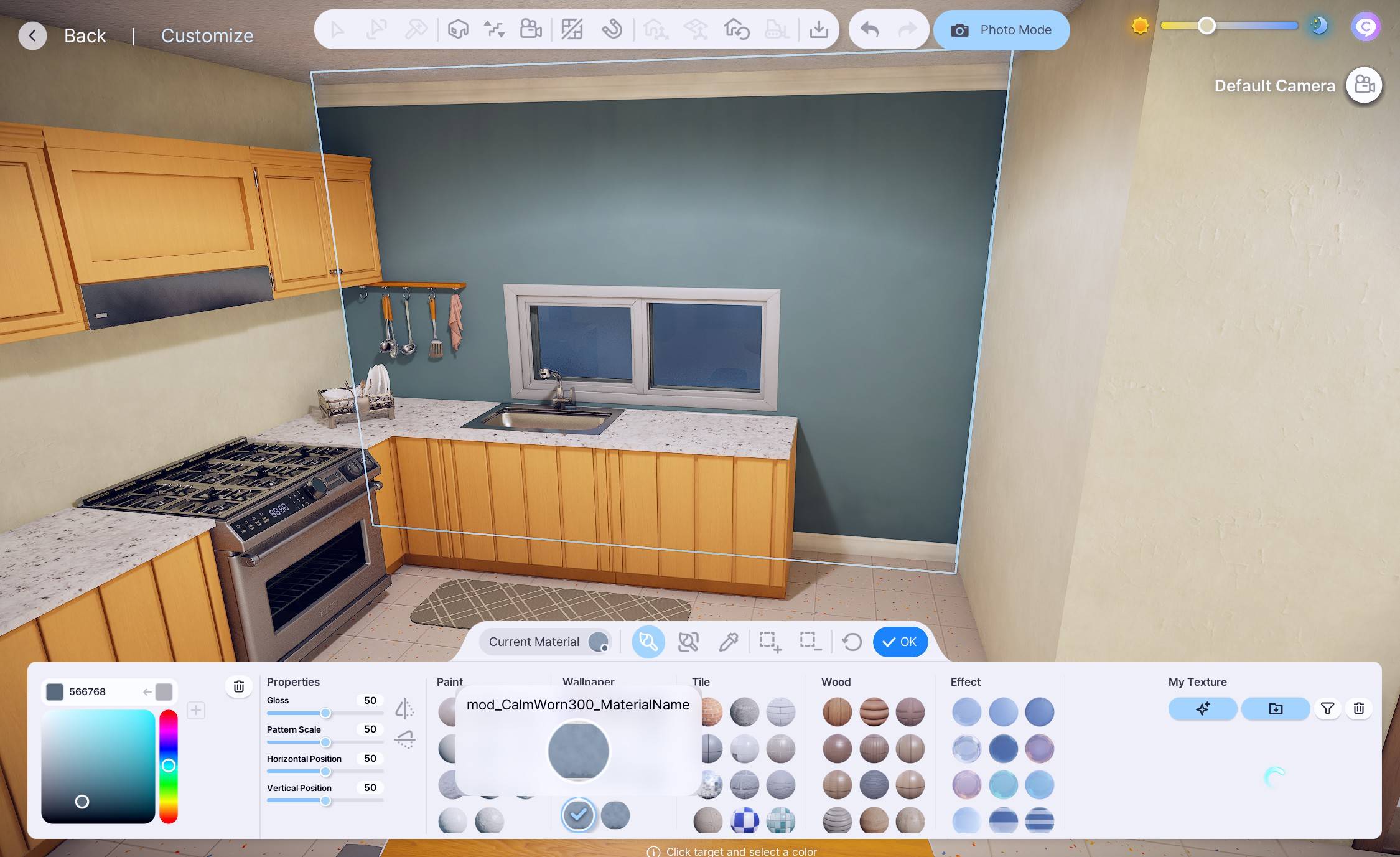
Three versions included
- Crown Molding Wall: clean wall and white trim
- Crown Molding Wall - Worn: light damp stains and grimy trim
- Crown Molding Wall - Heavily Worn: stronger stains and dirtier trim
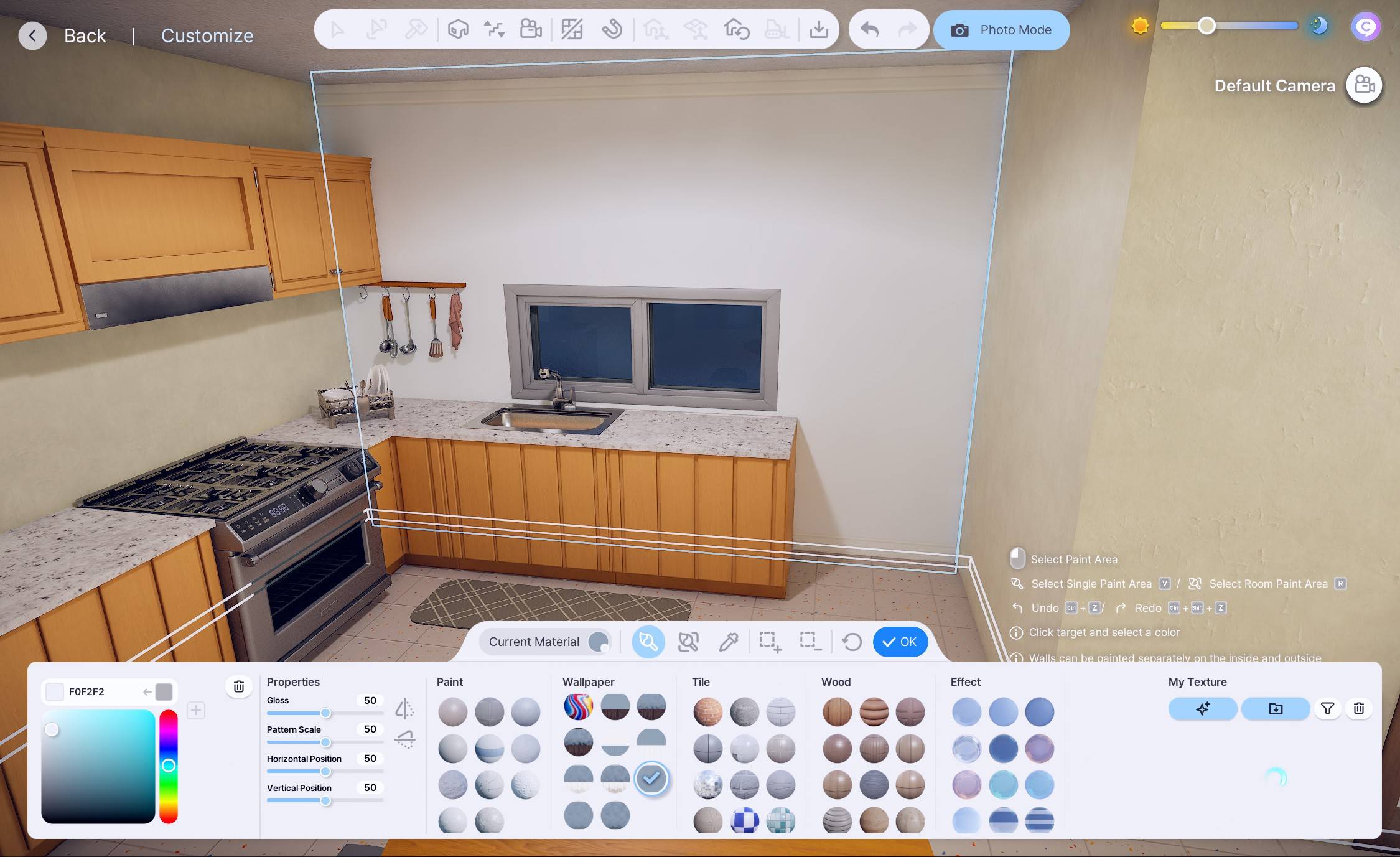
How to use
- Install the mod and restart the game.
- In Build Mode, select a wall and open the Wallpaper list. The new wallpapers are at the bottom of the list.
- Pick any wall color with the color palette. The stains stay on top of the color you choose.
- Start at Pattern Scale 50 / Vertical Position 50. Wall height and floor elevation can shift the trim, so adjust these if needed.
Note: In-game names start with "mod_" (for example "mod_Crown Molding Wall - Worn"). This is how the game displays them.
The trim is part of the wallpaper itself, so you don't need to place any extra objects.
Colorable Crown Molding Wallpaper - Clean & Worn Team