


Yellow Puzzle
Blue Puzzle
Green Puzzle
Red Puzzle
White Puzzle
The Island
Show
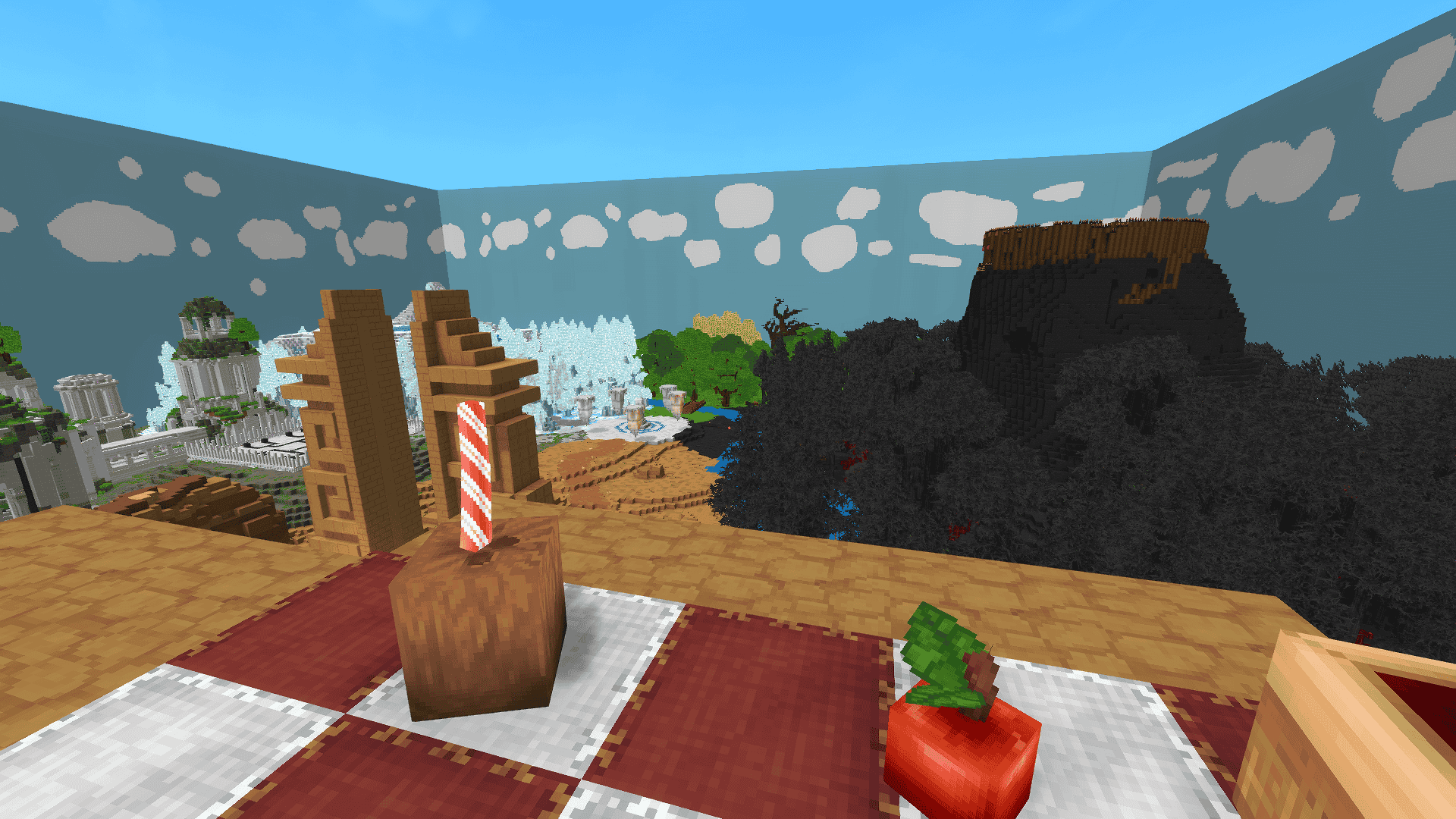
The top
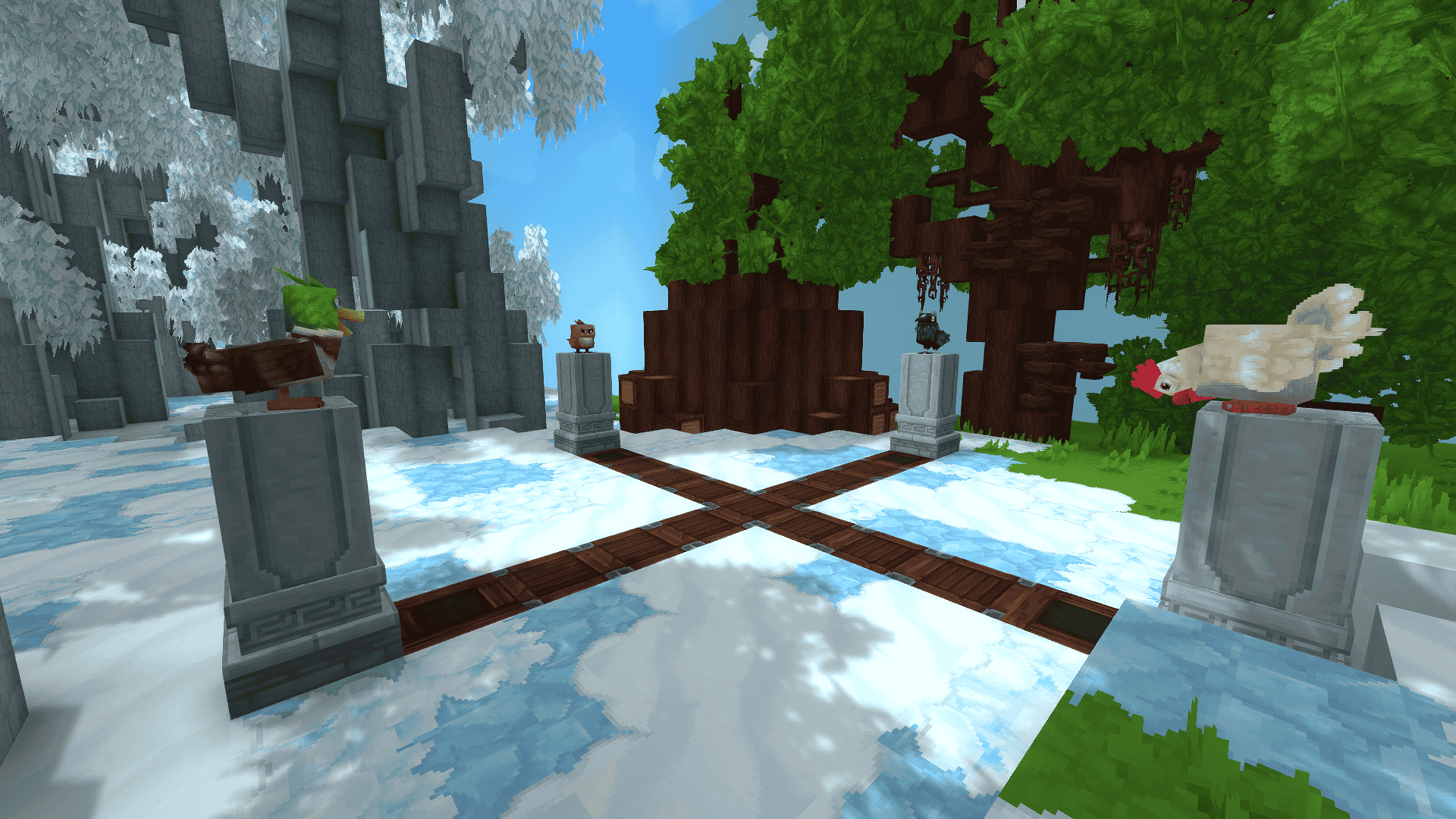
Birds
Description
GAIA TRAILS
About:
🏆 1st Place Winner - Hytale x HytaleModding ModJam (June 2026) 🏆
Category: Puzzle Map (Trigger Volumes)
Welcome to our award-winning map! This project was built entirely in vanilla Hytale. We used absolutely no custom mods or textures, the entire experience is powered 100% by Trigger Volumes in version 0.5.4.
Players: 1
Duration: Approx. 1h
Themes: Puzzle, Adventure, Singleplayer
Version: 0.5.4
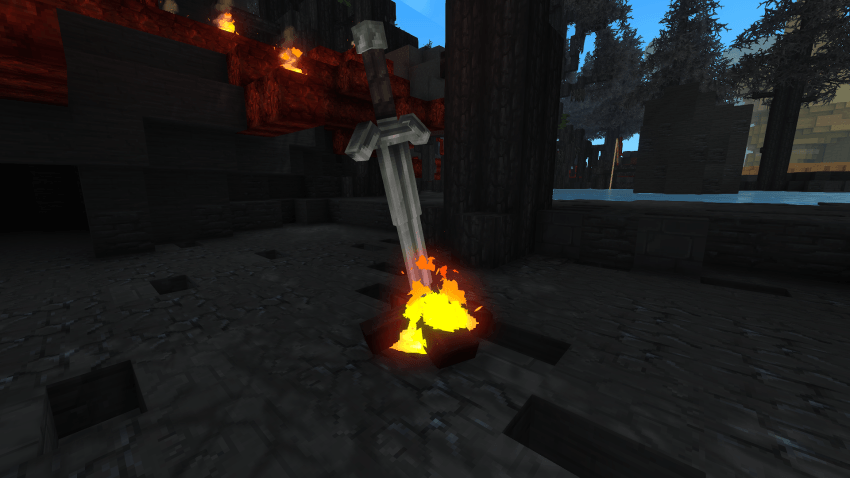
Description:
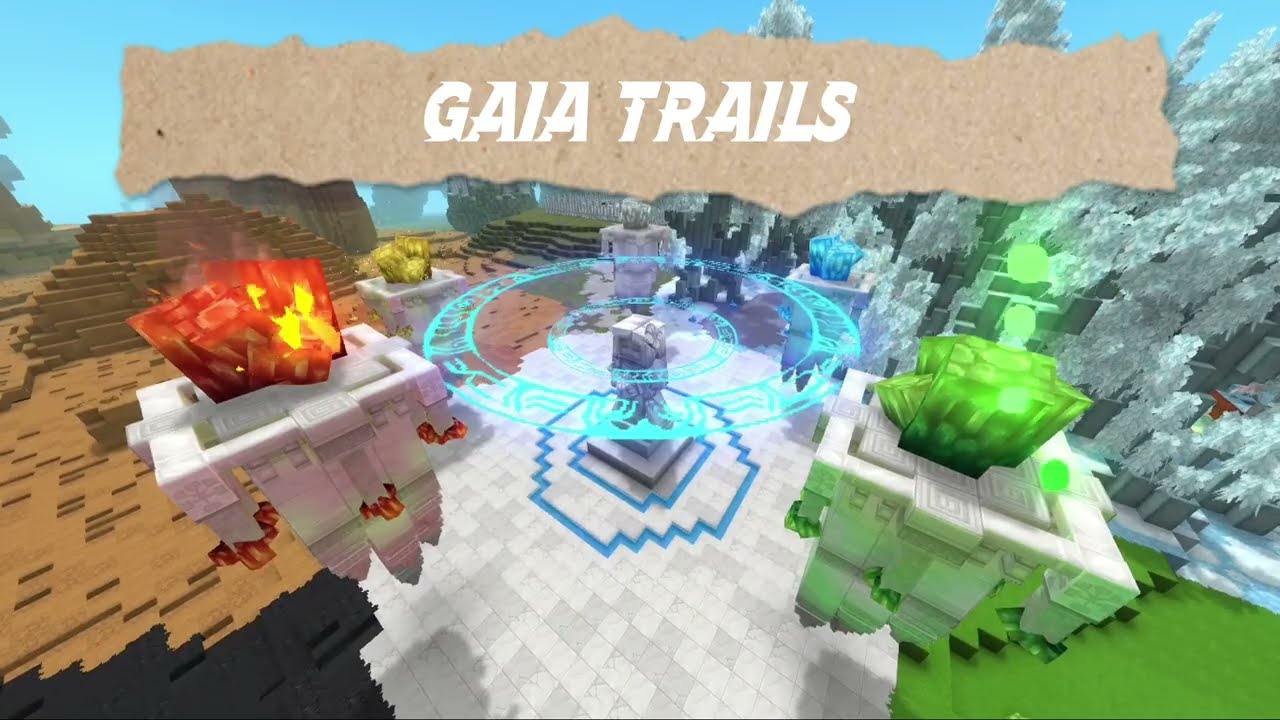
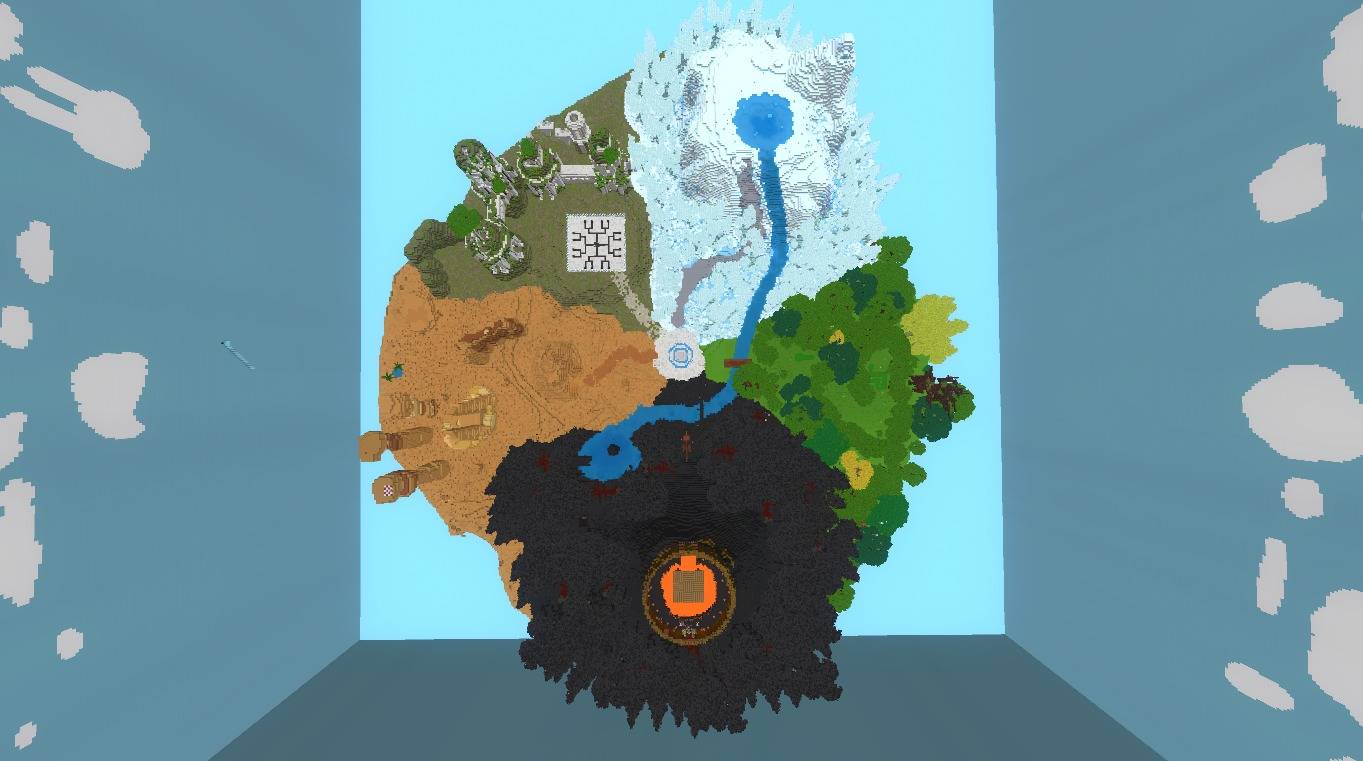
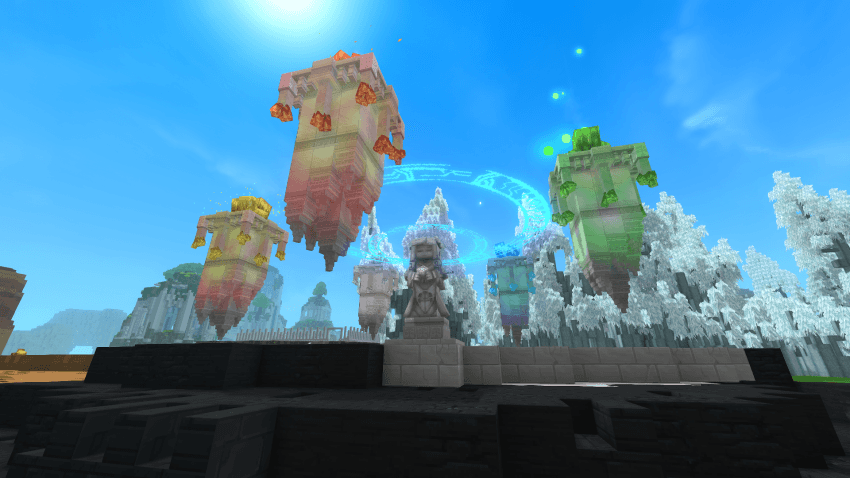
This is an adventure puzzle map with a wide variety of challenges. Find out if you have what it takes to be a Gaia soldier. Collect all five crystals that have been scattered around the island, each requiring a different set of skills to complete.
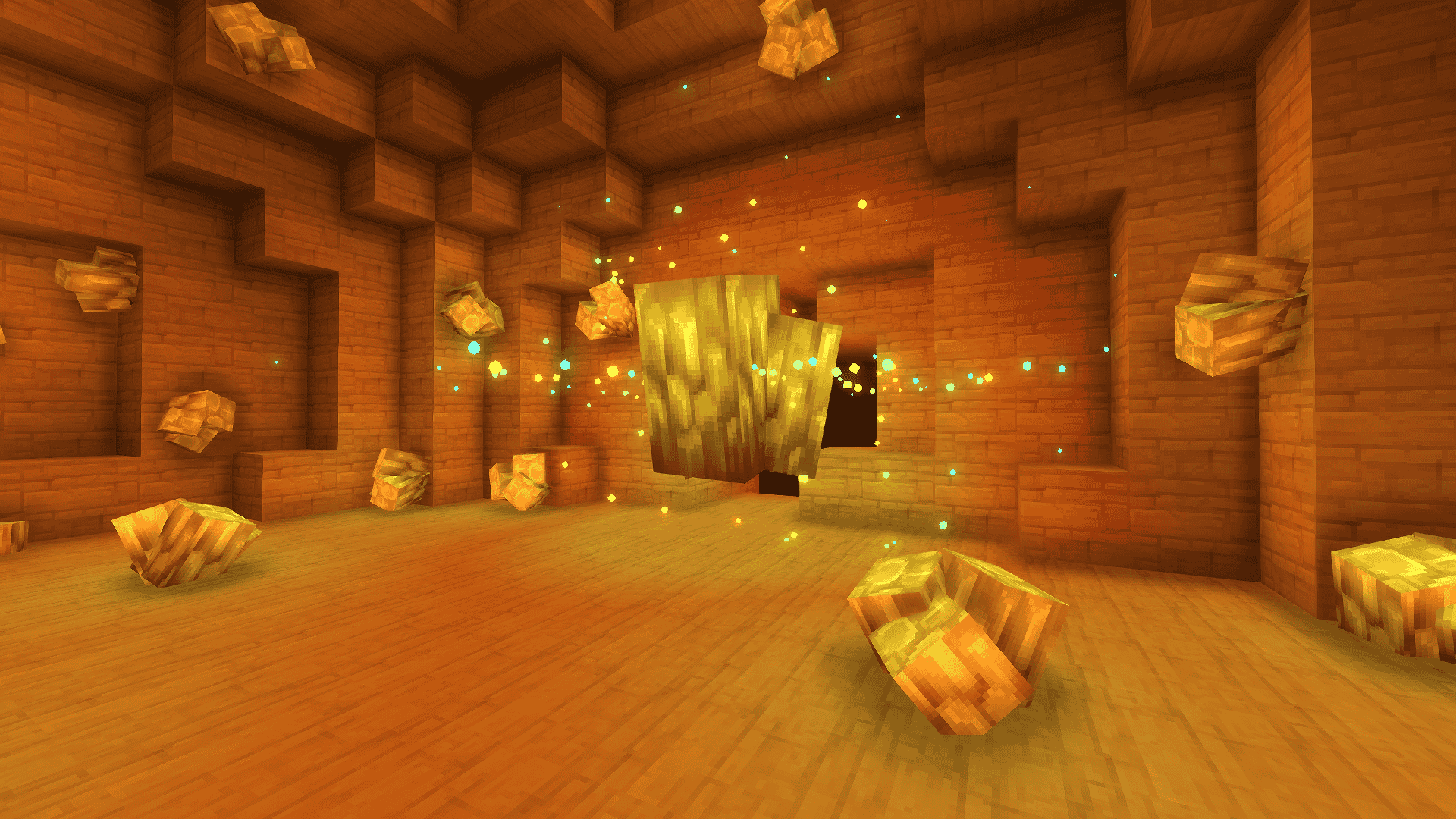
The desert crystal
lay dormant in the old mines. Their gravitational forces growing and infesting the cave tunnels. Walk through all the rooms without knowing where it is up or down to receive your prize.
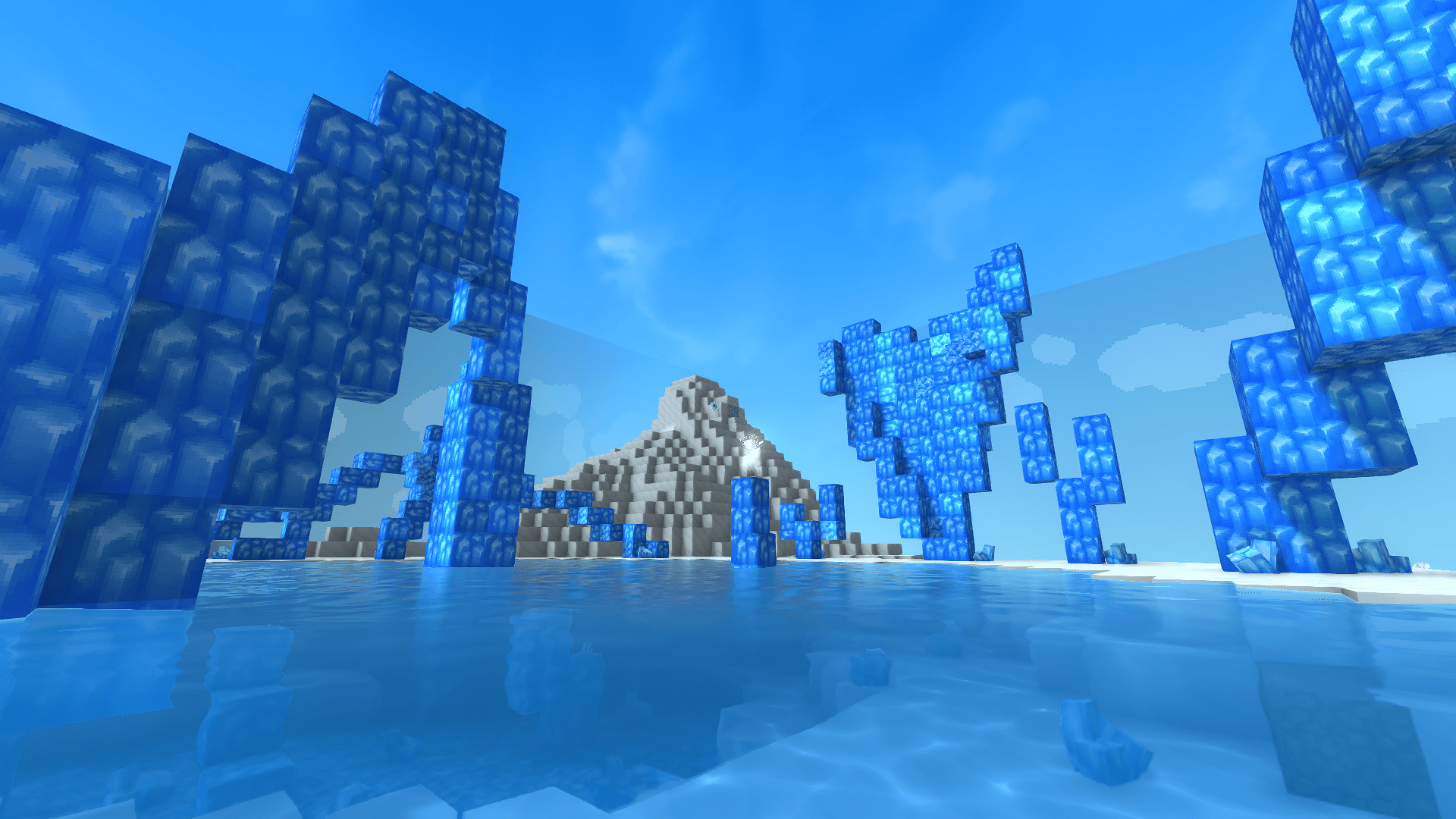
The snow crystal
seems to affect the vision of those within its reach, hiding what is there. Only the best will be able to see through their illusions.
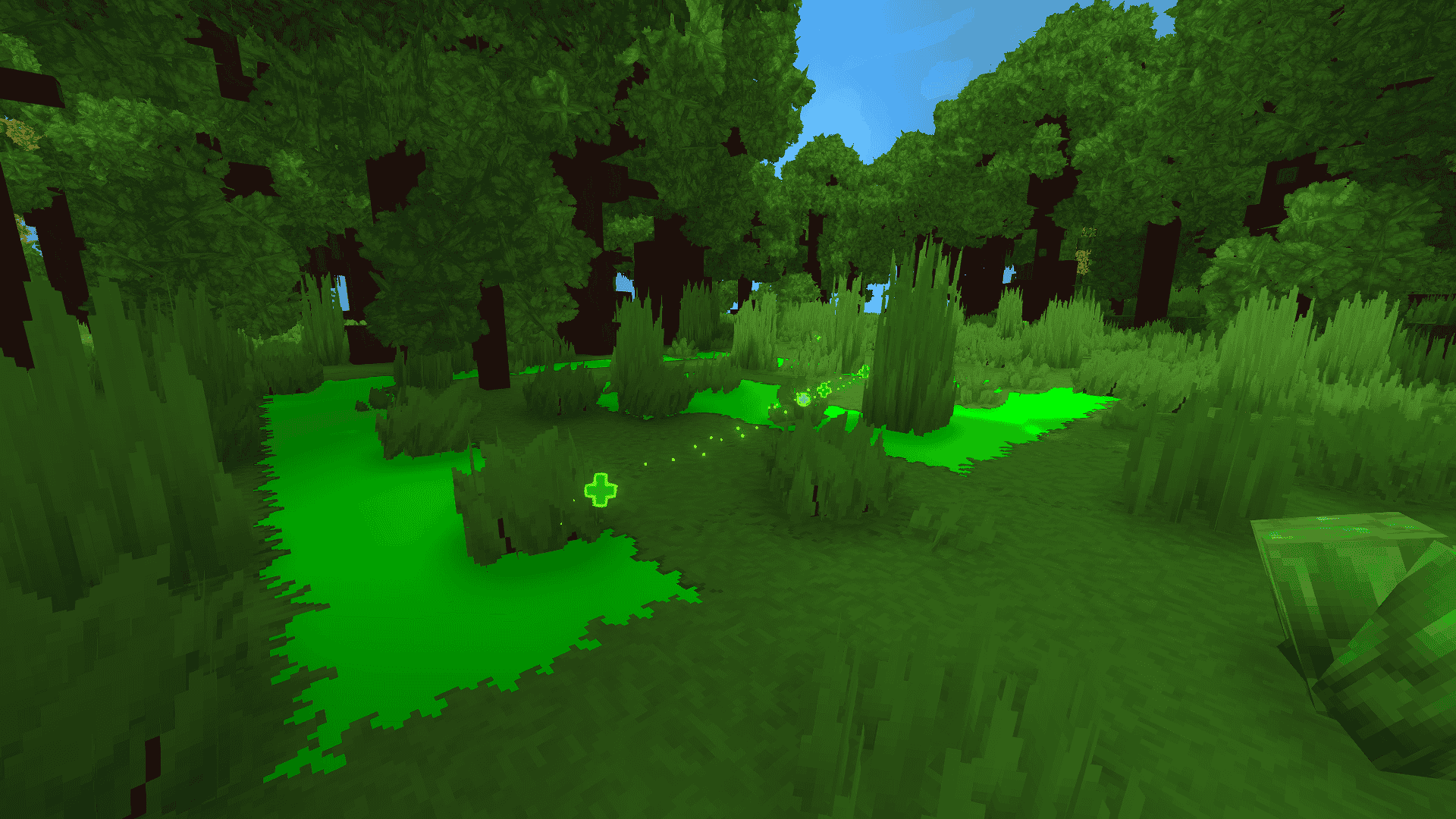
To find the mossy crystal
you must let it be your guide. The real challenge comes from staying the course despite what is to come.
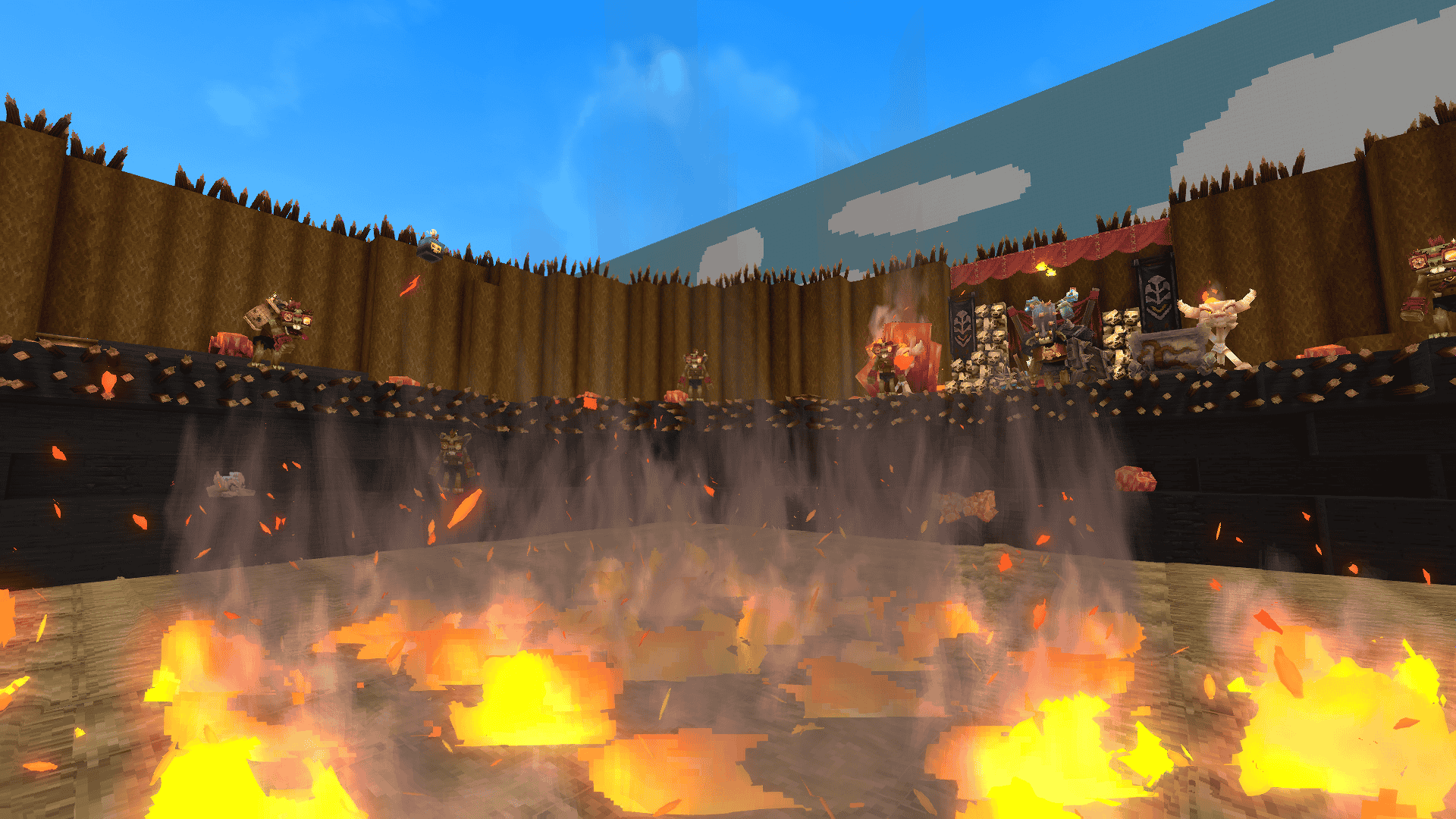
To get your hands on the fire crystal
, survive a bombastic challenge. But its current owner won't be too happy about it.
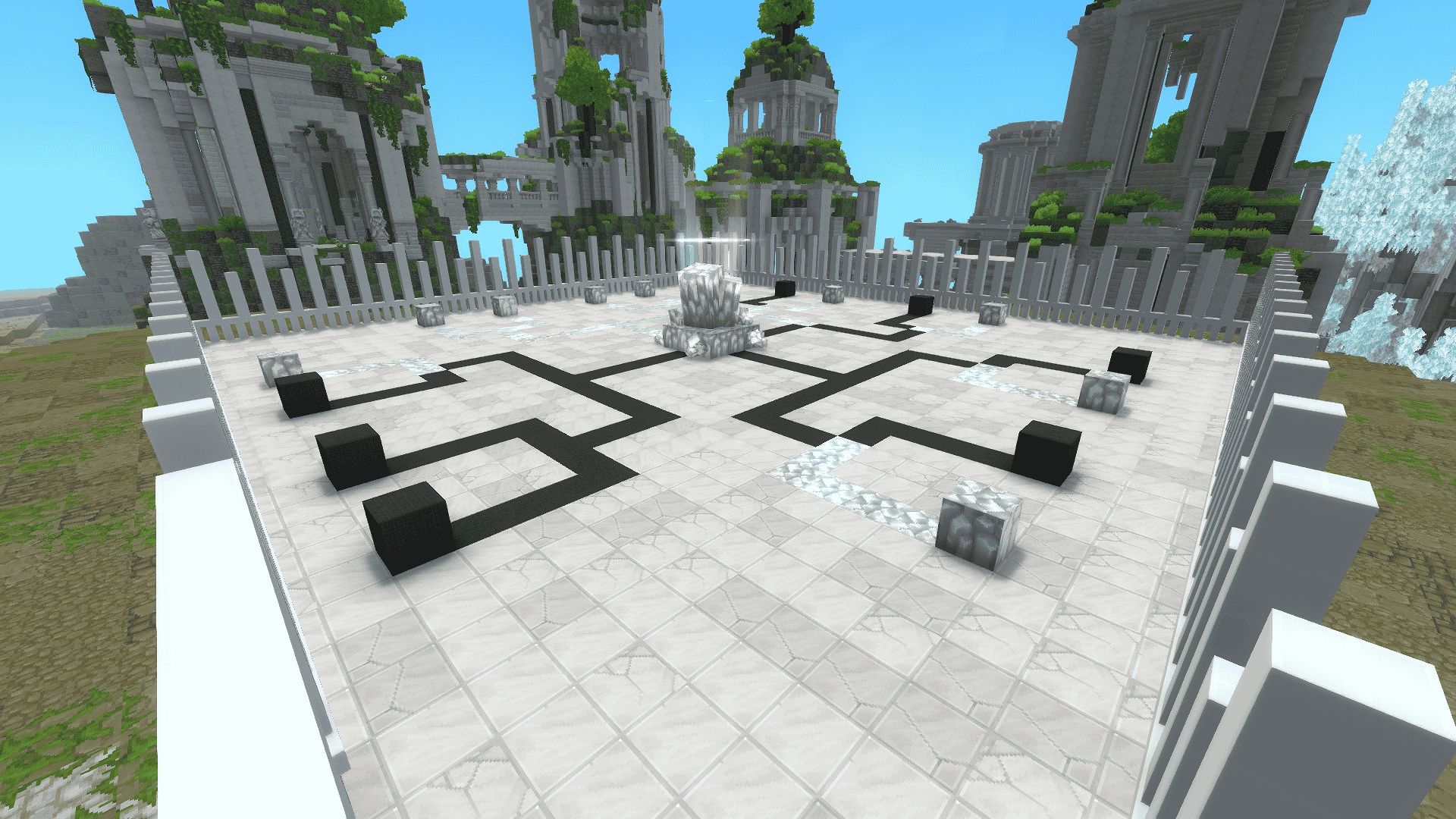
The white crystal
test can have many faces. Only those who think outside the box can show their true identity.
How to Install a Custom Map:
1. Extract the Files
Download your map and extract the contents of the .zip file. You should get a standard folder containing the world data.
2. Locate Your Saves Directory
You need to move this extracted folder into your Hytale\UserData\Saves directory. You can find this folder using one of two methods:
Through the Launcher: Open the Hytale launcher. Before selecting 'PLAY', click the gear icon to access the 'Settings'. Click on 'Open Directory', open the 'UserData' folder, and finally, open the 'Saves' folder.
In-Game: Navigate to the settings of any of your existing single-player worlds and click "Open Folder".
3. Install the World
Simply drag and drop (or copy and paste) the unzipped world folder directly into the Saves folder.
4. Play the Map
Launch the game. If installed correctly, the map will be fully playable and listed among your other single-player worlds.
Team:
This map was made by PotiGuard Studios. We are a small team of friends who have fun making those little games.
Kermany :D - Level Desing, Programmer
Trixtinha :3 - Environments
Xaxa :p - Level Desing, Programmer
Gaia Trails Team
