gameplay-1.jpg
gameplay-2.jpg
gameplay-3.jpg
Description
Hytale Castle Siege Minigame
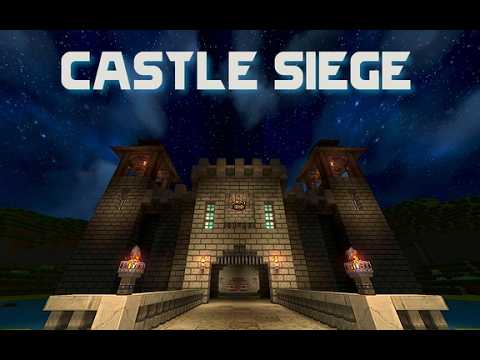
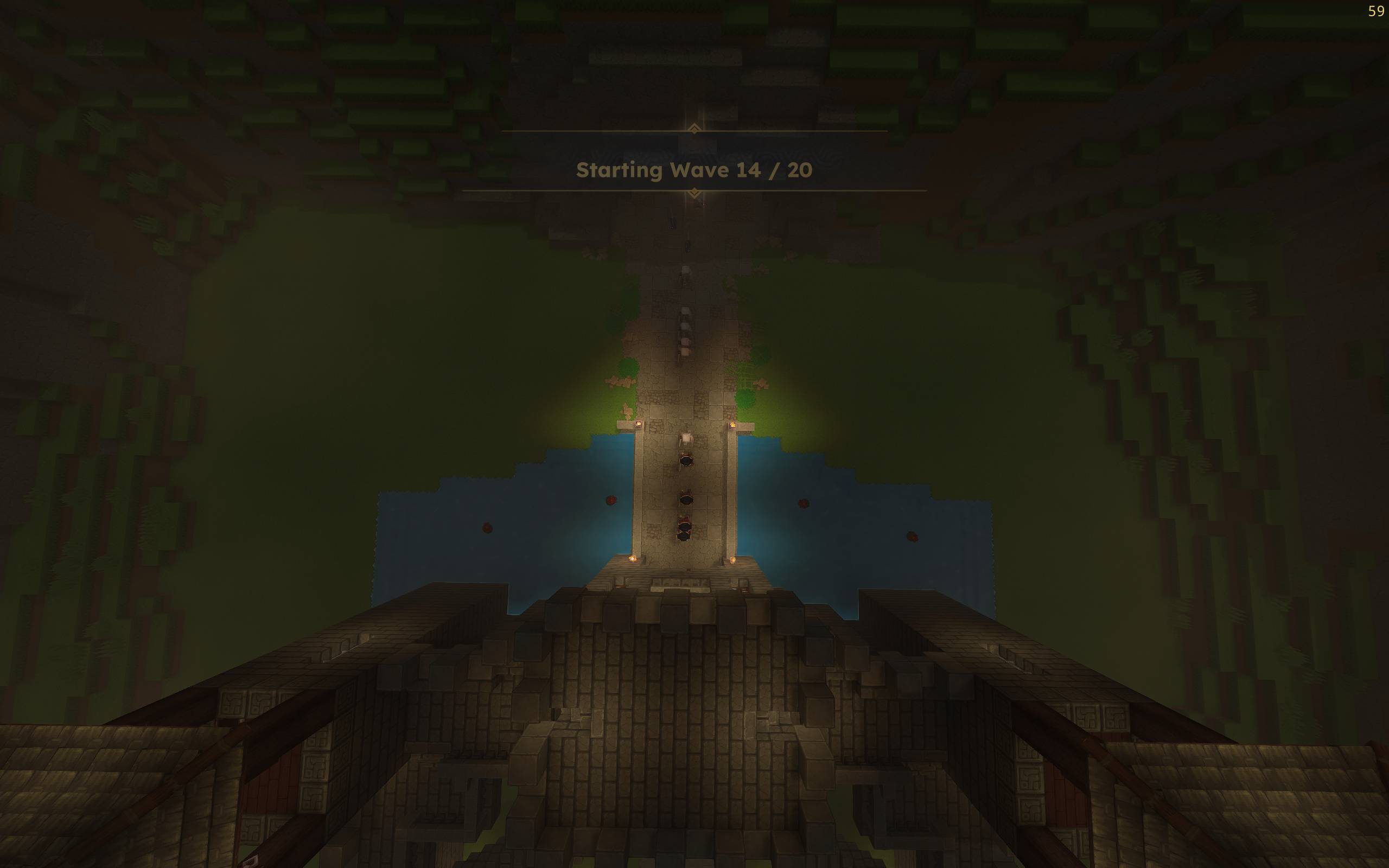
Castle Siege is a cooperative tower-defense inspired minigame for Hytale. Defend your castle against 20 waves of increasingly difficult mobs. Play it solo or with your friends.
How It Works
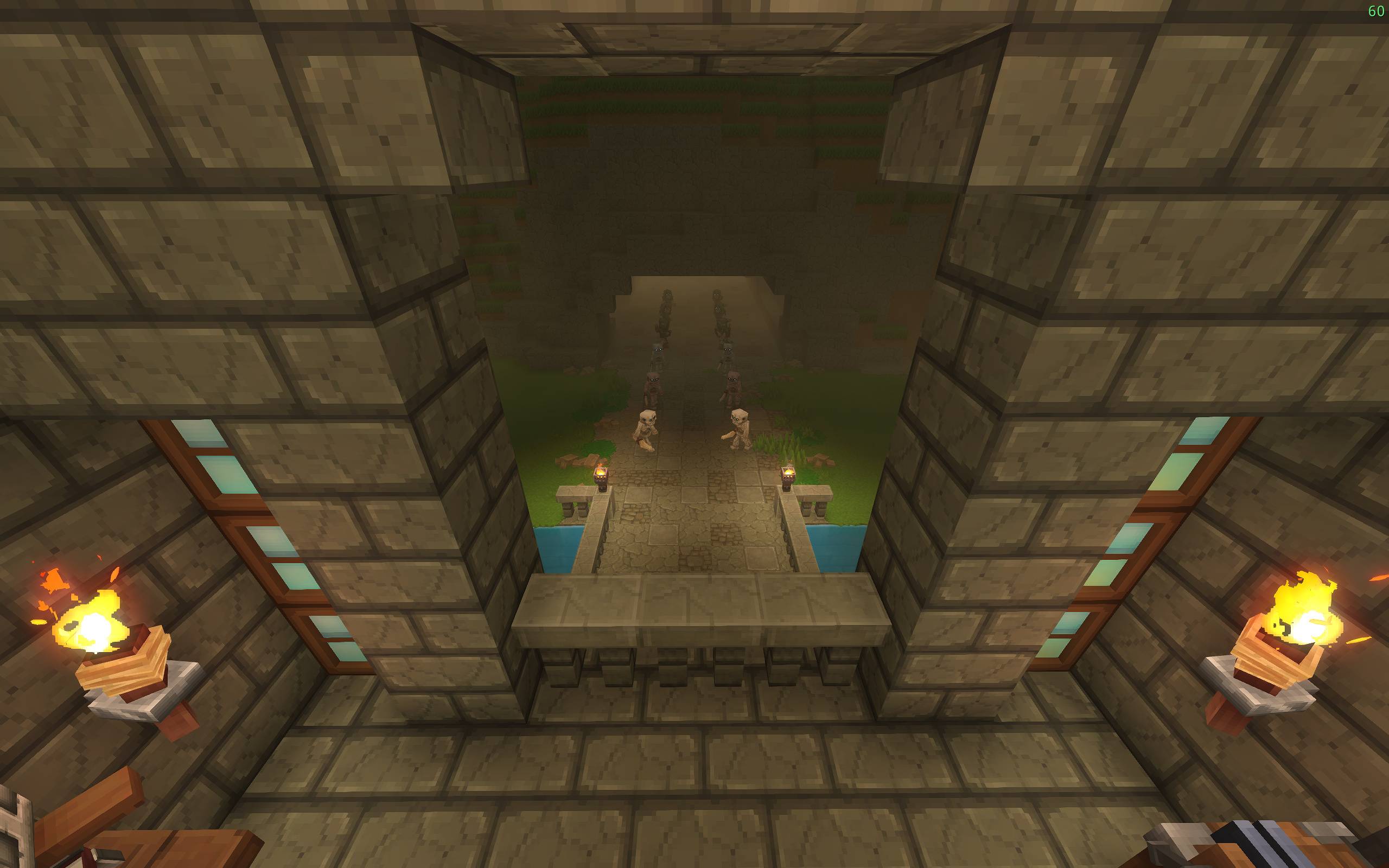
Run Castle Siege locally or on a server. At spawn, you receive a custom game tool "hammer" - right-click it to open the minigame UI and start the first wave. Enemies march in formation and utilize Hytale's prefab AI path hints, so choose your strategy carefully to avoid getting overrun. Clear every mob in the wave to advance to the next one.
Features
- 20 hand-crafted waves - Progressively difficult mob formations.
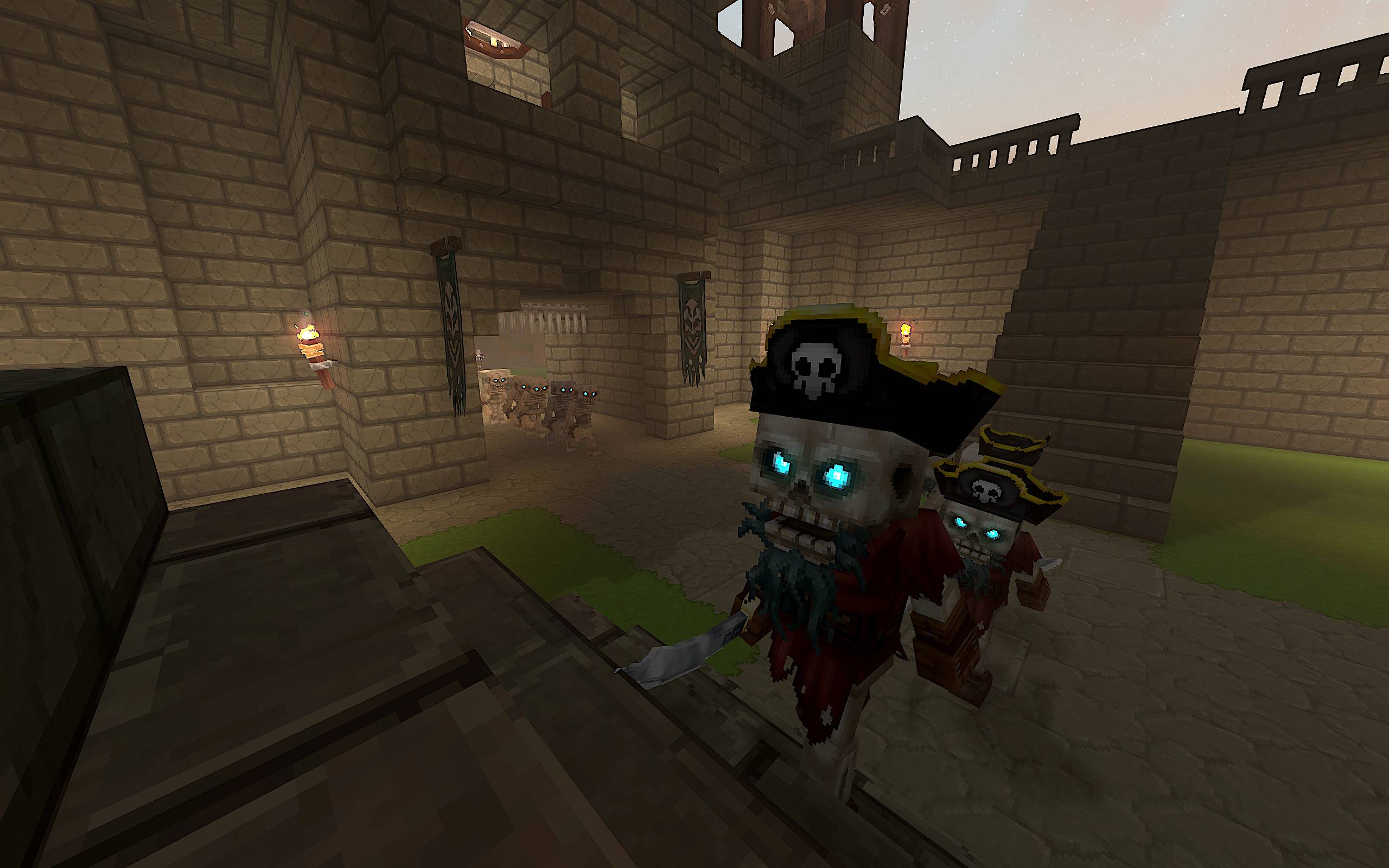
- 10+ customized Hytale mobs - Enhanced AI and combat abilities designed for castle warfare.
- Earn money by taking out mobs - Each mob kill rewards money, but use it strategically for the next wave.
- Co-op multiplayer - All players fight together (pvp disabled by default). Money is shared with teamates.
Getting Started
- Now available in-game from Hytale: start Hytale go to Mods->Browse and press on the search icon (top right) to search for "Castle Siege". Press install. Then from the mod press Create World.
IMPORTANT: If you are updating be sure to Create World from the updated mod (the old world will still use the old mod).
Alternatively download from Curseforge: simply extract the included zip of the world to your Hytale saves directory (or your server directory).
The mod file (.jar) is already included in the world mods directory.
Easiest way:
Open the game launcher, go to settings (the gear icon next to the play button), and click "open directory" to find the UserData\Saves folder.
Key Locations:
- Windows: %appdata%\Hytale\UserData\Saves\
- Linux: ~/.var/app/com.hypixel.HytaleLauncher/data/Hytale/UserData/Saves/
- macOS: ~/Library/Application Support/Hytale/UserData/Saves/ - Start/join the included world, and you will be given a crude ax and a Castle Siege game tool "hammer"
- Right click while holding the Castle Siege "hammer" to open the Wave UI and start Wave 1.
- Defend your castle!
Troubleshooting
If you are unable to use the Castle Siege hammer or cs command ensure the Castle Siege mod is enabled before launching (right click on world and go to mods section). Make sure the mod checkbox is enabled.
Notes
If you are a Youtuber or Content Creator please consider linking back to Castle Siege in the description!
Please do not redistribute the exact contents of this mod to any other website (unless given explicit permission by myself).
Castle Siege Team