


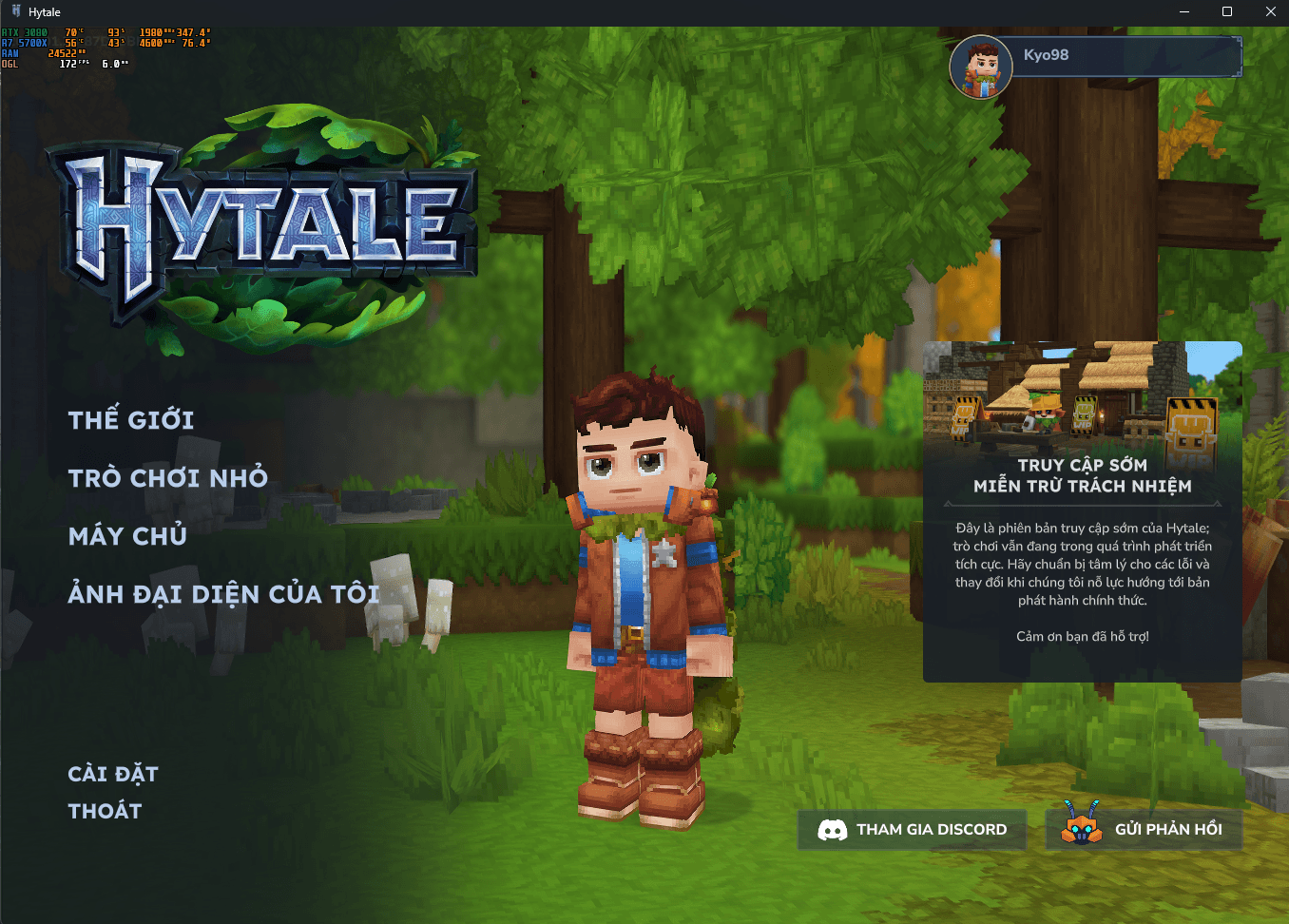
Screenshot 2026-02-04 210938.png
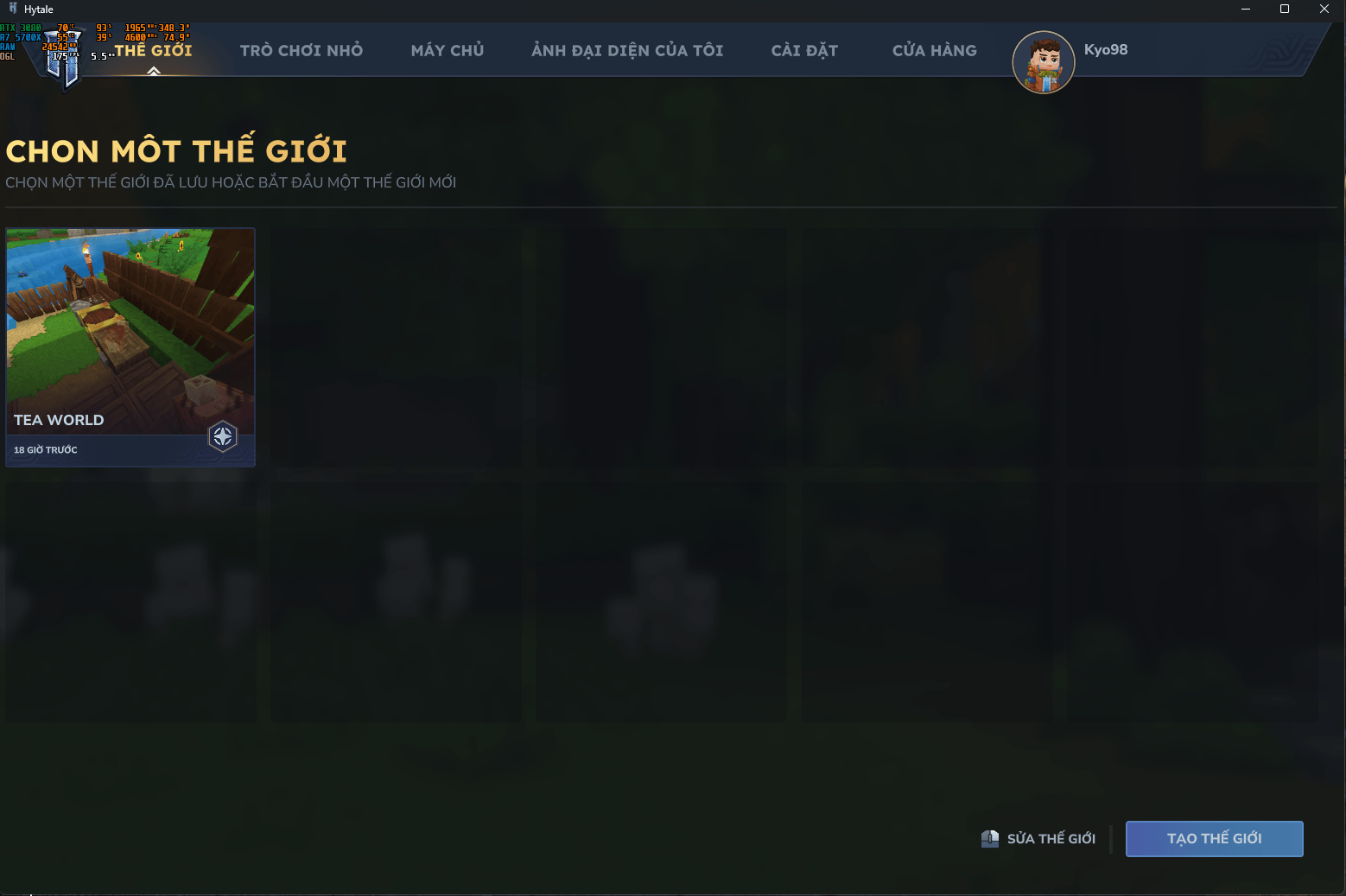
Screenshot 2026-02-04 211022.png
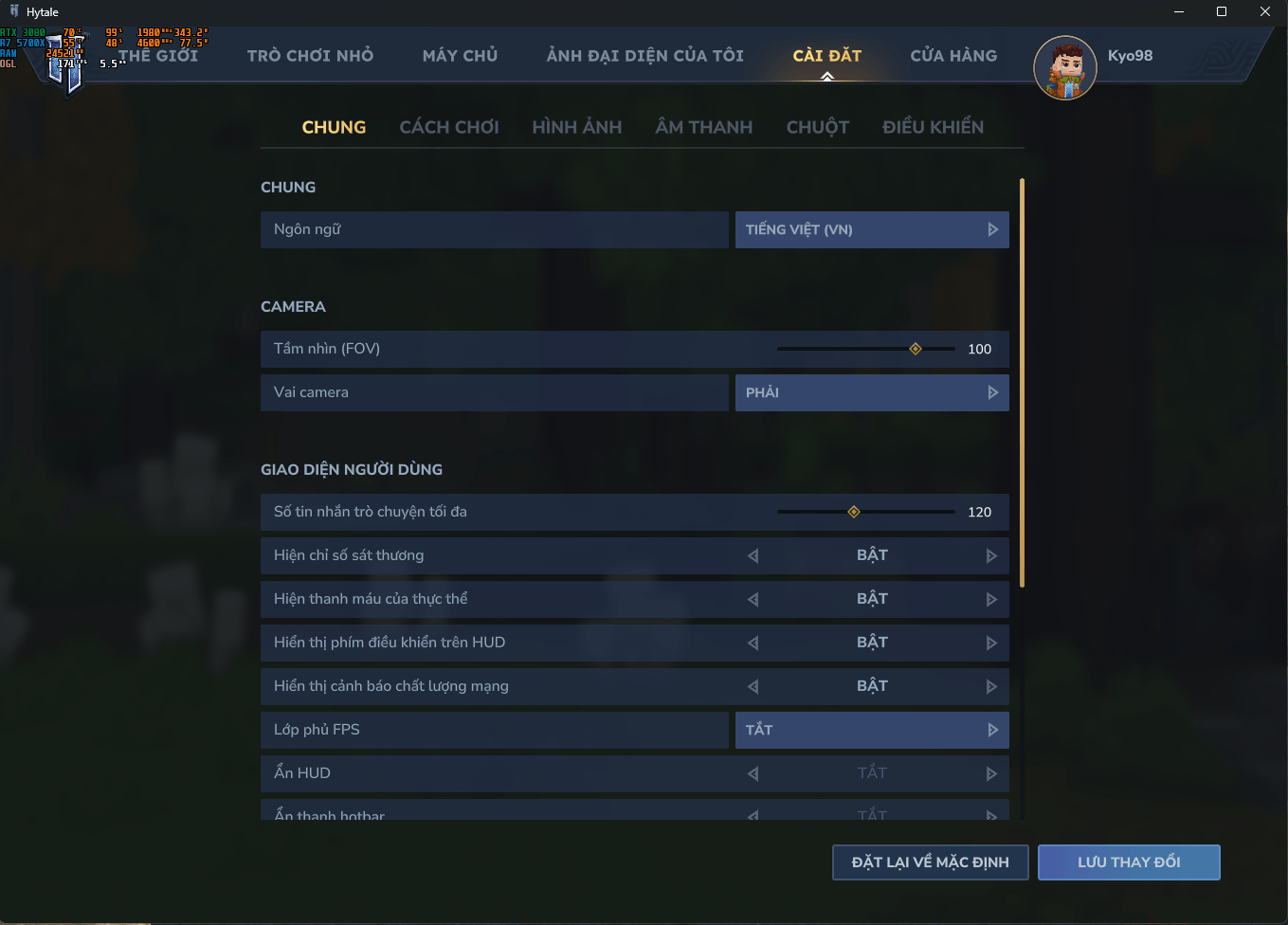
Screenshot 2026-02-04 210951.png
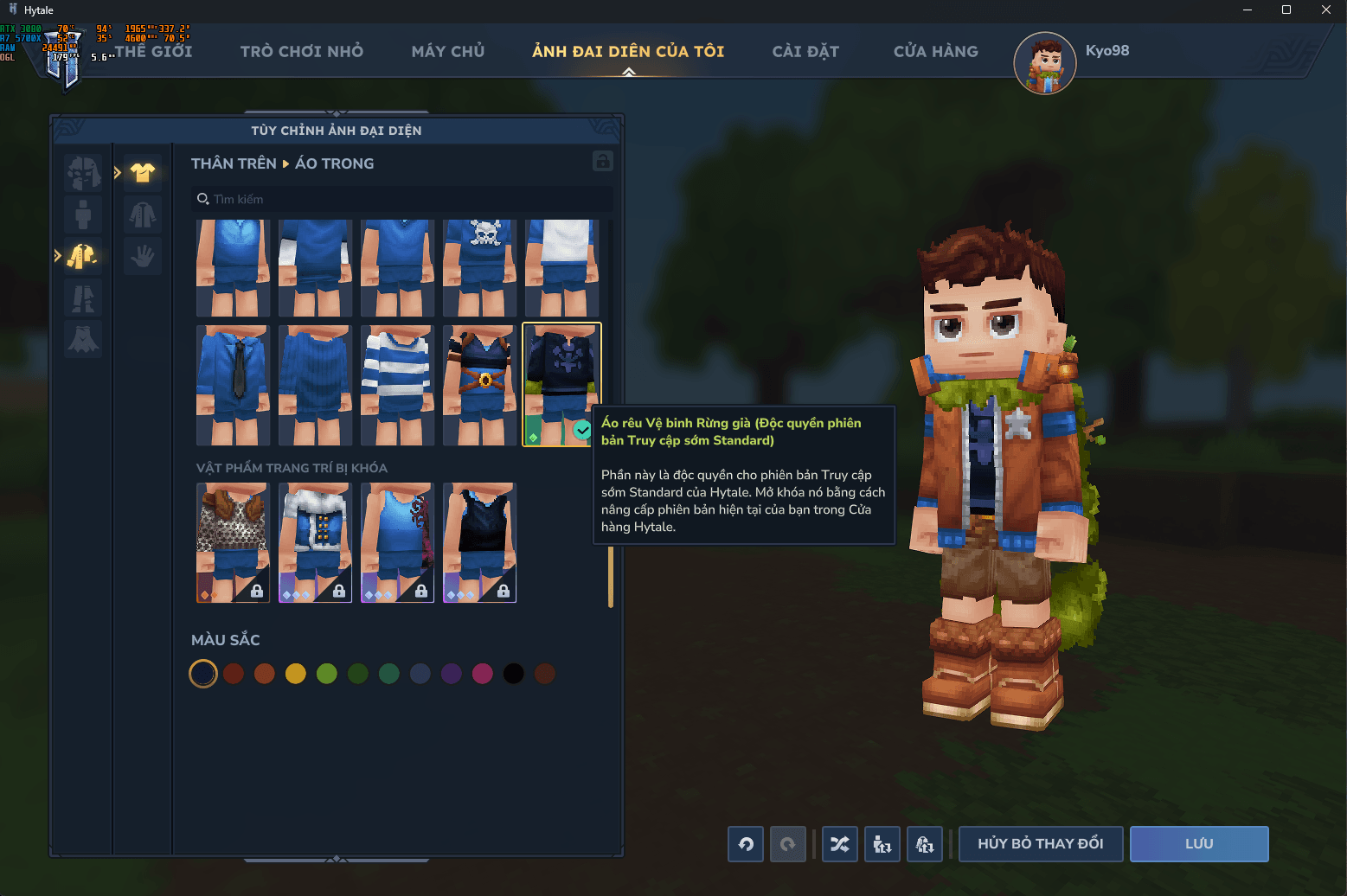
Screenshot 2026-02-04 211132.png
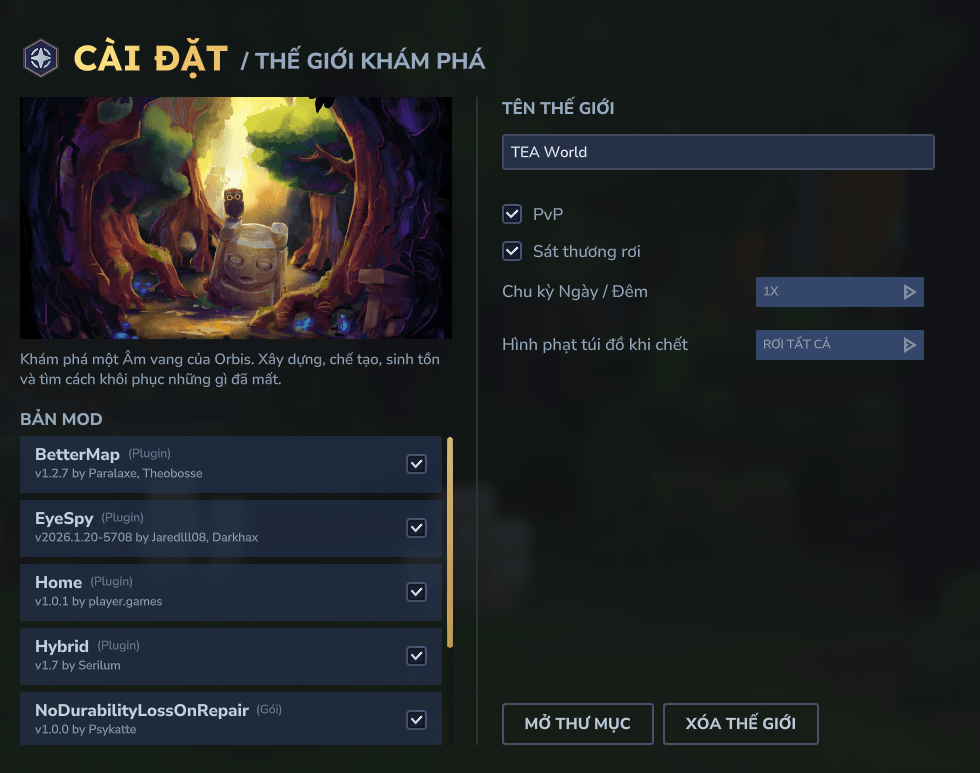
Screenshot 2026-02-04 211155.png
Description
- Vietnamese language pack for Hytale. The goal is to offer a more natural experience in everyday gameplay, translating interface texts and common messages to make playing and configuring everything more comfortable in Viet Nam.
🔔Important
If you download it using the CurseForge app, delete the .zip file from the 'mods' folder after installing the translation, as it may prevent your world from loading.
Each time the game is updated, the translation files will be overwritten and you will have to manually replace them again.
🎮Installation
1. To install the game files, go to the game’s root folder. If you don’t know where it is, open the launcher > Settings (gear icon) > “Open Directory”.
2. Once you’re in the root folder, open the downloaded .zip file and drag the “install” folder into Hytale’s root folder.
3. Select “Replace all” (or “Replace the files in the destination”) when prompted.
4. Remember to delete the .zip file from the ‘mods’ folder if you installed it via the CurseForge app.
5. In-game, go to Settings and choose Vietnamese as the language.
You’re all set and ready to play.
-----------------------------------------------------------------------------------------------
🔔Quan trọng
Nếu bạn tải xuống bằng ứng dụng CurseForge, hãy xóa tệp .zip khỏi thư mục 'mods' sau khi cài đặt bản dịch, vì nó có thể ngăn thế giới của bạn tải.
Mỗi khi trò chơi được cập nhật, các tệp dịch sẽ bị ghi đè và bạn sẽ phải tự thay thế chúng lại.
🎮Cài đặt
1. Để cài đặt các tệp trò chơi, hãy vào thư mục gốc của trò chơi. Nếu bạn không biết nó ở đâu, hãy mở trình khởi chạy > Cài đặt (biểu tượng bánh răng) > “Mở thư mục”.
2. Khi bạn đã ở trong thư mục gốc, hãy mở tệp .zip đã tải xuống và kéo thư mục “install” vào thư mục gốc của Hytale.
3. Chọn “Thay thế tất cả” (hoặc “Thay thế các tệp trong thư mục đích”) khi được nhắc.
4. Nhớ xóa tệp .zip khỏi thư mục ‘mods’ nếu bạn đã cài đặt nó thông qua ứng dụng CurseForge.
5. Trong game, vào Cài đặt và chọn tiếng Việt làm ngôn ngữ.
Vậy là xong và bạn đã sẵn sàng chơi game.
The Tiếng Việt Team


