


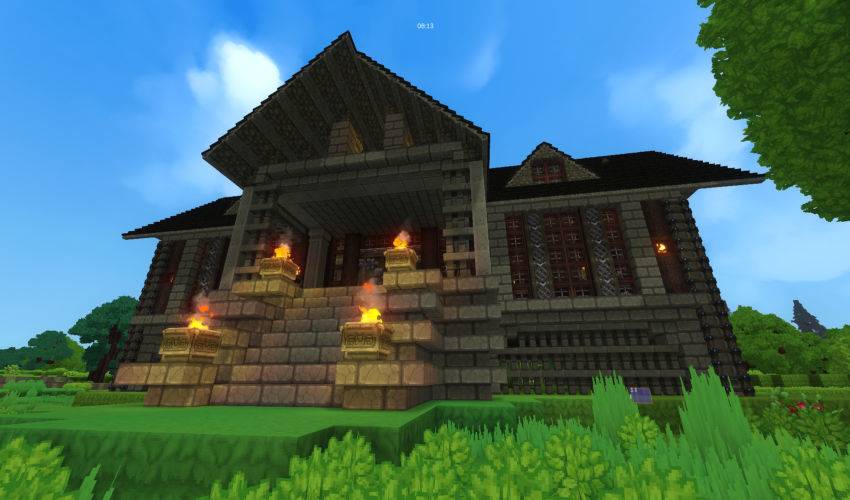
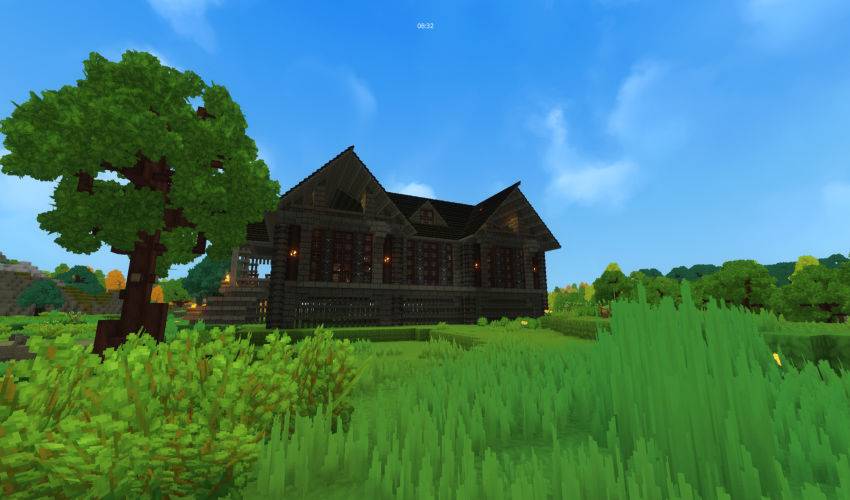
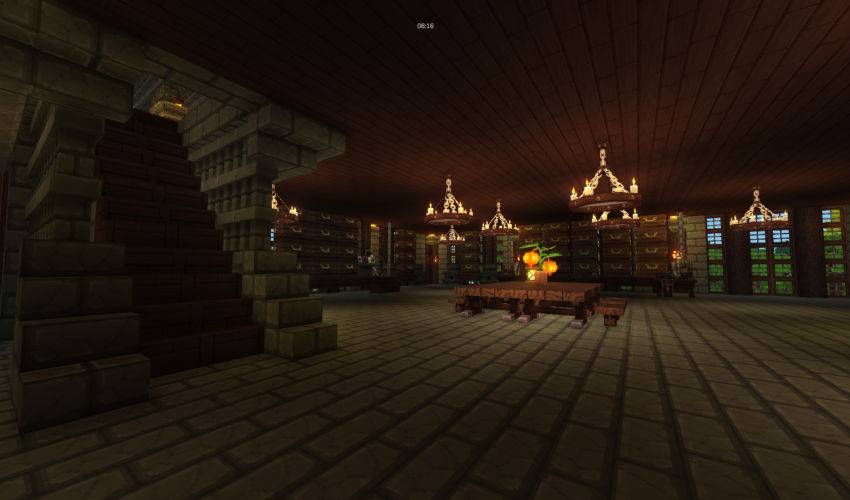
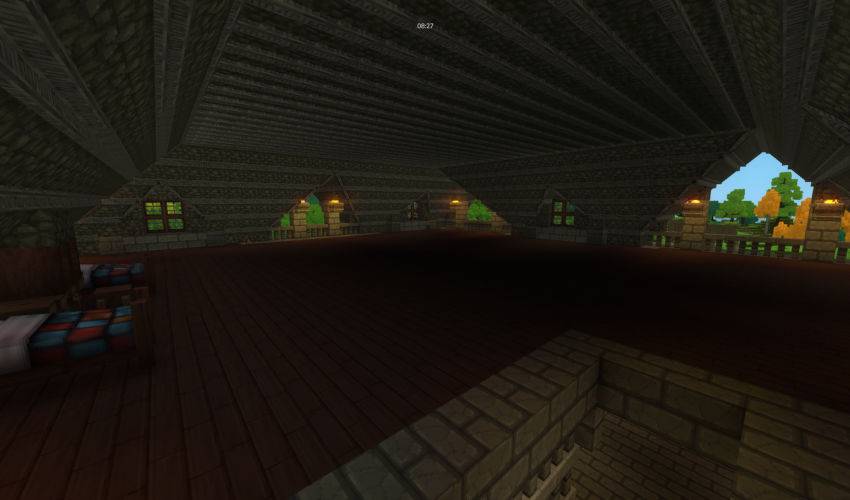
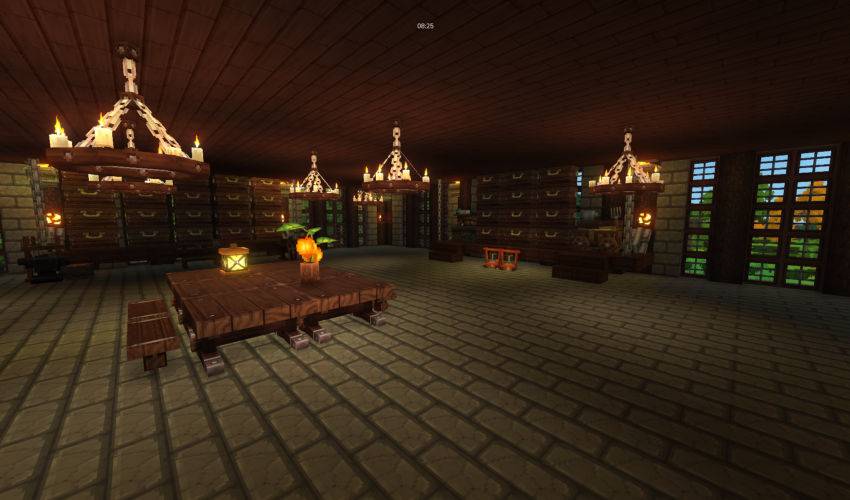
A house for a comfortable start to the game.
Have a good game
How to install the prefab
Download the zip, unzip it, and move the starthouse.prefab.json file to the following path:
Windows: %appdata%\Hytale\UserData\Saves\"Your world name here"\prefabs
Linux: ~/.local/share/Hytale/UserData/Saves/"Your world name here"/prefabs
If the prefabs folder is missing, make a folder called prefabs.
Go into Creative (default key is O), and open Creative Tools (default key is B). In the World dropdown, select Prefab List. In the newly opened menu, switch from Assets to Server. Now you can select any prefab you have in the prefabs folder for that world, including the prefab you just installed.
========================================================================
Как установить
Скачайте .zip файл, распакуйте его и переместите файл starthouse.prefab.json по следующему пути:
Windows: %appdata%\Hytale\UserData\save\"имя вашего мира"\prefabs
Linux: ~/.local/share/Hytale/UserData/Сохраняет/"имя вашего мира"/prefabs
Если папка prefabs отсутствует, создайте папку с именем prefabs.
Перейдите в Creative (клавиша по умолчанию - O) и откройте Creative Tools (клавиша по умолчанию - B). В раскрывающемся списке World выберите Prefab List. В открывшемся меню переключитесь с Assets на Server. Теперь вы можете выбрать любую сборку, которая есть у вас в папке prefabs для этого мира, включая только что установленную.
Start House Team
