Hytale2026-01-20_16-31-02.png
Hytale2026-01-20_22-57-53.png
Hytale2026-01-20_22-57-38.png
Description
[EN] ---------------------------------------------------------
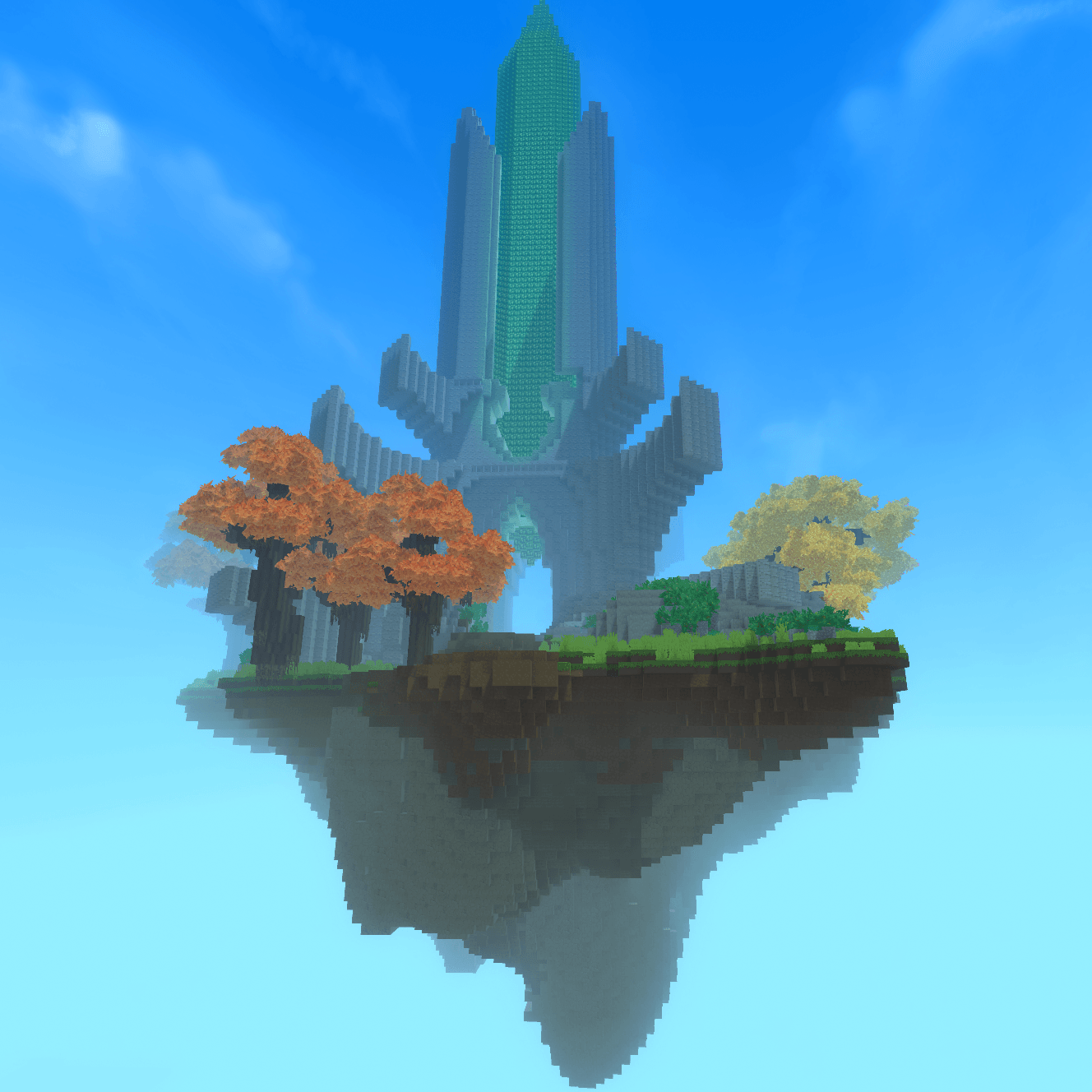
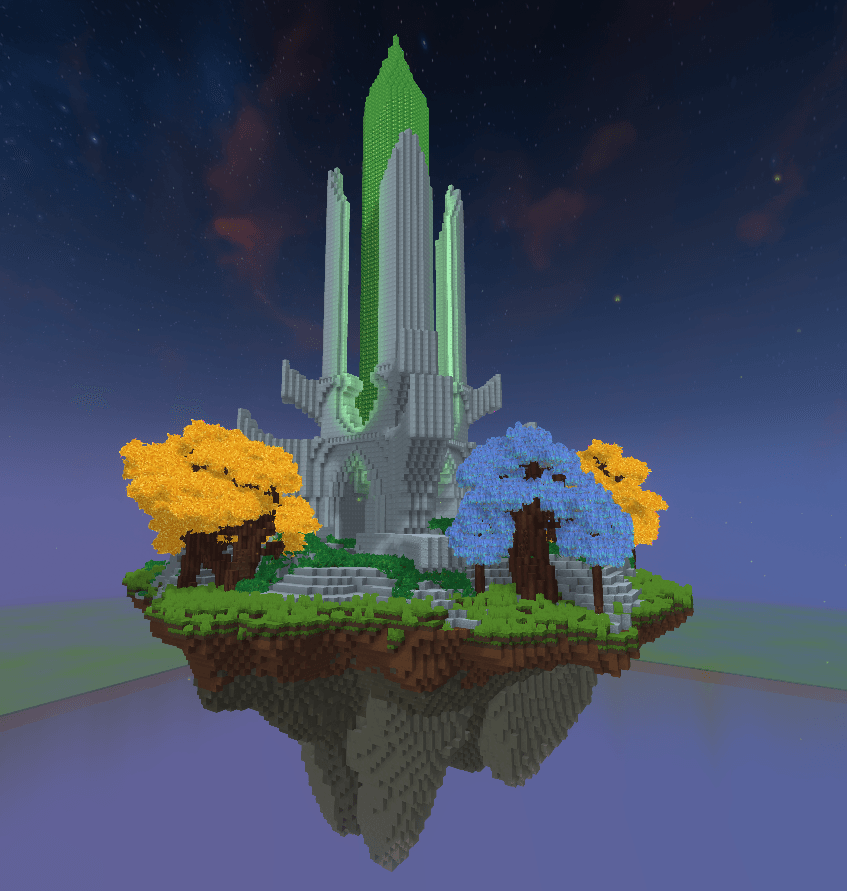
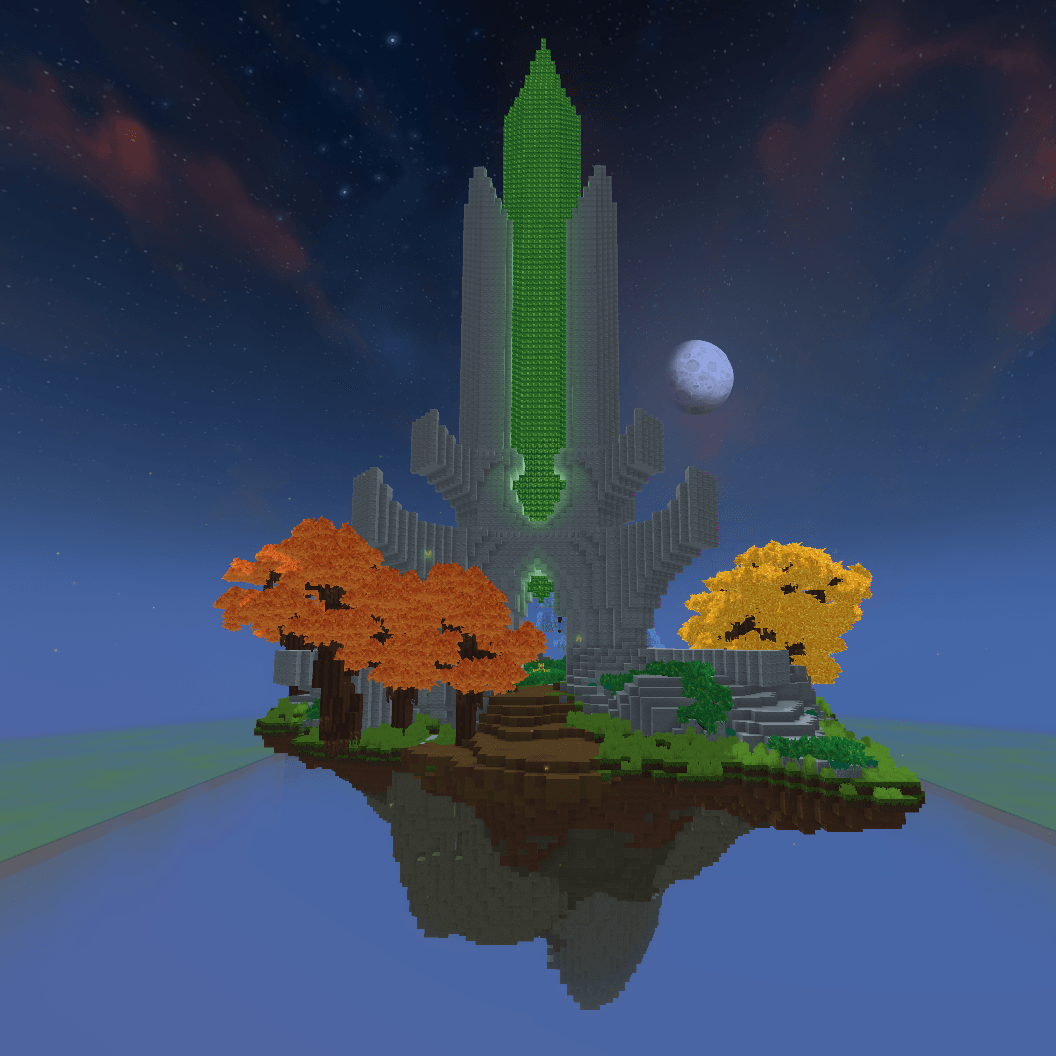
A floating island prefab featuring a crystal at its center.
Perfect for enhancing your worlds and adding a magical or fantasy atmosphere to your builds.
How to install: ...\AppData\Roaming\Hytale\UserData\Saves\"Your world"\prefabs (Create the "prefabs" folder if you don't already have it)
How to use:
1 - In Creative mode, select the "Past Tool" brush and equip it in your hand.
2 - Then press "E". Next to "Search files", you'll find the "Assets" tab in blue! Click on it and select "Server".
3 - Select the prefab.
4 - Right-click to paste the prefab.
[FR] ---------------------------------------------------------
Une île flottante préfabriquée avec un cristal en son centre.
Parfaite pour embellir vos mondes et apporter une ambiance magique ou fantasy à vos constructions.
Installation : ...\AppData\Roaming\Hytale\UserData\Saves\Votre monde\prefabs (Créez le dossier « prefabs » s'il n'existe pas déjà.)
Utilisation :
1 - En mode Créatif, sélectionnez l'outil « Coller » et équipez-le.
2 - Appuyez ensuite sur « E ». À côté de « Rechercher des fichiers », vous trouverez l'onglet "Ressources" en bleu ! Cliquez dessus et sélectionnez "Serveur".
3 - Sélectionnez le préfabriqué.
4 - Faites un clic droit pour coller le préfabriqué.
Free to use for any project. Please credit me Lucky777 if you use or modify it.
SkyCristal777 Team