Prison Cage
- By
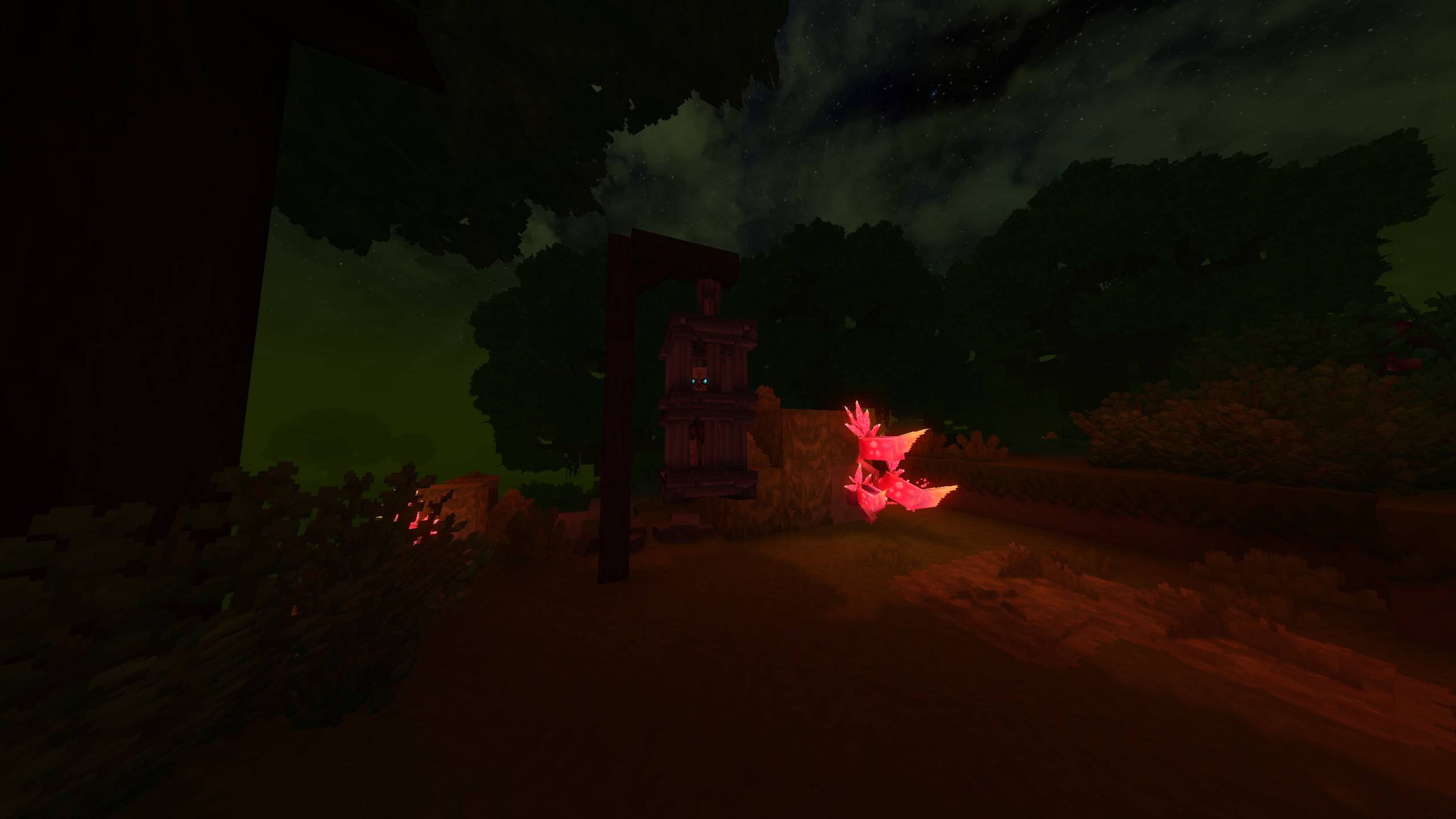
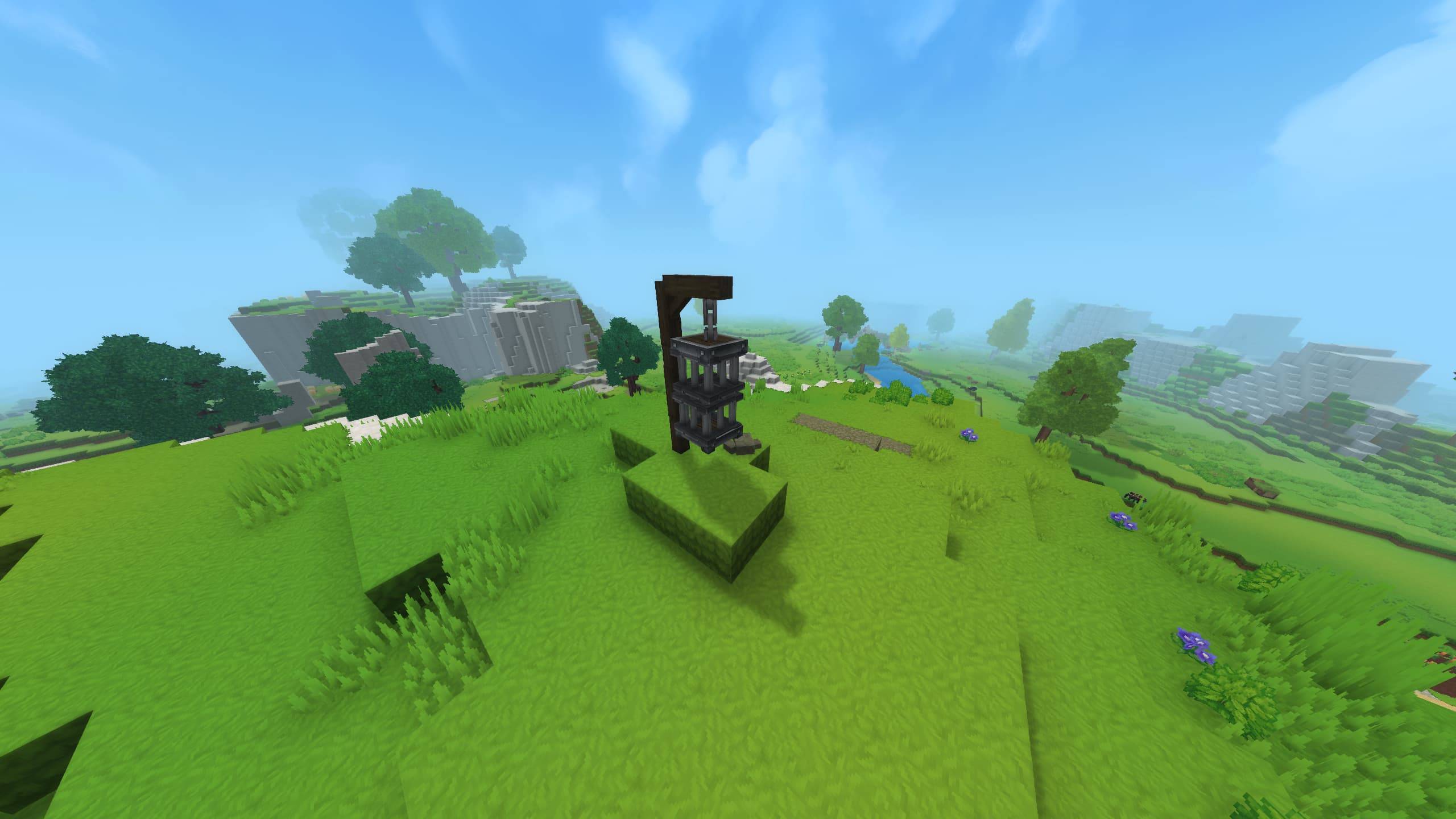
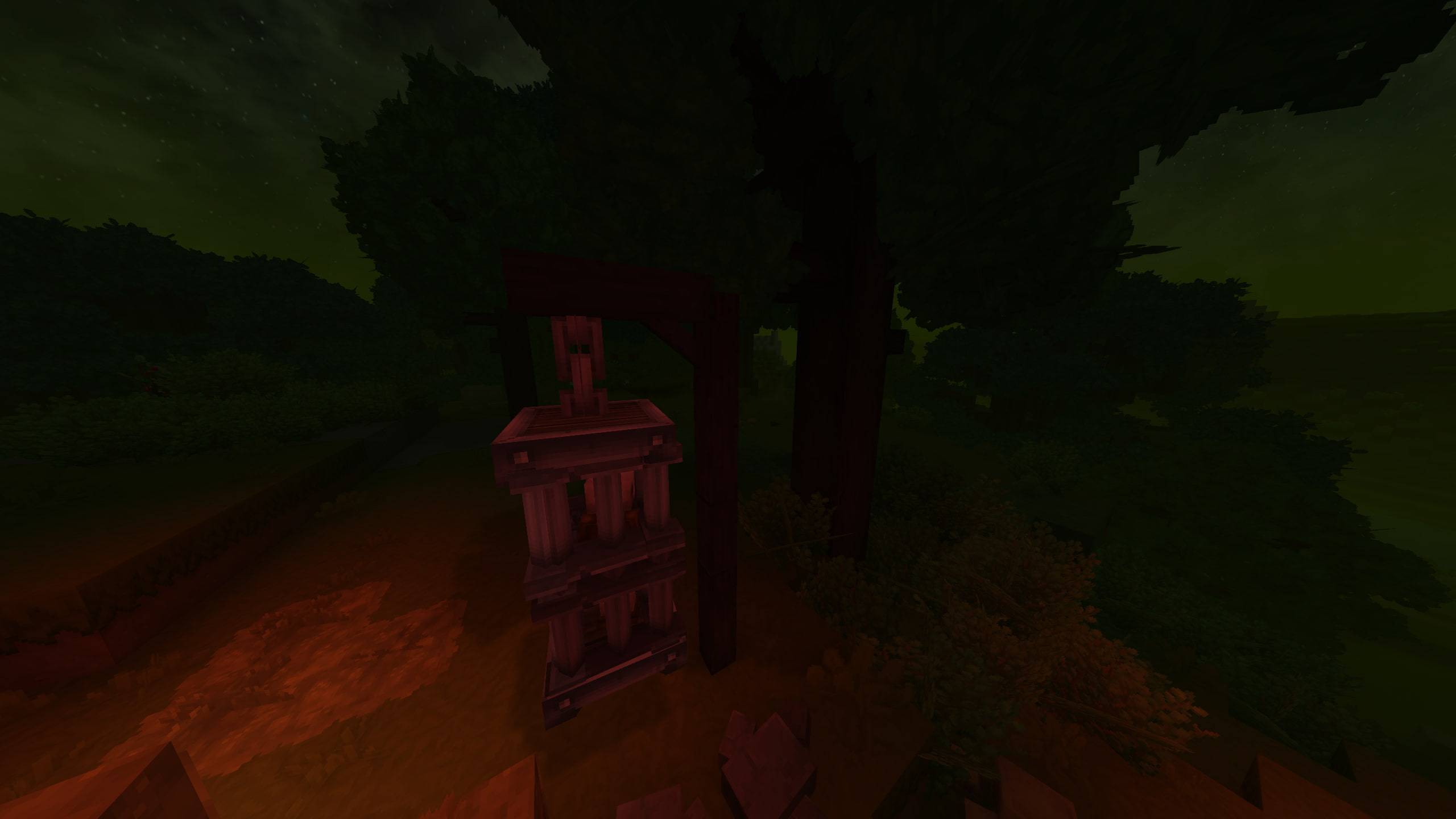
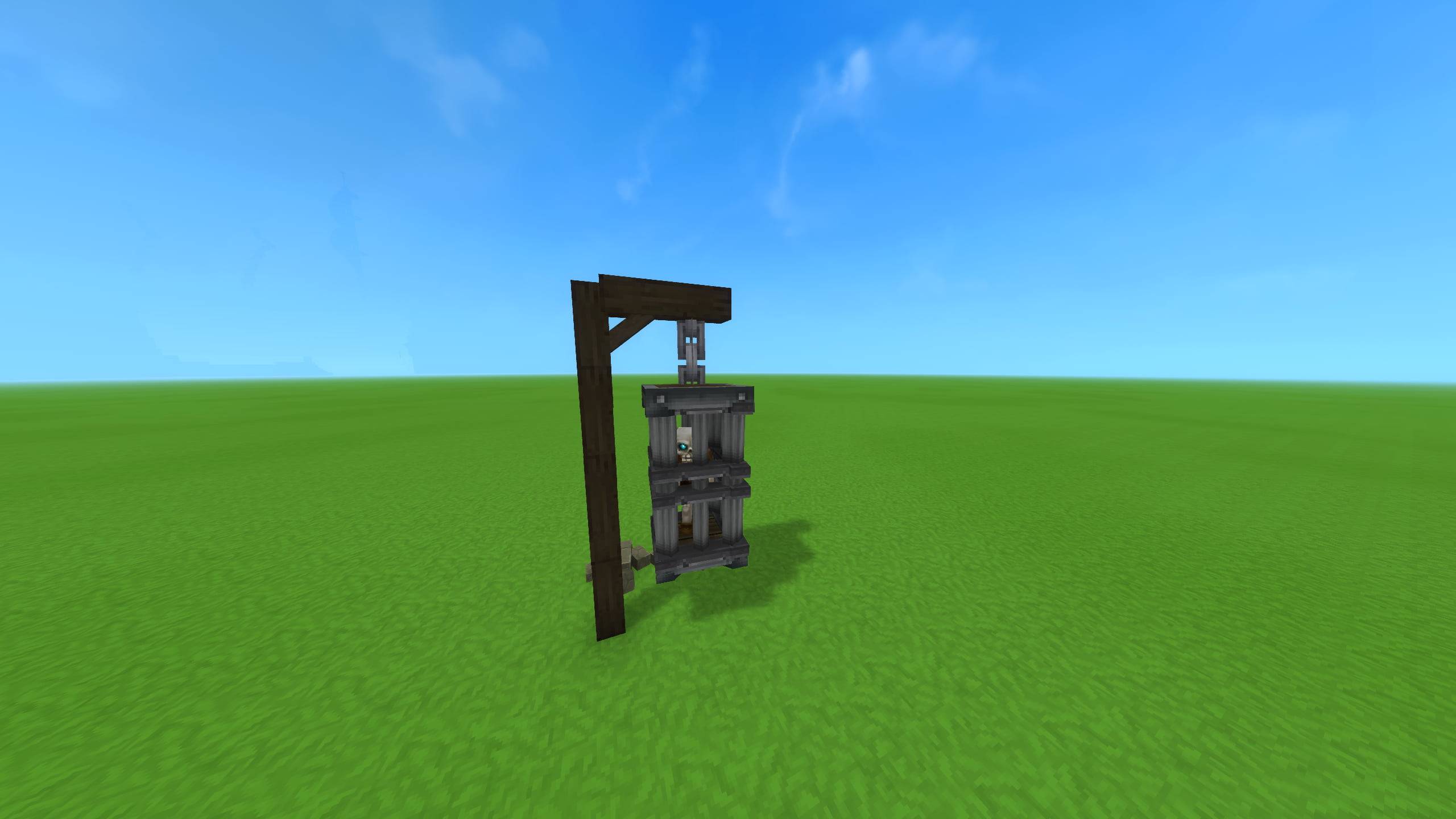
A ready-to-use prison cage prefab containing a skeleton model, perfect for dungeons, prisons, and dark fantasy environments.
Base Profile Screenshot 2026.02.23 - 00.40.20.07.jpg
Base Profile Screenshot 2026.02.23 - 00.46.19.49.jpg
Base Profile Screenshot 2026.02.23 - 00.40.59.30.jpg
cage 1.jpg
Description
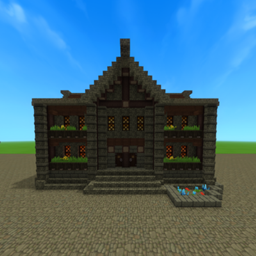
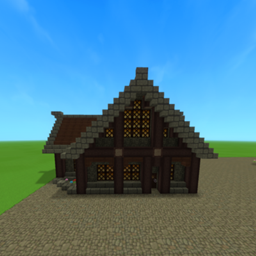
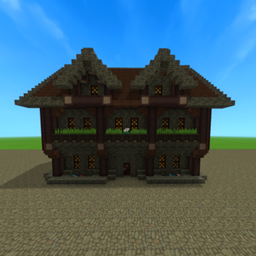
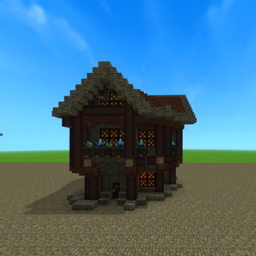
A detailed medieval prison cage prefab built in my personal style, featuring a skeleton model trapped inside. This prefab is ideal for dungeons, prisons, dark fantasy areas and graveyards. A simple but effective prop to add story and mood to your world.
Important Note:
The cage may appear invisible before placement. Small rocks mark where the prefab will be placed — once placed, the full cage will correctly appear.
This is part of mt City packs on BuiltByBit.
You can purchase the Full City Packs here: https://builtbybit.com/resources/red-woods-city-177x153.99500/?ref=discover
How to Add This Prefab to Your Hytale World
-
Download the prefab from this CurseForge page.
-
Locate your Hytale Prefabs directory inside your save:
C:\Users\[YOURNAME]\AppData\Roaming\Hytale\UserData\Saves\[WORLDNAME]\prefabs -
Place the prefab folder or file inside the Prefabs directory.
-
Launch Hytale and open your world (or create a new one).
-
Enter Creative Mode.
-
Open the Prefab Placement Tool.
-
Select the prefab from the list, or type
/prefab listand select it that way. -
Use Page Down to lower the prefab into the ground if needed.
-
Place it anywhere in your world.
-
Clean up the surrounding area, as placement may override existing terrain.
Prison Cage Team