



Hytale2026-01-20_13-17-21.png
Hytale2026-01-20_13-44-12.png
Hytale2026-01-20_13-44-24.png
Hytale2026-01-20_13-44-37.png
Description
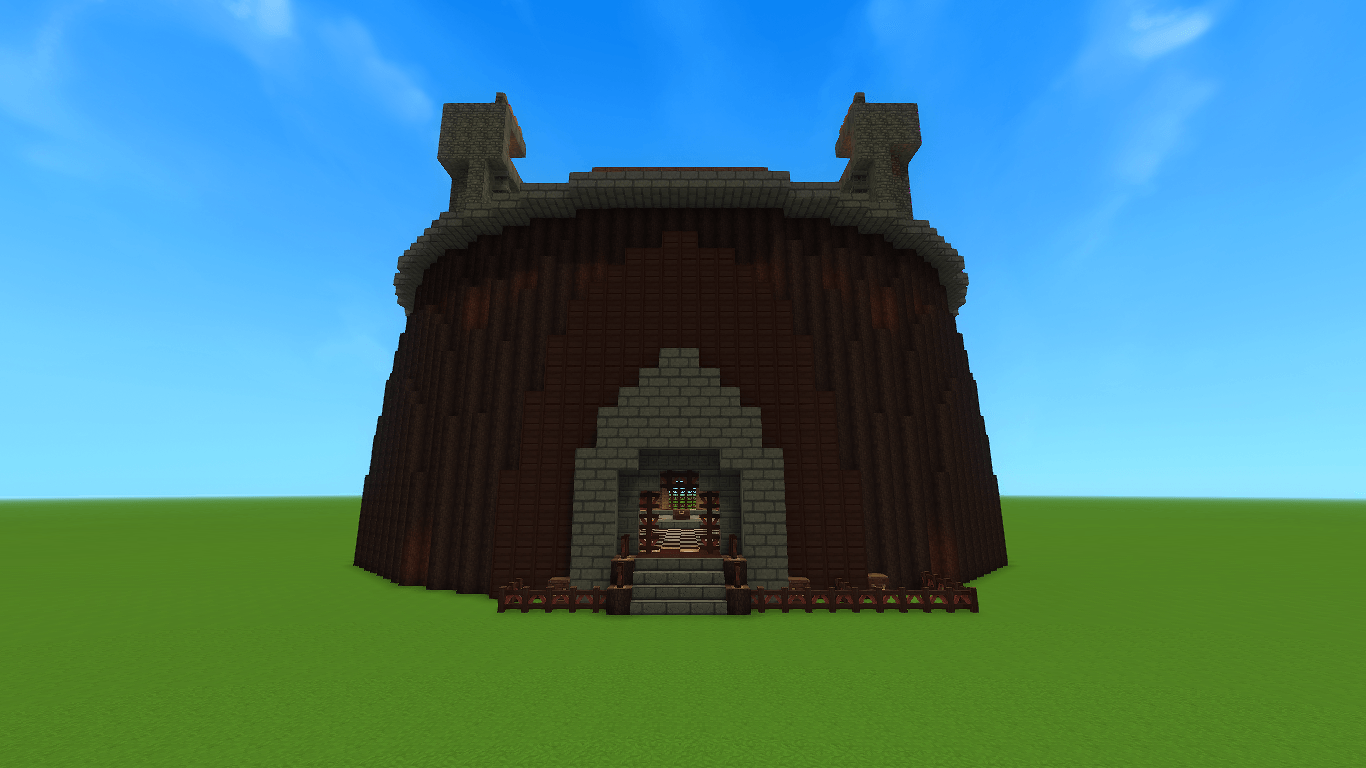
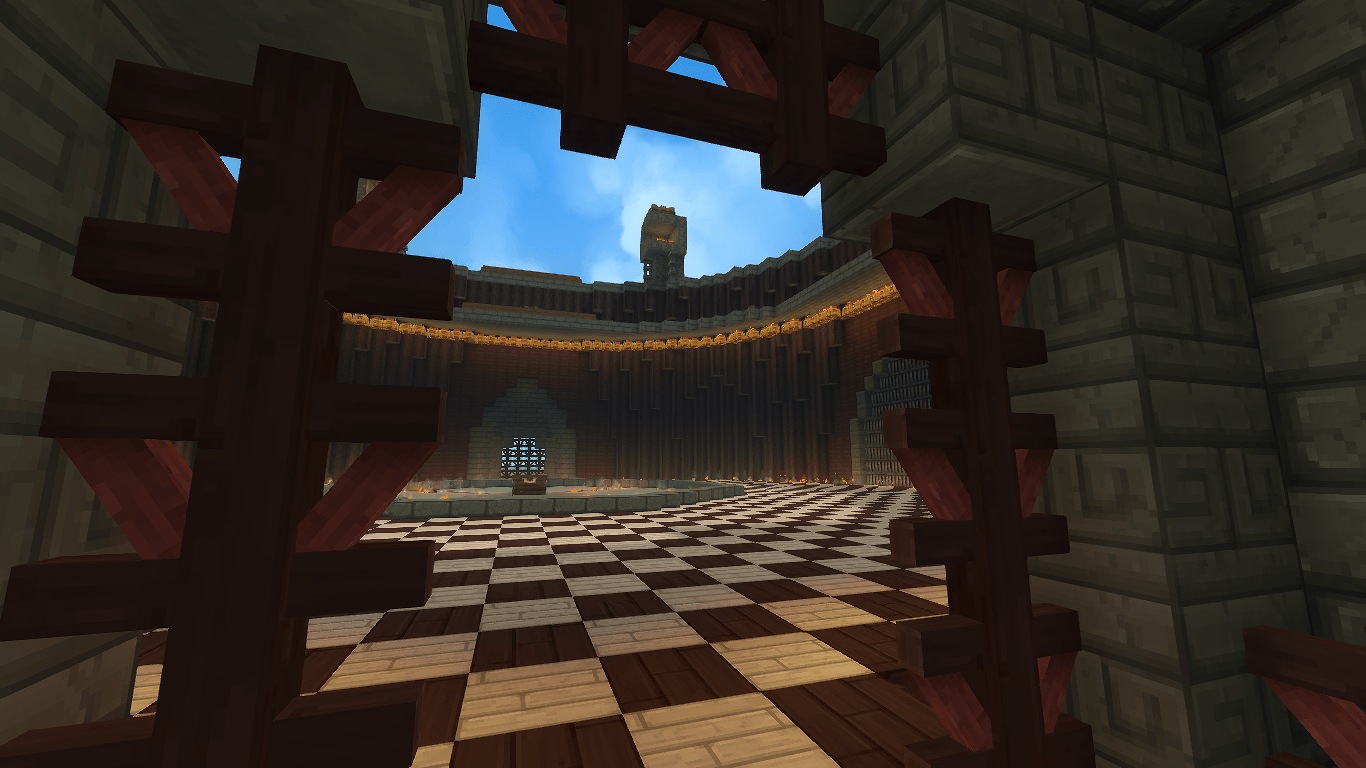
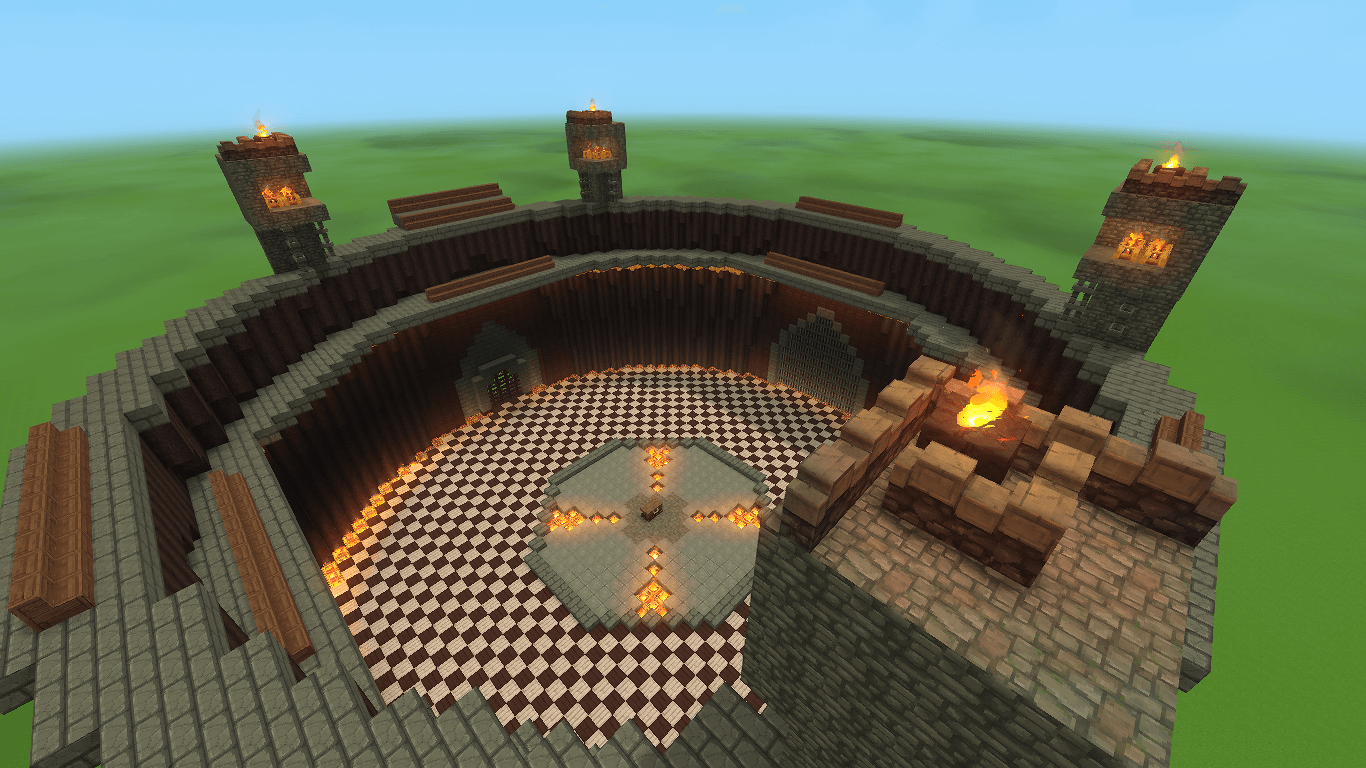
Come on, who hasn't seen the challenge games. It was peak YouTube.
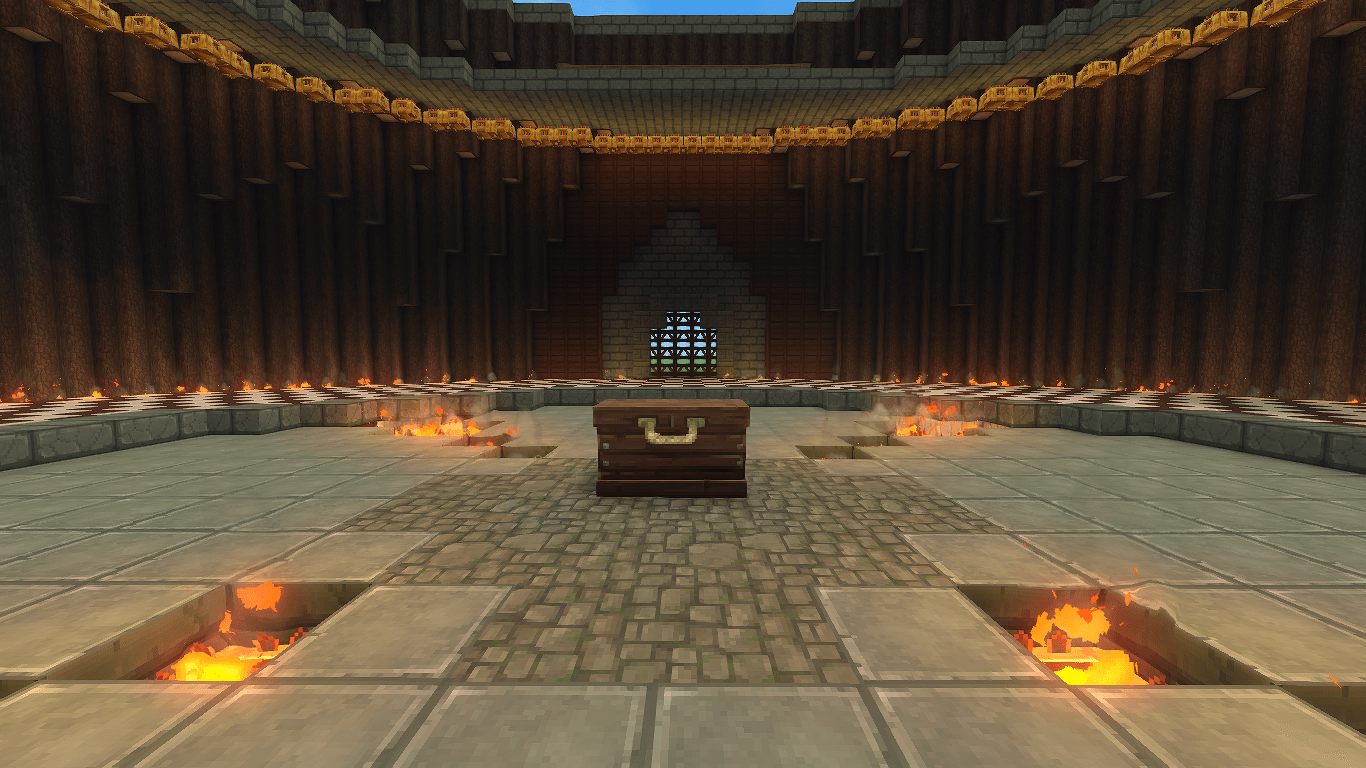
I unfortunately had to make a massive compromise by replacing Redstone Lamps and Glowstone with Bamboo Braziers.
I used WorldEdit to make a schematic of the arena and imported it to Hytale using SchematicImporter. I had to clean up a bit of the arena though.
How to install the prefab
Download the zip, unzip it, and move the challengegames.prefab.json file to the following path:
Windows: %appdata%\Hytale\UserData\Saves\"Your world name here"\prefabs
Linux: ~/.local/share/Hytale/UserData/Saves/"Your world name here"/prefabs
If the prefabs folder is missing, make a folder called prefabs.
Go into Creative (default key is O), and open Creative Tools (default key is B). In the World dropdown, select Prefab List. In the newly opened menu, switch from Assets to Server. Now you can select any prefab you have in the prefabs folder for that world, including the prefab you just installed.
The PopularMMOs Challenge Games Arena Team
