Outpost village rebuild
- By
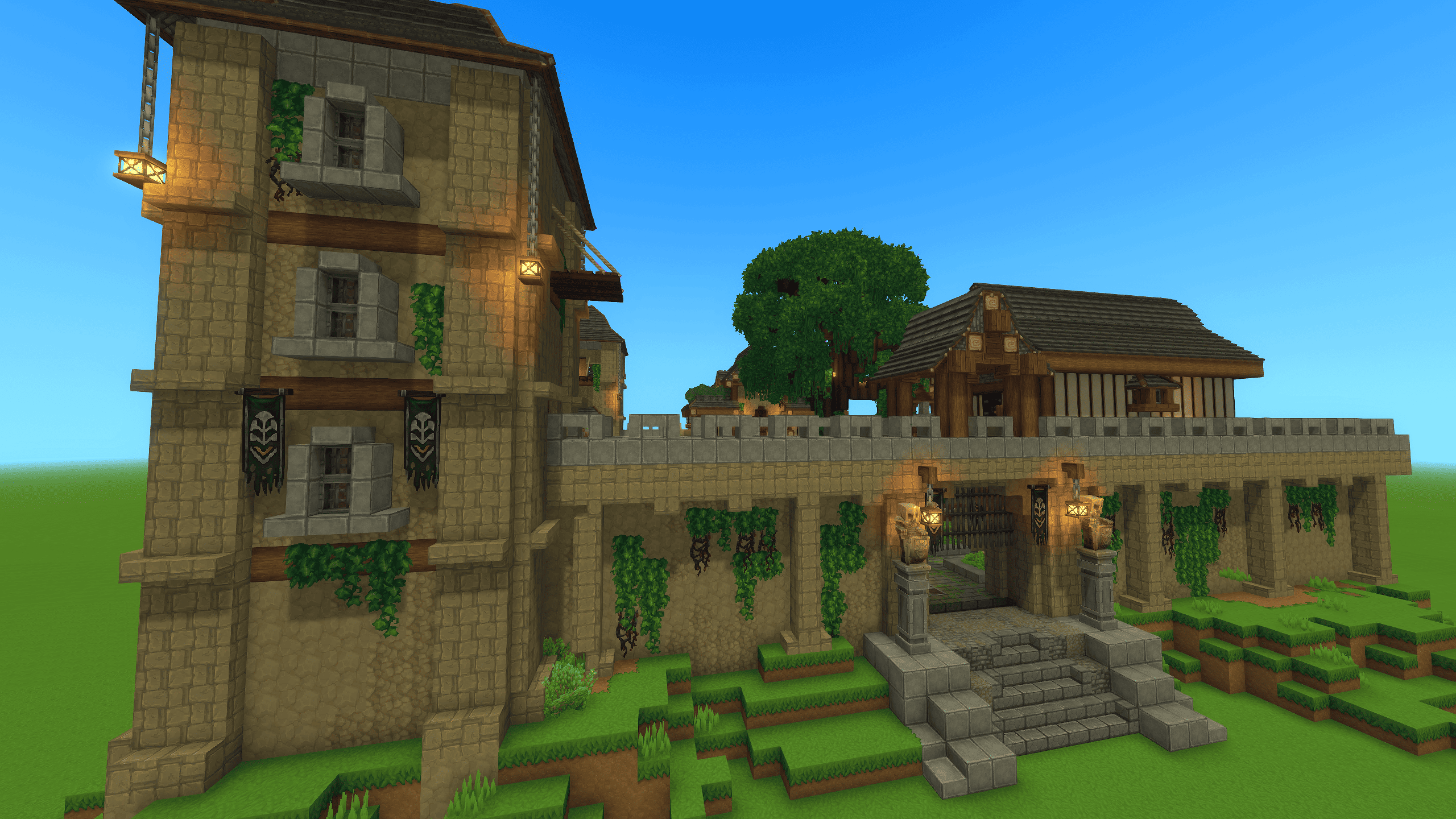
Restored prefab of an in-game ruin. This abandoned outpost, once ruled by skeletons, is now a ready-to-live base. Includes all crafting stations, upgradeable tiers, bedrooms for groups, NPCs, a merchant, and a fully functional forge.
1.png
11.png
13.png
9.png
23.png
Description
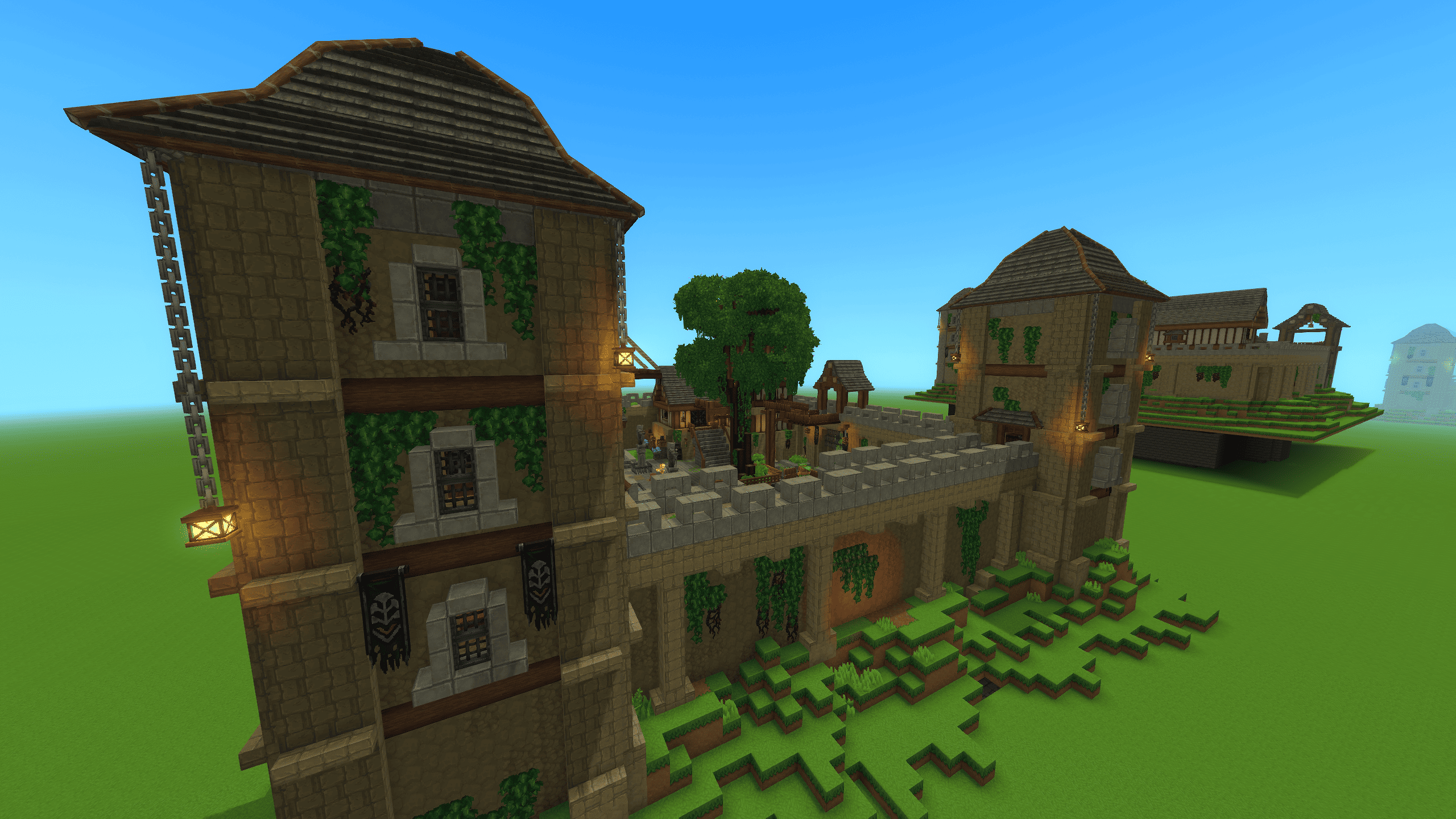
This prefab is a restored version of the ruins you can find in-game.
This small ruined and abandoned outpost is normally controlled by a skeleton army.
Throughout your adventures, you have most likely already fought this army and wished to turn this place into your own residence.
It is now possible, in just a few clicks, to make this outpost your home.
You will find everything you need to begin your adventure!
All crafting stations have been included in this prefab, so you only need to settle in and upgrade their tiers.
I designed several bedrooms in the different buildings, allowing you and your friends to live there together.
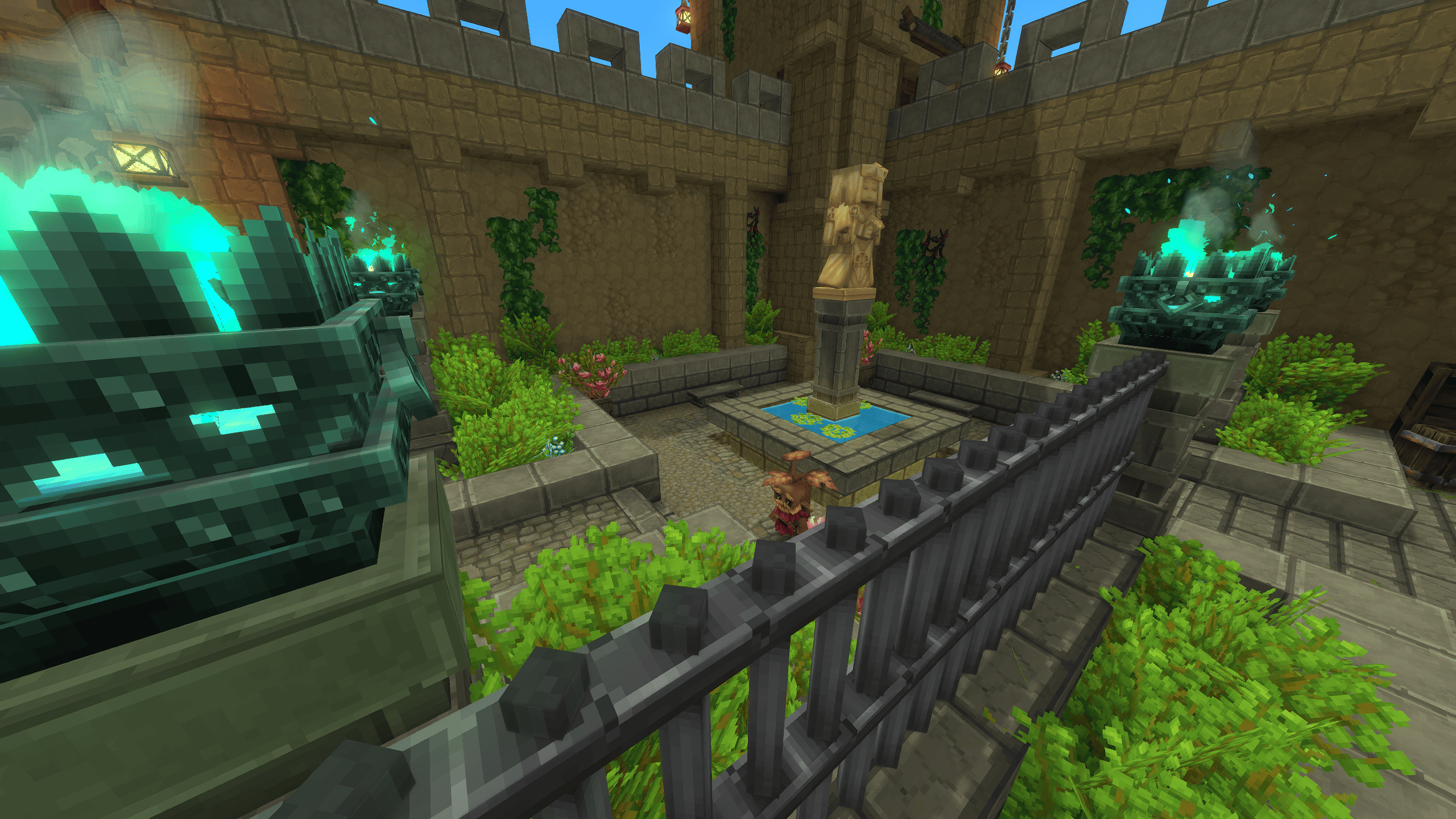
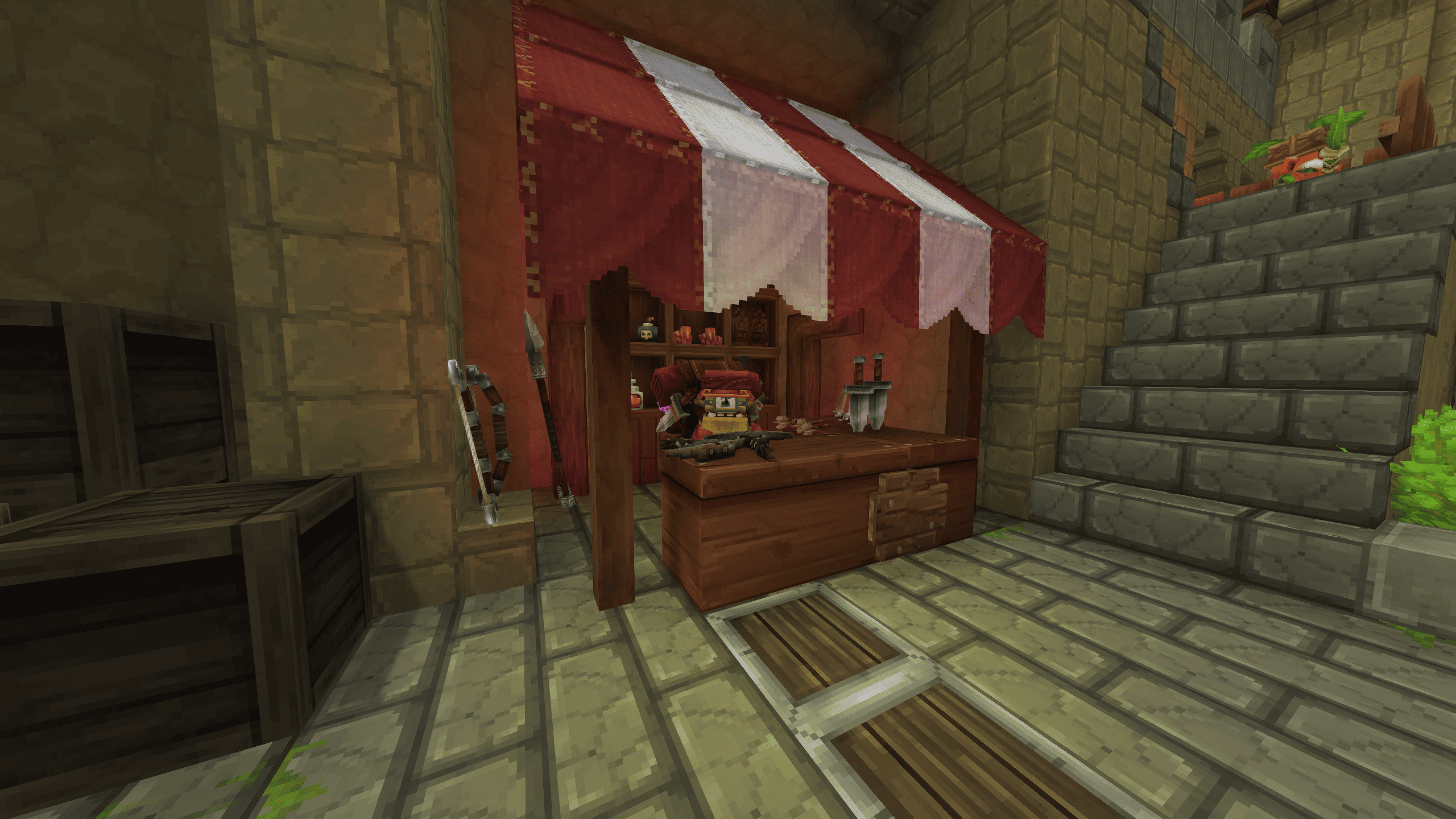
You will also find a merchant and his shop, a lively area with NPCs wandering around the courtyard, and a 100% functional forge!
DISCLAIMER:
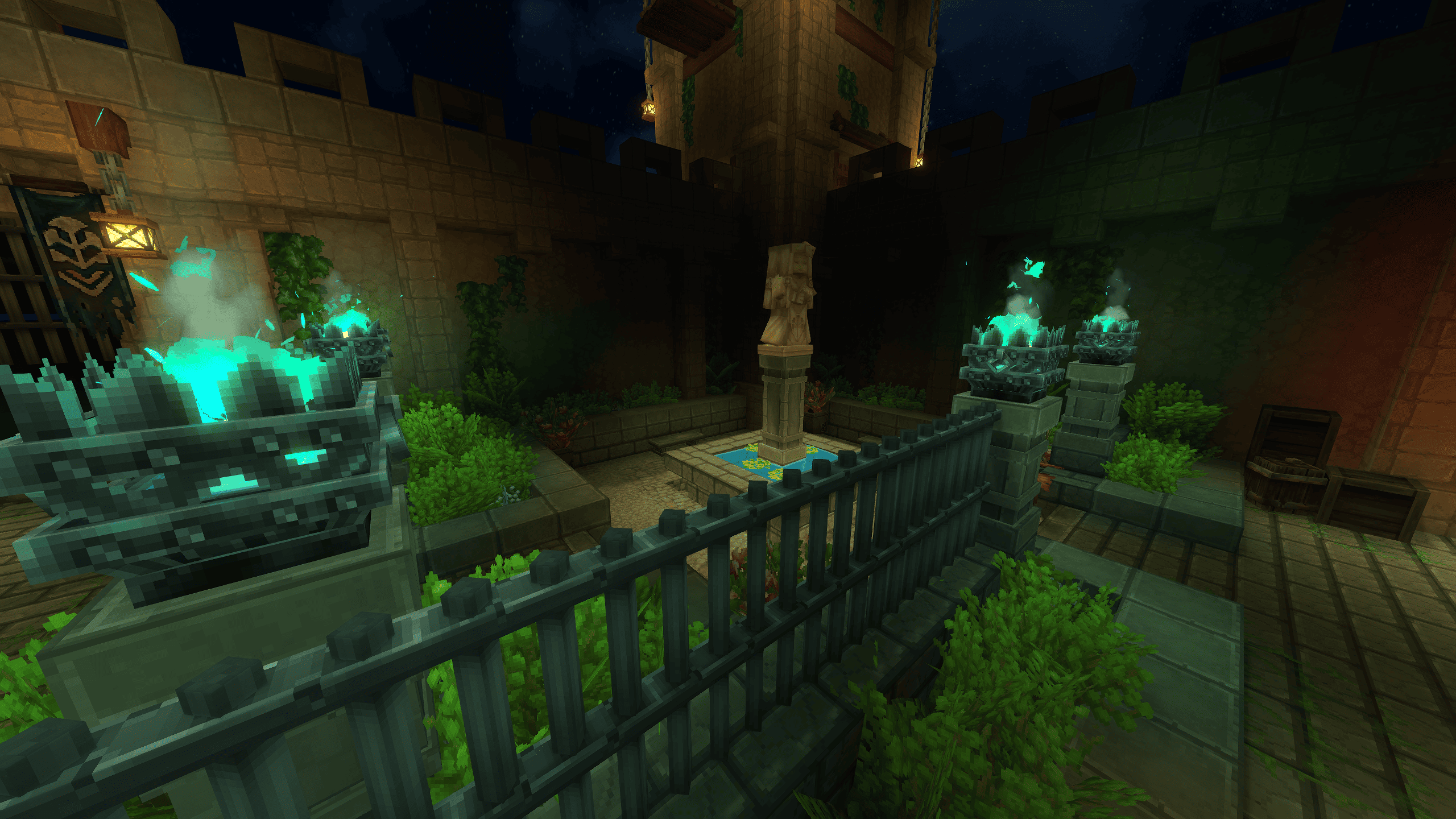
1 - The water in the fountain and the sewers does not apply when placing the prefab.
You are free to add it manually. (I will update the file if I find a way to fix this issue.)
2 - I will probably change some things in the level design.
The screenshots of the project may therefore not be 100% accurate.
3 - If you have any suggestions for changes, feel free to share them!
4 - Some decorative elements were placed using the entity editor.
If you destroy the objects they are placed on, you will no longer be able to place objects underneath them!
HOW TO INSTALL ?
1. Start Hytale Launcher, go to option (left top corner) and select "open directory"
2. Got to : Userdata/save
3. Select the world you want to use this on (userdata/save/*name of your world*)
4. Create a folder named "prefabs" (ALL LOWERCASE)
5. Drop the .json file into the prefab folder, and other file if there is some
Once you have loaded your world
Press B to open Crative Tools
Highlight World > Click Prefab List
Change Assets To Server
Select The File
Place In World
Done
The Outpost village rebuild Team