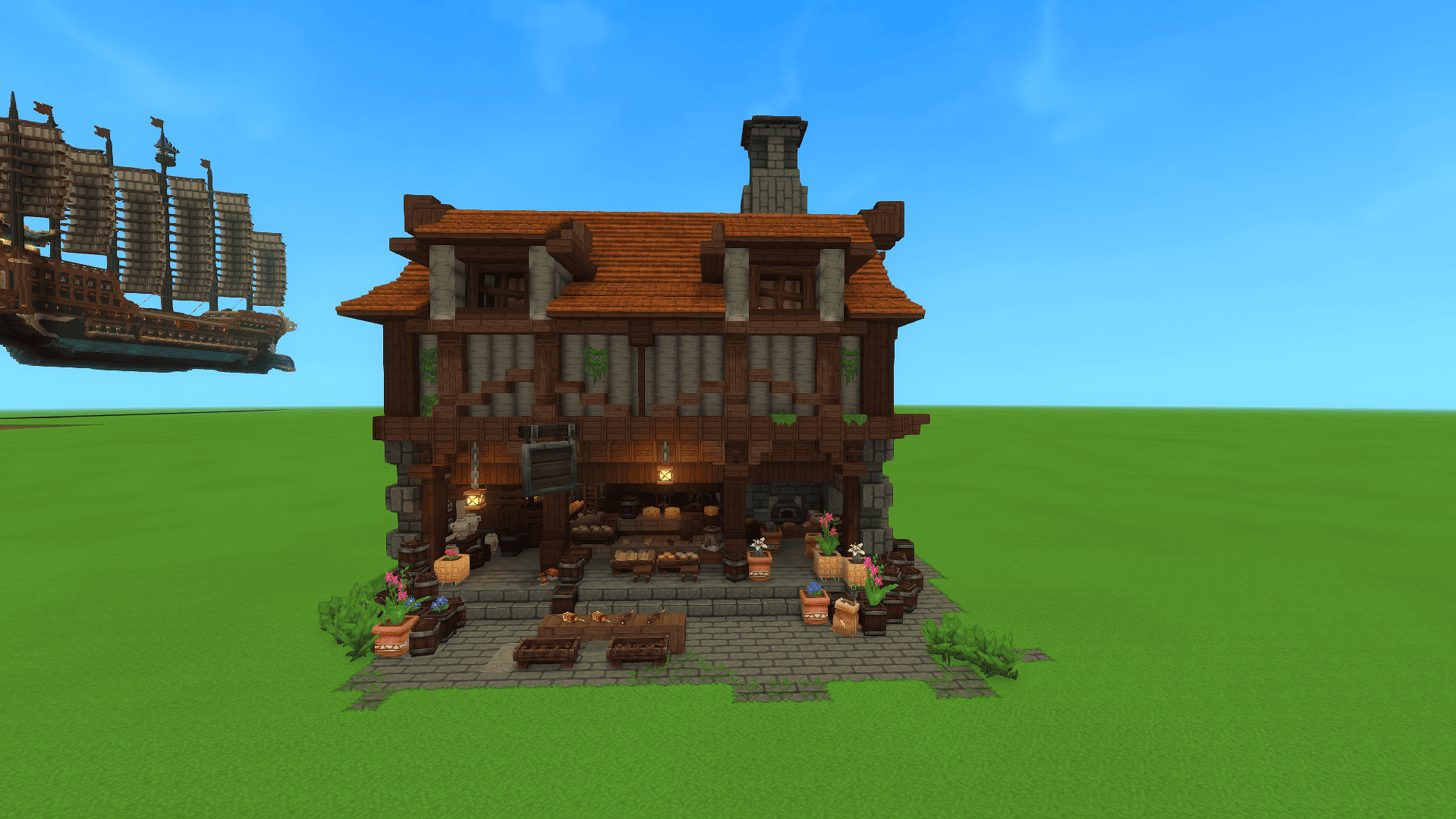
Captura de pantalla 2026-04-25 191216.png
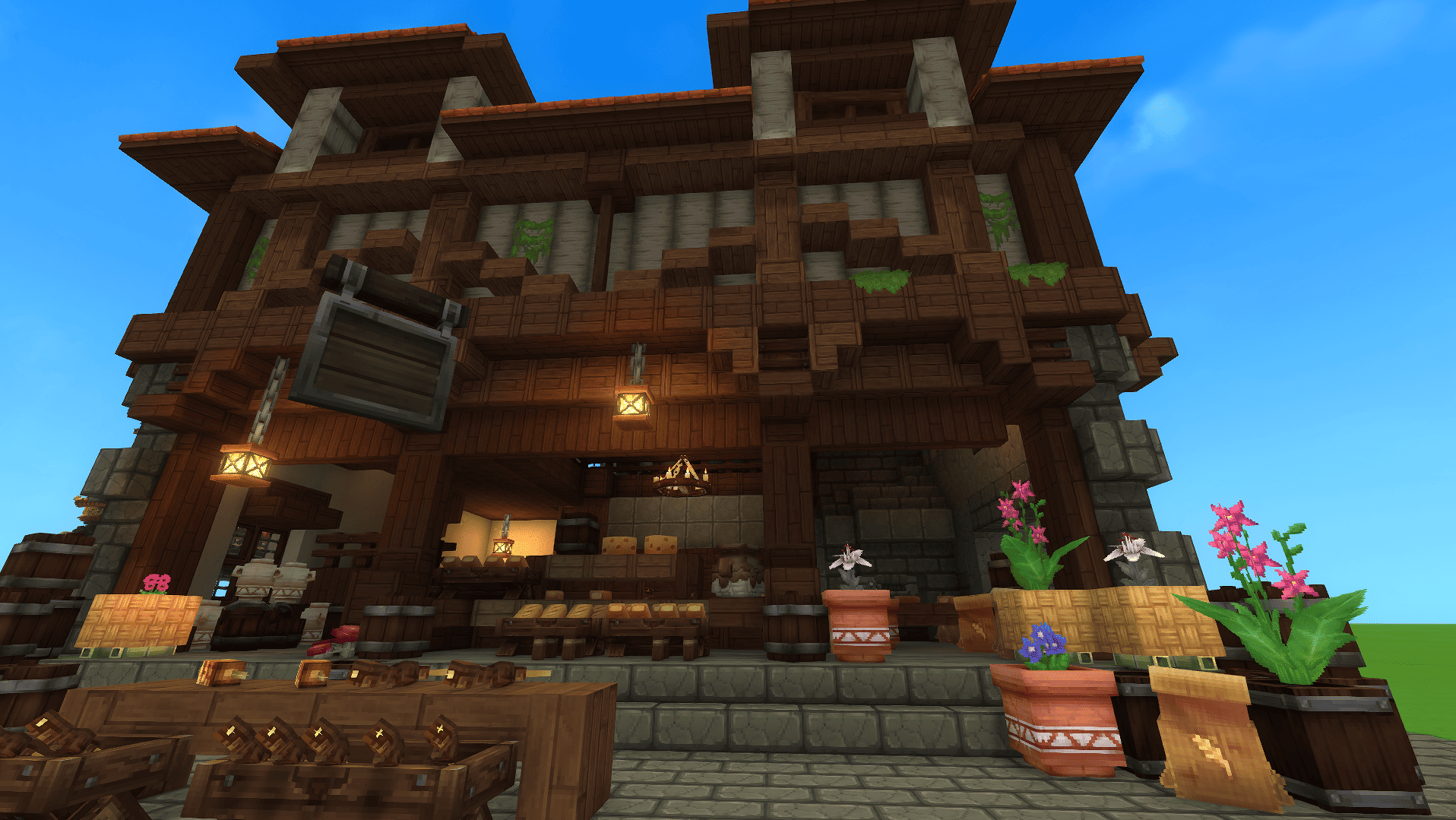
Captura de pantalla 2026-04-25 191616.png
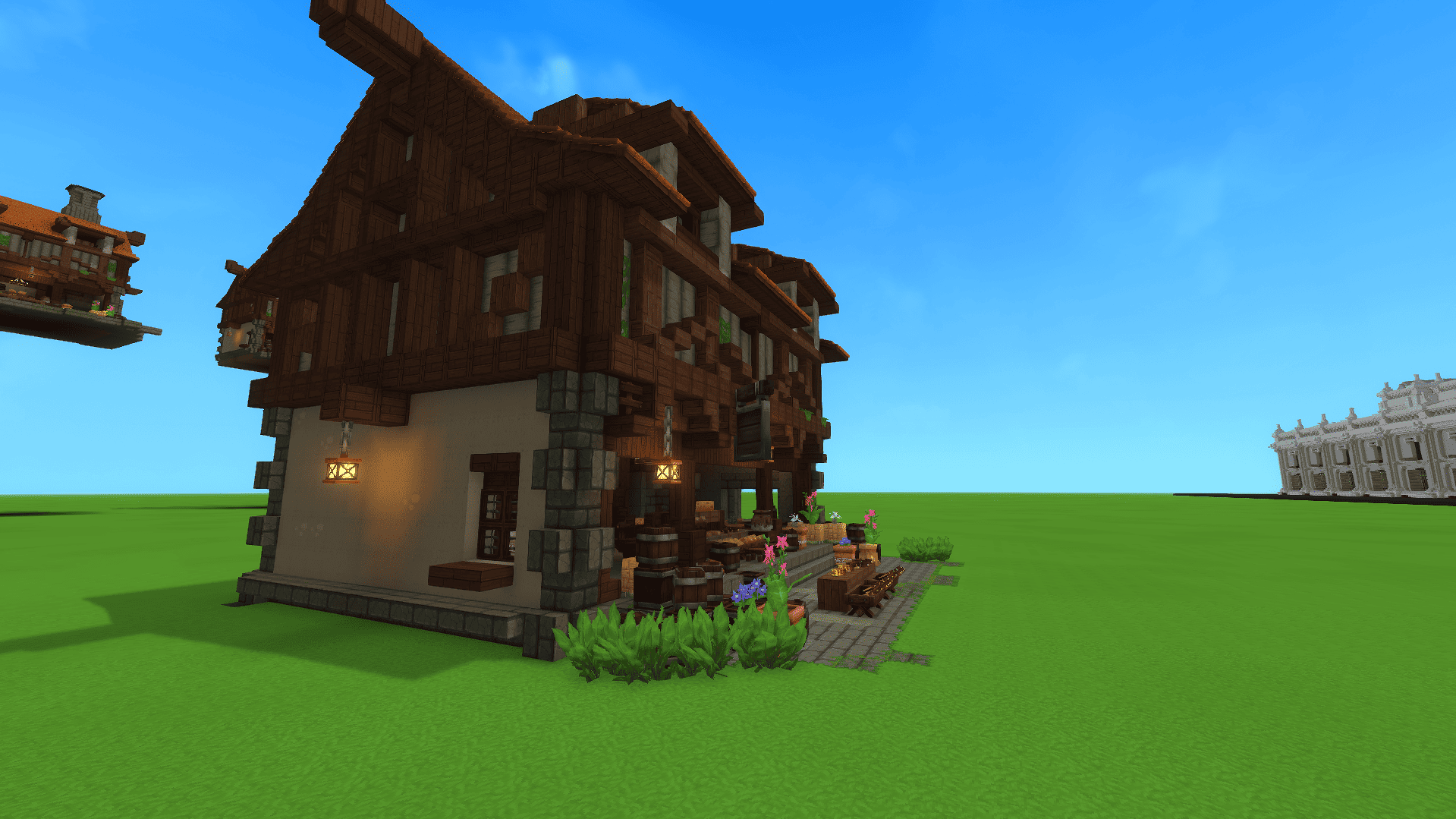
Captura de pantalla 2026-04-25 191222.png
Captura de pantalla 2026-04-25 191228.png
Description
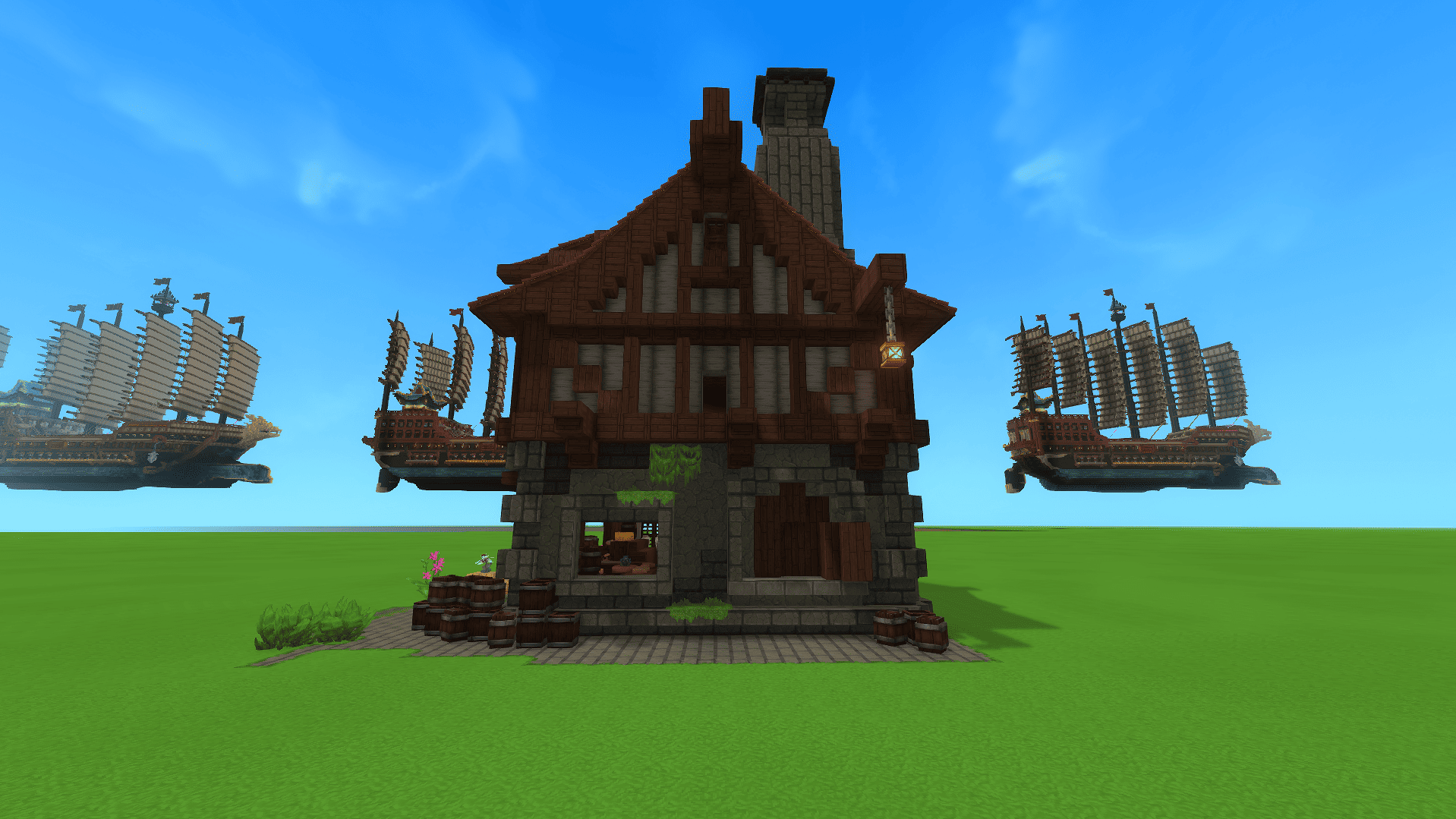
Hi! Today I’m presenting a bakery for your town or server. It features two bedrooms and a kitchen, plus it’s fully decorated.
How to download a prefab?
A: Due to recent updates, the "prefabs" folder must now be created manually. Follow these steps to set it up:
-
Press Win+R and type %appdata% to open the folder.
-
Once inside, navigate to the "Hytale" folder, then to "Userdata", then "Saves", and find your specific map folder.
-
Inside your map folder, create a new folder named "prefabs". (You only need to do this once per map). Now you can proceed to step B.
B: After downloading the file, you must extract (unzip) it. Open the folder, copy the JSON file, and paste it inside the "prefabs" folder you just created.
-
To use it in your world, simply equip the "Paste tool" item.
YT:BerriMini1
Medieval Bakehouse Team