Discord_nhjJCtJJnm.png
Description
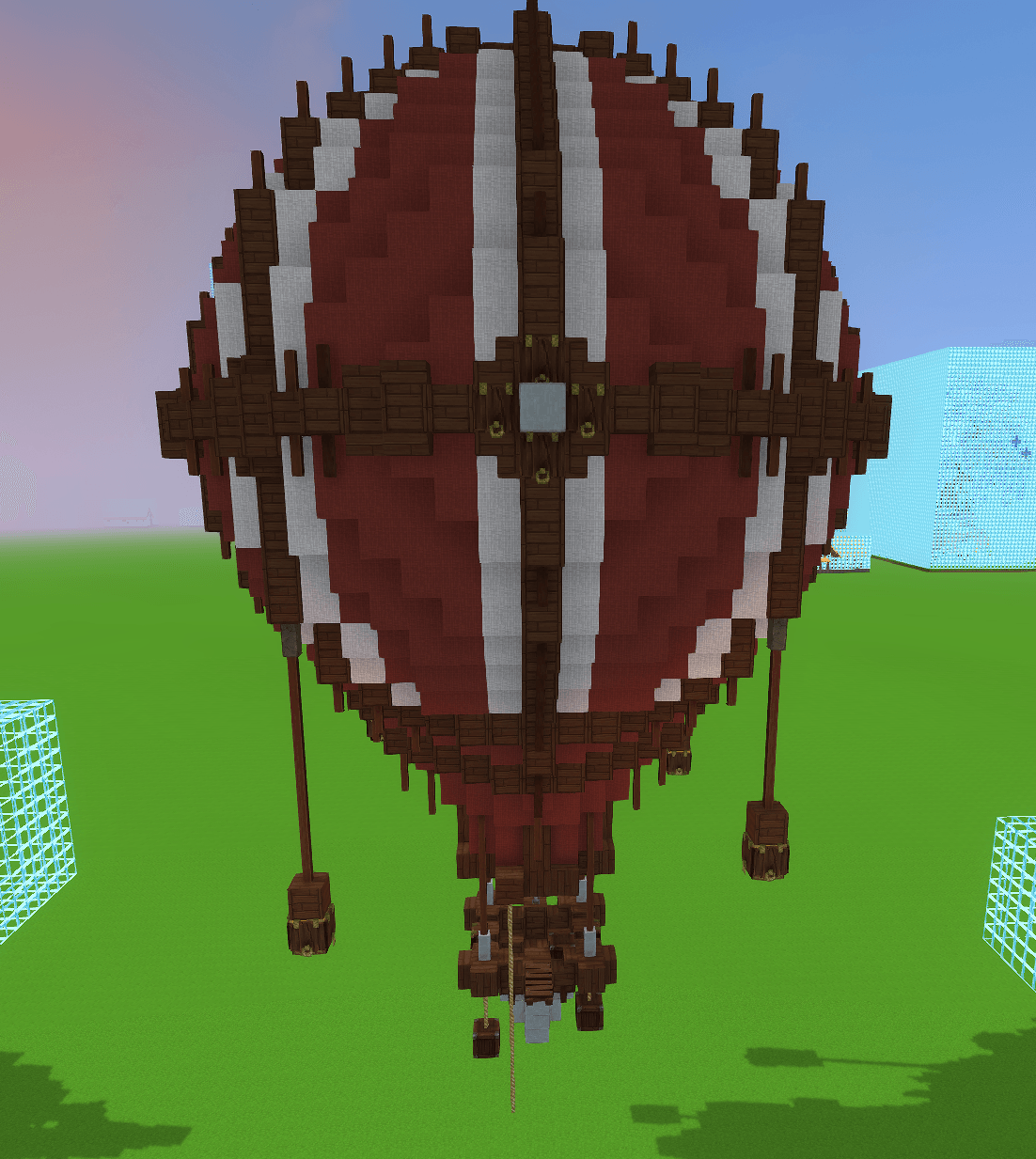
Hot Air Balloon Prefab
A hot air balloon prefab ready to place in your Hytale world.
How to install
1. Download the .zip file and extract it.
2. Open:
C:\Users\YOURNAME\AppData\Roaming\Hytale\UserData\Saves
3. Open the folder of the world where you want to use the prefab.
4. Create a folder named:
prefabs
5. Place the extracted .json prefab file inside the prefabs folder.
Hot Air Ballon Team