2.png
Barcopost2.png
Barcopost3.png
1.png
Description
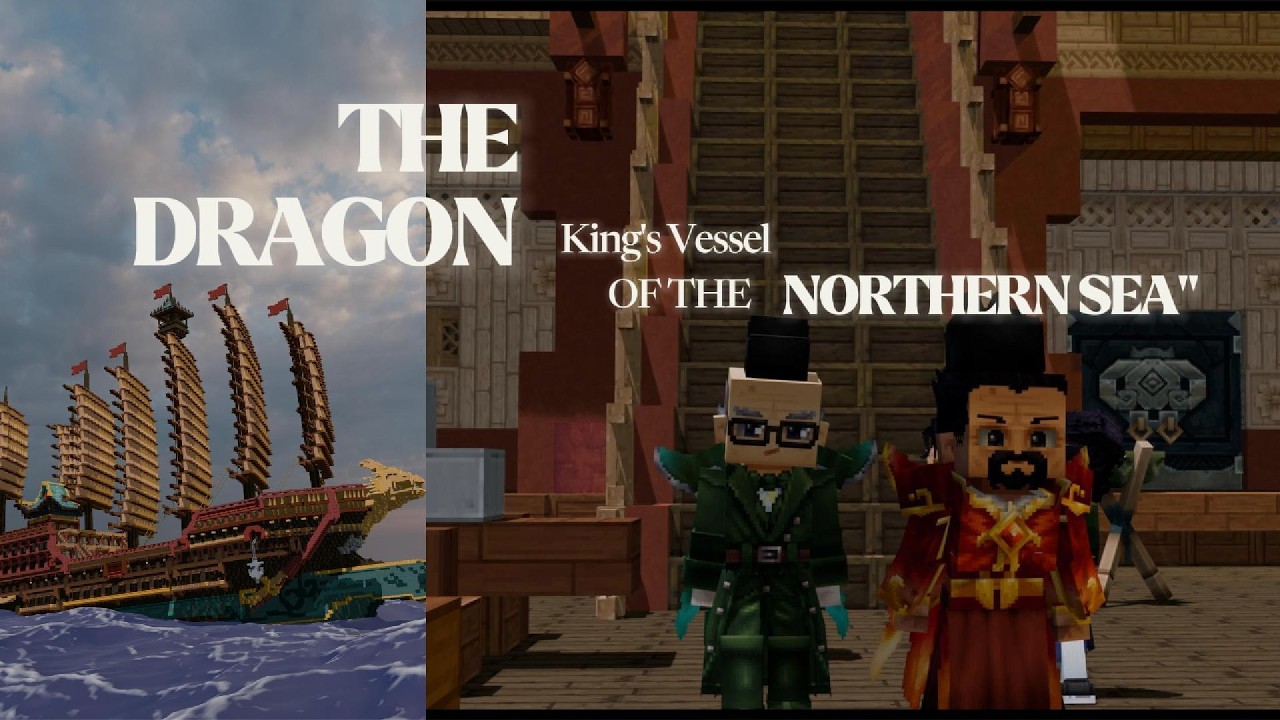
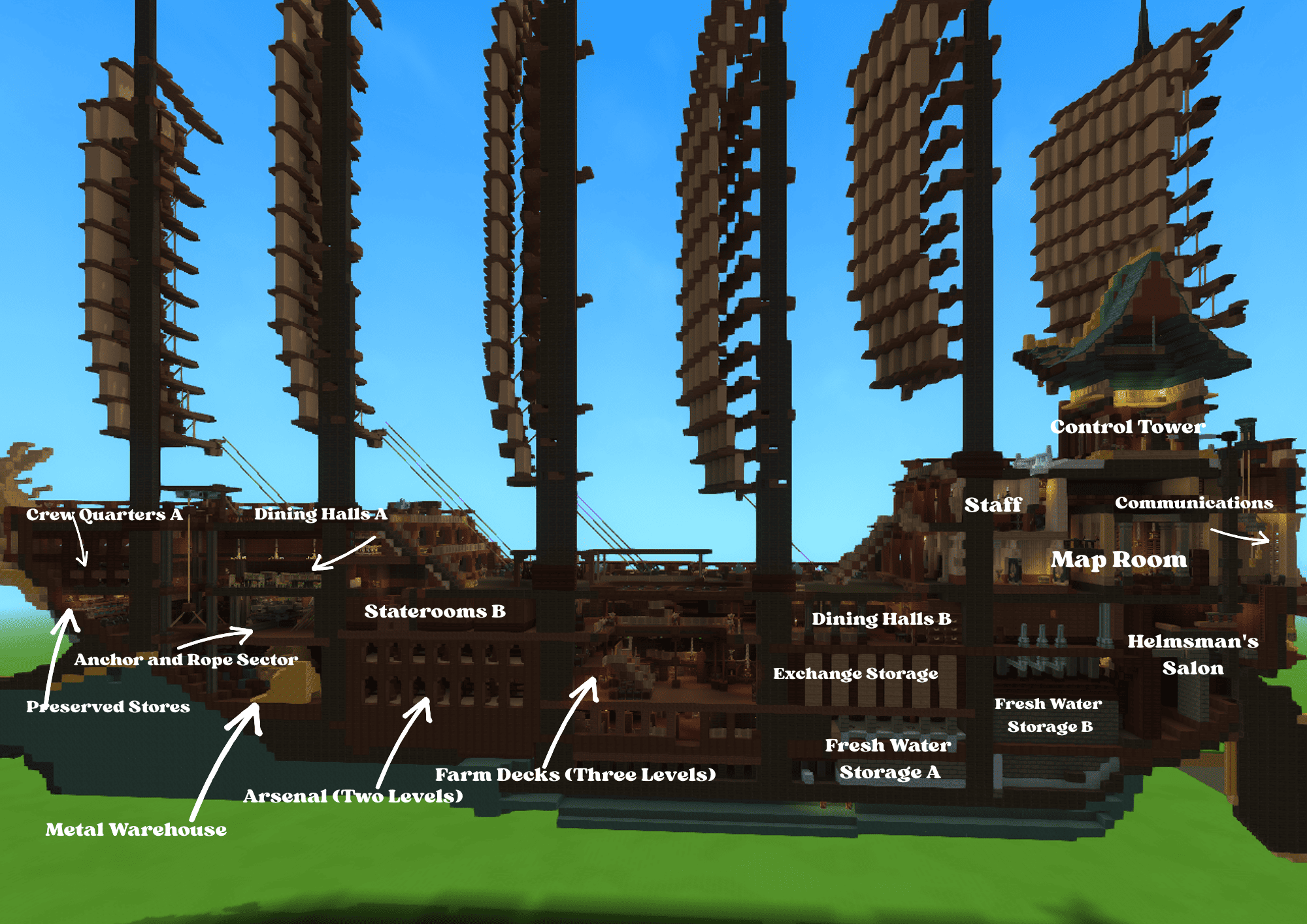
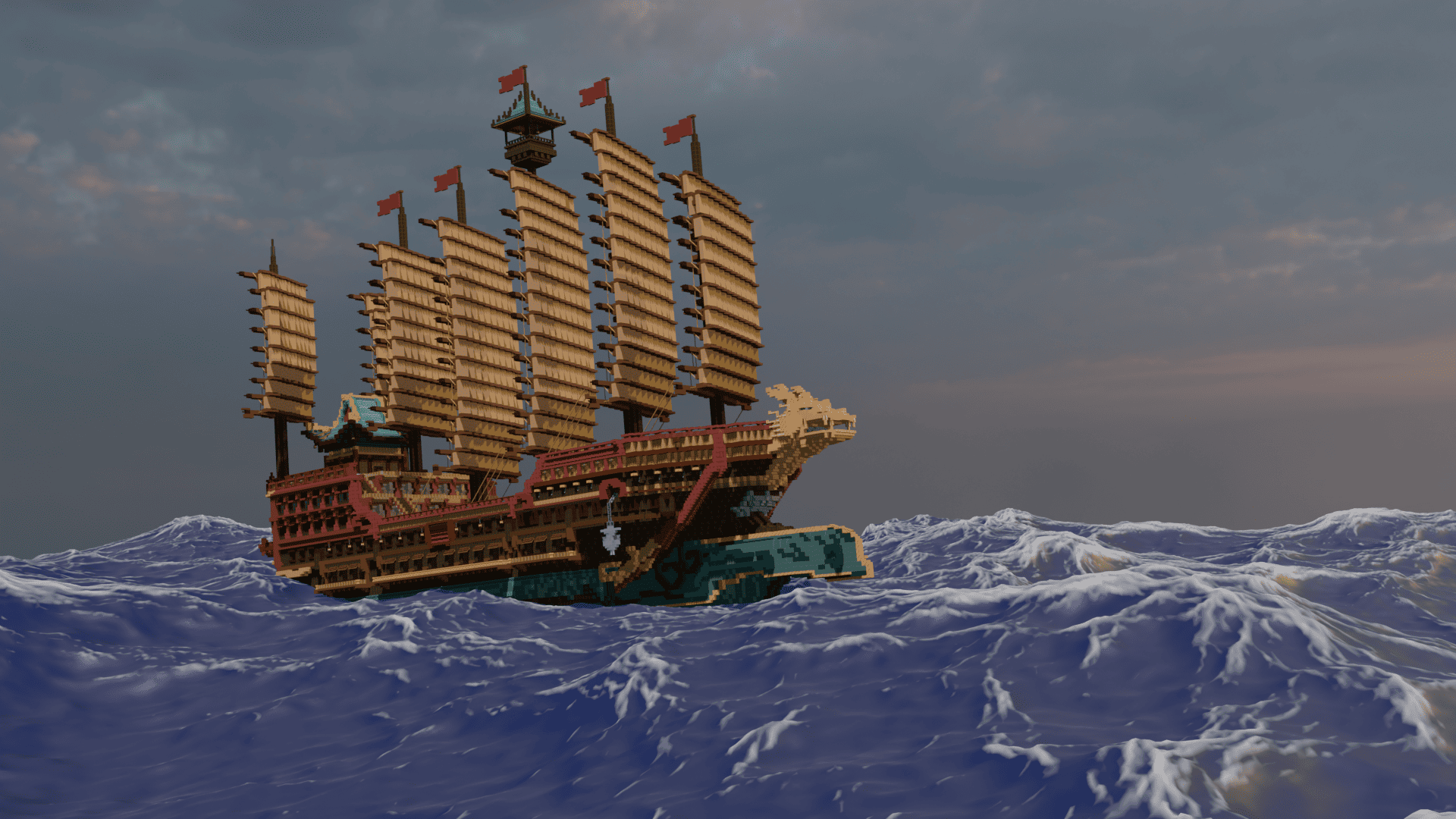
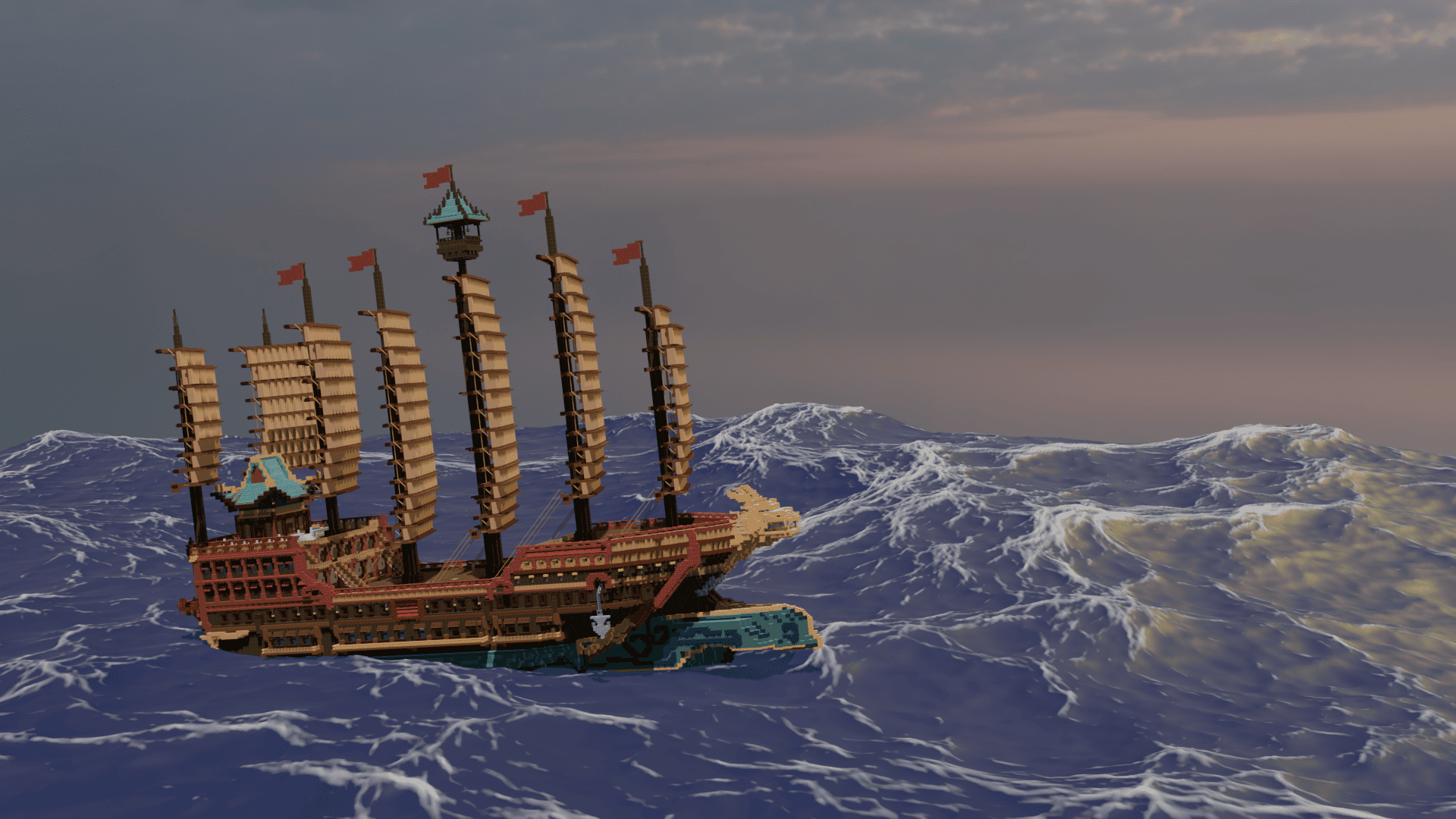
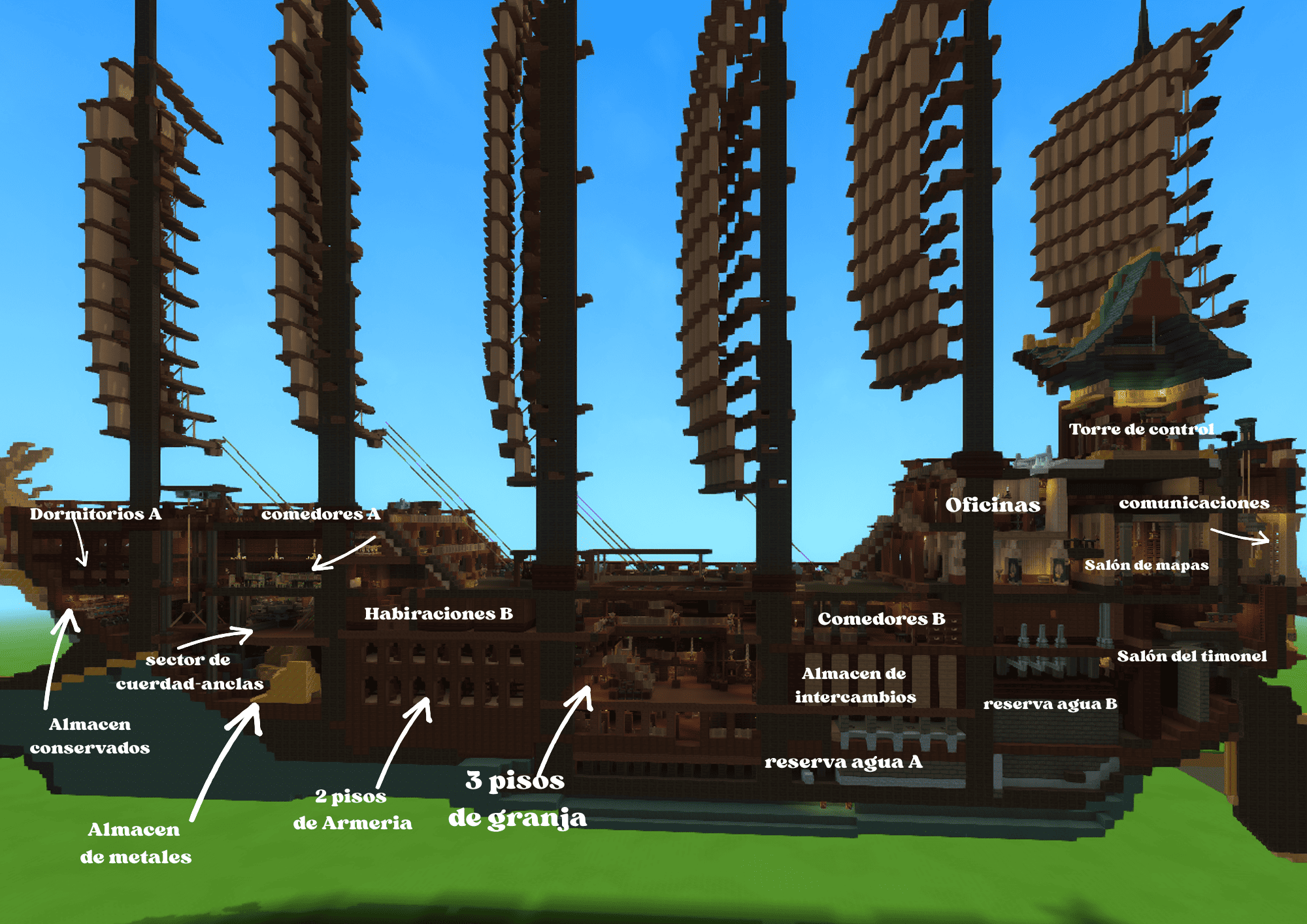
Hello, fellow Hytale player! Thank you for your interest in this ship. This vessel is inspired by various real-life creations, especially from Asian regions like China and Korea during the 1300s-1400s. It features approximately 70 cannons per side, as well as armories, living quarters, and unique areas like the control tower.
I hope you enjoy it! Please leave a comment letting me know if you liked it and what I should improve. Inside the file, you will find two options: one without entities for better performance (lighter) and another one fully populated with entities, animals, and 3D weapons. Hope you like it, cheers!
How to download a prefab?
A: Due to recent updates, the "prefabs" folder must now be created manually. Follow these steps to set it up:
-
Press Win+R and type %appdata% to open the folder.
-
Once inside, navigate to the "Hytale" folder, then to "Userdata", then "Saves", and find your specific map folder.
-
Inside your map folder, create a new folder named "prefabs". (You only need to do this once per map). Now you can proceed to step B.
B: After downloading the file, you must extract (unzip) it. Open the folder, copy the JSON file, and paste it inside the "prefabs" folder you just created.
-
To use it in your world, simply equip the "Paste tool" item.
YT:BerriMini1
E02EA1
Dragon Ship Team