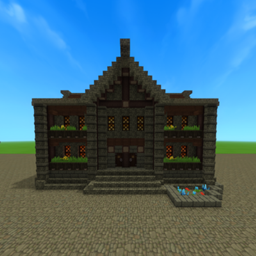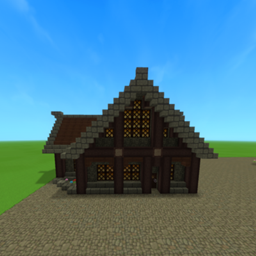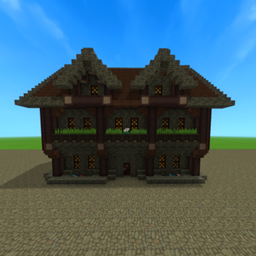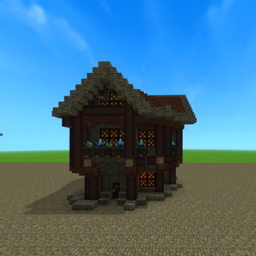
Base Profile Screenshot 2026.02.19 - 07.33.58.69.png
Base Profile Screenshot 2026.02.19 - 07.30.56.62.png
Untitled design (5).png
Description
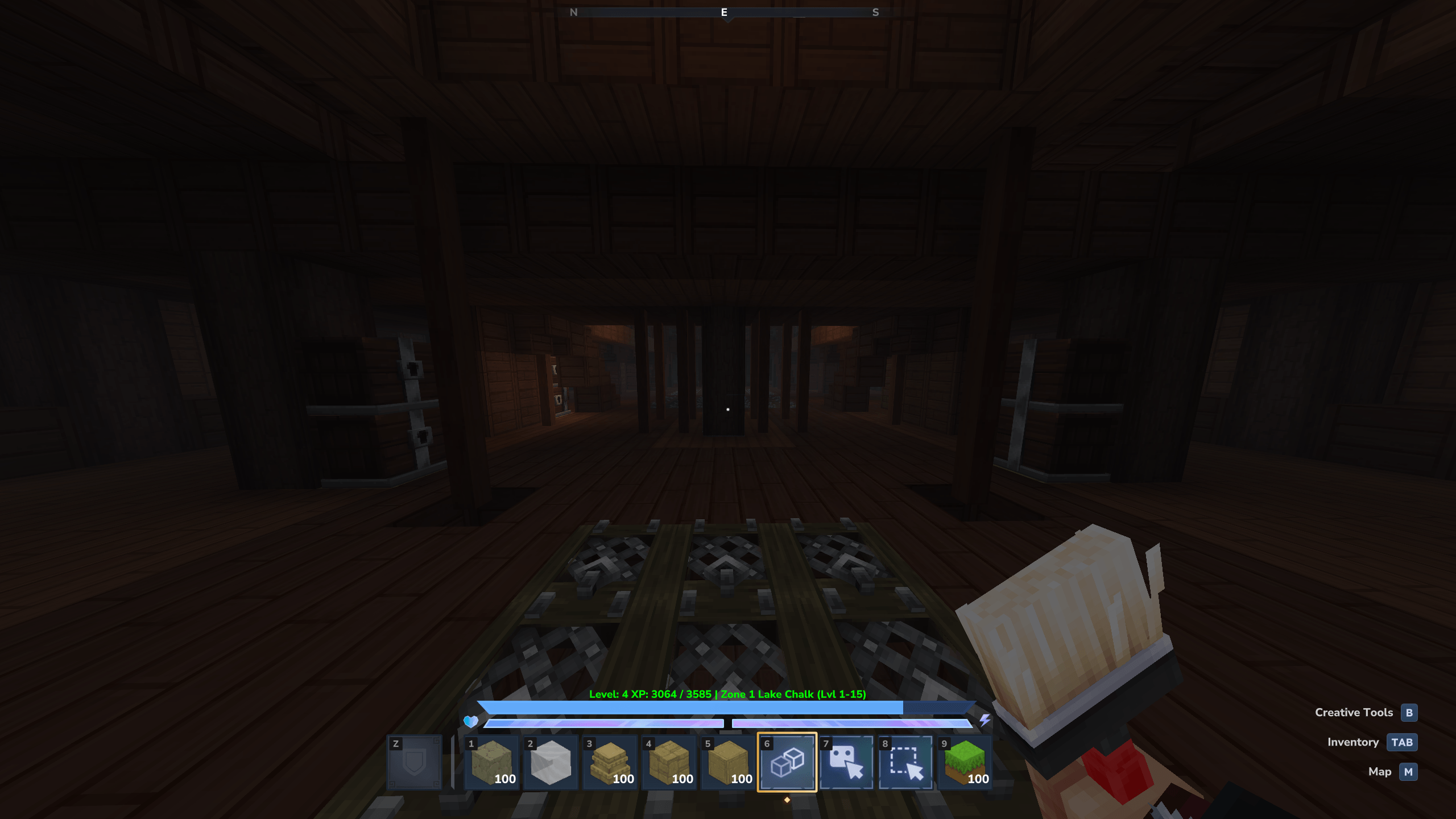
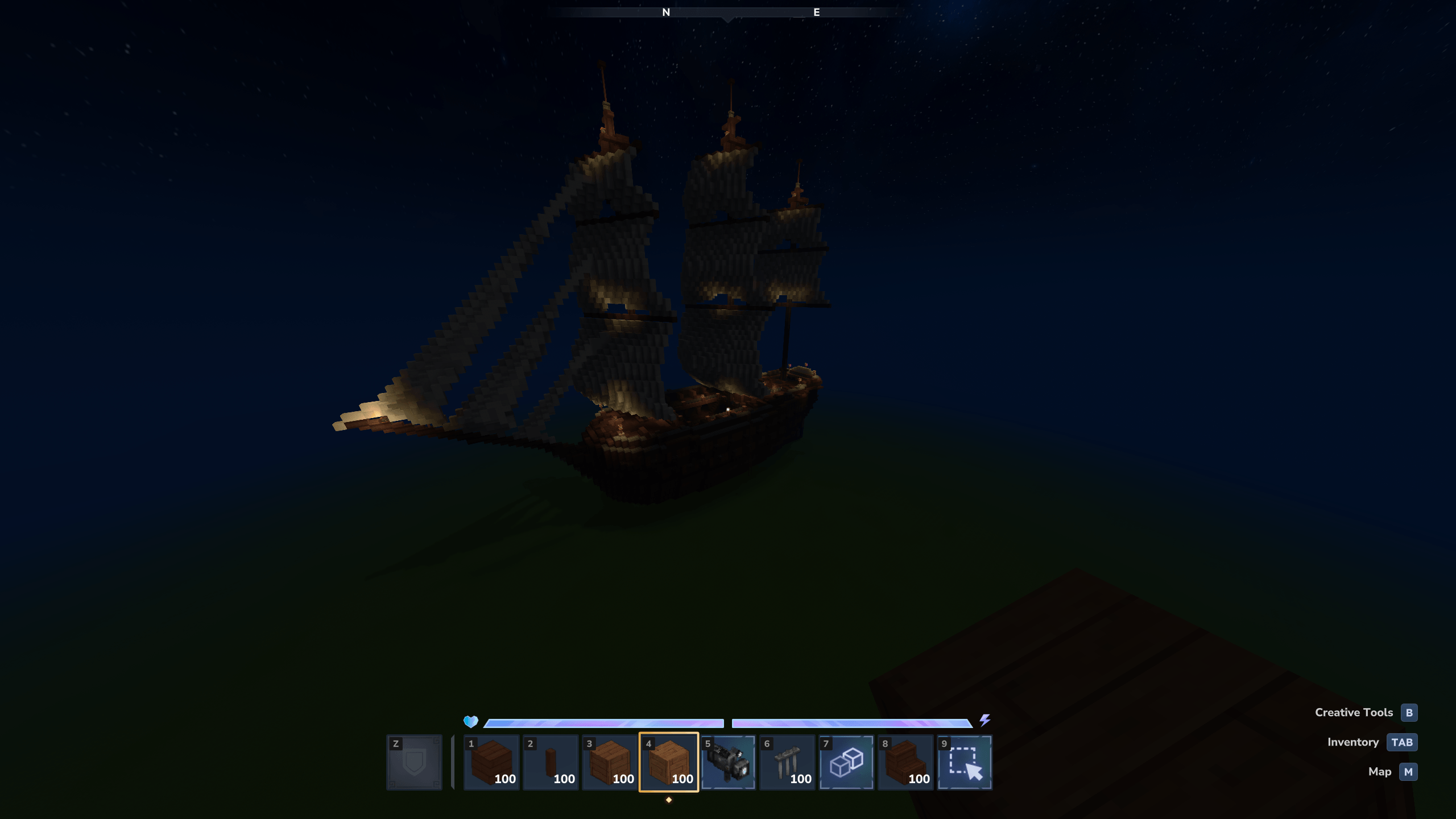
A large medieval ship prefab built in my personal style. This vessel is designed to sit perfectly in harbors, docks, or coastal areas, making it ideal for ports, towns, and decorative worldbuilding. A great centerpiece to drop into your world!
This is part of mt City packs on BuiltByBit.
You can purchase the Full City Packs here: https://builtbybit.com/resources/red-woods-city-177x153.99500/?ref=discover
How to Add This Prefab to Your Hytale World
-
Download the prefab from this CurseForge page.
-
Locate your Hytale Prefabs directory inside your save:
-
C:\Users[YOURNAME]\AppData\Roaming\Hytale\UserData\Saves[WORLDNAME]\prefabs
-
Place the prefab folder or file inside the Prefabs directory.
-
Launch Hytale and open your world (or create a new one).
-
Enter Creative Mode.
-
Open the Prefab Placement Tool.
-
Select the prefab from the list, or type /prefab list and select it that way.
-
Use PageDown to lower the prefab into the ground
-
Place it anywhere in your world.
-
Cleanup the area, as it may override other terrain.
Big Boat Team