Bibury Village Set
- By
This is a set of prefabs modeled after the architecture of Bibury in England
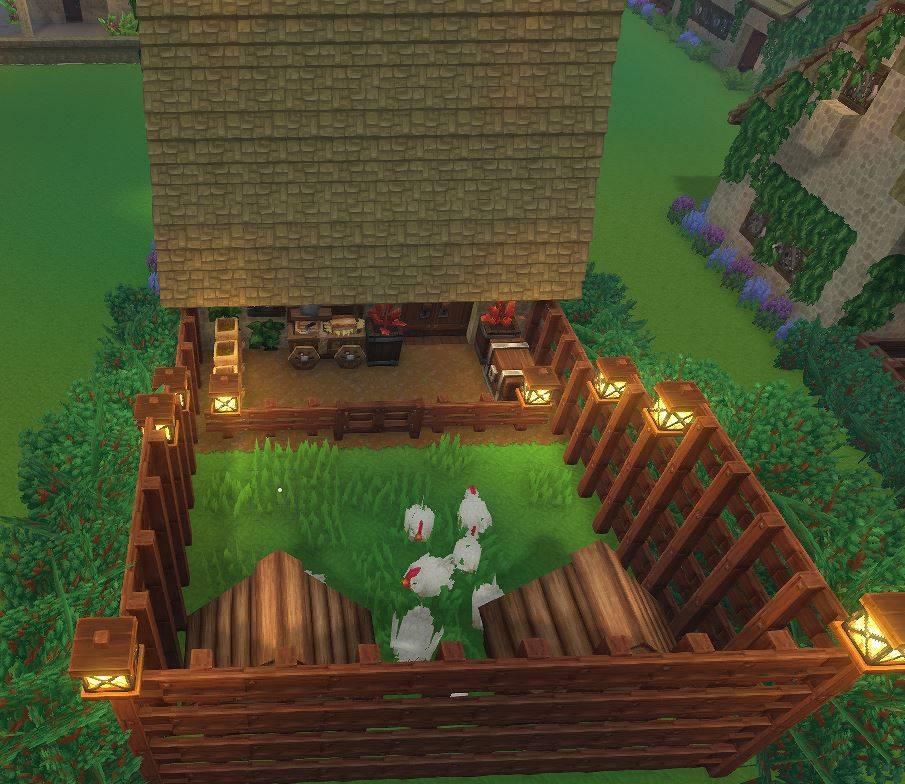
Poultry Farm 2.JPG
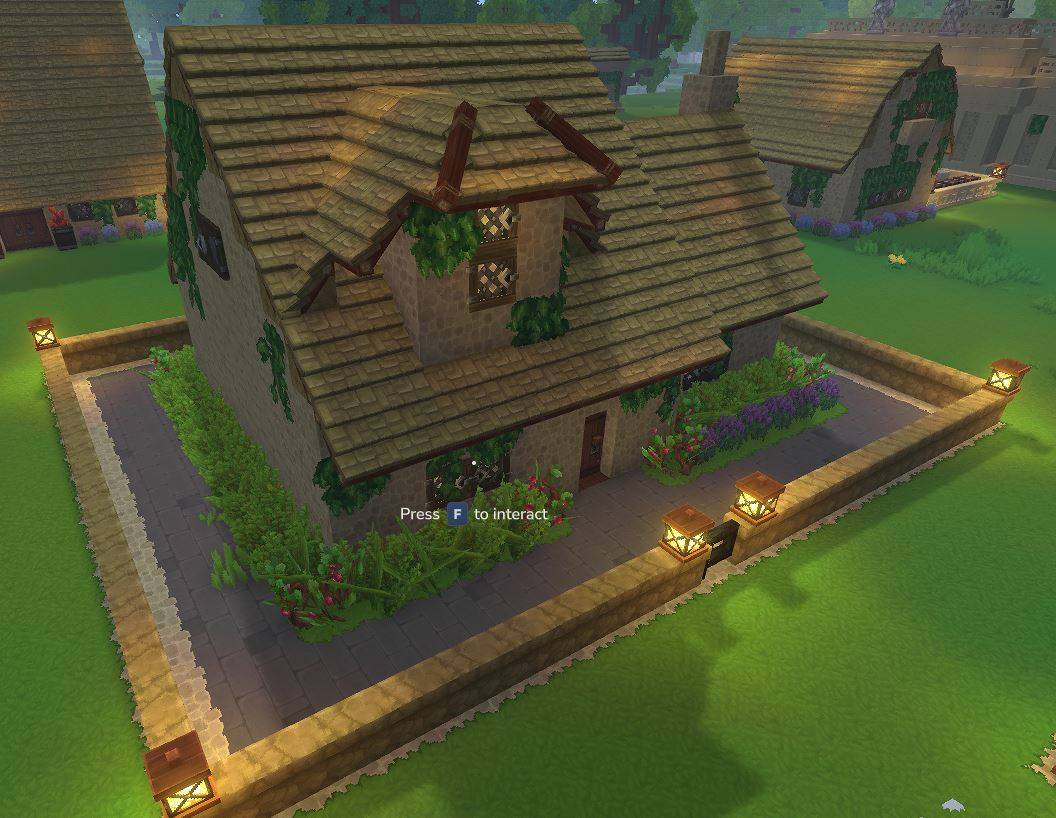
Private Home.JPG
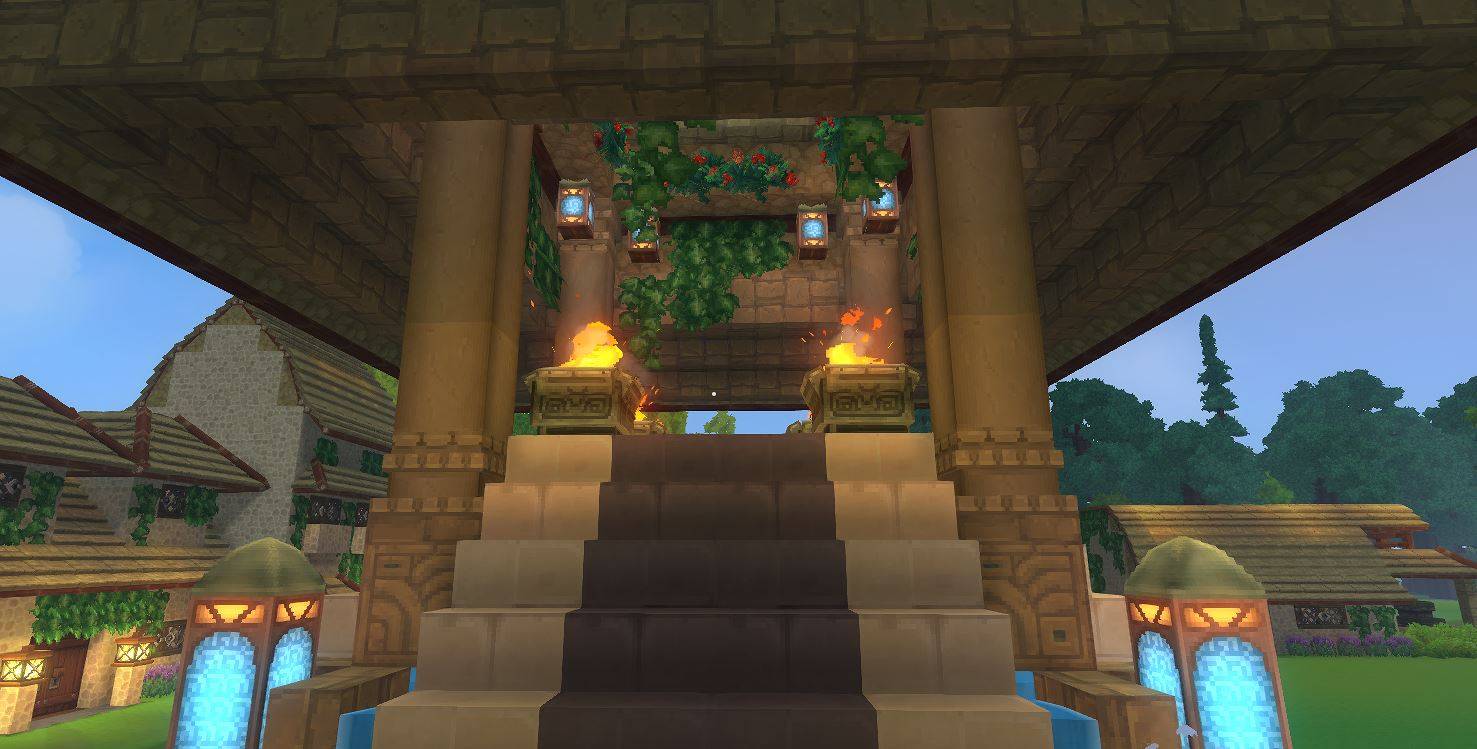
Spawn Point 2.JPG
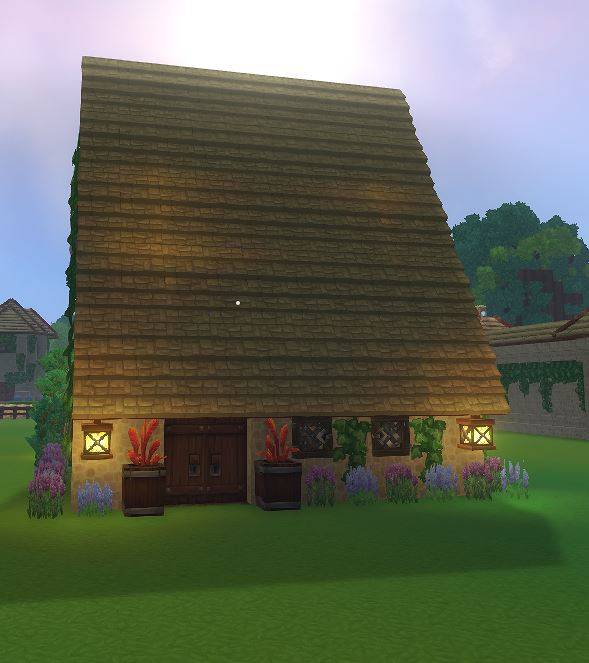
Poultry Farm.JPG
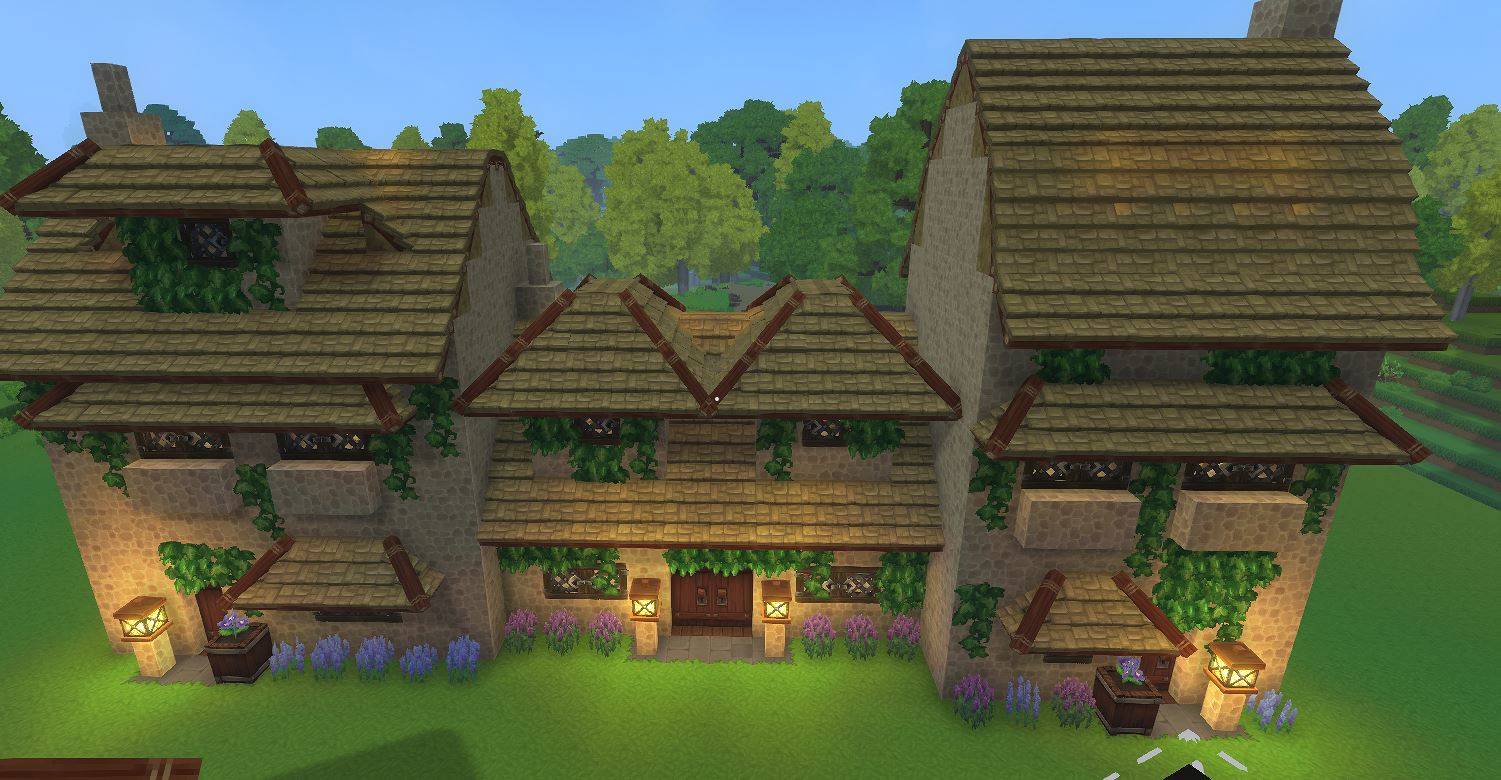
Side by Side Houses.JPG
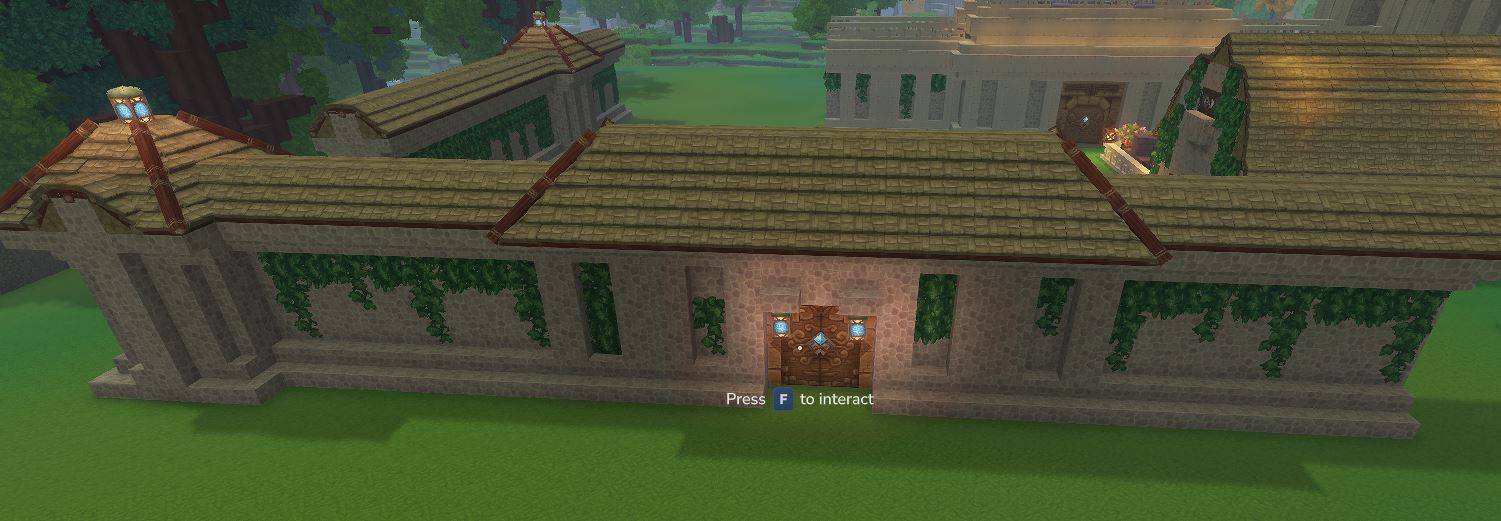
Village Wall.JPG
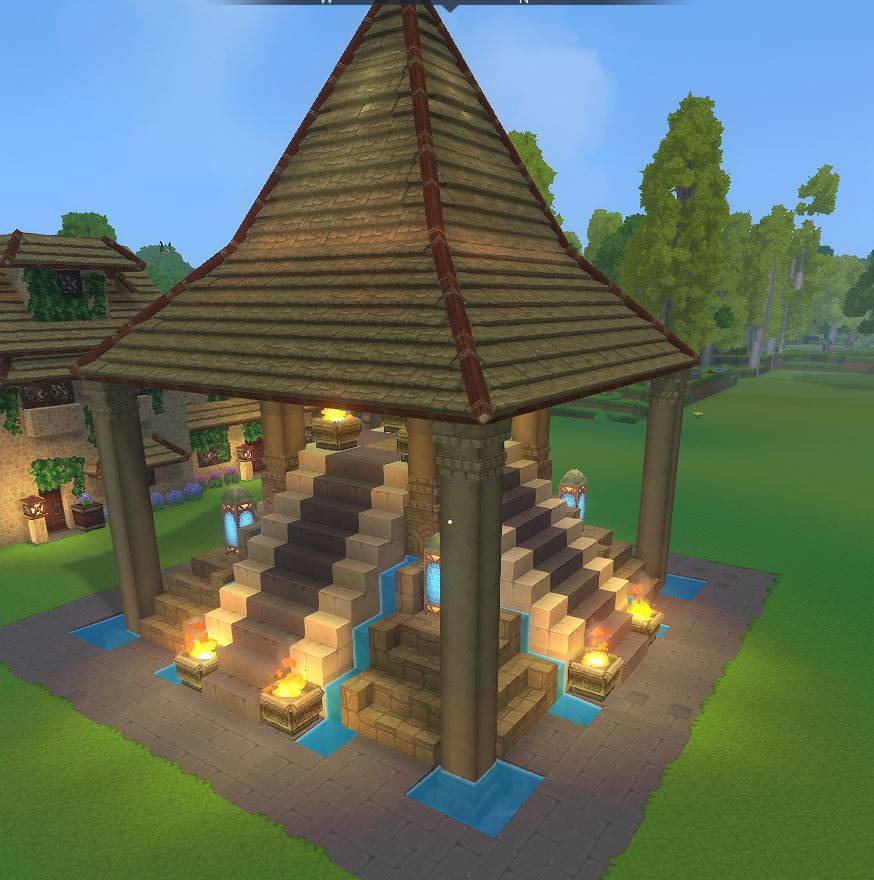
Spawn Point.JPG
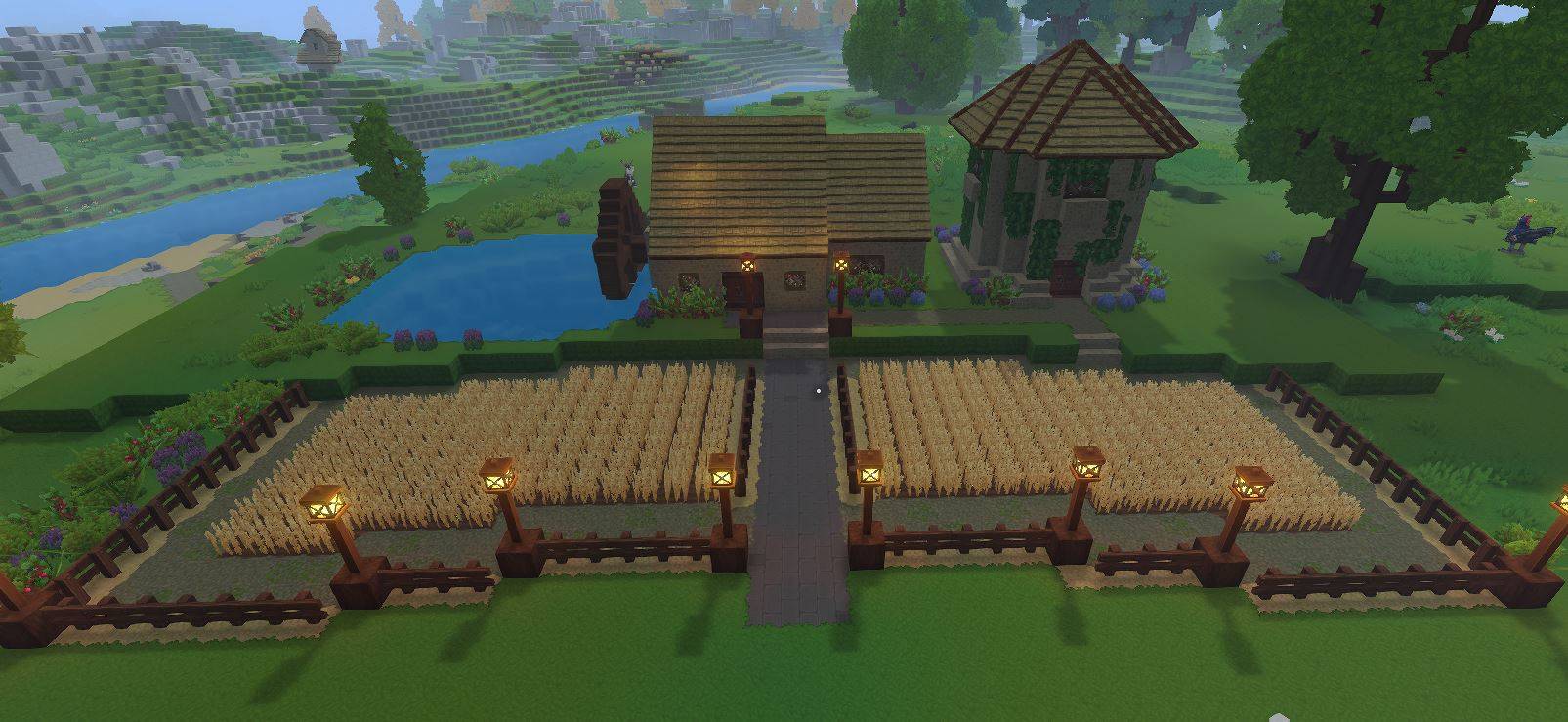
Wheat Farm.JPG
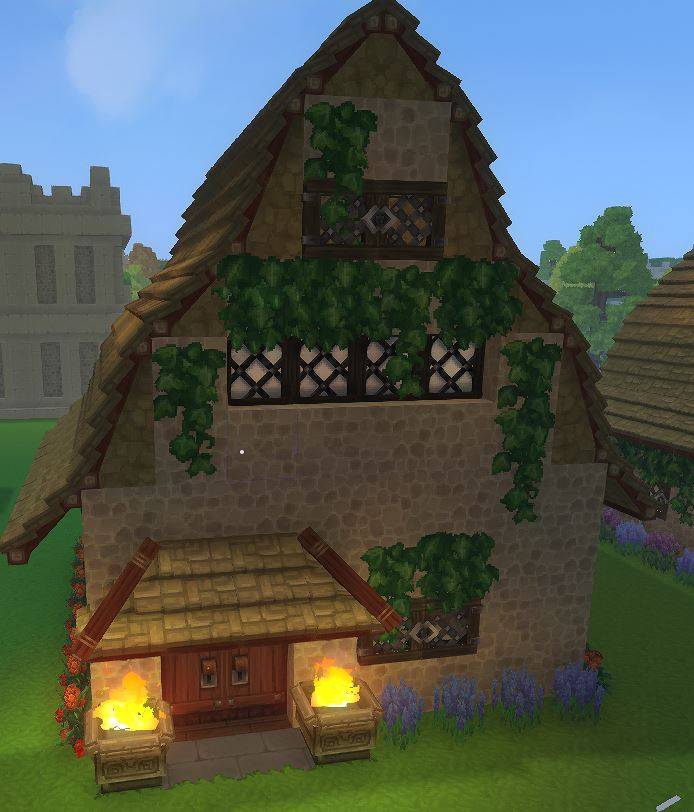
Alchemist.JPG
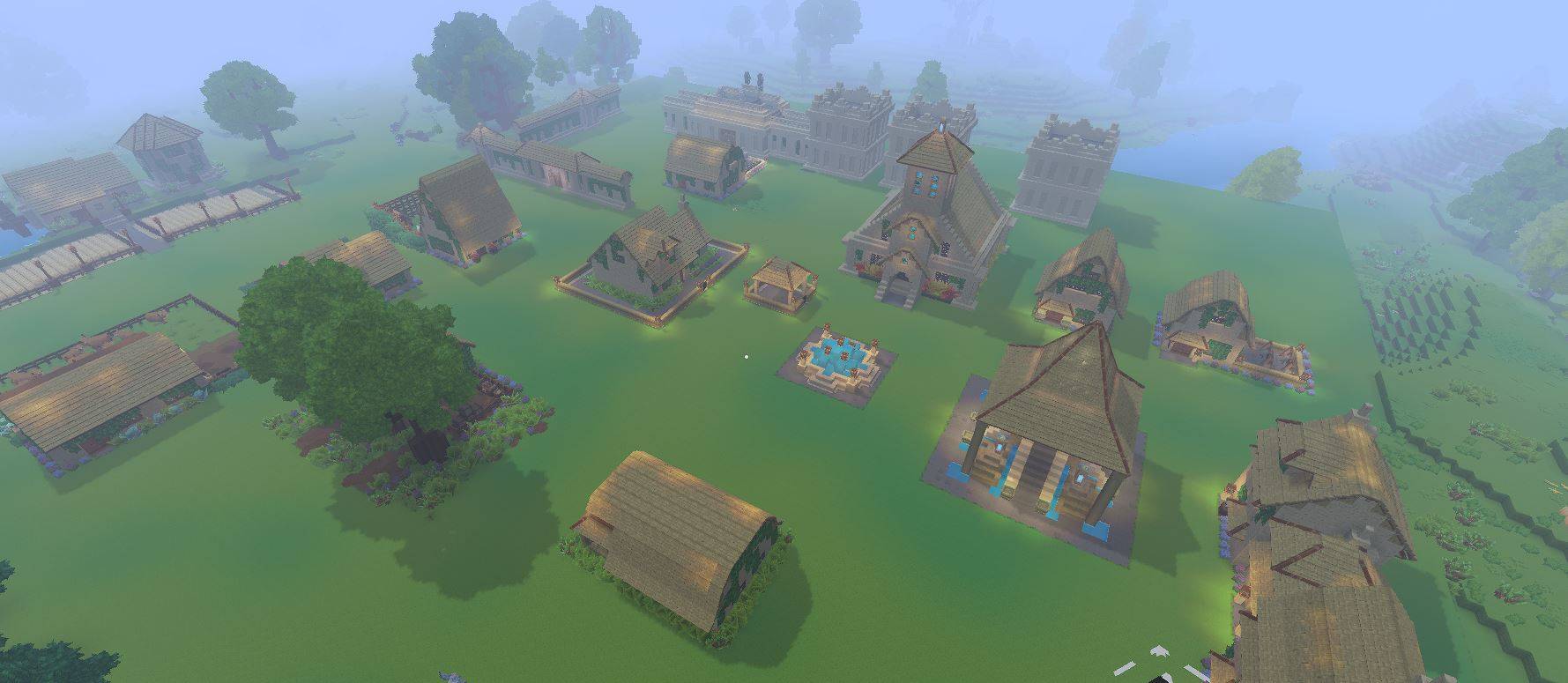
1.JPG
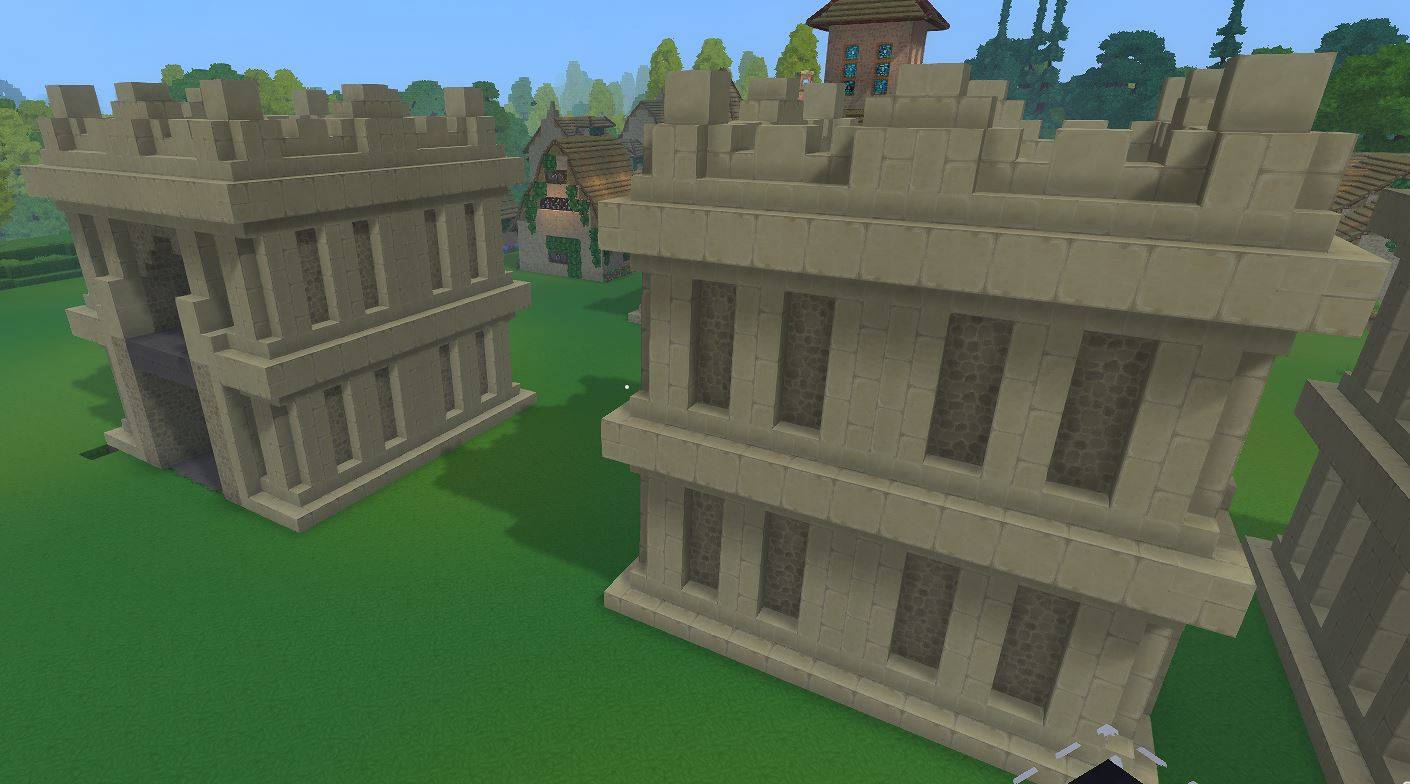
Fortress Wall 2.JPG
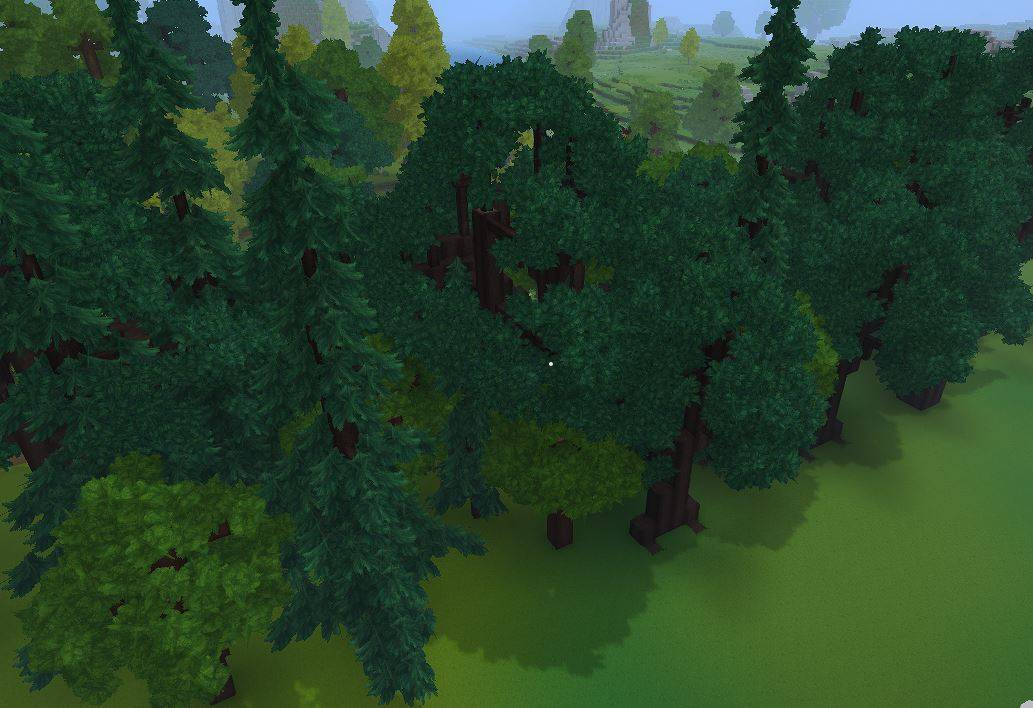
Varied Forest.JPG
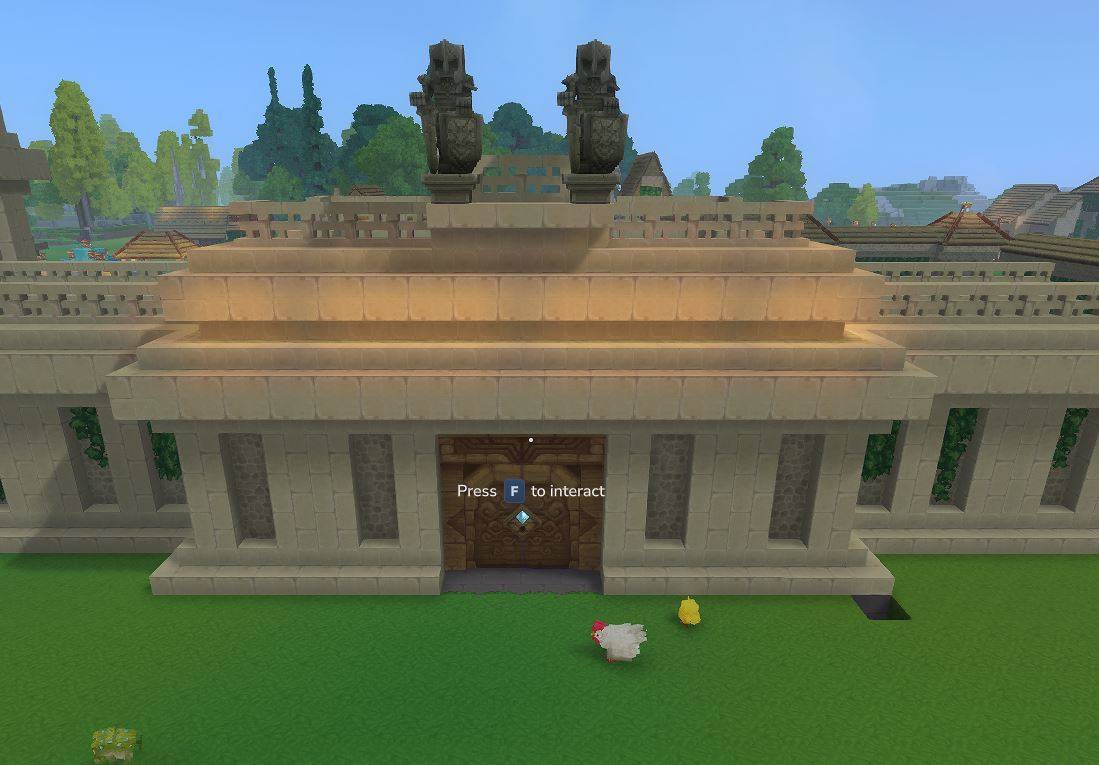
Fortress Wall.JPG
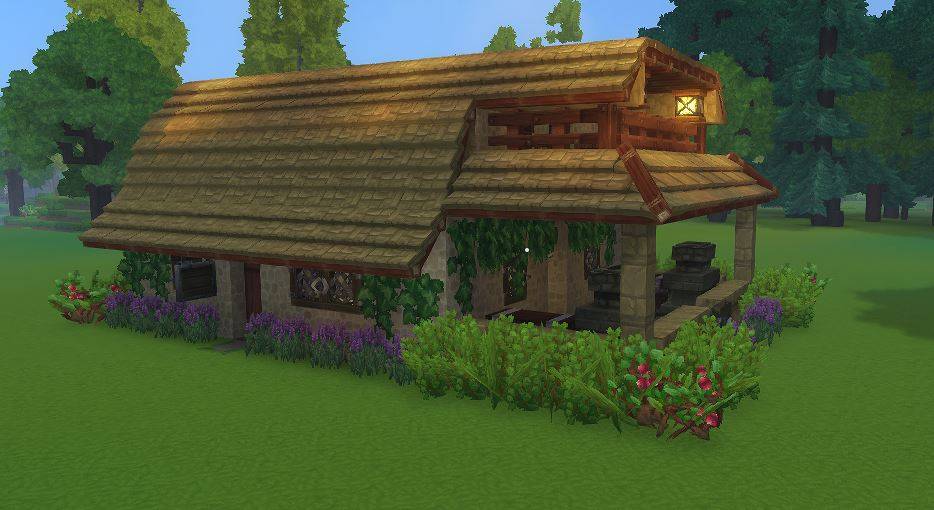
Blacksmith.JPG
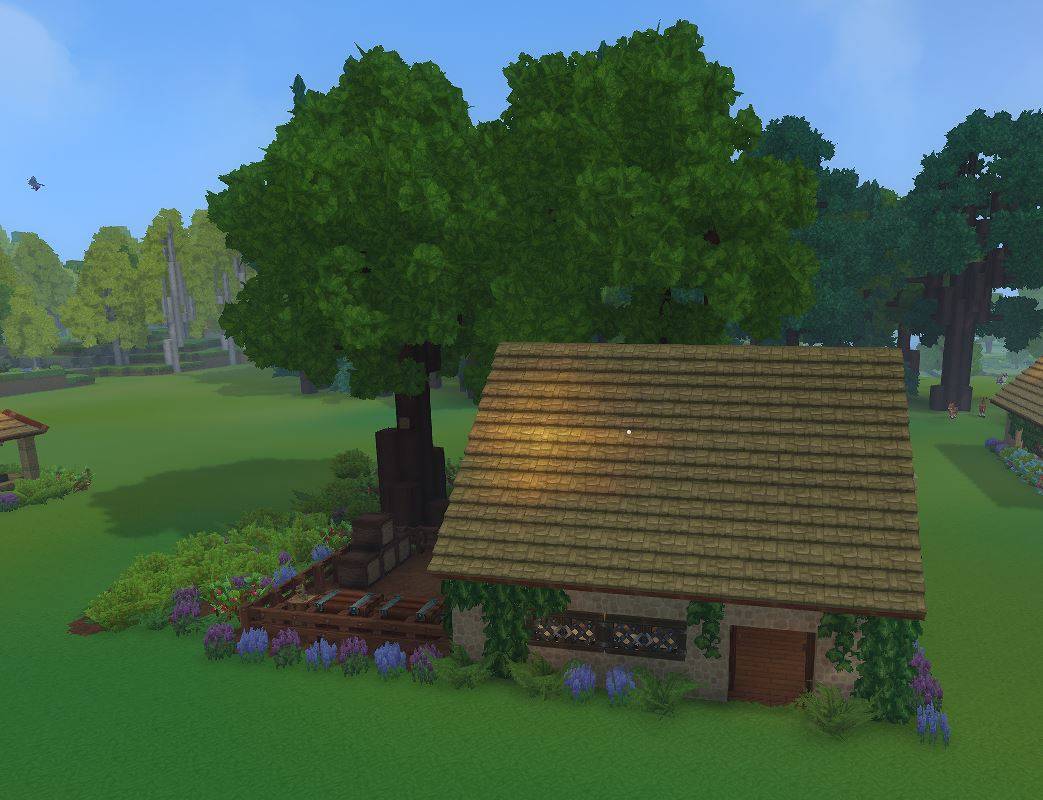
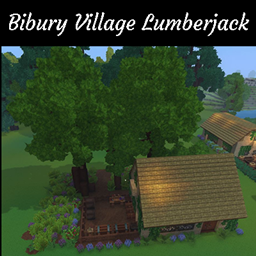
Lumberjack.JPG
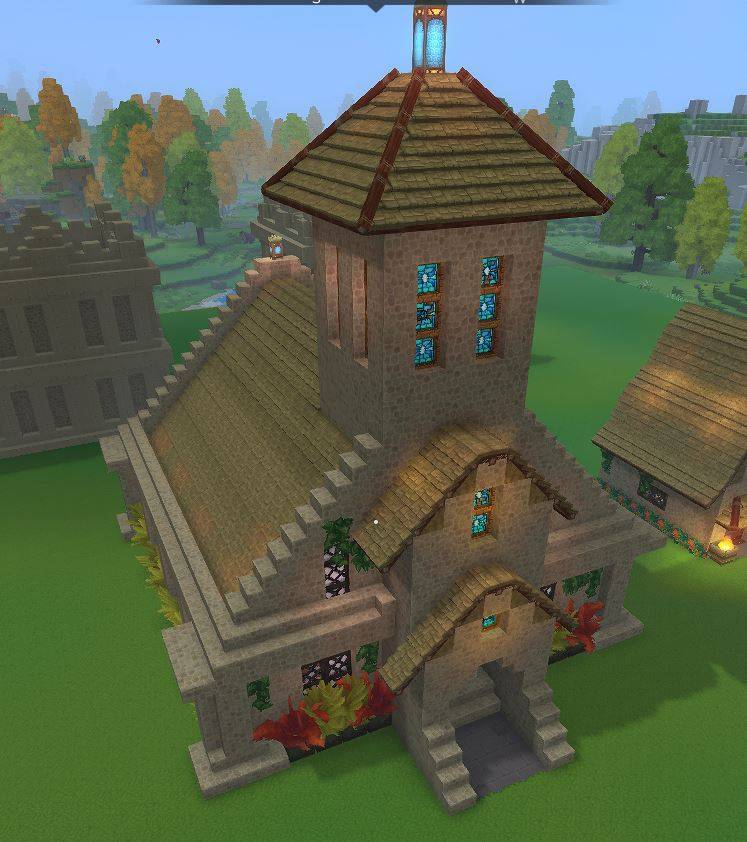
Cathedral.JPG
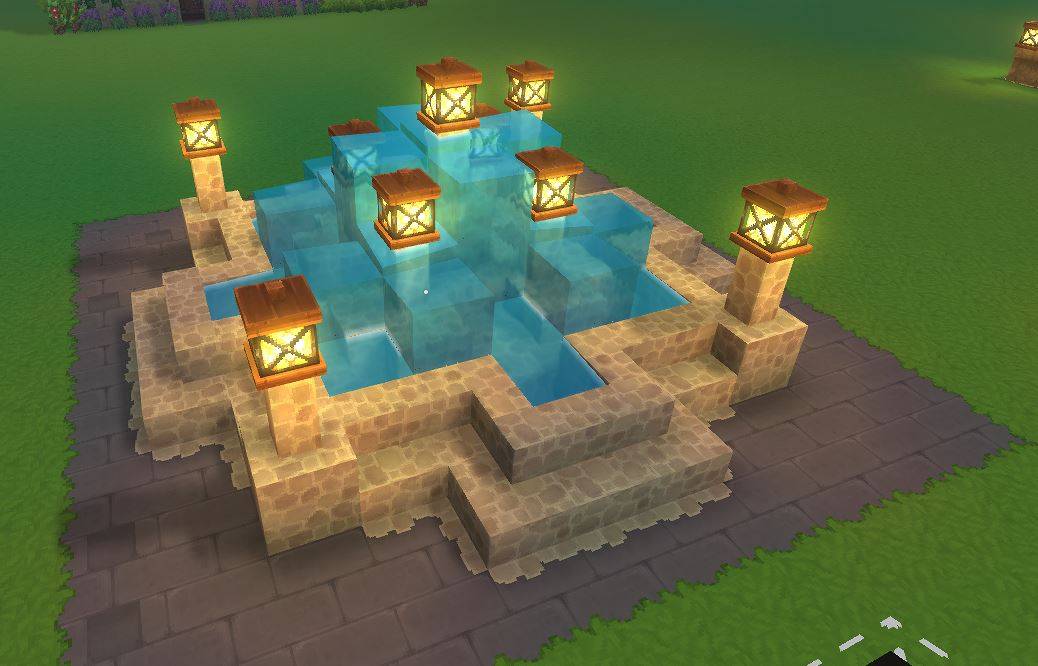
Fountain.JPG
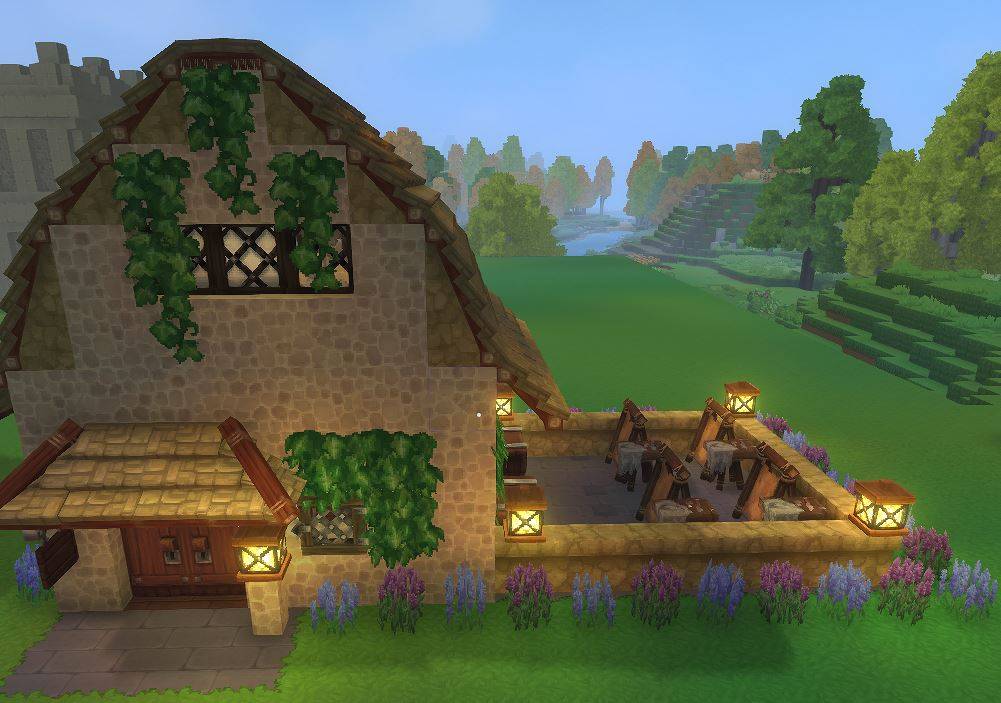
Tannery.JPG
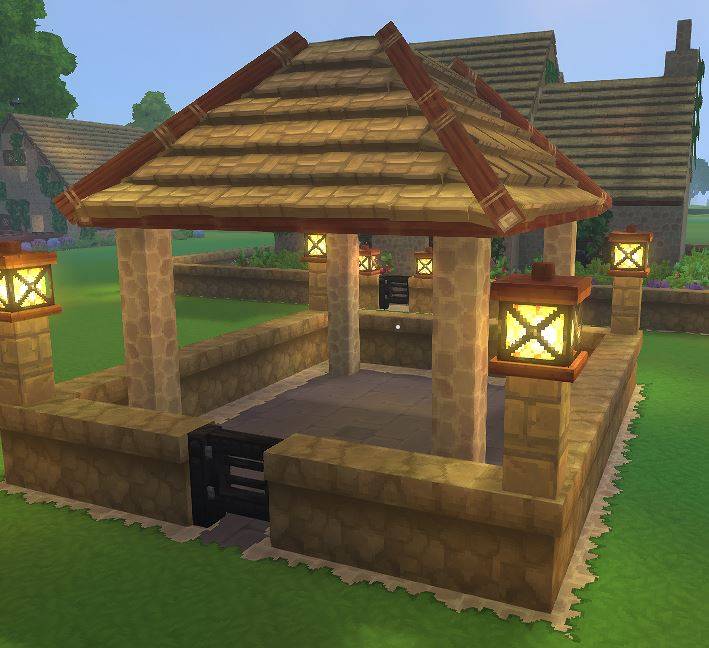
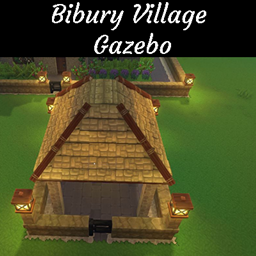
Gazebo.JPG
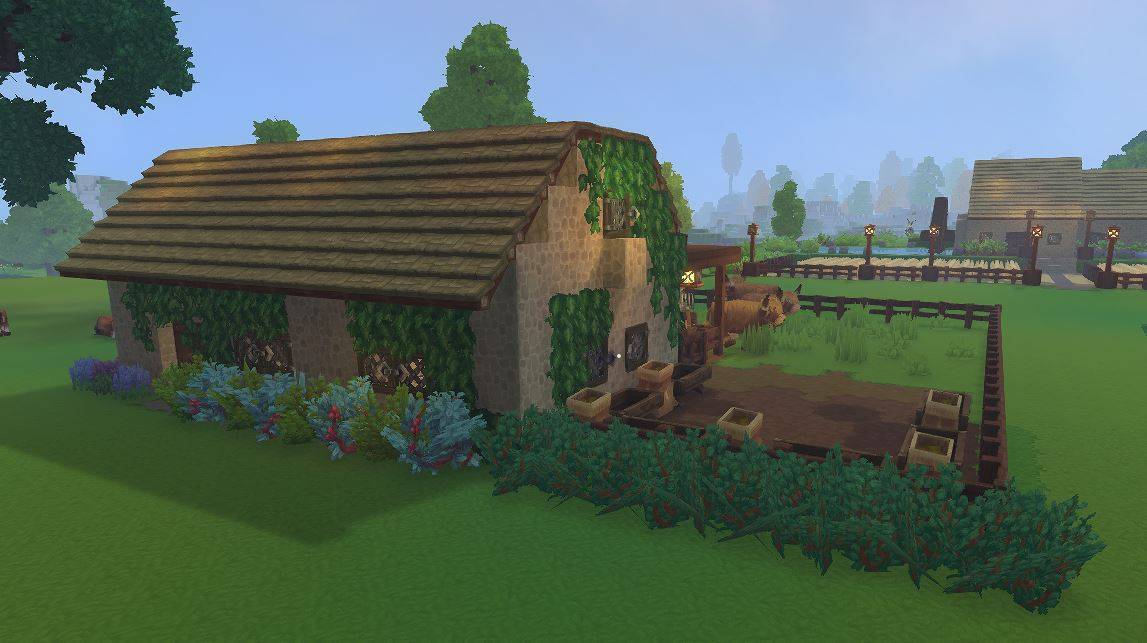
Cattle Ranch.JPG
Description
Please leave a comment if you like it or want see more variations of this. Thank you for downloading.
This Set Includes the following Prefabs:
- Alchemist
- Blacksmith
- Building 1 Home
- Cattle Ranch
- Church
- Forest Prefab
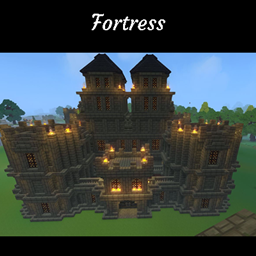
- Fortress Gate
- Fortress Tower Connector
- Fortress Tower Corner
- Fortress Tower Endcap
- Fortress Wall
- Fountain
- Gazebo
- Lumberjack
- Mason
- Pigsty
- Poultry Farm
- Side-by-Side House 1
- Side-by-Side House 2
- Side-by-Side House 3
- Spawn Point
- Tannery
- Village Wall Corner
- Village Wall Endcap
- Village Wall Gate
- Village Wall Turret Connector/Split
- Village Wall
- Wheat Farm
All Buildings are furnished so please enjoy setting up your village or town or city without the headache of having to worry about the little things. This set would be a great addition to anyones world where they roleplay or are a little OCD like me and need things seperate for realism and cohesion. All the walls are made to connect with each other seemlessly and can be oriented in any direction. The Side-by-Side houses were made to stack next to each other so you can build a city or town that had that closeness you are looking for.
Please let me know what additions you would like to see on this set and thank you for downloading.
To load this in your world go to
C:\Users\YOURNAME\AppData\Roaming\Hytale\UserData\Saves
Select the world you want to use this on
Create a folder named "prefabs" (ALL LOWERCASE)
Drop the .json file into the prefab folder
Once you have loaded your world
Press B to open Crative Tools
Highlight World > Click Prefab List
Change Assets To Server
Select The File
Place In World
Done
To load prefabs into a Hytale server, place the .json prefab files into the /hytale/Server/prefabs directory at the root of your server files. Once uploaded, use the command `/prefab load <filename in-game to load the structure.
Bibury Village Set Team