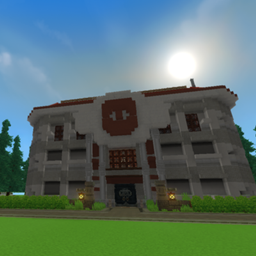
Ancient Oriental Courtyard Mansion
- By
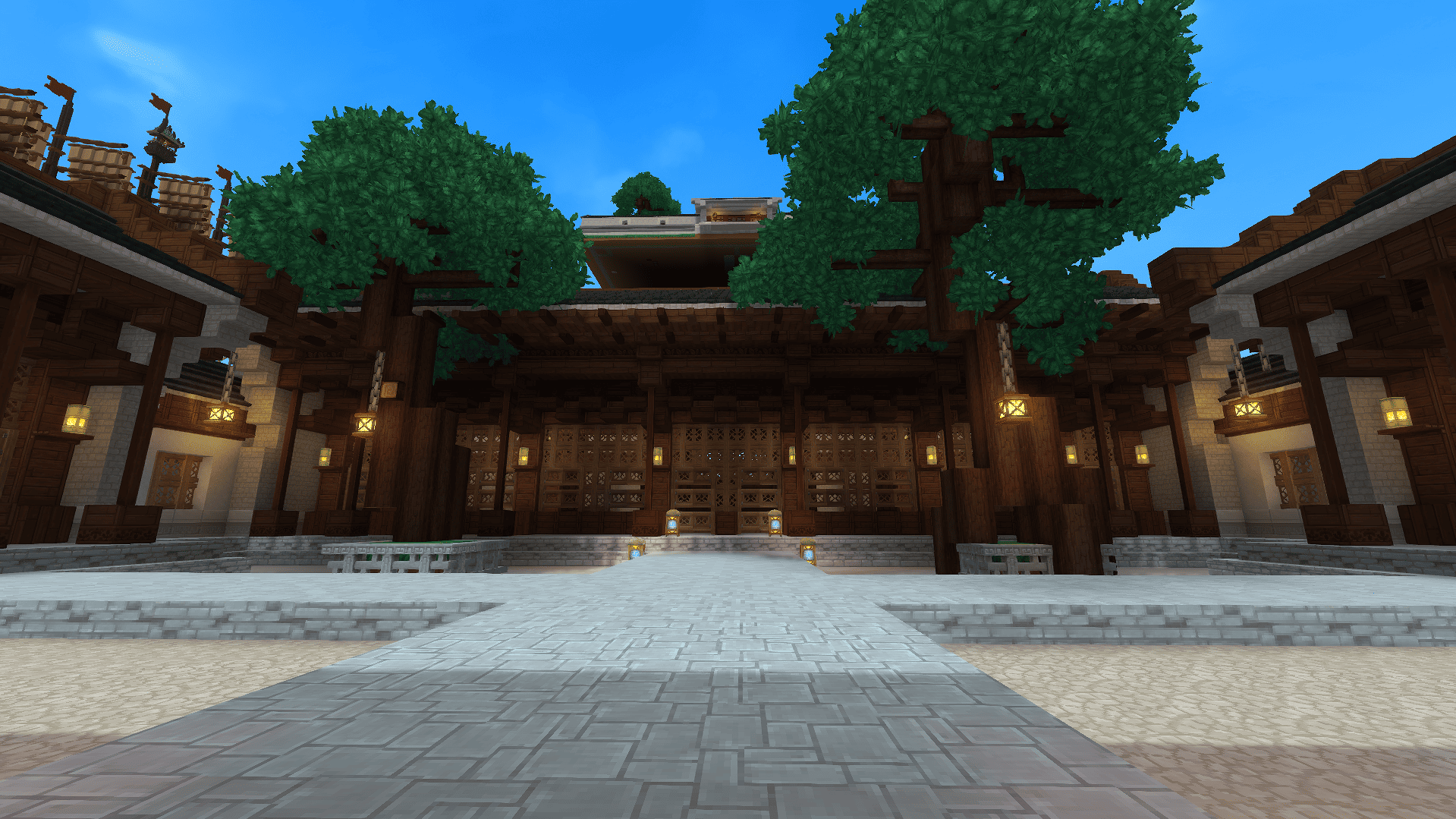
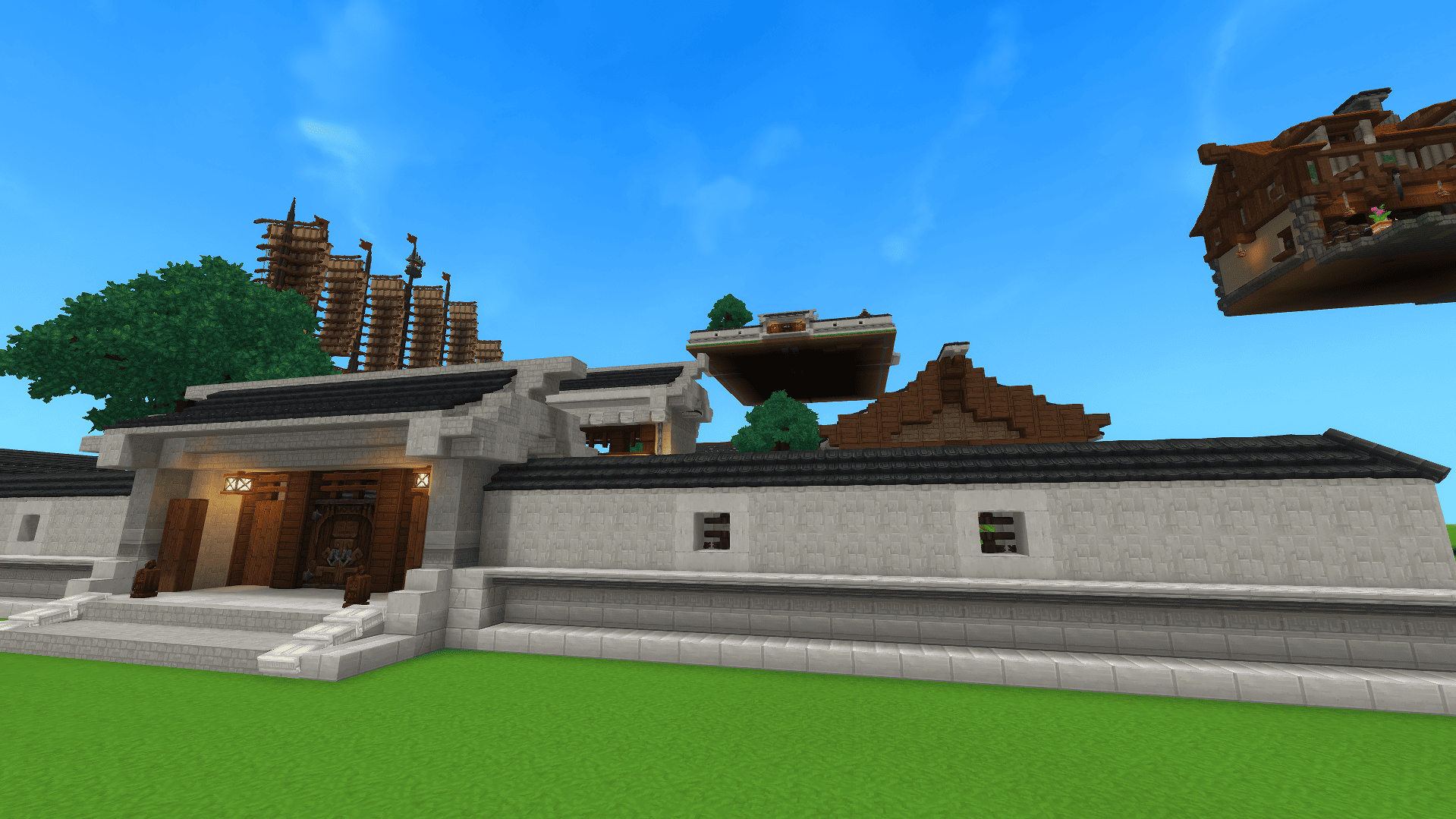
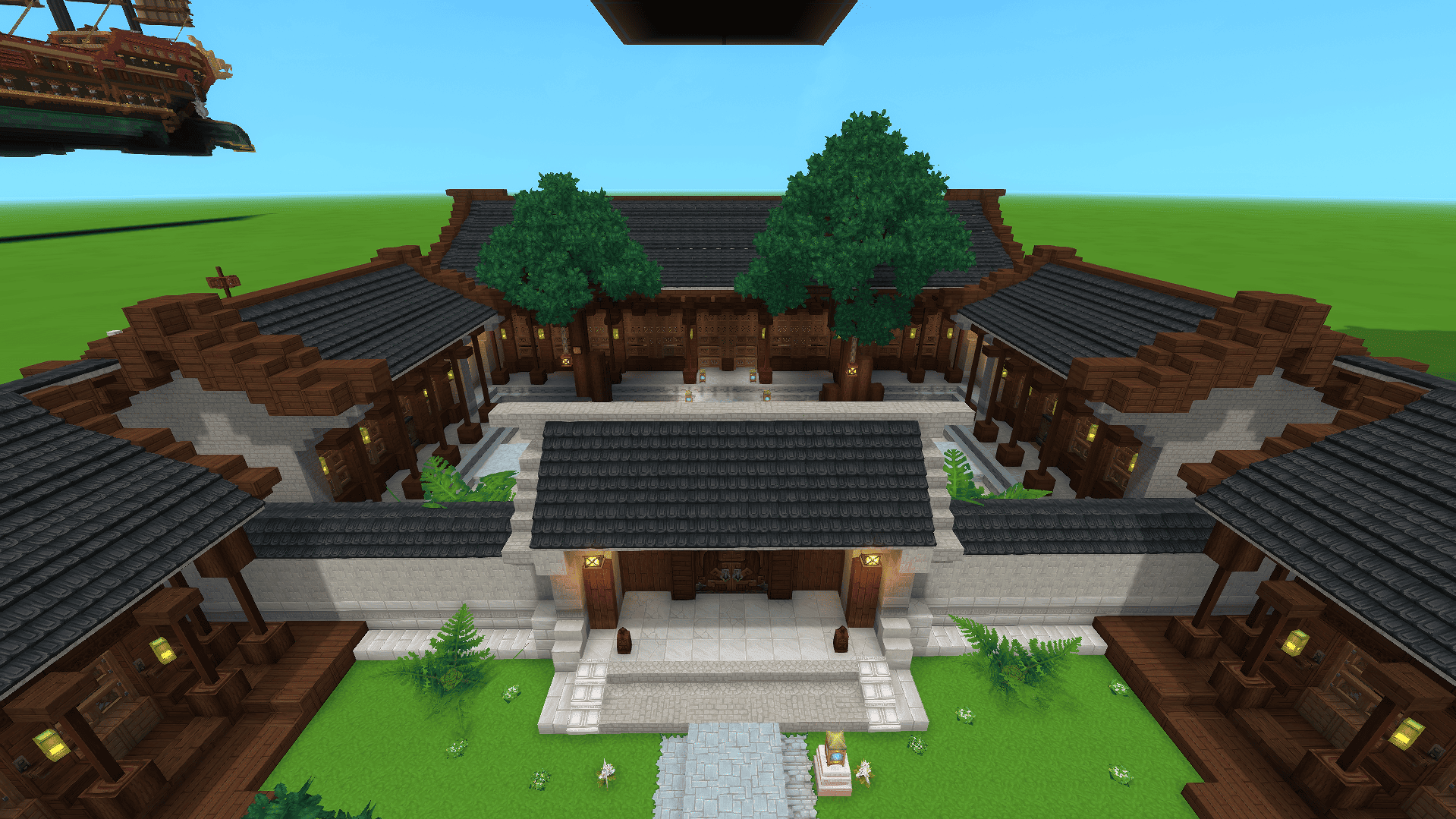
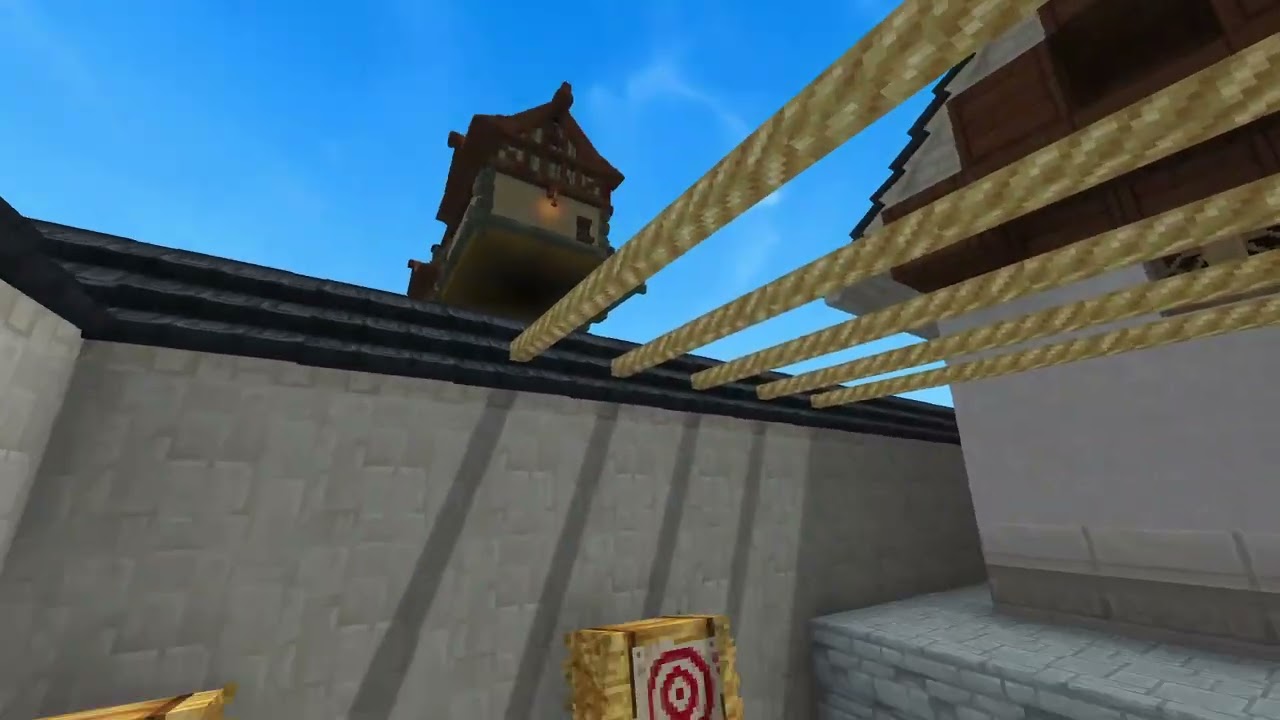
Traditional manor with multiple courtyards, survival-ready.
Captura de pantalla 2026-05-02 020758.png
Captura de pantalla 2026-05-02 020742.png
Captura de pantalla 2026-05-02 020749.png
Description
Welcome to your new sanctuary in ancient China. This estate features several bedrooms and multiple gates, designed for you to enjoy alongside friends from around the globe. This construction is a key piece of my personal filmmaking village. I hope it brings you joy, dear and gentle reader. Sincerely, Berris.
How to download a prefab?
A: Due to recent updates, the "prefabs" folder must now be created manually. Follow these steps to set it up:
-
Press Win+R and type %appdata% to open the folder.
-
Once inside, navigate to the "Hytale" folder, then to "Userdata", then "Saves", and find your specific map folder.
-
Inside your map folder, create a new folder named "prefabs". (You only need to do this once per map). Now you can proceed to step B.
B: After downloading the file, you must extract (unzip) it. Open the folder, copy the JSON file, and paste it inside the "prefabs" folder you just created.
-
To use it in your world, simply equip the "Paste tool" item.
YT:BerriMini1
Ancient Oriental Courtyard Mansion Team