

What's new
LOG IN ONCE, USE VOICE CHAT ON ALL SERVERS!
You asked for it, and it’s finally here! No more entering server codes and player codes every single time. With the new version, you only need to log in once and Voice Chat will work on all servers that have the plugin installed!
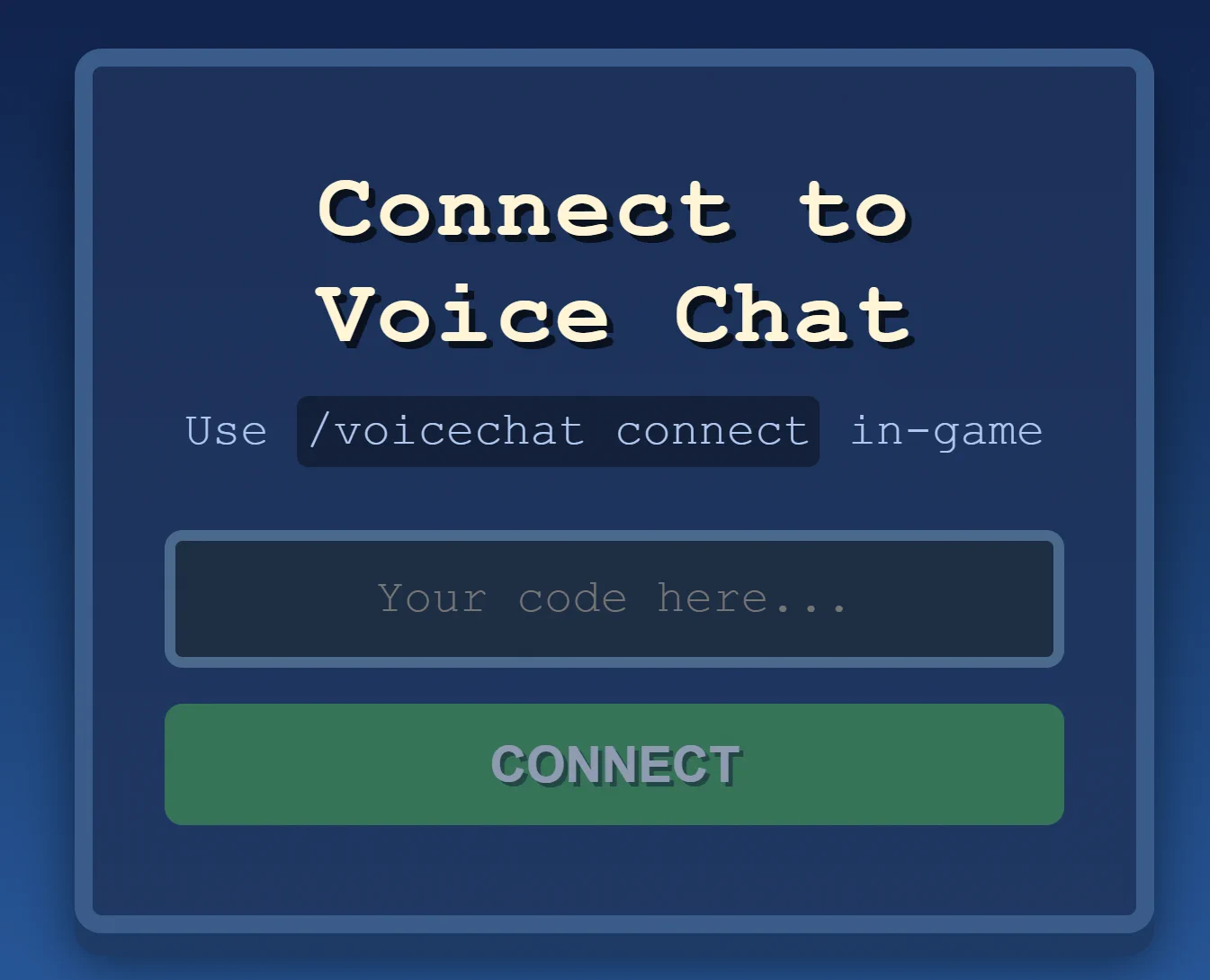
How to use:
Use /voicechat connect the first time you want to connect. A link with a code will be generated, just open it!
That’s it! From now on, whenever you want to use Voice Chat, simply open 👉 https://voice.nemtudo.me
or use the /voicechat command.
When you switch servers, Voice Chat will** automatically connect** to the new server!
Join & Leave Messages:
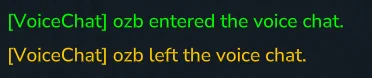
You can now configure custom join and leave messages for Voice Chat. These messages are shown to all connected players.
You can either customize the message text or disable them entirely.
Placeholders:
→ Name of the player who joined/left Voice Chat
→ ID of the player who joined/left Voice Chat
This mod has no additional files