Vein Mining - Updated
- By
Instantly mine connected ores and blocks by holding the Walk key (LEFT ALT) while breaking a single block
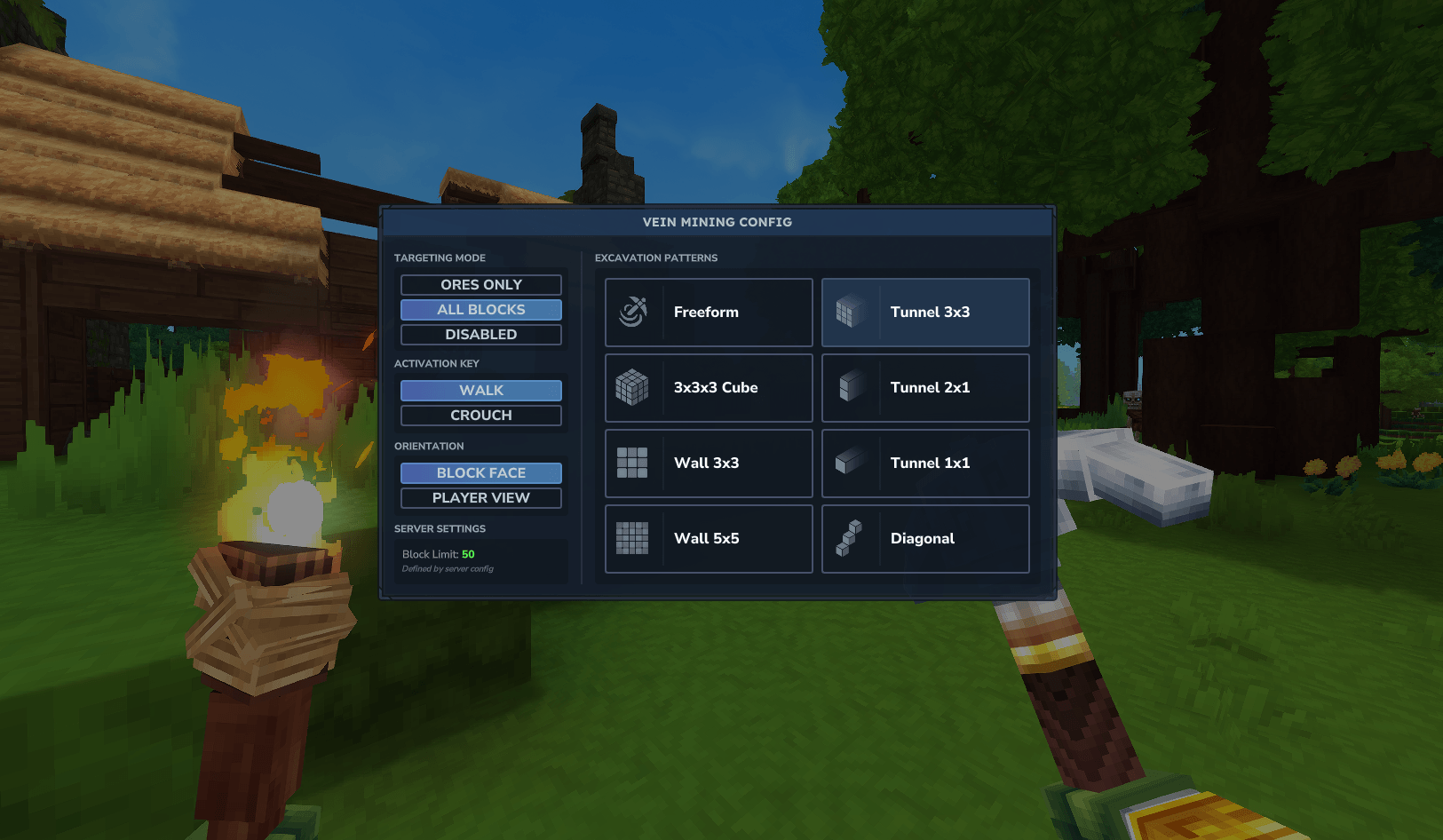
A config menu for changing how VM works
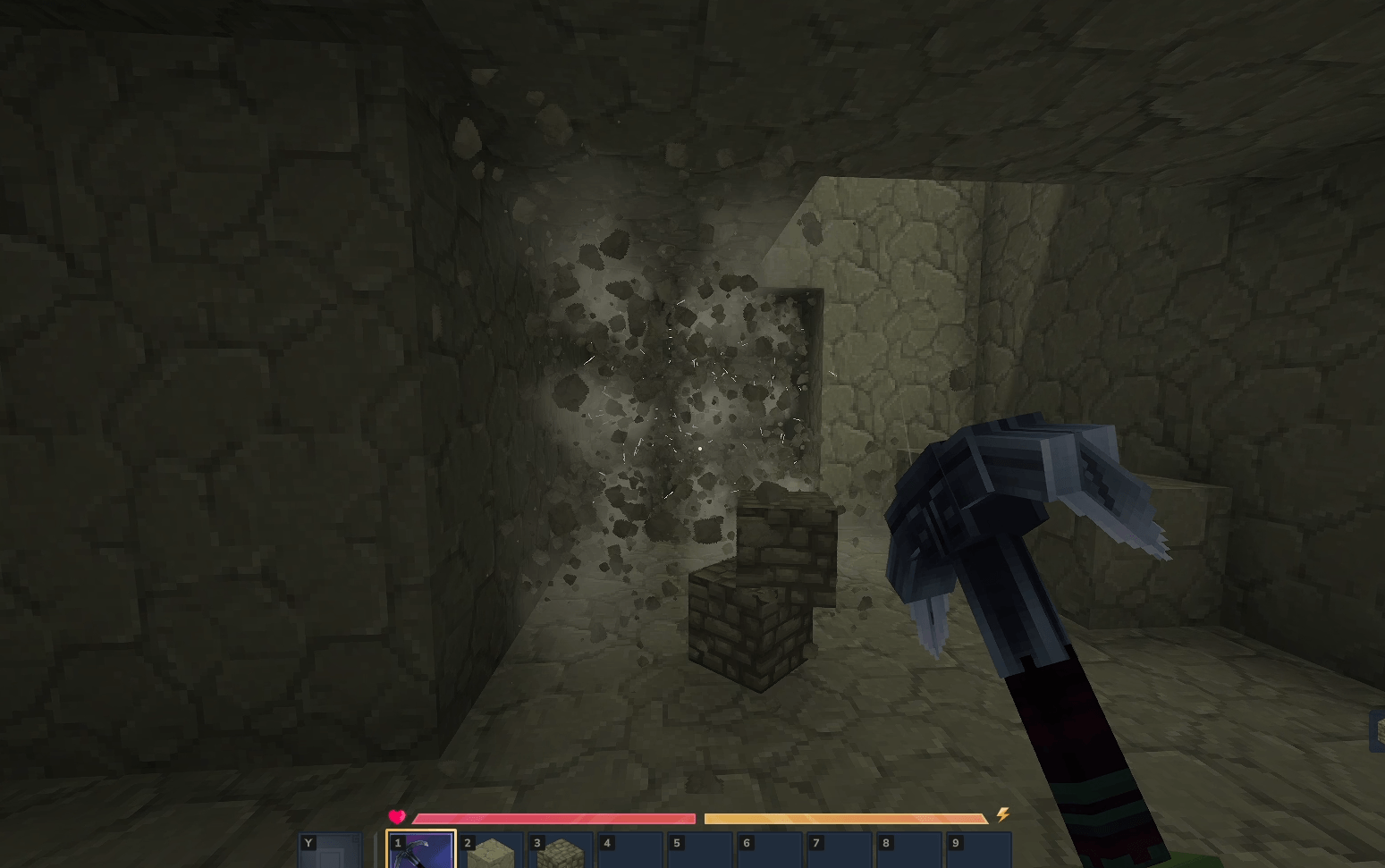
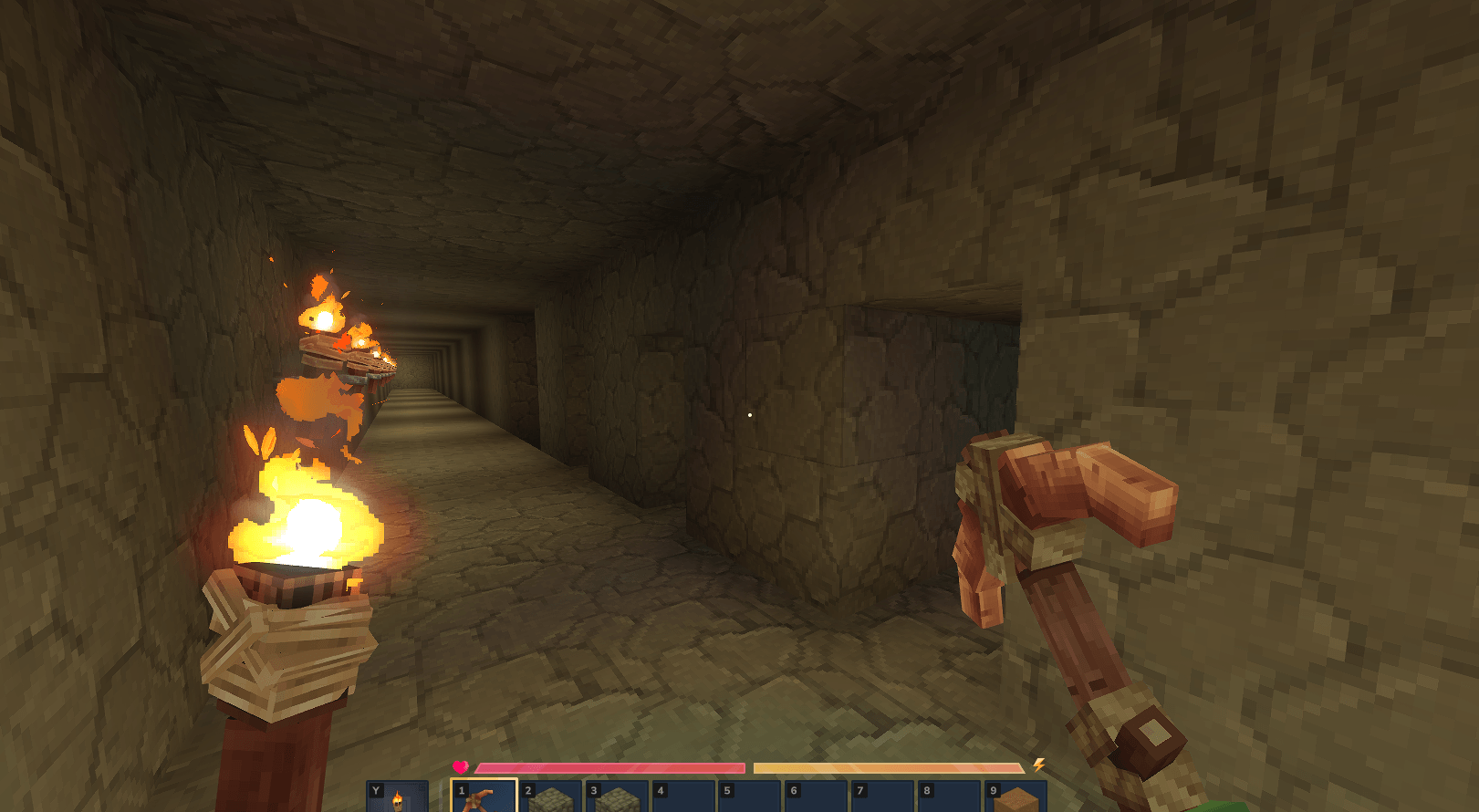
screenshot-2026-01-18-174301.png
Description
Maintained by Riprod
/------------------------------\
- EineNT merged my PR! -
- Download the original -
\------------------------------/
This is a re-upload of another mod, updated to Update 5. Please, go check out the original and give credit there. I have an open PR to the original project if the original dev would like to migrate
https://www.curseforge.com/hytale/mods/veinmining
Features
- Hold the Walk key (LEFT ALT) while mining to activate veinmining.
- Open the GUI with /vm or use chat commands to configure Target Mode, Excavation Pattern, Orientation, and Key.
- Tools lose durability based on the total number of blocks broken.
- Consolidate all loot from the vein into a single pile at your feet or the source block.
Mining Modes (/vm)
Targeting
- All Blocks — Mines connected blocks of any type (Default)
- Ores Only — Mines connected ore veins
- Off — Temporarily disables veinmining
Excavation Patterns
- Freeform — Follows the vein in any direction (Classic)
- Cube — Excavates a 3x3x3 area
- Tunnel — Available in 1x1, 1x2 (Player), and 3x3
- Wall — Mines a flat surface (3x3 or 5x5)
- Diagonal — Mines a diagonal staircase
Orientation
- Block Face — Aligns the pattern to the side of the block hit.
- Player View — Aligns the pattern to the camera view.
Chat Configuration
All settings can be configured directly via chat with smart parsing (aliases) and formatted confirmation messages.
Available Flags:
--mode: all, ores, off--pattern: free, cube, tunnel1 (t1), tunnel2 (t2), tunnel3 (t3), wall3 (w3), wall5 (w5), diagonal (diag)--orientation: block, player--key: walk, crouch, always
Example Command:
/vm --mode all --pattern cube --key always
Configuration File
Advanced settings are available in the VeinMining.json config file:
- Maximum vein size per player group
- Durability multipliers
- Drop positioning (player, break, block)
- Drop bundling/consolidation toggle
- Tool requirement toggle (Requires Pickaxe, Axe, Shovel, or Shears)
- Instant break blocks toggle
Troubleshooting & FAQ
World or Game Won't Start
If the world no longer loads after an update, the configuration file format may have changed.
- Navigate to: %APPDATA%\Hytale\UserData\Saves\YourWorldName\mods
- Delete the folder named EineNT_VeinMining.
- Rejoin the world; the folder and config will regenerate automatically.
Mod Not Working?
- Check for Duplicates: Ensure only one version of the .jar file is in the %APPDATA%\Hytale\UserData\Mods folder.
- Verify Installation: Run /vm. If the GUI opens or chat responds, the mod is active.
- Check Status: Run /pl m (requires OP/Admin). If EineNT:VeinMining is disabled, click to enable it.
- Tool Requirement: By default, the mod only works if holding a valid tool (Pickaxe, Axe, Shovel, or Shears).
How to Edit Configs
Configurations are stored per world. To edit them manually:
- Go to: %APPDATA%\Hytale\UserData\Saves\YourWorldName\mods\EineNT_VeinMining
- Open VeinMining.json with a text editor.
- Apply changes by restarting the server or running /pl reload EineNT:VeinMining.
"Failed to reload plugin" Error
If a message appears saying "Failed to reload plugin EineNT:VeinMining!" during startup or reload, this can usually be ignored. The plugin most likely loaded correctly despite the warning message.
The Vein Mining - Updated Team