upgrader_open-item.png
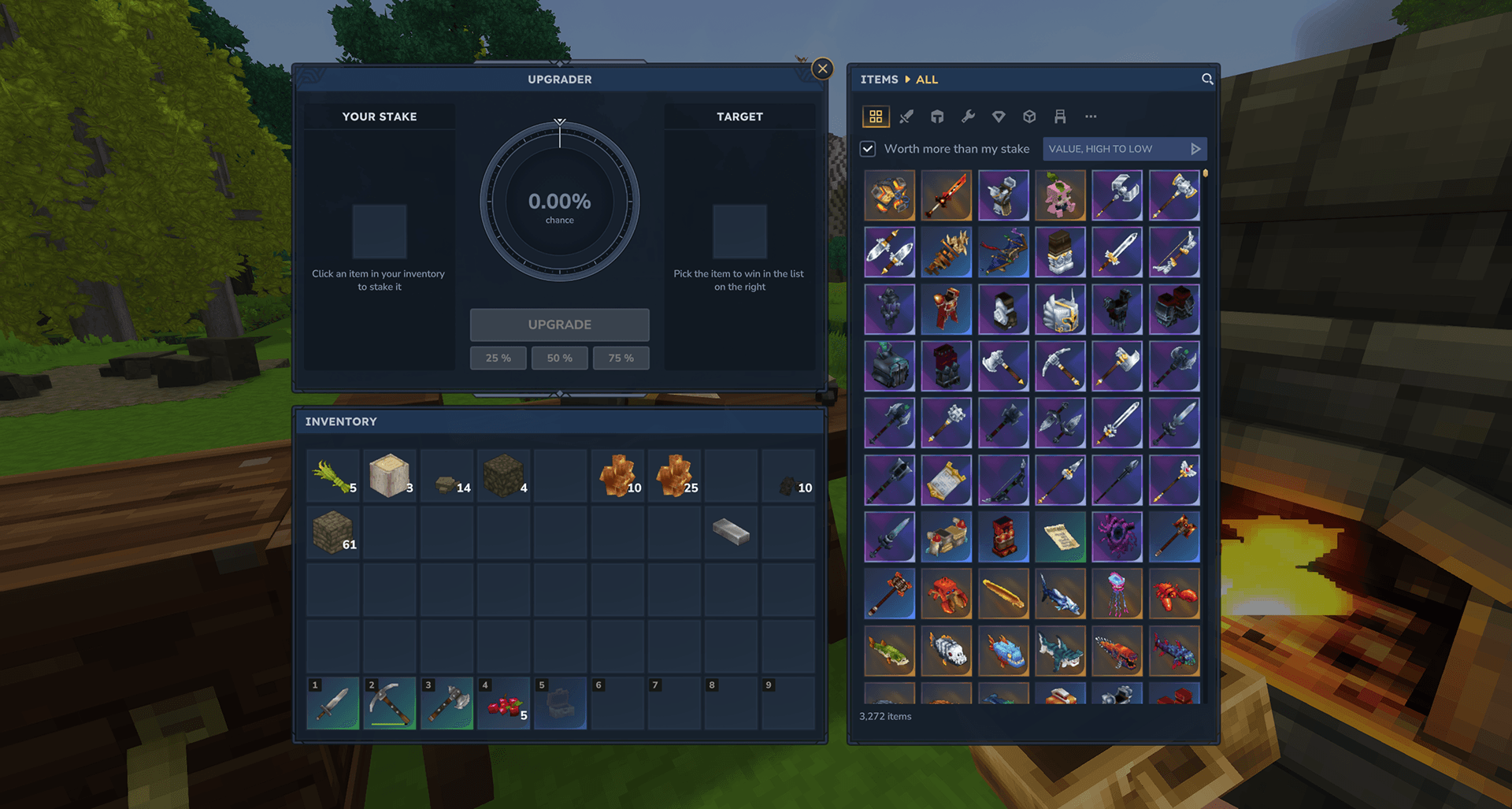
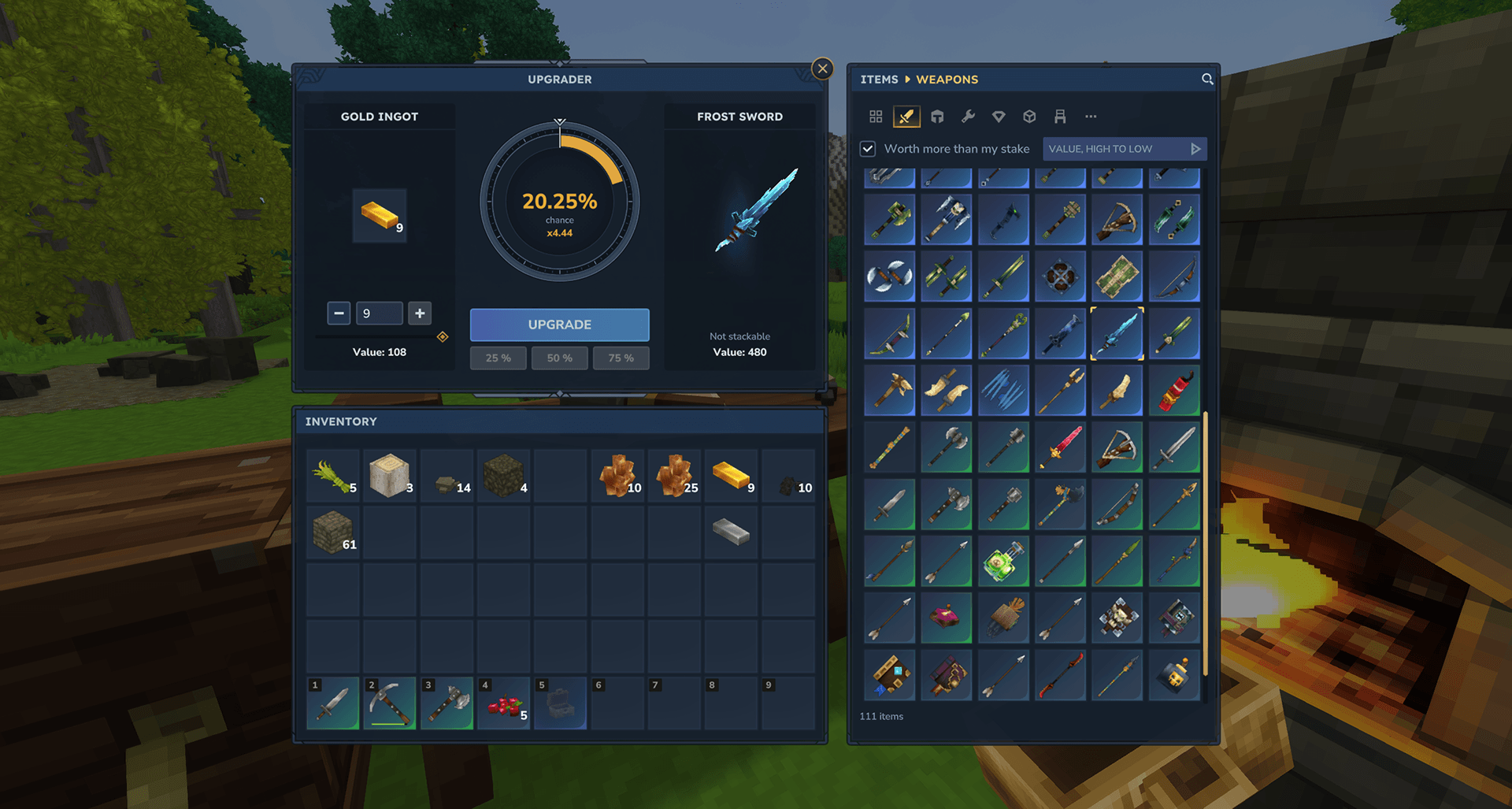
upgrader_open.png
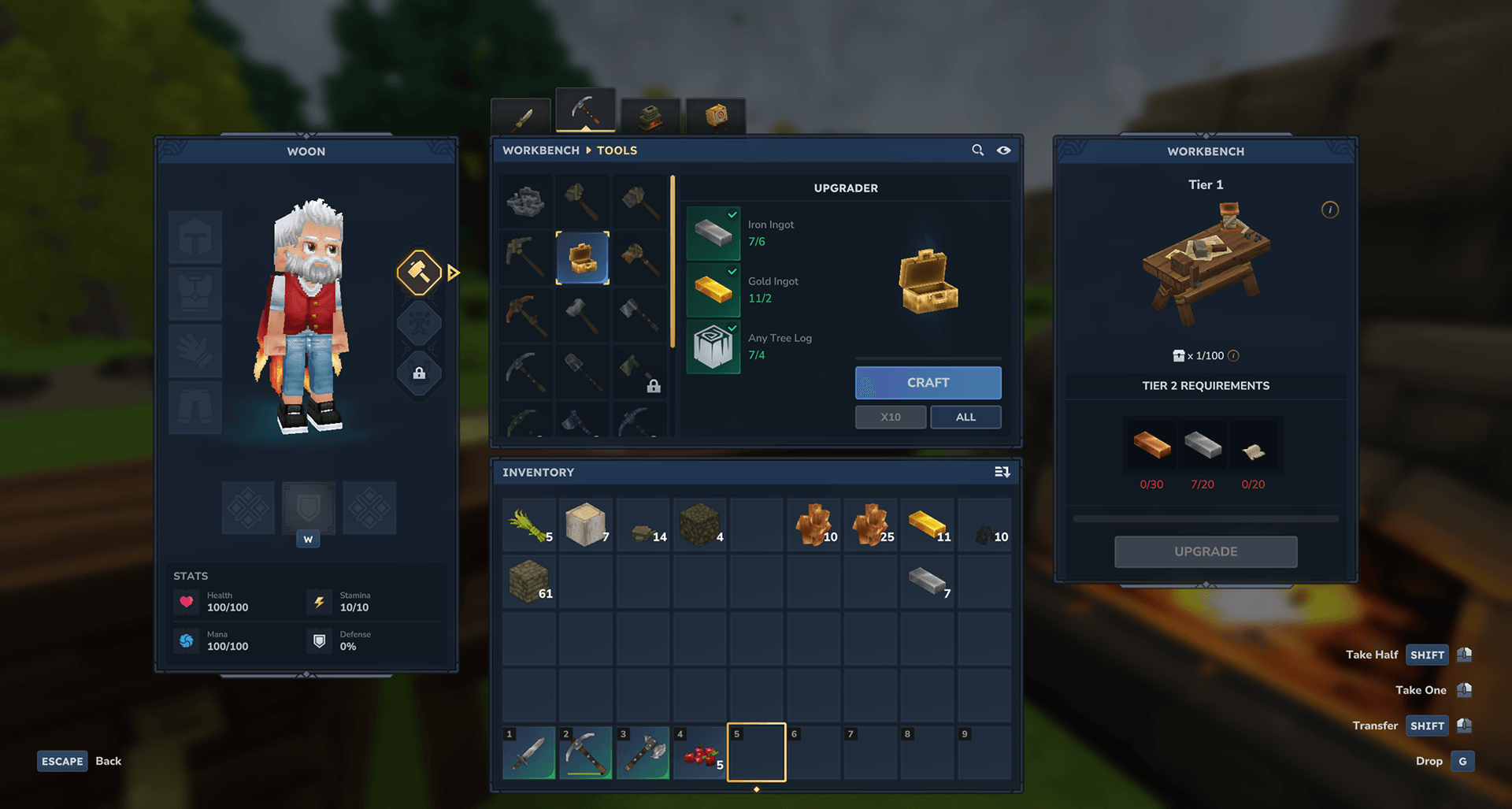
upgrader_craft.png
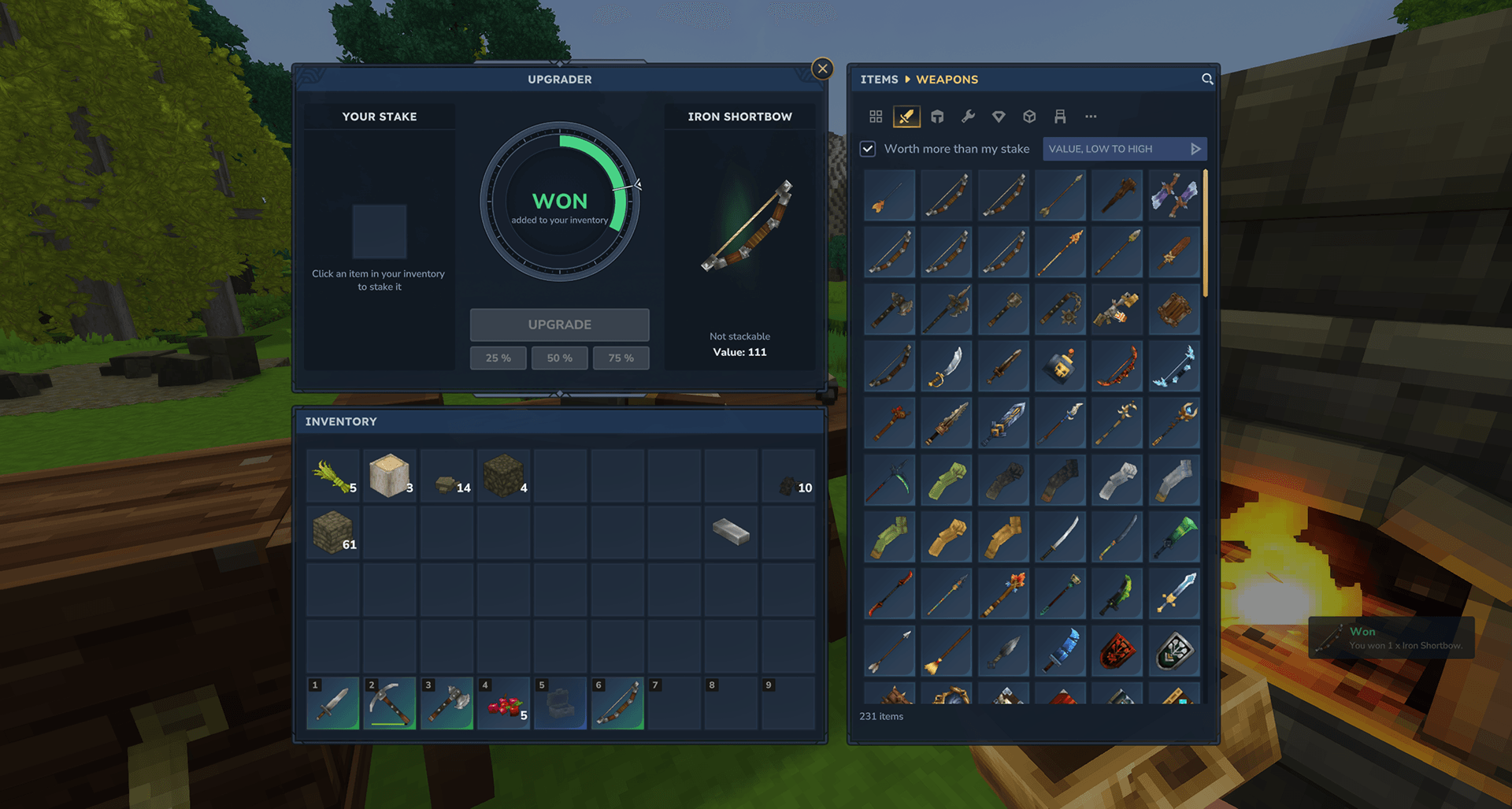
upgrader_win.png
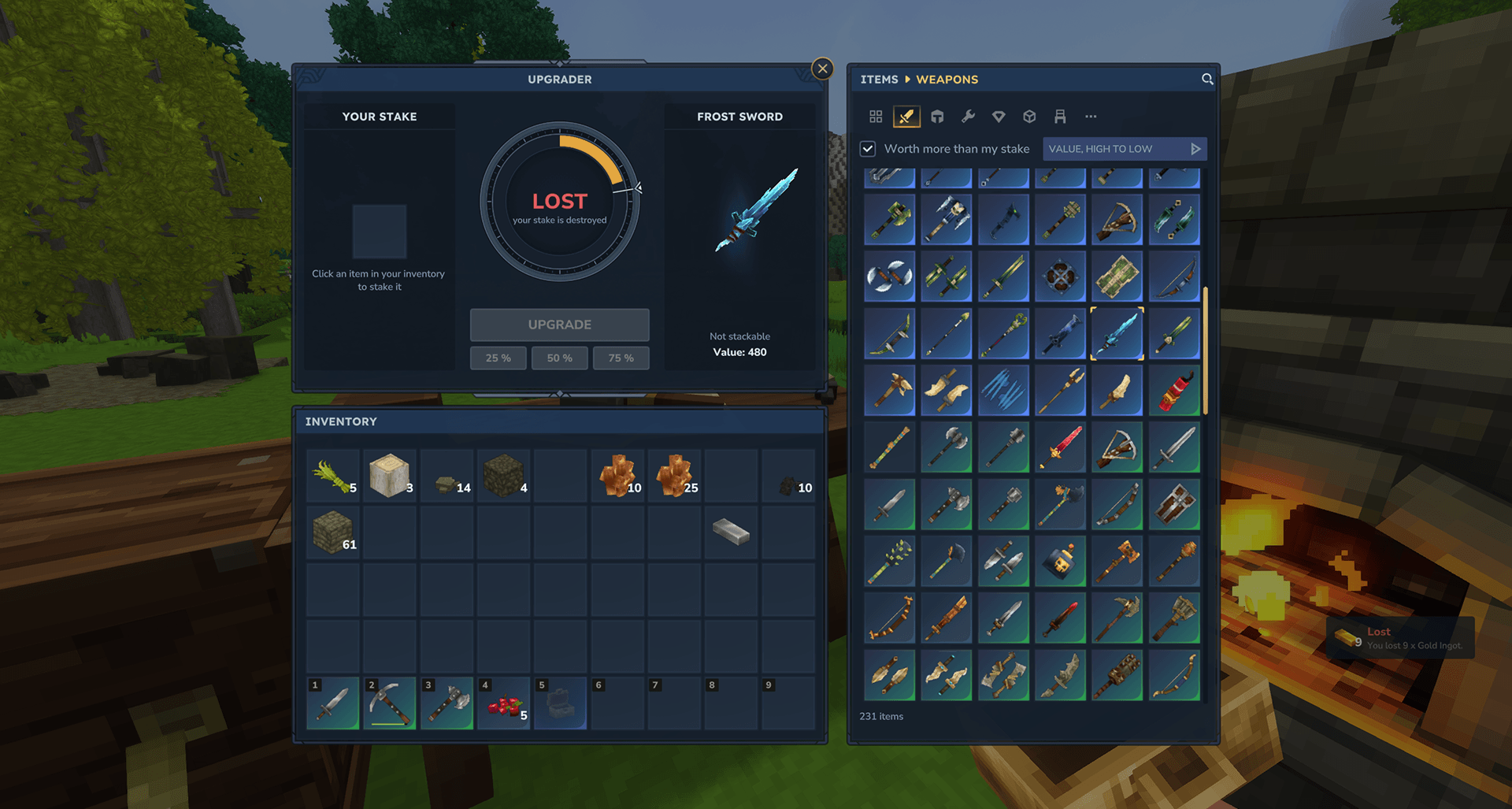
upgrader_lose.png
Description
Upgrader
Stake an item, pick any item of the game as your target and spin the wheel.
How it works
1. Craft the Upgrader at a Workbench (Tools tab) and hold it.2. Right click to open the Upgrader.
3. Click an item in your inventory to stake it. The whole stack is staked; adjust the quantity with −, +, the field or the slider.
4. Pick your target in the list on the right: search, browse the tabs, sort, and see every item's value and your chance in its tooltip.
5. Set the target quantity (or use the 25 % / 50 % / 75 % shortcuts) and watch the chance and the multiplier update live.
6. Press Upgrade. The wheel spins for 5 seconds and the pointer stops inside the gold arc (you win) or outside it (you lose).
The chance
Chance = stake value × (1 − 10 %) ÷ target value, capped at 80 %.- The target must be worth more than the stake: Upgrader only goes up.
- Example: 9 diamonds worth 720 for a sword worth 1,000 → 720 × 0.9 ÷ 1,000 = 64.8 %.
- The 10 % house edge and the 80 % cap are both configurable.
- The result is drawn on the server the moment you press Upgrade; the animation only shows it. Your stake leaves your inventory right away and the prize is given when the wheel stops.
- Closing the page or disconnecting during the spin settles the result at once. If your inventory is full, the prize drops at your feet.
Every item of the game, valued
- The target list holds every item a player can get in survival: more than 3,000 in the base game. Developer tools, editor items, fluids and technical blocks are left out.
- Items from other mods are included automatically, with values computed from their recipes.
- Each item gets a value computed from the game's recipes when the server starts:
- a crafted item is worth its ingredients plus a crafting markup (25 %, plus 5 % per bench tier);
- ores and gems follow their tier (copper < iron < … < mithril < onyxium);
- other raw items follow their rarity and level;
- rare and better items are never valued below their rarity.
Commands
/upgrader Opens the Upgrader without the item. Operators only.Languages
English and French.Upgrader Team