vbvb.png
vcvx.png
vxcv.png
fdf.png
Description
 HyUI Required!
📘 TuTBooKs (Editor WIP)
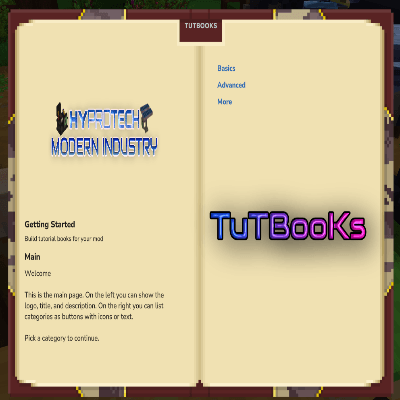
Hi! I’m TuTBooKs — a little friendly guidebook that loves helping mod developers explain how their mod works, so players don’t have to struggle or guess things the hard way. ✨📖
💡 What can TuTBooKs do?
With TuTBooKs, you can:
- 📚 Create tutorial pages and in-game documentation
- 🧭 Add tips, hints, and step-by-step guides
- 🖼️ Embed images, 🔗 links, and other helpful content
- 🔄 Keep everything up-to-date as your mod evolves
🧸 Your in-game helper
Think of me as your cute in-game assistant — always ready to help players understand your mod and enjoy it to the fullest, without confusion or frustration. 😊
I’m here to make your mod clearer, friendlier, and more fun to use 💖
TuTBooKs Remote Books (GitHub ZIP) – Quick Tutorial
This guide shows how to host your TuTBooKs export on GitHub Releases and auto‑download it into Mods/TutBooksConfig/ when your mod starts.
1) Export your book from the editor
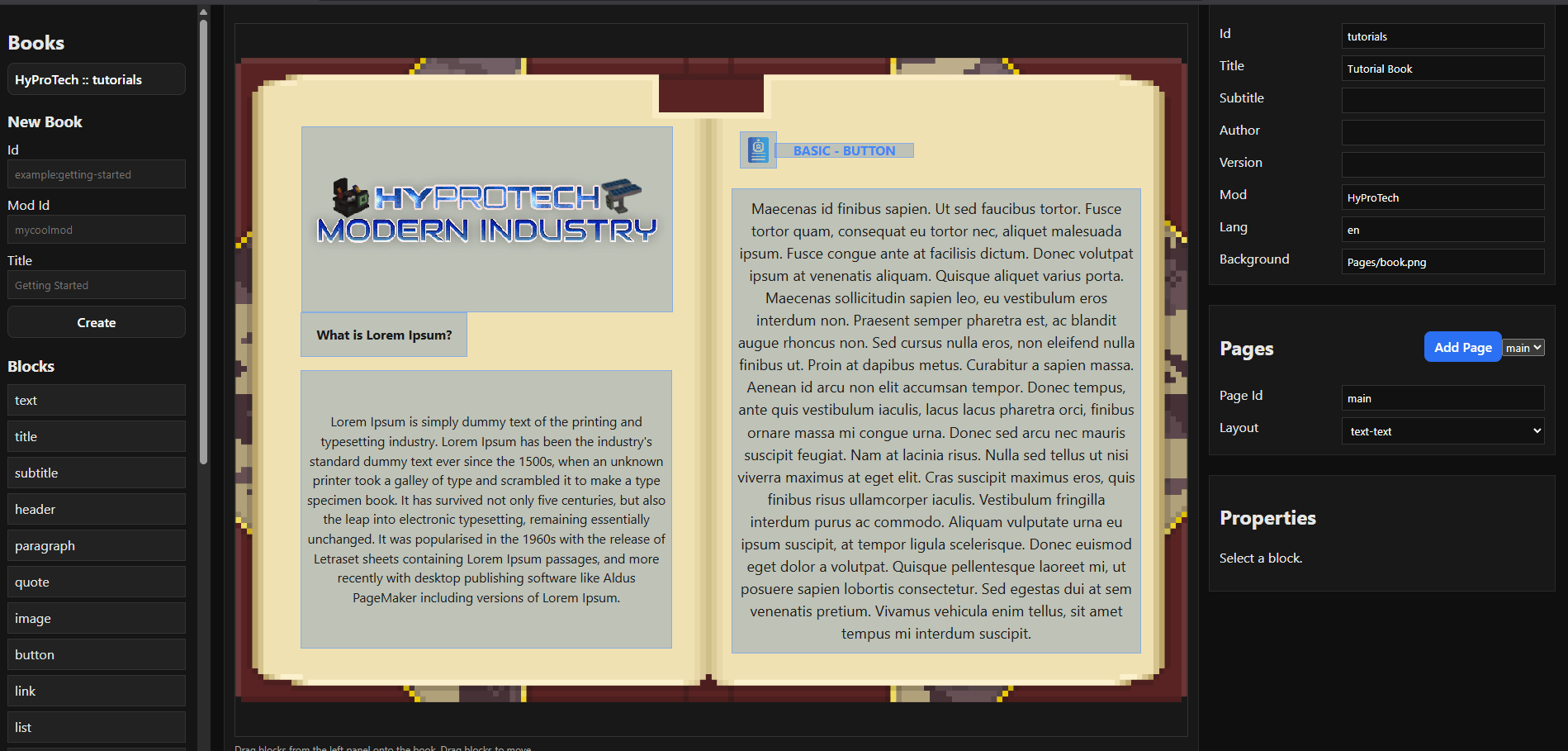
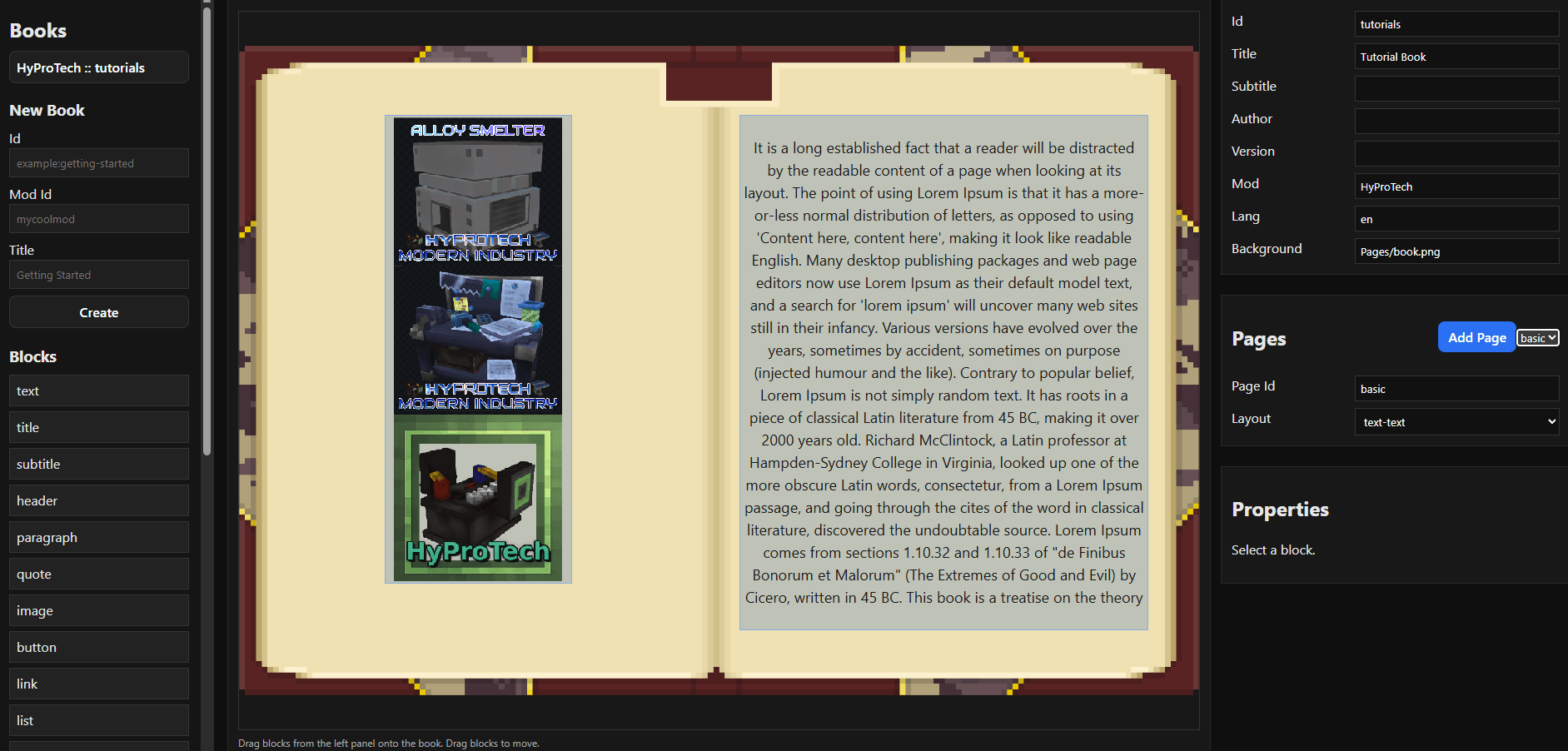
- Open the TuTBooKs editor /tutbooks editor
- Build your book
- Click Export ZIP
You should get a ZIP that contains:
Common/
tutbooks/
2) Upload the ZIP to GitHub Releases
- Create a repo, e.g. HyProTechBook
- Go to Releases → New release
- Tag name: latest (important)
- Upload your ZIP as a release asset
Example filename: HyProTechBook.zip
Your download URL will look like:
https://github.com/YoofeCZ/HyProTechBook/releases/latest/download/HyProTechBook.zip
Auto‑download TutBooks via command (PlayerReady) IMPORTANT!
✅ What this code does
- Waits until a player is fully ready (PlayerReadyEvent)
- Runs the TutBooks commands as console, so no permission issues
- Downloads your book ZIP and then reloads TutBooks
- Runs only once per server start (to avoid spam)
- If it fails, it will try again on the next player join
✅ What THEY must change
Replace these two constants:
private static final String TUTBOOKS_DOWNLOAD_URL =
        "https://github.com/YoofeCZ/HyProTechBook/releases/latest/download/HyProTechBook.zip";
private static final String TUTBOOKS_MOD_ID = "HyProTech";
Change to their own:
- TUTBOOKS_DOWNLOAD_URL → their GitHub release ZIP
- TUTBOOKS_MOD_ID → their mod ID (folder name under Mods/TutBooksConfig/)
✅ Full example (keep as‑is, only change URL + modId)
import com.hypixel.hytale.server.core.command.system.CommandManager;
import com.hypixel.hytale.server.core.console.ConsoleSender;
import com.hypixel.hytale.server.core.event.events.player.PlayerReadyEvent;
import com.hypixel.hytale.server.core.plugin.JavaPlugin;
import com.hypixel.hytale.server.core.plugin.JavaPluginInit;
import java.util.concurrent.atomic.AtomicBoolean;

public class MainClass extends JavaPlugin {
    private static final String TUTBOOKS_DOWNLOAD_URL =
            "https://github.com/YoofeCZ/HyProTechBook/releases/latest/download/HyProTechBook.zip";
    private static final String TUTBOOKS_MOD_ID = "HyProTech";
    private final AtomicBoolean tutbooksDownloadQueued = new AtomicBoolean(false);

    public MainClass(JavaPluginInit init) {
        super(init);
    }

    @Override
    protected void setup() {
        super.setup();

        registerTutbooksDownloadOnPlayerJoin();

        // ...rest of setup
    }

    private void registerTutbooksDownloadOnPlayerJoin() {
        getEventRegistry().registerGlobal(
                PlayerReadyEvent.class,
                event -> {
                    if (!tutbooksDownloadQueued.compareAndSet(false, true)) {
                        return;
                    }
                    CommandManager commandManager = CommandManager.get();
                    if (commandManager == null) {
                        tutbooksDownloadQueued.set(false);
                        getLogger().atWarning().log("[HyProTech] CommandManager not available.");
                        return;
                    }
                    String downloadCommand = String.format(
                            "tutbooks download %s %s",
                            TUTBOOKS_MOD_ID,
                            TUTBOOKS_DOWNLOAD_URL);

                    commandManager
                            .handleCommand(ConsoleSender.INSTANCE, downloadCommand)
                            .thenCompose(ignored ->
                                    commandManager.handleCommand(ConsoleSender.INSTANCE, "tutbooks reload"))
                            .exceptionally(ex -> {
                                tutbooksDownloadQueued.set(false);
                                getLogger().atWarning().log(
                                        "[HyProTech] TutBooks download/reload failed: %s",
                                        ex.getMessage());
                                return null;
                            });
                });
    }
}
- Downloads the ZIP into Mods/TutBooksConfig/HyProTech/
- Extracts index.json + all images
- Saves version metadata (ETag/Last‑Modified)
- Re‑downloads only if the file changed
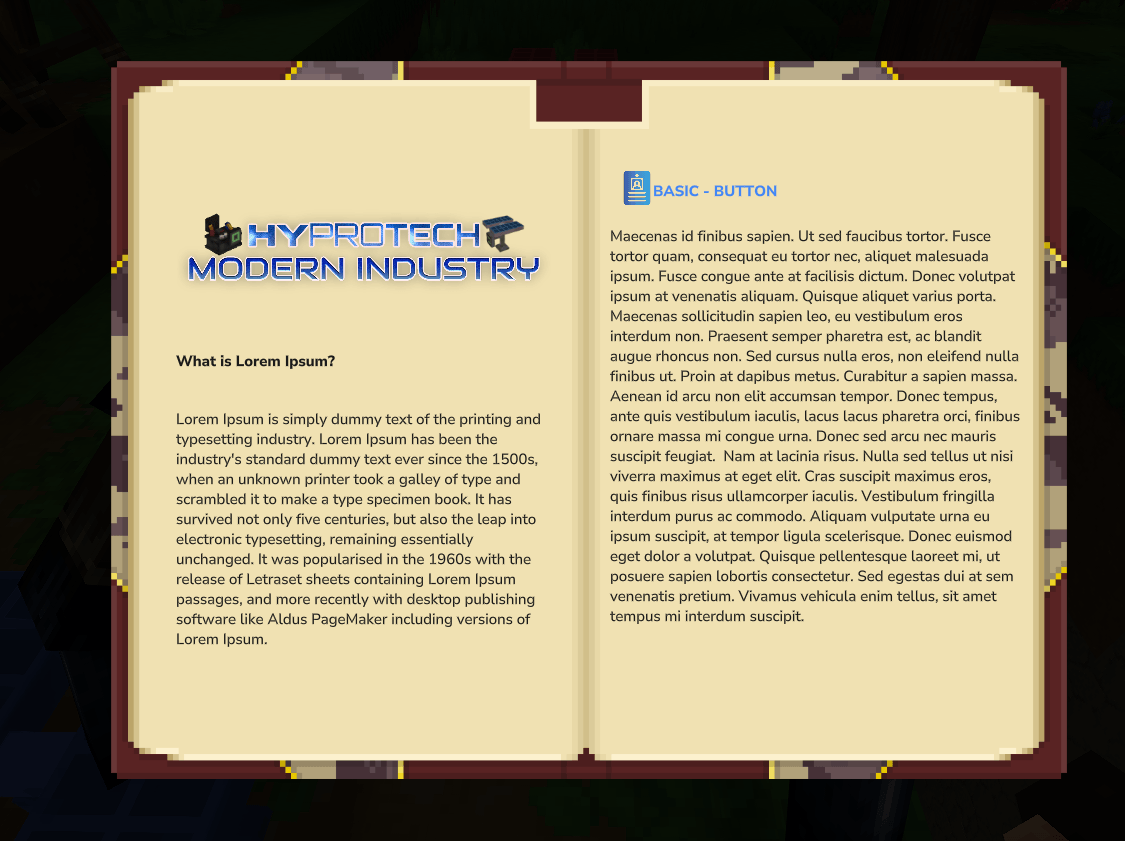
4) Reload in game
After the mod starts:
/tutbooks reload
/tutbooks <bookId>
✅ That’s it.
Every time you update the ZIP on GitHub, players get the new book on next start.
If you want a “version file” inside the ZIP or a command to update while server is running, say the word and I’ll add it.
TuTBooKs Deprecated Team