TradeMarket
- By
A complete marketplace for Hytale servers based on in-game player to player item trading.
Description

TradeMarket
A secure, item-to-item marketplace plugin for Hytale servers. Players create listings, browse offers, and trade through a safe escrow system, no real money involved, just in-game items.
Heads up: TradeMarket is still in active development. The core marketplace works and is stable enough for production use, but new stuff gets added regularly. Bug reports and feedback are always welcome.
How it works
Selling
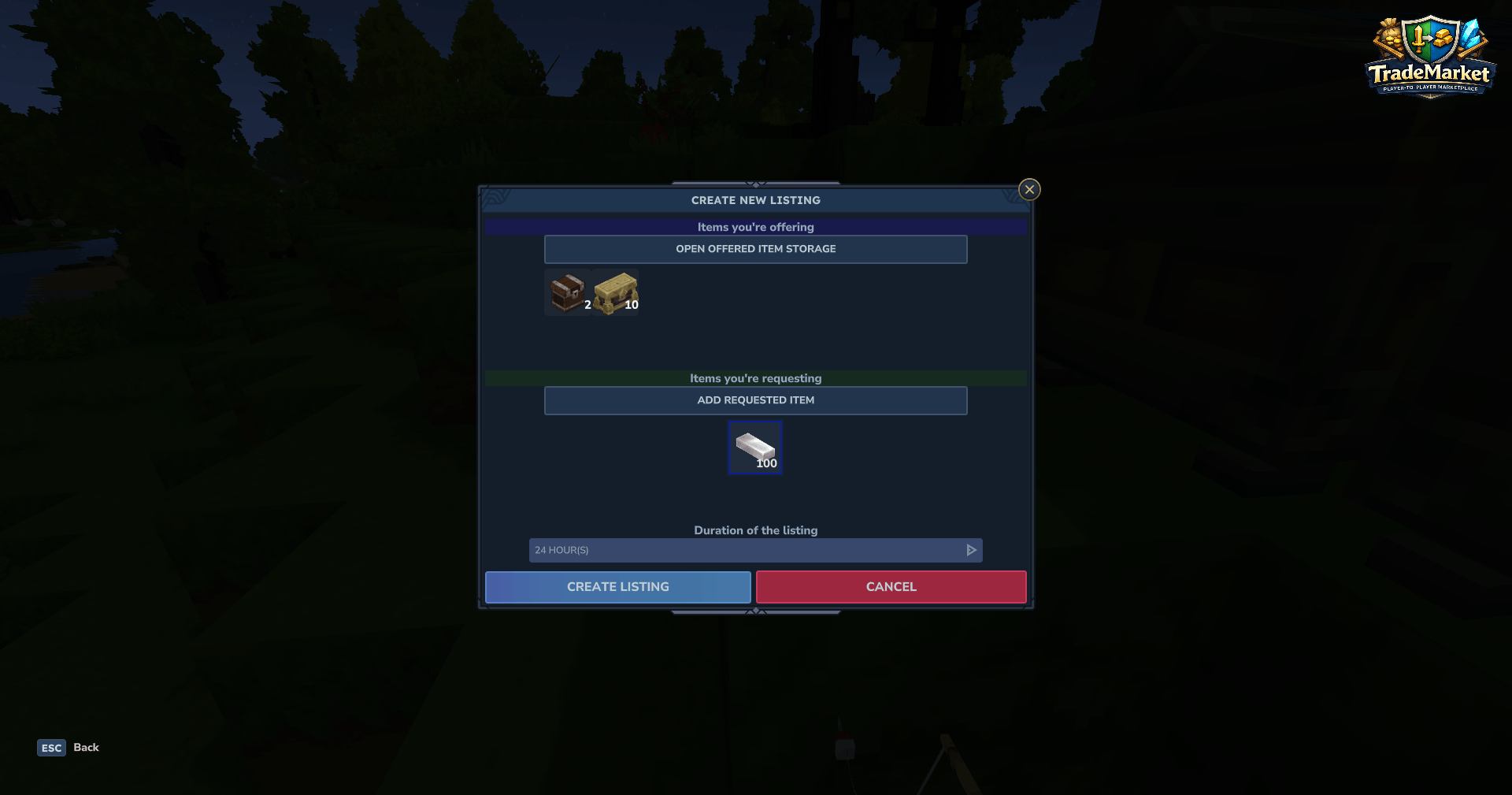
Open the marketplace with /tm and hit Create Listing. Pick the items you want to offer, set what you want in return (and how much), choose how long the listing should stay up, and confirm. Your offered items get moved into escrow automatically, they're held server-side until someone buys or the listing expires.
Buying
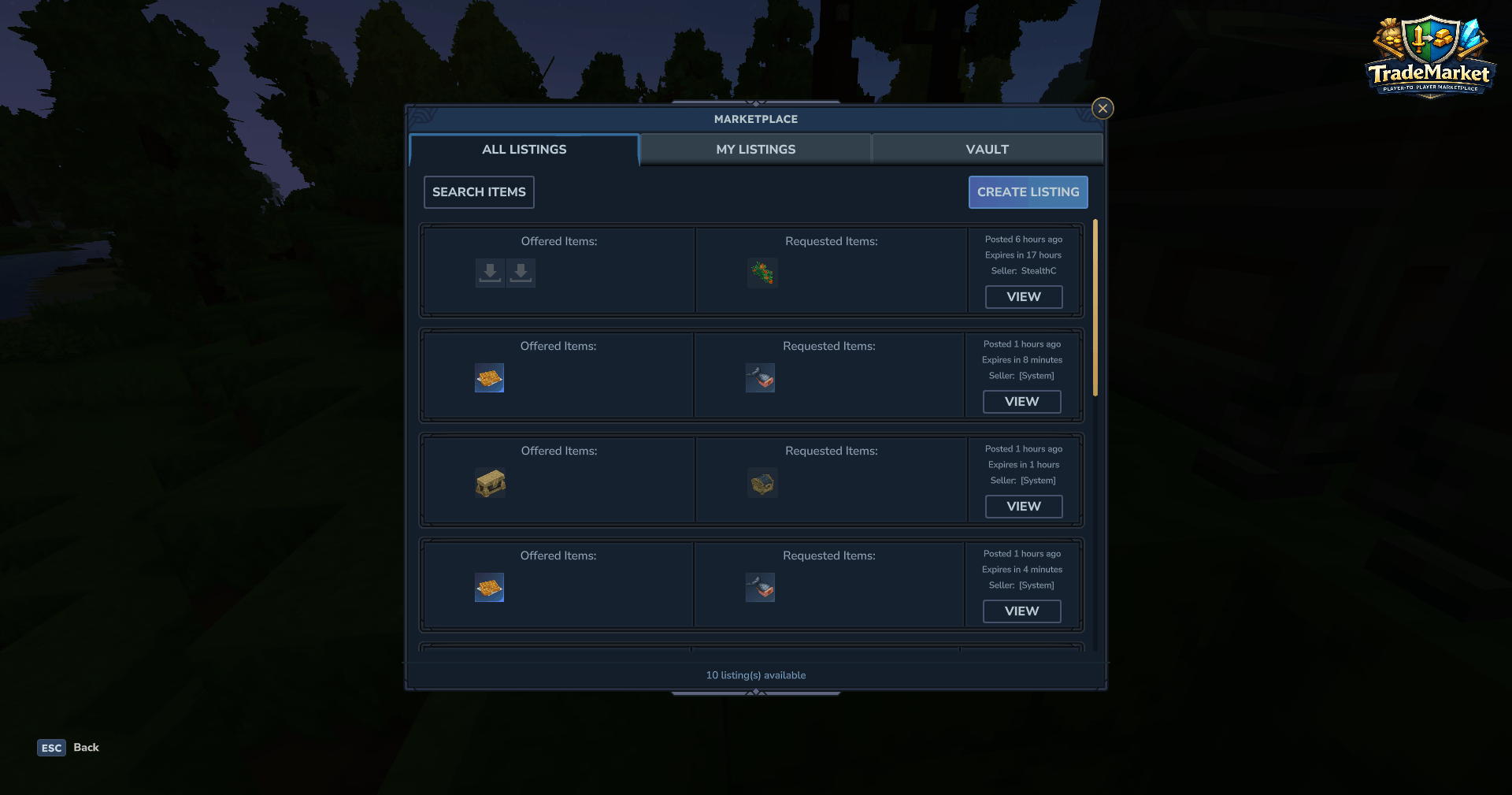
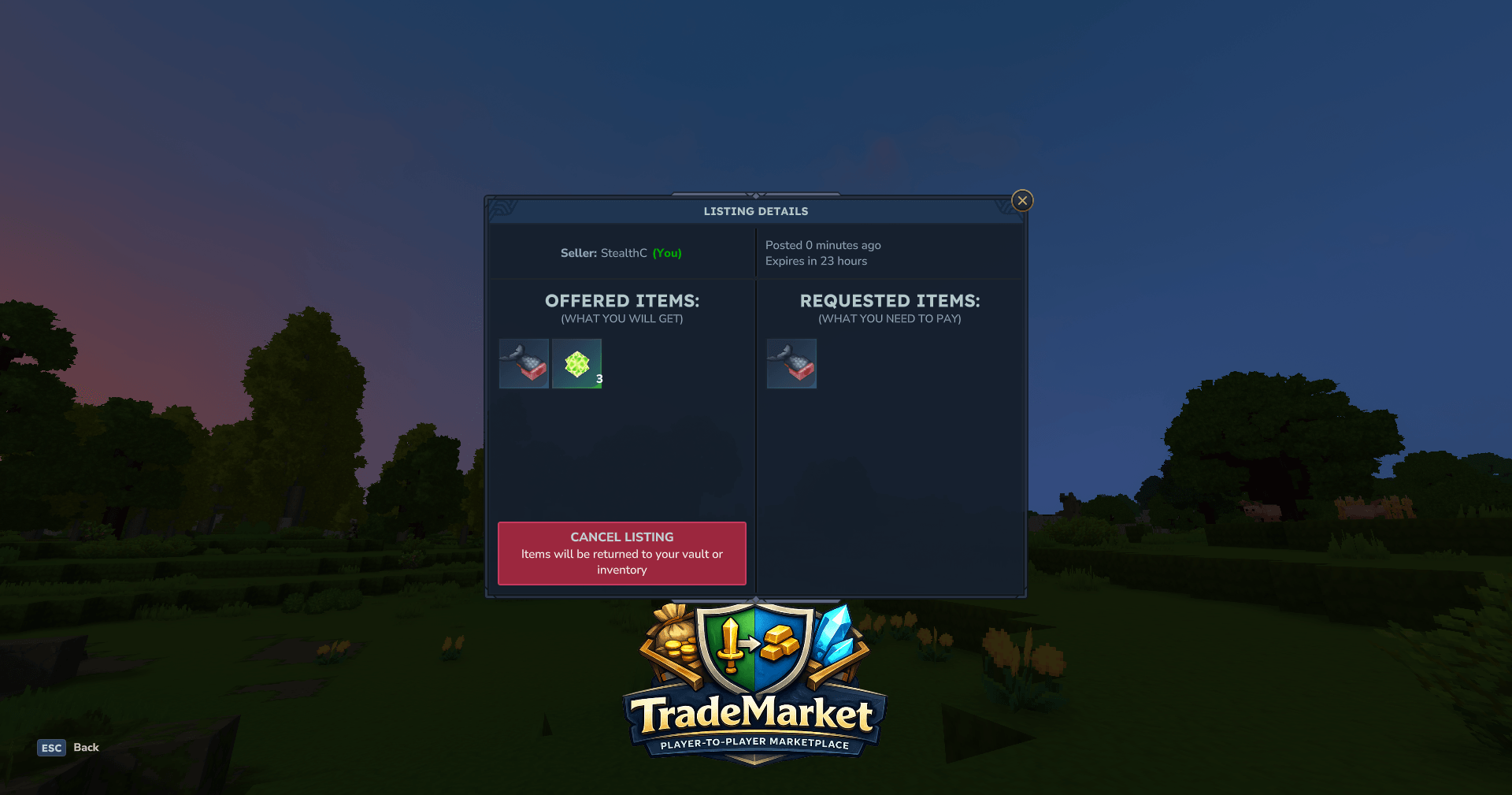
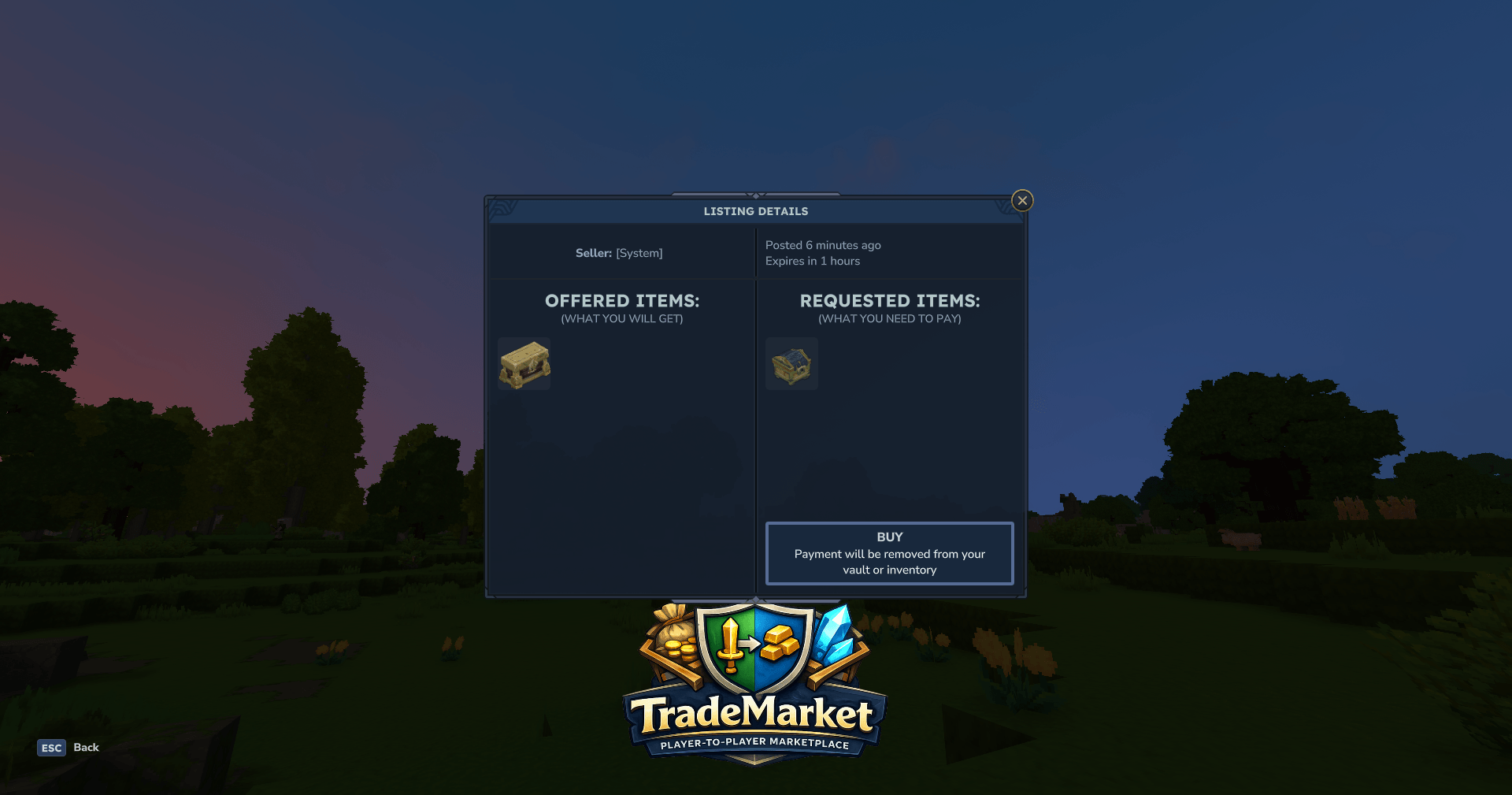
Also /tm. Browse what's available, click into a listing to see the details, and buy if you like the deal. You get the items immediately. The seller's payment goes to their vault.
Vault
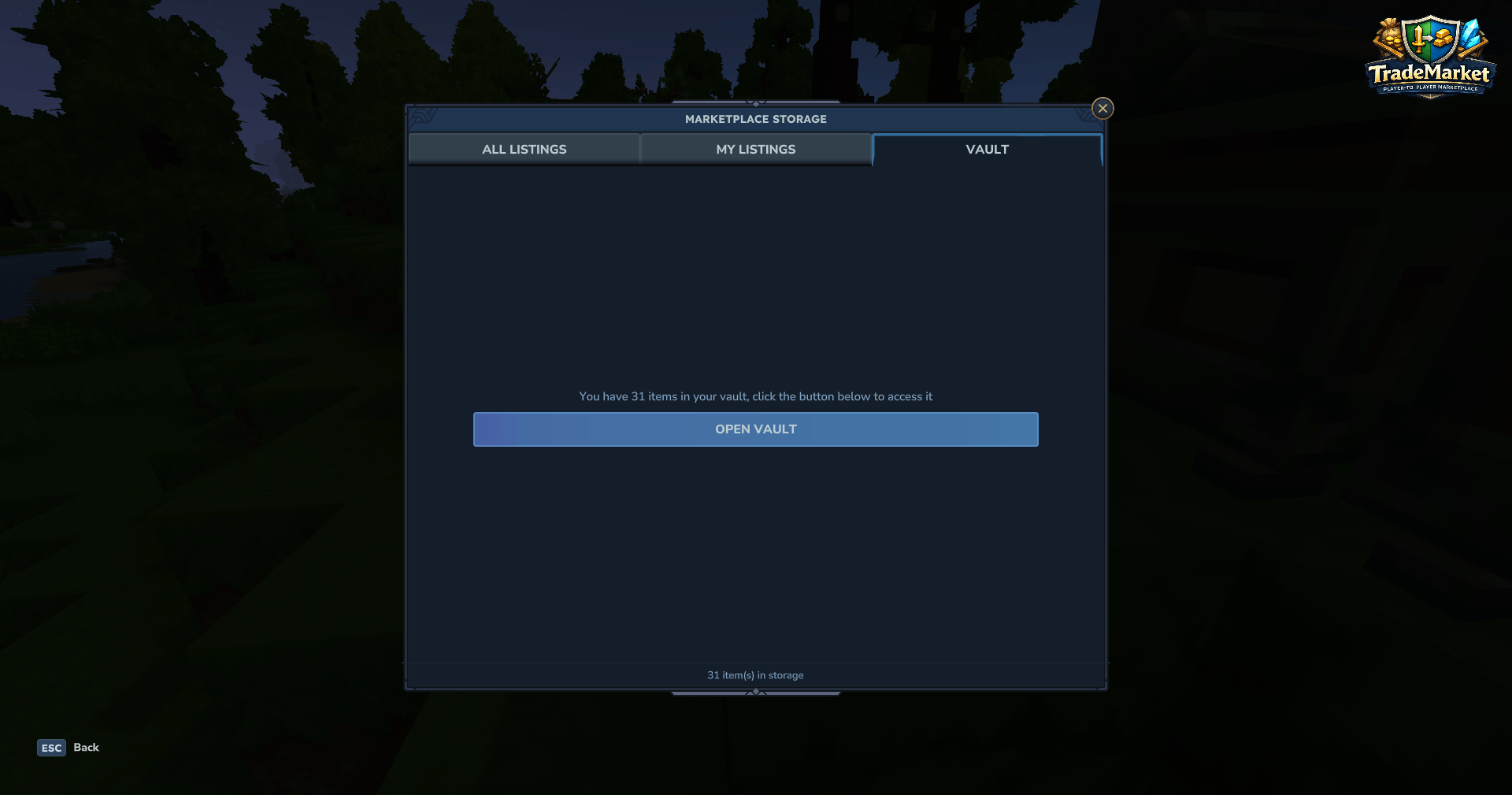
/tm vault opens your personal vault. This is where earnings from sales and returned items from expired/cancelled listings end up. Grab your stuff out of there whenever you want. It's not meant for long-term storage, just a pickup point.
Expiration
Listings expire on their own based on the duration you set. Escrowed items get returned to your vault automatically. Nothing gets lost. Remember, you do not need to be online for a sale to happen, your vault will handle it.
Features
What's working right now:
- Full GUI marketplace: browse all listings or filter to just yours
- Item selector with categories and search
- Favorite items panel for quick access (player and server-wide)
- Escrow system: items are locked server-side until the trade completes or expires (at the current version, players are able to cancel their listing)
- SQLite persistence with automatic migrations and backups
- Auto-save at configurable intervals, idle data gets freed from memory
- Notification system: login summaries and transaction alerts
- Admin commands for viewing trade history, reloading config, manual saves, and creating SYSTEM listings
Coming later:
- Virtual currency support
- Regional / rule-based market zones
- Auction system (bidding)
- Granular permissions per player/group (for vault size, maximum trades at once, trade limit per day/week, item categories)
- Entire category blacklisting/whitelisting as well as just specific items
- Custom market blocks and NPCs for in-world integration
- Extended admin tools for bulk operations, transaction logs, monitoring, infinite type system listings.
Commands
Player Commands
Regardless of what you are trying to do, you need to grant trademarket.use beforehand.
| Command | What it does | Permission |
|---|---|---|
/tm |
Open the marketplace | trademarket.command.browse |
/tm vault |
Open your vault | trademarket.command.vault |
Admin Commands
| Command | What it does | Permission |
|---|---|---|
/tm admin reload |
Reload config | trademarket.admin.reload |
/tm admin save |
Force save data | trademarket.admin.save |
/tm admin systemlisting |
Create a system listing | trademarket.admin.systemlisting |
/tm admin history player <player> |
View player trade history | trademarket.admin.history.player |
/tm admin history server |
View server-wide trade history | trademarket.admin.history.server |
/tm admin history listing <id> |
View specific listing history | trademarket.admin.history.listing |
/tm admin history stats <player> |
View player trade statistics | trademarket.admin.history.stats |
GUI Permissions
| Action | What it does | Permission |
|---|---|---|
| Create Listing | Create new listings in the marketplace GUI | trademarket.listing.create |
| Buy Listing | Purchase listings from the marketplace GUI | trademarket.listing.buy |
Minimum Setup Permissions
For Regular Players
trademarket.use
trademarket.command.browse
trademarket.command.vault
trademarket.listing.create
trademarket.listing.buy
Or using wildcards:
trademarket.use
trademarket.command.*
trademarket.listing.*
For Admins
trademarket.*Configuration
Config lives at {server}/mods/StealthC_TradeMarket/TradeMarket.json.
Server Wide Item Favorites (example):
  "ServerFavoriteItems":
[
  "Ingredient_Bar_Gold",
  "Ingredient_Bar_Copper",
  "Ingredient_Bar_Iron"
]
FAQ
Can I use this in production? Yeah. The core is stable, transactions are safe, and data is persisted. Just back up your trade-market.db before updating to ensure nothing breaks, and if it does you can go back.
What happens if the server crashes mid-transaction? In-progress listings get rolled back. Items don't vanish. The system uses at-least-once semantics with idempotent operations.
Does it work in singleplayer? Technically yes, but you'd be trading with yourself, so… you do you.
Currency support? Item-to-item only for now. Currency is planned.
Localization
This mod supports Hytale's native lang files. A github repository will soon be made to allow community translations. Supported languages:
- Português (Brasileiro): Autor @StealthC
- English: Author @StealthC
- Español: Autor @laz0rra
Support
Detailed wikis, bug reports, feature requests and general feedback should be done on the Discord server: https://discord.gg/uDKpPW5QRx
TradeMarket Team