


Storage Totem
- By
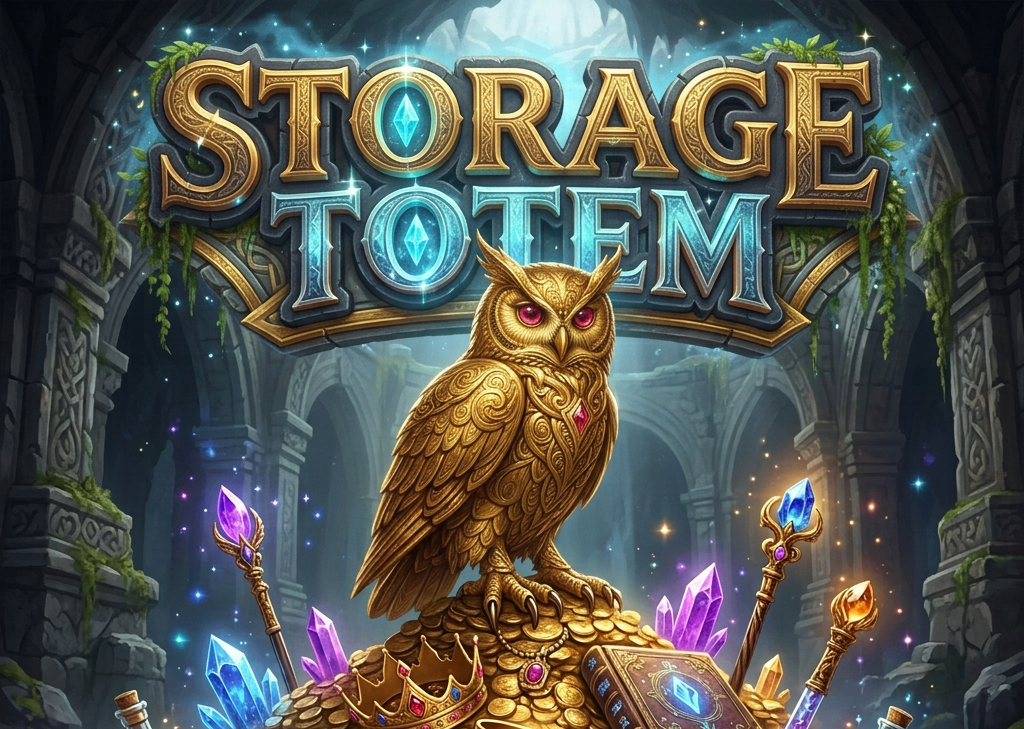
How could you ever live without it?
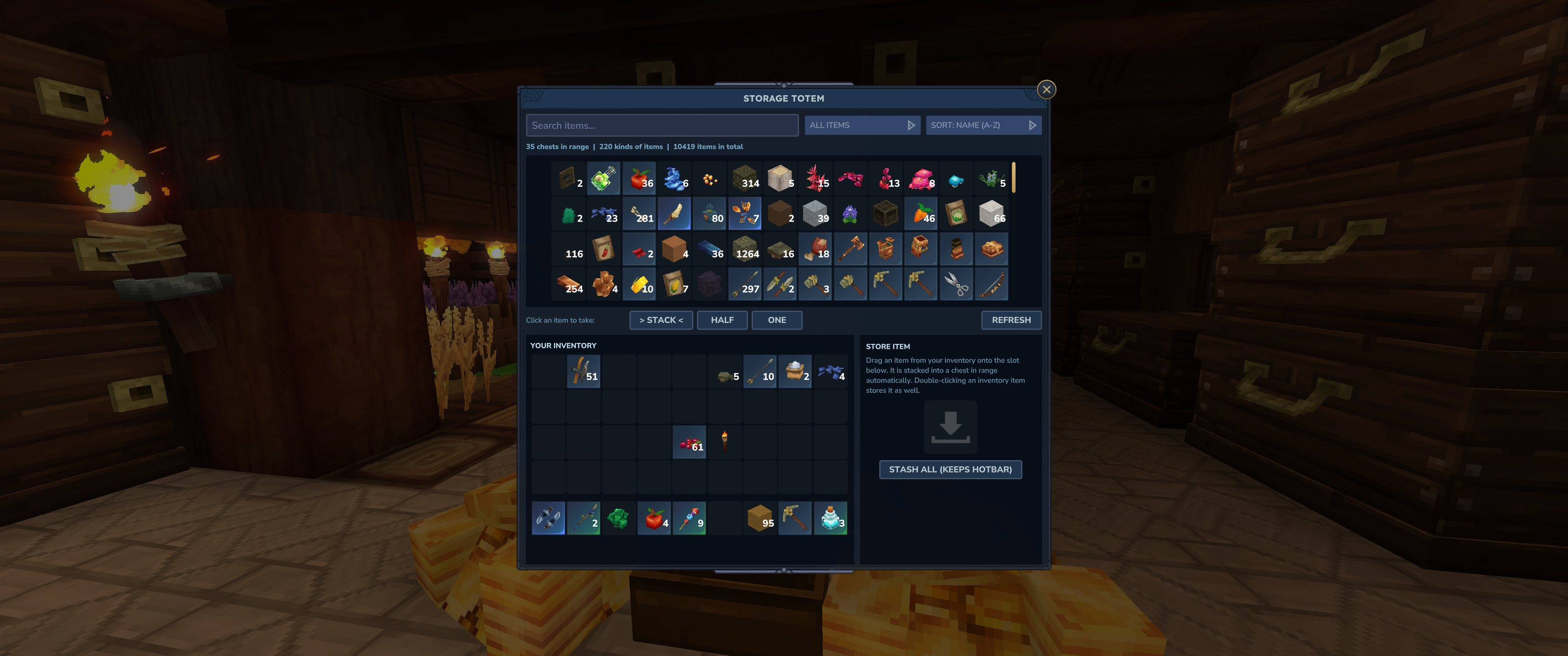
This is how the storage GUI looks.
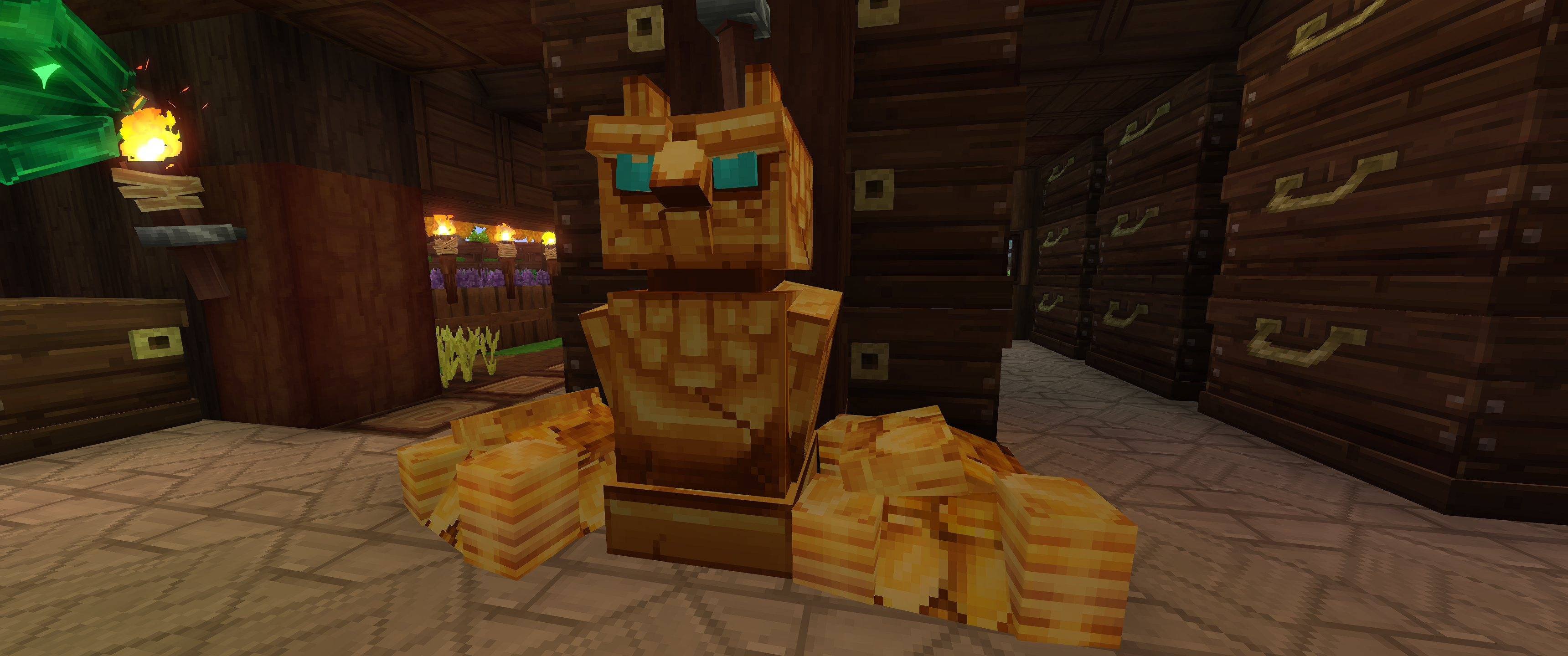
Shiny and golden!
Description
✨ Storage Totem ✨
One golden guardian. Every chest in the room. One searchable store.
Tired of opening ten chests to find that one stack of iron bars? Place a Storage Totem in your storage room, and every chest, crate and barrel around it turns into a single catalog you can search, sort and take from.
The totem is a gilded owl statue with glowing cyan crystal eyes, gold sparkles and a soft warm light, so your storage room looks good too.
🔥 Features
- 📦 One catalog for all your chests. Everything in the linked chests shows up in one list, merged per item.
- 🔍 Instant search. Find items by name or item id.
- 🗂️ Filter and sort. Filter by category (Blocks, Furniture, Materials, Food & Potions, Tools, Weapons, Armor, Other) and sort by name, amount or category.
- 🖱️ Take what you need. Click an item to take a full stack, half a stack or a single item. Items go into your main inventory first, so your hotbar stays clean.
- ⬇️ Store with one drop. Drag a stack onto the Store Item slot. Items are added to existing stacks first, then to the nearest chest with free space.
- 🧹 Stash All. Empty your whole inventory into storage with one click. Your hotbar is left untouched.
- ⚡ Live updates. The catalog refreshes instantly, also when another player uses one of the chests.
📖 User's Guide
1. Craft the totem
Open the Workbench and go to the Tinkering tab. You need:
| Ingredient | Amount |
|---|---|
| Any Rock | 20 |
| Iron Bar | 4 |
| Cyan Crystal | 1 |
By default any Workbench tier works. Server owners can require an upgraded Workbench (see Configuration).
2. Place it among your chests
Put the totem down in your storage room. It links every chest, crate and barrel within 16 blocks in every direction (the default range). You can use as many totems as you like, for example one per storage room.
3. Open the catalog
Walk up to the totem and press the Use key. The Storage Totem window shows everything in the linked chests, with your own inventory below it.
4. Find and take items
- Type in the search box to find items by name.
- Pick a category and a sort order to browse.
- Choose Stack, Half or One at the bottom, then click an item to take it.
5. Store items
- Drag a stack from your inventory onto the Store Item slot (or onto the catalog), or double-click it.
- Press Stash All to store your whole main inventory at once.
- If the chests are full, whatever does not fit stays in your inventory. Nothing is lost.
💡 Tip: keep your tools and weapons in the hotbar. Stash All never touches it.
🛡️ Safe by Design
The totem has no hidden storage of its own. Your items always stay in your regular vanilla chests, crates and barrels. The totem is just a window into them.
So if the mod ever stops working (for example after a Hytale update) or you remove it, none of your items are lost. Open your chests the normal way and everything is still there. Only the totem block itself goes away.
⚙️ Configuration
Server owners (and singleplayer worlds) can tweak the totem in mods/StorageTotem_Storage Totem/config.json
inside the world folder. The file is created when the world first starts with the mod.
{
  "Radius": 16,
  "ChestsOnly": true,
  "WorkbenchTier": 1
}| Setting | Default | What it does |
|---|---|---|
Radius |
16 |
Range in blocks (1 to 64) in every direction in which chests are linked. |
ChestsOnly |
true |
Set to false to link every block with an item container, not just chests, crates and barrels. |
WorkbenchTier |
1 |
Minimum Workbench tier (1 to 3) needed to craft the totem. 1 means any Workbench. |
Changes apply the next time the world or server starts.
✅ Compatibility
- Hytale 0.7 (Update 7) or newer.
- Works in singleplayer and on servers.
Storage Totem Team
