Sproutwatch
- By
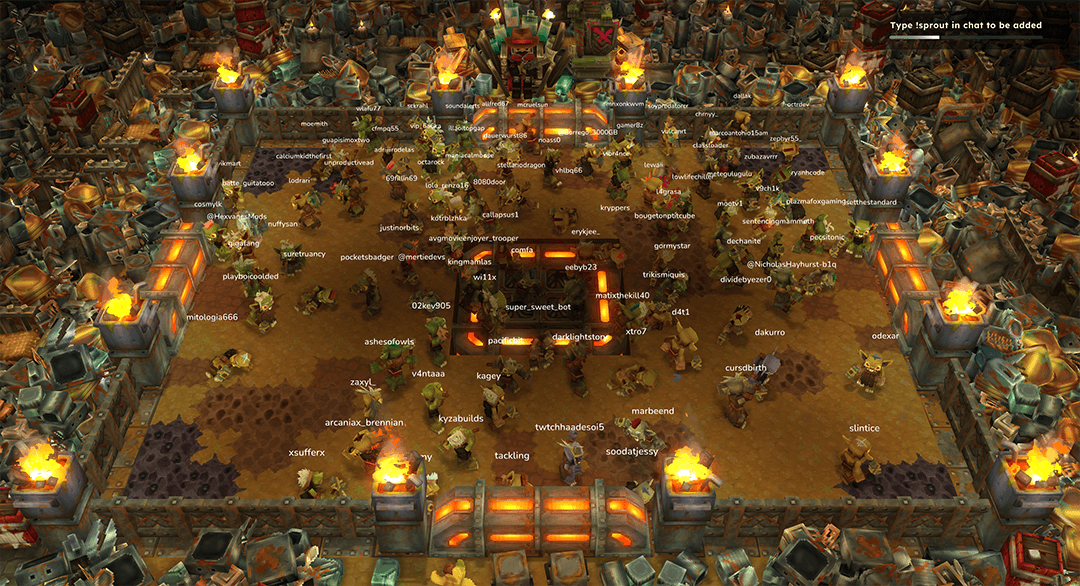
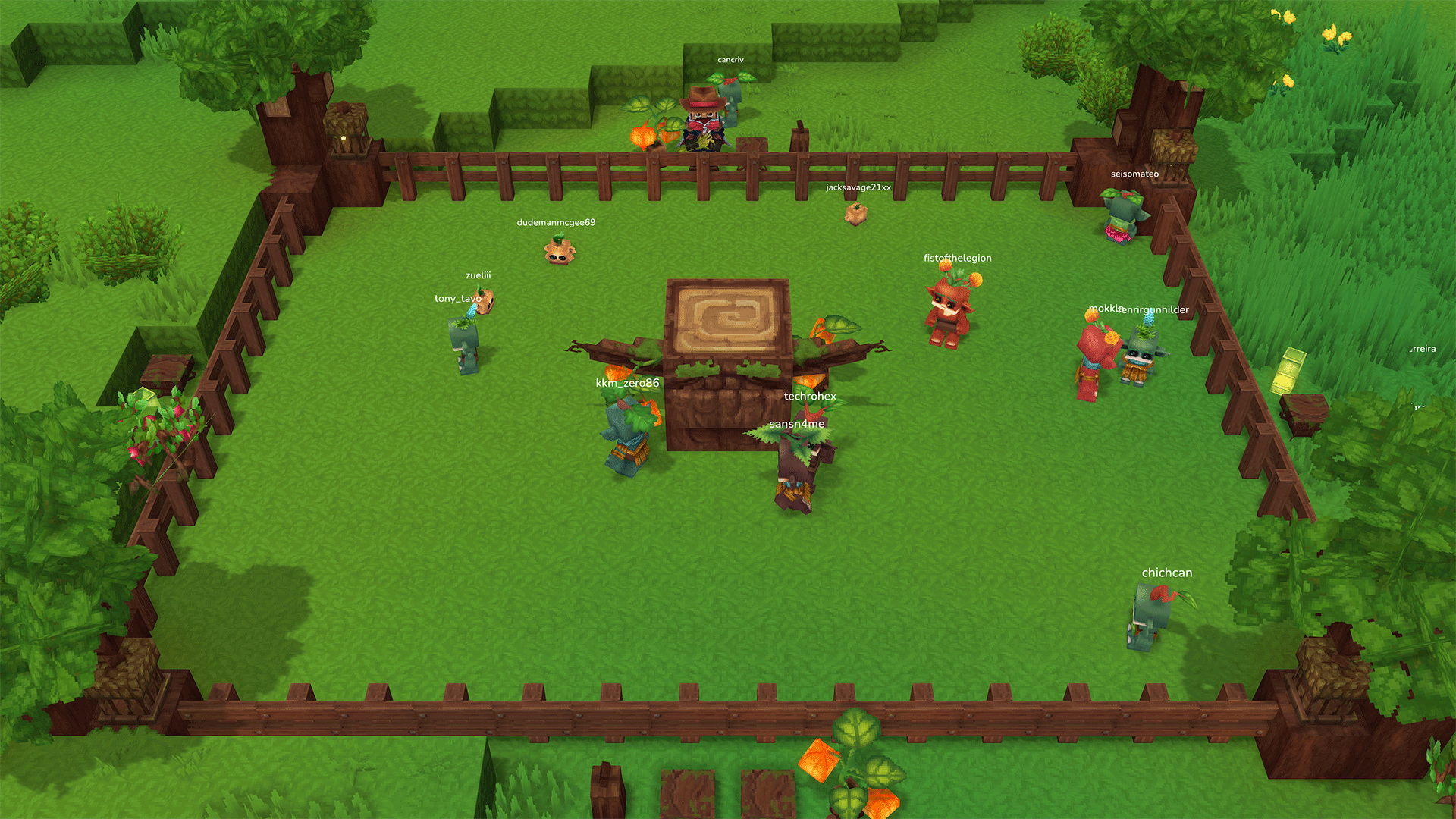
Place a pen in your world, add your twitch or youtube info, take a seat, and watch your viewers become sprouts.
chapter1launch.png
sproutwatch_1.png
sproutwatch_2.png
sproutwatch_3.png
sproutwatch_4.png
Description
Your stream chat, living in your Hytale world.
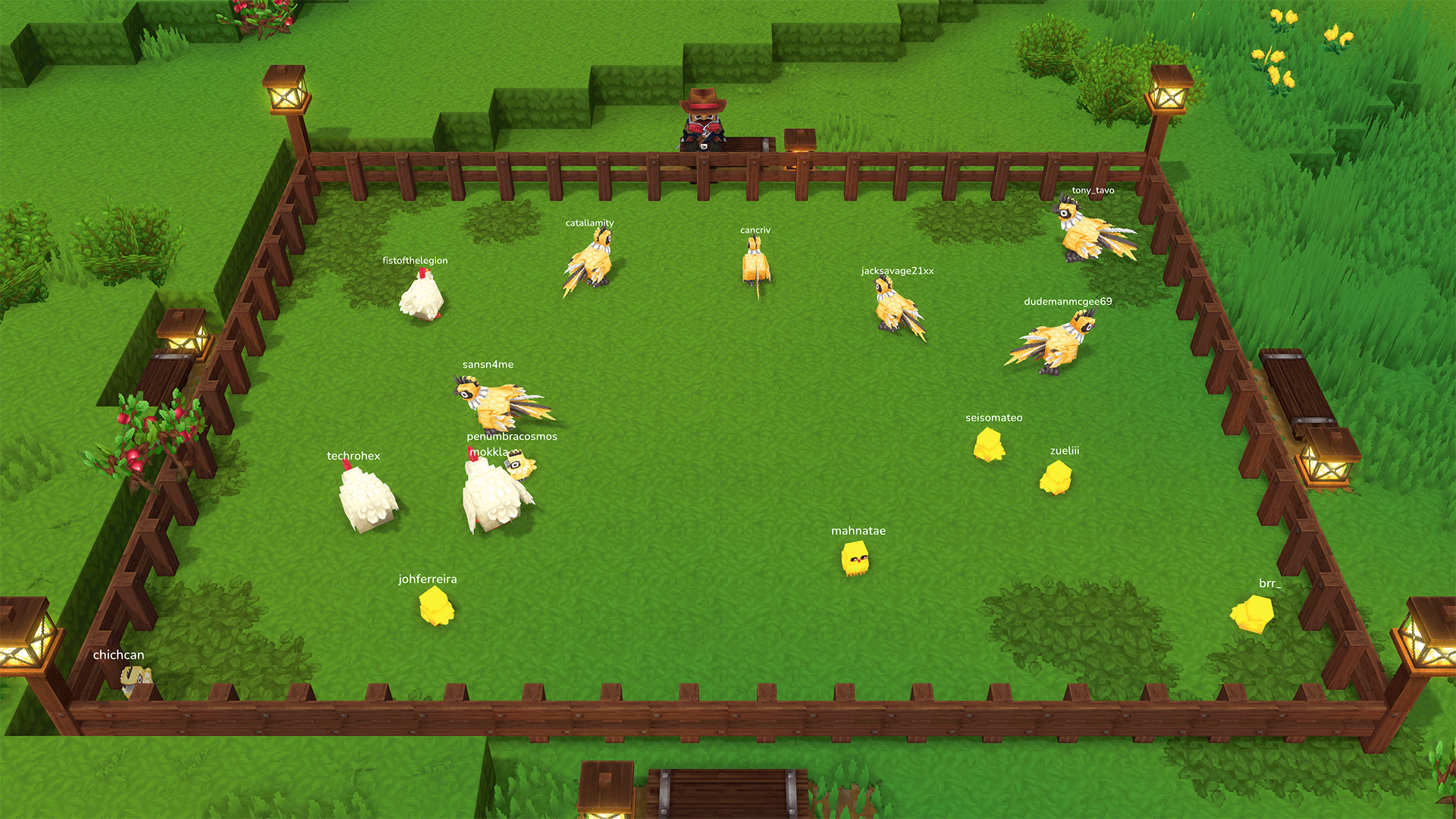
Every viewer who chats on your stream gets their own baby Kweebec, a "sprout" with their name over its head, in a cozy pen you place in your world. When they stop chatting, their sprout eventually wanders off. Sit down at the pen and the camera switches to a fixed landscape view, ready to capture for your stream.
Features
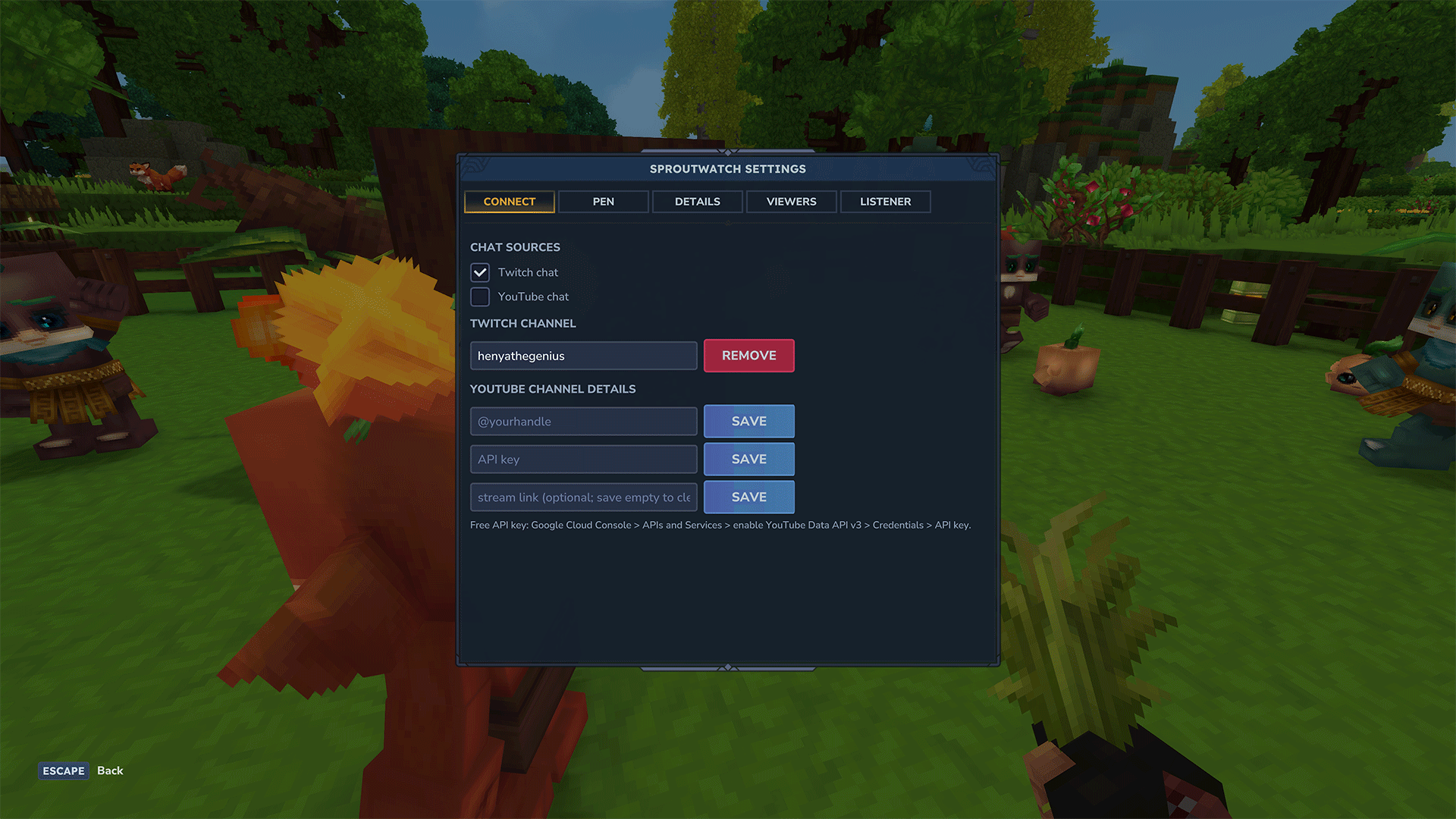
- Twitch and YouTube chat. Twitch works with just your channel name, no login needed. YouTube needs a free YouTube Data API key.
- Place multiple pen styles with a click and switch styles any time from the menu.
- Sit-down stream camera. Sit on any bench or stool at the pen and the view locks to a fixed landscape shot of the pen, with the bottom of the game screen cleared.
- Start with random kweebecs, but use optionally pigs, chickens etc.
- You choose who appears. Use an allow list or an ignore list for bots and unwanted names, and set a cap on how many sprouts are in the pen.
- Sprouts can stay or leave. Keep sprouts around after viewers leave, or let them leave after a grace period.
- Leaves no mess. Removing the pen puts back the ground that was there before.
- Everything in one menu.
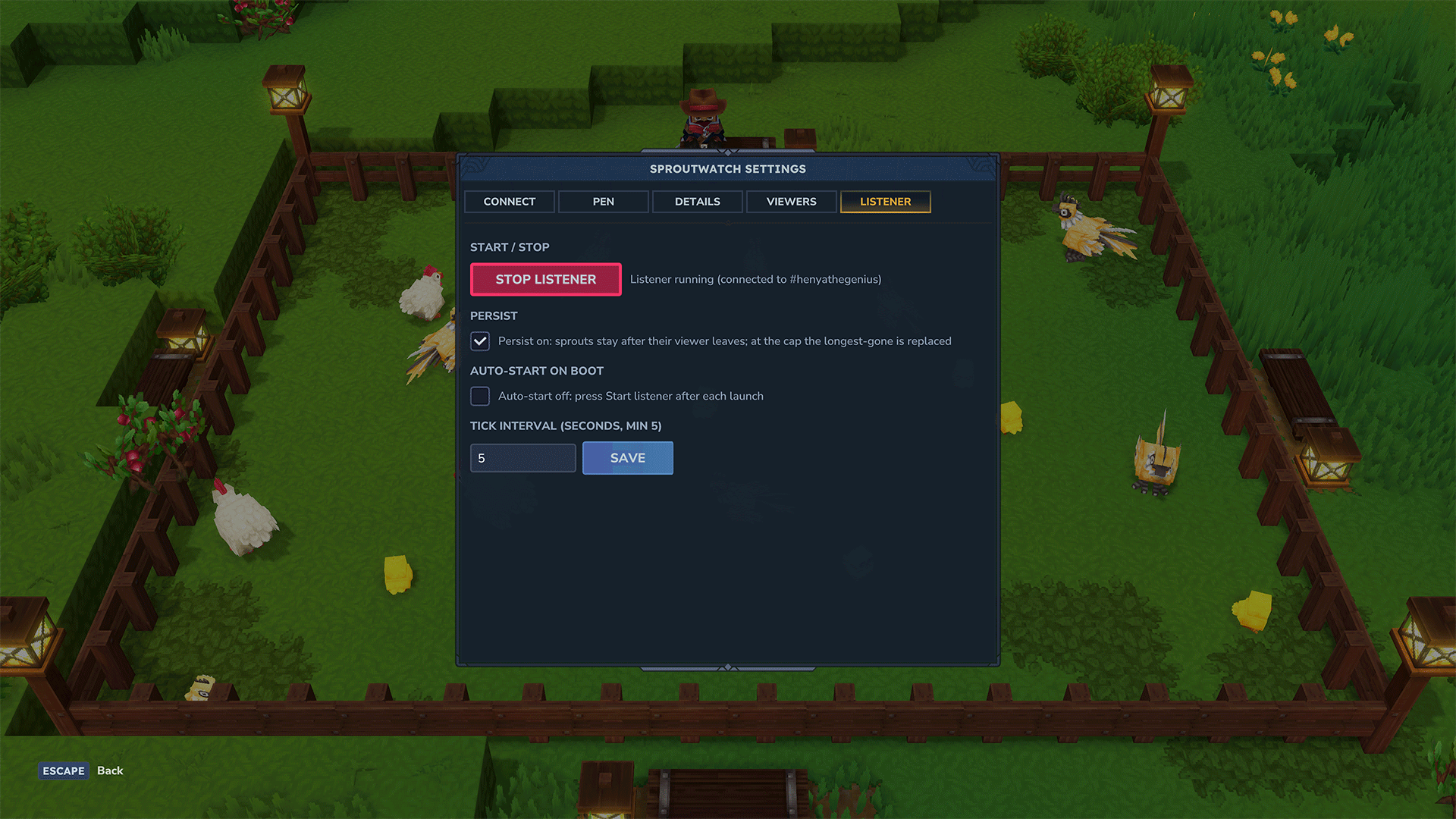
/sproutwatchopens tabs for connecting chat, the pen, viewers and the listener.
Command List
Many of these can be found in the settings page if you don't like to type much. While a list of users is taken from both stream automatically, viewers typing !sprout will be placed at the top of the list.
General
| Command | What it does |
|---|---|
/sproutwatch |
Open the settings page (same as /sproutwatch settings) |
/sproutwatch settings |
Open the settings page |
/sproutwatch status |
Show the listener, viewer list and pen status |
/sproutwatch start |
Start watching chat and filling the pen |
/sproutwatch stop |
Stop watching chat (sprouts stay until you clear them) |
Chat sources
| Command | What it does |
|---|---|
/sproutwatch channel <name> |
Set the Twitch channel to watch |
/sproutwatch twitch |
Show the Twitch chat settings |
/sproutwatch twitch on|off |
Turn Twitch chat on or off |
/sproutwatch youtube |
Show the YouTube chat settings |
/sproutwatch youtube on|off |
Turn YouTube chat on or off |
/sproutwatch youtube handle <@handle> |
Set your YouTube channel handle |
/sproutwatch youtube key <key> |
Set your YouTube Data API key (the settings page is safer: command text can appear in the server log) |
/sproutwatch youtube video <link|clear> |
Point at a specific stream, or clear it |
/sproutwatch youtube hours <1-24> |
Planned stream length, used to spread the daily YouTube API quota |
Pen
| Command | What it does |
|---|---|
/sproutwatch place |
Place the pen centred on you (replaces any existing pen) |
/sproutwatch removepen |
Remove the pen and its sprouts and restore the ground |
/sproutwatch clear |
Remove every sprout in the pen |
/sproutwatch interval <seconds> |
Seconds between sprout spawns (minimum 5) |
/sproutwatch persist |
Show whether sprouts stay after their viewer leaves |
/sproutwatch persist on|off |
Keep sprouts after their viewer leaves, or let them go |
Camera
| Command | What it does |
|---|---|
/sproutwatch camera |
Turn the pen camera on or off for you without sitting down |
/sproutwatch camera <height> <back> <fov> |
Tune the camera: blocks above the floor, blocks back from the pen, field of view in degrees |
Viewers
| Command | What it does |
|---|---|
/sproutwatch filter |
Show which viewer filter is active |
/sproutwatch filter allow|ignore |
Use the allow list (only listed viewers get sprouts) or the ignore list (everyone except listed viewers) |
/sproutwatch allow list |
Show the allow list |
/sproutwatch allow add|remove <user> |
Add or remove a viewer on the allow list |
/sproutwatch ignore list |
Show the ignore list |
/sproutwatch ignore add|remove <user> |
Add or remove a viewer on the ignore list |
/sproutwatch queue list |
Show the !sprout queue (viewers who typed !sprout in chat) |
/sproutwatch queue clear |
Empty the !sprout queue |
/sproutwatch queue remove <user> |
Drop one viewer from the !sprout queue |
<user> can be a Twitch name, or for YouTube a yt:@handle, a youtube.com link or a UC… channel ID.
A note about AI Usage
No generative AI art was used to make this. Art and prefabs designed by Ol' Mertie! The programming for the streaming api connectivity was assisted by AI but audited before publishing.
AI is a tool. All tools need to be used with ethical consideration.
Sproutwatch Team