SouzaPlot
- By
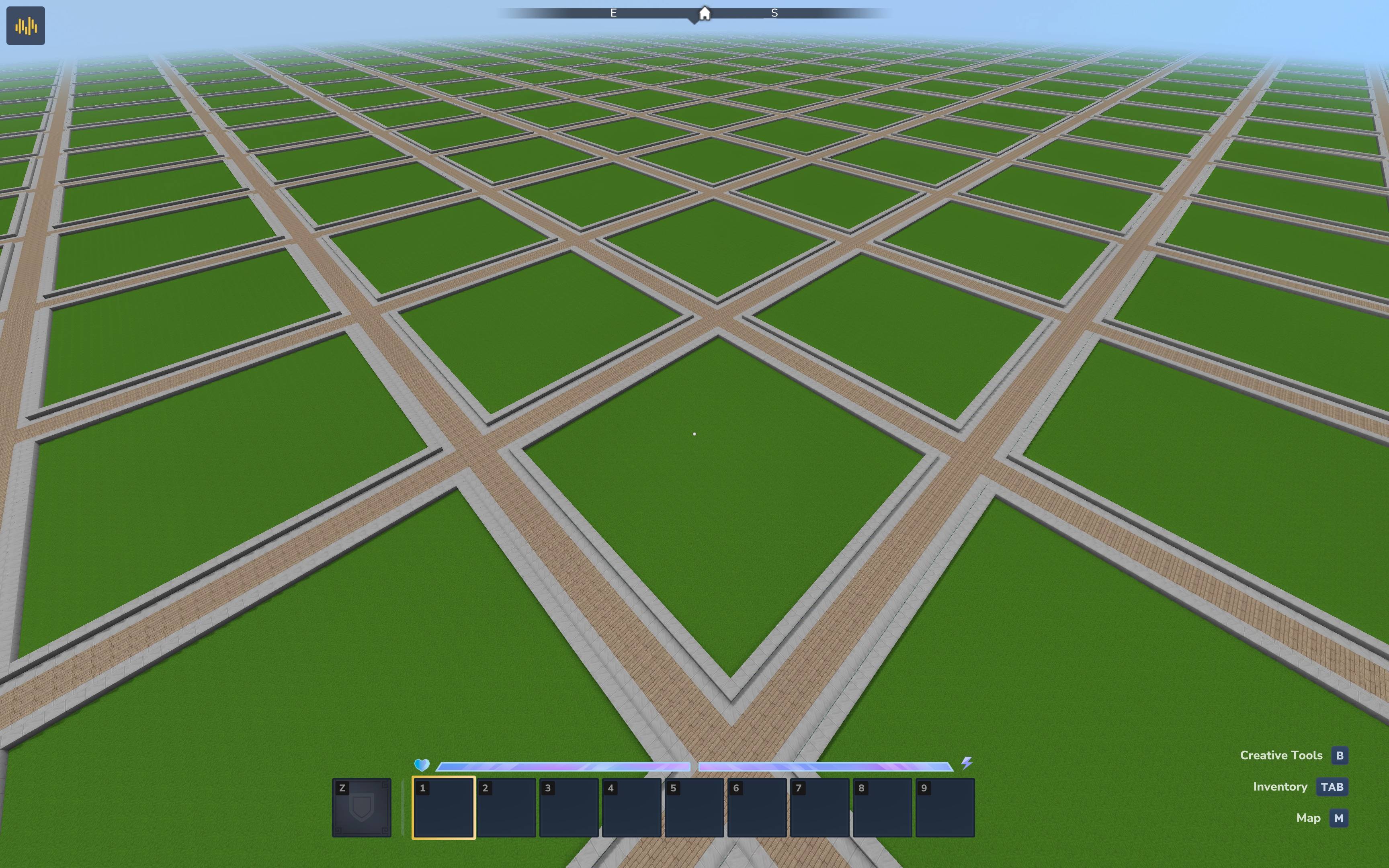
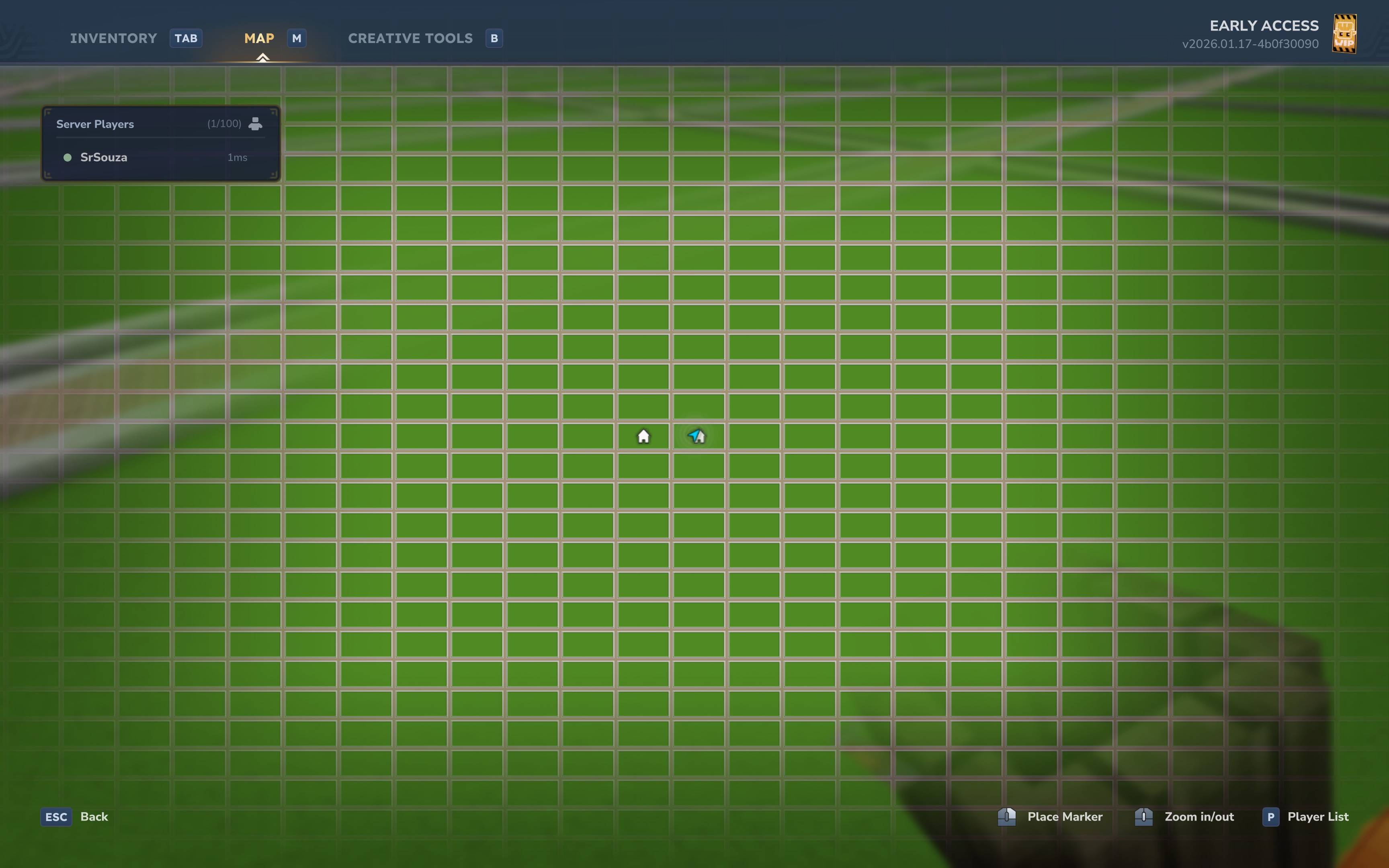
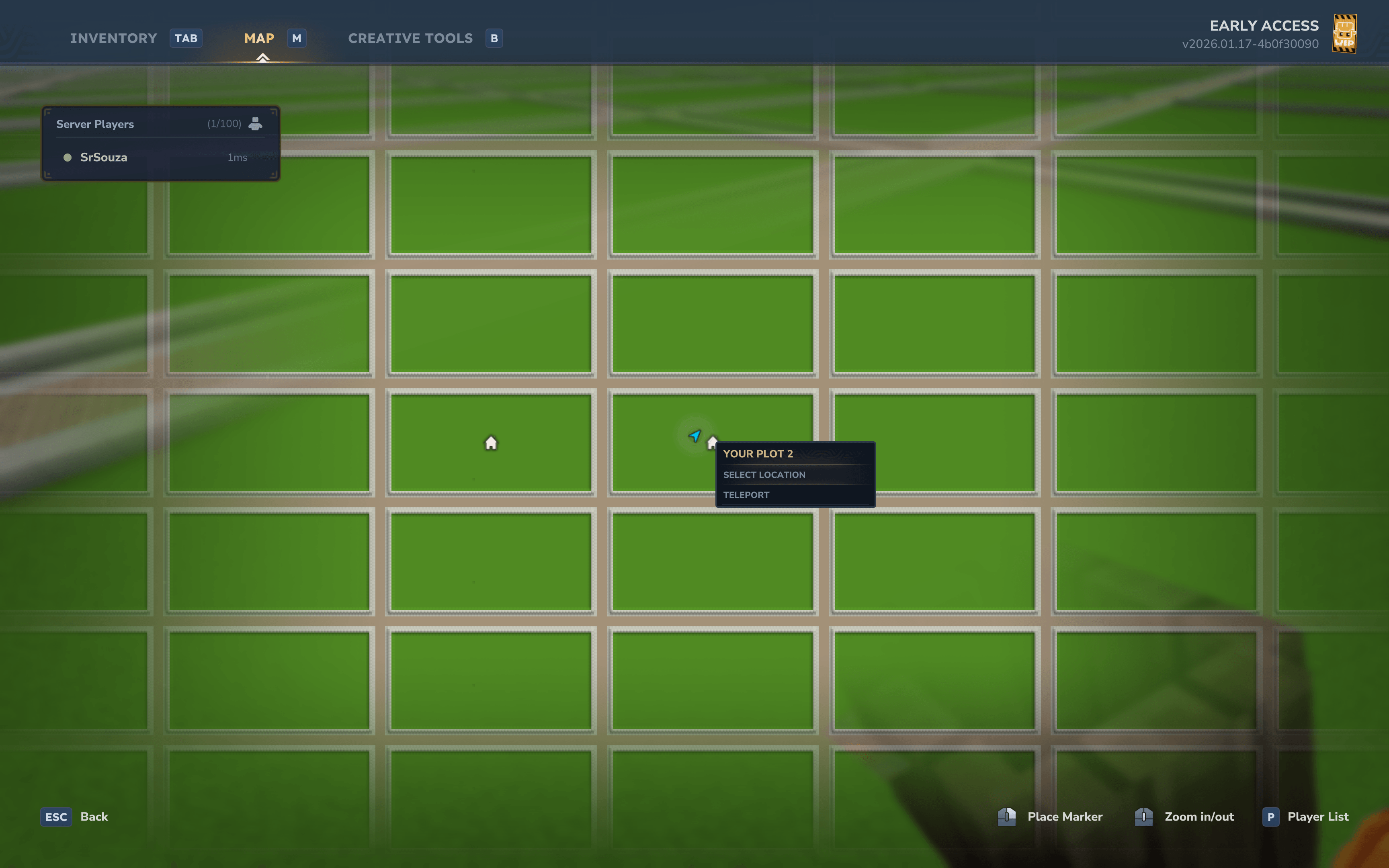
SouzaPlot brings the classic PlotMe/PlotSquared experience to Hytale. Create a dedicated plot world where players can claim their own land, build freely, and protect their creations from others
Hytale2026-01-19_14-44-04.jpg
Hytale2026-01-19_15-07-13.jpg
Hytale2026-01-19_14-44-29.png
Hytale2026-01-19_14-44-24.png
Hytale2026-01-19_15-07-04.png
Description
SouzaPlot
A fully-featured plot management plugin for Hytale servers.
SouzaPlot brings the classic PlotMe/PlotSquared experience to Hytale. Create a dedicated plot world where players can claim their own land, build freely, and protect their creations from others.
Features
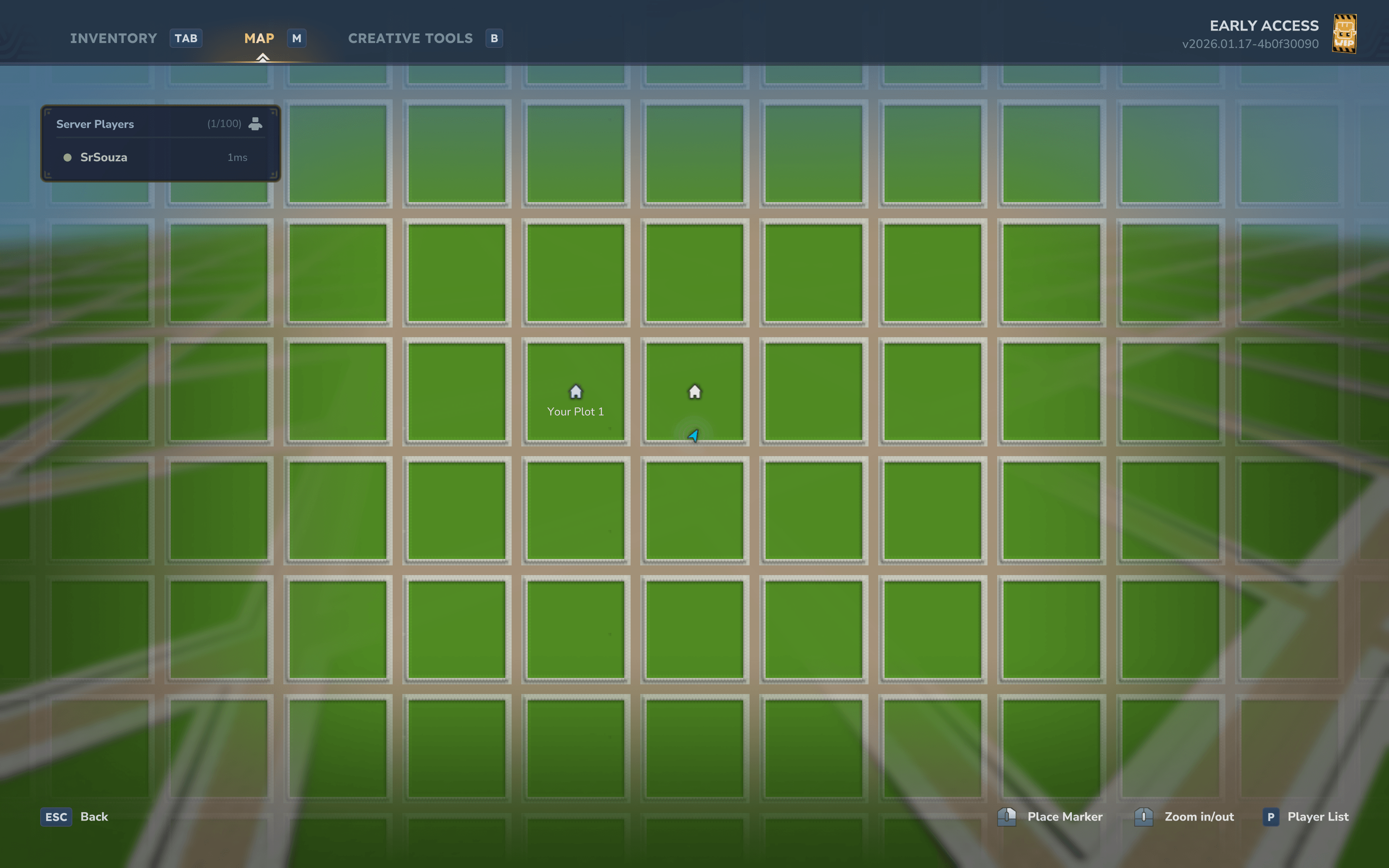
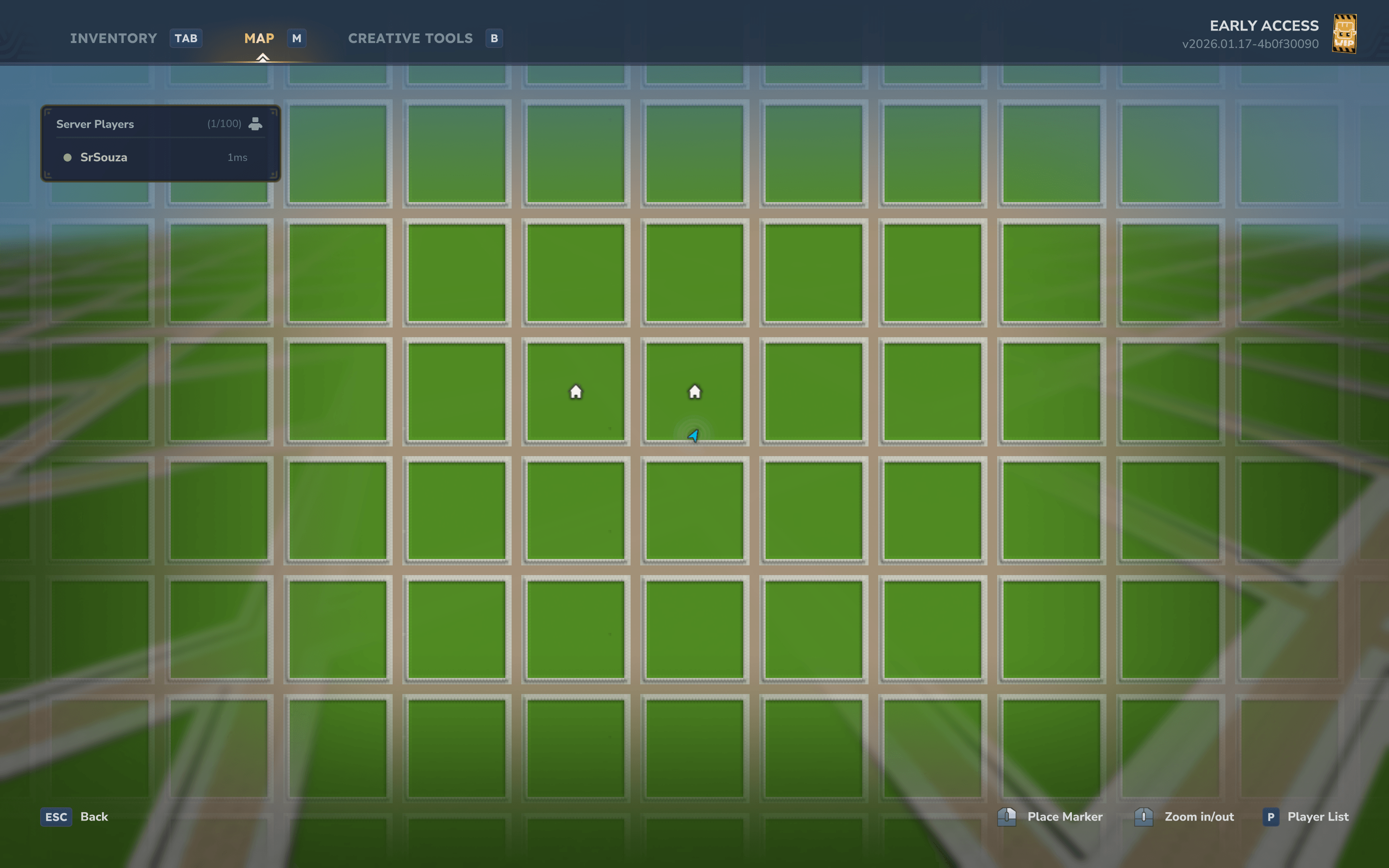
- Automatic Plot World Generation - Custom world generator creates a grid of plots with roads and borders
- Plot Claiming System - Players can claim and manage their own plots
- Permission-Based Plot Limits - Configure different plot limits for VIPs, donors, or ranks
- Protection System - Automatic block protection for claimed plots, roads, and borders with support for protecting against Paste and Copy for Creative Mode servers.
- Void Protection - Prevents players from breaking the bottom layer and dying in the void
- Member Management - Add friends to your plot with trusted access
- Deny System - Block specific players from entering your plot
- Teleportation - Quick teleport to your plots or visit other players
- Admin Tools - Server administration commands for plot management
- Database Storage - Persistent storage with H2 (supports MySQL, PostgreSQL, etc.)
- Fully Configurable - Customize plot sizes, block types, limits, and more
Installation
- Download the latest release
- Place the
.jarfile in your server'sModsfolder - Start the server - the plugin will auto-generate the plot world
- Use
/plot autoto claim your first plot
Commands
Player Commands
| Command | Description | Permission |
|---|---|---|
/plot |
Main plot command | souza.plot.command.plot |
/plot help |
Shows help for all plot commands | souza.plot.command.help |
/plot claim |
Claim the plot you're standing on | souza.plot.command.claim |
/plot auto |
Automatically find and claim an unclaimed plot | souza.plot.command.auto |
/plot home [index] |
Teleport to your plot (use index for multiple plots) | souza.plot.command.home |
/plot tpback |
Teleport back to your previous location | souza.plot.command.tpback |
/plot visit <player> |
Visit another player's plot | souza.plot.command.visit |
/plot info |
Show information about the current plot | souza.plot.command.info |
/plot list |
List all your claimed plots | souza.plot.command.list |
/plot add <player> |
Add a trusted member to your plot | souza.plot.command.add |
/plot remove <player> |
Remove a member from your plot | souza.plot.command.remove |
/plot deny <player> |
Deny a player from entering your plot | souza.plot.command.deny |
/plot undeny <player> |
Remove a player from your deny list | souza.plot.command.undeny |
Admin Commands
| Command | Description | Permission |
|---|---|---|
/plot admin |
Admin command group | souza.plot.command.admin |
/plot admin claim |
Claim a plot for the server (admin plot) | souza.plot.command.admin.claim + souza.plot.admin |
/plot admin delete |
Delete the current plot | souza.plot.command.admin.delete + souza.plot.admin |
/plot admin setspawn |
Set the plot world spawn point | souza.plot.command.admin.setspawn + souza.plot.admin |
/plot admin info |
Show plugin statistics | souza.plot.command.admin.info + souza.plot.admin |
Permissions
Plot Limit Permissions
Use these permissions to give players different plot limits based on their rank:
| Permission | Description |
|---|---|
souza.plot.limit.1 |
Allow player to claim 1 plot |
souza.plot.limit.2 |
Allow player to claim 2 plots |
souza.plot.limit.3 |
Allow player to claim 3 plots |
souza.plot.limit.<N> |
Allow player to claim N plots (up to MaxPlotLimit) |
Example: Give VIP players 3 plots by assigning souza.plot.limit.3 permission.
Players without any limit permission will use the DefaultPlotLimit from config (default: 1).
Admin Permissions
| Permission | Description |
|---|---|
souza.plot.admin |
Required to execute admin commands |
souza.plot.admin.bypass |
Bypass all plot protections (build anywhere, break bottom layer) |
souza.plot.admin.roads |
Build and modify roads and plot borders |
Builder tools permission
| Permission | Description |
|---|---|
hytale.editor.builderTools |
Let users use build tools in their plot |
Member Access
When you add a member with /plot add <player>, they receive trusted access:
- Can place and break blocks
- Can use containers (chests, furnaces, etc.)
- Full building permissions within your plot
Only the plot owner can add or remove members.
Configuration
The plugin uses two configuration systems: the Mod Configuration for plugin behavior, and World Generation settings for how the plot world is generated.
Mod Configuration (config.json)
Located in plugins/Souza/Plot/config.json. Controls plugin behavior and limits.
| Option | Default | Description |
|---|---|---|
WorldName |
"plotworld" |
Name of the plot world |
DefaultPlotLimit |
1 |
Default plots per player (when no permission set) |
MaxPlotLimit |
10 |
Maximum plots per player |
AutoCreateWorld |
true |
Auto-create plot world on startup |
PlotLimitPermissionPrefix |
"souza.plot.limit." |
Permission prefix for plot limits |
Protection Settings
| Option | Default | Description |
|---|---|---|
ProtectBottomLayer |
true |
Prevent breaking the bottom layer (void protection) |
ProtectedLayerHeight |
1 |
Y-level at or below which blocks are protected |
Database Settings
| Option | Default | Description |
|---|---|---|
Database.JdbcUrl |
"jdbc:h2:file:./plugins/Souza/Plot/data/plots;MODE=MySQL" |
Database connection URL |
Database.DriverClassName |
"org.h2.Driver" |
JDBC driver class |
Database.Username |
"" |
Database username |
Database.Password |
"" |
Database password |
Database.MaximumPoolSize |
10 |
Max connection pool size |
World Generation Configuration
These settings are also in config.json and control how the plot world is generated.
| Option | Default | Description |
|---|---|---|
PlotSize |
32 |
Size of each plot in blocks |
RoadWidth |
5 |
Width of roads between plots |
GroundHeight |
64 |
Y-level for surface generation |
BorderEnabled |
true |
Enable visual plot borders |
Environment |
"Surface" |
Hytale environment type |
Layer Depths
| Option | Default | Description |
|---|---|---|
DirtDepth |
4 |
Depth of dirt layer below surface |
BedrockDepth |
3 |
Depth of bedrock at world bottom |
Road patterns
Example usaged for 5 blocks wide roads
"RoadPattern": "XYYYX",
  "IntersectionPattern": [
    "XYYYX",
    "YZZZY",
    "YZZZY",
    "YZZZY",
    "XYYYX"
  ],
  "RoadPatternBlocks": [
    {
      "Char": "X",
      "BlockType": "Rock_Stone_Cobble"
    },
    {
      "Char": "Y",
      "BlockType": "Rock_Stone_Brick"
    },
    {
      "Char": "Z",
      "BlockType": "Rock_Stone_Brick"
    }
  ],
Customizing World Generation
This guide explains how to customize the plot world for your server.
Grid Layout
The plot world generates as an infinite grid:
+----------+-----+----------+
|          |  R  |          |
|   PLOT   |  O  |   PLOT   |
|  (32x32) |  A  |  (32x32) |
|          |  D  |          |
+----------+-----+----------+
|   ROAD   |  X  |   ROAD   |
+----------+-----+----------+
|          |  R  |          |
|   PLOT   |  O  |   PLOT   |
|          |  A  |          |
|          |  D  |          |
+----------+-----+----------+
Each grid cell = PlotSize + RoadWidth (default: 32 + 5 = 37 blocks)
Terrain Layers
From bottom to top:
| Layer | Y-Level (default) | Block |
|---|---|---|
| Bedrock | 0-2 | BedrockBlockType |
| Stone | 3-59 | FillBlockType |
| Dirt | 60-63 | DirtBlockType (plots only) |
| Surface | 64 | PlotBlockType or RoadBlockType |
| Border | 65 | BorderBlockType (plot edges only) |
Customization Examples
Larger Plots with Wider Roads
{
  "PlotSize": 64,
  "RoadWidth": 7
}
Creates 64x64 plots with 7-block wide roads.
Desert Theme
{
  "PlotBlockType": "Soil_Sand",
  "RoadBlockType": "Rock_Sandstone",
  "BorderBlockType": "Rock_Sandstone_Half",
  "FillBlockType": "Rock_Sandstone",
  "DirtBlockType": "Soil_Sand"
}
Lower Ground Level
{
  "GroundHeight": 32
}
No Borders
{
  "BorderEnabled": false
}
Removes the border walls between plots and roads.
Applying Changes
- Stop your server
- Edit
plugins/Souza/Plot/config.json - Delete the existing plot world folder (if regenerating)
- Start the server
Note: World generation settings only apply when the world is first created. To apply changes to an existing world, you must delete and regenerate it.
Quick Start
- Join the server and use
/plot autoto get your first plot - Build freely within your plot boundaries
- Add friends with
/plot add <player>to let them build - Visit others with
/plot visit <player> - Return with
/plot tpbackafter teleporting - If you have multiple plots, use
/plot home 2to teleport to your second plot
Support
- Issues: GitHub Issues
- Source: GitHub Repository
- Discord
License
This project is open source. See the repository for license details.
SouzaPlot Team