RuneCore
- By
A modular and extensible magic engine for Hytale that introduces elemental essences, custom RPG combat attributes, and persistent status effects.
npc-perto-de-morrer-bleedin-2.png
speed 2.png
com efeito de veneno.png
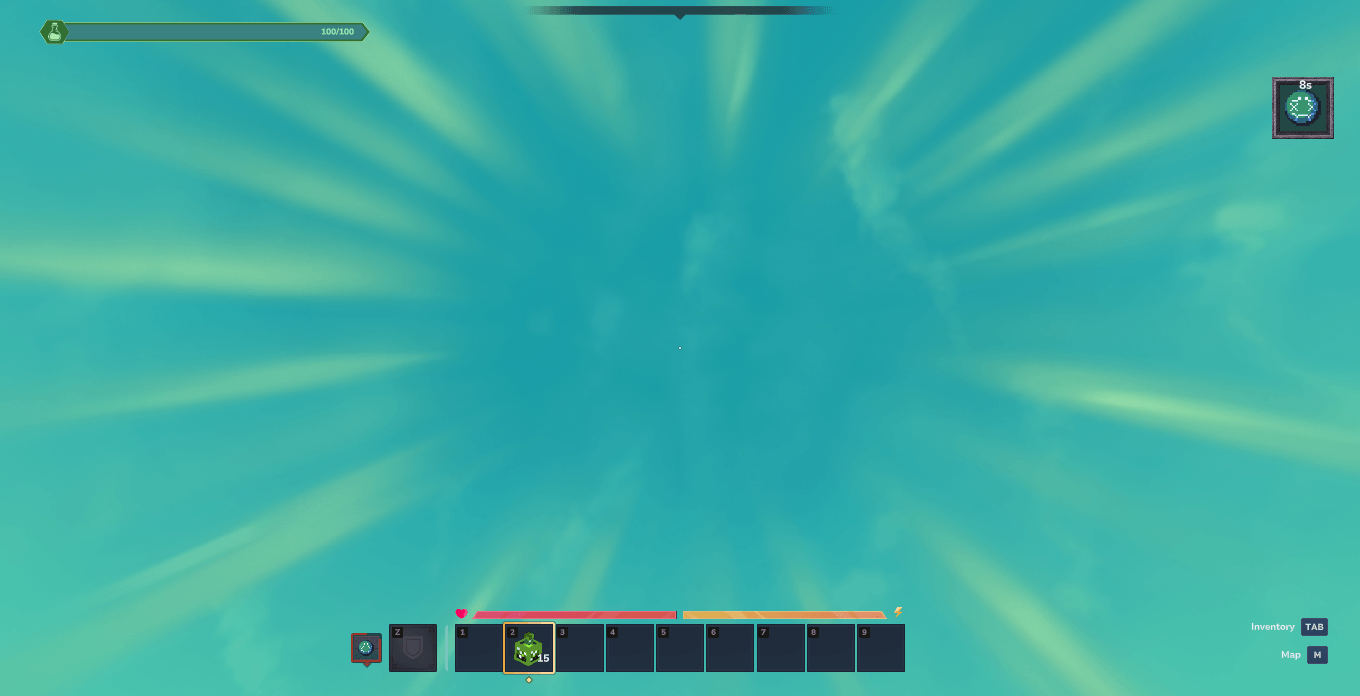
fatiga 2.png
fatiga1.png
Description
RuneCore
Extensible magic system engine and framework for Hytale mods.
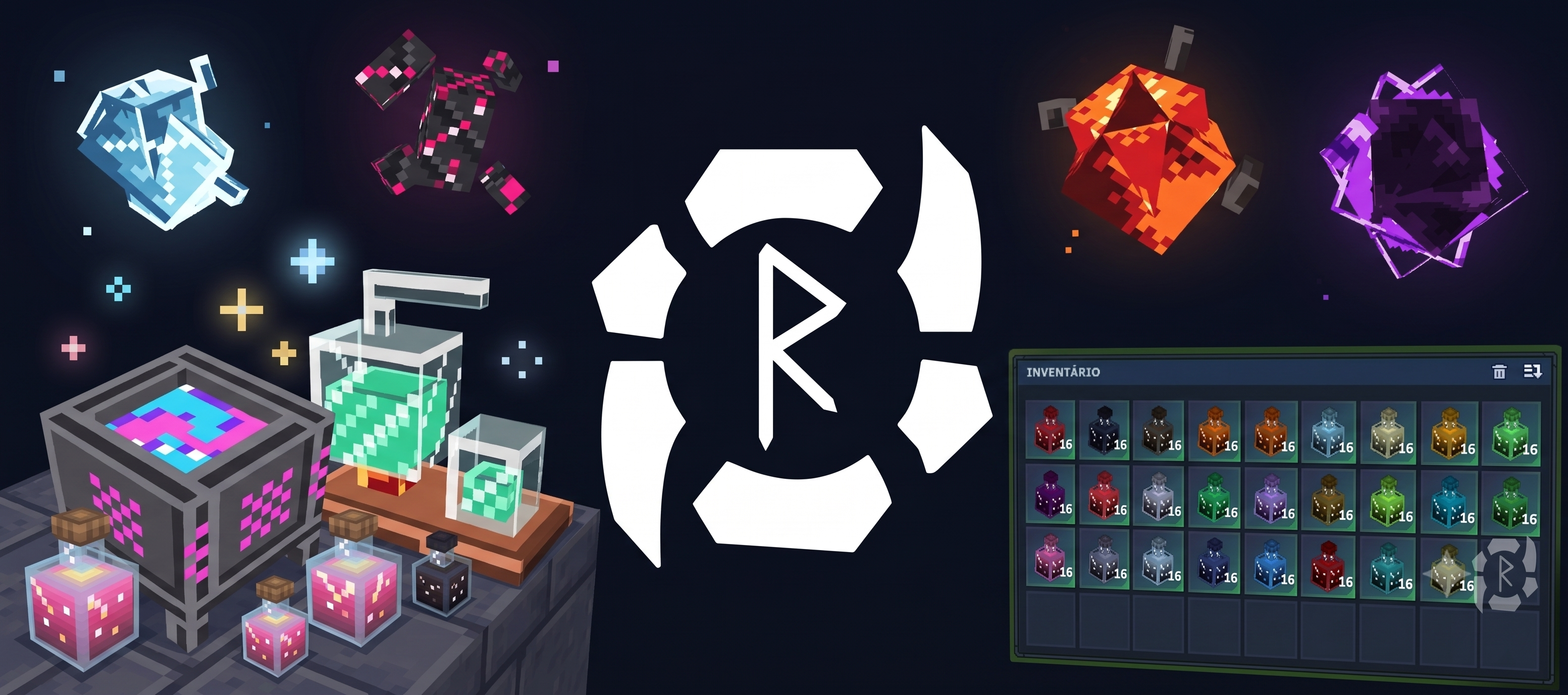
Project Status: In Development
- In Progress: Potions and crafting recipes for custom status effects.
- Functional: Core commands, player status management, and essence drop system.
- API: Testing phase.
- Visuals: Custom logo and essence icons. 3D models use recycled game assets.
- Next Steps: Full RuneAlchemy system and potion brewing pipeline.
1. Overview
RuneCore expands Hytale's native foundation into a modular engine for elemental interactions, status effects, custom RPG attributes, and alchemy recipes. The mod offers both ready-to-use mechanics and an extensible API for integration with other mods.


2. Visual Gallery
Elemental Essences
 |
 |
 |
 |
 |
 |
 |
 |
 |
 |
 |
 |
 |
 |
 |
 |
 |
 |
 |
 |
Potions
 |
 |
 |
 |
 |
 |
 |
 |
 |
 |
 |
 |
 |
 |
 |
 |
 |
 |
 |
 |
 |
 |
 |
 |
 |
 |
Status Effects
 |
 |
 |
 |
 |
 |
 |
 |
 |
 |
 |
 |
 |
 |
 |
 |
 |
 |
 |
 |
 |
 |
 |
 |
 |
 |
In-Game Effect Showcase
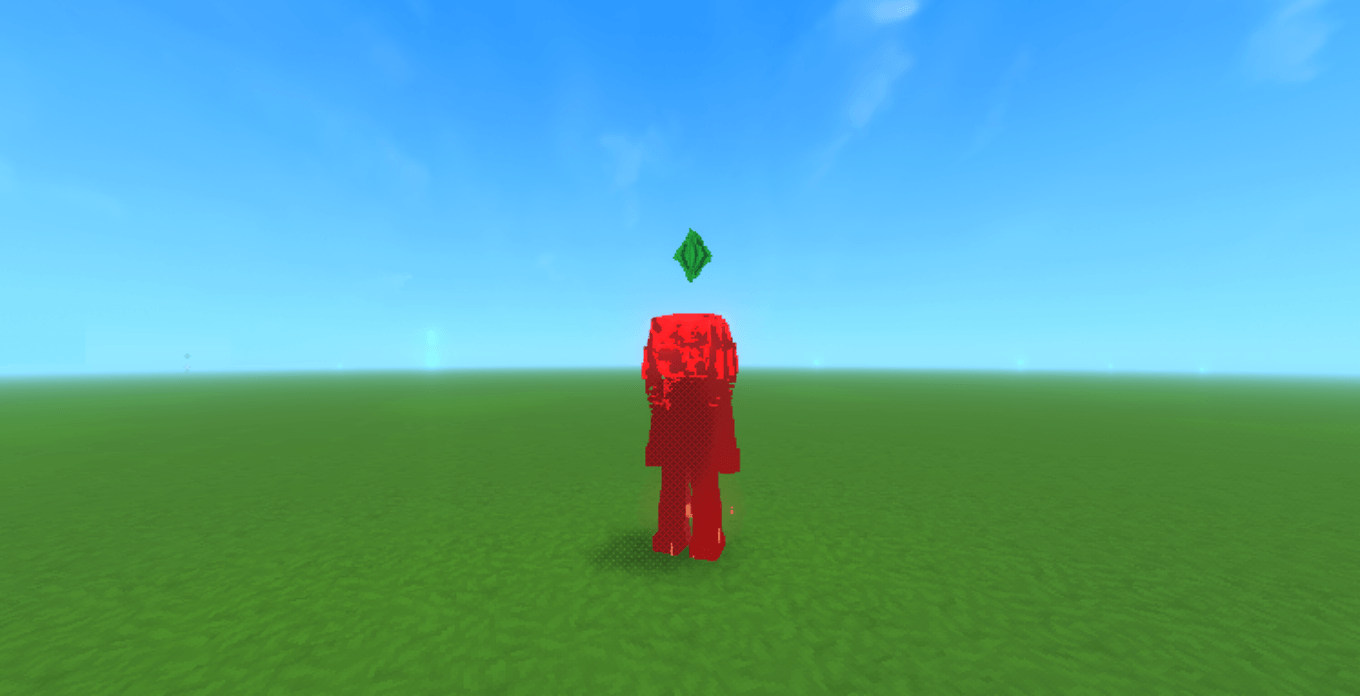
Bleeding
Deals damage over time and applies a bloody visual filter to the player.
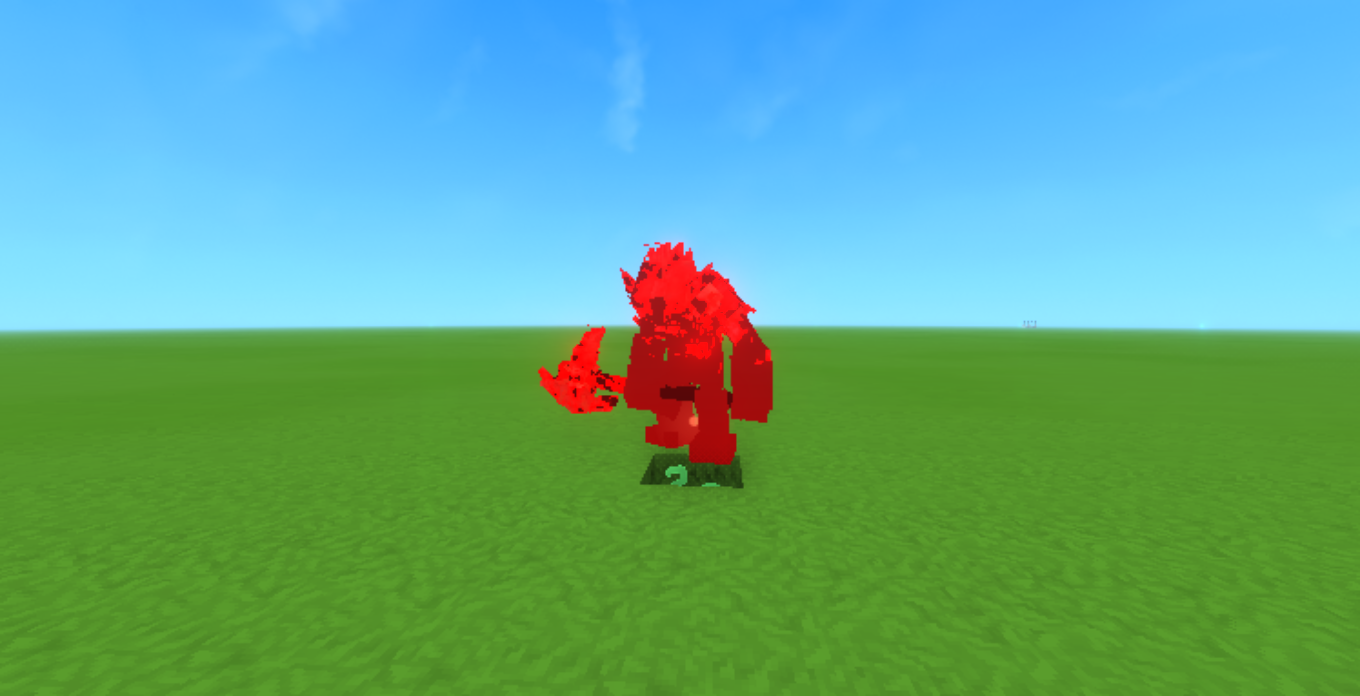
Burn
Ignites the target, causing fire damage and burning screen overlays.
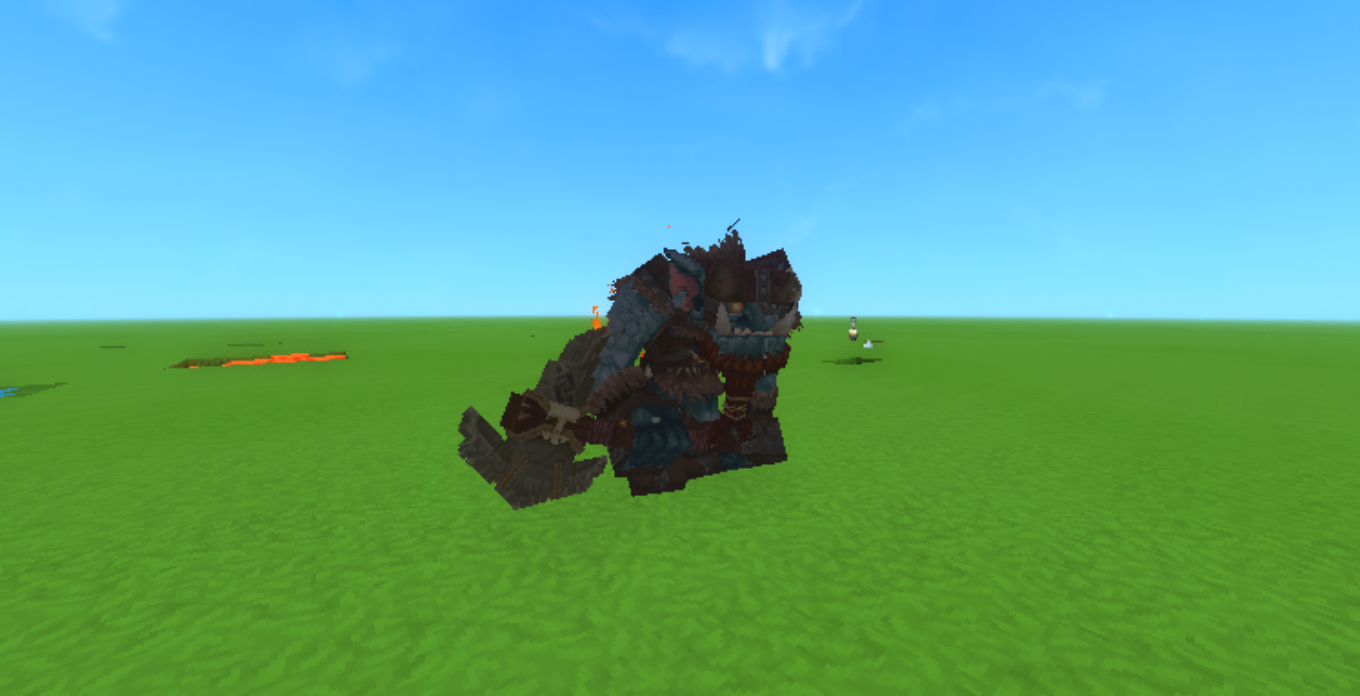
Decay
Corrodes the entity's health over time with necrotic visual effects.
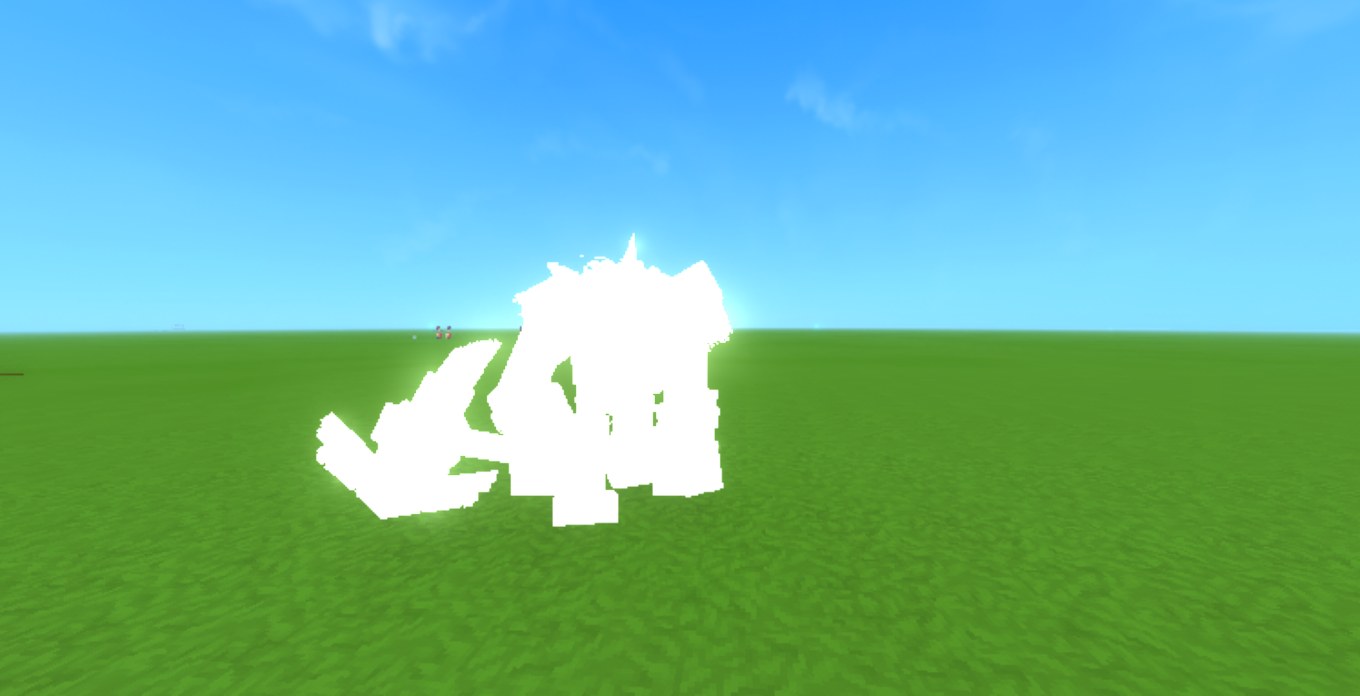
Fire Resistance
Grants immunity to fire damage and protects the entity in lava environments.
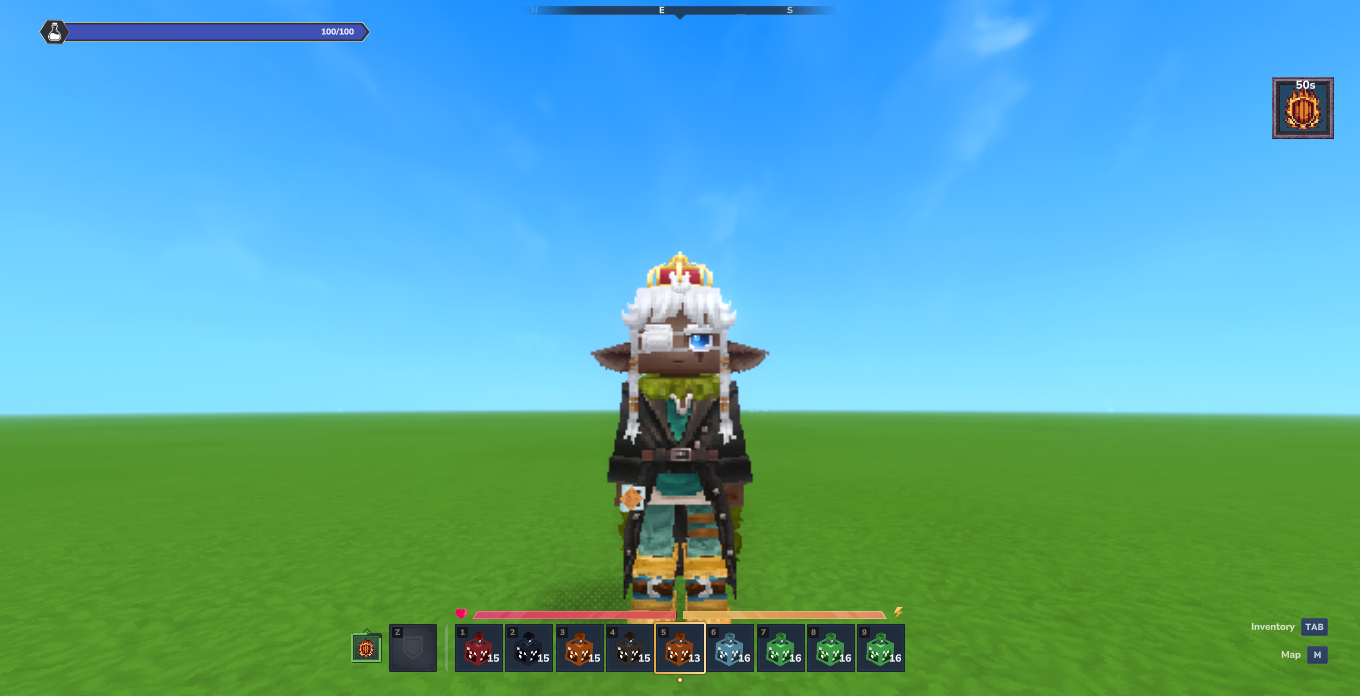
Frozen
Encases the target in ice, locking physical movement and rotation.
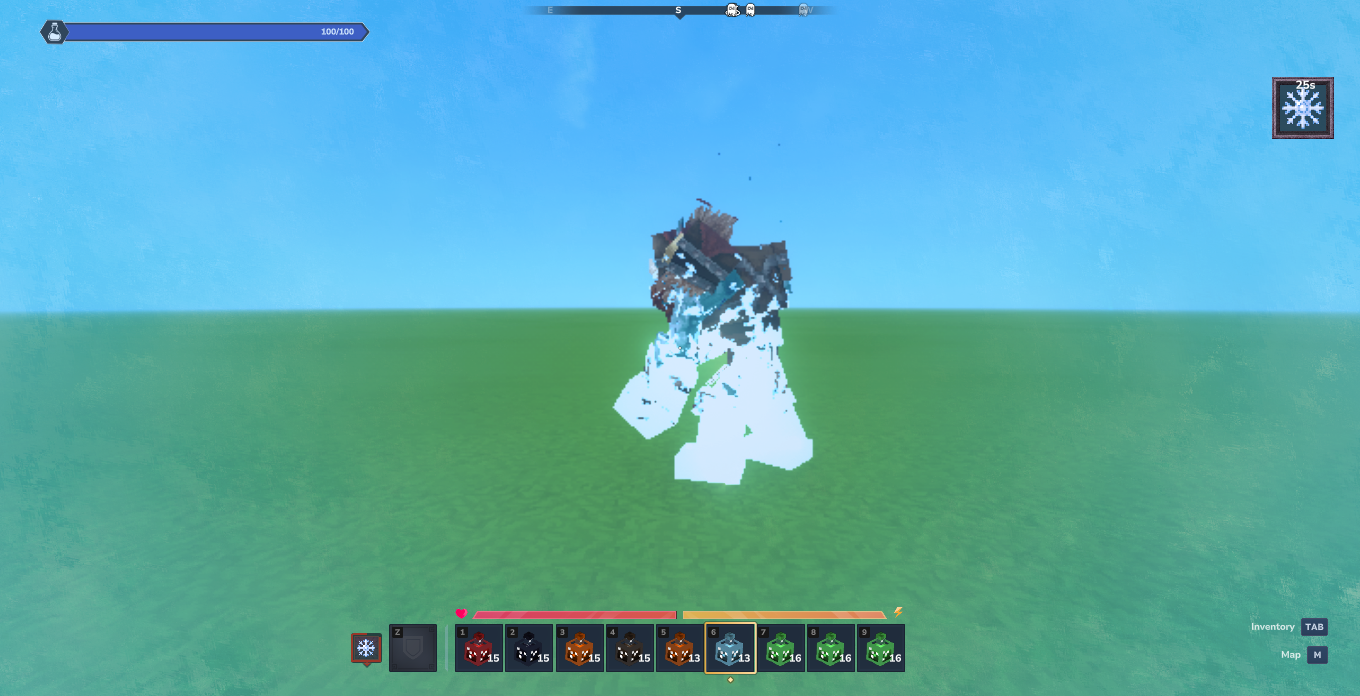
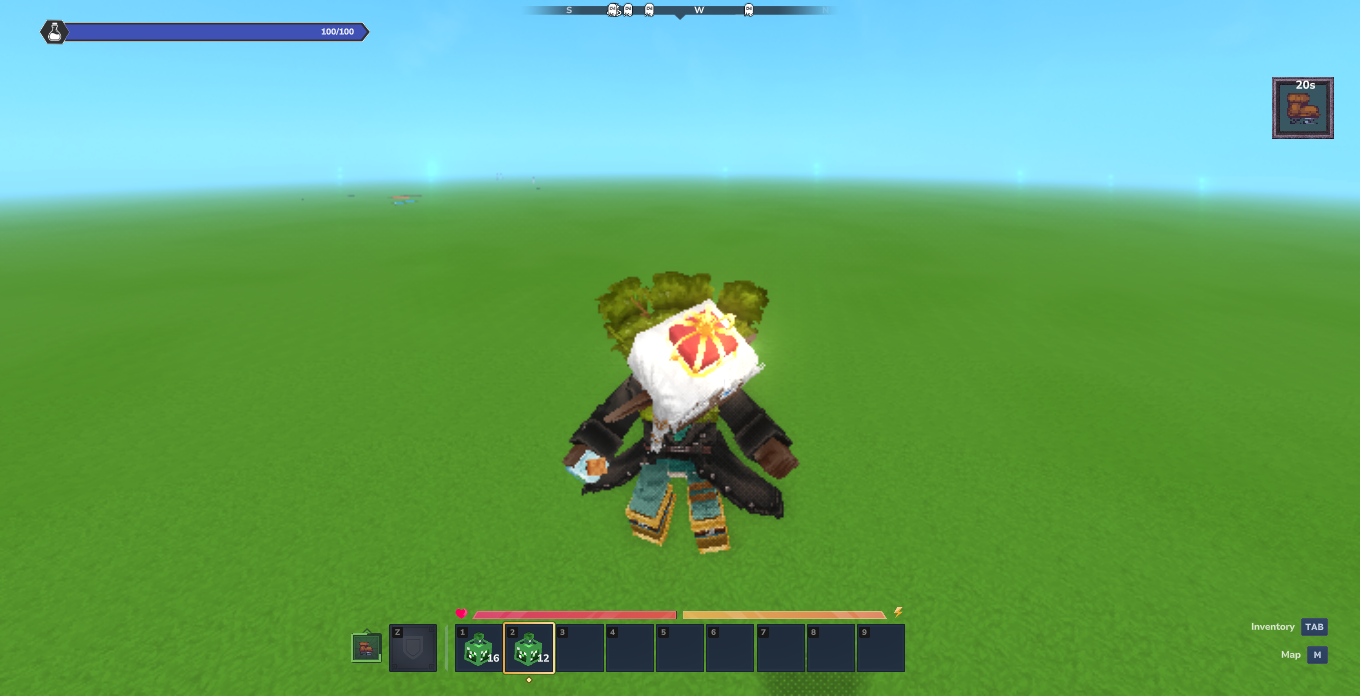
Glowing
Emits dynamic light around entities and players in low-light environments.
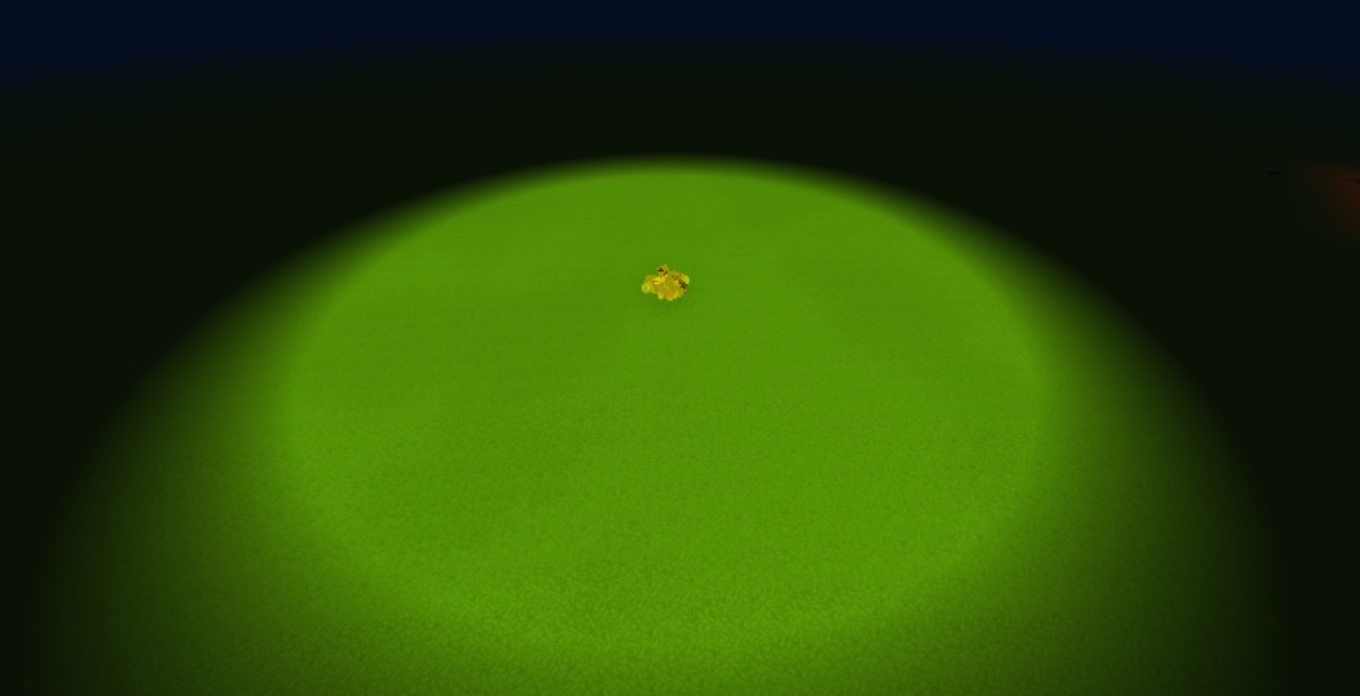
High Jump
Boosts vertical velocity, launching players and entities into high jumps.
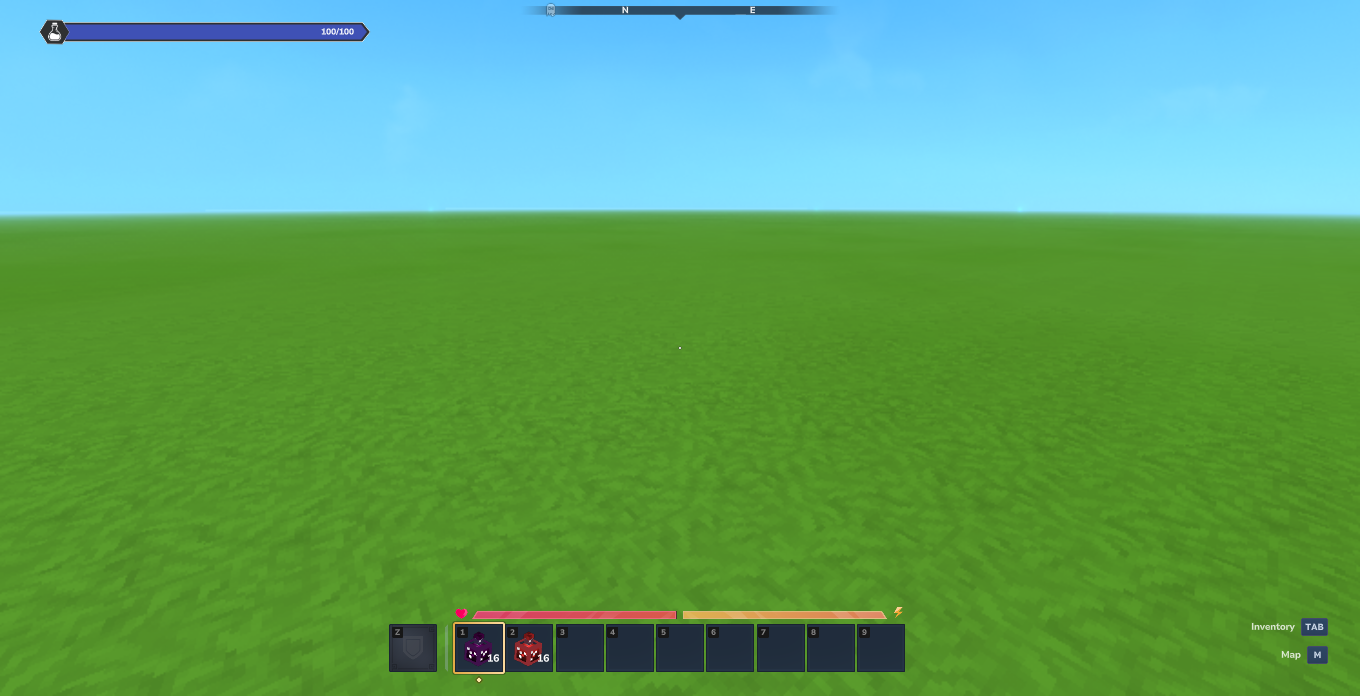
Normal Health
Default player health status on HUD.
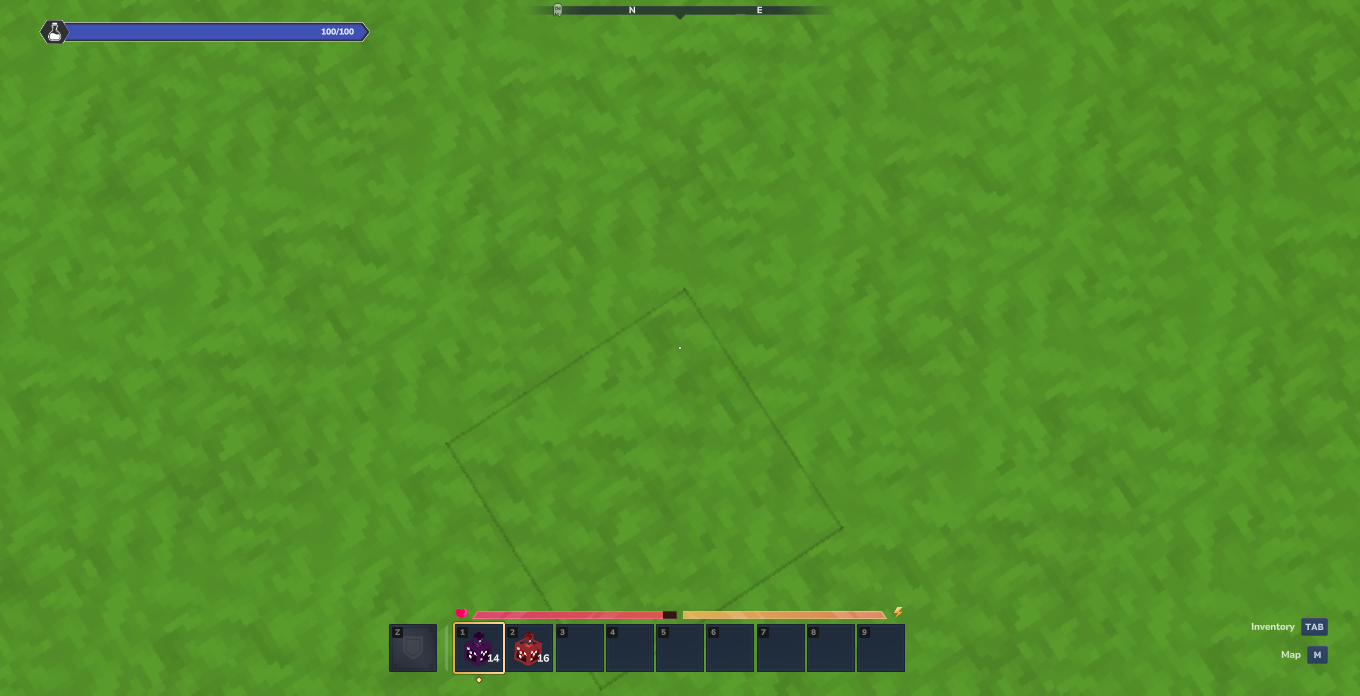
Instant Damage
Instantly subtracts health points upon hit or potion splash.
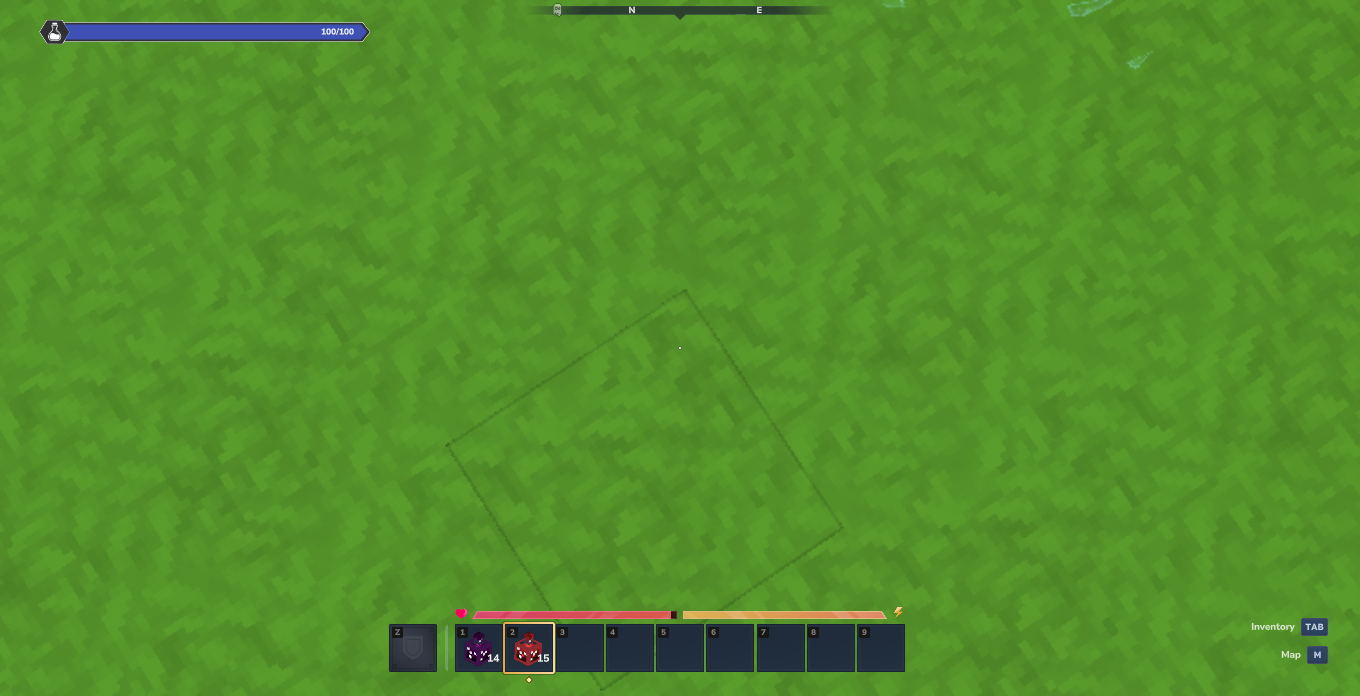
Instant Health
Instantly restores health points and updates player health.
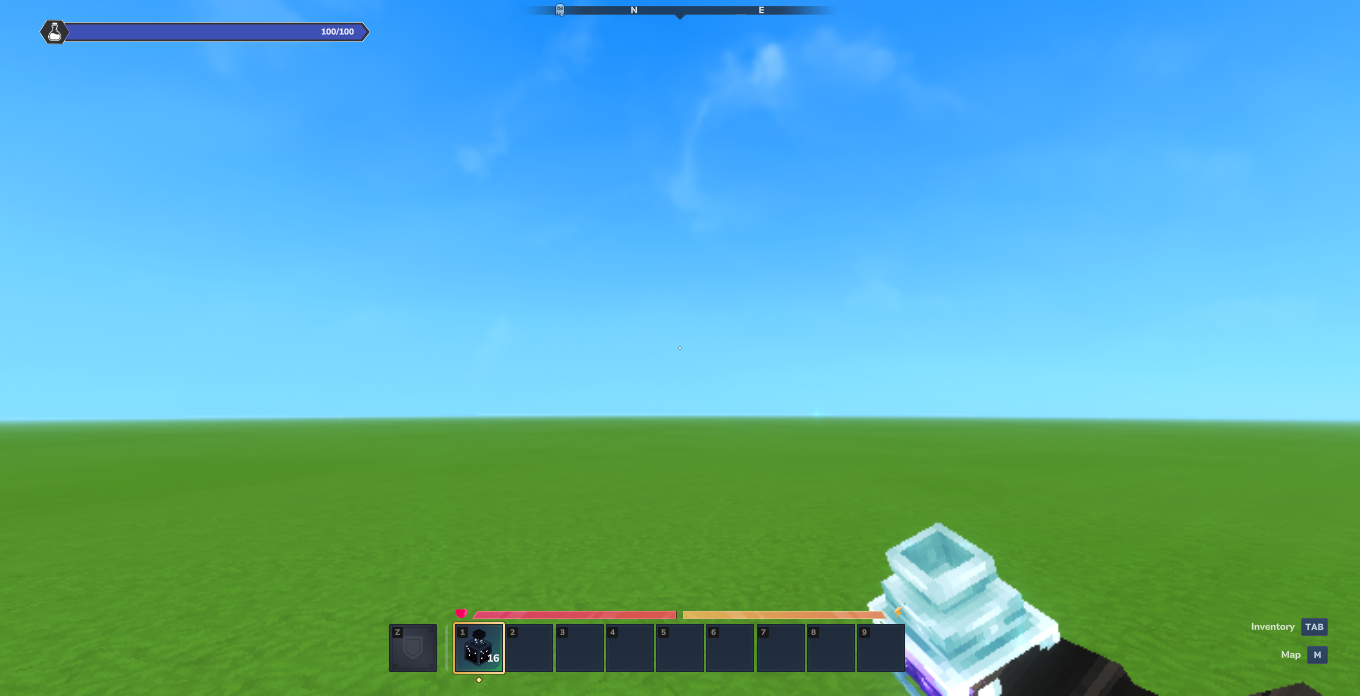
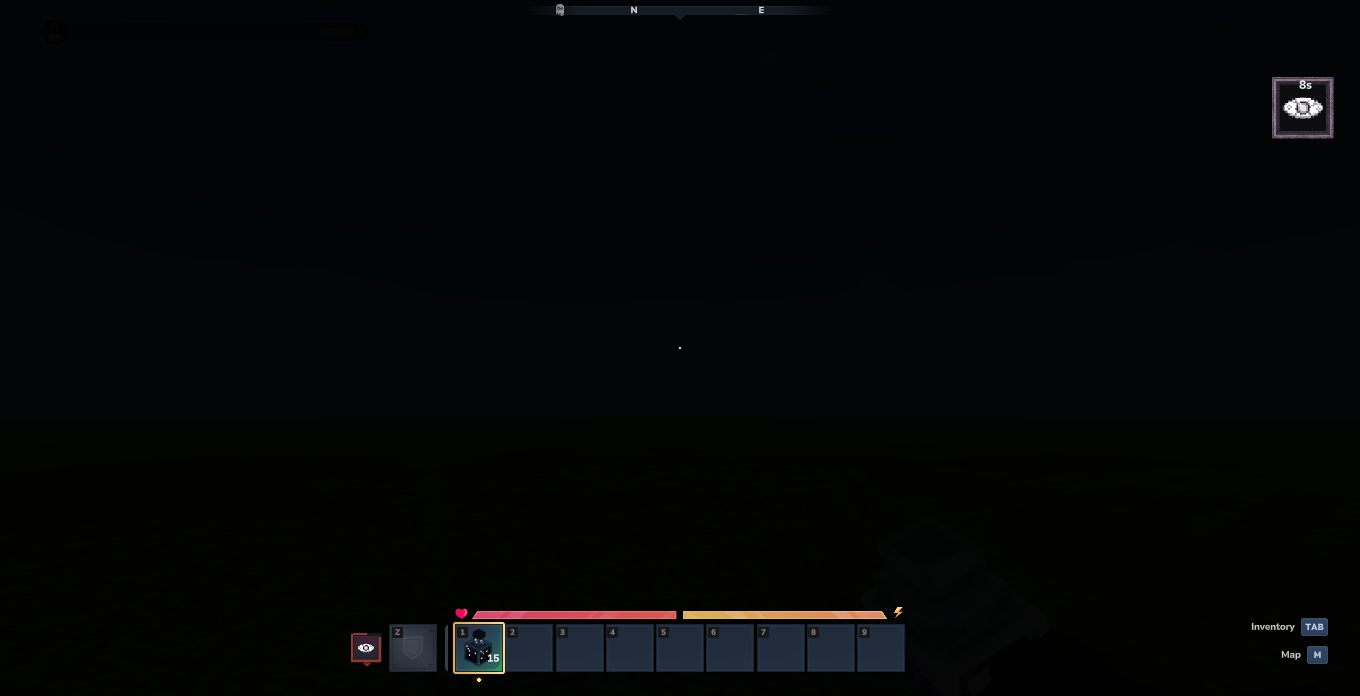
Blindness
Darkens the player's view and HUD completely, simulating loss of vision.
Normal Vision:
Blinded View:
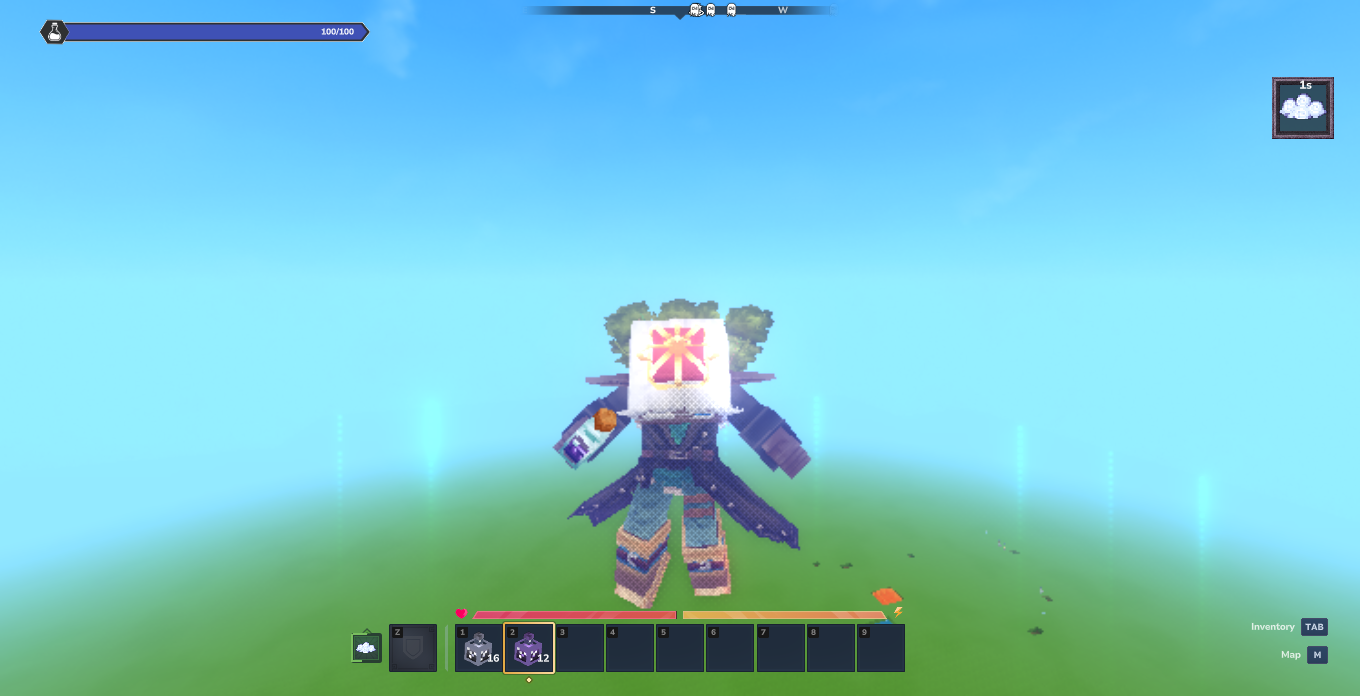
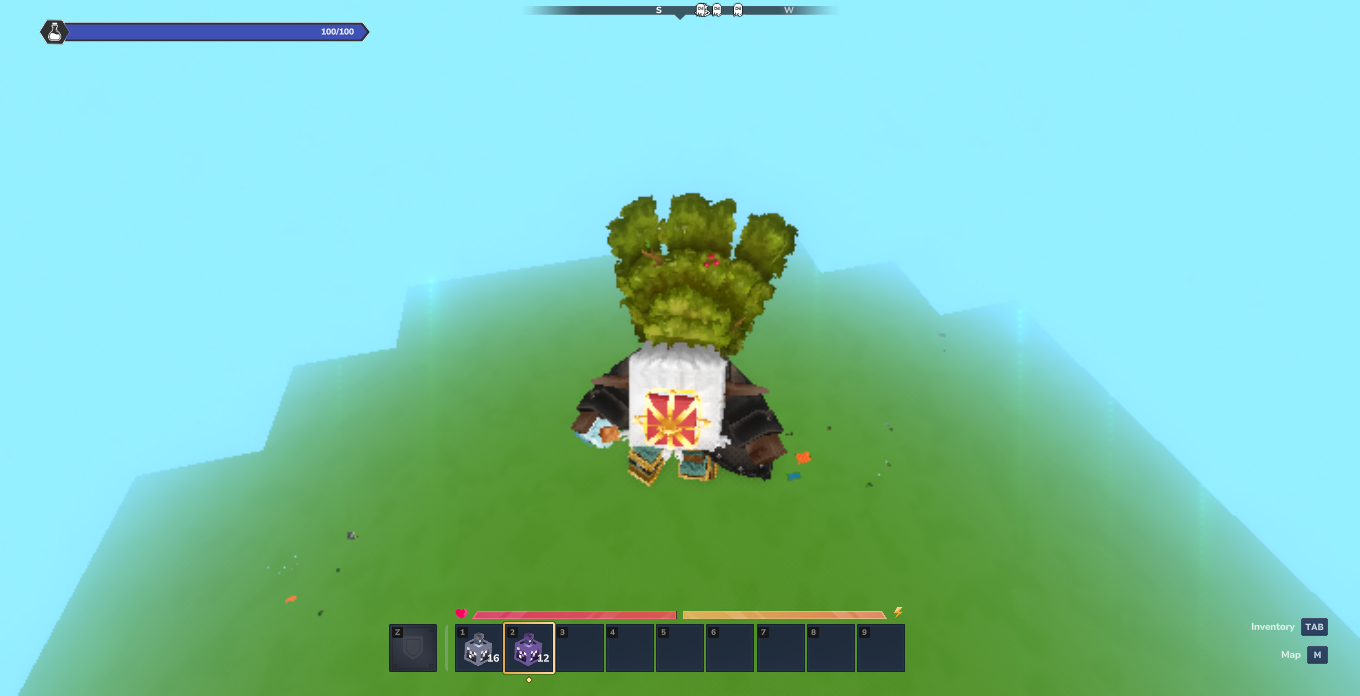
Levitation
Lifts entities into the air with anti-gravity physics, followed by a fall upon expiry.
Floating Upward:
Descending / Falling:
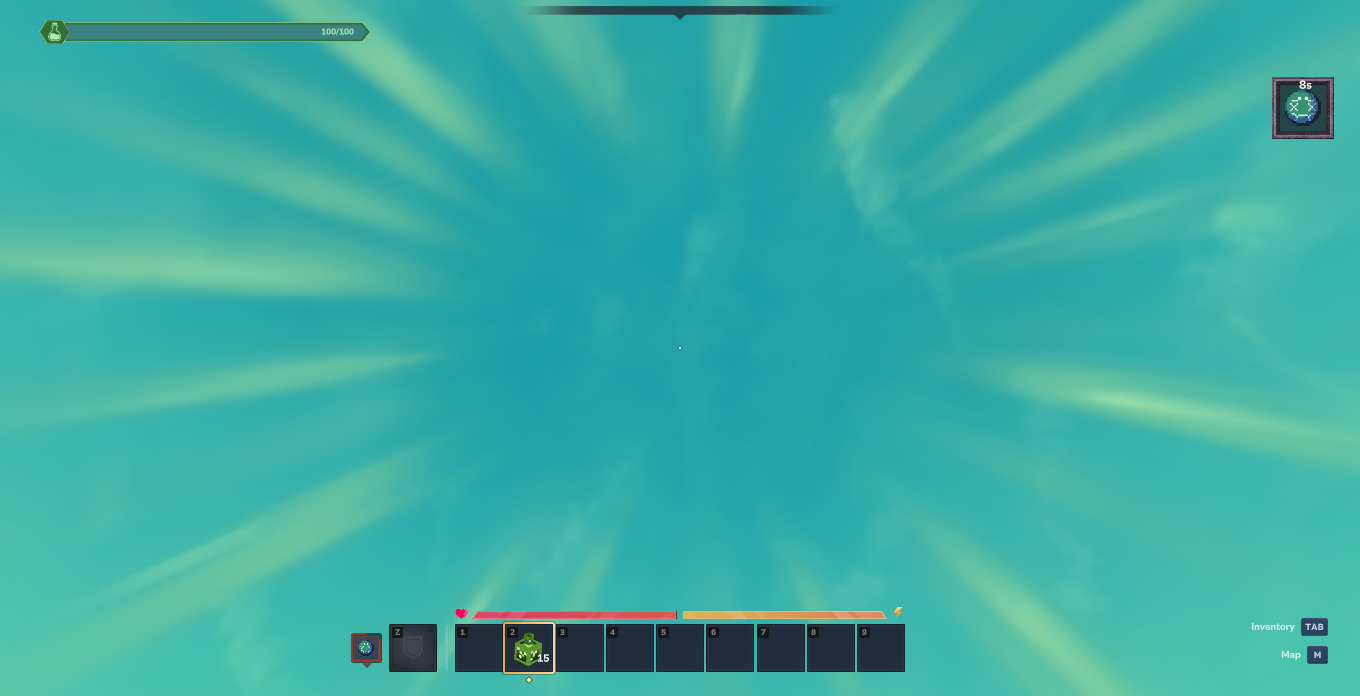
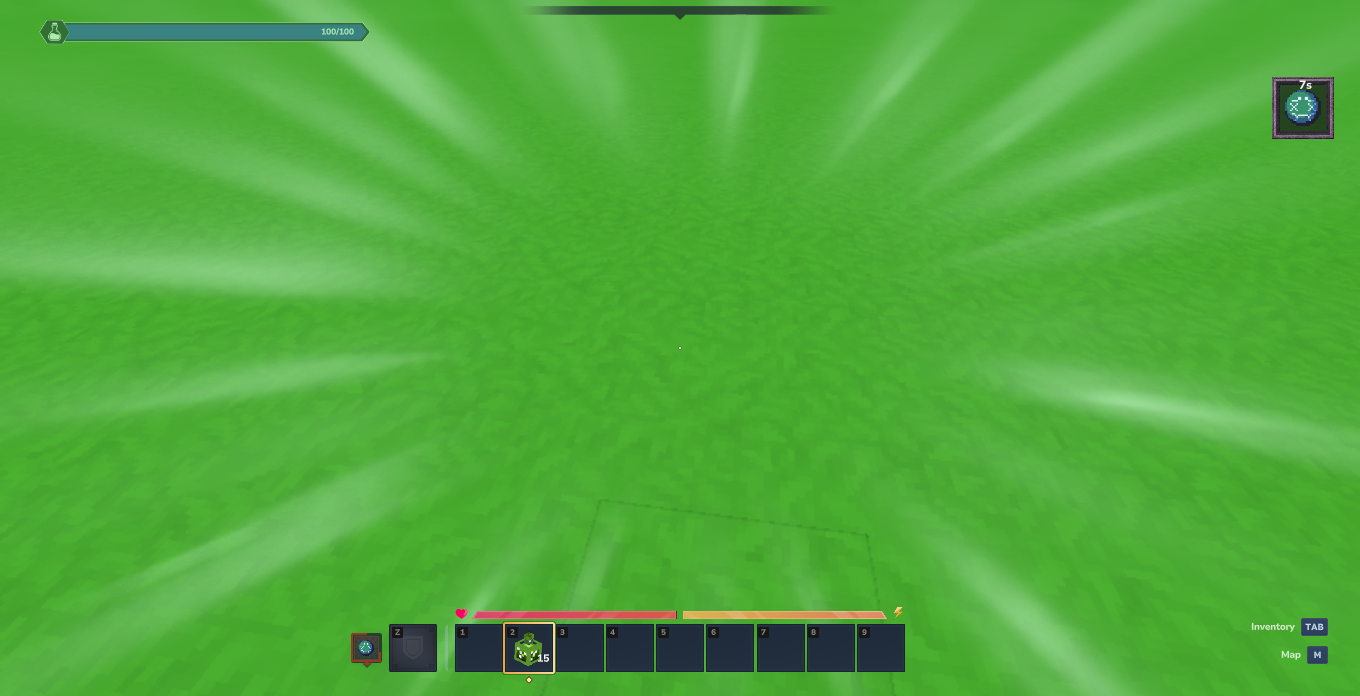
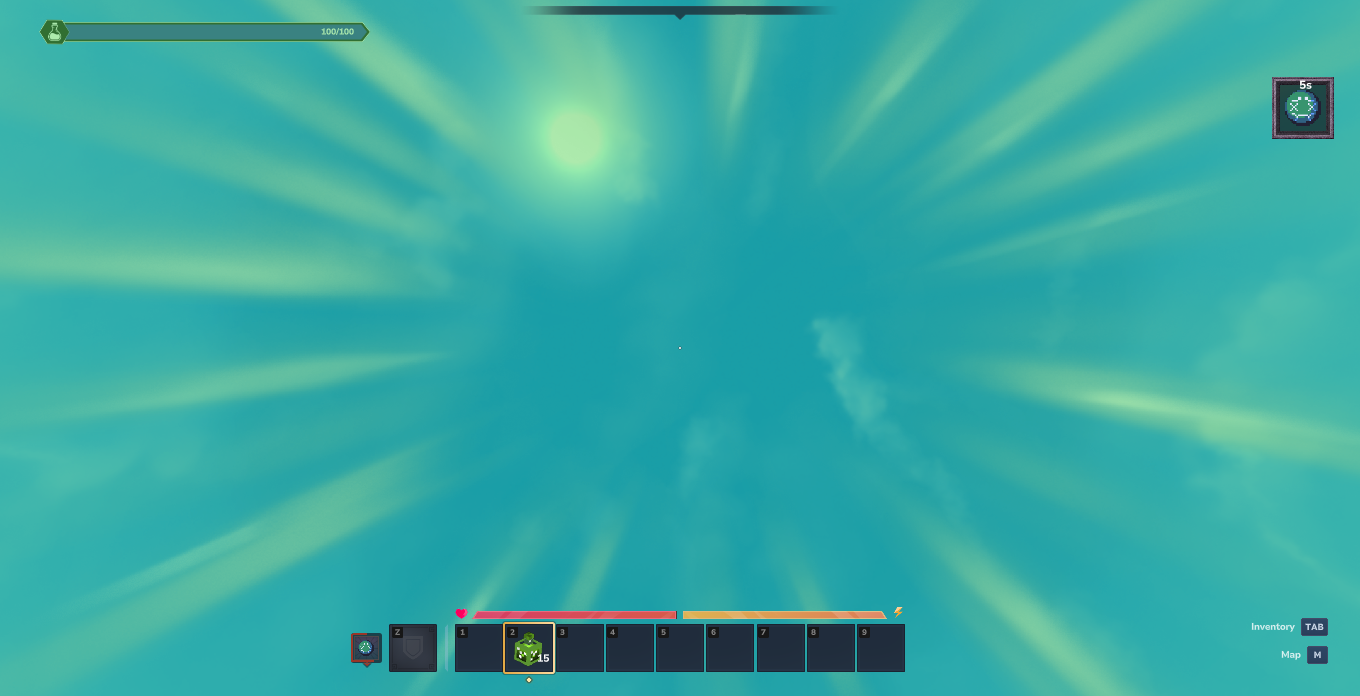
Nausea
Causes severe camera sway and screen disorientation, cycling view angles.
Night Vision
Illuminates dark environments by dynamically adjusting ambient light levels.
Note on Engine Limitations: Due to current Hytale Server API limitations, dynamic light components affect global scene lighting around the target entity rather than applying a per-client post-processing shader.
Night Environment (Without Effect):
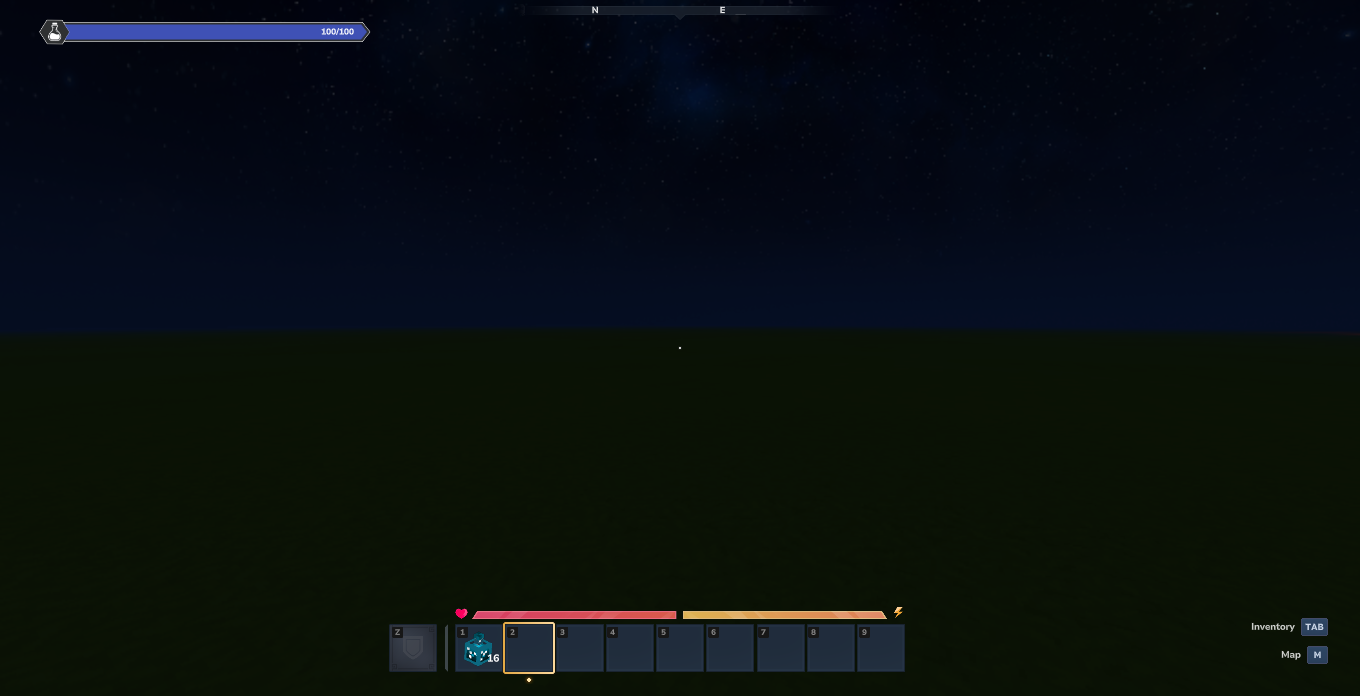
Night Vision Active:
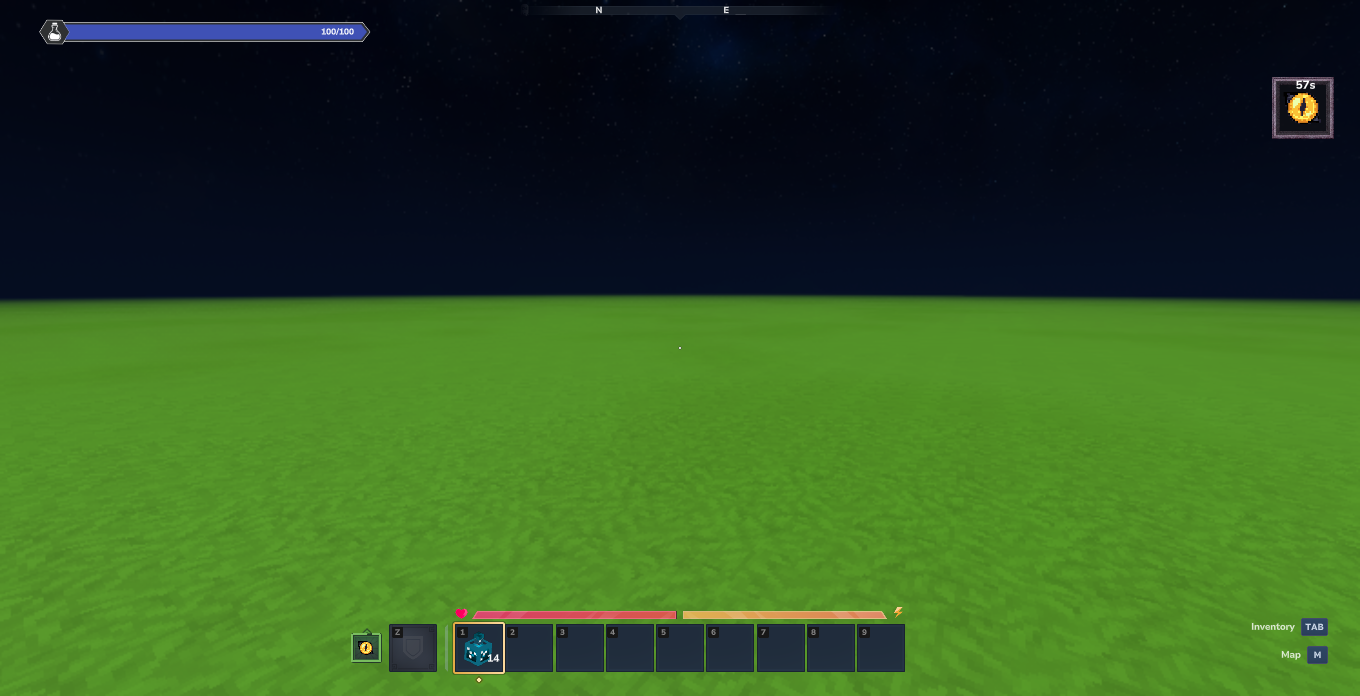
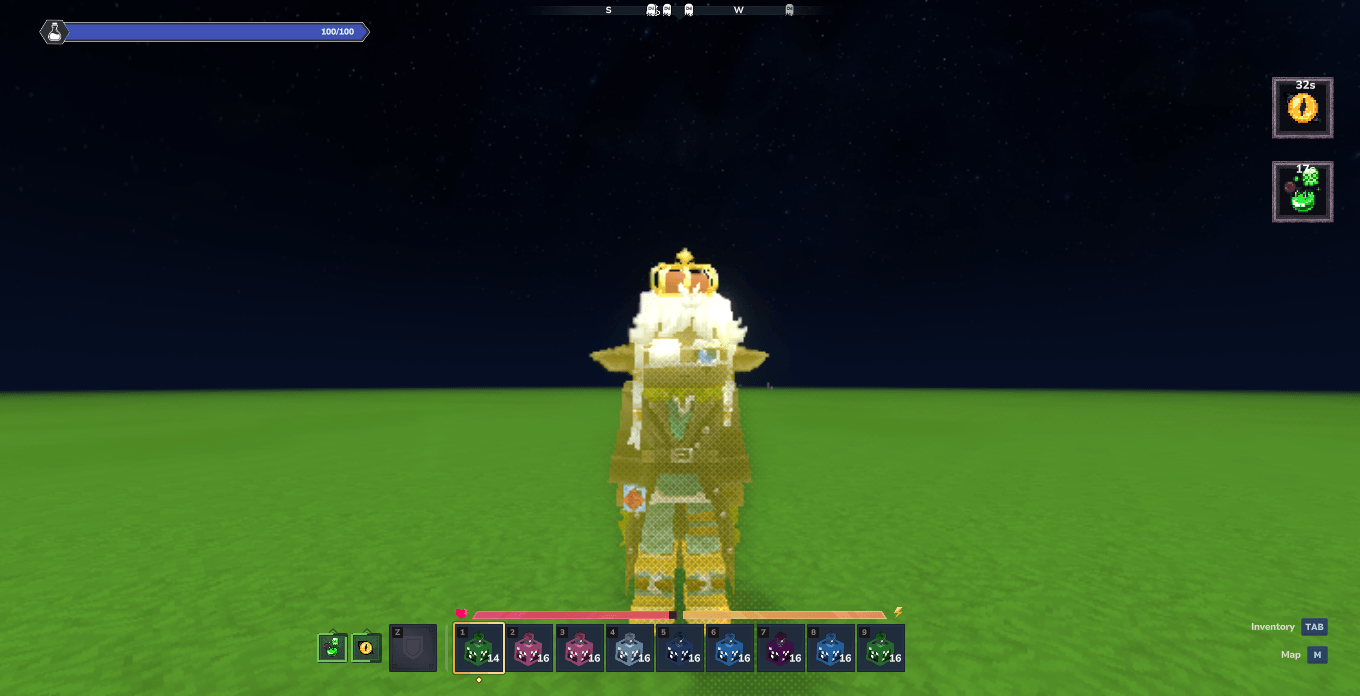
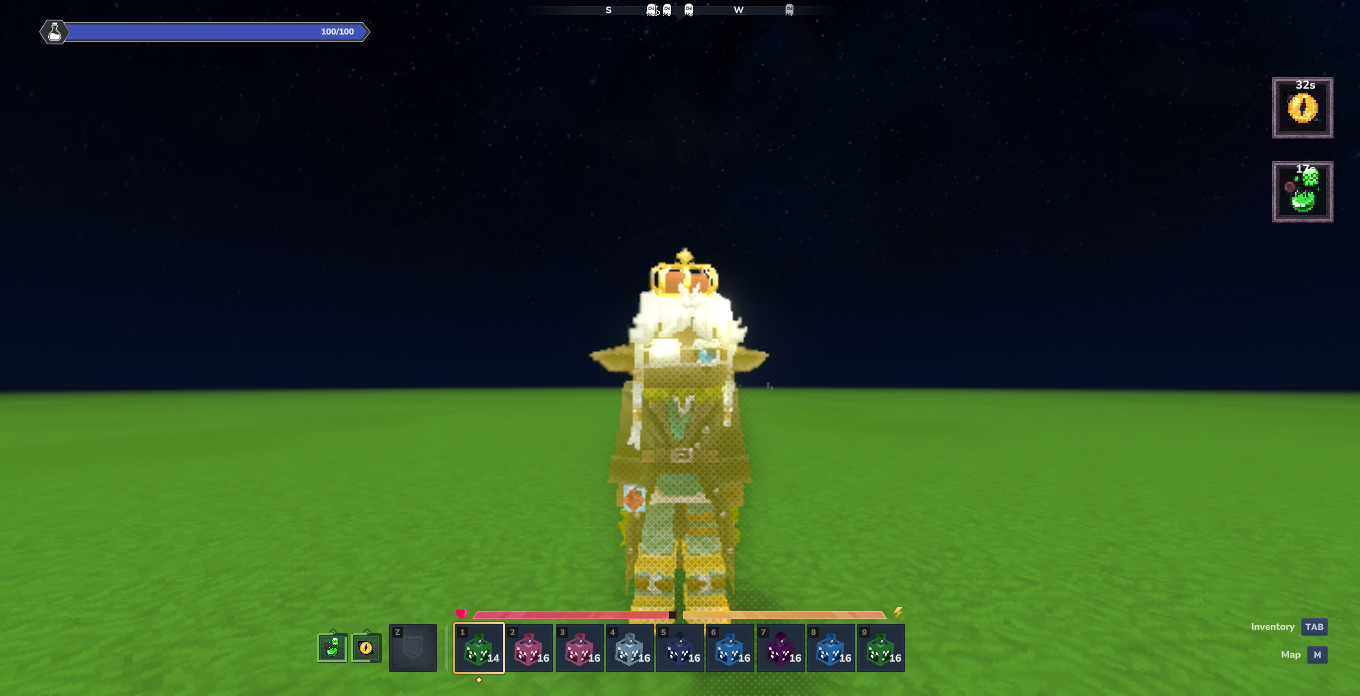
Poison
Deals continuous poison damage over time, turning health indicators green until expired.
Poison Active:
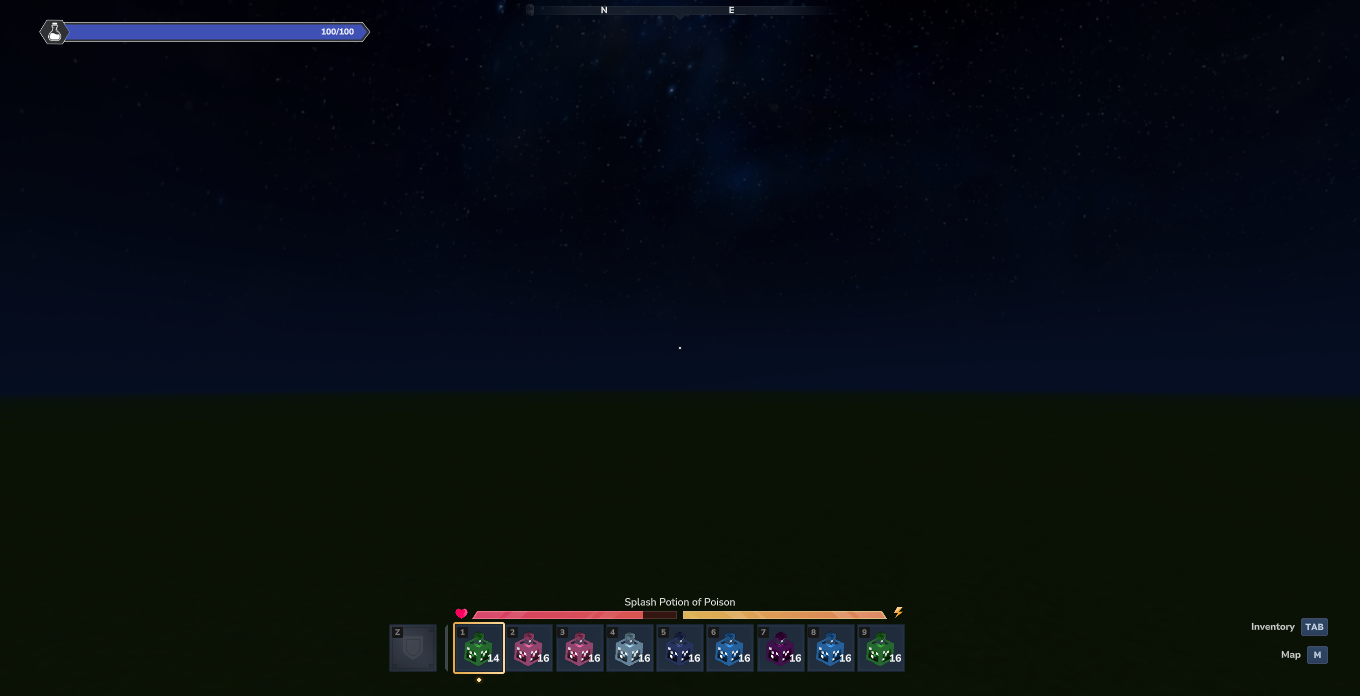
After Effect Expires:
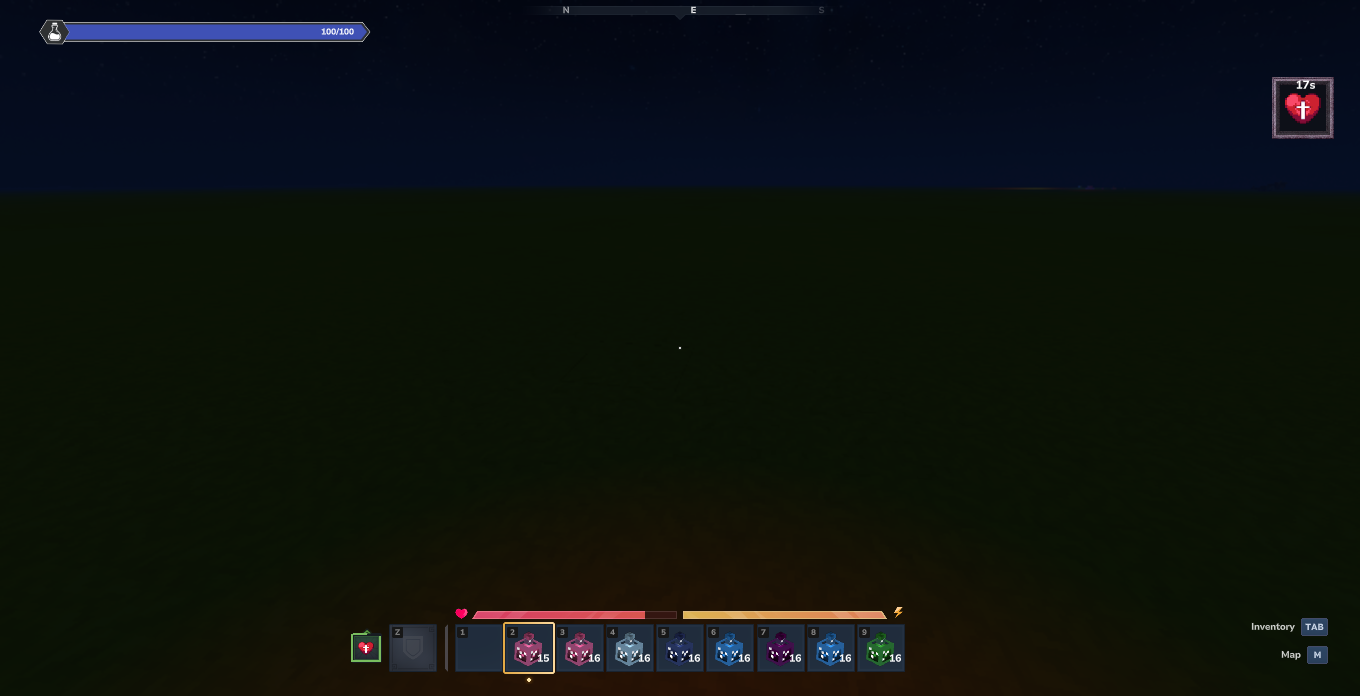
Regeneration
Heals health points over time, restoring player health periodically.
Regeneration Active:
Full Recovery:
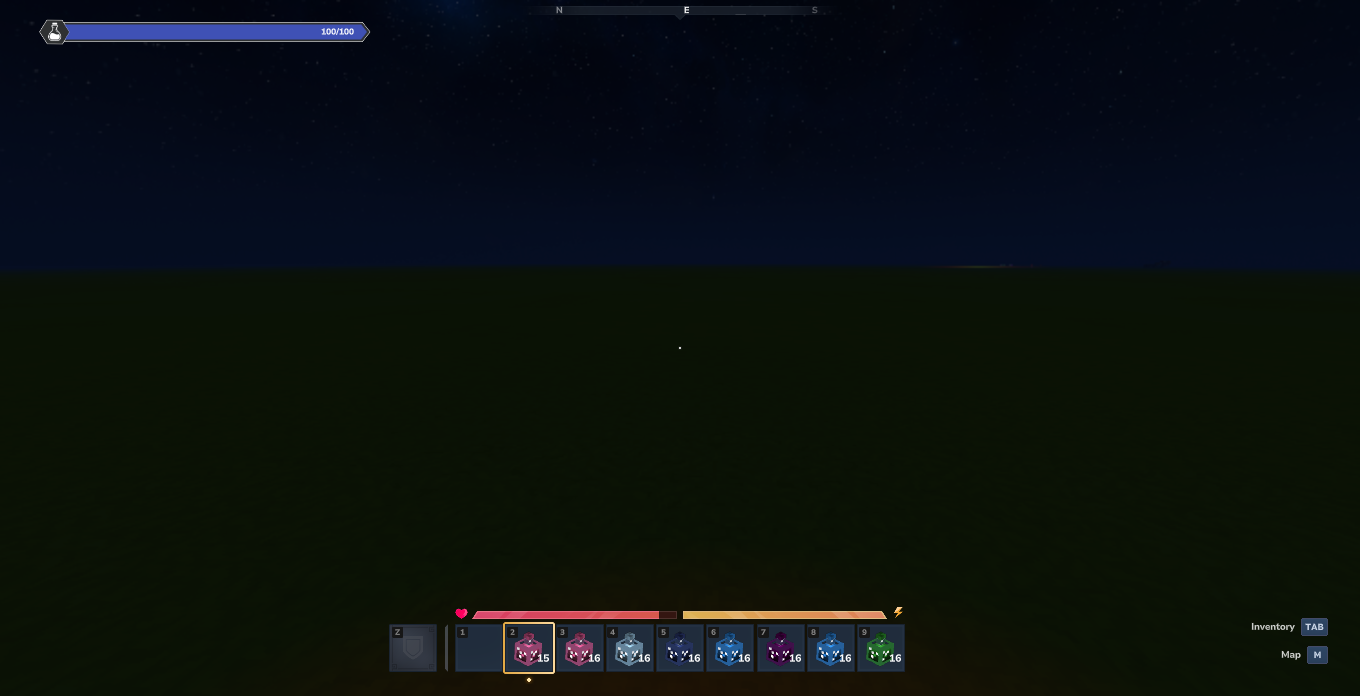
Resistance
Reduces incoming damage from physical and magical attacks.
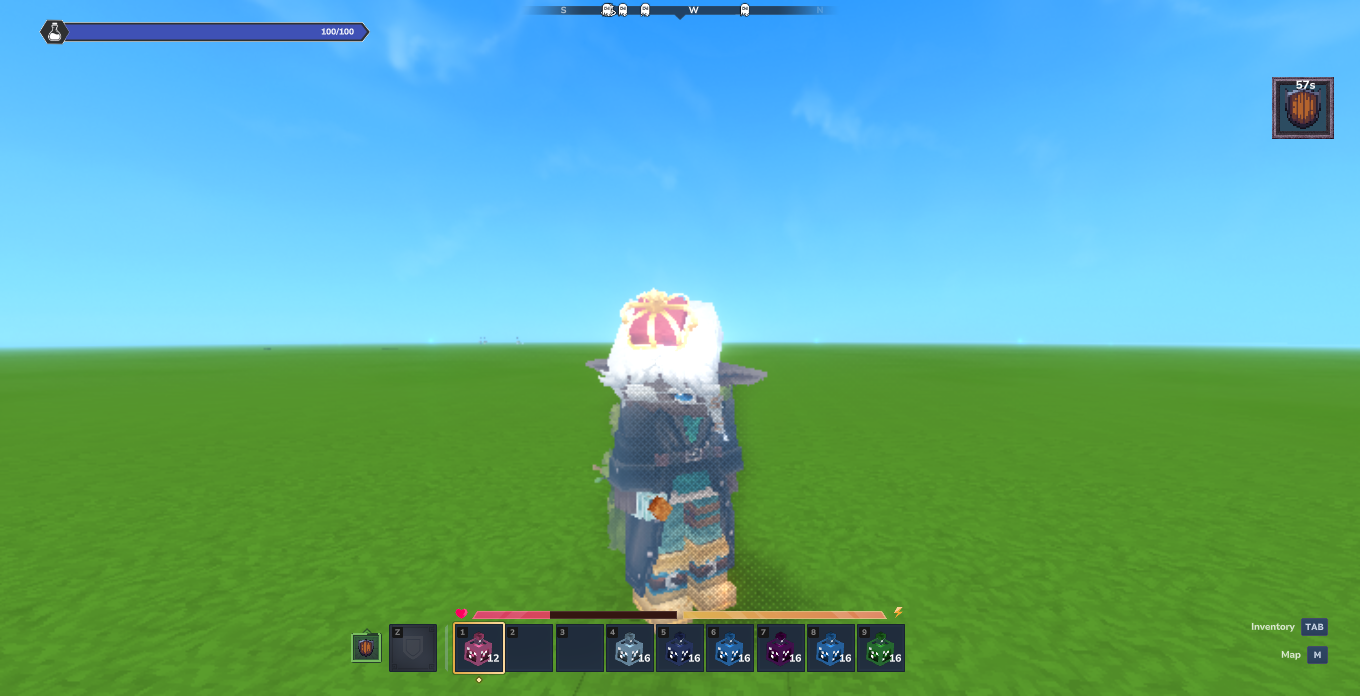
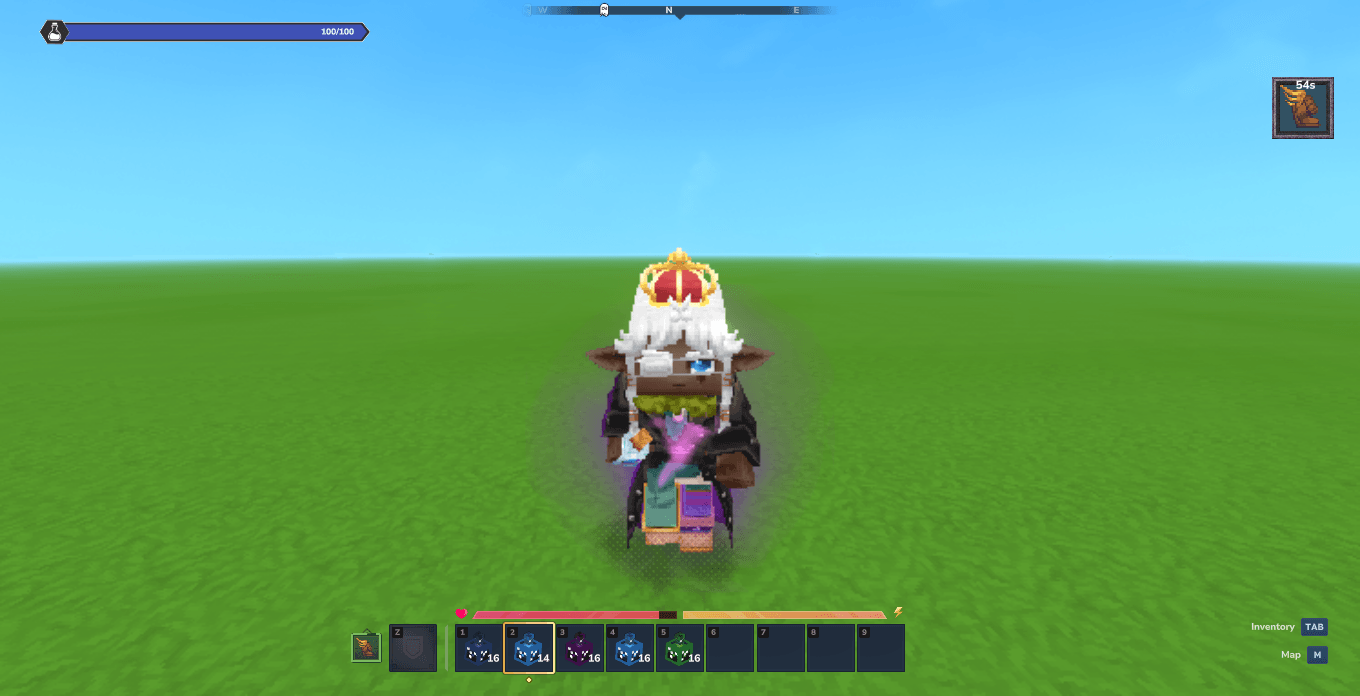
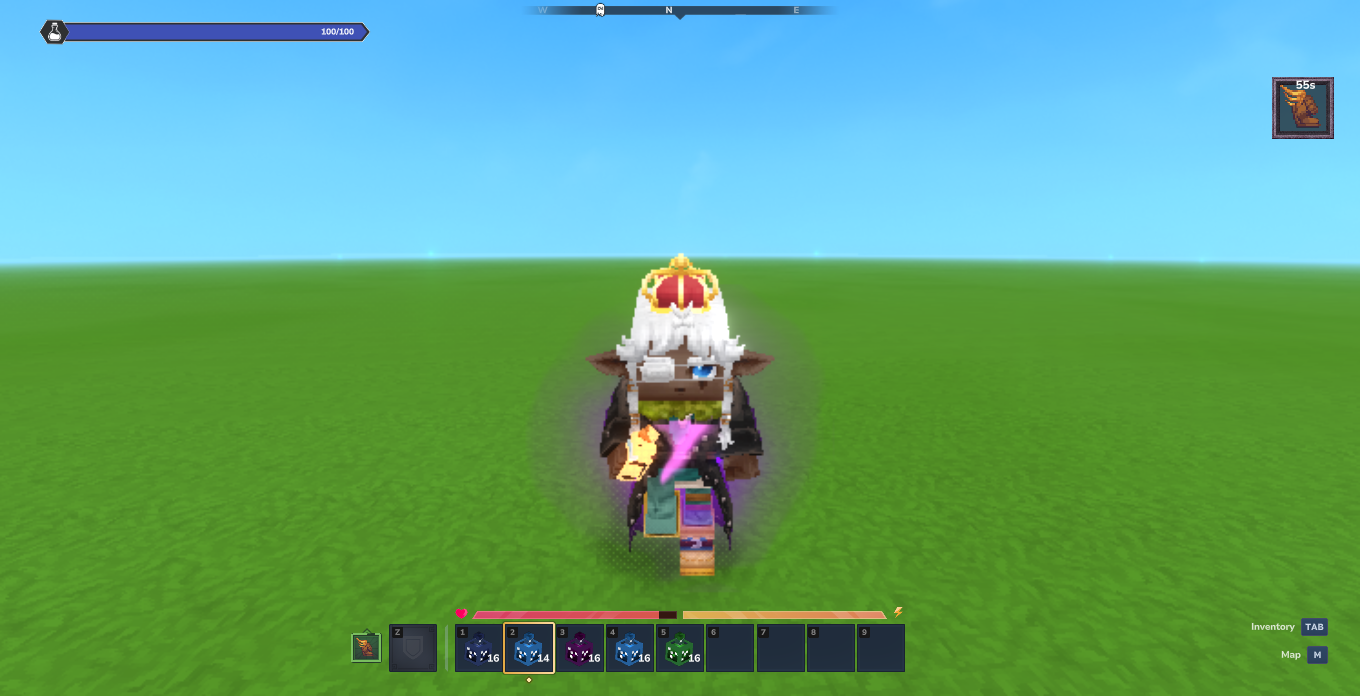
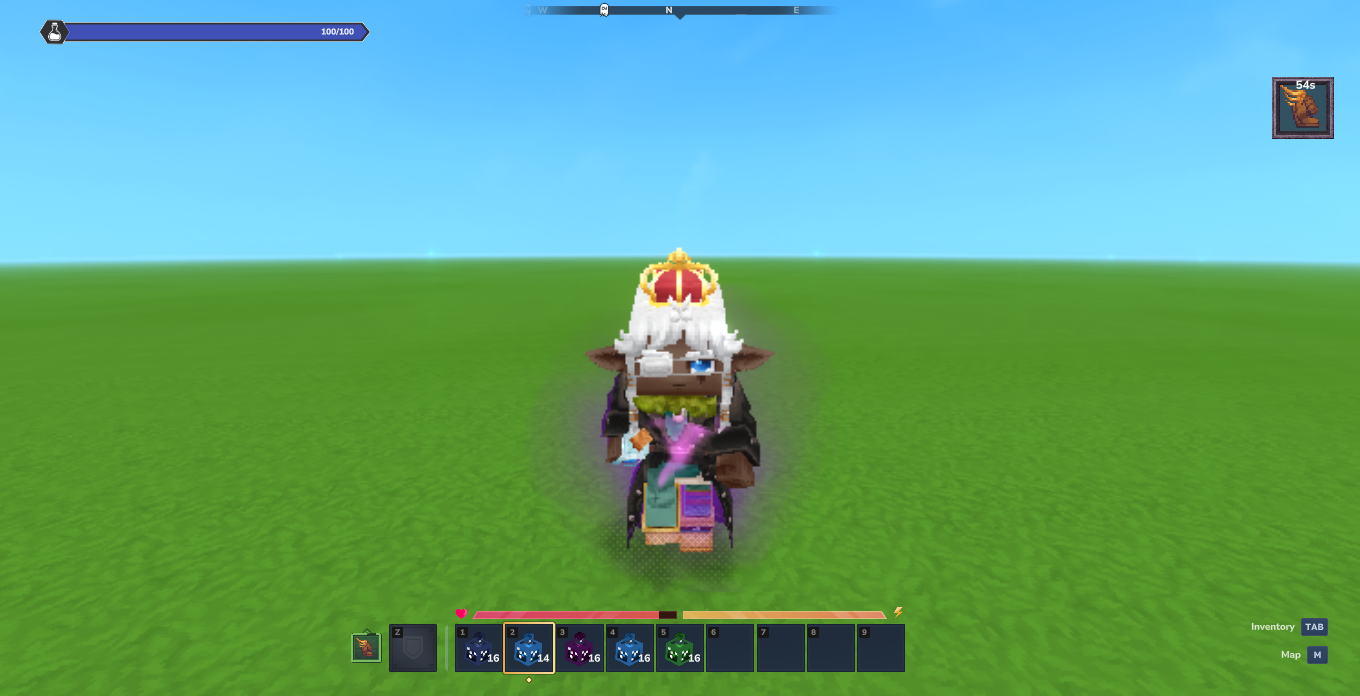
Speed
Increases horizontal movement speed, enabling faster sprinting and movement.
3. Architecture
RuneCore is split into three main modules:
- RuneCore (Core): Manages essences, mana, combat attributes, and player progression. Exposes the core API.
- RuneMagic: Spells, runes (passive effects), artifacts, and grimoires.
- RuneAlchemy: Brewing system for potions, reagents, and item enchantments using essences.
4. Loot Tables & Drop Rates
Creatures drop elemental essences when defeated by a player (default base drop rate: 25%).
| Icon | Essence | Source Mobs |
|---|---|---|
|
Fire | Emberwulf, Fire Dragon, Magma/Flame creatures |
|
Earth | Trork, Earth Golem, Bison, Tortoise, Molerat |
|
Wind | Birds (Hawk, Owl, Crow, etc.), Feran Windwalker |
|
Water | Fish (Shark, Piranha, etc.), Crab, Frog, Whale |
|
Ice | Polar Bear, Frost Dragon, Yeti, Frost Skeleton |
|
Lightning | Thunder Golem, Thunder Spirit, Living Spark |
|
Light | Spirit Root, Christmas Kweebec |
|
Shadow | Shadow Knight, Wraith, Skrill |
|
Life | Animals (Cow, Pig, Sheep, Deer), Kweebec |
|
Death | Skeleton, Zombie, Ghoul |
|
Mind | Slothian, Outlander Sorcerer |
|
Blood | Bat, Mosquito |
|
Chaos | Outlander Berserker, Trork Chieftain |
|
Aether | Ember Spirit |
|
Void | Void-corrupted creatures |
|
Metal | Firesteel Golem, Tank, Turret |
|
Crystal | Crystal Golem, Scarak |
|
Poison | Snake, Spider, Scorpion |
5. Key Features
- 20 Elements: Categorized into Basic, Advanced, Unstable, and Chemical tiers.
- Modular API: Direct registration for custom essences, spells, and status effects.
- Persistent Status Effects: Ticking buff/debuff system (Poison, Regeneration, Frozen, Bleeding, etc.) supporting custom world logic.
- Resource Management: Player stat trackers for mana, stamina, and custom attributes.
For element details and design notes, refer to ELEMENTS.md.
6. Potion Recipes
Potions are crafted at the Alchemy Bench using Glass Bottle (Potion_Empty) + Elemental Essence + Secondary Material (base craft time: 4 seconds).
| Potion | Essence | Qty | Secondary Material | Qty |
|---|---|---|---|---|
| Speed | Wind Essence | 1 | Feathers (Light) | 2 |
| Slowness | Earth Essence | 1 | Bramble Moss | 2 |
| Haste | Lightning Essence | 1 | Crystal (Yellow) | 1 |
| Mining Fatigue | Earth Essence | 1 | Bone Fragment | 2 |
| Jump Boost | Wind Essence | 1 | Feathers (Blue) | 2 |
| High Jump | Aether Essence | 1 | Feathers (Red) | 2 |
| Slow Falling | Wind Essence | 1 | Feathers (Dark) | 3 |
| Levitation | Aether Essence | 2 | Crystal (White) | 2 |
| Regeneration | Life Essence | 2 | Pink Flower | 3 |
| Poison | Poison Essence | 1 | Poison Mushroom | 2 |
| Decay | Death Essence | 1 | Bone Fragment | 3 |
| Burn | Fire Essence | 1 | Charcoal | 2 |
| Nausea | Chaos Essence | 1 | Green Mushroom | 2 |
| Bleeding | Blood Essence | 1 | Crystal (Red) | 1 |
| Frozen | Ice Essence | 1 | Crystal (Cyan) | 2 |
| Instant Health | Life Essence (Concentrated) | 1 | Red Flower | 3 |
| Instant Damage | Void Essence | 1 | Boom Powder | 2 |
| Invisibility | Shadow Essence | 2 | Crystal (White) | 2 |
| Glowing | Light Essence | 1 | Glowing Mushroom (Orange) | 2 |
| Blindness | Shadow Essence | 1 | Crystal (Purple) | 2 |
| Night Vision | Light Essence | 1 | Glowing Mushroom (Blue) | 2 |
| Water Breathing | Water Essence | 1 | Blue Coral | 3 |
| Fire Resistance | Fire Essence | 2 | Crystal (Red) | 2 |
| Resistance | Metal Essence | 2 | Crystal (Blue) | 2 |
| Strength | Blood Essence | 2 | Crystal (Red) | 2 |
| Weakness | Death Essence | 1 | Grey Flower | 2 |
Note: Advanced effects require 2 essences.
7. Combat Stats System
RuneCore implements an RPG damage pipeline on top of native combat calculations.
Custom attributes are registrable. Players carry persistent stat blocks, while creatures pull stats from static registry lookups.
Stat Types
| Category | Stat | Description |
|---|---|---|
| Offensive | Physical Damage | Reduced by target Armor |
| Offensive | Magic Damage | Reduced by target Magic Resist |
| Offensive | True Damage | Ignores reductions (blocked by shields) |
| Offensive | Armor Penetration | Ignores a portion of target Armor |
| Offensive | Magic Penetration | Ignores a portion of target Magic Resist |
| Defensive | Armor | Reduces incoming Physical Damage |
| Defensive | Magic Resist | Reduces incoming Magic Damage |
| Defensive | Damage Reduction | Flat % reduction on incoming damage (capped at 90%) |
| Defensive | Shield HP | Temporary hit points consumed before base health |
Damage Formula
effectiveDefense = max(0, defense - penetration)
reducedDamage = rawDamage × 100 / (100 + effectiveDefense)
finalDamage = (physReduced + magReduced) × (1 - damageReduction%) + trueDamage
Hits run through the DamagePipeline, allowing external mods to insert custom modifiers (e.g. crit, lifesteal).
Creature Damage (PvE)
Creatures pull profiles from CreatureCombatRegistry when attacking or taking damage. Unregistered creatures fall back to standard DamageCause checks.
| Damage Profile | Formula | Examples |
|---|---|---|
| Physical | Reduced by Armor; may use Armor Pen | Trork, Skeleton Fighter, Wolf, Bear |
| Magic | Reduced by Magic Resist; may use Magic Pen | Skeleton Mage, Wraith, Necromancer |
| Hybrid | Split physical/magic ratio, calculated separately | Fire Dragon, Golem Crystal Flame |
| True | Bypasses armor/resistances (absorbed by shields) | — |
Creature Defenses by Family
| Family | Armor | Magic Resist | DR | Notes |
|---|---|---|---|---|
| Wildlife | 2 | 0 | — | Unarmored base creatures |
| Zombies | 4 | 2 | — | Low physical/magic resistance |
| Spirits | 4 | 32 | — | Incorporeal (high magic resist) |
| Goblins | 5 | 3 | — | Light leather armor |
| Trorks | 6 | 0 | — | Physical melee focus |
| Ferans | 8 | 8 | — | Balanced stats |
| Skeletons | 10 | 4 | — | Moderate armor |
| Outlanders | 12 | 6 | — | Geared raiders |
| Void | 12 | 28 | — | High magic resistance |
| Scaraks | 18 | 4 | — | Chitin plating (high armor, low magic resist) |
| Dragons | 32 | 28 | — | High resistance base |
| Golems | 34 | 12 | — | High armor base |
| Bosses | 40 | 34 | 15% | High defenses + flat % reduction |
Equipment Integration
Armors apply stats while equipped (scaled by slot: Chest 100%, Legs 85%, Head 70%, Hands 50%). Weapons apply offensive stats on hit.
Armor Scaling by Tier
| Tier | Materials | Armor (Chest) | Magic Resist (Chest) |
|---|---|---|---|
| 1 | Cloth, Wood | 4–8 | 10–20 |
| 2 | Light Leather, Copper | 10–14 | 8–10 |
| 3 | Heavy Leather, Bronze, Iron | 18–25 | 5–8 |
| 4 | Steel, Cobalt | 30–35 | 5–7 |
| 5 | Mithril, Thorium | 42–45 | 12–14 |
| 6 | Adamantite, Onyxium, Prisma | 50–58 | 18–22 |
Weapon Damage by Tier (Physical Sample)
| Material | Sword | Longsword | Axe | Battleaxe | Dagger |
|---|---|---|---|---|---|
| Wood | 6–8 | 12 | 10 | 14 | 6 |
| Copper | 14 | 20 | 16 | 22 | 10 |
| Iron | 22 | 30 | 24 | 32 | 18 |
| Steel | 28 | — | — | 34 | — |
| Mithril | 38 | 50 | 40 | 52 | 30 |
| Adamantite | 50 | 65 | 52 | 68 | 40 |
Admin Commands
/combatstats view
/combatstats set <stat> <value>
/combatstats add <stat> <value>
/combatstats reset [all|modifiers|<stat>]
Supported identifiers: armor, magicresist (mr), reduction (dr), physdmg (phys), magdmg (mag), truedmg (true), armorpen (apen), magicpen (mpen), shield.
8. Status Effects & Testing
In-game testing command:
/rune effect <id>| Icon | Status | Effect ID | Native Visual | Description |
|---|---|---|---|---|
|
[x] | speed |
Speed | Movement speed boost. |
|
[x] | slowness |
Slowness | Reduces movement speed. |
|
[ ] | haste |
Haste | Attack/Mining speed modifier (+50%). |
|
[ ] | mining_fatigue |
Mining_Fatigue | Attack/Mining speed reduction (-70%). |
|
[x] | jump_boost |
Jump_Boost | Increases jump height. |
|
[x] | high_jump |
High_Jump | Significantly increases jump height. |
|
[x] | slow_falling |
Slow_Falling | Decreases fall velocity. |
|
[x] | levitation |
Levitation | Causes upward float. |
|
[x] | regeneration |
Regeneration | Heals 1 HP every 50 ticks. |
|
[x] | poison |
Poison | Deals 1 HP damage every 25 ticks. |
|
[x] | decay |
Decay | Deals 1 HP damage every 40 ticks. |
|
[x] | darkness |
Darkness | Reduces vision range/brightness. |
|
[x] | electrified |
Electrified | Periodic electric damage and visual particles. |
|
[x] | burn |
Burn | Deals 1 HP damage every 20 ticks. |
|
[x] | nausea |
Nausea | Applies screen rotation effect. |
|
[x] | bleeding |
Bleeding | Deals 1 HP damage every 20 ticks + blood particles. |
|
[x] | frozen |
Frozen | Prevents movement for duration. |
| [x] | instant_health |
(none) | Instant heal (4.0 * power). |
|
| [x] | instant_damage |
InstantDamage | Instant damage (6.0 * power). |
|
|
[x] | invisibility |
Invisibility | Conceals entity visual model. |
|
[x] | blindness |
Blindness | Restricts camera vision overlay. |
|
[x] | night_vision |
NightVision | Applies night vision visual light. |
|
[x] | fire_resistance |
FireResistance | Prevents fire damage. |
API Usage Example
RuneCore core = RuneCore.getInstance();
RuneEffect poison = core.getEffect("poison");

if (poison != null) {
    CastContext ctx = new CastContext(sourceEntity, targetEntity);
    poison.execute(ctx);
}
9. Build Setup & Tooling
Set up project paths before compiling:
local.properties
hytale.assets.path=/path/to/Hytale/Assets.zip
hytale.mods.dest=/path/to/Hytale/Mods/
gradle.properties
org.gradle.java.home=/path/to/Hytale/jdk-25Build Commands
- Build Jar:
./gradlew jar - Engine Version:
./gradlew hytaleVersion - Extract Schemas:
./gradlew generateSchemas - Validate Assets:
./gradlew validateAssets - Validate Prefabs:
./gradlew validatePrefabs
10. Developer Guide & Entry Points
Main classes for API integration:
| Entry Point | Usage |
|---|---|
RuneAttributes |
Read/write attributes, register items and creatures |
AttributeRegistry + RuneAttribute |
Declare custom stats |
DamagePipeline + DamageStage |
Custom damage calculation steps |
RuneCore |
Access core elements, spells, and status effects |
RuneCoreItemManager |
Clickable/interactive item registration |
Refer to API_USAGE.md for step-by-step examples.
11. License
Licensed under Creative Commons Attribution-NonCommercial 4.0 International (CC BY-NC 4.0).
Icons located under /icons follow the same license terms.
The RuneCore Team