


Resource Manager
- By

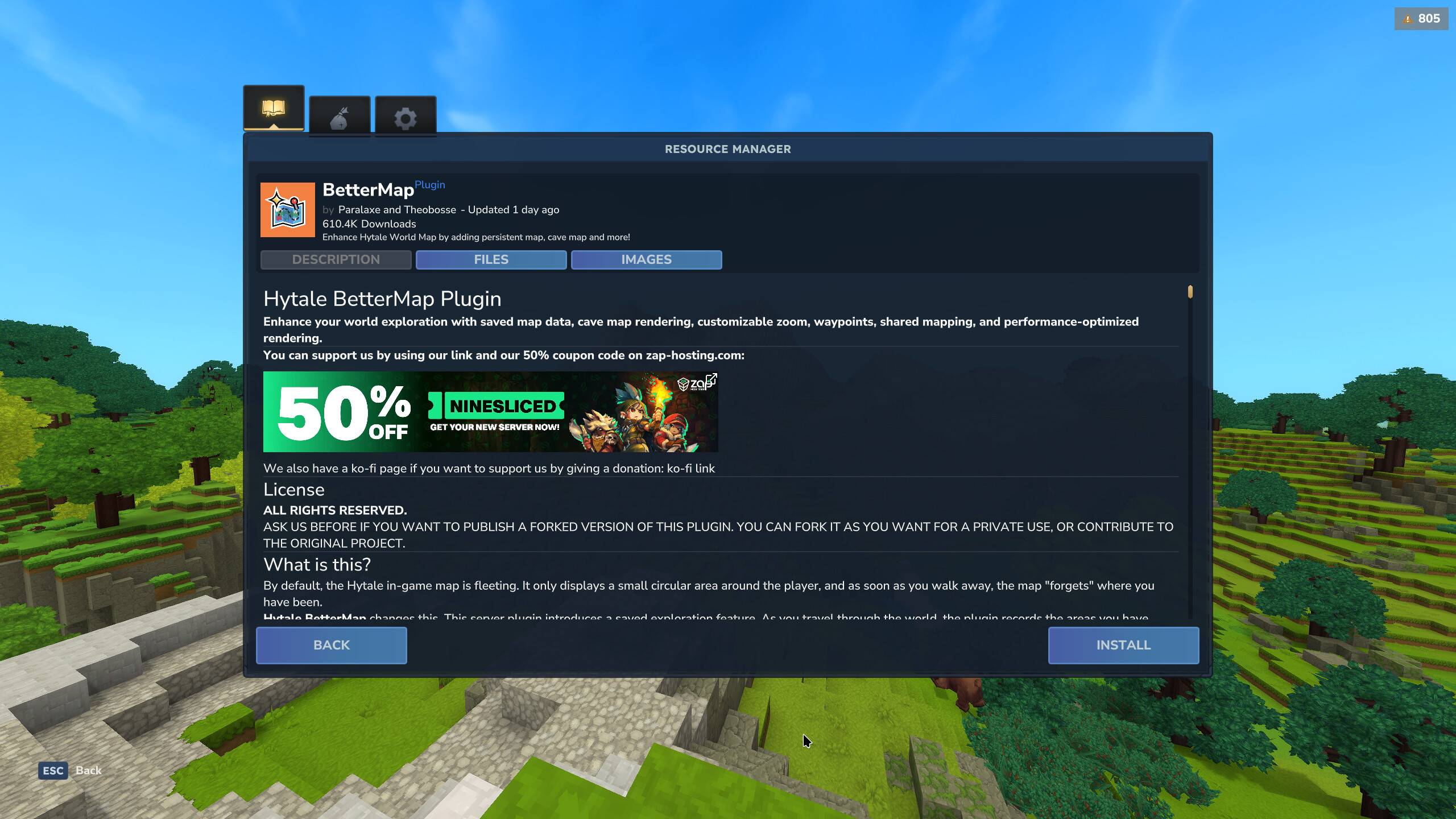
The mod info page lets you read the description of a selected resource and install the version of your choice.
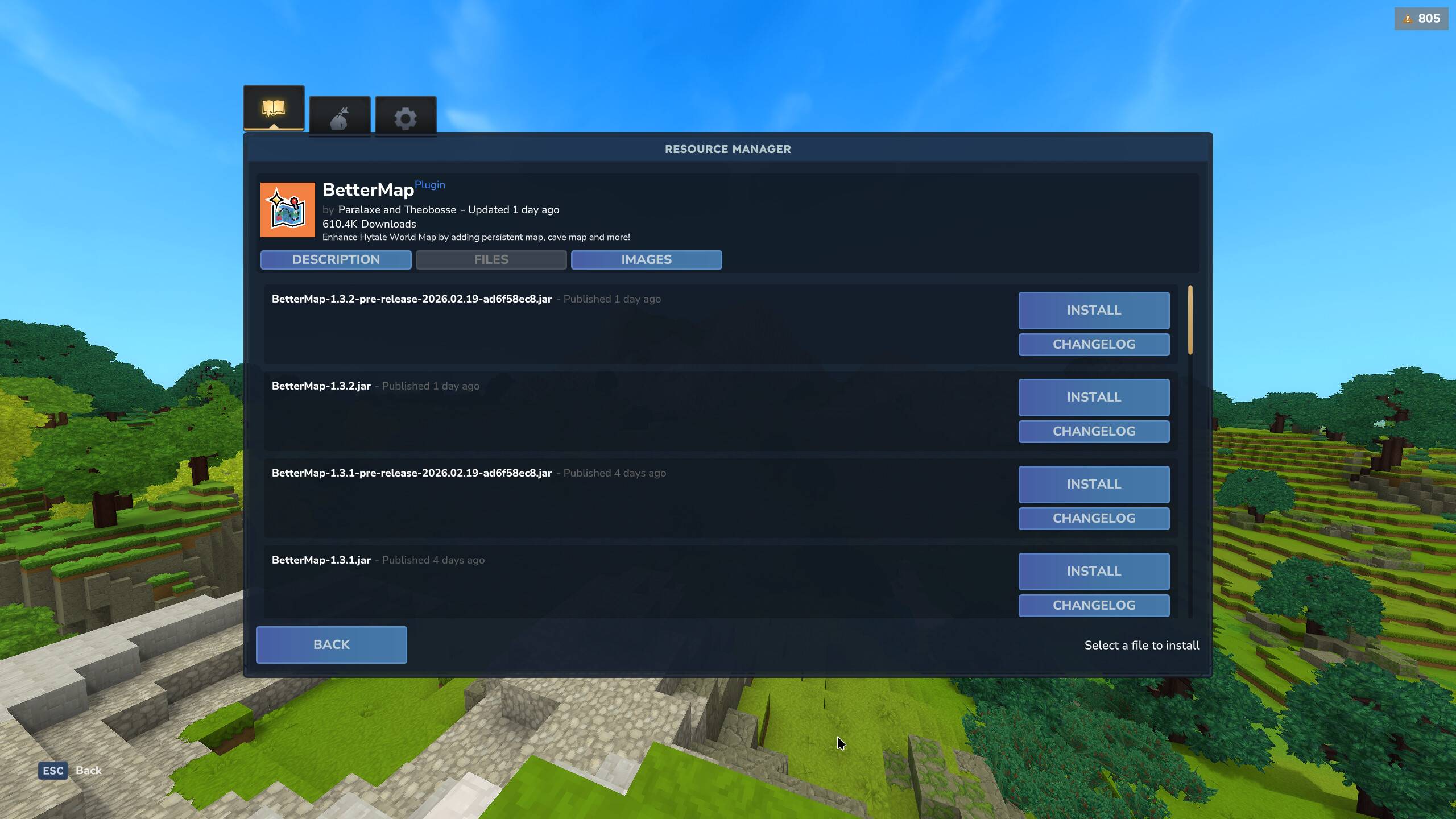
The files tab of mod info page allows you to see the change log of each file version of a resource.
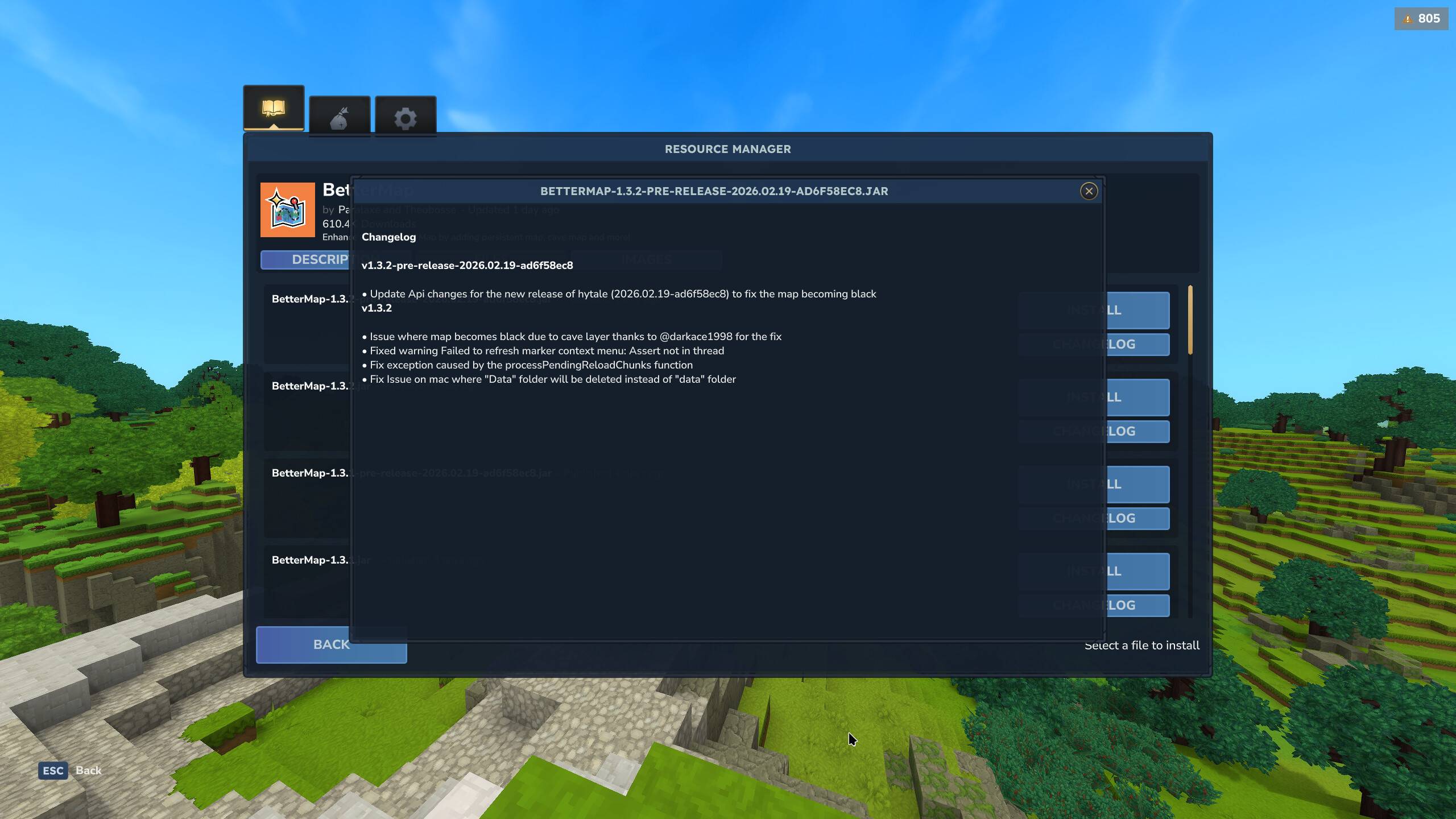
The changelog popup window allows you to read information about a specific verison of a resource.
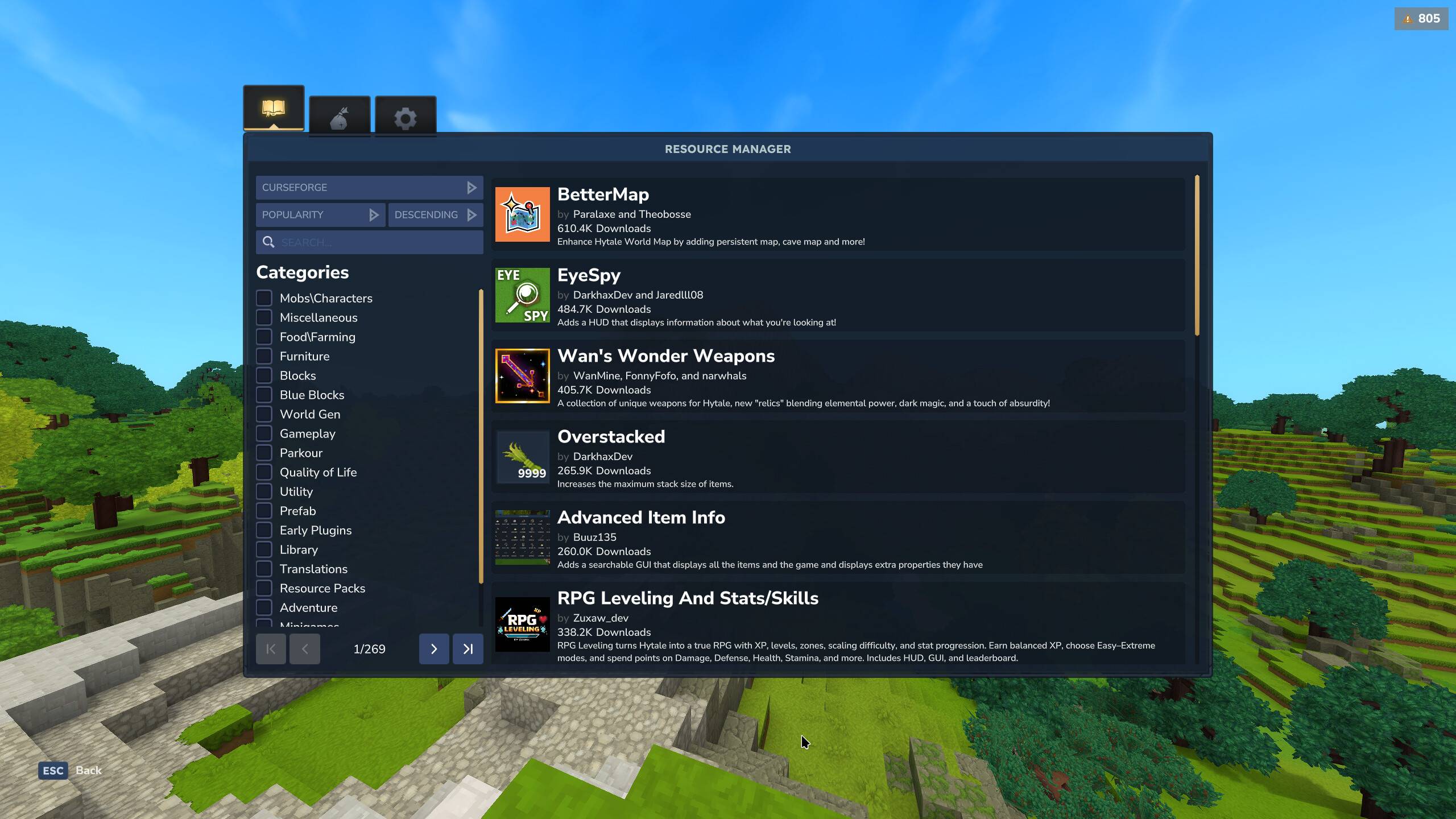
Browser page of the resource manager, allows you to search for resources from various providers.
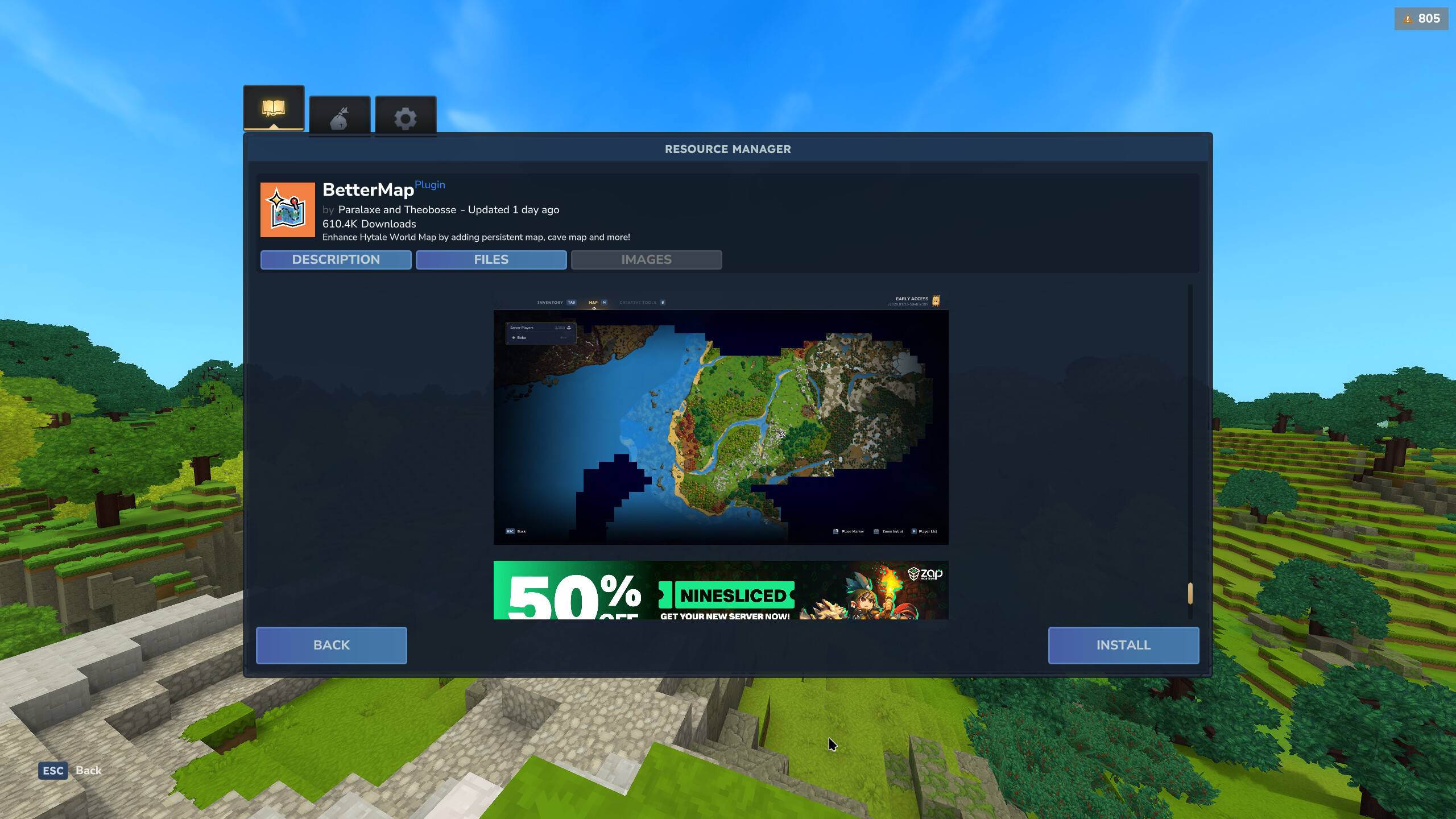
The images tab allows you to brows any image media from a resource.
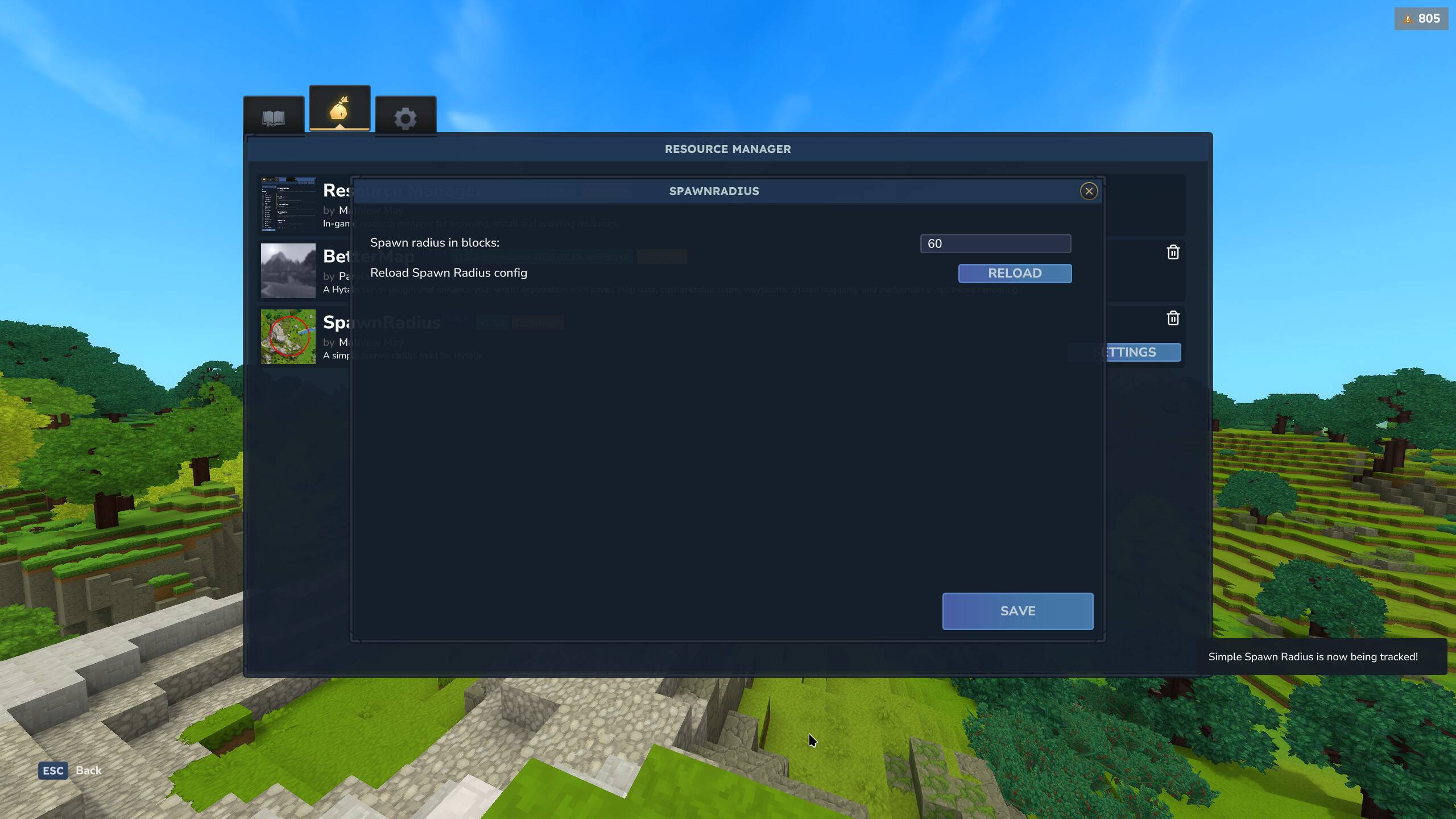
Plugins have the ability to implement the resource manager's settings api which will show a settings button whit configurable buttons and inputs.
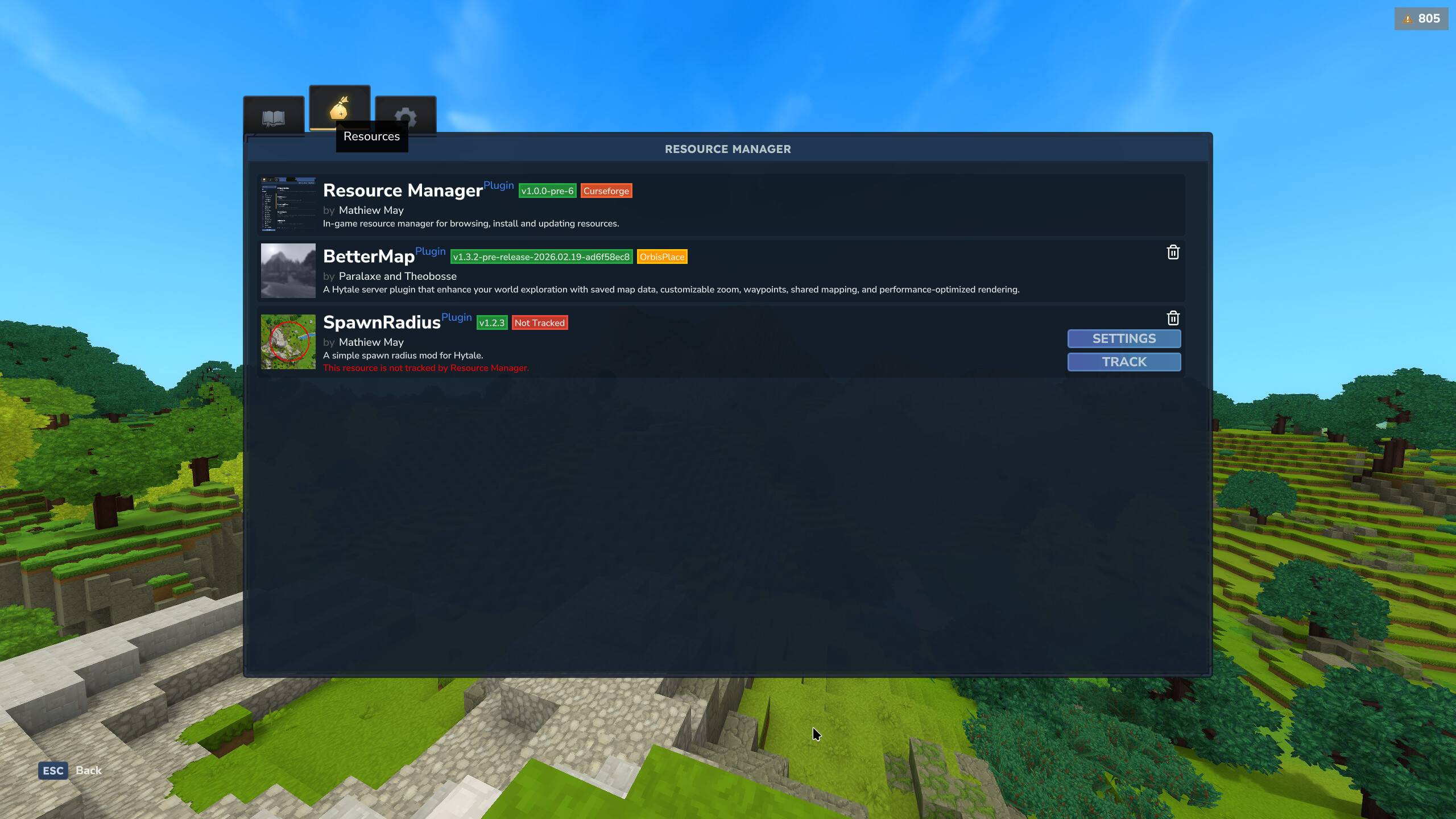
The resources tab will show you information about all your installed resources, allow you to update track and delete resources.
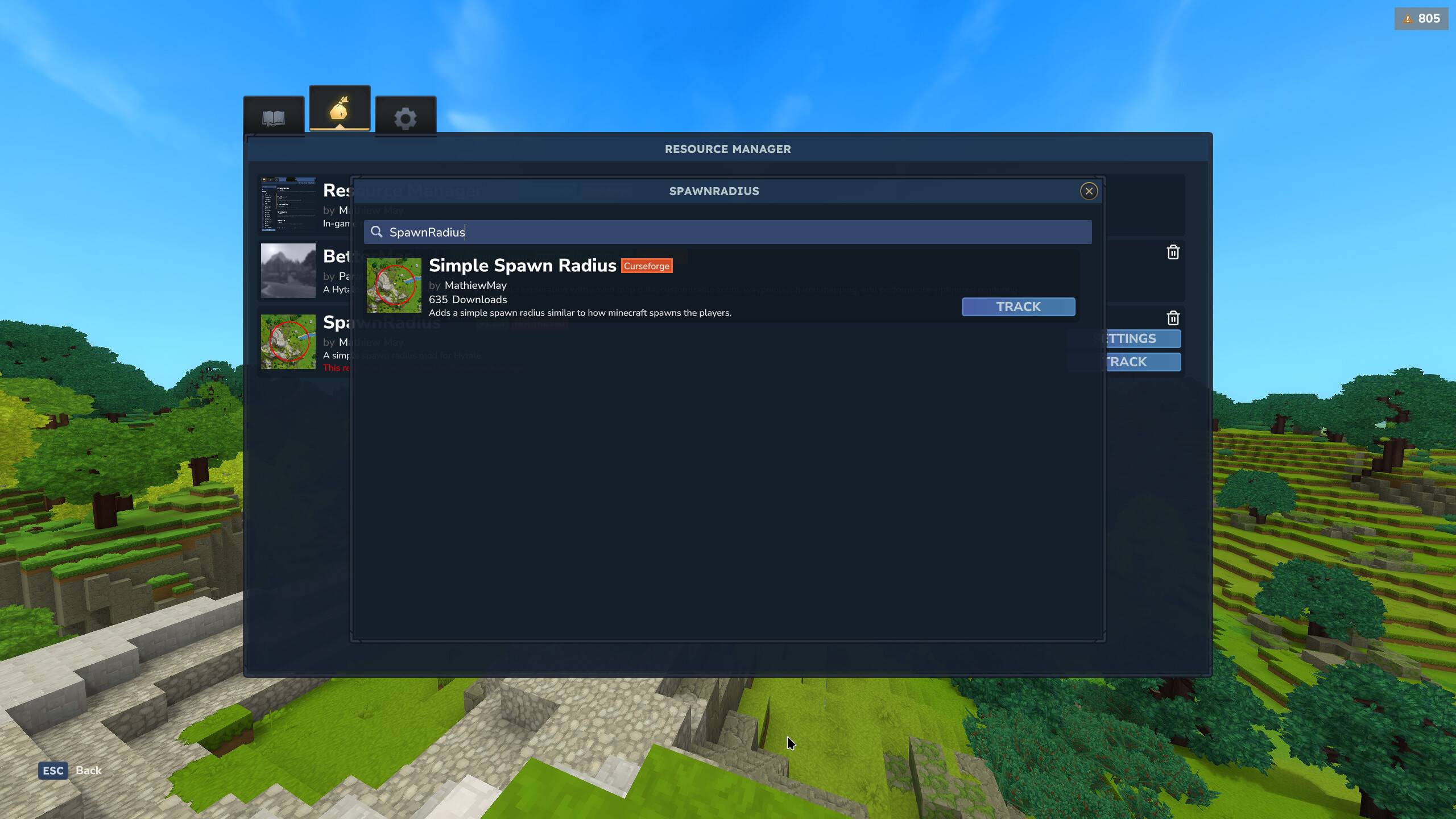
The track window allows you to find and track an existing resource to a specific provider and or file.