RegionPerms
- By
Description
RegionPerms is a lightweight yet powerful permission management plugin for Hytale servers 🧩
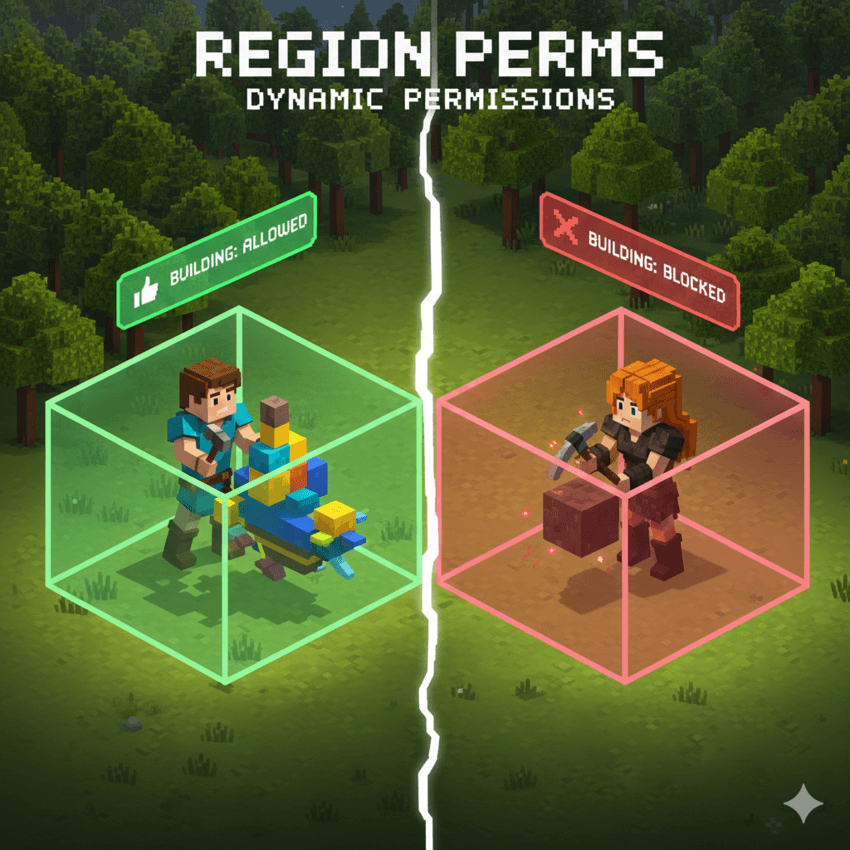
It allows server administrators to control what players can do based on who they are and where they are—globally, per world, or inside specific regions.
Permissions are applied at three different levels:
-
Groups (server-wide defaults) 🌍
-
World-specific overrides 🌐
-
Region-specific overrides 📦
The system follows a simple and predictable rule:
Region > World > Group
This means the closest scope always wins, letting you keep clean global defaults while customizing behavior in specific worlds or areas like spawns, shops, event zones, or protected regions.
🖥️ In-Game GUI
RegionPerms includes a dedicated in-game GUI that allows admins to manage everything without editing files or restarting the server.
The GUI is divided into 4 main tabs, each with a specific role:
👥 Groups Tab
Manage groups and their members.
-
View all existing groups
-
Create or delete groups
-
Add or remove players from a group
🌍 Server Tab (Global Permissions)
Manage permissions that apply everywhere.
-
Select a target group
-
Add or remove global permission nodes for that group
🌐 Worlds Tab
Define permission overrides for a group in a specific world.
-
Select a world and a group
-
Add or remove world-specific permissions
-
Propagate global permissions to the world as overrides
📦 Regions Tab
Create and manage region-based permissions.
-
View all regions (
RegionName (WorldName)) -
Define region boundaries using two positions
-
Assign group-specific permissions that apply only inside the region
Propagate global permissions to the region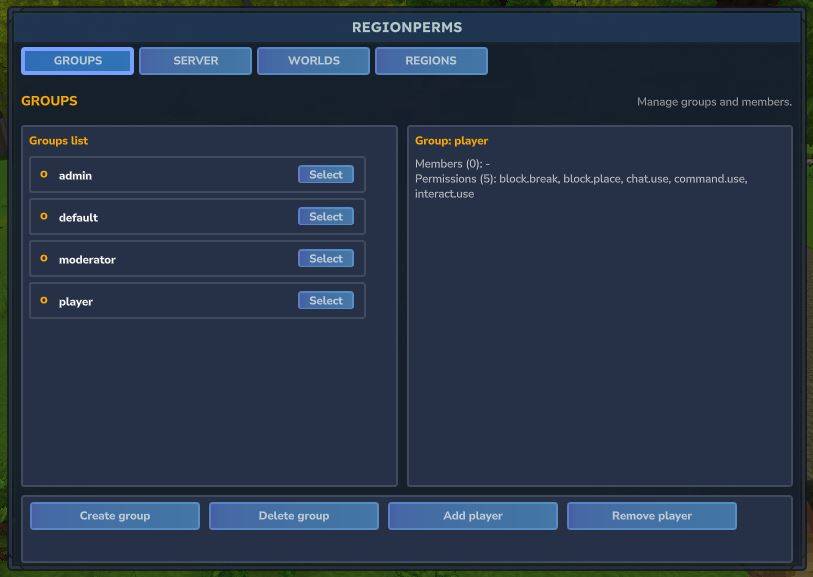
📍 Regions & Selection
To define a region, you first set two positions (current block or explicit coordinates):
/perm pos1 [x y z]
/perm pos2 [x y z]
Then manage regions with:
/perm region create <name> [world]
/perm region delete <name> [world]
/perm region list [world]
Add or remove region-specific permissions:
/perm region addperm <region> <group> <permission> [world]
/perm region removeperm <region> <group> <permission> [world]
🌐 World Overrides
Manage permissions that apply only within a specific world:
/perm world addperm <world> <group> <permission>
/perm world removeperm <world> <group> <permission>
/perm world list <world> [group]
👥 Groups Management
Create groups and manage their permissions:
/perm group create <group>
/perm group delete <group>
/perm group addperm <group> <permission>
/perm group removeperm <group> <permission>
/perm group list
/perm group list <group>
👤 User Management
Assign users to groups or inspect their setup:
/perm user setgroup <player> <group>
/perm user remove <player>
/perm user info <player>
🔐 Permission Nodes
These are the permission nodes enforced by RegionPerms:
-
block.break– Allows breaking blocks -
block.place– Allows placing blocks -
interact.use– Allows interacting with blocks -
chat.use– Allows chatting -
command.use– Allows running commands -
perm.admin– Full access to RegionPerms commands and GUI
Notes:
-
*grants all permissions -
Users with
perm.admincan always access/permcommands
⚙️ Configuration Files
All data is stored in simple YAML files inside the plugin data folder:
-
groups.yml– Group definitions and global permissions -
users.yml– Player-to-group assignments -
regions.yml– World regions, boundaries, and overrides
🧠 Permission Resolution Logic
When a permission check occurs, RegionPerms evaluates permissions in this order:
-
Region permissions (if the player is inside a region)
-
World permissions (if defined for that world)
-
Group permissions (server-wide defaults)
This guarantees consistent and predictable behavior across your server.
🚀 Designed for Server Owners
RegionPerms is built to be:
-
Easy to use for beginners
-
Powerful enough for advanced setups
-
Maintainable over time
-
Perfect for multi-world and region-heavy servers
Whether you need simple group permissions or advanced region-based control, RegionPerms has you covered 💙
The RegionPerms Team