Rastrum: Trails & Waypoints
- By
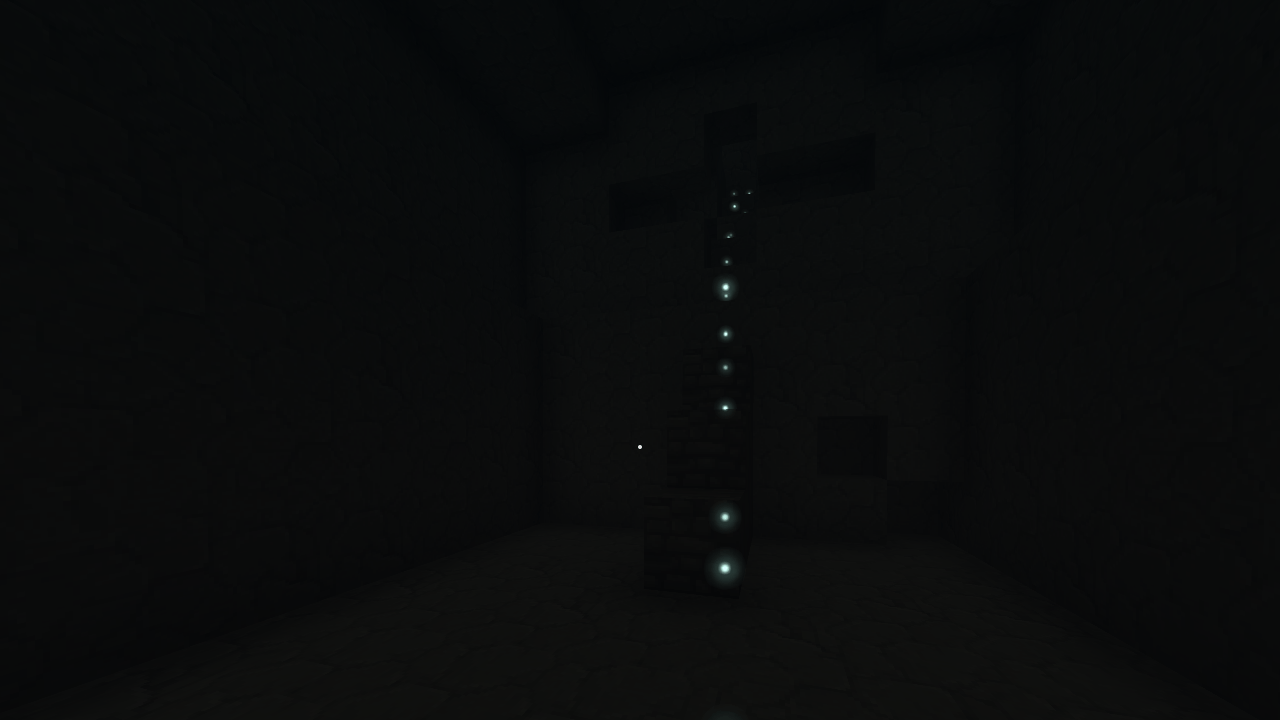
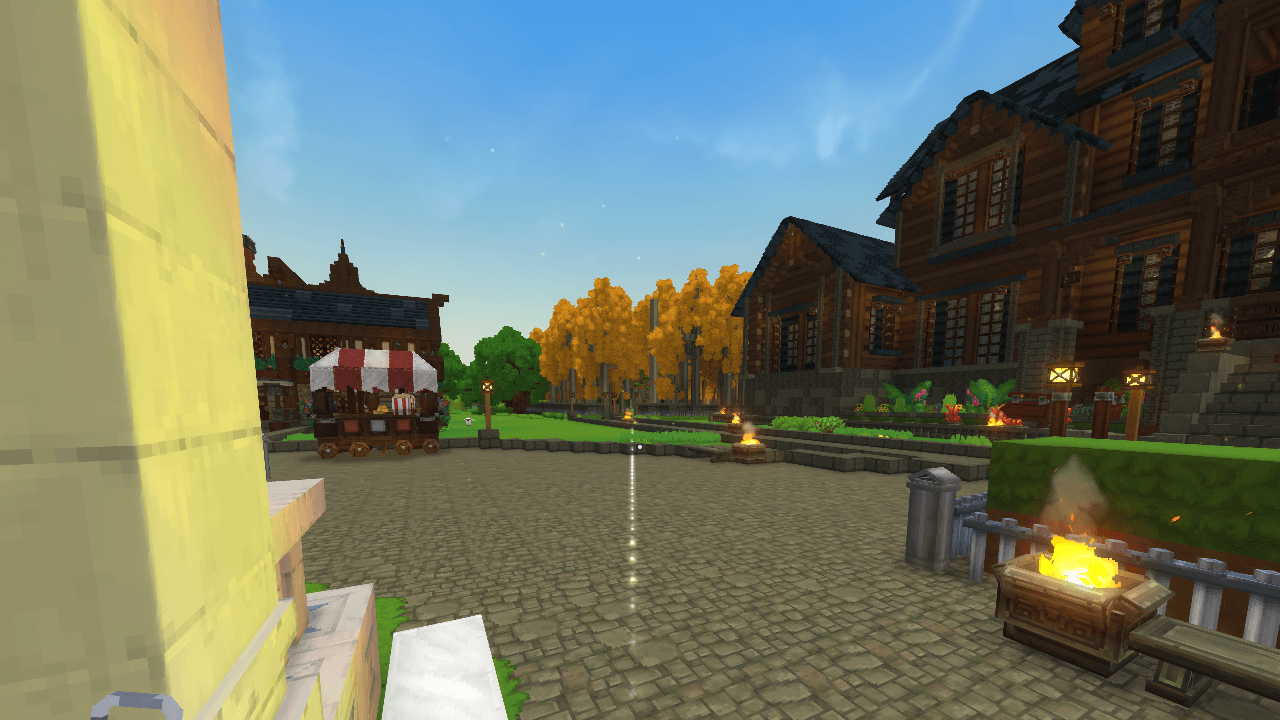
Craft a lantern, set it down, and a line of sparks on the ground leads you back to it, to where you died or to a map marker.
09-caverna.png
02-linha-ate-o-marcador.png
03-corredor-ate-a-luminaria.png
04-voce-chegou.png
05-apagada-e-acesa.png
Description
Rastrum: Trails & Waypoints
Never get lost again. Craft the Waymark Lantern, set it down at home, and go explore. A line of sparks on the ground shows you the way back to it, or to where you died, to a marker on your map or to any coordinate. Only you see your sparks.
Rastrum is a server plugin: players install nothing.
How it works
- Craft the Waymark Lantern at the Workbench: 2 wood trunks, 2 iron ingots and 1 yellow crystal shard.
- Set it down where you want to come back to (crouch + right click). From there, your path is recorded as you walk.
- Hold it and right click to open the Rastrum screen and pick where to go. The sparks follow the ground to your destination, and a pulse marks the spot once it is in range.
The Waymark Lantern
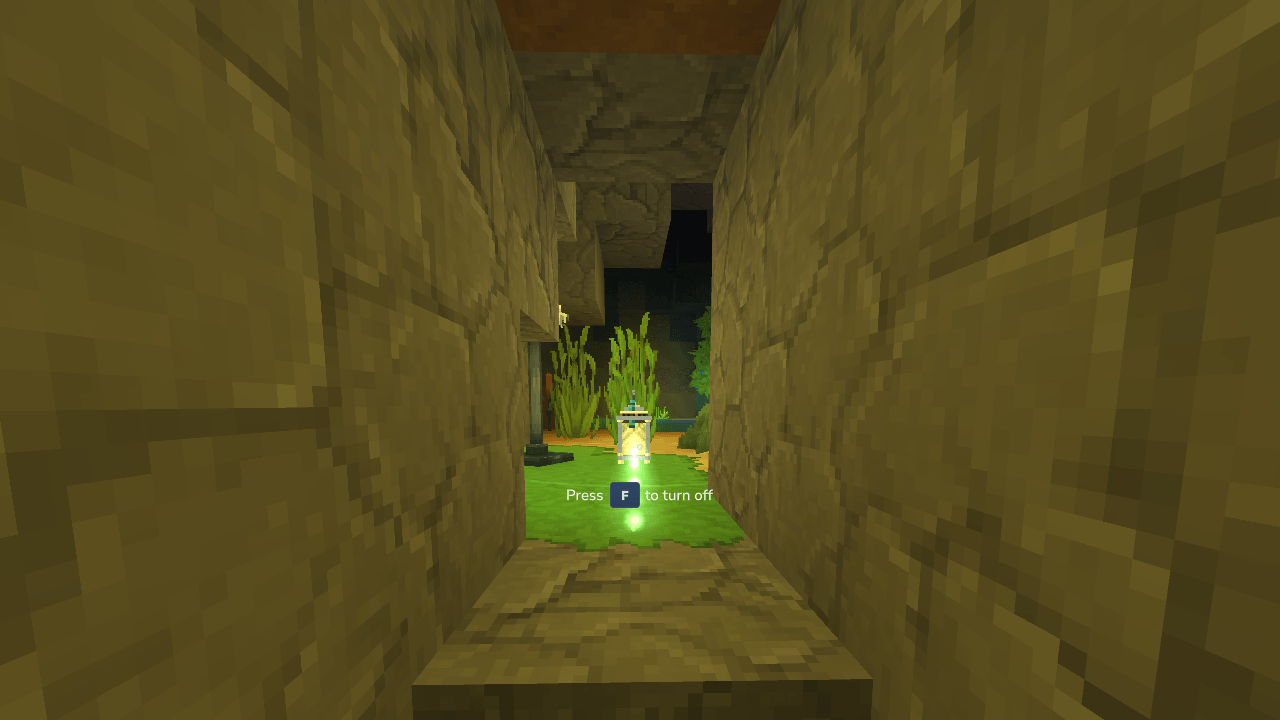
- On the ground, it is your way back. The sparks lead you home along the path you walked, and cut straight across where the ground allows.
- Only you can pick it up. If you place more than one, the latest one guides you.
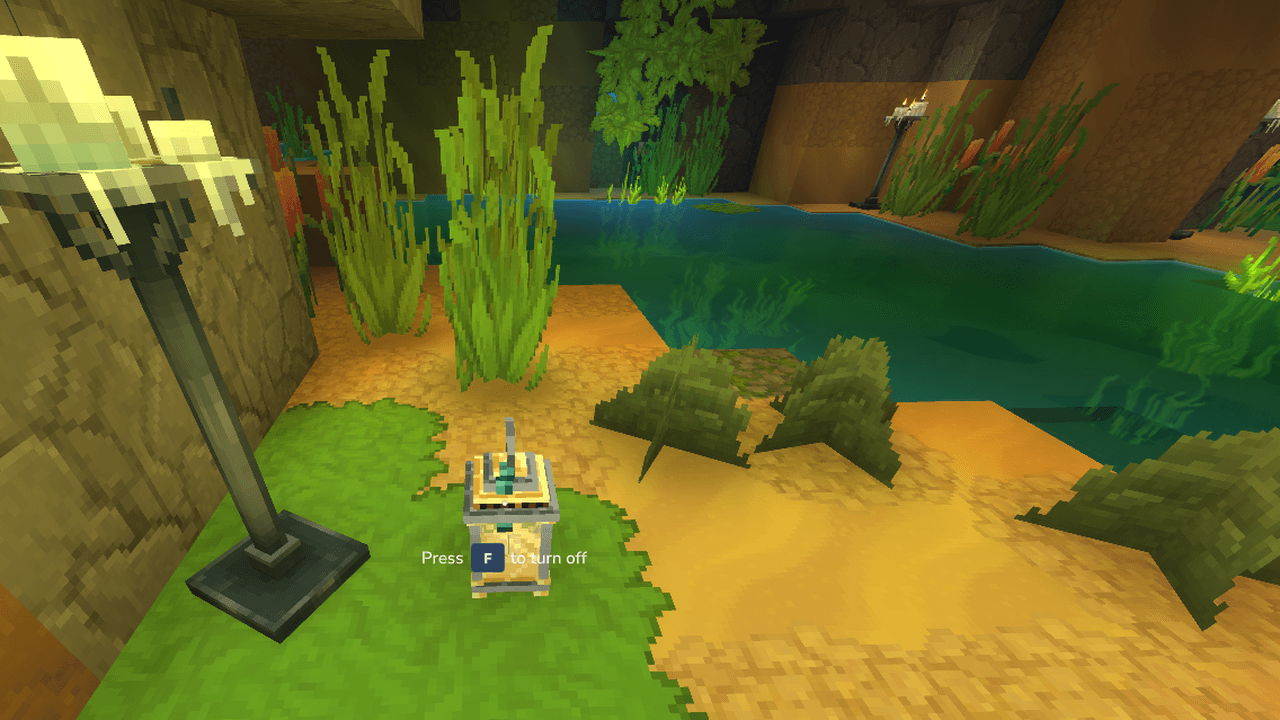
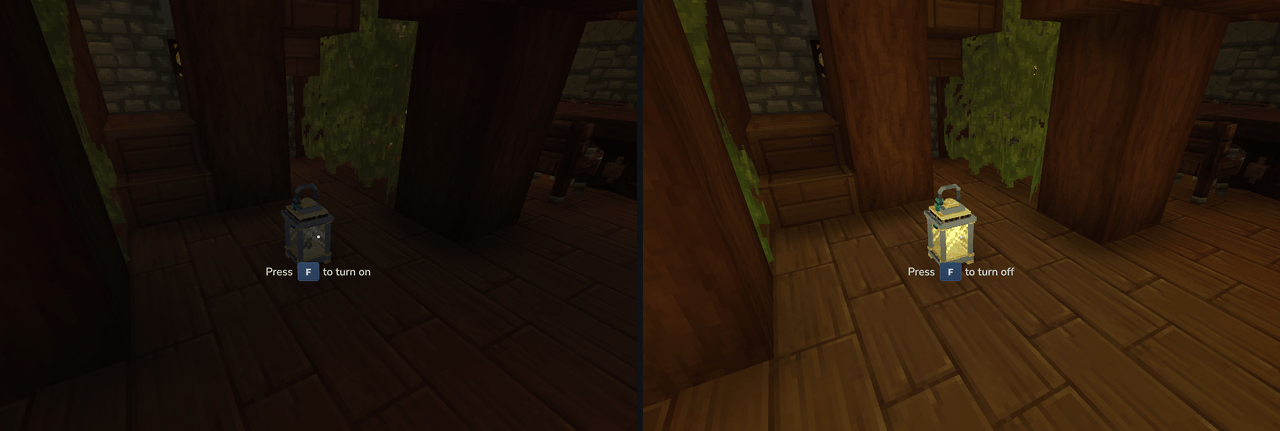
- It is a real light. It lights up on the ground (F to light or put out). Unlit, it still marks the spot but does not guide.
- In your hand, right click opens the screen and Q lights it or puts it out. Lit, it shows your sparks; unlit, it hides them. In the Z slot it works like a torch.
Destinations
| Destination | Where the sparks lead |
|---|---|
| Your lantern | Back to the lantern you placed in this world, along your path |
| Where I died | The spot of your last death in this world, since you joined |
| Map markers | Any marker you placed on your world map, by name |
| Coordinate | Any x and z you type (height does not matter) |
| Workshops | With Oficium on the server: each profession workshop on the map, nearest first |
One destination at a time. The sparks run along the ground toward it. They point the way, they do not find a route: the arrow stops at the first obstacle, so walls and cliffs are up to you.
The Rastrum screen
Hold the lantern and right click, or type /trail:
- Go to: one click on a destination starts the guide. The current one is highlighted, with a Stop button next to it.
- Your lantern: where it is, how far, and a button to light it or put it out.
- More options: go to a coordinate, or clear your recorded path.
- Language: each player picks English, Portuguese or the game's language for Rastrum.
Admin panel
/trail admin opens the server settings. Nothing is saved until you press Save, and changes apply right away, without a restart.
| Setting | Default | Range |
|---|---|---|
| Require lantern in hand to see the sparks | Off | On or off |
| Default language | Game | Game, English, Portuguese |
| Point spacing | 1.5 blocks | 0.75 to 4 |
| Maximum path length | 1200 points | 100 to 5000 |
| Line radius (how far around you the line shows) | 32 blocks | 8 to 64 |
| Arrow length | 32 blocks | 8 to 64 |
| Arrival distance | 4 blocks | 2 to 10 |
The panel shows the cost of each choice: a larger radius means more particles per player. The line is capped at 120 points per second per player.
Commands
| Command | Who | What it does |
|---|---|---|
/trail (or /rastrum) |
Everyone | Opens the Rastrum screen |
/trail back |
Everyone | Follow your path back to your lantern |
/trail death |
Everyone | Follow the sparks to where you died |
/trail mark <name> |
Everyone | Follow the sparks to a map marker |
/trail goto <x> <z> |
Everyone | Follow the sparks to a coordinate |
/trail stop |
Everyone | Clear the current destination |
/trail clear |
Everyone | Erase your recorded path |
/trail status |
Everyone | Shows in chat whether your path is recording and where you are going |
/trail admin |
Admin | Opens the admin panel |
Admin permission: flintdl.rastrum.command.trail.admin. OPs already have it.
Installation
- Put
Rastrum-<version>.jarin your server'smodsfolder. - Start the server. Rastrum keeps its files in
mods/Flintdl_Rastrum/.
Updating is just replacing the jar.
What is saved
| File | What it keeps |
|---|---|
settings.json |
The admin panel settings |
languages.json |
Each player's language choice |
lanterns.json |
Each lantern on the ground and who owns it |
The recorded path and the death spot live only in memory, and are erased when the player leaves the server. The lantern stays: when the player comes back, "To your lantern" leads straight to it, and the path starts recording again from there.
Known limits
- The path and the death spot are not saved: leaving the server or a restart erases them. The lantern is saved, and it is what brings you back.
- The sparks follow the ground but do not plan a route around walls, cliffs or water.
- The translations have not been reviewed by native speakers yet.
Versions
| Rastrum | Hytale |
|---|---|
| 0.2.0 | 0.7.x (tested on 0.7.6) |
| 0.1.0 | 0.7.x (tested on 0.7.6) |
Each file is marked with the Hytale update it was tested on. Hytale's server API changes between updates, so use the file that matches your update.
Português
O Rastrum é um plugin de servidor para Hytale: os jogadores não instalam nada.
- Faça a Luminária-marco na bancada de trabalho: 2 troncos, 2 barras de ferro e 1 fragmento de cristal amarelo.
- Ponha a luminária no chão onde quer voltar (agachado + botão direito). Dali em diante o seu caminho é gravado, e uma linha de faíscas no chão mostra a volta até ela. Só você vê as suas faíscas e só você pega a sua luminária.
- Com a luminária na mão, o botão direito abre a tela: ir até a luminária, até onde você morreu, até um marcador do mapa, até uma coordenada ou, com o Oficium no servidor, até as oficinas das profissões.
- A luminária é uma luz de verdade: F acende e apaga no chão, Q na mão. Apagada no chão, ela marca o lugar mas não guia.
- O administrador ajusta tudo no painel do jogo (
/trail admin), sem reiniciar. - Os textos estão em português e inglês, e cada jogador escolhe o idioma do Rastrum na tela.
License
Free to use on any number of servers, including monetized ones. You may not republish, redistribute, sell or distribute modified versions of Rastrum. The full text is in the license on this page.
Support
If Rastrum makes your server better, you can support its development on Ko-fi.

Rastrum is not affiliated with or endorsed by Hypixel Studios.
Rastrum: Trails & Waypoints Team