QuestLines GUI
- By
Build custom in-game interfaces for your Hytale server — no Java, no rebuilds, no restarts
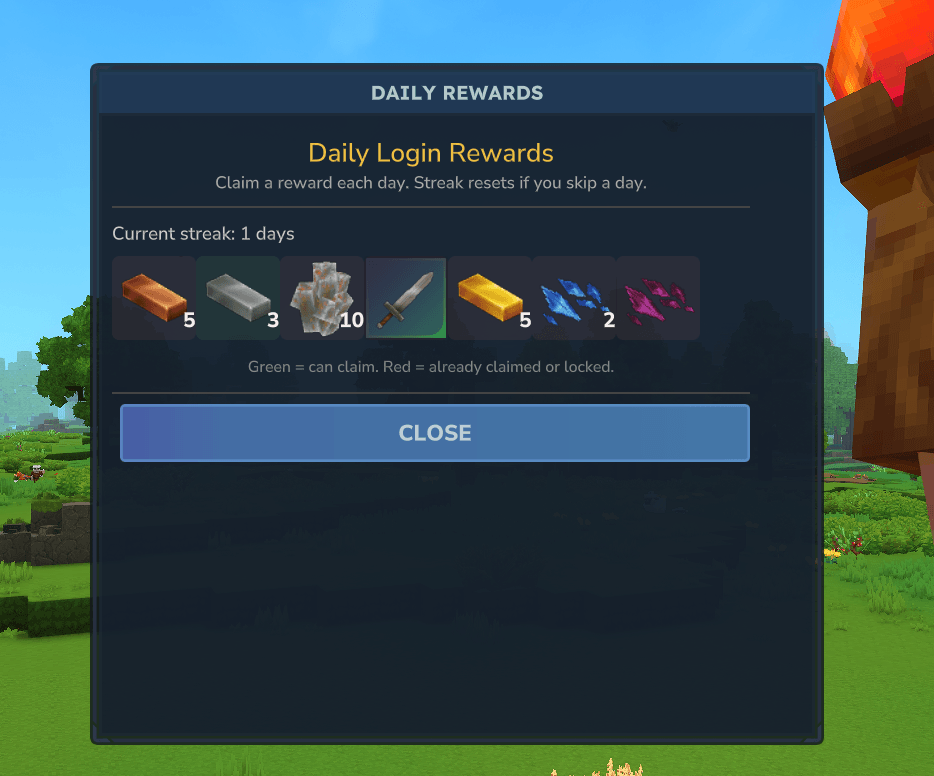
dailies.png
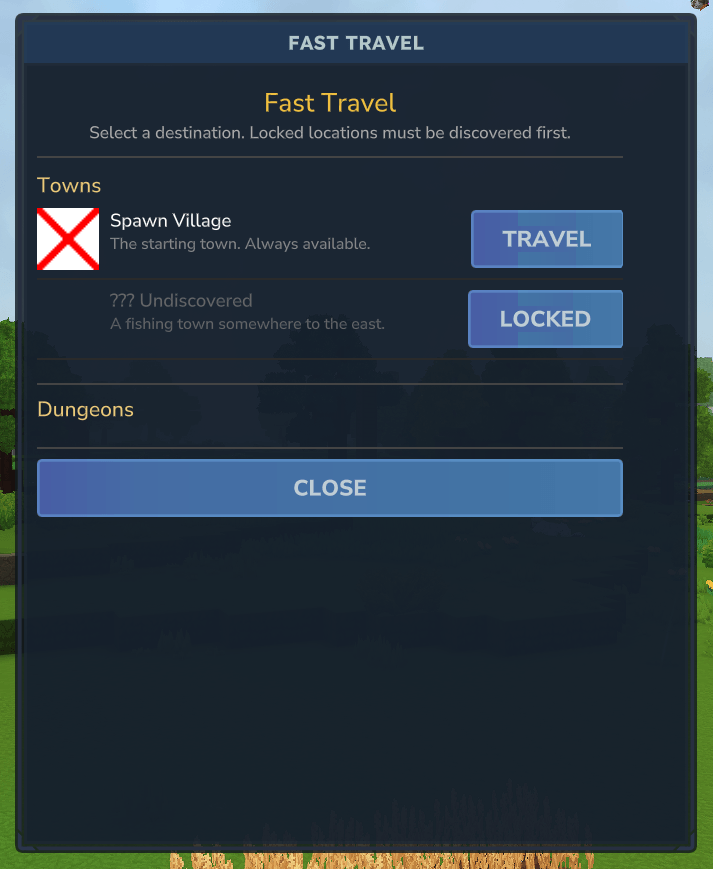
fasttravel.png
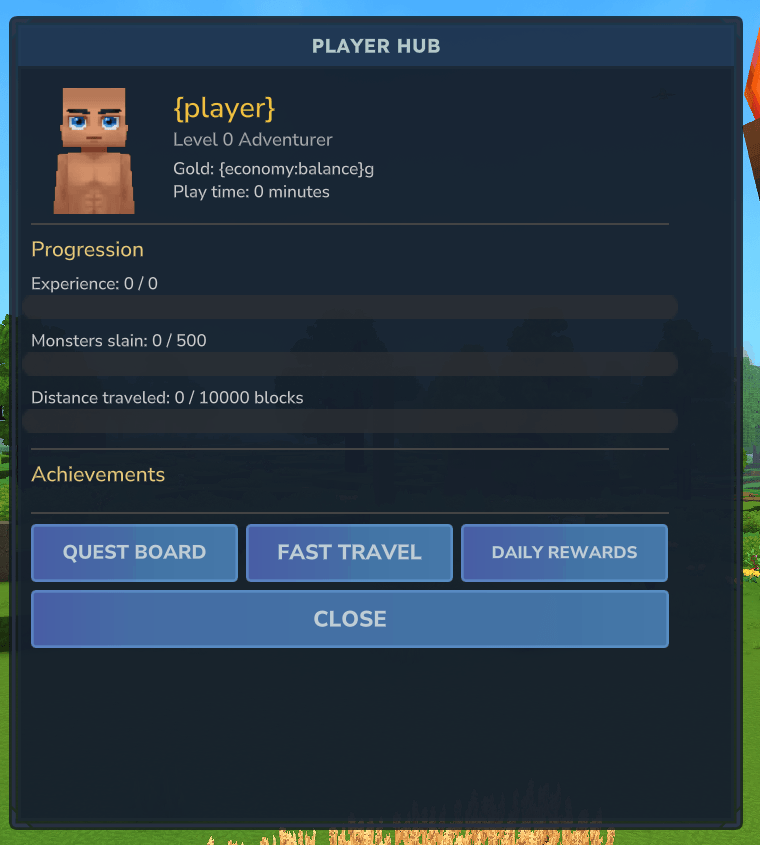
playerhub.png
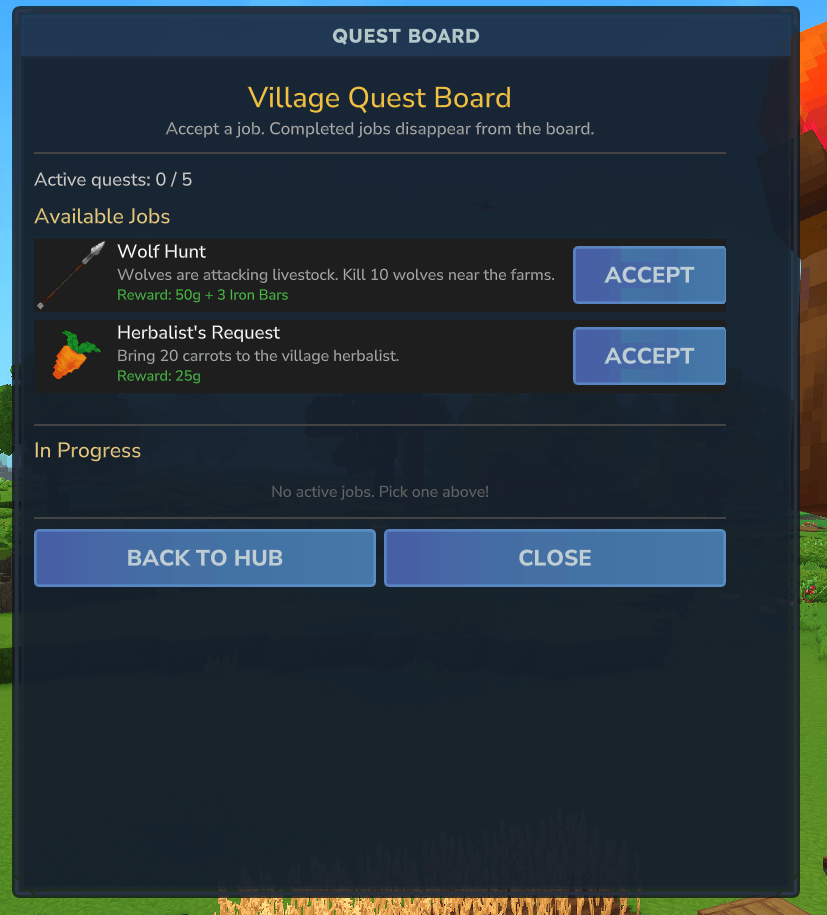
questboard.png
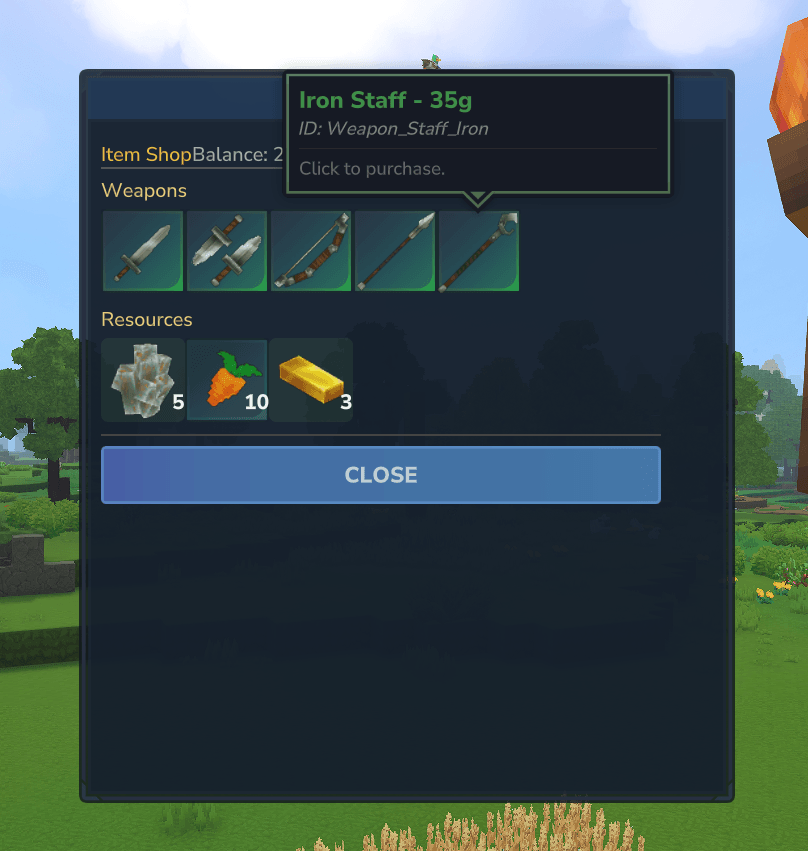
shop.png
Description

Need a server? Get 25% off at our partner Bearded.Host with code Redstoner.
QuestLines GUI
Build fully interactive in-game interfaces for your Hytale server — no Java, no rebuilds, no restarts.
QuestLines GUI turns raw HyUIML layouts into dynamic, requirement-driven player interfaces. Design visually in the web editor or hand-author your layouts, drop them into your server, and open them from anywhere in QuestLines Core.
Overview
- Open GUIs from dialogues, commands, auto-triggers or actions
- Build anything from shops and class selectors to admin panels and leaderboards
- Use the same requirements, actions and variables as Core — no new system to learn
Every GUI is rendered per-player and per-open, so state is always accurate and never stale.
Headline Features
- Visual Web Editor — design interfaces in a hosted drag-and-drop editor, no local tools required
- Raw HyUIML Support — full control for advanced users who prefer hand-authored layouts
- Requirement-Based Rendering — show or remove elements based on tags, quests, permissions, economy, levels and every other Core requirement type
- Unified Action System — buttons run the same action strings used in dialogues: give items, run commands, modify tags, open other GUIs
- Dynamic Text Variables — all Core variables (
{player},{tag:*},{track:*}), resolved fresh on every open - Per-Player Rendering — requirements re-evaluate every time the GUI opens
- Native Core Integration — shares Core's requirement parser, action executor and variable system
- In-game documentation — GUI registers its help pages with the in-game wiki alongside the rest of the suite
Web Editor
The hosted editor is the primary workflow for most users:
- Visual layout with live preview
- Drag-and-drop UI construction
- Add and configure elements without touching files
- Bind actions and requirements directly in the editor
- Export ready-to-use
.gui.htmlfiles - Re-import existing GUIs for editing
In-game: /qlgui editor
Core Integration
QuestLines GUI registers a new action:
opengui:<guiId>Use it anywhere in QuestLines Core — dialogue responses, AutoTriggers, LoadActions, conditional flows. GUIs can open other GUIs, enabling full menu systems: shops with categories, confirmation dialogs, nested admin tools.
Example — requirements:
economy:canafford:10, not:hastag:has_swordand actions:
economy:take:10, item:iron_sword:1, addtag:has_swordIf you can write a dialogue response, you can build a GUI.
Element Types
Label          - Styled text with full variable support
Button         - Clickable action runner
Item Grid Slot - Item display with optional interaction
Checkbox       - Toggle tied to a player tag
Panel          - Container for grouped elements
Divider        - Horizontal separator
Spacer - Layout spacing- Every element supports requirements
- Failed requirements remove the element entirely, rather than hiding it
- Layout stays clean and player-specific
Button Behavior
- Close on Click — execute actions and close the GUI
- Refresh (default) — execute actions and reopen; ideal for dynamic interfaces
- Stay Open — execute actions without re-rendering; useful for cosmetic or one-off actions
Commands
/qlgui open <id> [player]  - Open a GUI
/qlgui list                - List loaded GUIs
/qlgui reload              - Reload all GUI files
/qlgui editor              - Get editor link
All commands require questlines.admin.
Dependencies
Required: Hytale Server API and QuestLines Core. GUI relies on Core for actions, requirements and variables — while it can technically load without Core, it is not functional in isolation.
Summary
- Build complex UI without code
- Fully dynamic, per-player rendering
- Native integration with QuestLines Core
- Visual editor plus raw control
- No restarts required

The QuestLines Suite
Every plugin works standalone; together they share one ecosystem.
- QuestLines Core — dialogue, quests, requirements, actions
- Icons — floating quest-state icons above NPCs
- Dialog — in-game linear dialogue builder
- Titles — player title and rank rewards
- GUI — custom in-game interfaces, no code required (this plugin)
- Claims — land protection, regions, rent and buy plots
- Denizens — native NPC manager
- Arcade — arcade, board and puzzle games
- Hooks — early plugin unlocking extra quest tracking
- MMO — parties, guilds, dungeons, duels and item sets
- Mimics — chests that stand up and fight
- Nations — cities and nations built on Claims (via Discord)
QuestLines GUI Team