
Hytale2026-02-17_22-46-21.png
Hytale2026-02-17_22-48-30.png
Hytale2026-02-17_22-48-42.png
Hytale2026-02-17_22-49-06.png
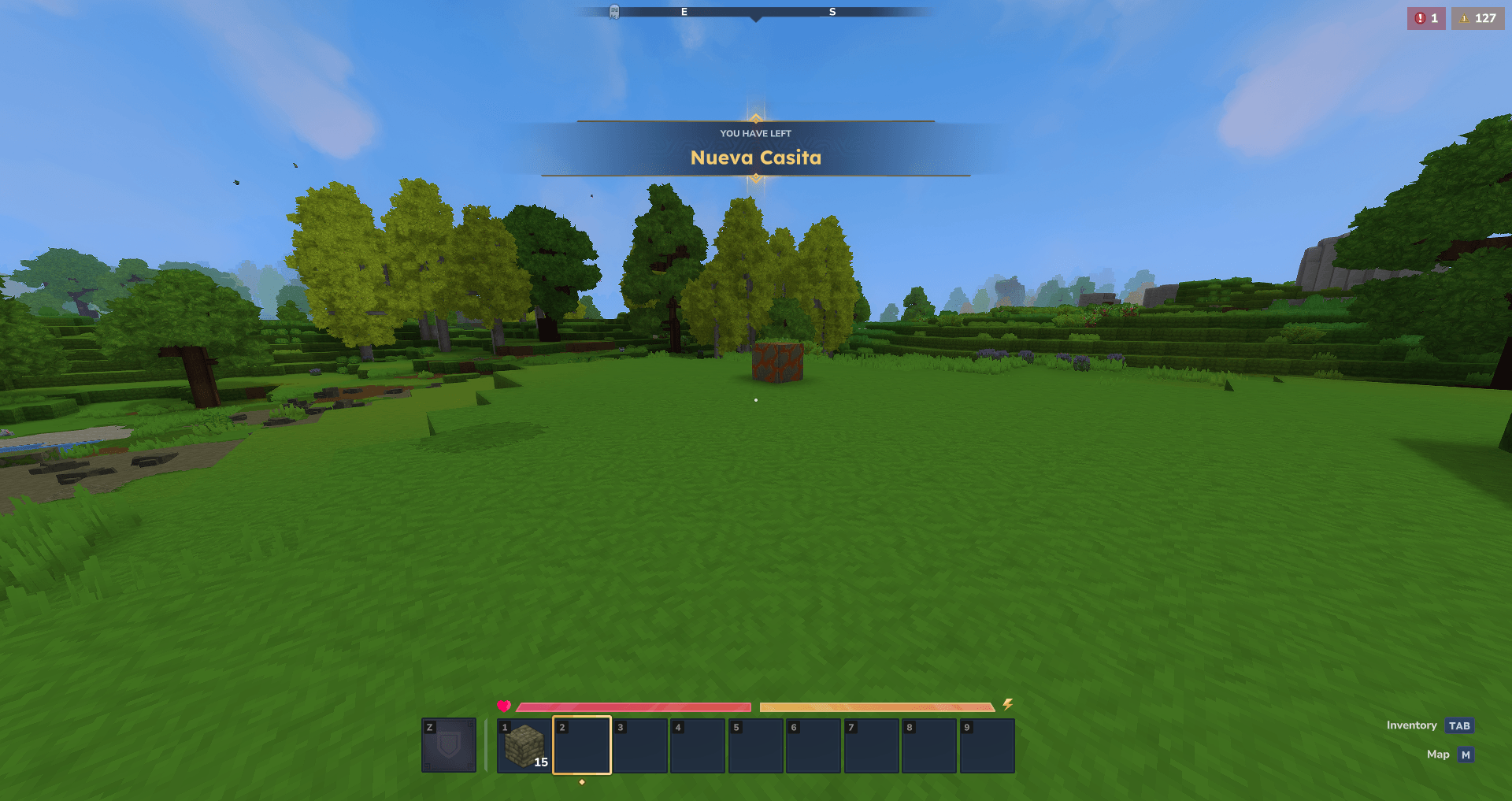
Hytale2026-02-17_22-48-38.png
Description
Overview
Protection Stones is a mod that adds new blocks to protect your base from other players.
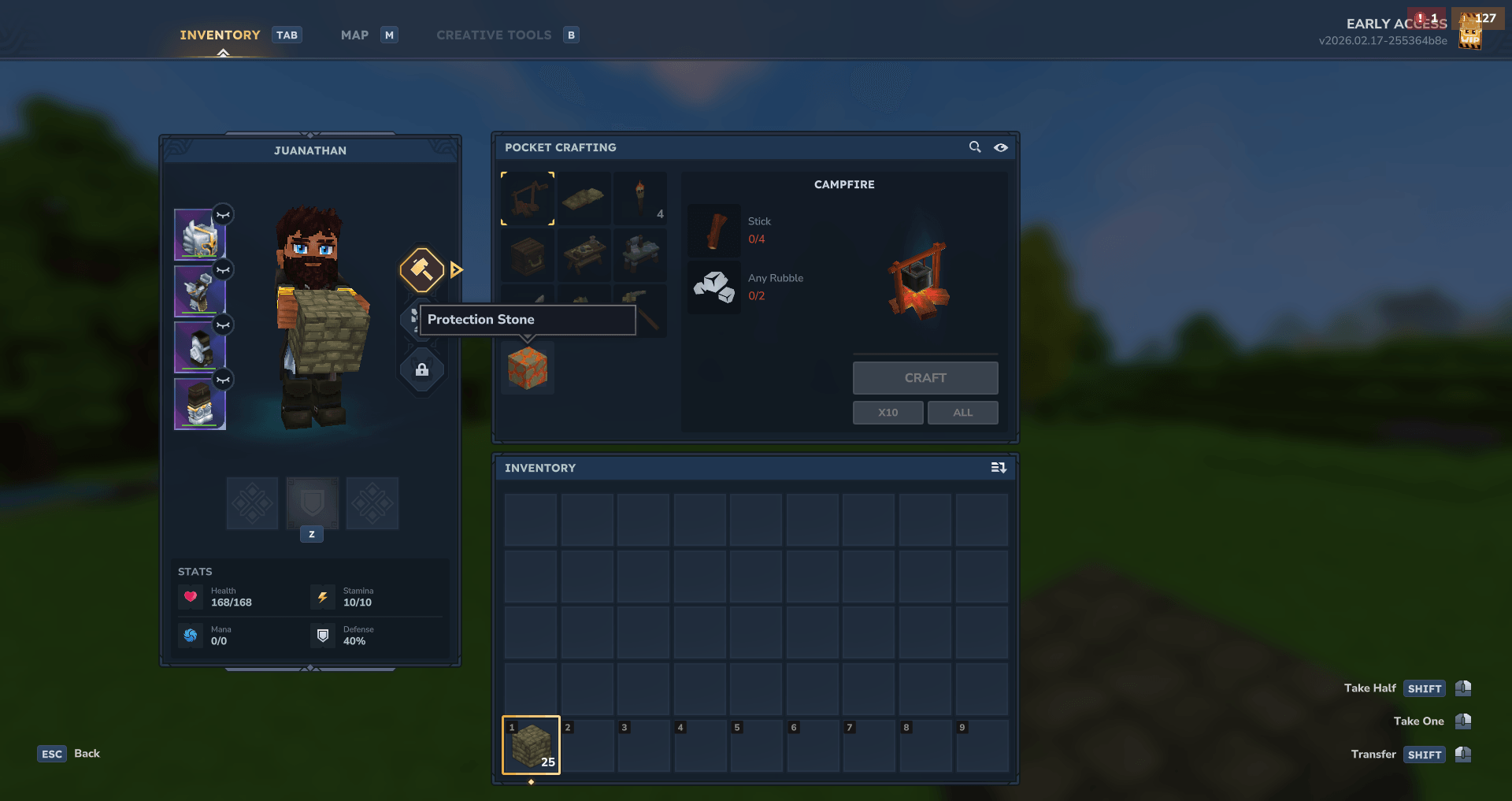
Crafting the block is very simple: you only need 10 cobblestone.
You can craft it either in the player inventory or in the crafting table.
The mod currently includes 2 protection stones. More can be added by following the tutorial in this video.
https://www.youtube.com/watch?v=IeoI1etNyOg
Configuration
The mod includes two global configuration files.
The config file allows you to change:
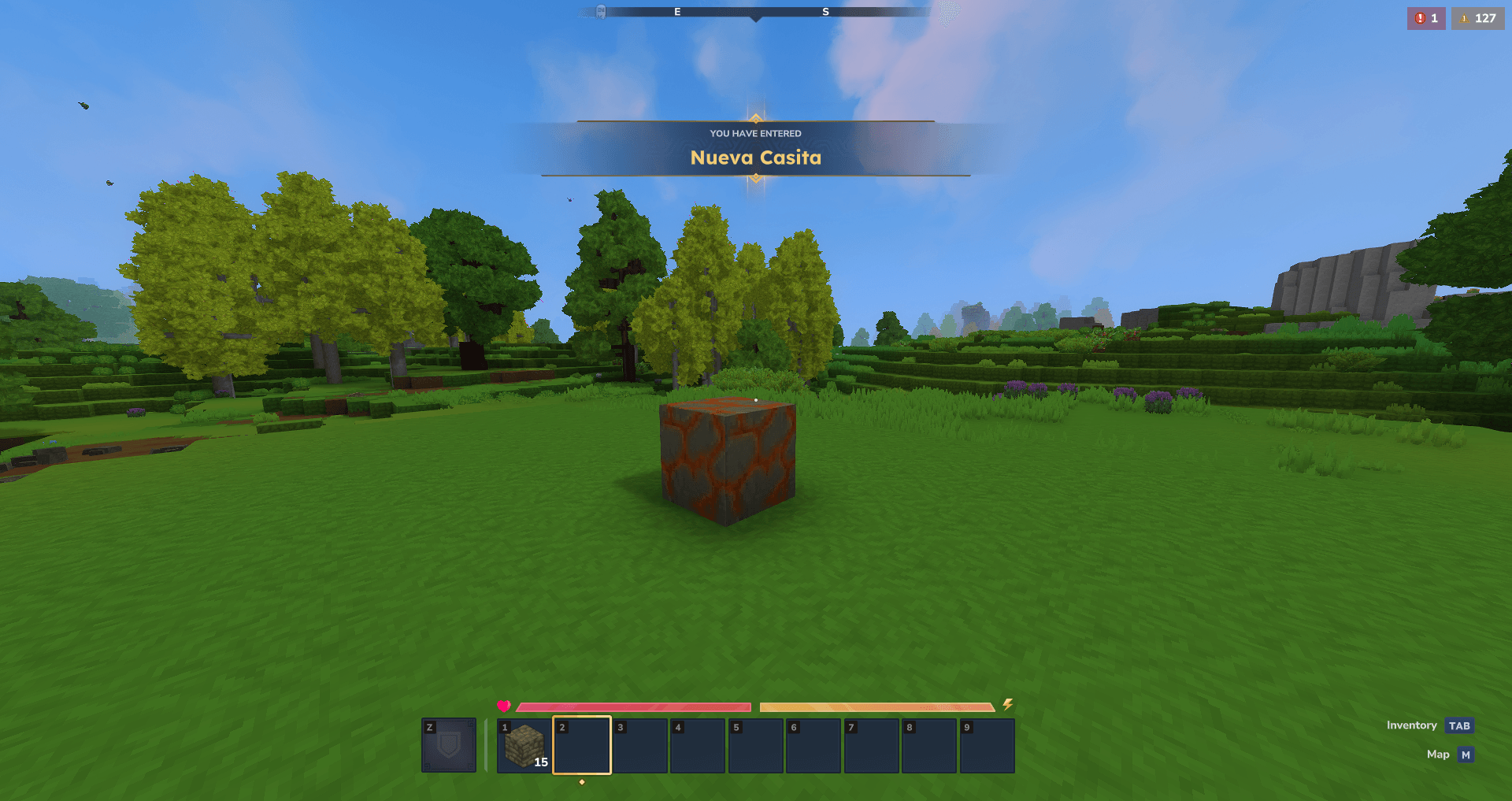
- Enable or disable the entry and exit messages for the protected area.
- Enable or disable whether flying is allowed within the protection.
The stones file allows you to change:
- The number of protections a player can have. By default, it is set to 1 protection per player.
- You can also modify the protection size on the X, Y, and Z axes.
By default, it is set as follows:
"Area X": 5,
"Area Y": 5,
"Area Z": 5
This means the protection will cover 11 blocks in X, 11 blocks in Y, and 11 blocks in Z, since it extends 5 blocks in each direction plus the block occupied by the stone itself, which is placed at the center of the protection.
The values do not have to be the same; you can set different values on each axis to create the desired area dimensions.
The mod will automatically convert the old configuration into the new one.
Interface
The mod includes a UI where you can view the list of protections you own.
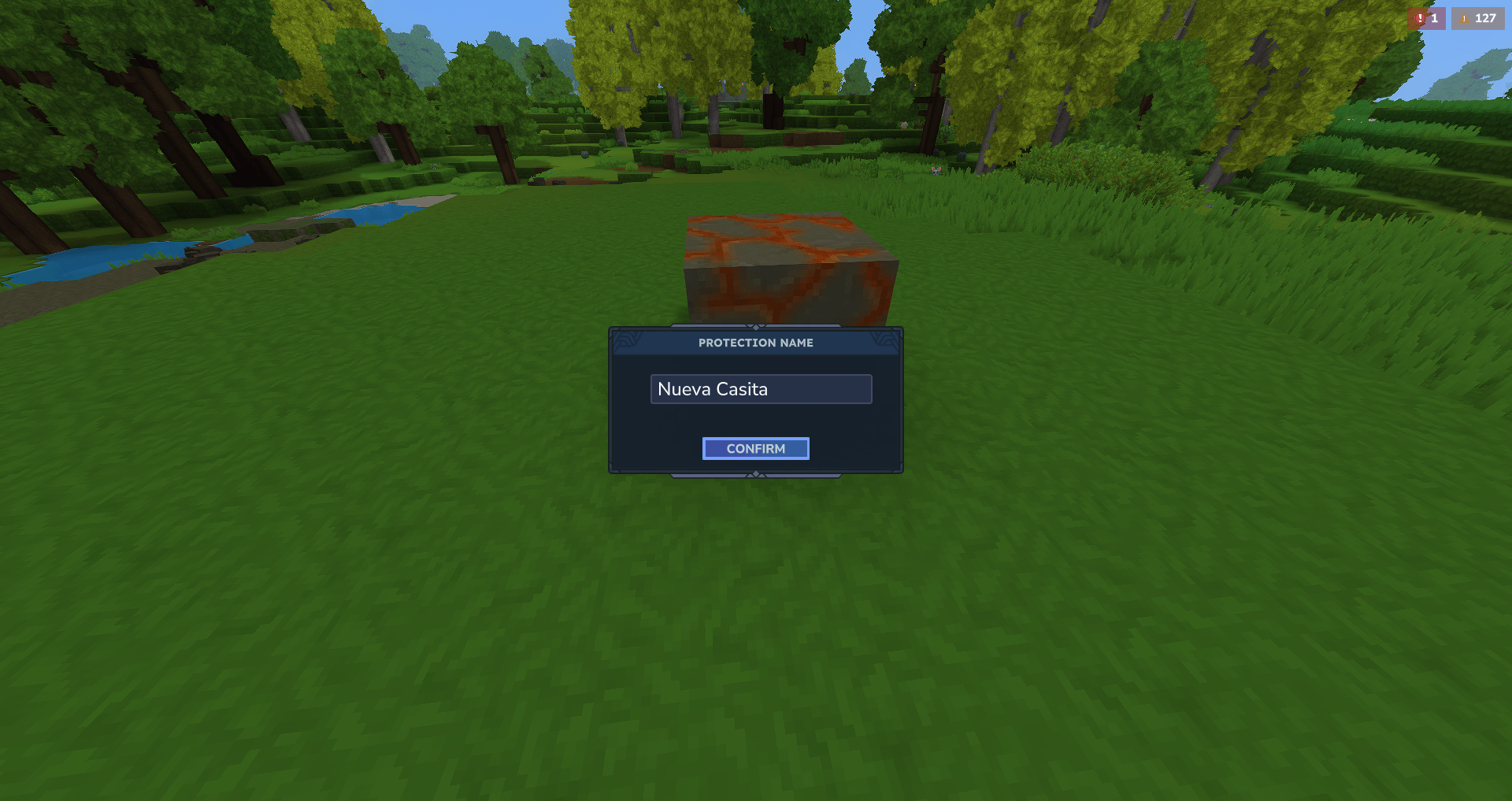
You can also rename your area from the same UI.
To open the UI, use the following command:
/protectionstones ui/ps ui
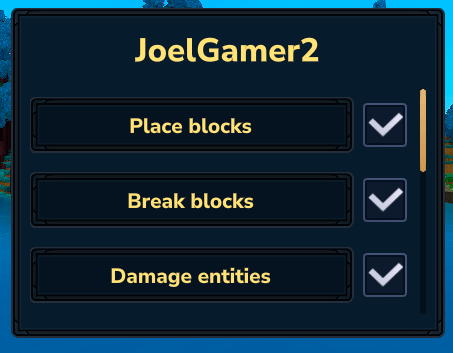
Inside this interface, you will find a list of your claimed areas, a list of players allowed within each area, and a menu where you can manage the permissions each player has inside the area.
You will also be able to change the area name directly from the same interface.
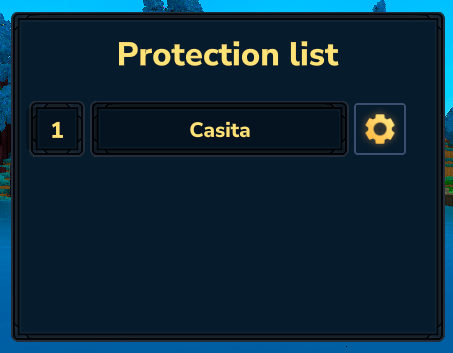
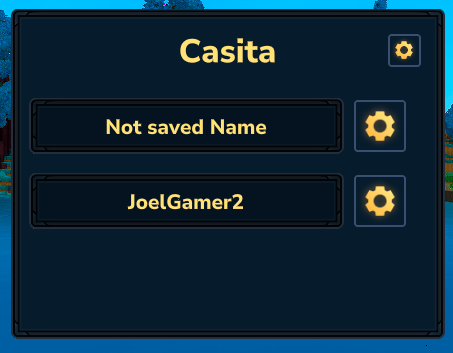
If you were using a version prior to the upload on 29/03/2026, players in the list may appear as "Not Saved Name" until they join the server. Once they log in, their name will be updated and displayed correctly.
Permissions
Protected areas include the following permissions:
- Break blocks
- Place blocks
- Deal damage to entities
- Interact with doors
- Interact with chests
- Interact with crafting tables and furnaces
- Interact with various other items
- Fly within the protected area
These permissions can be enabled or disabled per player. Each player can have different permissions within the same area.
For the flying permission to work, it must be enabled in the config file, since a global option was added to enable or disable it.
Flying only works inside the protected area. If you are flying and leave the area, flying will be disabled and you will fall to the ground.
Commands
The mod includes the following commands. More features will be added to the UI in the future.
/ps add <areaname> <player>
Adds a player to your area. By default, they will not have any permissions enabled. They will also not be able to access your area’s UI.
/ps remove <areaname> <player>
Removes a player from your area.
/ps show <areaname>
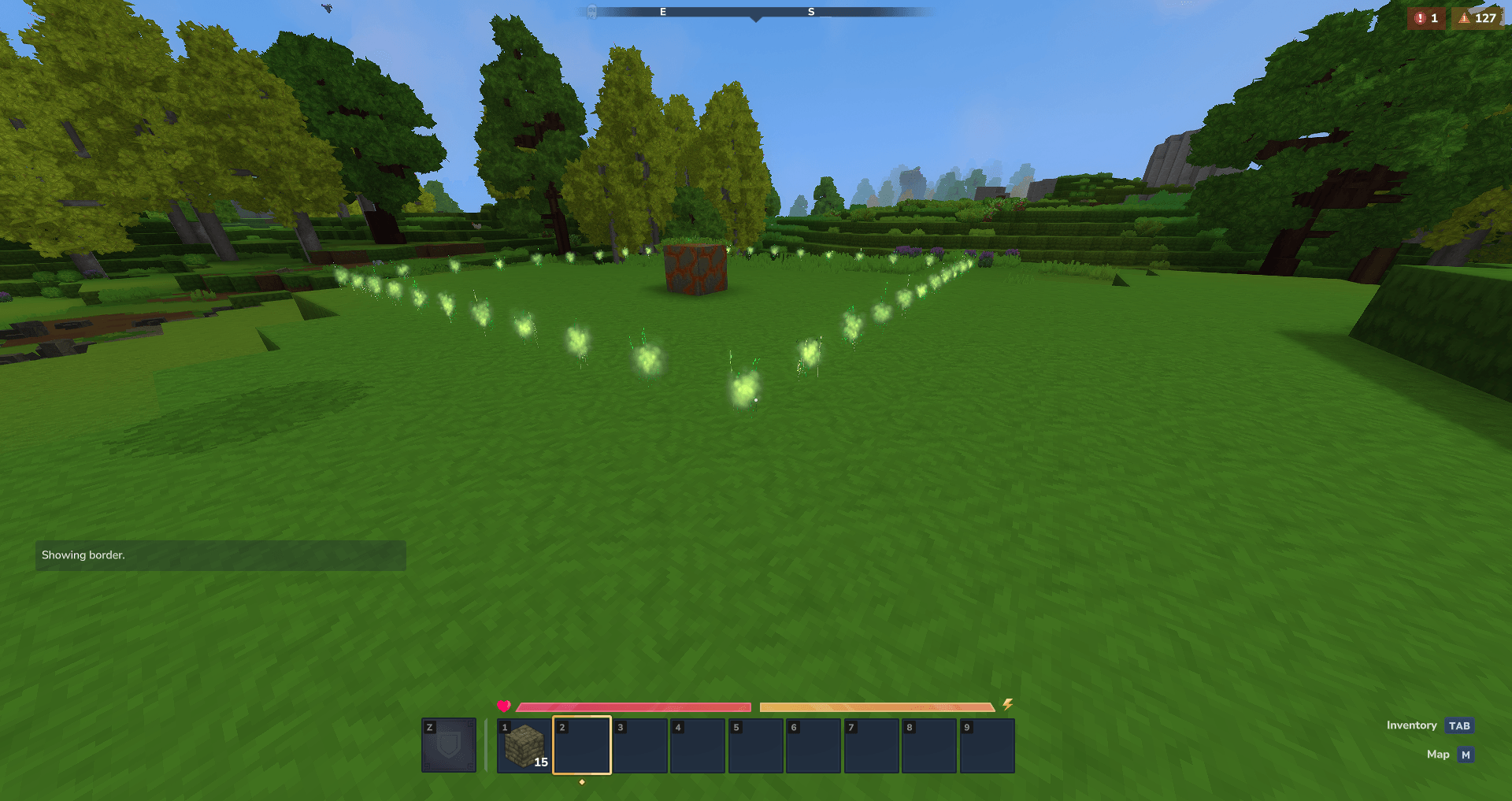
Displays particles along the border of your area to show the protection limits.
If the area name contains spaces, it must be placed between quotation marks ("").
Example:
/ps show "New home"
/ps change <areaname>
Opens the interface to rename your area (this command is already linked to a button in the UI).
/ps list
Shows the list of your protections in chat (this command is already linked to a button in the UI).
/ps ui
Opens the mod interface to view and rename your protections.
Current Limitations
Some game mechanics cannot currently be protected, such as picking up items from the ground, harvesting crops with the F key, or taming animals.
You should also avoid placing chests near the edge of the protection area, as players may be able to steal resources by crafting items using a crafting table placed just outside the boundary. This issue is being investigated but has not been resolved yet.
For this reason, we recommend configuring the area to at least 20 blocks in X and Z, and 10 in Y, and placing chests near the center of the protected area.
Protection Stones Team
