Colorful Kobolds
- By
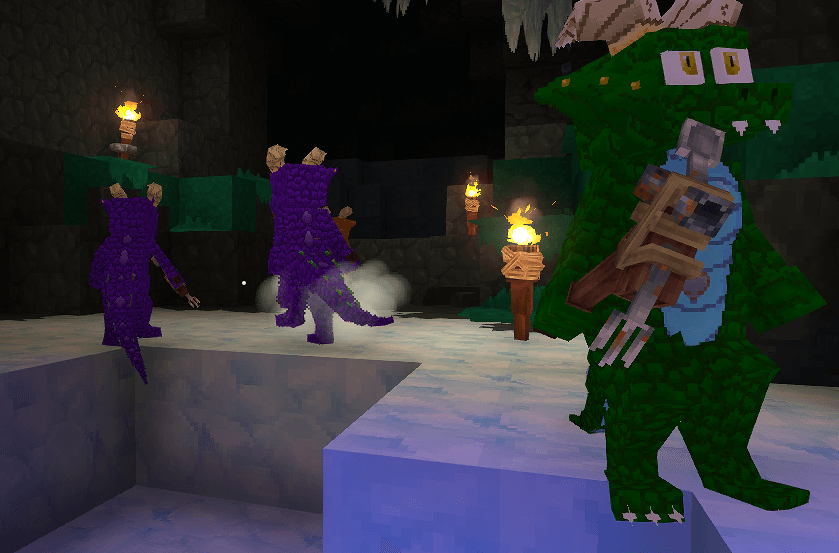
Kobold NPCs
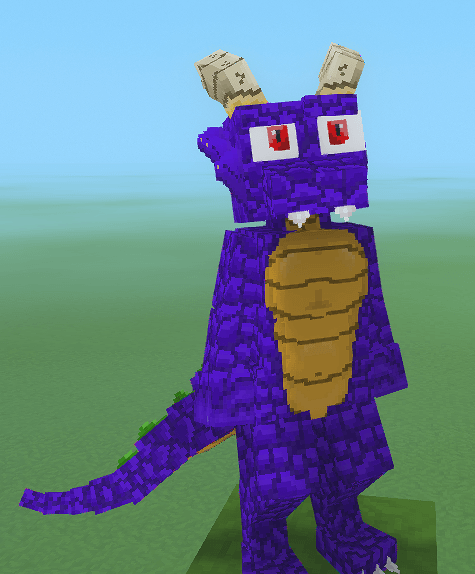
Front view of Pastel's Kobold
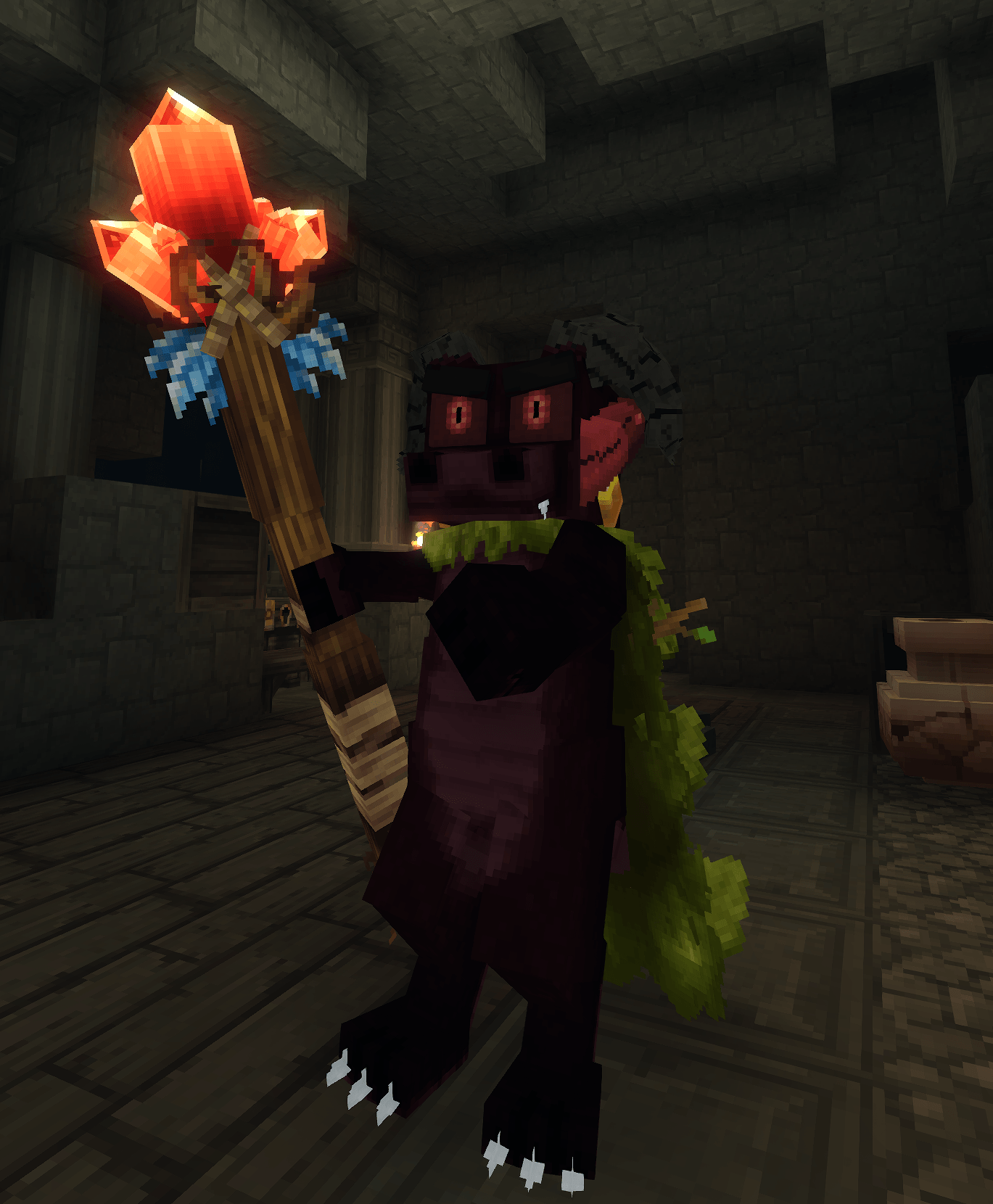
Screenshot_20260213_111028.png
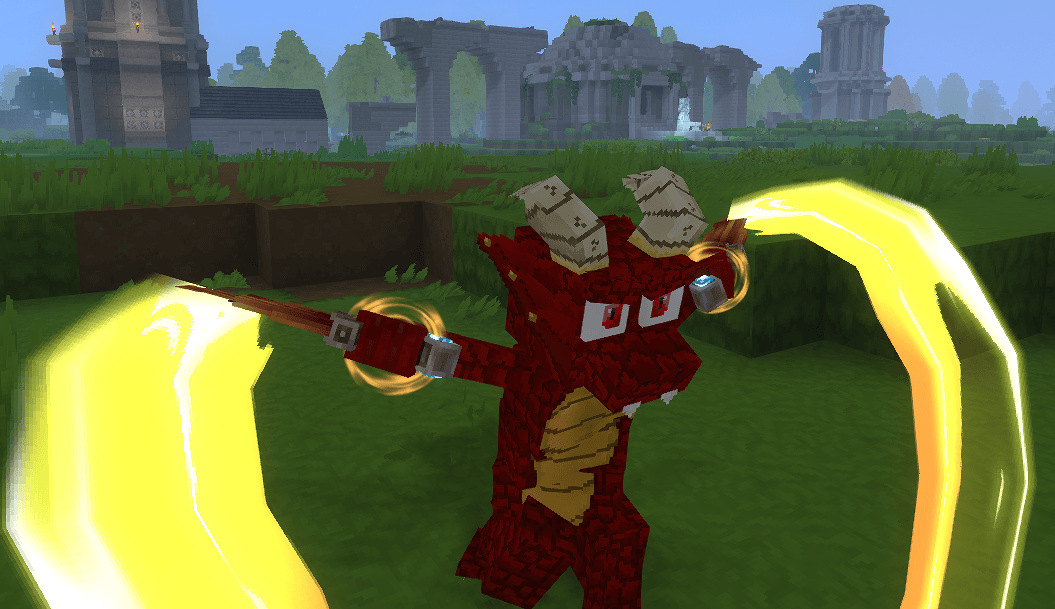
Red Kobold Daggers
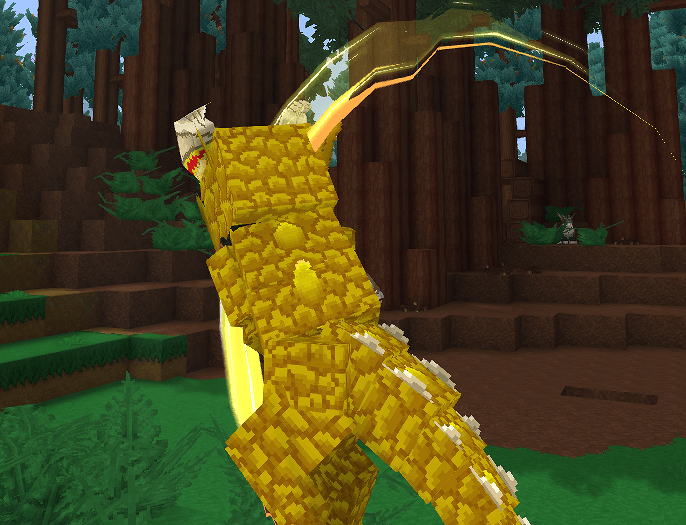
Yellow Kobold Axe.png
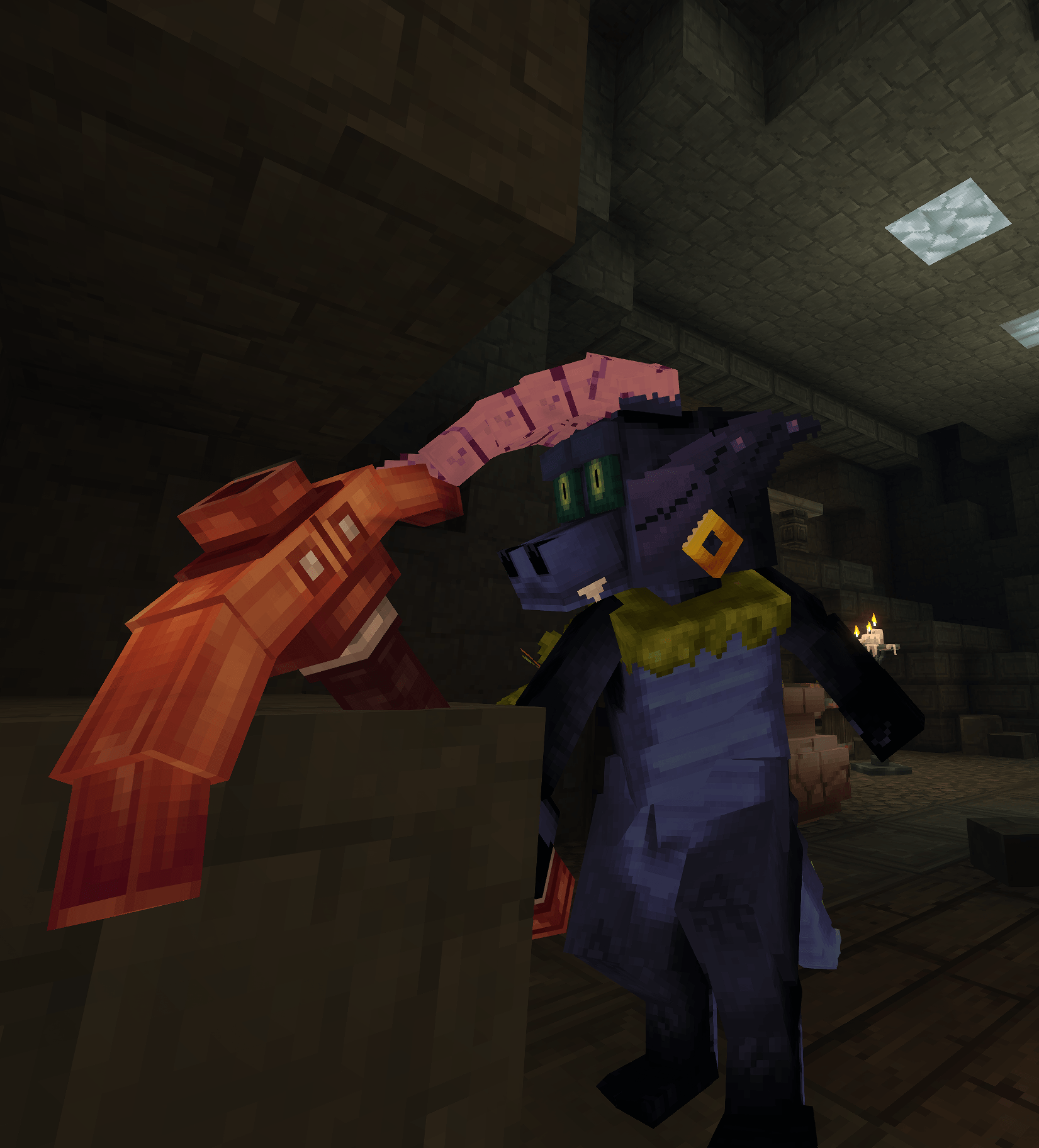
Screenshot_20260213_111936.png
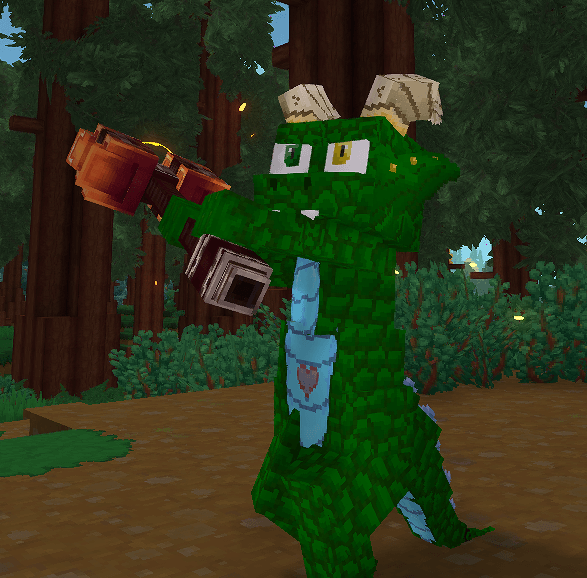
Green Kobold Mace
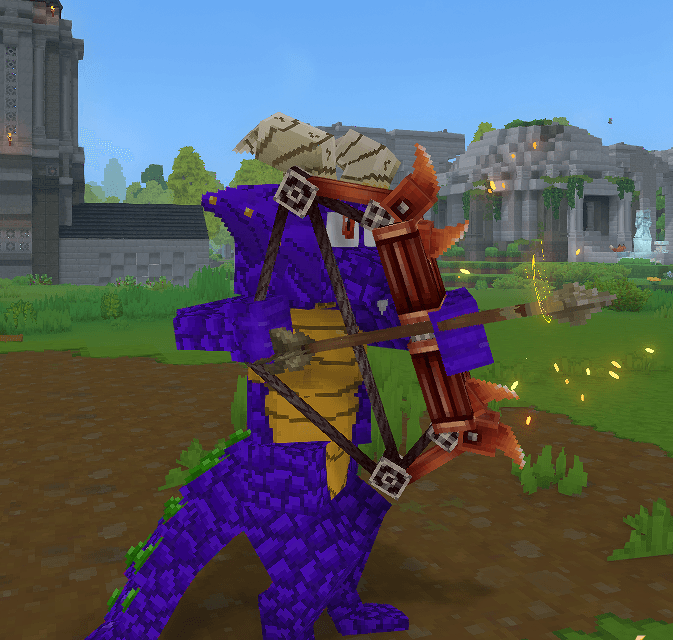
Purple Kobold Bow
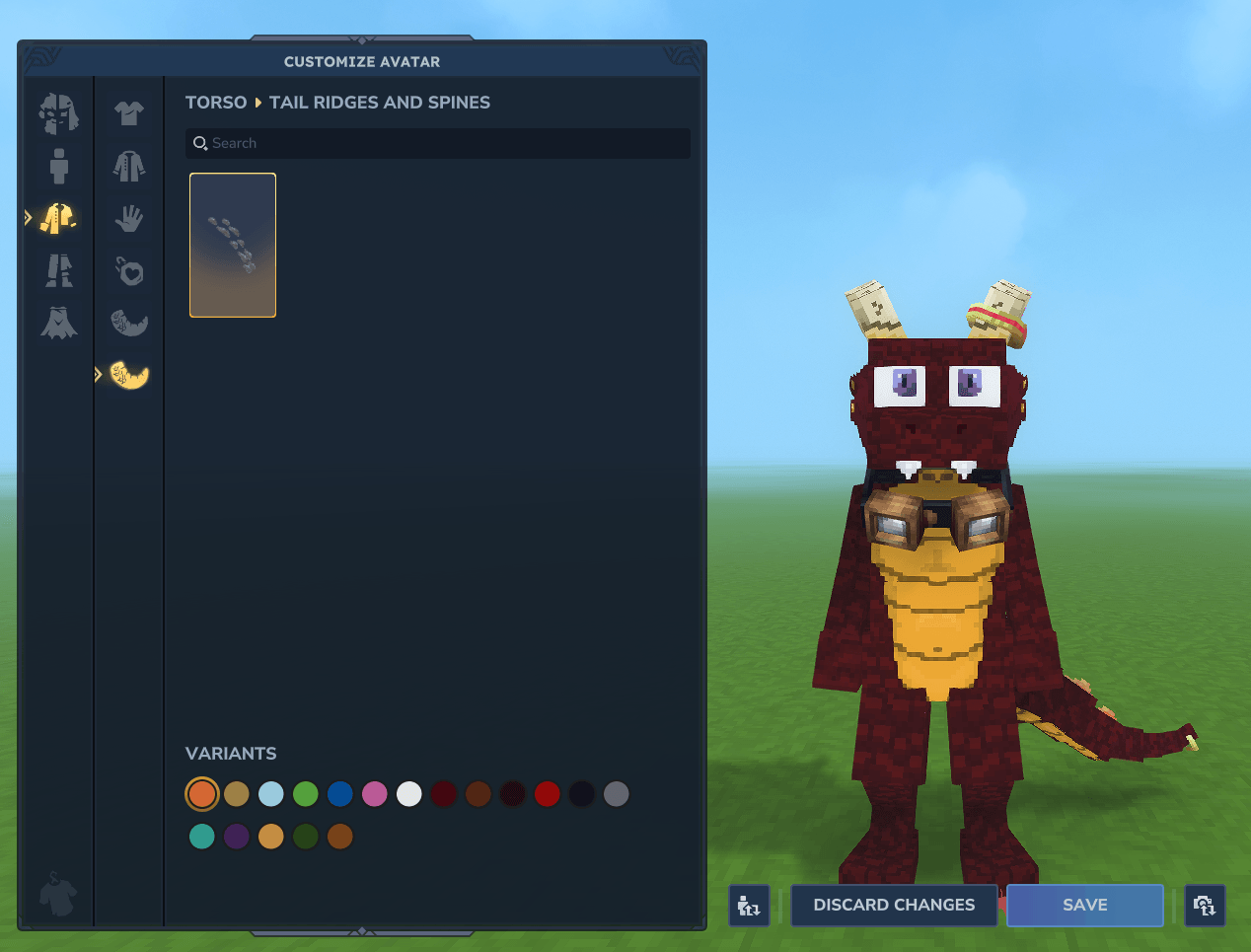
Kobold Customization
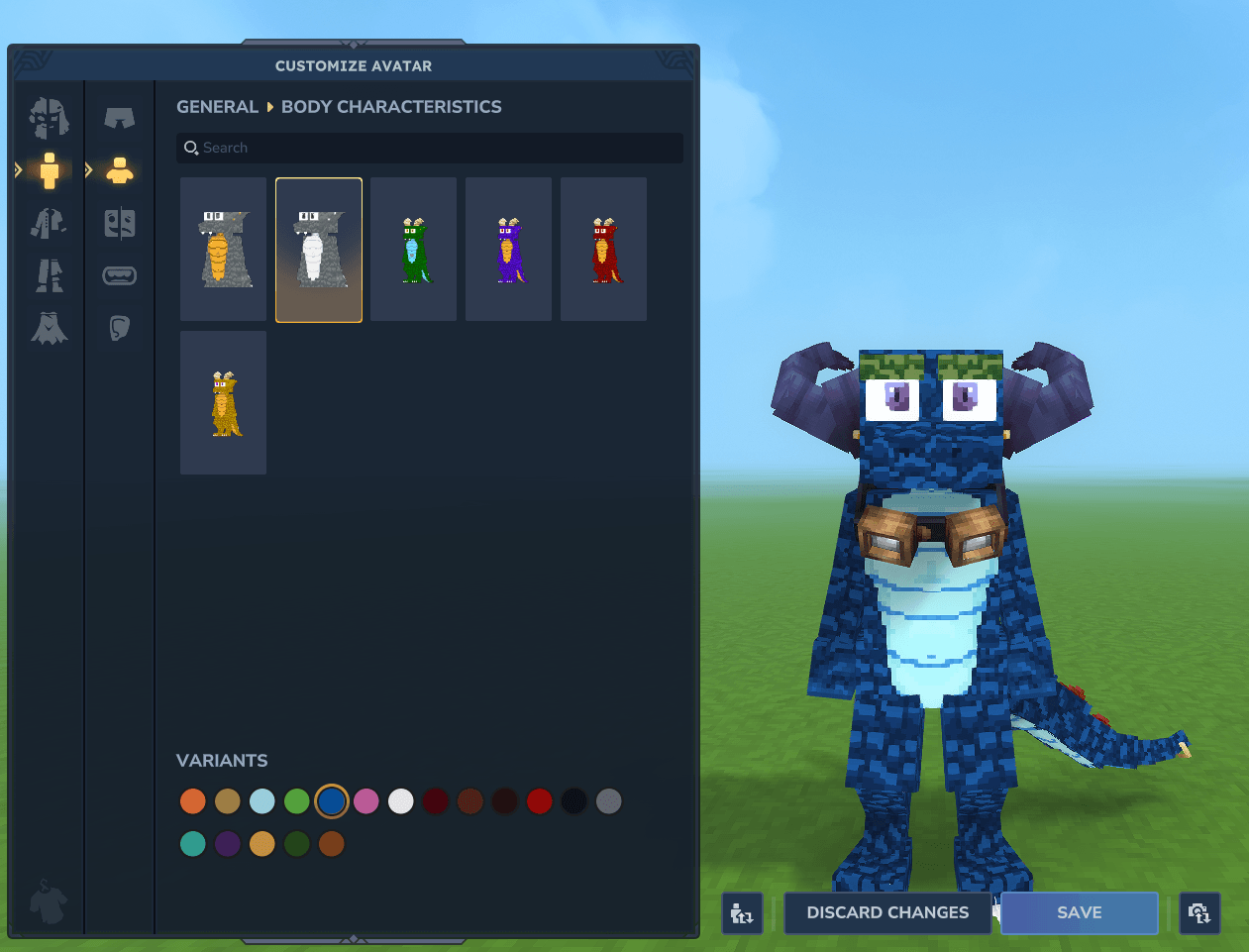
Kobold Customization
Description
Now with Wardrobe Compatibility
When updating please ensure you reset your model in the Wardrobe menu.
If you get stuck loading between models, hit esc. When you return to the Wardrobe menu use the Reset button and the issue will be resolved.
A Kobold Player Model, Kobold NPCs, and Kobold Pets!!! Created by PastelPaints and KukeiTheProtogen.
---
Also try out Bio's Kobolds! Both can be used together thanks to the Wardrobe Mod.
---
1.3.2 Brings minor adjustments, adjusting shops and behaviors for the npcs as well as adding new animations for them. It also brings a small adjustment to the Gremlin Goggles to give them more life.
For 1.3.1 we've added a whole slew of new cosmetics for you to enjoy. Be a construction kobold, a miner, or even a shaman; the choice is yours! Kobold NPCs have also received a bunch of changes. They now spawn in the world with variant accessories and new behaviors. Knights that defend with sword in hand, shaman to fend off evil, moss gatherers, builders, and miners! Kobold-specific accessories and attachments have been moved to their own section of the Wardrobe menu, and all accessories worn by the NPCs are available to wear yourself. Hard hats and overalls, hi-vis vests and jeans, moss-gathering garb, copper and iron pants with matching tail armor, a kobold skull, and a brand new kobold-themed magic staff! Some technical changes have been made as well to restructure and unify portions of the mod for a better experience playing it and developing it.
Usage
The best way to use the Models or attachments within this mod is with the Wardrobe mod.
This mod contains compatability with Wardrobe. Allowing you to access the mirror to change your model while retaining most of your default attachments. You can swap attachments providing in this pack or other packs that have compatability with Wardrobe.
Alternatively you can use the op self method.
/op self
And then you can set the model using
/model set PurpleBold
There are currently four model options. PurpleBold, GreenBold, YellowBold, and RedBold
You can set the model for another player by adding their name after
/model set [player]
I recommend using Persistent Model Assignment if you use the model set method.
PMA allows the server to remember what model is applied to a Player when loading the world up.
Player Model Changer is another great alternative. It allows you to swap models without needing to op anyone. This still requires a command that can be done by any player.
/pmod
By default the Kobolds will appear in the list. Currently PMC does not have persistance, however the mod maker has stated that are looking into adding it.
Armor and Attachments
Armor is hit or miss on this model. Some chest armor is fine, gloves all look great, a few helmets are okayish, and none of the boots work. Armor can now be hidden in game using a toggle next to the armor piece and a mod is no longer required.
Attachments are equilly hit or miss. Capes, arm accessories, and similar work in full. Various other face ones may or may not work. You can equip Attachments in the asset editor. Currently the mod includes a tail ring attachment that can be attached to the Kobolds, and a modified set of goggles that hang around their neck. To use the original attachments you can head to "\AppData\Roaming\Hytale\install\release\package\game\latest" and unpack a copy of the Assets.zip file.
With the addition of Wardrobe. Any default accessories you're wearing, save for those in areas that will cause a conflict, will show when you change using the Mirror. You can click the upper right eye icon to disable the default cosmetics and only wear those available in the mirror if you so choose.
Creating your Own Texture
For anyone that wants to create their own texture, I tried my absolute best to make sure the uv map wasn't terrible. I've never done Model work or texturing, so I did what made sense, and often referred to the other models for best placements. Still there's a good chance it's not the most optimal placement. Please forgive me for this.
Once you've created your own texture you can replace one of the existing textures, ensure the name matches. Or you can use the asset editor to swap out the texture manually if you prefer.
Thank you for taking the time to look over my Model, and if you end up using this Model. Please Enjoy. In eithercase. This was made for my own personal usage, but given the nature of the game. If others can find use and enjoyment out of this Model that would be awesome.
Version 1.2.2
A lot of Compatability with Wardrobe has been added.
As of 1.2.2 you'll find two additional Kobolds in the Wardrobe menu, both using a Gradient Texture for you to select colors. The various parts of the Kobold are found in other menus, allowing you to select them at your desire and Make your own Kobold.
The Original Kobolds have had some work done on them to keep their Model file structure in line with the Attachments.
You'll find the Original Horns and a Horn with a Gold Ring on it in the Horns Menu under head.
Additionally 3 new horns have been added. These come courtesy of Violets Wardrobe and their Custom License. If you use either the original mod or the Wardrobe API you'll even be able to have multiple horns.
Seen the Patch Notes in the files for additional details on all of the changes.
Version 1.2.3
Combined several items in the Wardrobe menu into one item. Taking up less space while utilizing the Options dropdown menu to swap between them
Adjusted the OG Kobolds to utilize the same model as the new Gradient Kobolds to reduce file size. And to allow players more customization with those Kobolds.
Wardrobe is now a Dependency
Known Issue: Gradient Sets push the Options menu too low in the Wardrobe menu. Making it difficult to see all the options. As such they are not the default option. If you are unable to click on the Options dropdown while on a gradient set, simply click the item off and back on to reset it to the Default Option.
Version 1.3.0
Added KukeiTheProtogen to the team. The Mod name has changed to Colorful Kobolds
New Textures, horns, and much more.
The Base model has been adjusted. Including adding a proper mouth and eyelids that function in game!
Version 1.3.1
New Customization options in the Wardrobe menu. Goggles, Hardhat, Vests, Armored legs and tail, Jeans and more!
New Kobold npc variants including Knights and Shamans that will defend their flock!
Version 1.3.2
Adjusted the Gremlin Goggles so the Pupils move.
Added new animations for the Kobold npcs and adjusted some of their behavior
Adjusted the different Kobold variants to have different shop types.
Tiefling Horns, Ram Horns, and Devils Horns come courtesy of Violets Wardrobe mod. Their work is awesome and you should check them out.
You have the right to share, modify, reupload, make assets or cosmetic packs, or make offshoots of this mod.
Colorful Kobolds Team