PaintAnything
- By
Screenshot From 2026-11-04 09-30-10.png
Screenshot From 2026-11-04 09-31-20.png
Screenshot From 2026-11-04 09-22-24.png
Screenshot From 2026-11-04 09-23-57.png
Screenshot From 2026-11-04 09-26-44.png
Description
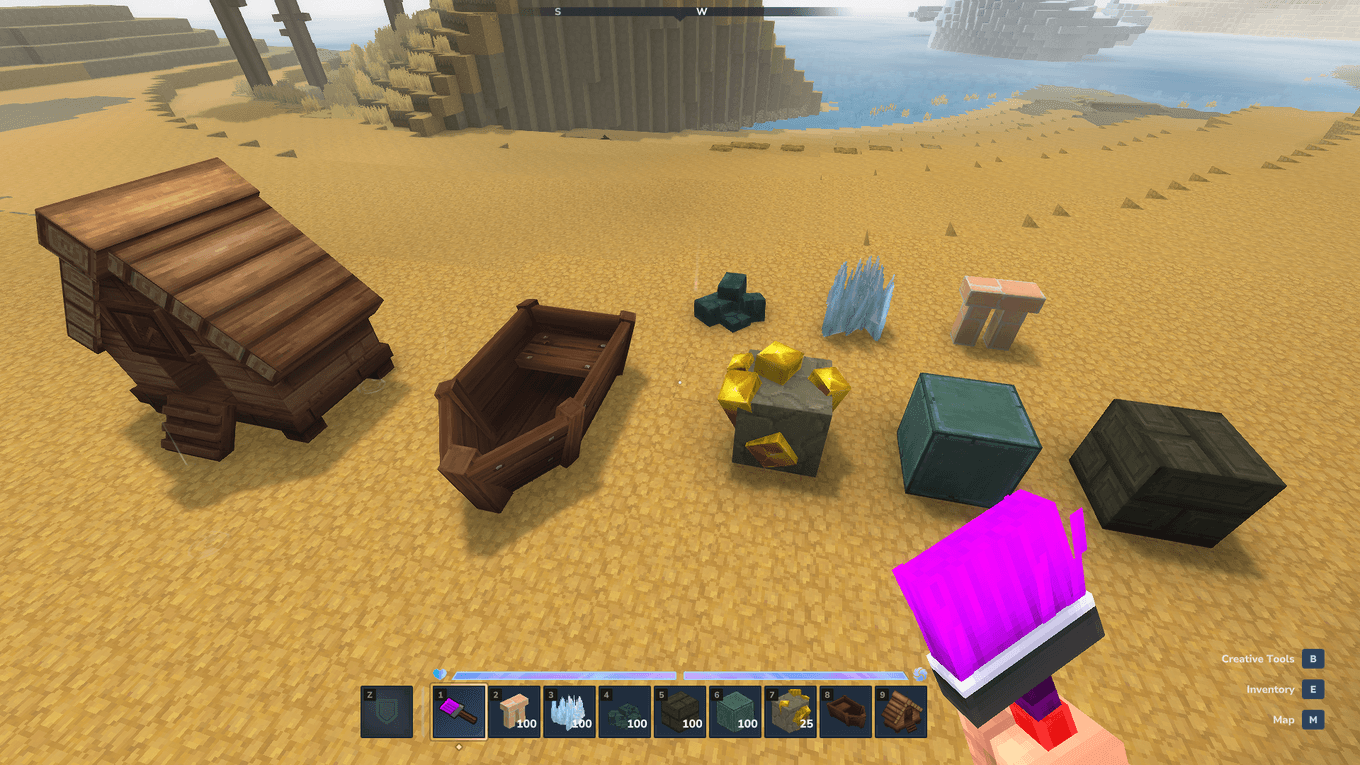
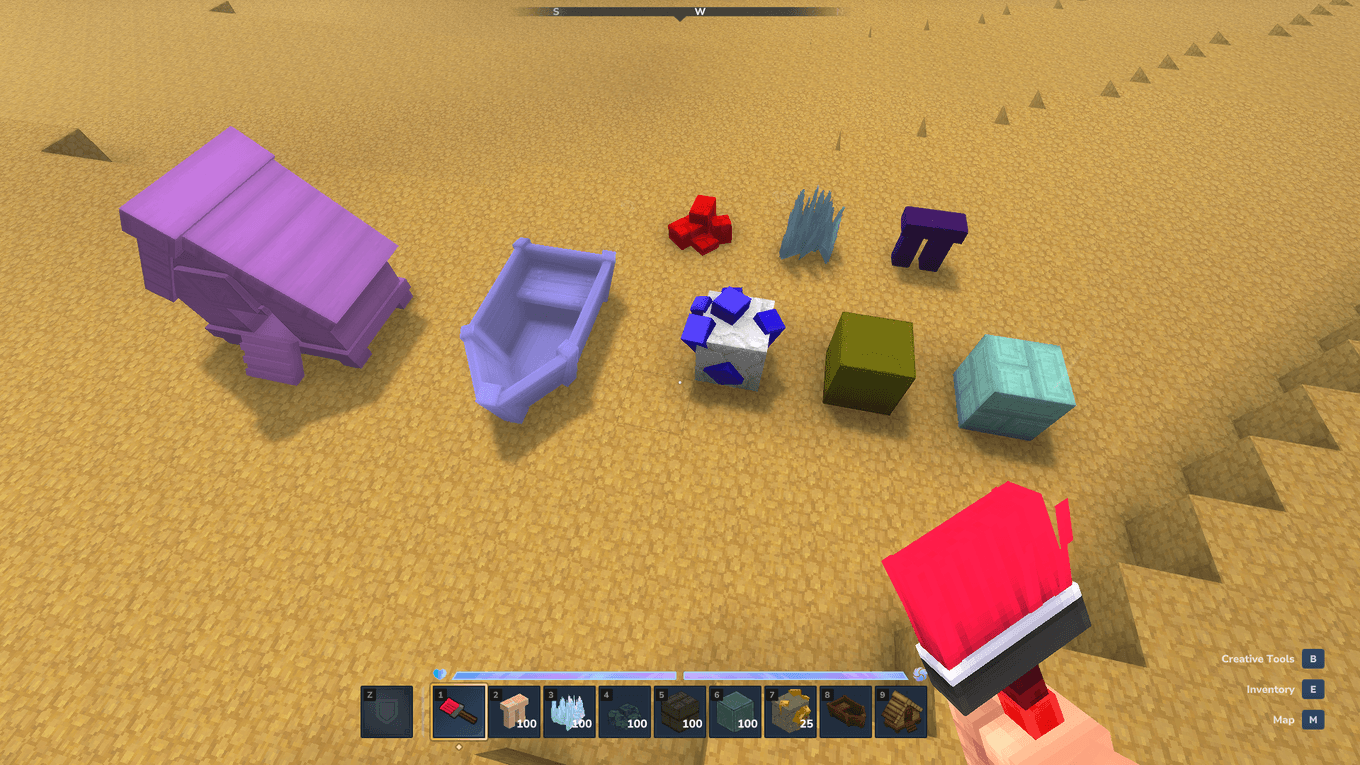
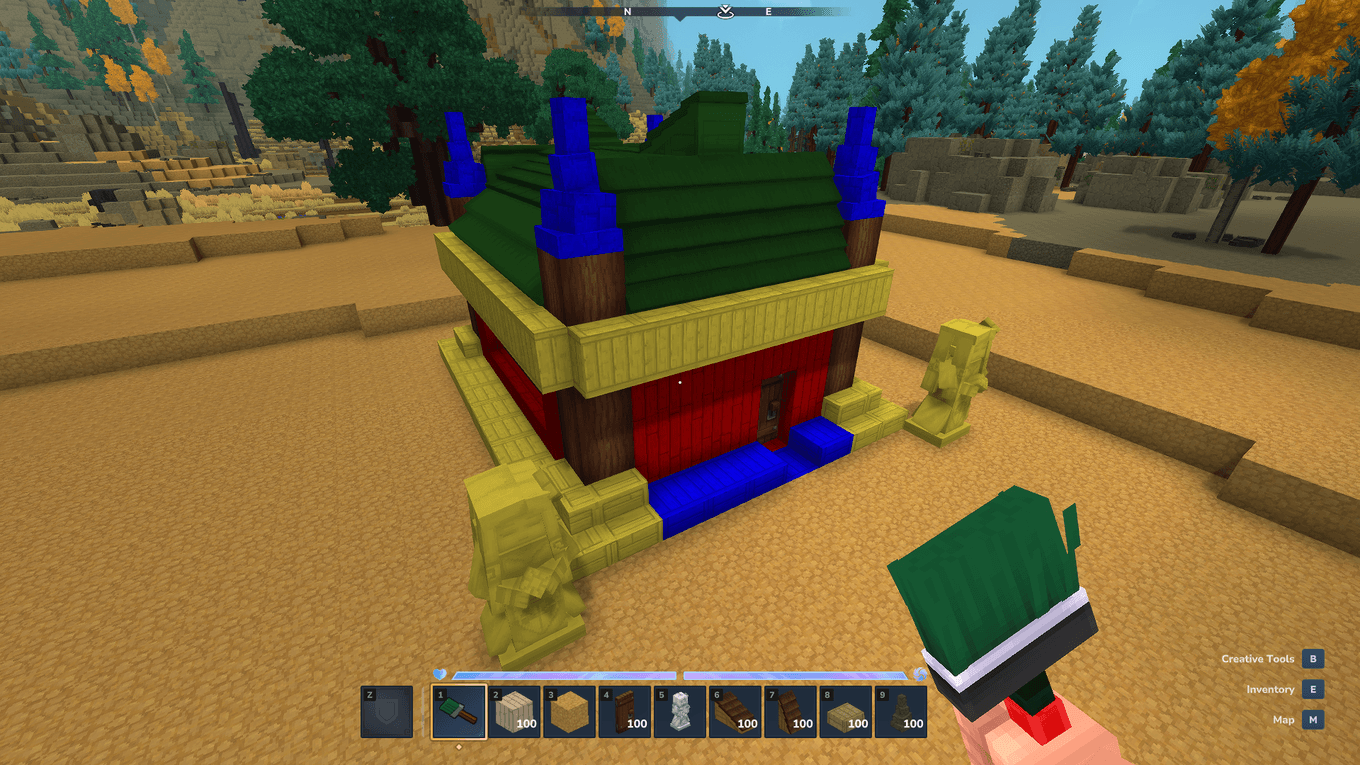
PaintAnything lets you recolor almost any block, door, piece of furniture, boat, or statue in Hytale into any custom RGB color using a simple, craftable Paint Brush!
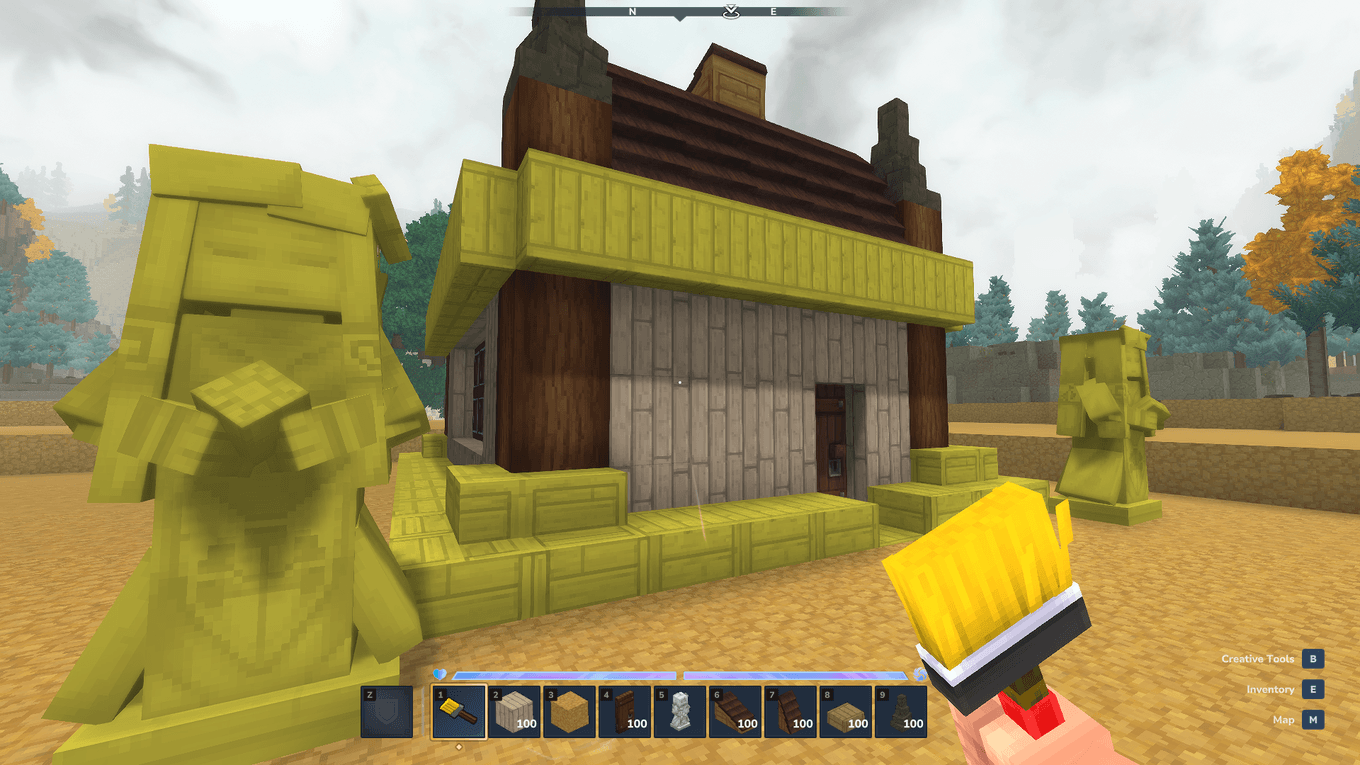
Whether you want vibrant neon bricks, pastel wooden roofs, custom-colored doors, or darkly stained stone statues, you can paint blocks directly in the world without replacing their original textures or details.
How to Use:
1. Hold a Paint Brush in your hand.
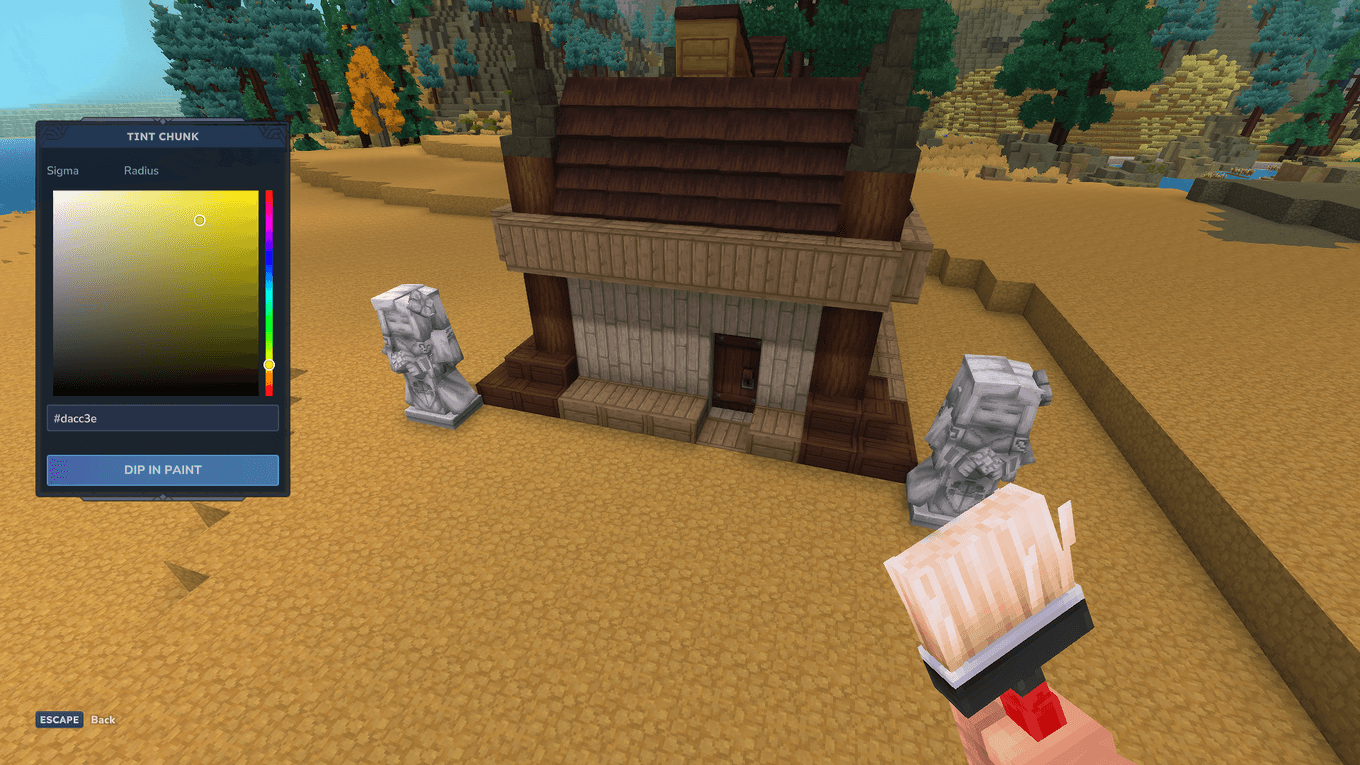
2. Right-Click to open the interactive Paint Brush Color Picker:
- Click anywhere on the Color Wheel to pick a hue and saturation.
- Enter any custom #RRGGBB Hex Code directly for exact color matching.
3. Left-Click any block in the world to paint it.
Crafting Recipe:
You can craft a Paint Brush right from your Fieldcraft (Pocket Crafting) menu (Tab) or any crafting bench:
- 1x Any Stick
- 1x Bolt of Wool
(You can also spawn a brush in Creative Mode or with the /paintbrush command.)
Features:
- Full RGB Color Wheel & Hex Codes: Pick from millions of custom #RRGGBB colors. The brush bristles dynamically change color in your hand and hotbar to match your selected paint!
- Multiple Brushes in Hotbar: Each Paint Brush remembers its own color, so you can keep multiple brushes with different colors ready in your hotbar at the same time.
- Preserves Block Details & Models: Tints the underlying texture while preserving brick lines, wood grain, shading, and custom 3D models (including doors, beds, benches, statues, and boats).
- Multi-Block & Door Support: Painting or washing a double door or multi-block object automatically updates all connected parts and preserves block rotation and open/closed states.
- Clean Block Drops: Breaking a painted block automatically drops its normal unpainted item so your inventory never gets cluttered with custom block variants.
PaintAnything Team