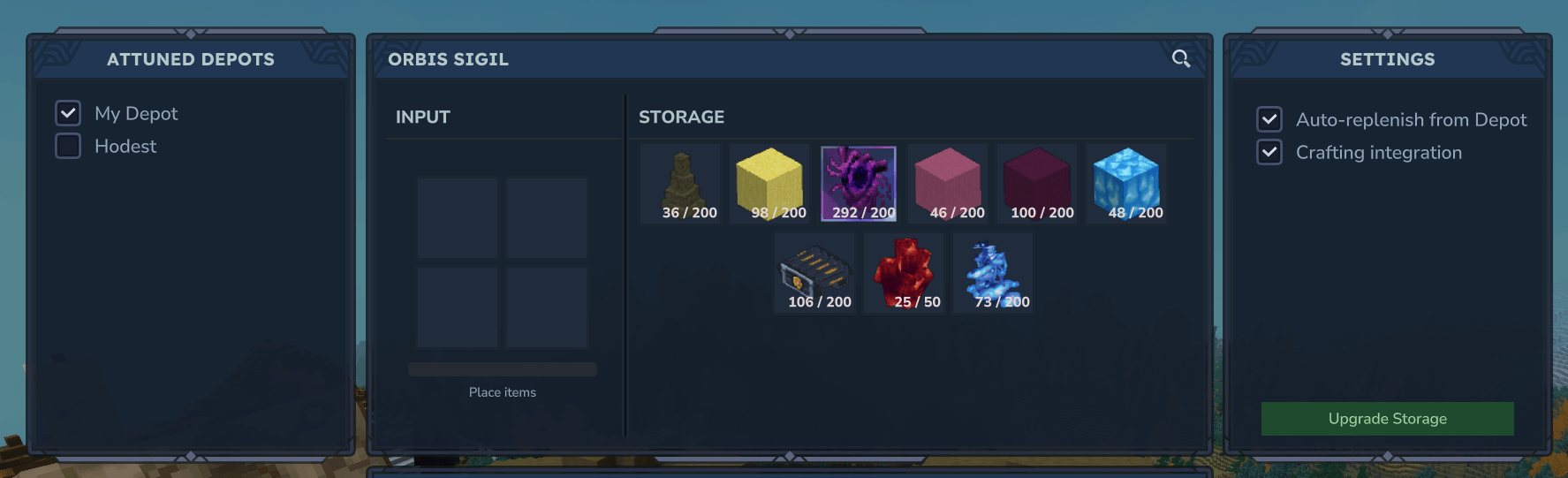
Orbis Sigil/Depot Storage UI
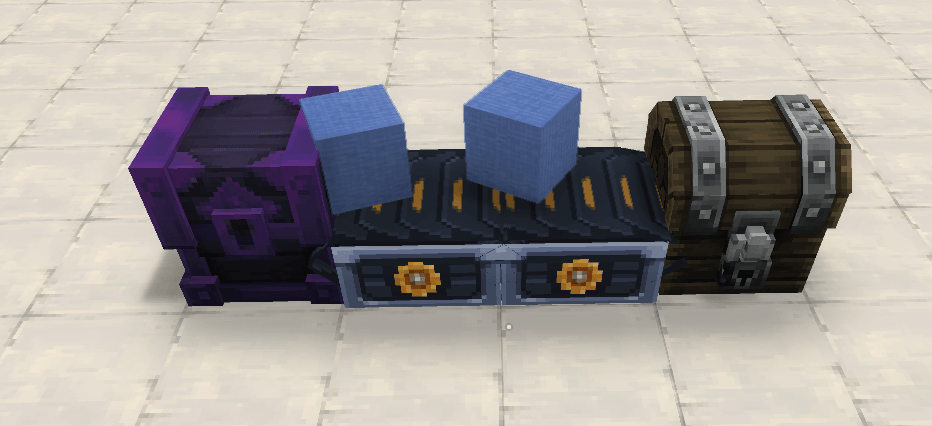
Using conveyor belt mod to put items inside to be depisited
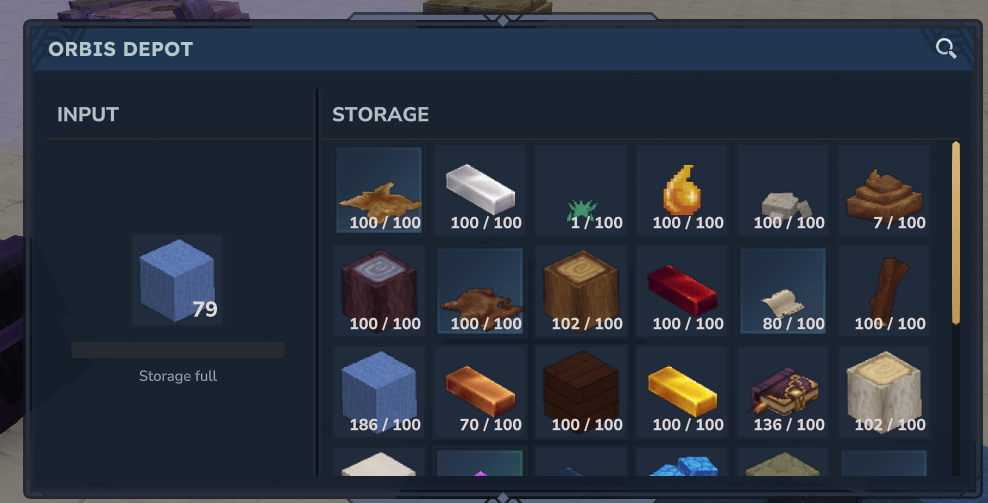
The item being put inside from the conveyor belt
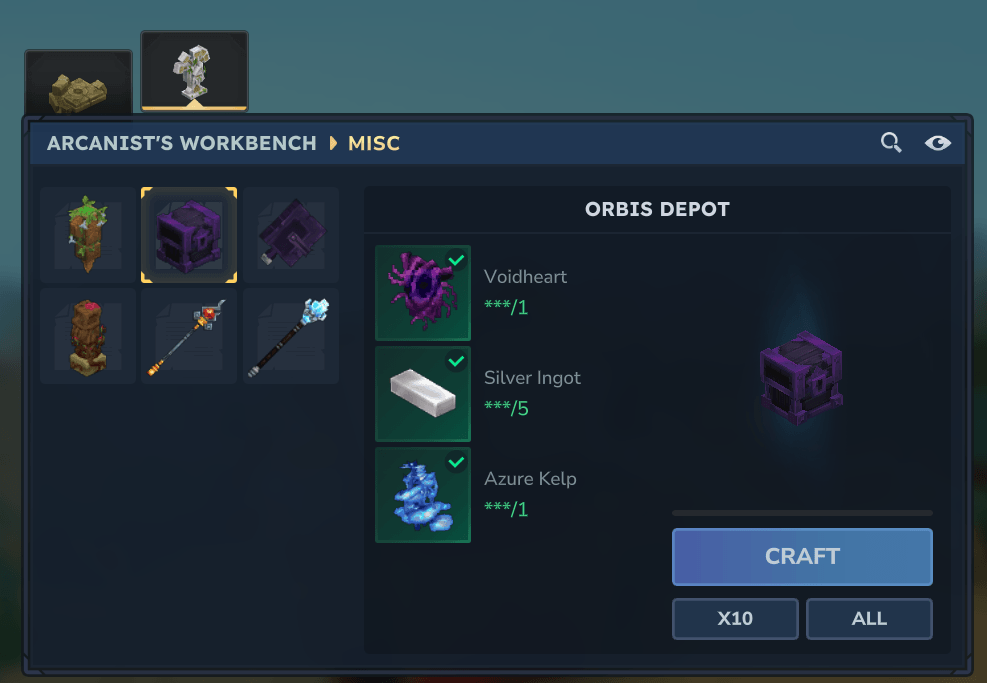
Crafting the Orbis Depot chest
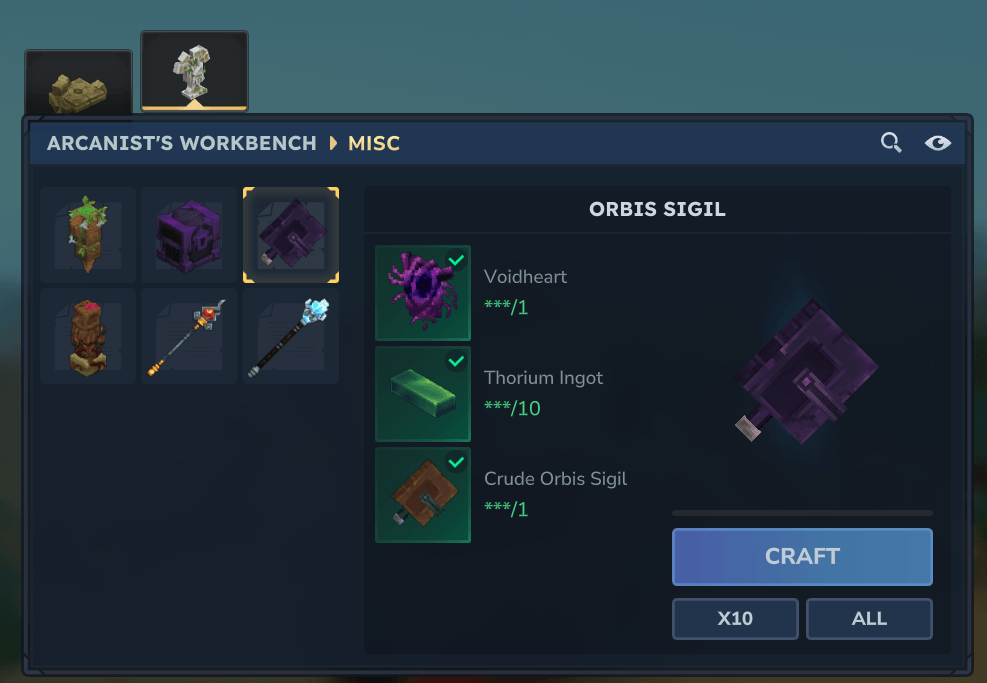
Crafting the Orbis Sigil book
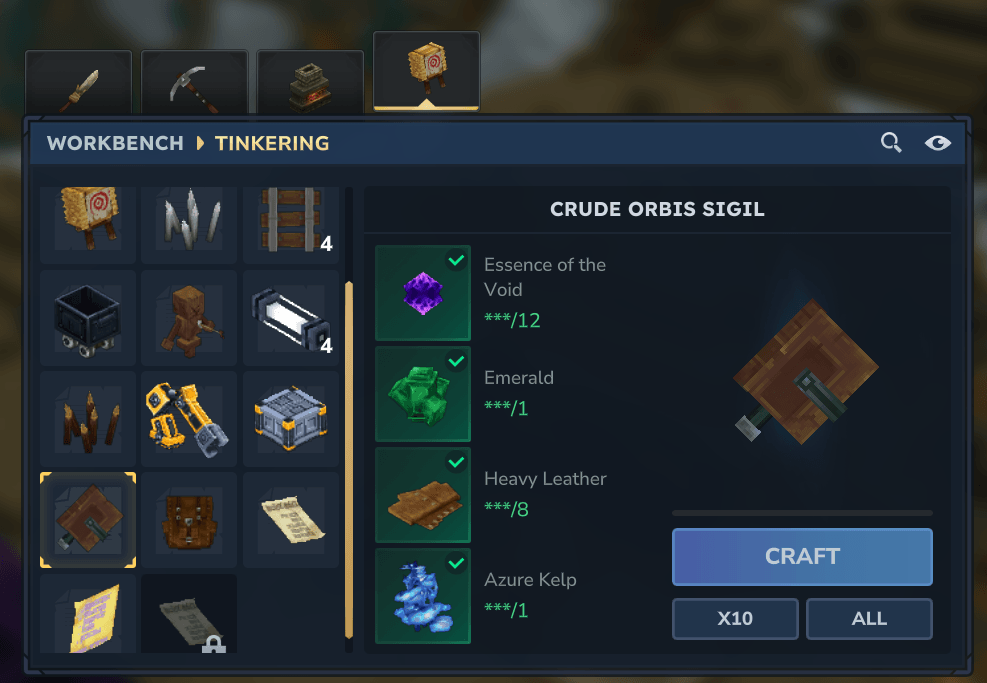
Crafting the Crude Orbis Sigil book
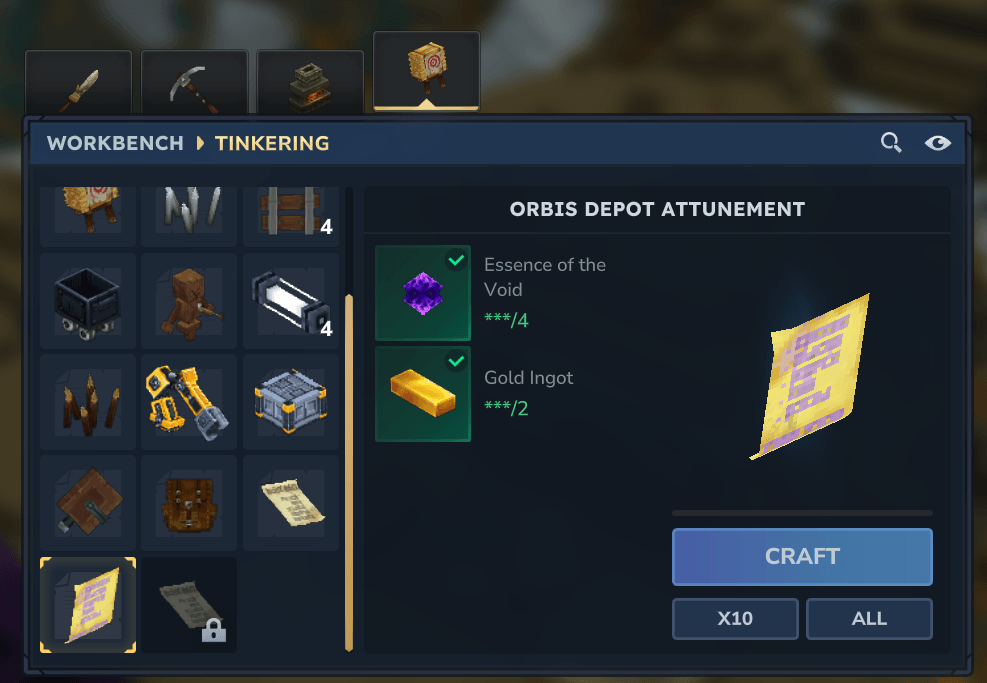
Crafting an Orbis Depot Attunement
Description
Orbis Depot
Hytale has a lot of items, have you ever tried collecting some of them on your journey just to end up throwing them away because you ran out of inventory space? If so, this mod is just for you! It adds a shared (per-player) void storage system. Think of it as a magical network that let's you store a stack of each item. Inspired by Satisfactory's Dimensional Depot.
What this mod adds
- Orbis Depot: a placeable chest block that uploads items into your personal void storage.
- Orbis Sigil: a hand-held book to manage storage from anywhere.
- Crude Orbis Sigil: a cheaper version of the Orbis Sigil that is slower and doesn't have crafting integration or auto-replenish.
- Orbis Depot Attunement: a crafting recipe that allows you to link your Orbis Depot to that of another player.
- Pocket crafting integration: if you have a Sigil in your inventory, crafting can pull ingredients from void storage.
- Auto-replenish placed blocks: also with Sigil, your placed blocks can be topped up from storage.
- Automation-friendly: designed to play nicely with external storage/network mods.
- Progression System: you can double storage capacity and/or deposit speed thru the Orbis Sigil for Voidhearths.
Showcase
You can deposit items from the Orbis Depot and Orbis Sigil

You can deposit items into the Orbis Depot using other storage mods


You can automatically replenish your placed items from your Orbis Sigil

You can take items directly from your Sigil when crafting

Upgrade your speed/storage from your Orbis Sigil

Attune other players' Depots to your Sigil and access their storage as well

And of course, you can easily take items from your storage

Configuration for operators
Item stacks per upgrade
The item stacks each upgrade of the Orbis Depot gives are configured thru the /orbisdepot set-upgrade-stacks.
It accepts an array of multipliers with the default being /orbisdepot set-upgrade-stacks 2,5,10,20.
The values take into account the base stack size for that item, if the item has a base stack size of 20, then with a upgraded multiplier of 5, you will be able to upload 100 of that item thru the Orbis Depot and 120 thru the Orbis Sigil (the Orbis Sigil always gives + 1 stack to the total to avoid players throwing items away when they have a full storage because their Orbis Depot's has that item automated).
The Voidheart cost for each storage upgrade tier is configured thru /orbisdepot set-upgrade-storage-cost, with the default being /orbisdepot set-upgrade-storage-cost 2,4,8,32.
Item upload speed per upgrade
The item upload speed boost each upgrade gives to the Orbis Depot are configured thru the /orbisdepot set-upgrade-speed.
It accepts an array of numbers where each divides the base speed of 2 seconds with the default being /orbisdepot set-upgrade-speed 2,3,4,8.
Keep in mind that the fastest possible speed is 250 milliseconds per upload, if you set a tier to be higher than the value 8 (since 2 seconds / 8 = 250 milliseconds), then it simply won't register.
The Voidheart cost for each speed upgrade tier is configured thru /orbisdepot set-upgrade-speed-cost, with the default being /orbisdepot set-upgrade-speed-cost 4,8,16,64.
Set how often the mod performs an update
I recommend to not set this value to a anything below 250 milliseconds, Hytale can only handle 1 action per tick, meaning that any update made by the user (such as clicking item slots to take/deposit items) can only happen if in a span of 33 milliseconds there wasn't another update sent to the client by the server. In other words by setting the update speed to 33 milliseconds (the lowest value), then the user won't be able to do anything inside the Orbis Depot's UI while a deposit is in progress.
In order to update the Orbis Depot's tick speed, use the /orbisdepot set-tick-speed command.
It accepts a number in milliseconds that can't go lower than 33 milliseconds.
This command changes how often the Orbis Depot checks if it should upload an item, as well as changing how often the progress bar is updated.
Set base upload speed of the Orbis Depot/Sigil
The same warning from the section Set how often the mod performs an update still applies here.
In order to update the Orbis Depot's base upload speed, use the /orbisdepot set-base-speed command.
It accepts a number in milliseconds that can't go lower than the tick speed.
There is also a /orbisdepot set-crude-base-speed command that does the same thing, but for the Crude Orbis Sigil, since it uses a 4 seconds timer by default.
Permissions
By default, the Adventure group is granted:
orbisdepot.depot.useorbisdepot.sigil.use
The Orbis Depot Team