Music Box
- By
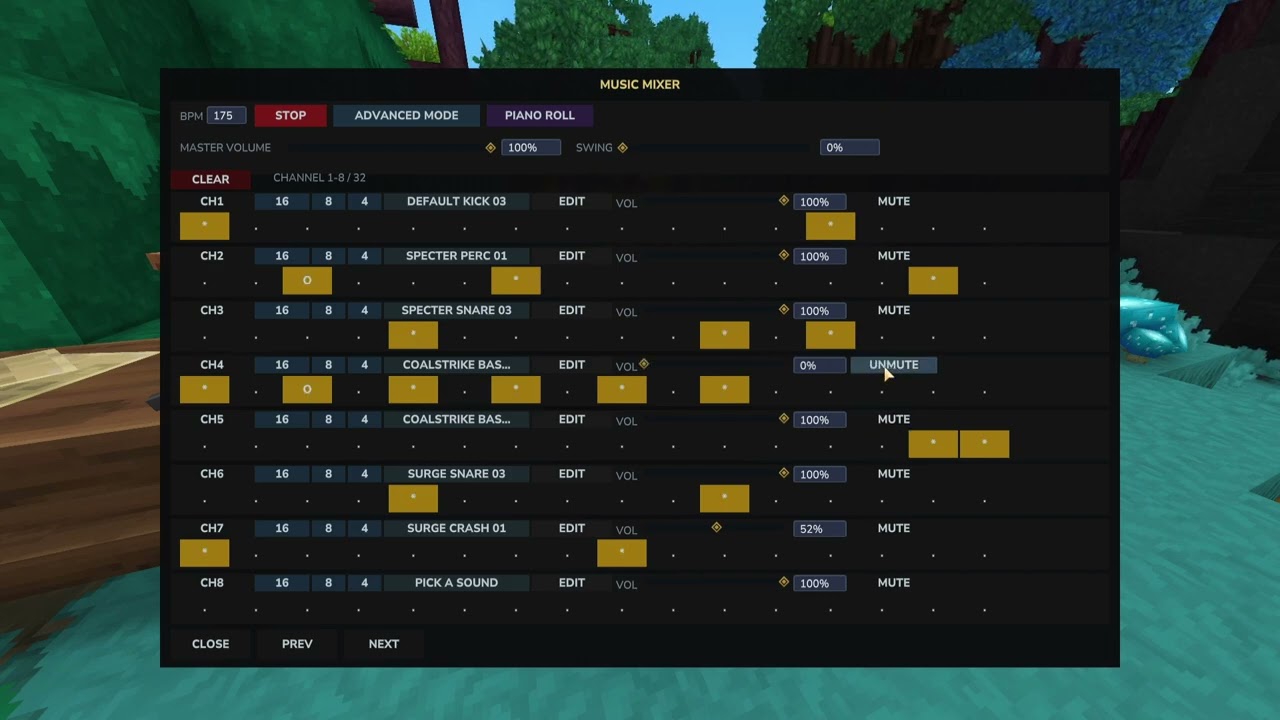
MusicBox3.png
MusicBox1.png
MusicBox2.png
Description
Music Box: Effortless Music Creation for Hytale
Compose, Play, & Share Music.
Bring your world to life with your very own music, no music theory or experience required!
Overview
Music Box is a beat making mod for Hytale, designed to be very user friendly. Whether you’re a seasoned musician or just want to have fun with friends, Music Box lets you create catchy beats and songs in seconds. Its intuitive interface and powerful features make music production accessible to all players. No prior knowledge required. The main goal of this mod is to let people discover how fun it is to play with audio.
Features
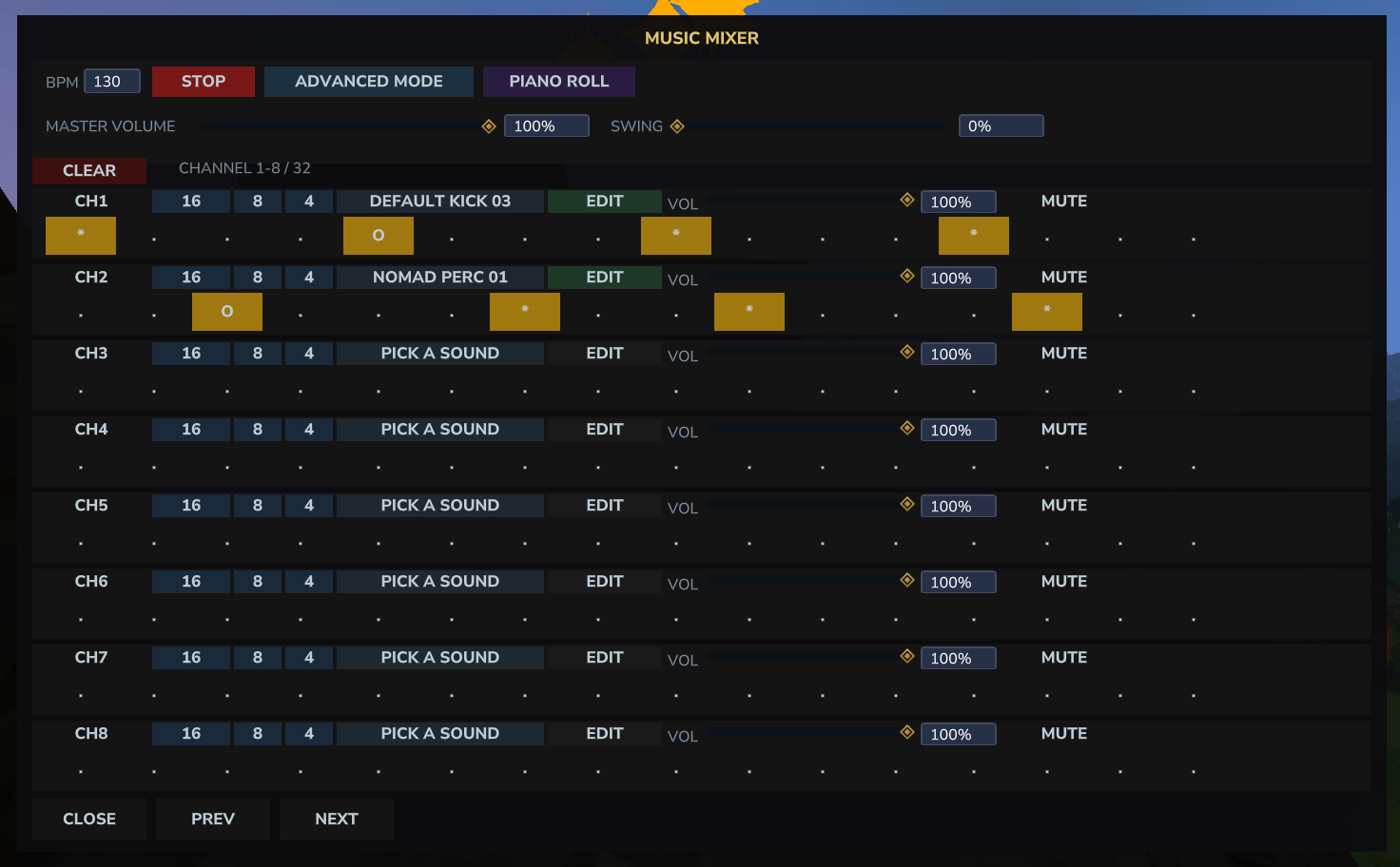
- Simple, Intuitive Editor featuring a 32 channel step-sequencer with 16 clickable steps on each channel. You can pick any sound on any channel. Instantly start composing music with a user-friendly interface. No learning curve.
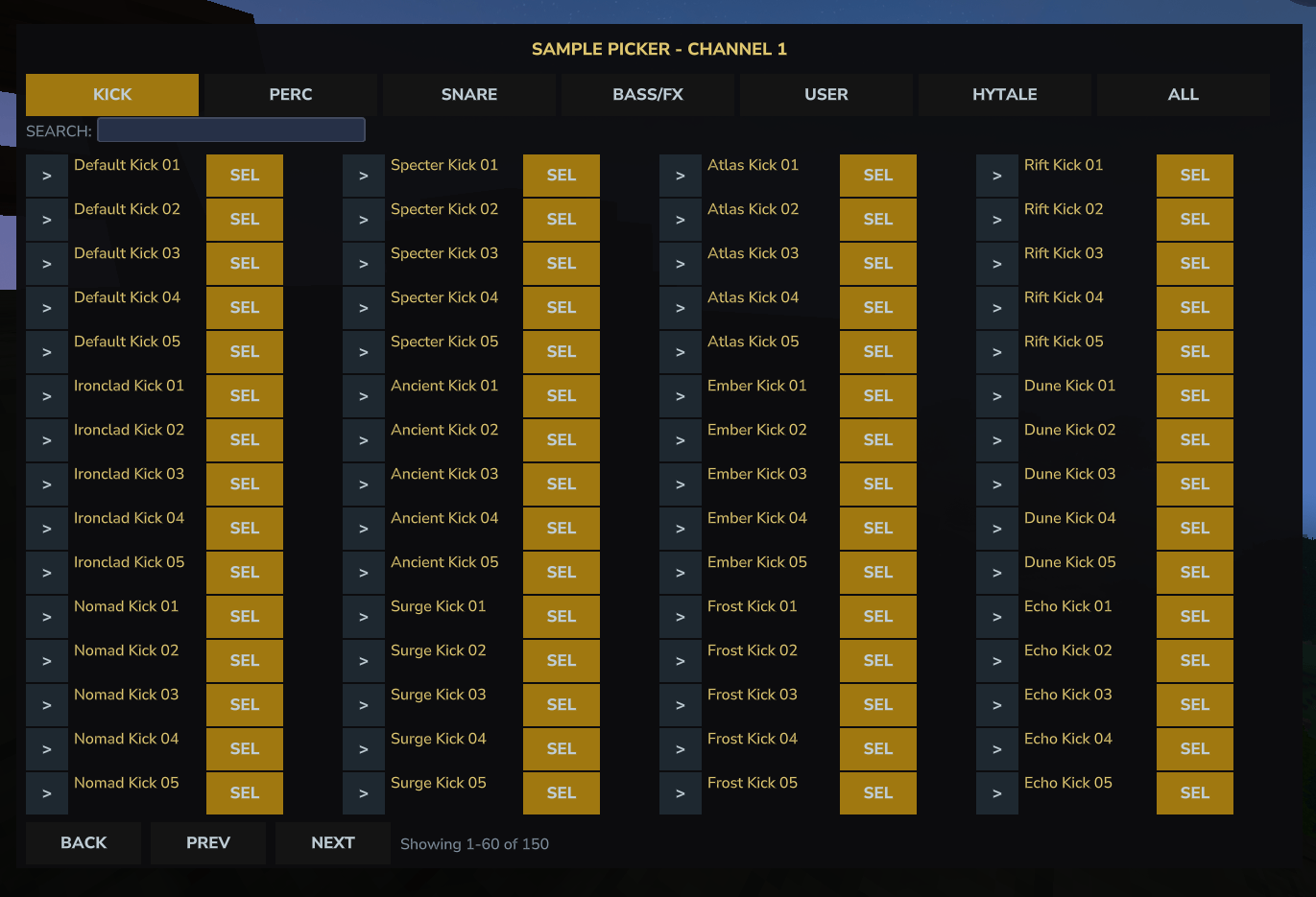
- The Sample Picker UI lets you browse and easily search through all the sounds with a playback preview option.
- Save your own manipulated sounds to the USER tab in the Sample Picker UI.
- Custom Instruments & hundreds of sounds to choose from. Also has all native Hytale sounds available.
- Live Playback. You and friends can hear music creations in real time as you compose them.
- Manipulate Sounds: Change pitch, volume, tempo and swing of each individual sound.
- Pick any BPM (Beats Per Minute) Tempo ranging from 60 to 300 for you beat.
Getting Started
- Install the Mod
Place the Music Box mod file in your Hytale mods folder. - Craft the Music Box
You can craft the Music Box in a normal Workbench in the Crafting Tab. Recipe: 6 Wooden Planks, 10 Yellow Crystal Shards, and 2 Golden Ingots. You can also grab the Music Box in Creative Mode. - Place the Music Box
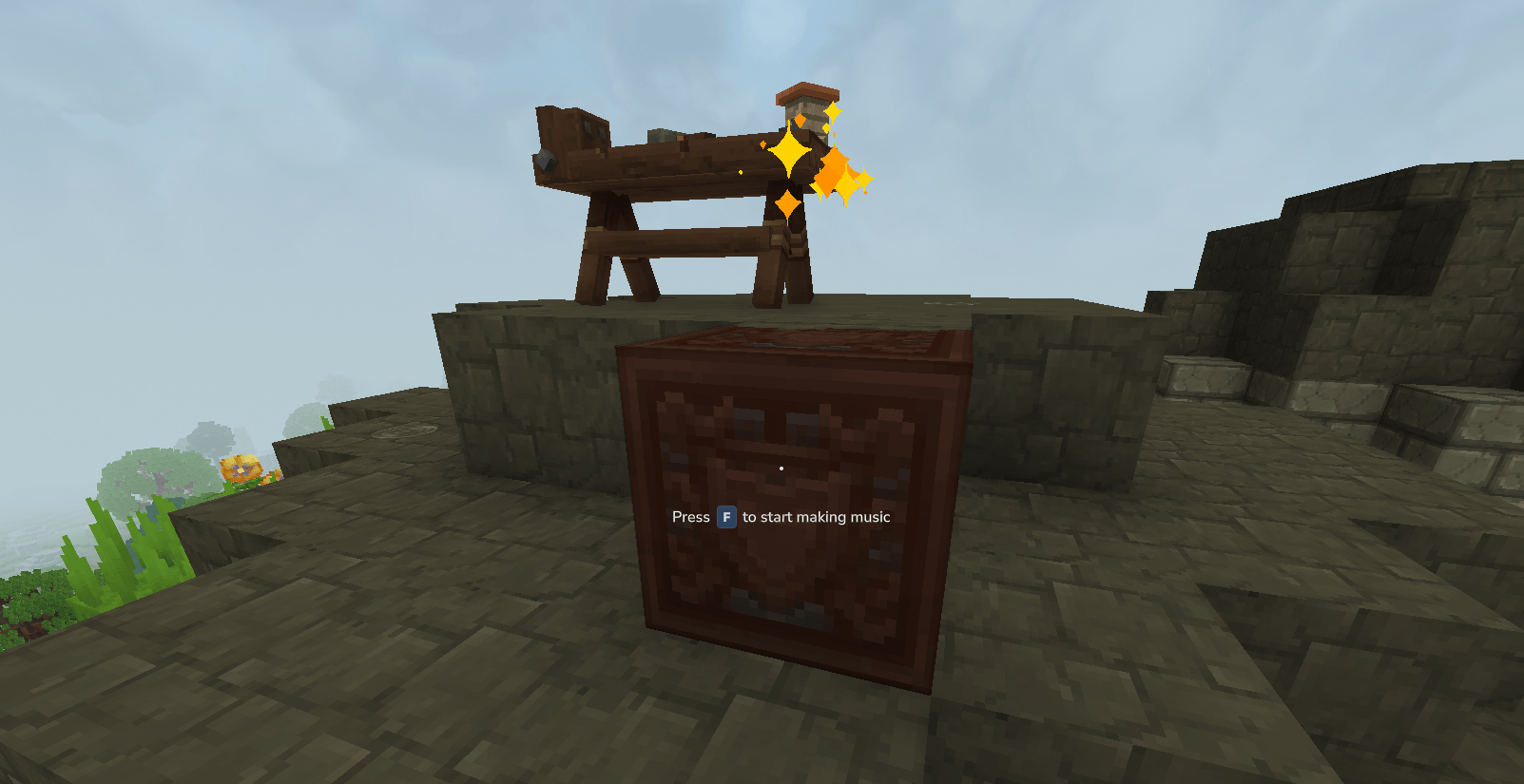
Place the Music Box in any location you desire and press [F] to interact with the Music Box to open the Music Mixer UI. - Start Composing
Click ''Pick A Sound'' on any channel to open the Sample Picker UI, you can preview the sounds. Use the TABS at the top to browse different categories. Do this for several channels. E.G. Pick a Kick, Percussion and Snare/Clap you think sound nice together. Click steps (notes) in the channels with your picked sounds. Press Play. Magic. - Enjoy the process and have fun!
Congratulations, you have officialy made your first simple beat with Music Box!
Support & Feedback
Have any questions, suggestions, or need help?
Please leave a comment below!
Developer Notes
Due to the limitations of the Hytale Engine this mod was not really feasible to be developed in the first place, but I decided to make it anyways. The Music Box plugin implements a precision step sequencer on top of Hytale's server-side sound architecture. Despite aggressive scheduling optimizations (spin-loop timer, ~50µs dispatch accuracy), the system is fundamentally constrained by the audio pipeline beneath it.
Why timing can't be DAW-tight (like Fruity Loops Studio or Ableton):
- Sound packets travel over the network (adds 1–100ms depending on your connection).
- The Hytale client processes packets on its game tick, adding up to ~50ms of quantization.
- OpenAL Soft (Hytale's audio engine) runs in WASAPI Shared mode by default, adding another ~20–40ms of OS-level mixing buffer.
- There is no feedback path. The server cannot know exactly when your client played a sound.
Real-world timing floor: On a local server with good conditions, beat jitter is roughly 10-20ms. Over the internet, expect 30 -60ms. At 120 BPM a 16th note is 125ms, so the sequencer feels pretty tight but is not 100% sample-accurate.
Roadmap
- If Hytale allows this in the future: Tighter playback using WASAPI exclusive / ASIO.
- Full implementation of The Piano Roll: with 5 octaves that lets you create melodies in an FL-Studio inspired Piano Roll.
- Full implementation of Advanced Mode: Using STRUDEL.CC type mini-notation for deeper and more flexible control of note timings, adding another layer to enhance the beat making workflow. The basics already exist within the mod, there is an Advanced Button that is fully functional and lets users edit notes in STRUDEL mini-notation (https://strudel.cc/learn/mini-notation/)
- A button to save all channels to a single new pattern.
- Composition UI that lets you compose patterns into a full song.
- Connect and link music boxes with friends to work on beats together in real-time.
- Export option to export a full song to a disc-item that can be inserted in the Music Box to play other peoples songs.
- Add More Sounds.
Music Box Team