InfoHud
- By
Always know where you are. InfoHud shows your coordinates, target block, mob info and zone as a clean overlay — just install and play.
print hytale02.png
print hytale03.png
print hytale04.png
print hytale05.png

print hytale.png
Description
InfoHud is a Hytale server mod that displays a compact HUD overlay with coordinates, target block, mob info, and zone — always visible, always up to date.
⭐ Features
- Live coordinates — X, Y and Z always visible, color-coded by axis
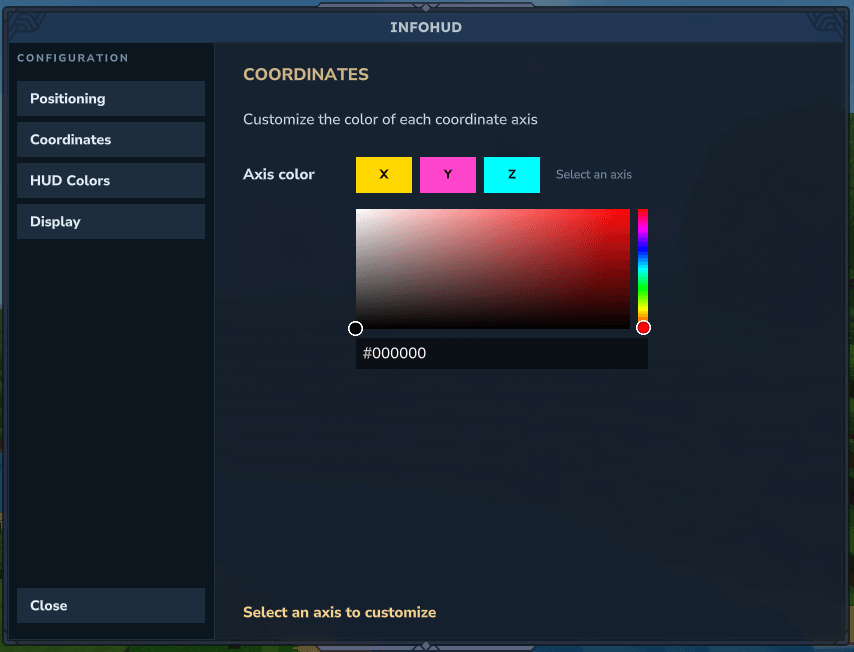
- Custom axis colors — pick individual colors for X, Y and Z from the Coordinates section
- Target block — shows the name of the block you're looking at
- Mob info — displays the mob's name and current HP when targeting an entity
- Zone & biome — shows your current zone and biome at a glance
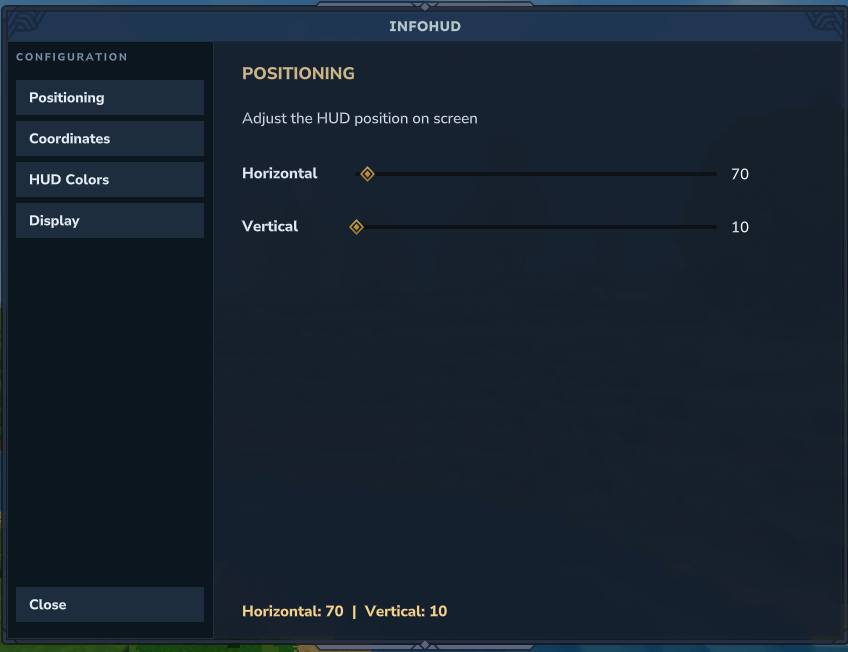
- Configuration UI — type /infohud to open the settings panel
- HUD positioning — drag the sliders to place the HUD anywhere on screen, live
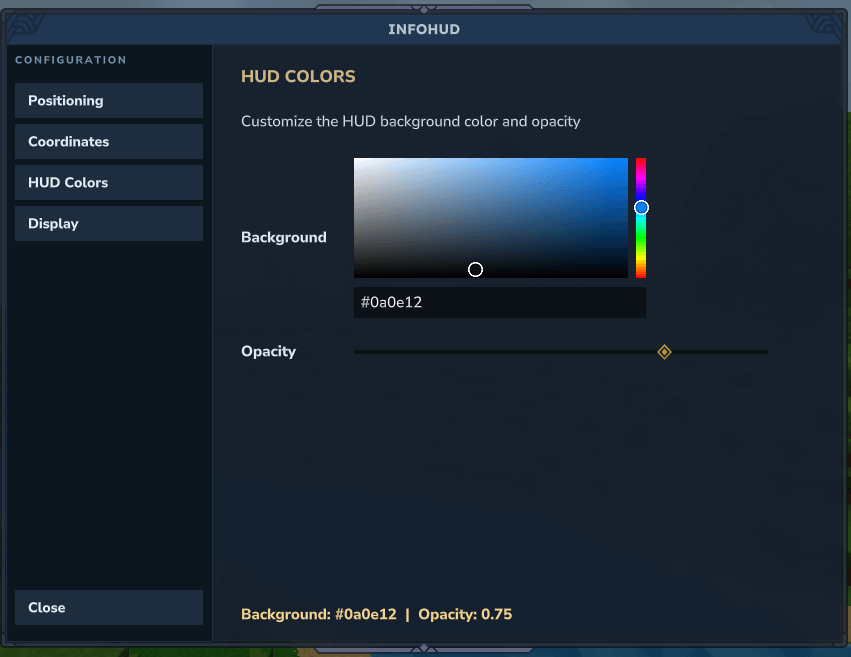
- HUD Colors — pick any background color with the native color picker and adjust opacity
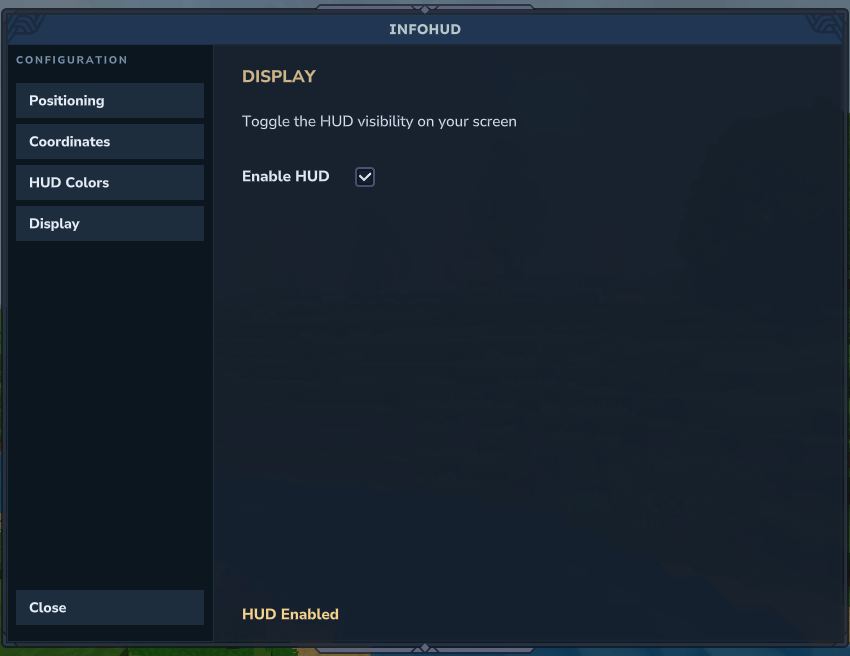
- HUD toggle — enable or disable the HUD per player from the Display section
- Persistent settings — your configuration is saved and restored automatically between sessions
- Zero performance impact — pure native ECS, no external scheduler, no memory tracking
⬇️ Installation
- Download the latest InfoHud.jar
- Place it in your server's UserData/Mods/ folder
- Start the server — no configuration needed
🧭 How It Works
- Join the server — the HUD appears automatically for every player
- Look at a block to see its name in the second line
- Look at a mob to switch to entity mode — name and HP replace the block info
- Zone and biome update as you explore the world
- Type /infohud to open the configuration panel, adjust position, colors, axis colors, opacity or toggle visibility
📋 Changelog
v1.5.0 — Coordinates section with per-axis color picker and live swatch preview
v1.4.0 — HUD Colors section with native color picker and opacity slider
v1.3.0 — Display section with per-player HUD toggle via /infohud
v1.2.0 — Player settings now persist between sessions via JSON
v1.1.0 — Configuration UI with live HUD positioning via /infohud
v1.0.0 — Initial release — coordinates, target block, mob info, zone & biome
✔️ Compatibility
- No dependencies
- Compatible with other mods
InfoHud Team