Description
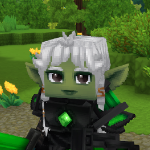
Have you ever wanted to change your ENTIRE appearance while in-game? Now you can!
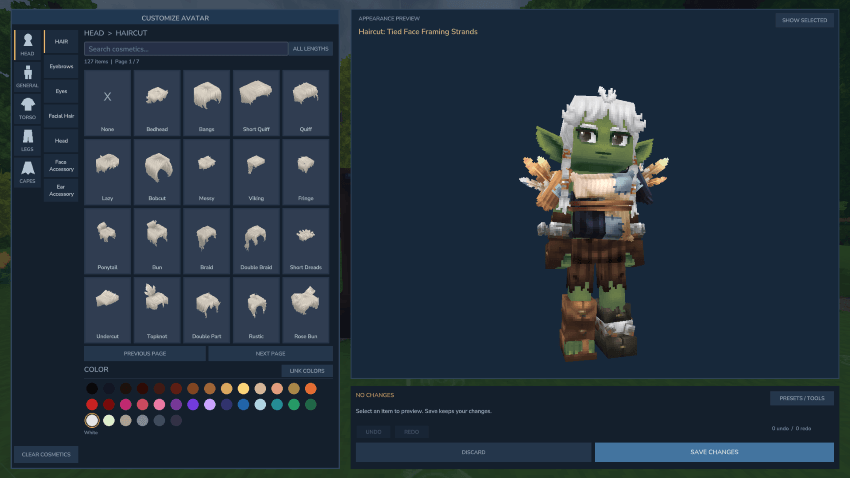
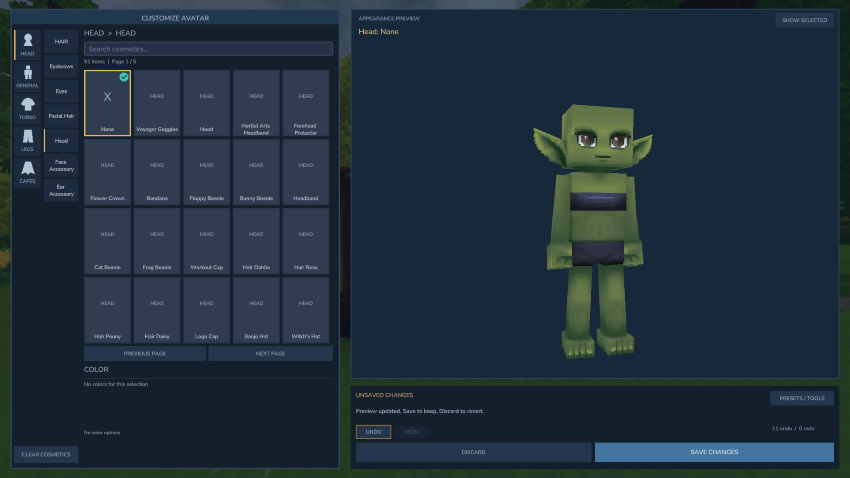
The Experimental In-Game Wardrobe plugin allows you to change your character appearance via an in-game character editor without overriding your base Hytale avatar presets. Build, randomize, perfect, and have fun! As always, let me know if you run into any bugs! 🐛
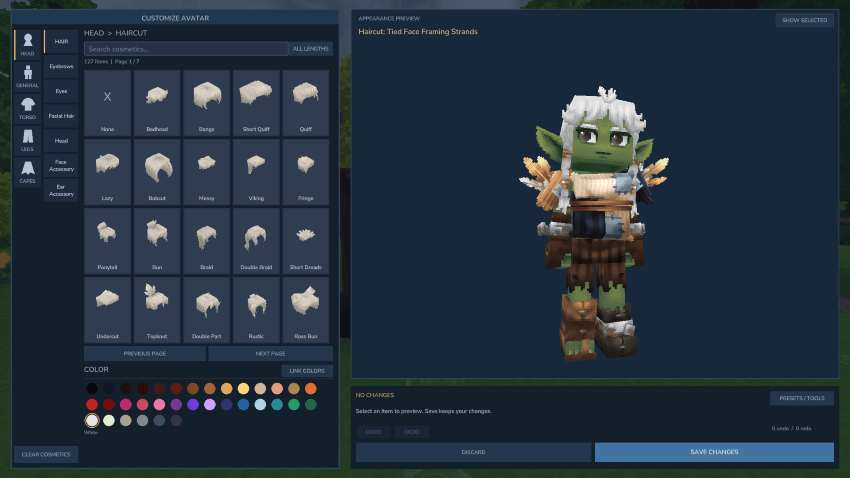
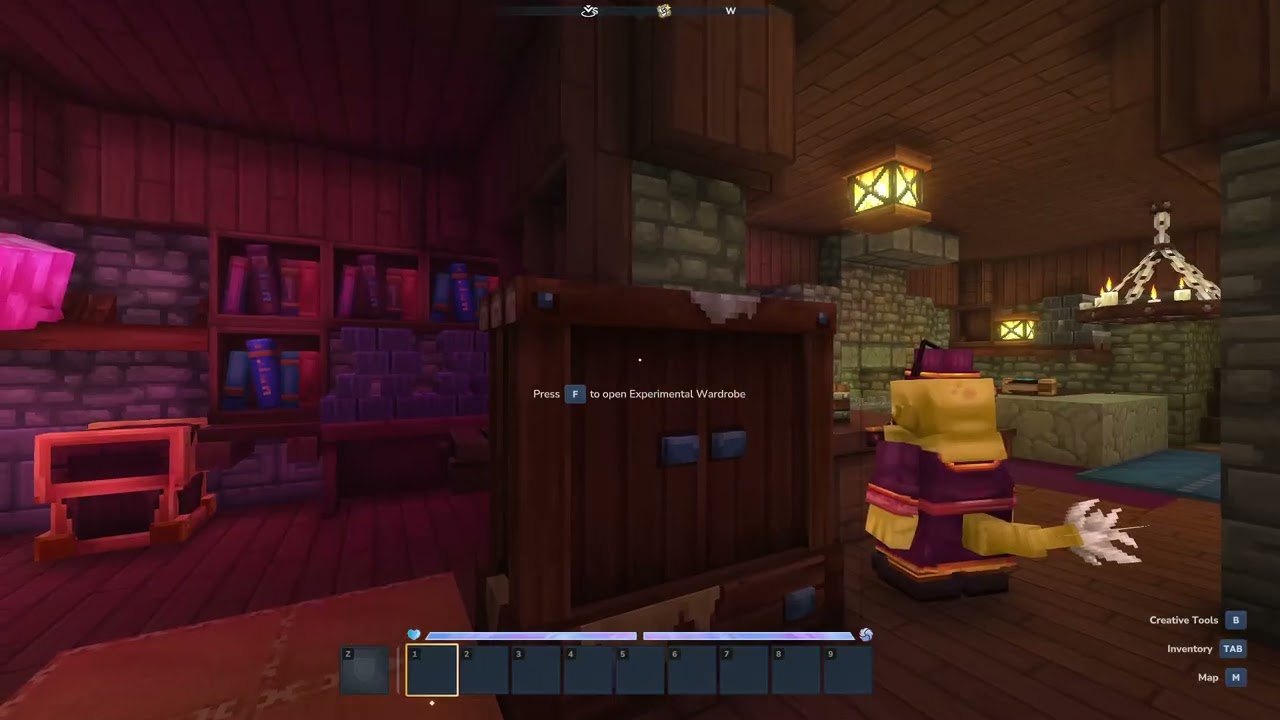
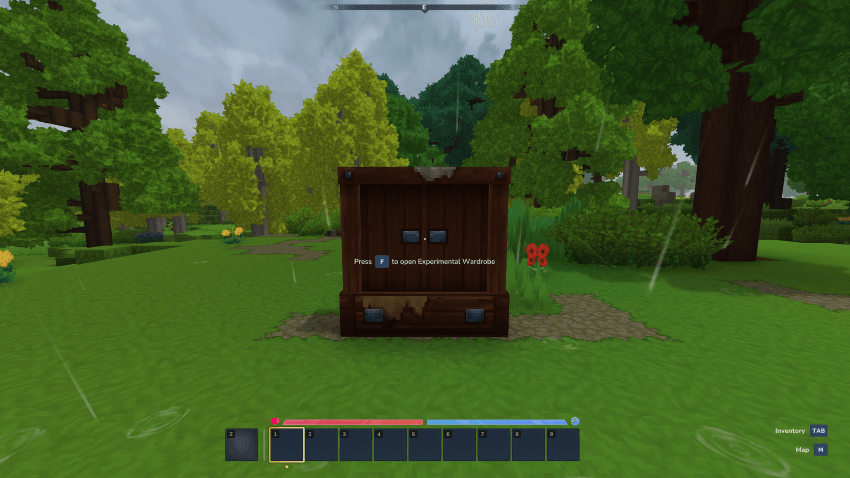
To open the wardrobe, type /wardrobe into chat. Version 1.9.7 also introduced the Experimental Wardrobe item that can be placed and used to access wardrobe functionality.
Current Status: All basic core functionality of the Hytale character creator has been reproduced. Hairstyles are the most complete right now with thumbnail previews. You should be able to:
- Alter all cosmetic items, including color changes
- Save character appearance presets
- Randomize character appearance
- Clear cosmetics
To Do: Hide armor automatically when opening the wardrobe. Build out thumbnail functionality for other categories, and find a better way to load them. Ability to load custom cosmetics, equip multiple cosmetics in the same slot, and two-tone hair colors.
v.1.9.30 Changelog:
- Added support for Wardrobe API functionality
- UI improvements for tools
v.1.9.24 Changelog:
- Updated item icon handling and generation rules
v.1.9.19 Changelog:
- Preloaded icons for all cosmetic slots; color changes generated on preview model only
- Removed 'Test Portraits' and 'Build Live Head' experiments
- Removed color previews for hairstyles to reduce plugin size / improve responsiveness
v.1.9.15 Changelog:
- Added ability to show/hide armor slots; amor visibility must be set to 'Show' in inventory
- Includes 'Test Portraits' and 'Build Live Head' experiments
Experimental In-Game Wardrobe Team