hlAuth
- By
A full-fledged authorization plugin for Hytale servers. Support Discord/Telegram/TOTP/Offline Accounts
Description
hlAuth — authentication for Hytale servers
A full authentication plugin for Hytale servers. Until a player logs in or registers, they cannot play normally, use chat, or break/place/drop items.
Sponsor: hlauncher.com
Who it's for
- Online servers with open or mixed access
- Servers with both Premium and offline players
- Admins who want a familiar register → login flow, with optional Telegram/Discord confirmation and TOTP 2FA
Features
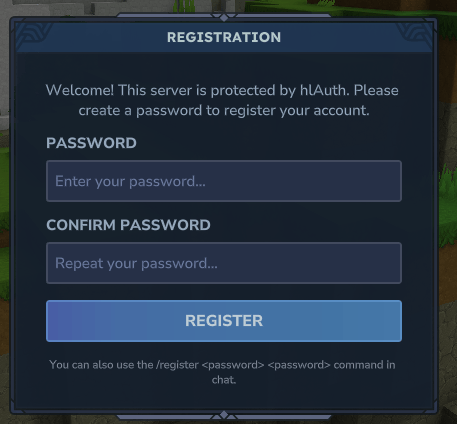
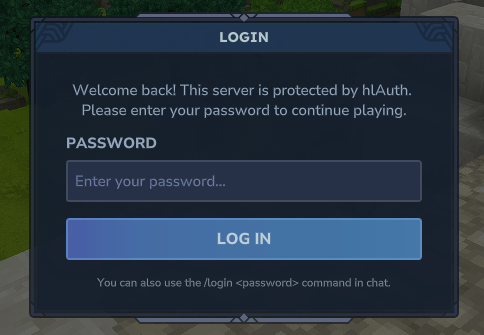
- Registration and login via native Hytale UI menus (the menu cannot be closed until authenticated)
- The same actions via commands:
/login,/register,/logout,/changepassword,/unregister - Support for Premium and offline accounts
- Optional Premium verification via playerdb.co: auto-login for verified Premium players
- Auto-registration for Premium without a password (enabled in config)
- Anti-spoofing: offline players cannot take a Premium name and vice versa
- Sessions: on quick reconnect from the same IP, re-entering the password is not required
- Secure password hashes (bcrypt). Cost is chosen by a short startup benchmark; leftover PBKDF2 hashes from older hlAuth builds are upgraded on the next successful login
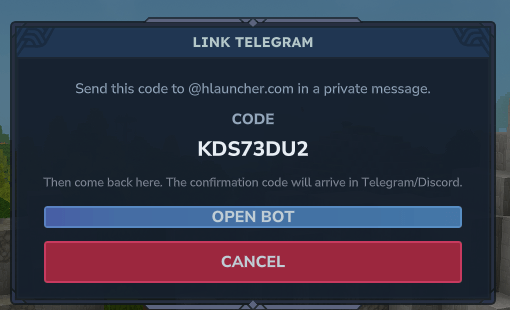
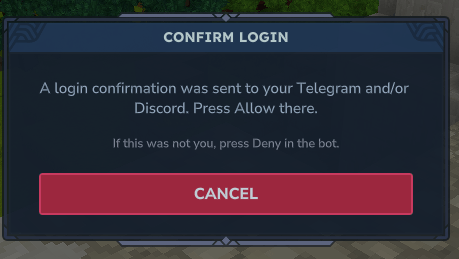
- Telegram and Discord: link an account, confirm logins in the bot, optional confirm-only mode, status / password reset / kick / block from the bot
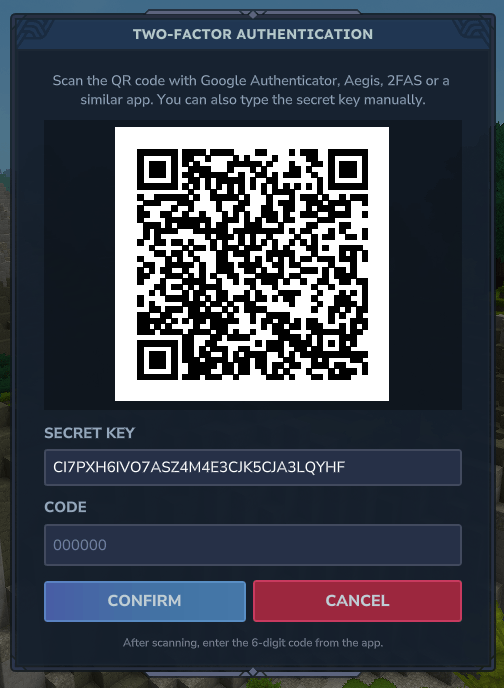
- Optional TOTP 2FA (Google Authenticator, Aegis, 2FAS) with QR, secret, and one-time recovery codes
- Admin commands
/hlauth: register, unregister, change password, info, reload, backup, 2FA reset, IP check, unlink messenger - LuckPerms permissions:
hlauth.player.*/hlauth.admin.* - Localization EN/RU (default English); all texts in
messages/ - Storage: embedded H2 (default), SQLite, or MySQL. JDBC drivers download on first start. Leftover
accounts.jsonis imported if the database is empty - GeoIP (City + ASN) and
/hlauth ipcheckfor shared/masked IPs - Commands after register/login (
[CONSOLE],[PLAYER],[WAIT]) - Account backups:
/hlauth backupand optional auto-backups
Configuration
After the first launch: mods/HytaleNet_hlAuth/config.yml. Bots have their own files: telegram-bot.yml and discord-bot.yml. Every option has English and Russian comments. You can toggle UI, Premium checks, sessions, login timeout, accounts-per-IP, chat protection, 2FA, bcrypt cost, and more.
Installation
- Copy
hlAuth-X.X.X.jarinto themodsfolder (remove older hlAuth jars) - Restart the server
- Configure
mods/HytaleNet_hlAuth/config.yml(and the bot yml files if you use Telegram/Discord)
Suitable for both private and public servers — one plugin covers authentication without extra complexity.
hlAuth Team