![Griddifycam [Player Camera Mod] logo](https://media.forgecdn.net/avatars/thumbnails/1661/249/64/64/639058145120460750.png)
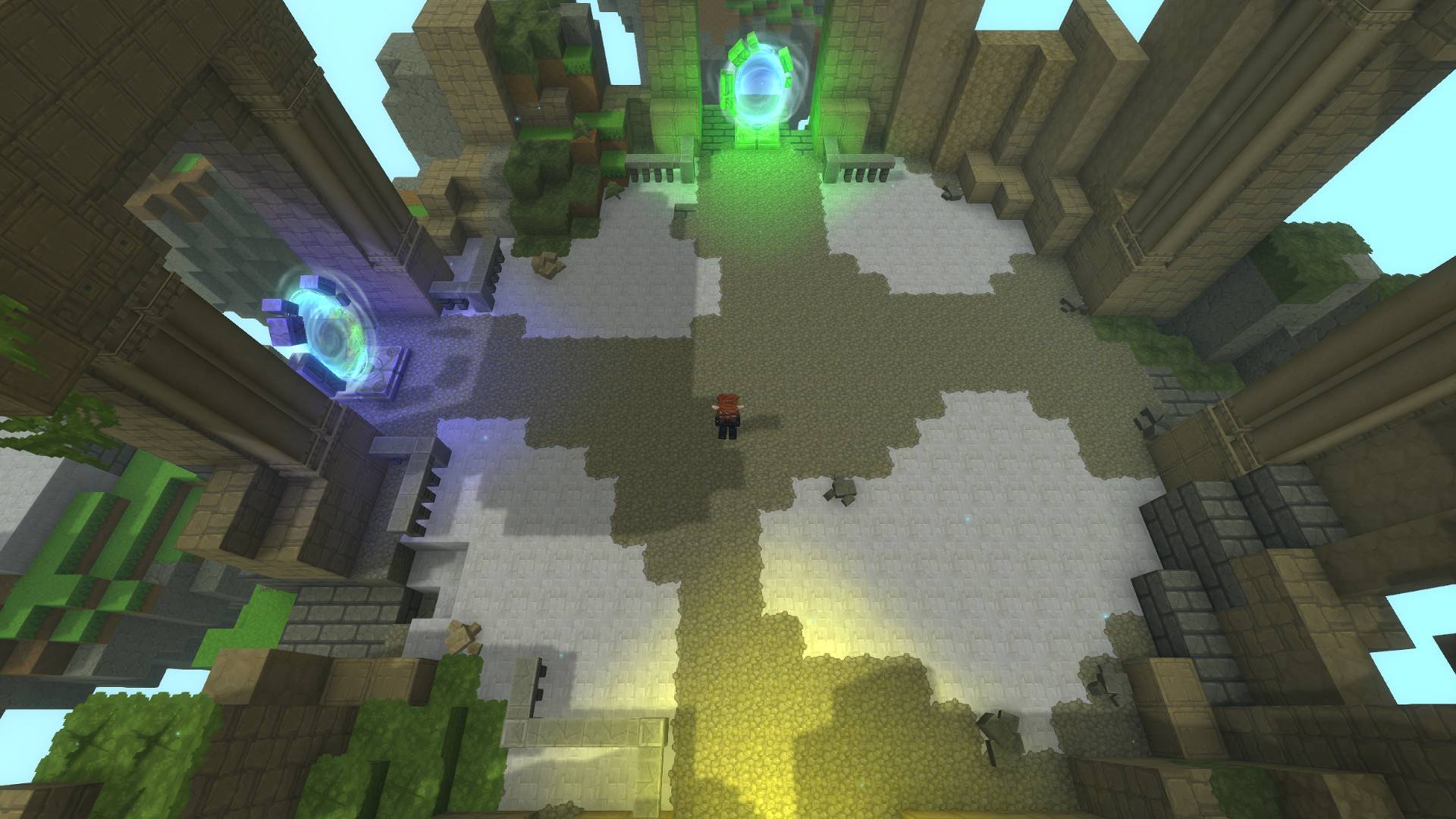
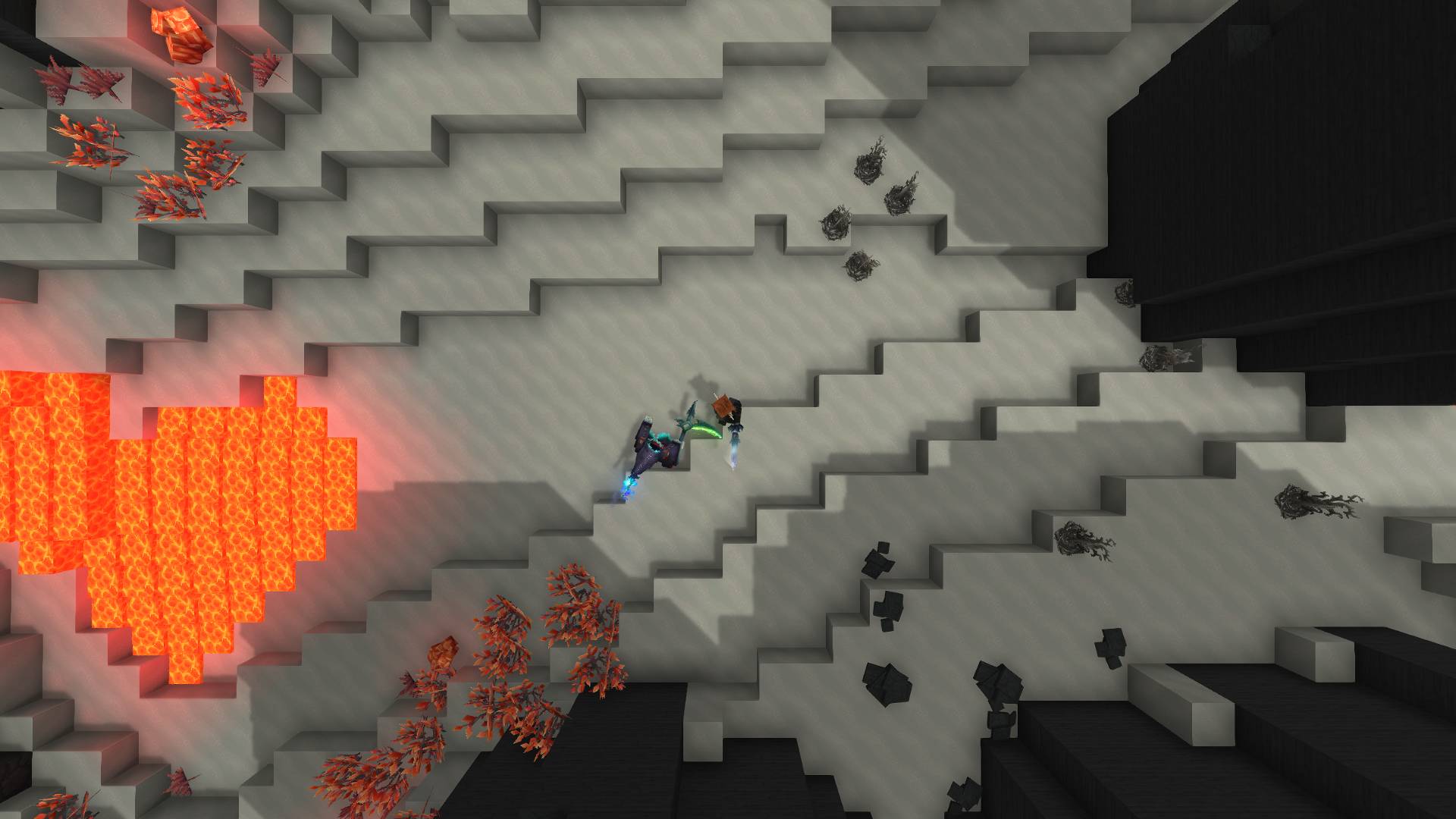
Topdown camera 1
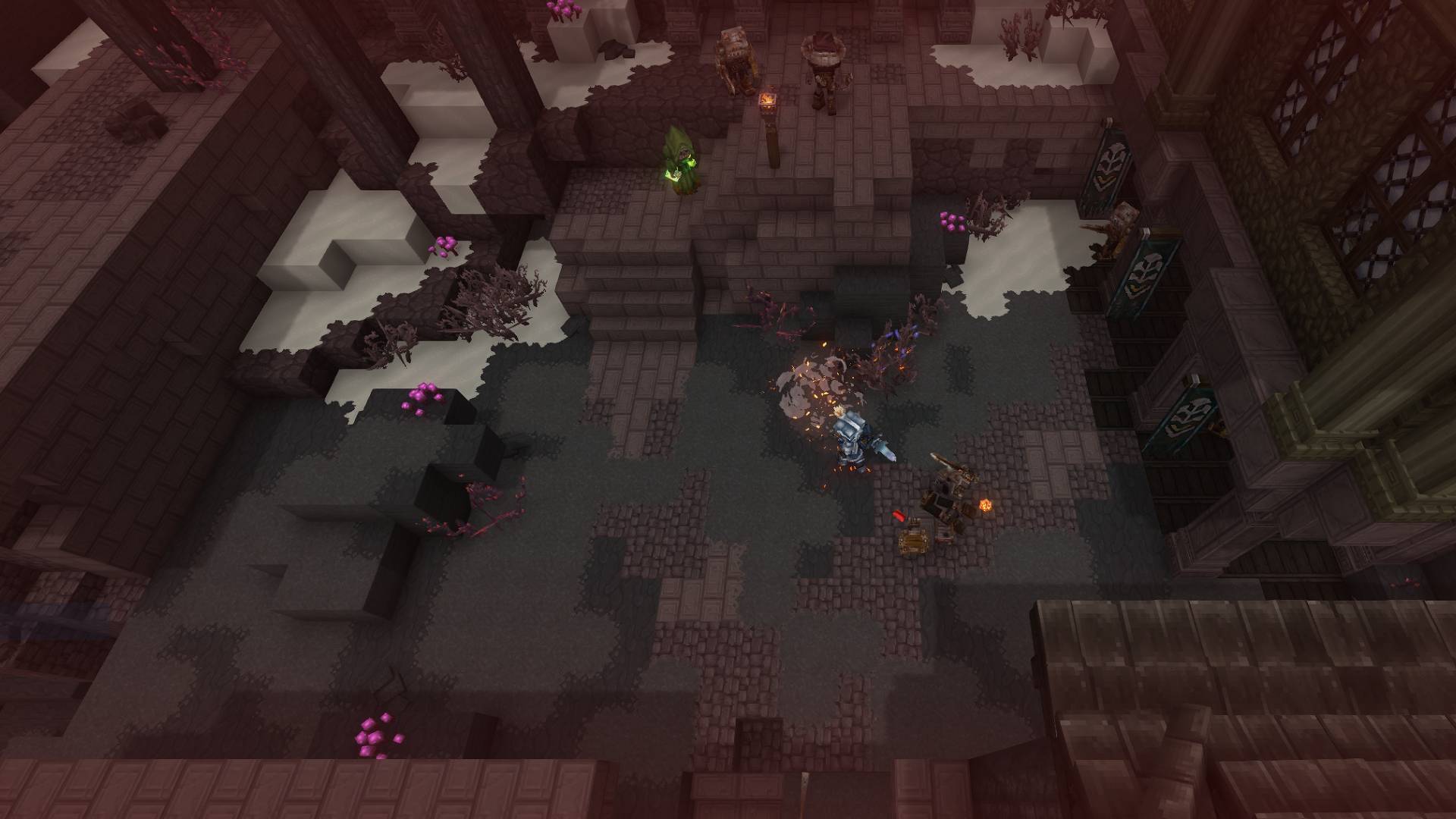
Angeled camera 2
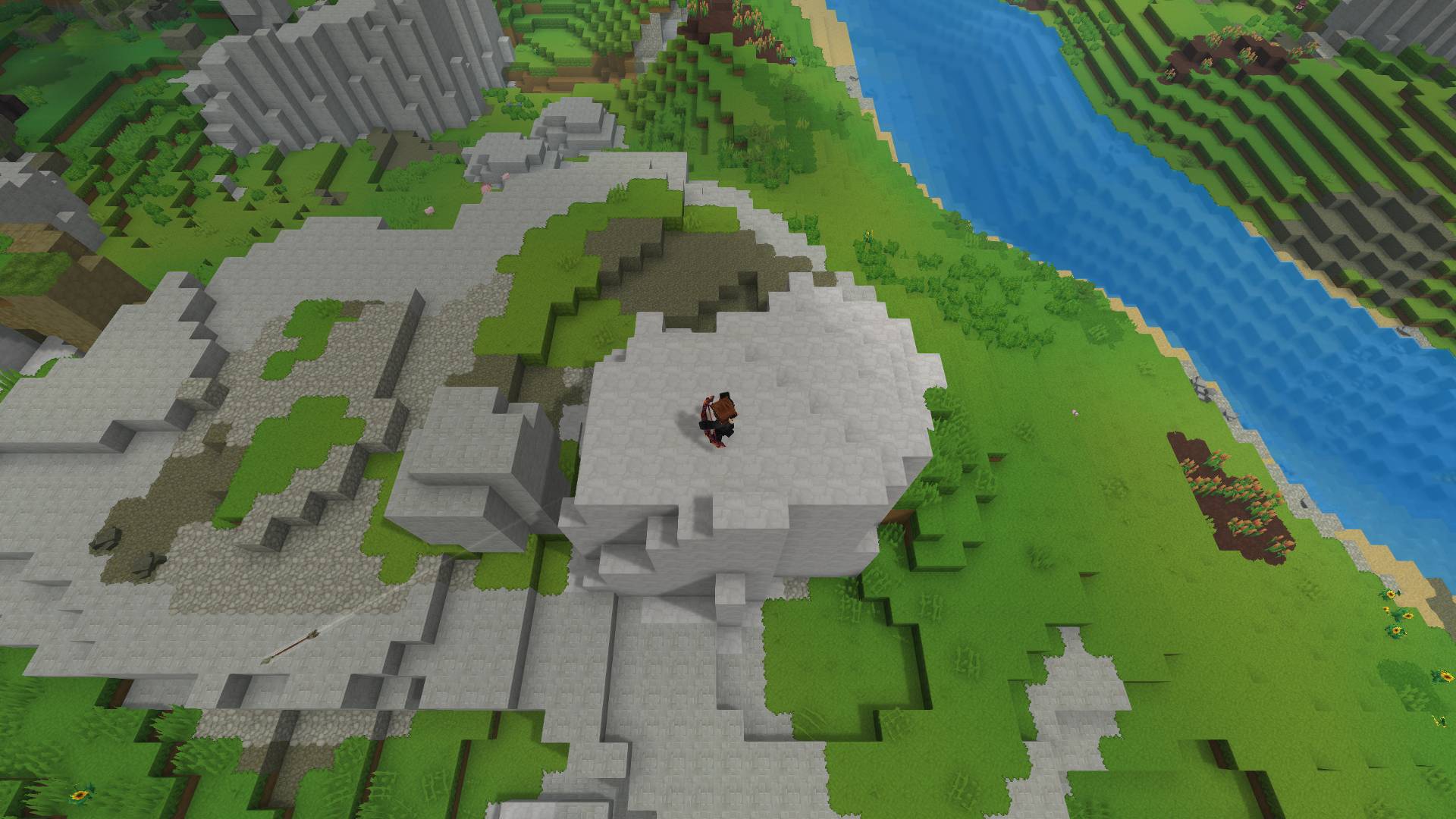
Angeled camera 2
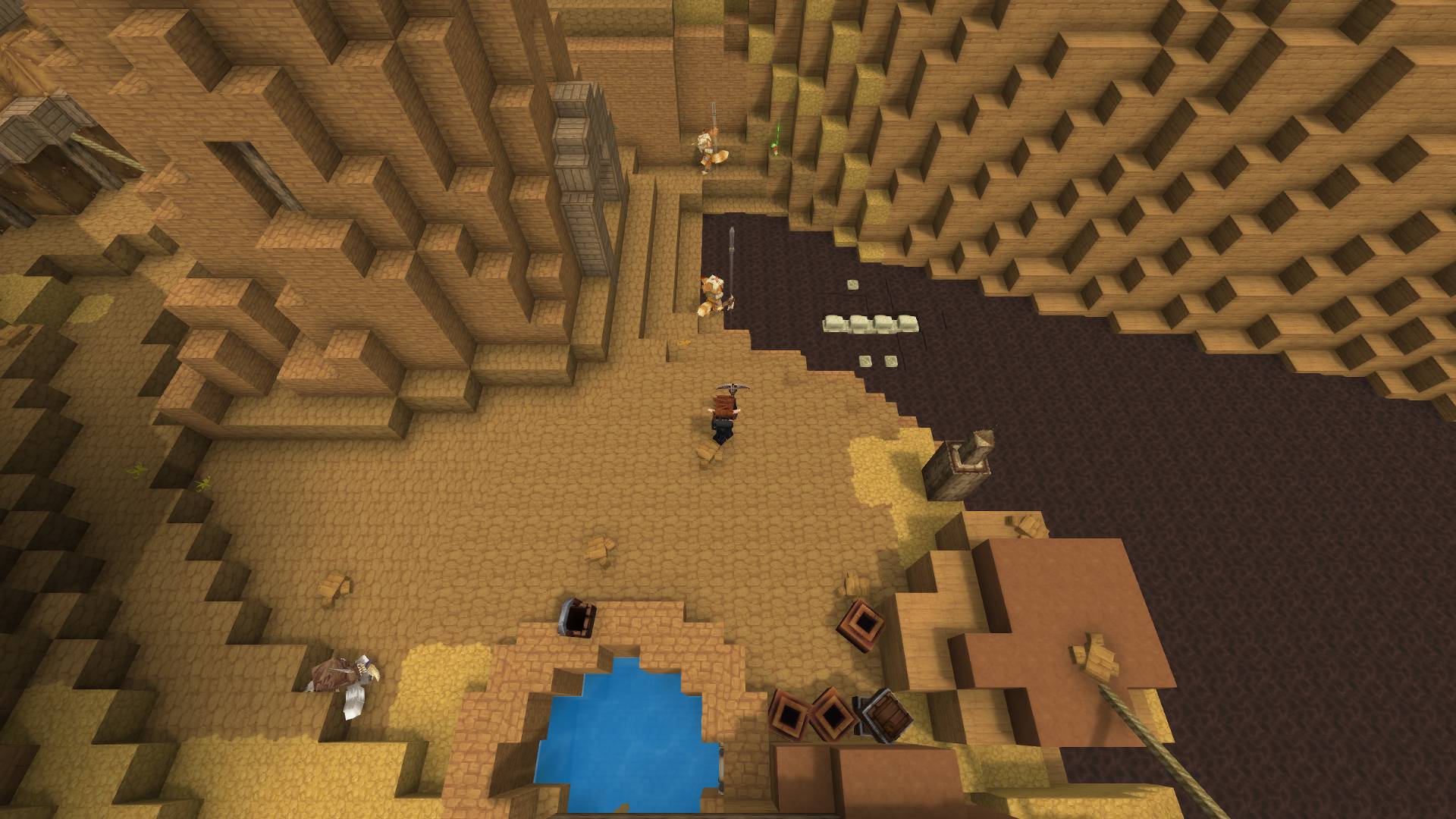
Angeled camera 2
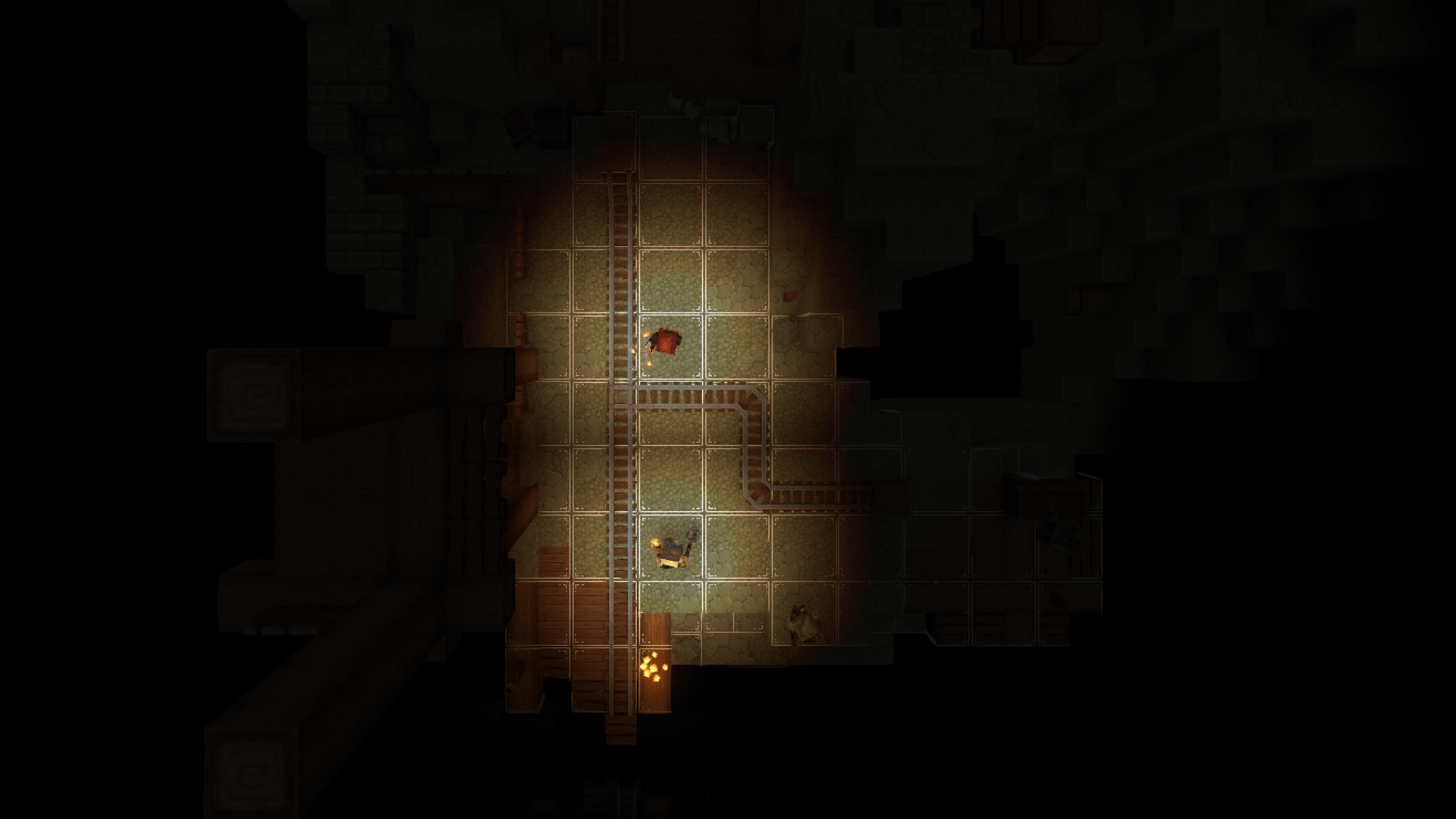
First test of my GriddifyCam and old Grid System I made with custom blocks
Description
This mod adds 2 new camera modes on top of the default Hytale camera for visually cool looking fighting experiences or overview shots.
🎥 Camera Modes:
- Camera 0 – Reset to default first-person camera
- Camera 1 – Top-down camera view
- Camera 2 – Angled top-down camera view
Use /gridcam <0|1|2> to change camera (camera follows mouse so u can run in all directions, with WASD only movement you would be forced to run only in one direction with W)
✨ Features:
- Repeat the same camera command to zoom the camera (to reset camera switch to different camera and back)
⚠️ Known Issues:
- Block placement does not work while using GriddifyCam cameras (due to current Hytale engine limitations in how block placement is handled with custom cameras)
- Game may crash when going through portals while a GriddifyCam camera is active (make sure to reset the camera (
/gridcam 0) before entering portals)
🛠️Plans:
- I won’t be adding more camera types unless they are needed for future projects
- This mod is one of multiple mods i plan to make for D&D style experience in Hytale
- Currently, this is the only released mod, but I’ve already started planning a grid / grid-based movement plugin
The Griddifycam [Player Camera Mod] Team