Gates of Orbis
- By
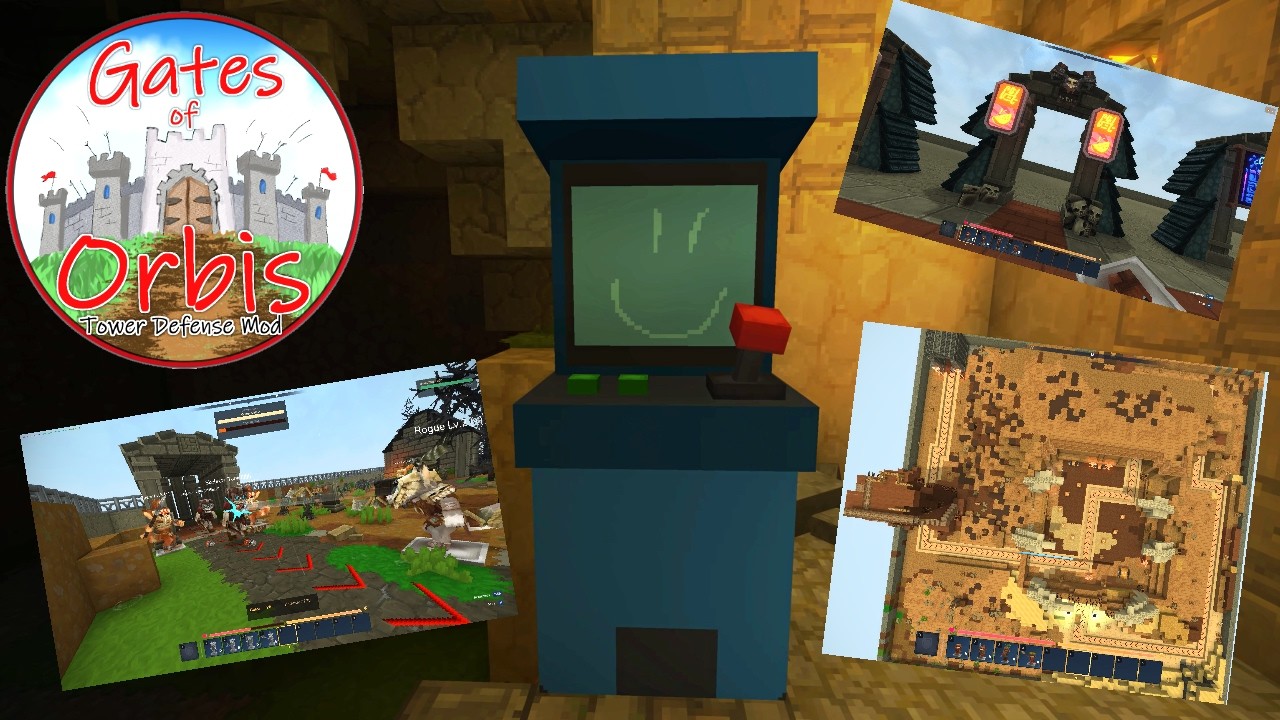
Defend Orbis against waves of enemies in this Tower Defense experience. Place turrets, level up your Commander, and hold the gates!
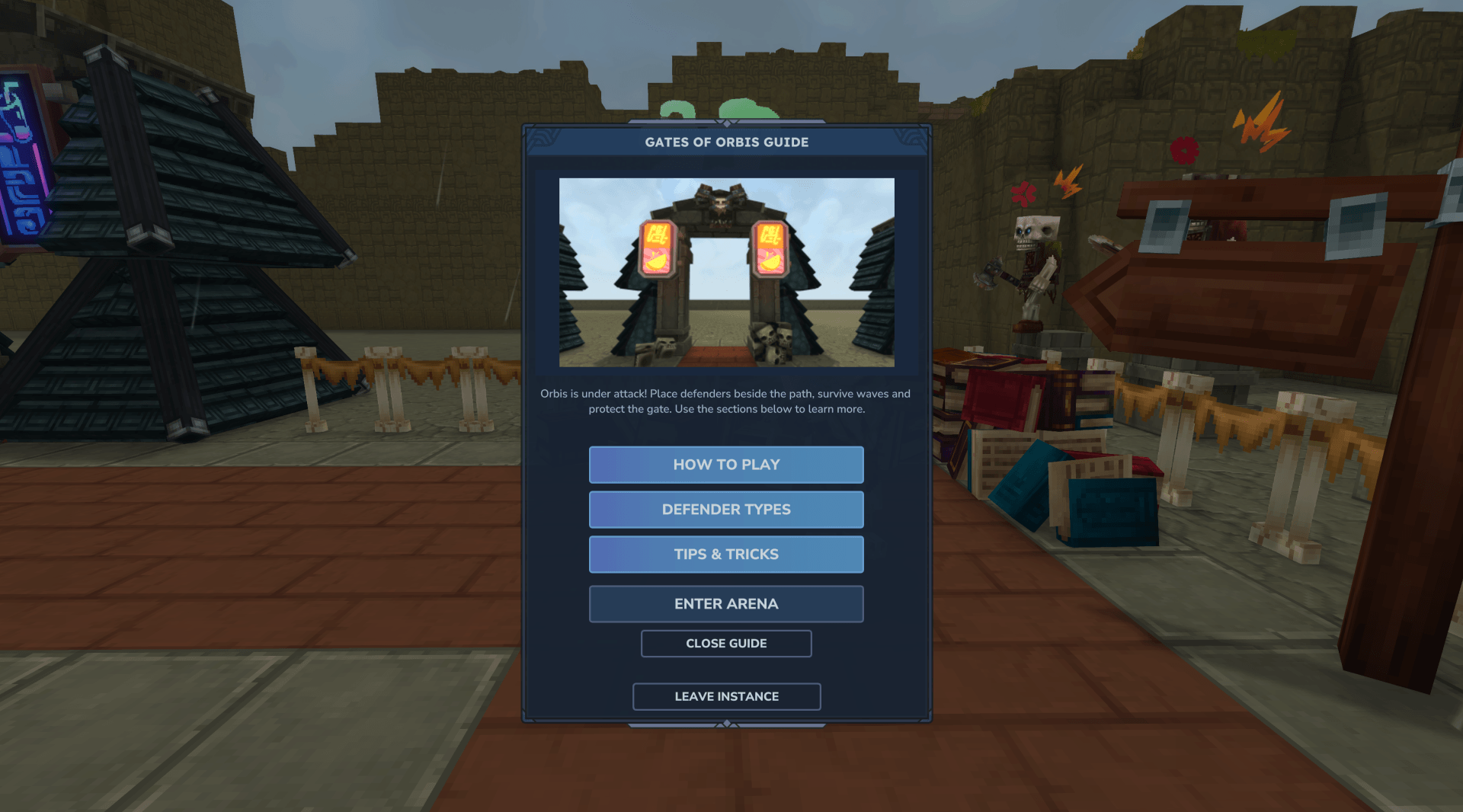
lobby_guide.png
match_result_page.png
craft_recipe.png
Description
Gates of Orbis ⛩️





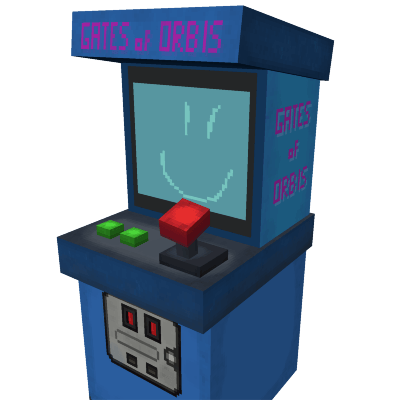
Gates of Orbis was created for the Hytale New Worlds Contest.
What Is Gates of Orbis? 🛡️
Gates of Orbis is a wave defense mod for Hytale.
You enter an arena, place defenders on fixed spots, and protect the gate from the waves of enemies. Between waves, you earn gold, upgrade your team, and adjust your strategy for the next attack.
The goal is simple and easy to understand:
- Place defenders
- Stop enemies
- Protect the gate
- Survive all waves
Each run is self-contained, so your normal inventory stays safe. When you enter a match, your items are saved. When you leave, they are restored.
This makes Gates of Orbis easy to jump into, easy to learn, and fun to replay.
Quick Start 🚀
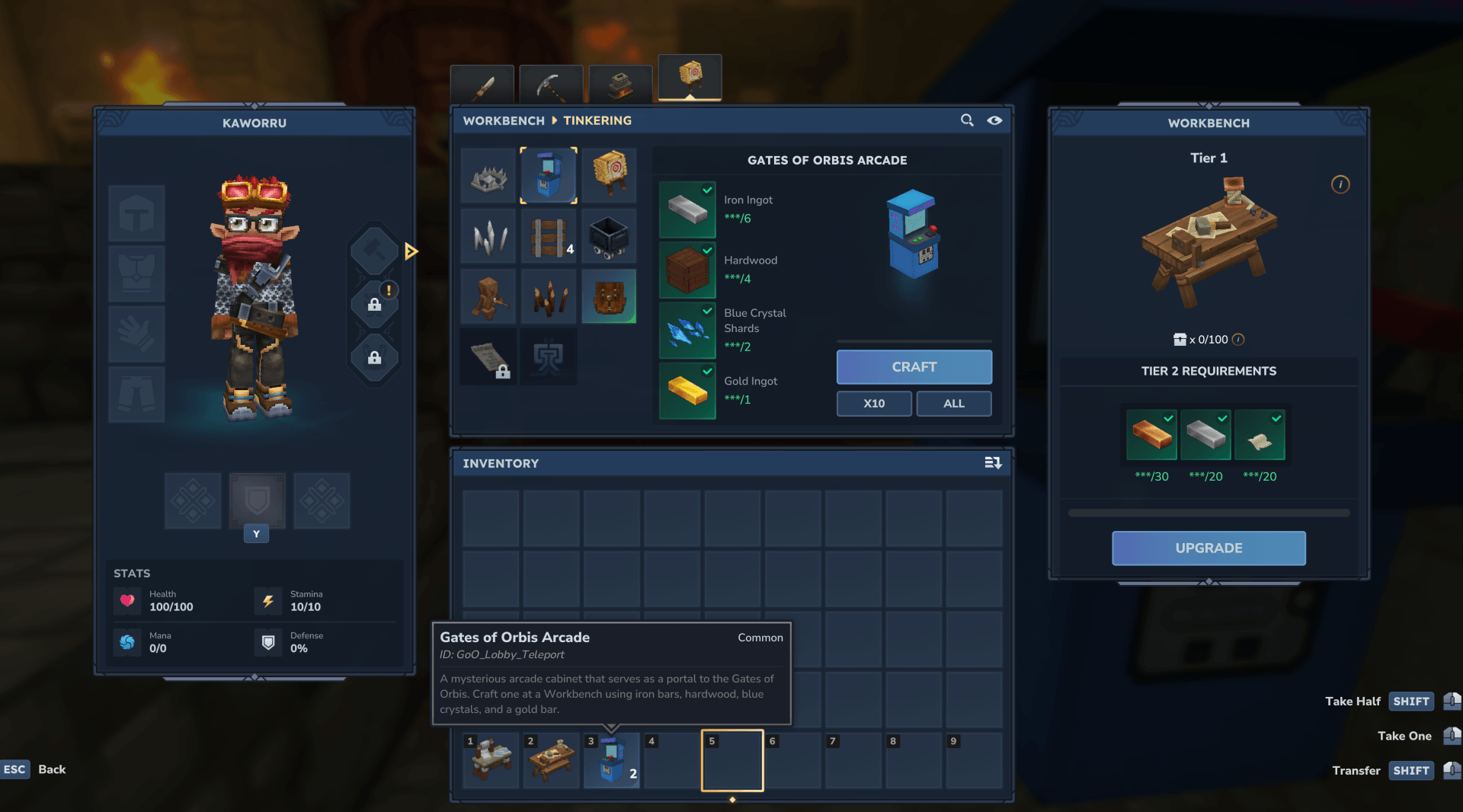
If you want to jump in right away, start by crafting a Gates of Orbis Arcade at a Workbench using 6 Iron Bars, 4 Hardwood, 2 Blue Crystals, and 1 Gold Bar.
- Place the crafted Gates of Orbis Arcade in your world.
- Interact with the arcade and confirm in the menu to enter the lobby.
- Open your inventory and drag the matching defenders from your backpack into your hotbar.
- Talk to Orin the Guide to open the Lobby Guide menu, learn the basics, and teleport directly to an arena.
- As an alternative, walk through one of the arena gates in the lobby.
- Place defenders on the marked spots, survive the waves, and protect the gate.
Alternatively, admins or players with access to GoO commands can teleport directly to the lobby with
/goo lobby.
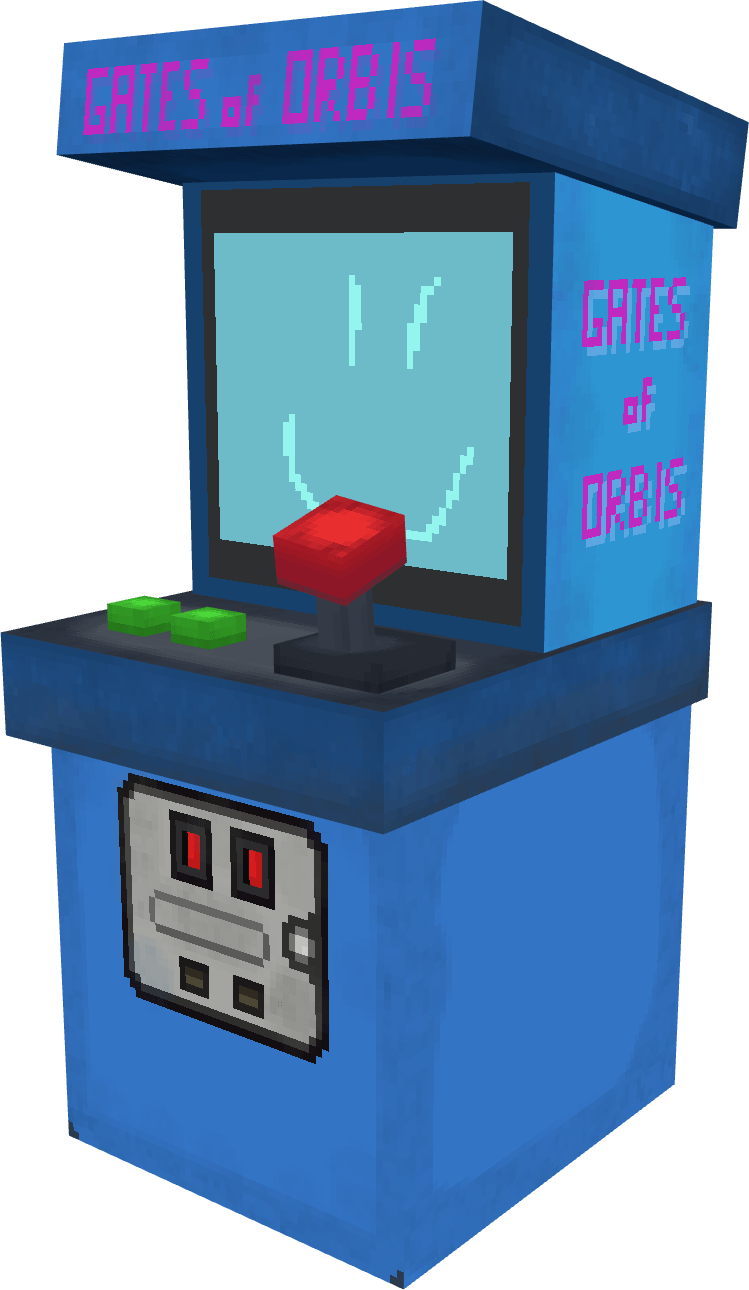
The Gates of Orbis Arcade is the crafted entry item used to reach the lobby.
Workbench recipe for the Gates of Orbis Arcade.
Orin the Guide explains the basics and can send you straight to an arena.
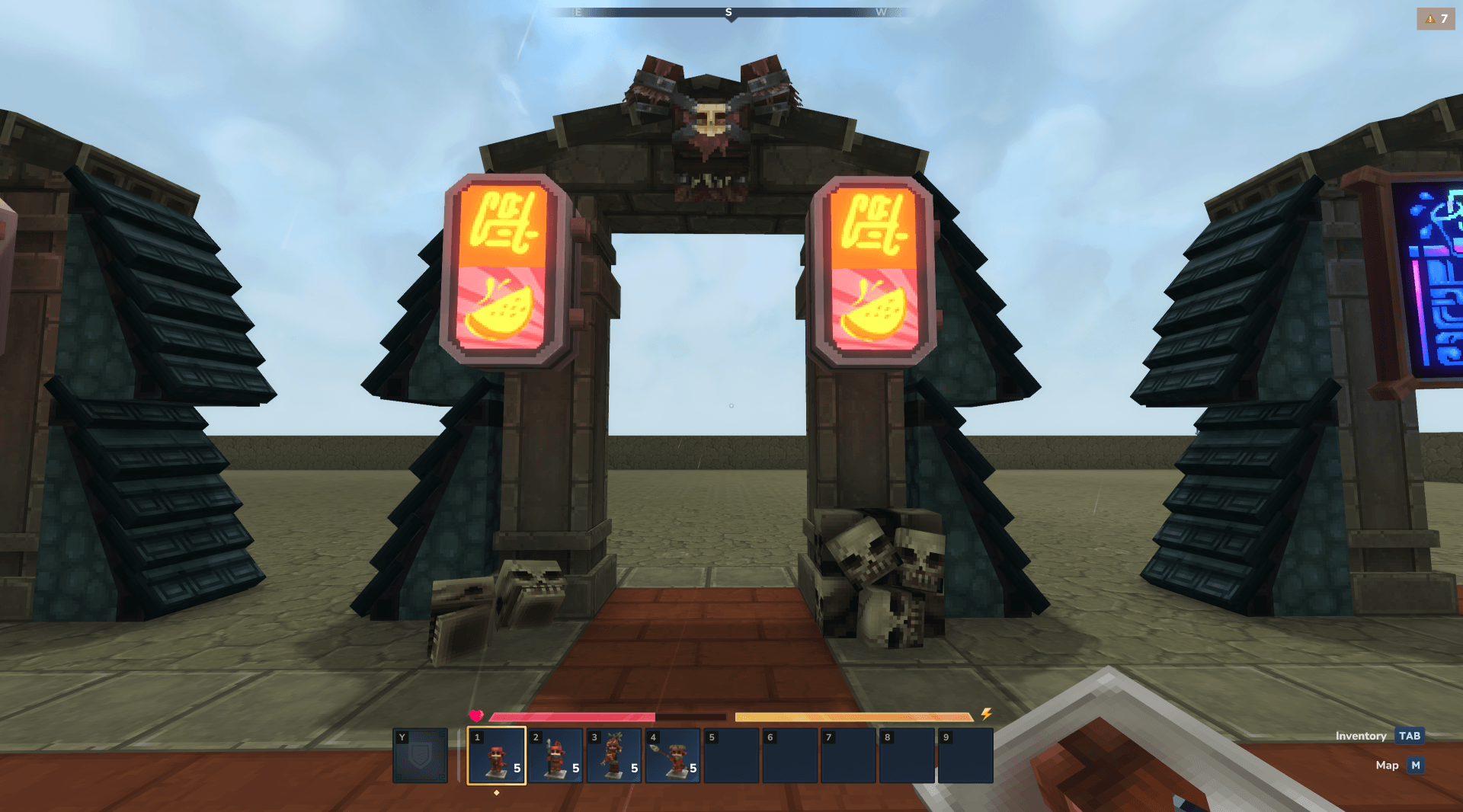
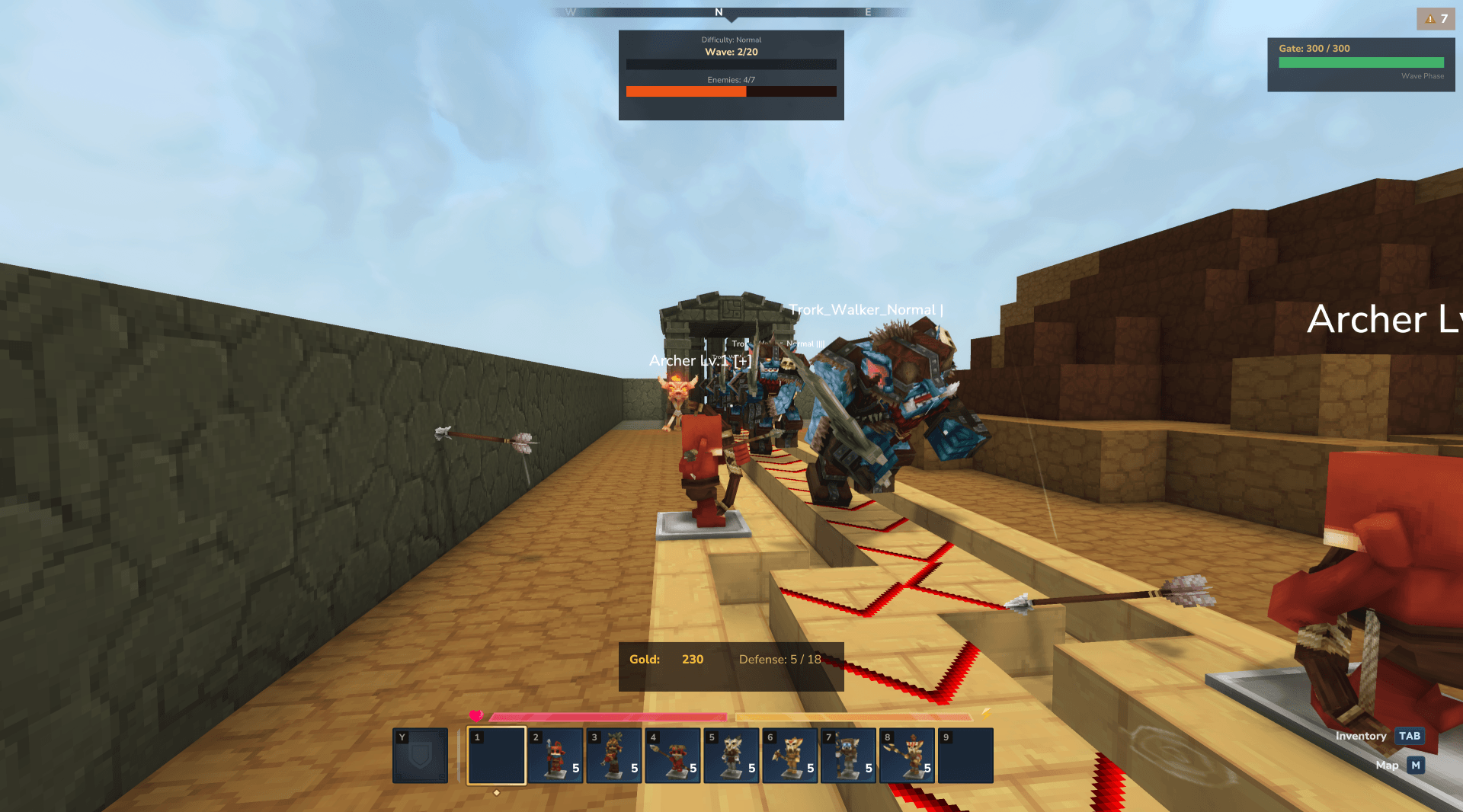
Arena entry view with defender shortcuts ready for the next run.
Useful Test Commands
For gold testing, the current command is /goo addgold rather than givegold.
/goo lobby- Teleport to the Gates of Orbis lobby./goo exit- Leave the current Gates of Orbis world and return to the normal world./goo addgold [amount]- Add gold to your current match session. Default:250./goo highscore- Show your personal best scores across all arenas./goo highscore [arenaId]- Show the top 10 for a specific arena. Arena IDs:GoO_Test_Arena,GoO_Crypt_Arena,GoO_Siege_Arena,GoO_Feran_Arena,GoO_Kweebec_Arena./goo wave info- Show the current wave status in the active arena world./goo wave start- Manually start waves in the current arena./goo wave skip- Skip to the next wave./goo wave reset- Reset and restart the current wave./goo wave stop- Manually stop waves in the current arena./goo party ...- Alpha/beta co-op commands (invite, accept, reject, kick, leave, list). Group up to 4 players; gold and capacity scale with party size. Expect rough edges.
Why It Stands Out ✨
- Clear and readable gameplay from the first minute
- Fast onboarding through a lobby, guide NPC, and simple arena flow
- Distinct defender roles that are easy to learn but fun to combine
- Multiple arenas and difficulty levels for replay value
- Strong focus on short, complete matches with a clear start and finish
Screenshots 🖼️
Lobby Guide
The Lobby Guide menu gives a quick overview and can teleport you directly into battle.
In-Game Action
Live match view with the HUD, gate health, wave progress, and defenders holding the line.
Defender Lineup
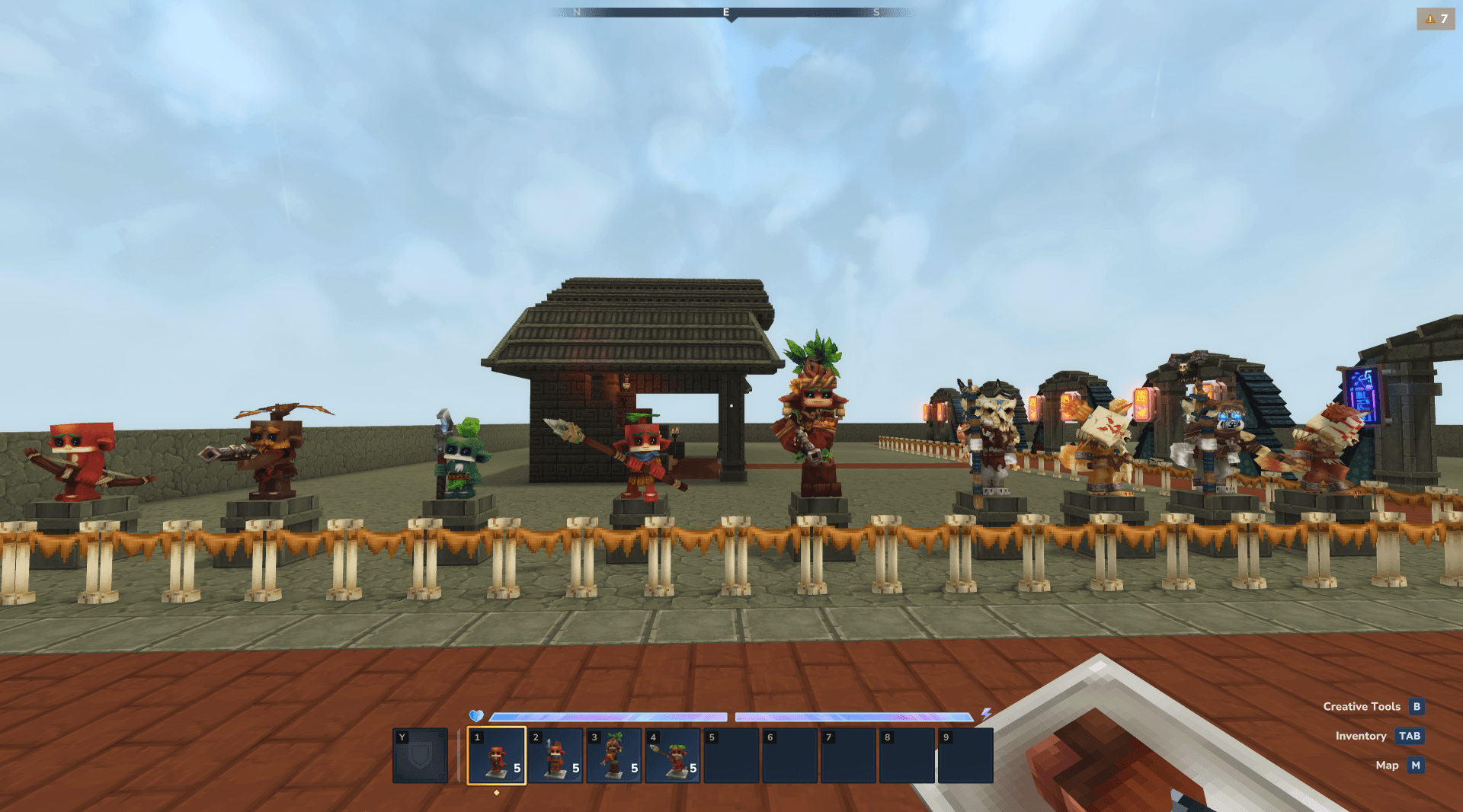
A quick look at the different defenders you can place during a run.
Hall of Champions
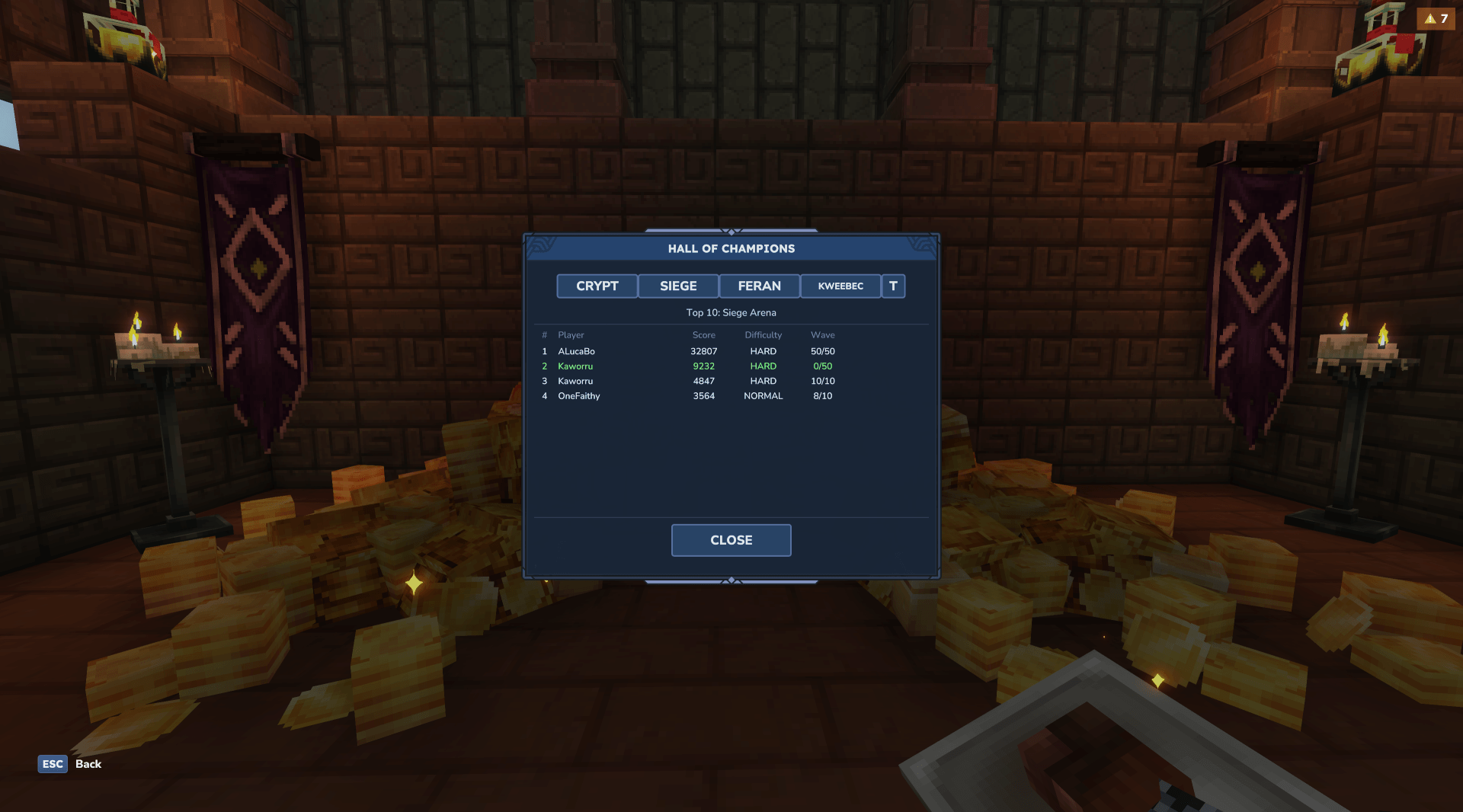
The Hall of Champions tracks top scores across different arenas and difficulties.
Match Results
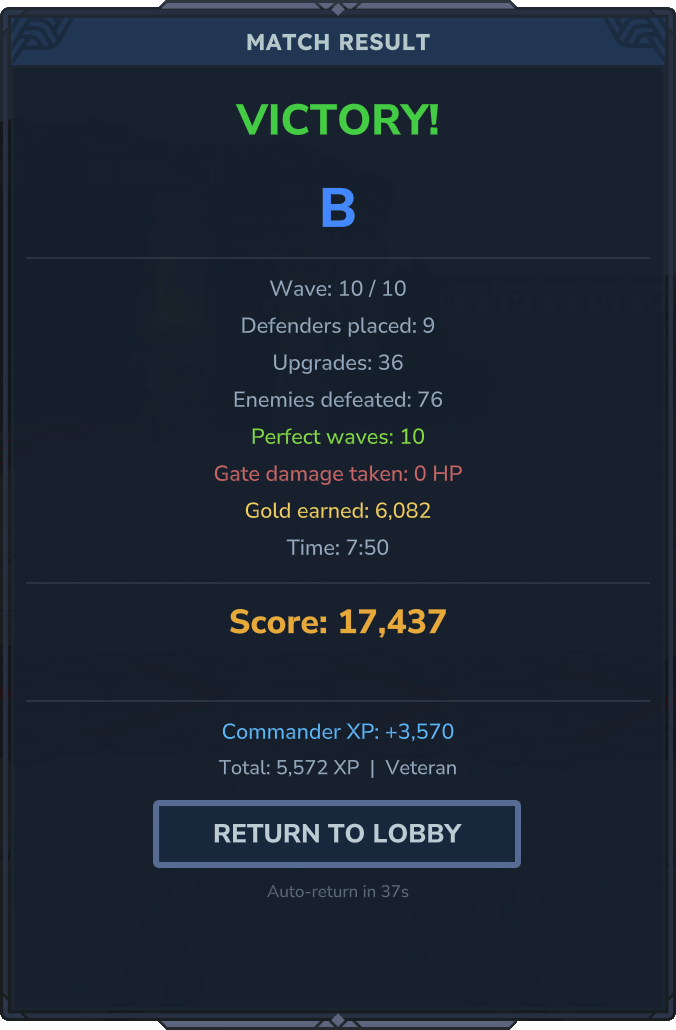
After each run, the result screen shows your score and a compact summary of the match.
Current Features 🎮
Match Flow
- Lobby with a guide NPC that explains the basics
- Arena selection before each match
- Difficulty selection before entering
- Build phase before every wave
- 10 waves on Easy, 20 on Normal, and 50 on Hard
- Result screen and highscore board after the run
Defenders
There are six defender types. Every defender can be upgraded from level 1 to level 5.
- Archer - Reliable ranged damage and a strong all-round pick
- Rogue - Similar to the Archer, but with a more aggressive attack style
- Berserker - Big hits, slower attacks, great against tougher enemies
- Frost - Deals damage and slows enemies to help the whole defense
- Cannon - Heavy hitter with a high cost and strong late-game value
- Spear - Cheap melee unit for narrow paths and tight choke points
See wiki/defenders.md for full stats and upgrade costs.
Arenas 🏟️
Four main arenas are currently available, plus one test arena for practice:
- Crypt Arena - Feran defenders vs. Skeleton enemies
- Feran Arena - Feran defenders vs. Trork enemies
- Kweebec Arena - Kweebec defenders vs. Skeleton enemies
- Siege Arena - Kweebec defenders vs. Trork enemies
- Test Arena - Simple practice setup for learning the basics
Difficulty ⚔️
The game currently includes three difficulty levels:
- Easy - Good for learning the layout and flow
- Normal - The main intended experience
- Hard - Faster, tougher, and less forgiving
Economy and Progress 💰
- Earn gold by defeating enemies
- Get 30 gold for completing a wave
- Get an extra 20 gold if no enemy reaches the gate
- Spend gold on new defenders or upgrades
- Remove a defender to get back 50% of its deploy cost
- Persistent Commander XP across matches, with titles and extra placement capacity at higher ranks
Other Gameplay Features
- Inventory protection for every match
- HUD with gate health, wave number, and gold
- Persistent highscore board in the lobby
- Fixed arena setups that help keep matches readable and focused
Known Issues ⚠️
The current build works, but there are still a few important limitations:
- Co-op is alpha/beta - Up to 4 players can group up via
/goo party, but the feature is still rough and unpolished. - Arena join crash can happen - This appears to be a Hytale engine issue during instance transitions.
- No custom map support yet - Arenas currently use fixed configs and prefabs.
- Nightmare difficulty is not available yet - Planned, but not playable right now.
More details are listed in wiki/known-issues.md.
Roadmap 🧭
Planned features for future versions include:
- More defender types
- Nightmare difficulty
- More arenas
- More polish for UI, balancing, and match feedback
Gates of Orbis Team

Owner