image_2026-03-16_063317008.png
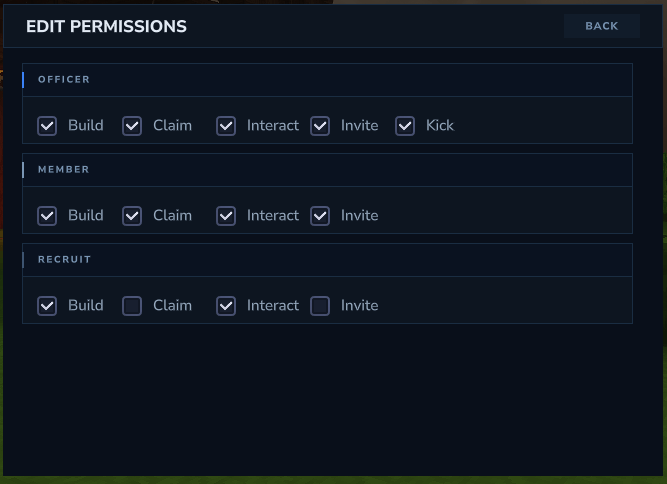
image_2026-03-16_064318546.png
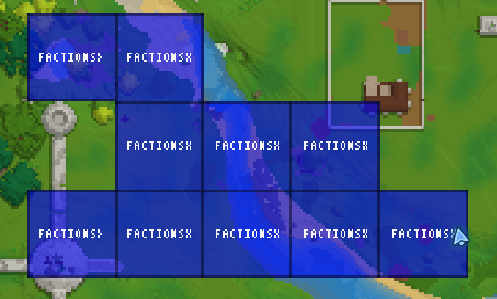
image_2026-03-01_120629151.png
Description
FactionsX - Classic Factions, Rebuilt.
Tired of buggy, bloated, and featureless factions plugins?
FactionsX is the solution.
Built to bring back the classic Minecraft Factions experience, FactionsX focuses on what actually matters: smooth gameplay, clean mechanics, and territory-based war, without unnecessary gimmicks or pointless extras.
⚔️ What makes FactionsX Different?
Classic & Simple Factions Feel — Claim, conquer, raid, and dominate like the golden era of factions
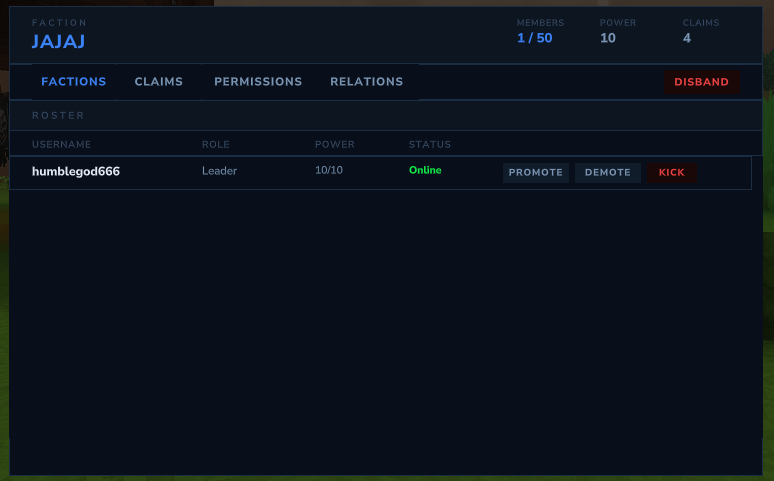
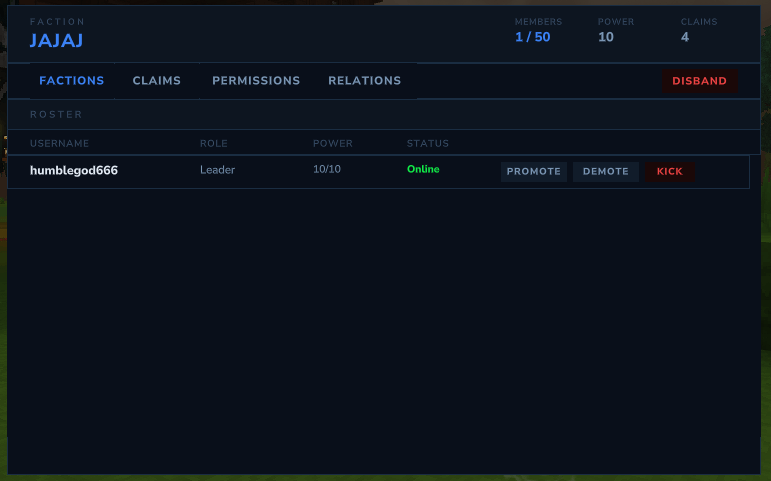
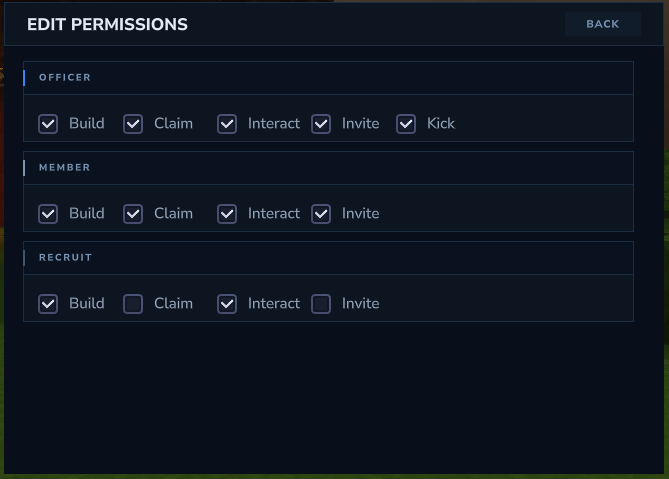
Modern Smooth UI — Clean, polished interfaces designed for players, not spreadsheets
Optimized Performance — Lightweight, fast, and built to run smoothly even on busy servers
No Unnecessary Features — Just pure factions, done right
Active Development — Constant updates, improvements, and long-term support
OrbisGuard Integration — Avoid players be able to claim OrbisGuard regions, also avoid players losing power in certain regions!
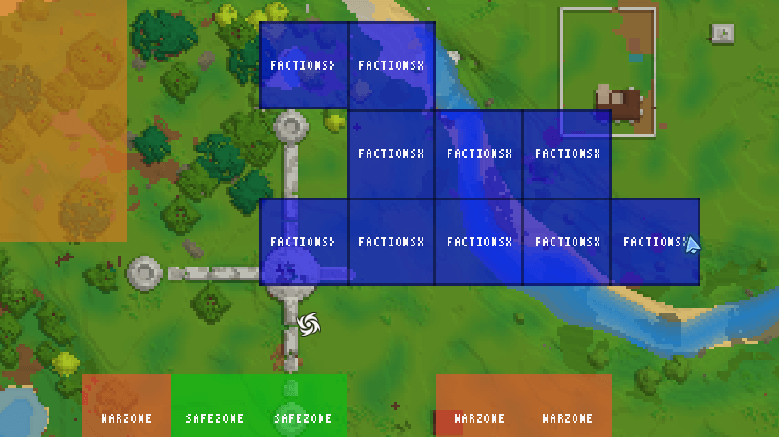
World Map — Able to see FactionsX claims and OrbisGuard regions in the world map!
Whether you're running a competitive PvP server or a classic factions community, FactionsX delivers the factions core your server deserves.
📜 Commands
Faction Management
/f — Open faction menu (factionsx.main)
/f create <factionname> — Create a new faction (factionsx.create)
/f disband — Disband your faction (factionsx.disband)
/f invite <player> — Invite a player (factionsx.invite)
/f kick <player> — Kick a member (factionsx.kick)
Claiming & Territory
/f claim — Claim land for your faction (factionsx.claim)
/f unclaim — Unclaim land (factionsx.unclaim)
/f unclaimall — Unclaim all faction land (factionsx.unclaimall)
/f overclaim — Overclaim enemy territory (factionsx.overclaim)
Faction Info & Navigation
/f map — View the faction map (factionsx.map)
/f list — List all factions (factionsx.list)
/f info <factionname> — View faction information (factionsx.info)
Diplomacy
/f enemy <factionname> — Declare an enemy (factionsx.enemy)
/f ally <factionname> — Ally another faction (factionsx.ally)
/f neutral <factionname> — Set faction neutral (factionsx.neutral)
Chat Channels
/f c — Toggle faction chat (factionsx.factionchat)
/f g — Switch to global chat (factionsx.generalchat)
/f a — Switch to ally chat (factionsx.allychat)
Homes
/f sethome — Set your faction home (factionsx.sethome)
/f home — Teleport to faction home (factionsx.home)
Miscellaneous
/f pvp — Toggle PvP between faction members (factionsx.pvp)
/f setcolor — Change your faction’s display color (factionsx.setcolor)
Admin & Staff Tools
/f bypass — Bypass claim protection and faction restrictions (factionsx.bypass)
/f warzone — Manage warzones (factionsx.warzone)
/f safezone — Manage safezones (factionsx.safezone)
/f chatspy — Spy on faction and ally chats (factionsx.chatspy)
🔒 Permissions
Permissions for each command are available through /help in-game.
Images
Paragon Development
FactionsX | Simple. Modern. Powerful. Team