EpicMOTD
- By
Title_Showcase.png
Toast_Showcase.png
Message_Showcase.png
Description
EpicMOTD transforms your server’s Message of the Day into a cinematic banner experience.
Impress players from the very first glance with dynamic visuals, bold styling, and a polished presentation that elevates your server’s identity and atmosphere before they even join.
The Message of the Day is shown to the player every time it joins your server.
How to use?
Just add the .jar file into your mods folder and restart your server.
Configuration
This plugin supports a number of different configurations. To edit them, just open the file config.json present under net.alerok_EpicMOTD folder.
{
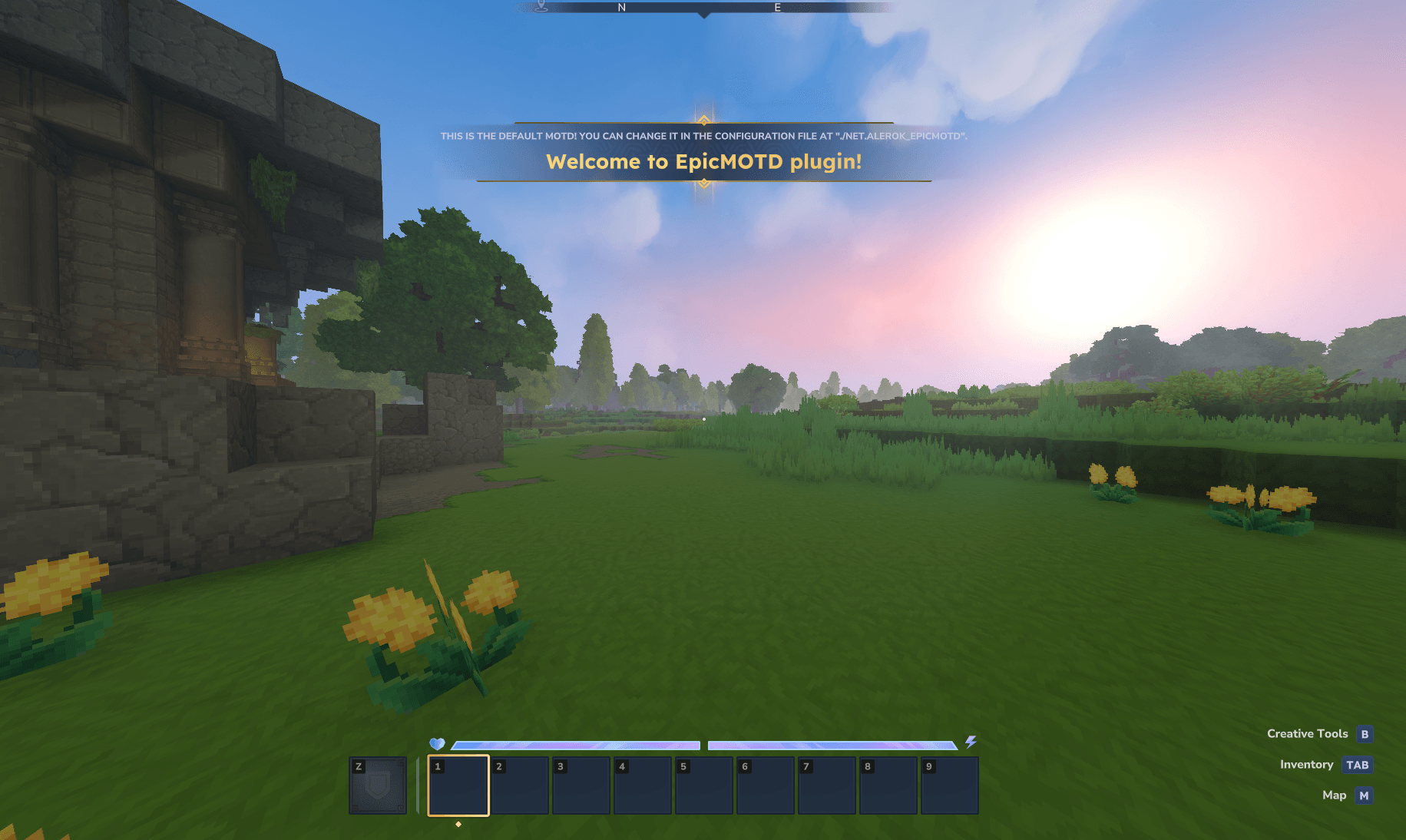
  "MessageType": "TITLE",
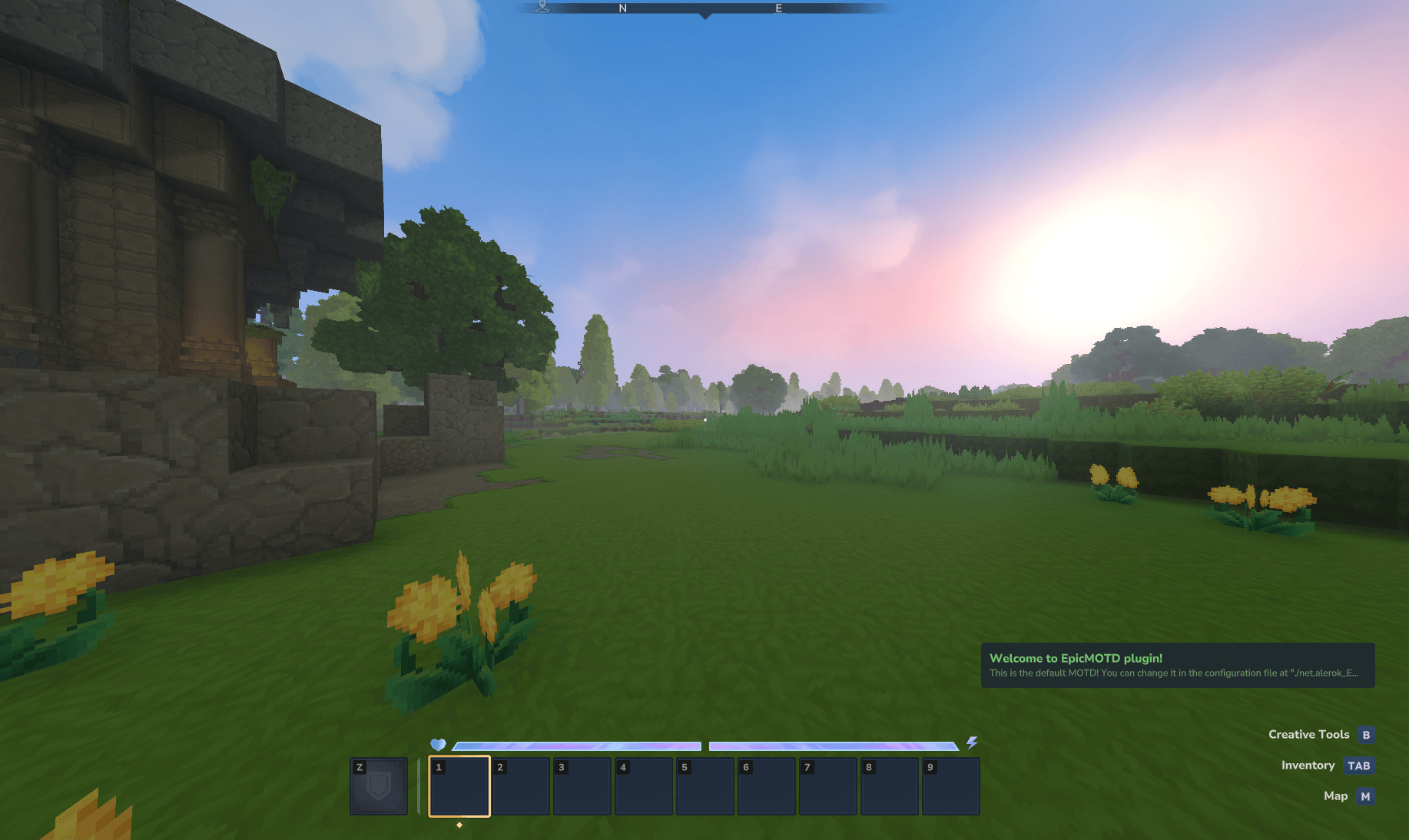
  "ToastNotificationStyle": "SUCCESS",
  "Title": "Welcome to EpicMOTD plugin!",
  "Subtitle": "This is the default MOTD! You can change it in the configuration file at \"./net.alerok_EpicMOTD\".",
  "EpicTitle": true
}
MessageType:
Is the type of message you want. Supported values are: "TITLE", "TOAST" and "MESSAGE".
- TITLE: Is the title message, same as the one presented to the player when it enters a new biome.
- TOAST: Is a little popup that is shown in the bottom right corner of the screen.
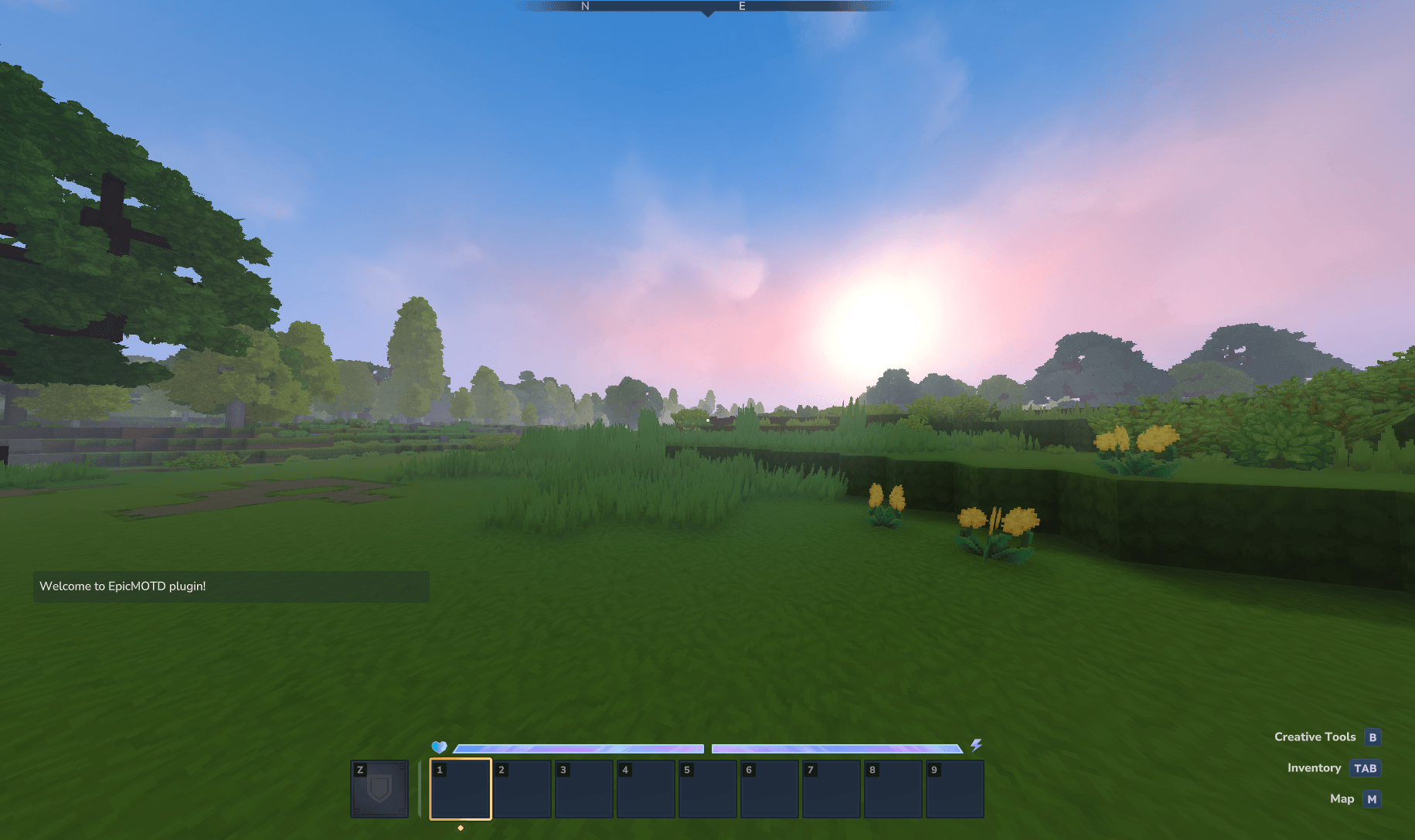
- MESSAGE: A direct message to the player via chat.
ToastNotificationStyle:
Is only applicable when MessageType is set to TOAST. It changes the color of the letters in the message, available options are "DEFAULT", "SUCCESS", "WARNING" and "DANGER".
- DEFAULT: White
- SUCCESS: Green
- WARNING: Orange
- DANGER: Red
Title:
The main message of your MOTD.
Subtitle:
The subtitle of your MOTD. This option is ignored if MessageType: MESSAGE is set.
EpicTitle:
This option is only applied to the MessageType: TITLE. It makes your title "Epic" witch in turn adds a golden bord to it. Available options are: true or false.
- true: Enables EpicTitle
- false: Disables EpicTitle
The EpicMOTD Team