Entity Link
- By
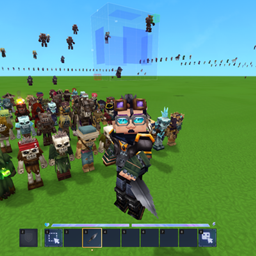
Entity Link allows you to link several entities (mobs, NPCs, etc.) into a single group, so that when you move one of them with the entity tool, all other entities of the group move with it, maintaining their relative positions.
one.png
two.png
Description
The Entity Link plugin allows you to link several entities (mobs, NPCs, etc.) into a single group, so that when you move one of them with the entity tool, all other entities of the group move with it, maintaining their relative positions. This is especially useful when you need to move a group of NPCs or mobs from one place to another without disturbing their location relative to each other.
To create a connection, the selection of an area by the tool is used: all entities that fall into the selected area are grouped into one group when entering a command. After that, any movement of any entity from the group using the entities tool automatically leads to the synchronous movement of all other related entities to the same displacement vector.
Commands
The plugin provides three commands for managing linked groups.
/link
Link all the entities in the selected area into a single group. You need at least 2 entities in the domain.
/unlink
Unlink all entities of a related group. The groups are deleted in the order they are linked.
/linkstat
Show the status of related groups and the number of related entities nearby.
Usage example:
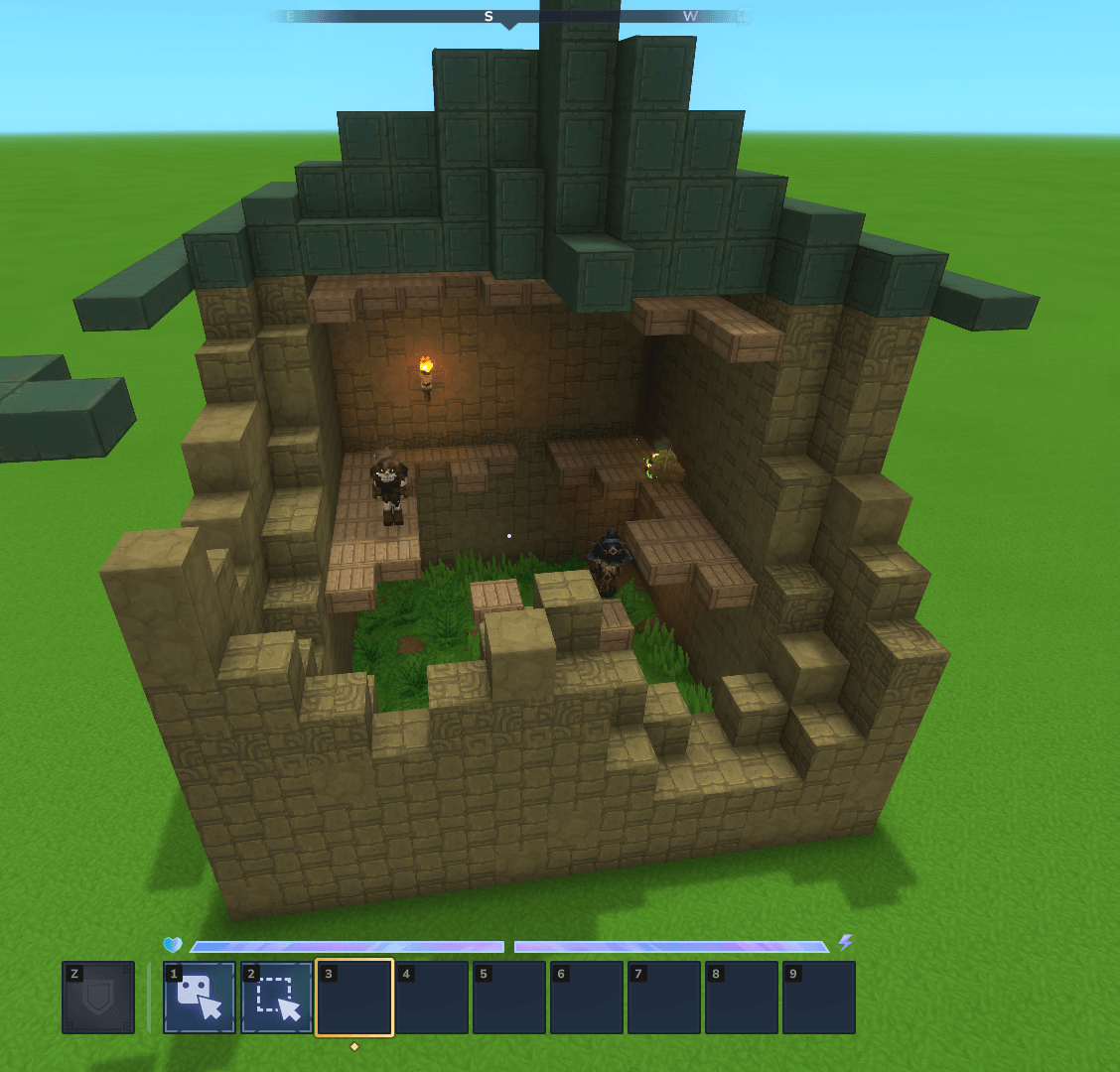
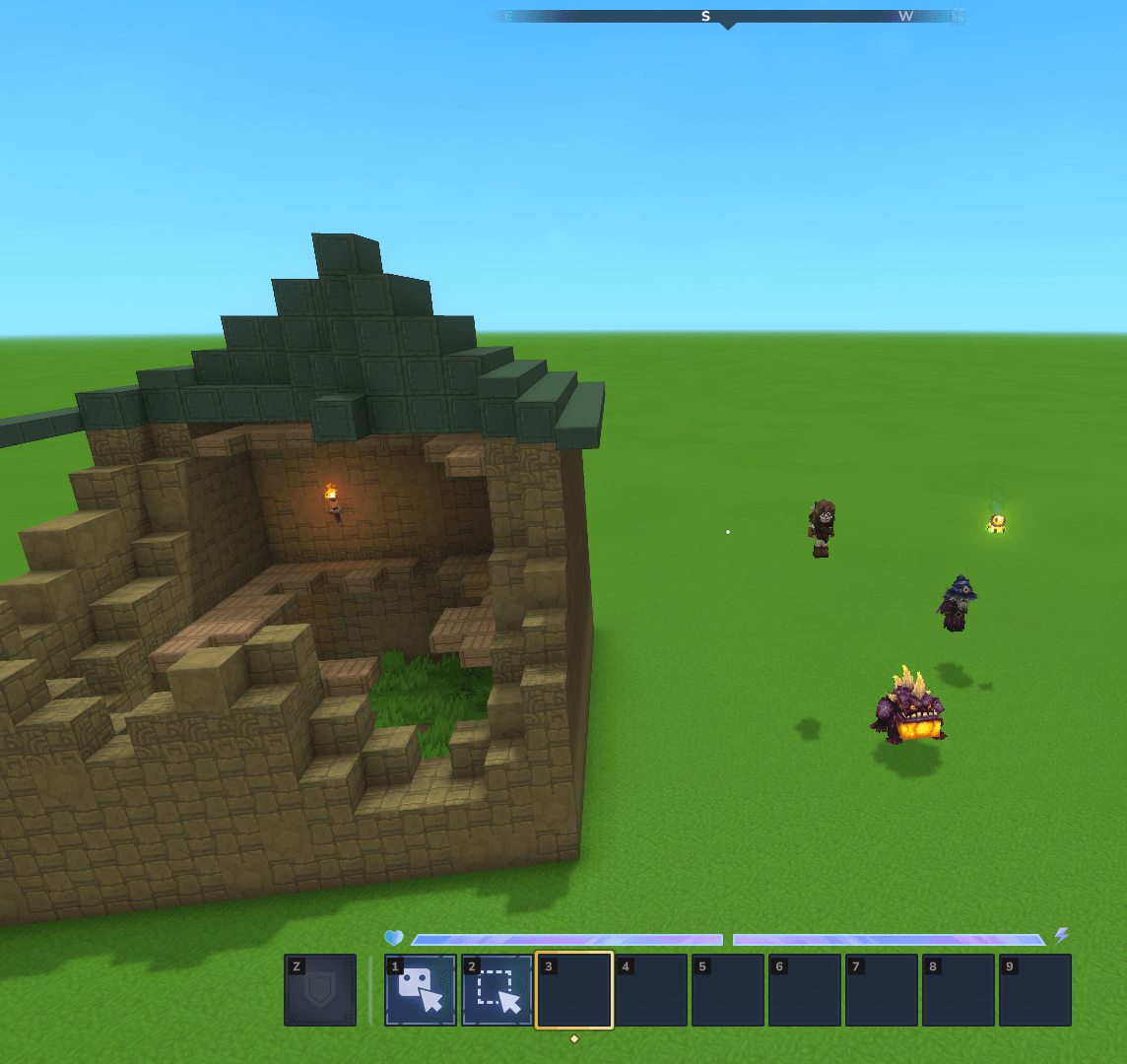
When it is necessary to pull all the entities out of the prefab for inspection, the player selects the entire prefab and creates a group of creatures, and grabbing one of them pulls them all out with an exact match in their position in the prefab relative to each other.
Key Features
• Linked groups are saved until the player unlinks them with the command /unlink. Connections are not automatically reset when an entity is released.
• Groups are deleted in the order in which they are linked: if there are several linked groups, the /unlink command unlinks the group that was linked first (in the order in which the groups were created).
• The movement is synchronous: all related entities receive the same displacement vector, which ensures that relative positions are maintained without discrepancies.
• You can create several independent groups, each of which moves independently.
The Entity Link Team