


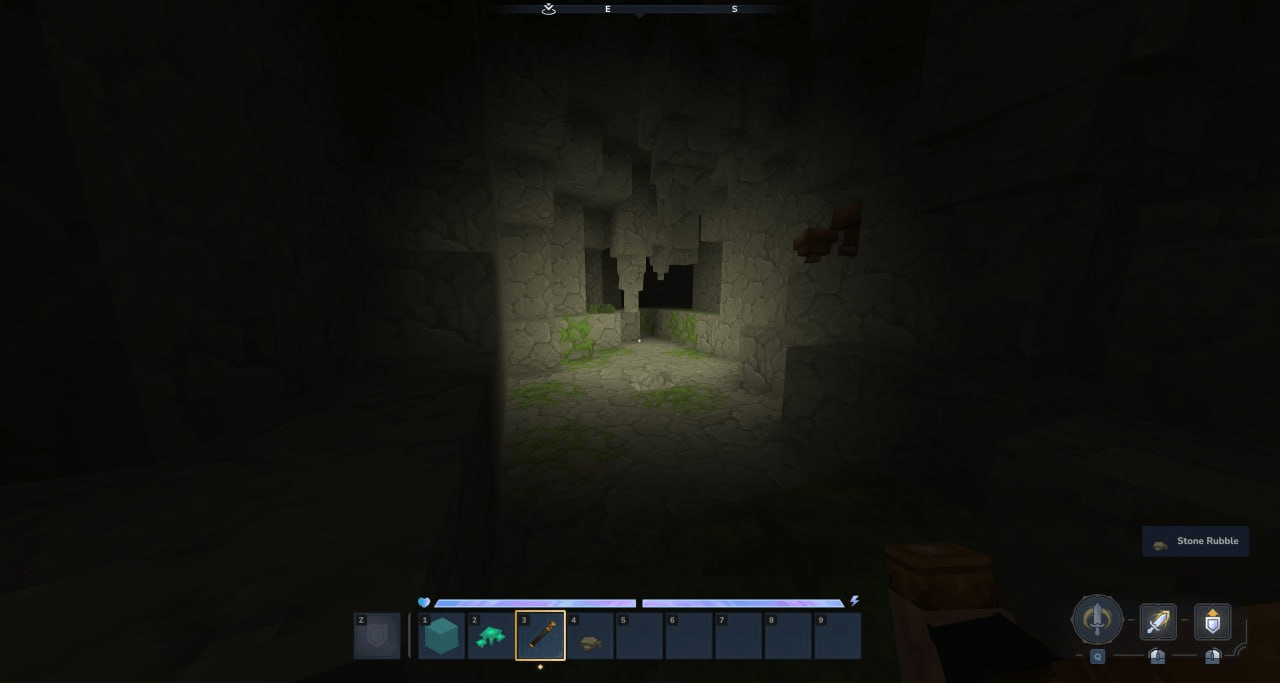
screenshot-1.png
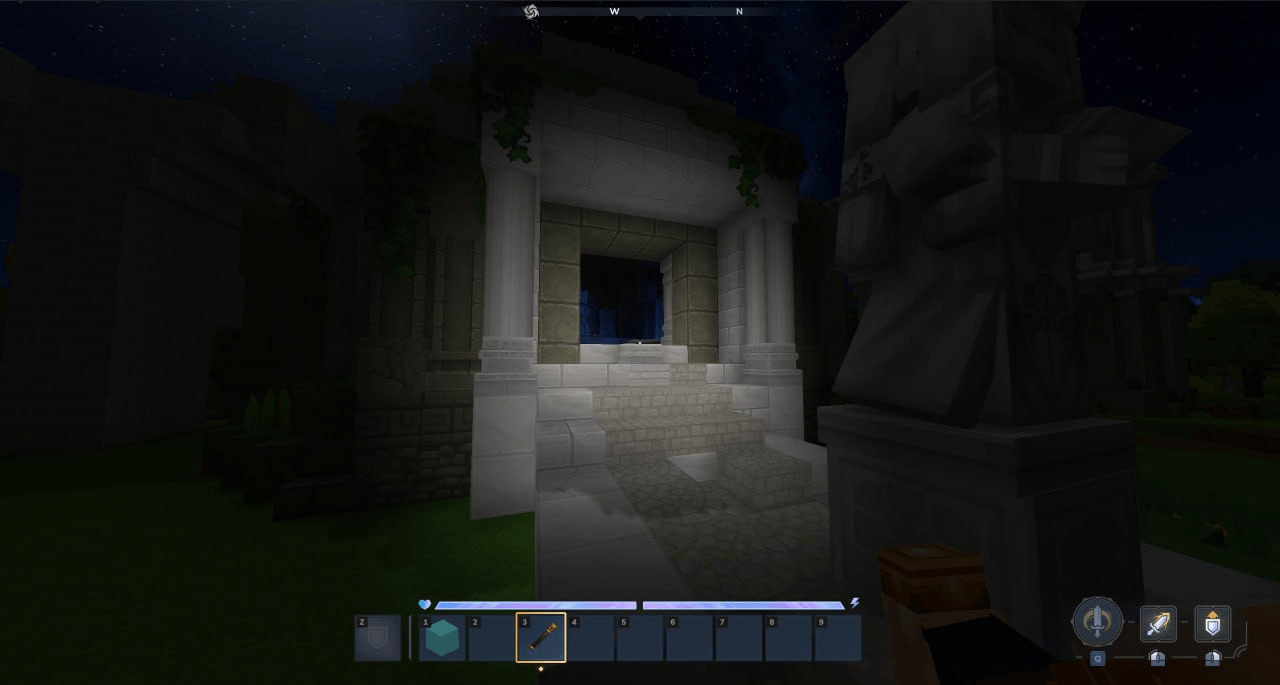
screenshot-2.png
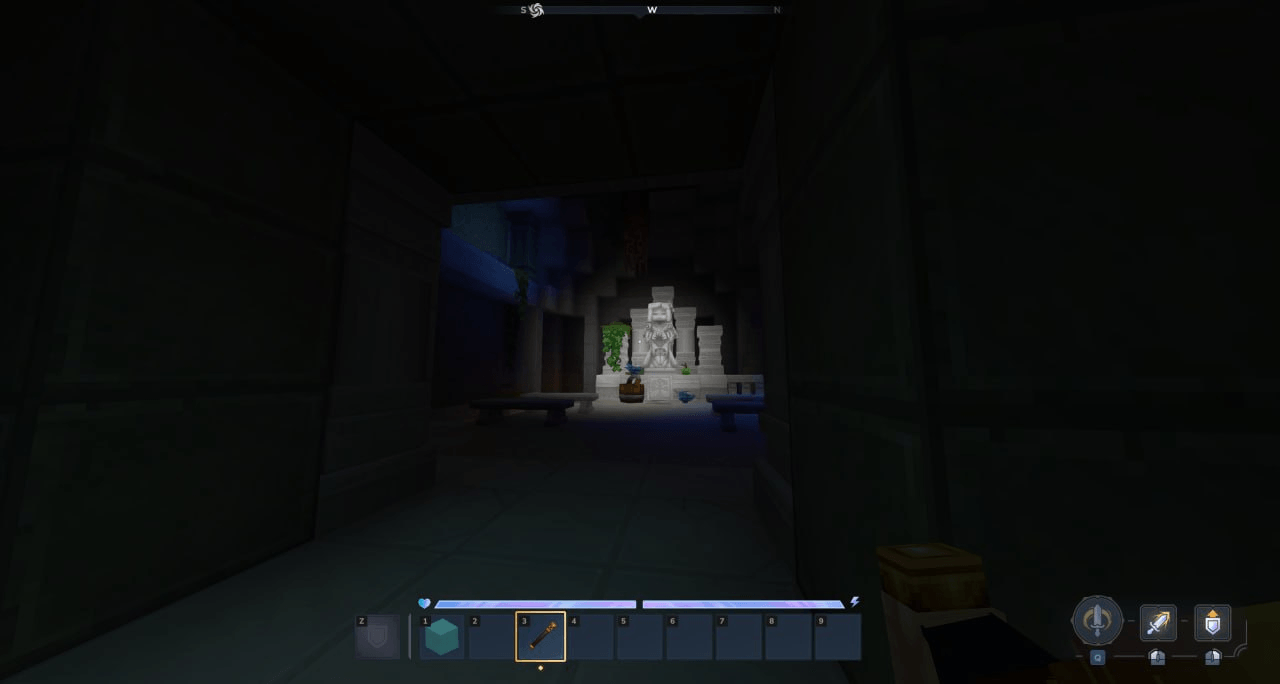
screenshot-3.png
Description
Flashlight
Small Hytale plugin experiment for a player flashlight effect for future projects.
Right now the flashlight is not rendered as a real projected beam. Instead, it is simulated by tracing the player view direction, finding impact points in the world, and spawning small dynamic light entities around those hit positions. This is why it is possible to see it as a forward beam projection.
I also need to create a model for the flashlight.
Current idea
I do not currently know how to do it properly, so the current implementation uses a more practical workaround:
- read the player head direction
- trace a center ray plus a ring of extra rays
- detect nearby hit points against loaded world chunks
- pick representative hit positions
- spawn/update dynamic light entities at those positions
This gives a result that behaves more like a fake projected flashlight impact than a real render-level flashlight.
How it works
The plugin is split into a few simple parts:
Mainregisters the command and the tick systemFlashlightCommandenables, disables, or toggles the flashlightFlashlightTickSystemupdates active flashlight players every few ticksFlashlightServicecontains the main logicFlashlightConeMathcontains the math helpers used for beam sampling
Runtime flow
When a player runs the command:
- the player flashlight state is toggled
- the plugin syncs that player on the world thread
- every few ticks, the beam is recalculated again while the flashlight is active
Beam approximation
The beam is approximated using:
- one center ray
- a ring of rays around it
The service traces those rays forward until they hit a non-air block in a loaded chunk.
From those results:
- the center hit is preserved if it exists
- the ring hits are combined into a weighted secondary hit
- one or more dynamic light entities are spawned or updated at those positions
Why dynamic light entities
I went with spawned entities + DynamicLight because I do not currently have a proper way to render the flashlight exactly as I want.
The main problem is that what I really want is something closer to:
- a proper surface projection
- or a visible cone/beam effect
- or a shader-based overlay / post-process effect
Config
The plugin supports a config.json file for the main flashlight settings.
The config file is stored in the plugin data directory and is created automatically on first load if it does not exist yet.
It is used to adjust the main values without recompiling the plugin, such as:
- debug rendering flags
- impact light enable/disable
- player-attached light values
- beam range and beam angle
- ray step
- impact back offset
- ring ray count
- debug draw settings
If the file is missing, the plugin writes a default one automatically.
If the file already exists, the plugin loads the values from it.
Example:
{
  "debugDrawBeam": false,
  "debugShowHitPoint": false,
  "enableImpactLight": true,
  "playerLightRadius": 0,
  "playerLightRed": 0,
  "playerLightGreen": 0,
  "playerLightBlue": 0,
  "minEffectiveHitDistance": 2.0,
  "centerLightRadius": 5,
  "sideLightRadius": 2,
  "maxImpactLights": 10,
  "beamRange": 50.0,
  "beamHalfAngleDeg": 10.0,
  "rayStep": 0.08,
  "impactBackOffset": 0.15,
  "beamRingRays": 10,
  "debugDrawDurationSeconds": 0.12,
  "debugLineWidth": 0.02,
  "debugFade": false
}
Commands to activate the flashlight
/flashlight
/flashlight on
/flashlight off
The Dynamic Flashlight Team
