Discord Link Account
- By
This Hytale plugin lets your players link their in-game account to your Discord server and receive customizable rewards, helping grow and connect your community.
download (6).png
download (8).png
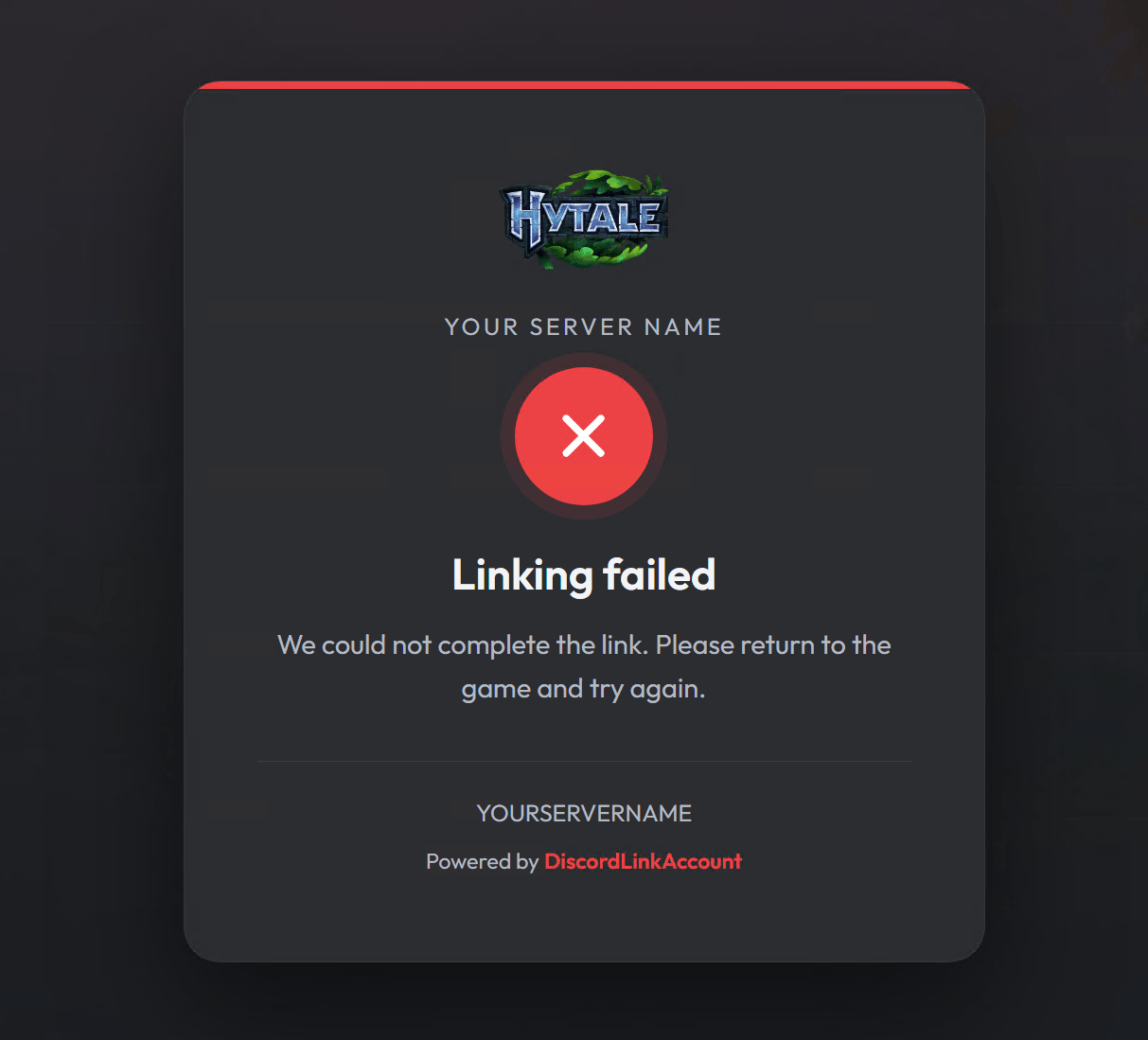
download (7).png
Description
DiscordLinkAccount
DiscordLinkAccount helps Hytale server owners grow their Discord community by giving players a simple reason to join and connect.
With this plugin, players can link their in-game server account to your Discord server and receive a configurable reward once the link is completed. It is a great way to encourage players to join your community, stay connected outside the game, and access server news, support, events, and updates.
Why use DiscordLinkAccount?
DiscordLinkAccount gives your server a clean and effective “join our Discord” system without forcing players manually. Instead, you can reward them for linking their account, making the process feel useful and rewarding.
Features
- Link in-game player accounts with Discord accounts
- Give players a customizable reward after linking
- Encourage more players to join your Discord server
- Fully customizable reward system
- Customizable web page appearance, fonts, colors, logos, background and more.
- Configurable Discord bot token, client ID, server ID, and related settings
- Editable messages and notifications
- Translation-friendly configuration
- Simple setup through a convenient
config.jsonfile - Useful for survival, RPG, community, minigame, and multiplayer servers
Fully Customizable
Almost everything can be adjusted from the config.json file, including rewards, Discord connection settings, web page appearance, messages, notifications, and translations.
This makes DiscordLinkAccount easy to adapt to your server’s style, language, and community needs.
Perfect for Server Communities
Whether you run a small private server or a larger public community, DiscordLinkAccount gives players a clear incentive to join your Discord server and stay connected with your community.
How to install and use
First Step (Mod Installation)
- Download the latest .jar release of the plugin
- Place it in your mods folder
- Start the server once and stop it once fully started
- Open the folder DiscordLinkAccount that got just created and open the config.json
Second step (Discord Configuration)
- Go to Discord Developer Portal and create your new application
- Go to oAuth2 page on the left and copy the Client ID and Client Secret
- Go to the Bot page on the left, then Reset Token and copy that value
- Get your Discord Server ID by Right Clicking on the server and Copy ID
Third Step (Paste-in the values)
Open the config.json and start pasting in the values you generated and copied before so:
    "clientId": "PASTE IN THE CLIENT ID",
    "clientSecret": "PASTE IN THE CLIENT SECRET",
    "botToken": "PASTE IN THE BOT TOKEN",
    "guildId": "PASTE IN THE SERVER ID",
Now in the "httpServers" section in the config.json, you need to edit:
    "bindHost": "YOUR SERVER IP or URL",
    "port": PORT,
    "callbackPath": "/callback"
Fourth Step (oAuth Callback URL)
- Now copy the adjusted value of "redirectUri"
- Go back to the Discord Developer Portal in the page oAuth2
- Scroll down to the "Redirect Url" section and Paste in the url (eg. http://yourip:yourport/callback)
- Save
Fifth Step (Start and Test)
- You can now Start the server
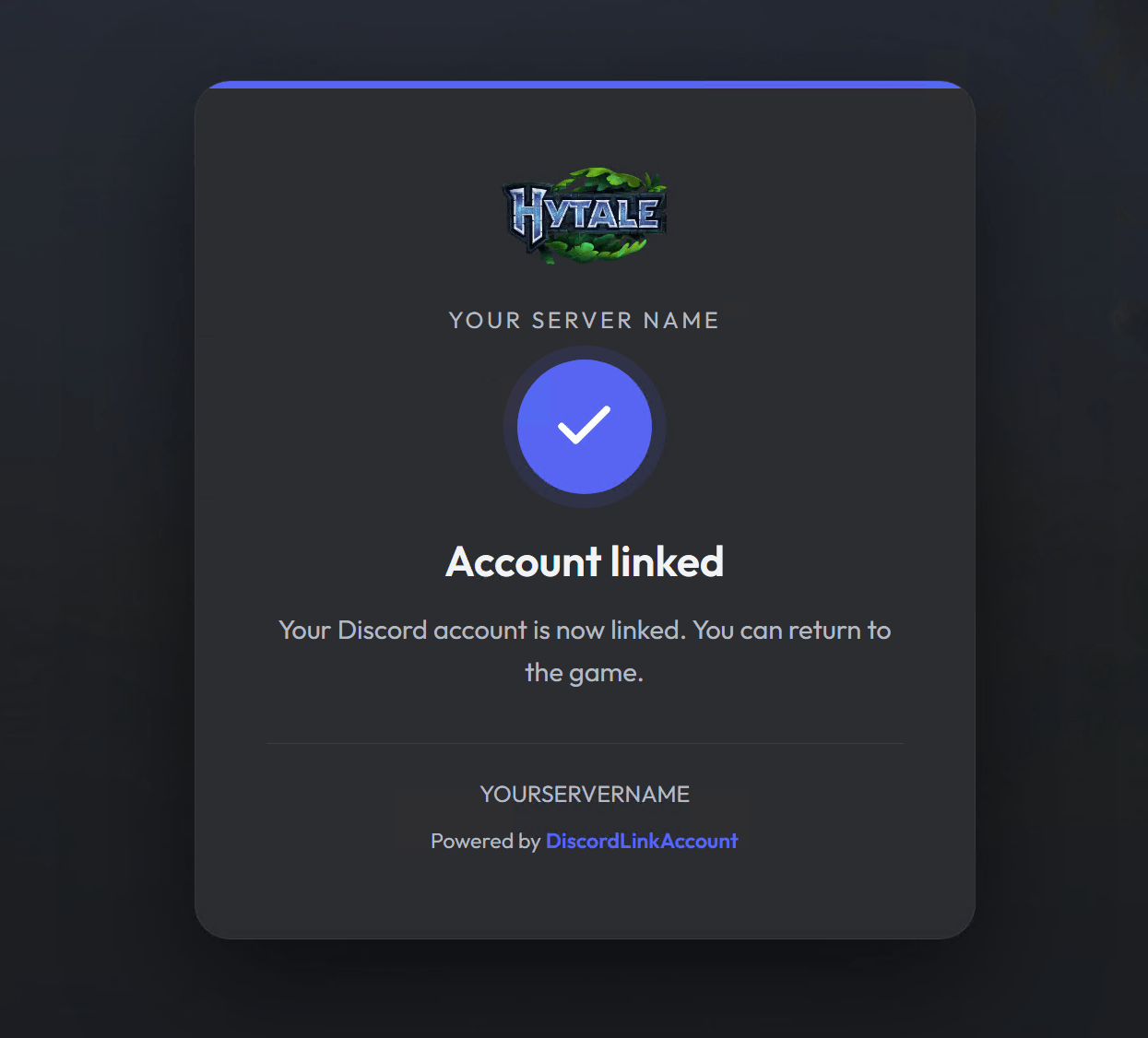
- Once fully started try to visit the redirectUri from your PC (just open the http://yourip:yourport/callback link from your browser) and you should see something like this:
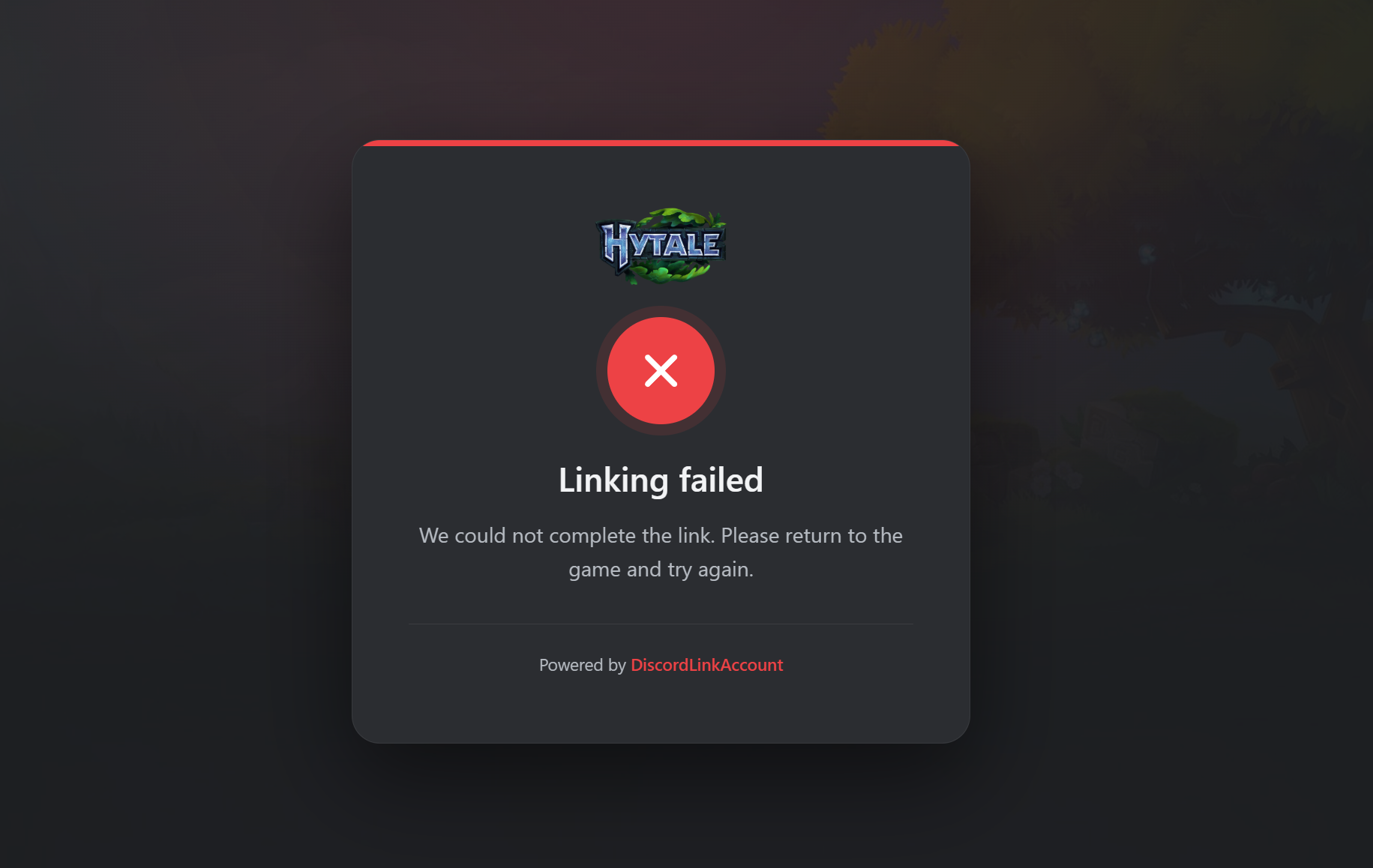
- If this work, then you're good to go!
Final Step (Test in Game):
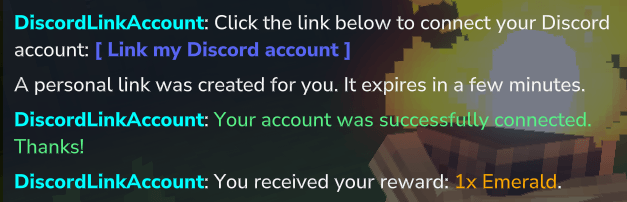
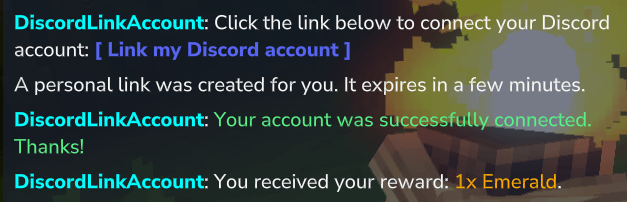
Join the game and write /link , click on the LINK the chat gave you and just authorize!
Webpage Customization
You can use the preview.html file that gets generated inside the "DiscordLinkAccount" folder to preview and customize your webpage. Current customizations are:
- Title and Text
- Logo URL
- Background Image URL
- Footer Text
- Fonts (From Google Fonts)
- Colors (Main, Accent, Background, Card, Text, Etc..)
  "page": {
    "logoUrl": "",
    "siteName": "",
    "accentColor": "#5865F2",
    "errorColor": "#ED4245",
    "backgroundColor": "#1E1F22",
    "cardColor": "#2B2D31",
    "textColor": "#F2F3F5",
    "mutedColor": "#B5BAC1",
    "footerText": "",
    "fontFamily": "",
    "backgroundImageUrl": "https://i.ibb.co/ZnnRnLr/discordlinkaccount-background.jpg",
    "backgroundImageOpacity": 0.08
  }
You can then Copy those settings form the preview, and replace the entire snippet of code in the config.json file.
Translations
You can translate all the notifications, messages, item display names, web page texts in the config.json file.
"messages": {
    "linkPrompt": "Click the link below to connect your Discord account:",
    "linkButton": "[ Link my Discord account ]",
    "alreadyLinked": "Your Hytale account is already linked to Discord.",
    "linkStarted": "A personal link was created for you. It expires in a few minutes.",
    "notConfigured": "Discord account linking is not configured on this server yet.",
    "linkSuccess": "Your account was successfully connected. Thanks!",
    "rewardGiven": "You received your reward: {reward}.",
    "rewardFull": "Your reward ({reward}) could not fit in your inventory. Make room and contact staff.",
    "genericError": "Something went wrong while linking your account. Please run the command again.",
    "browserSuccessTitle": "Account linked",
    "browserSuccessBody": "Your Discord account is now linked. You can return to the game.",
    "browserErrorTitle": "Linking failed",
    "browserErrorBody": "We could not complete the link. Please return to the game and try again.",
    "browserExpiredBody": "This link has expired or was already used. Please run the command again in-game.",
    "prefix": "DiscordLinkAccount",
    "prefixColor": "#00FFFF",
    "successColor": "#57F287",
    "rewardSeparator": ", "
  },
Discord Link Account Team